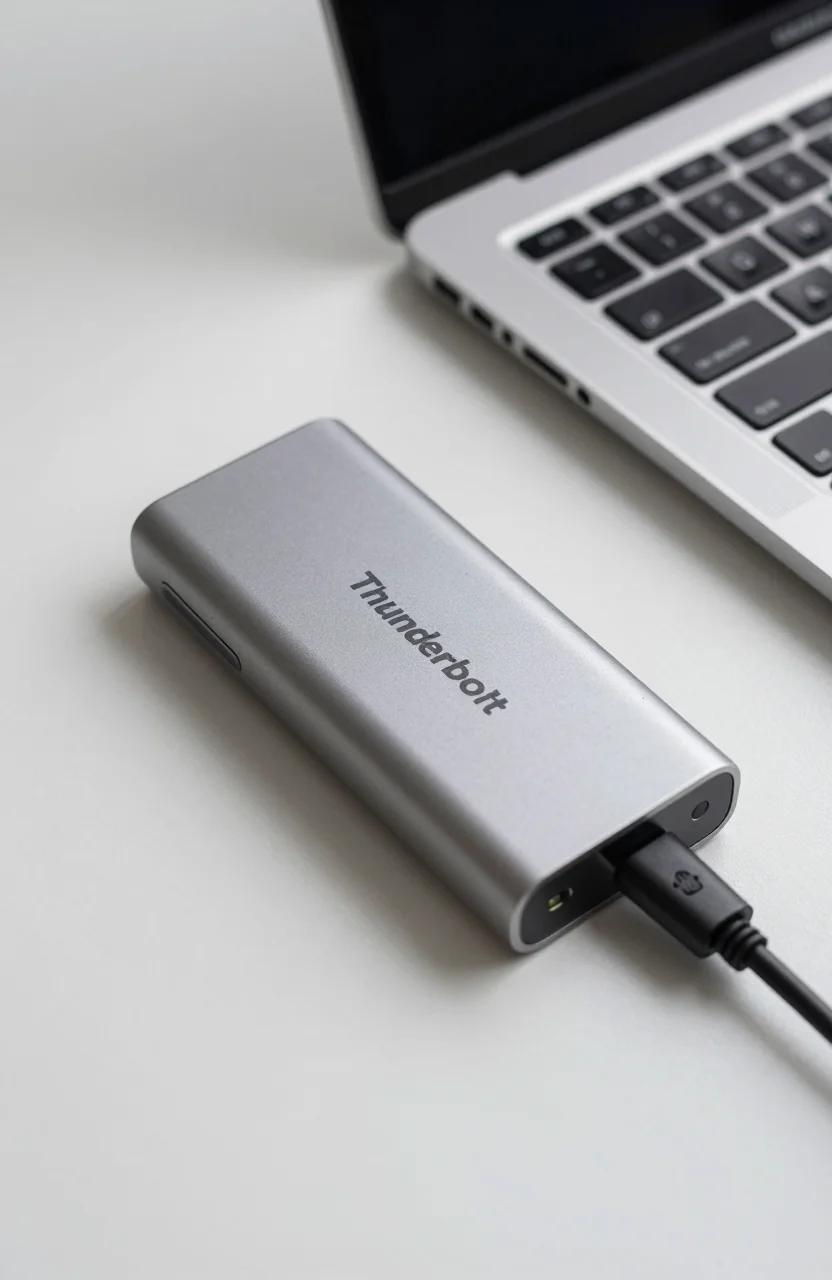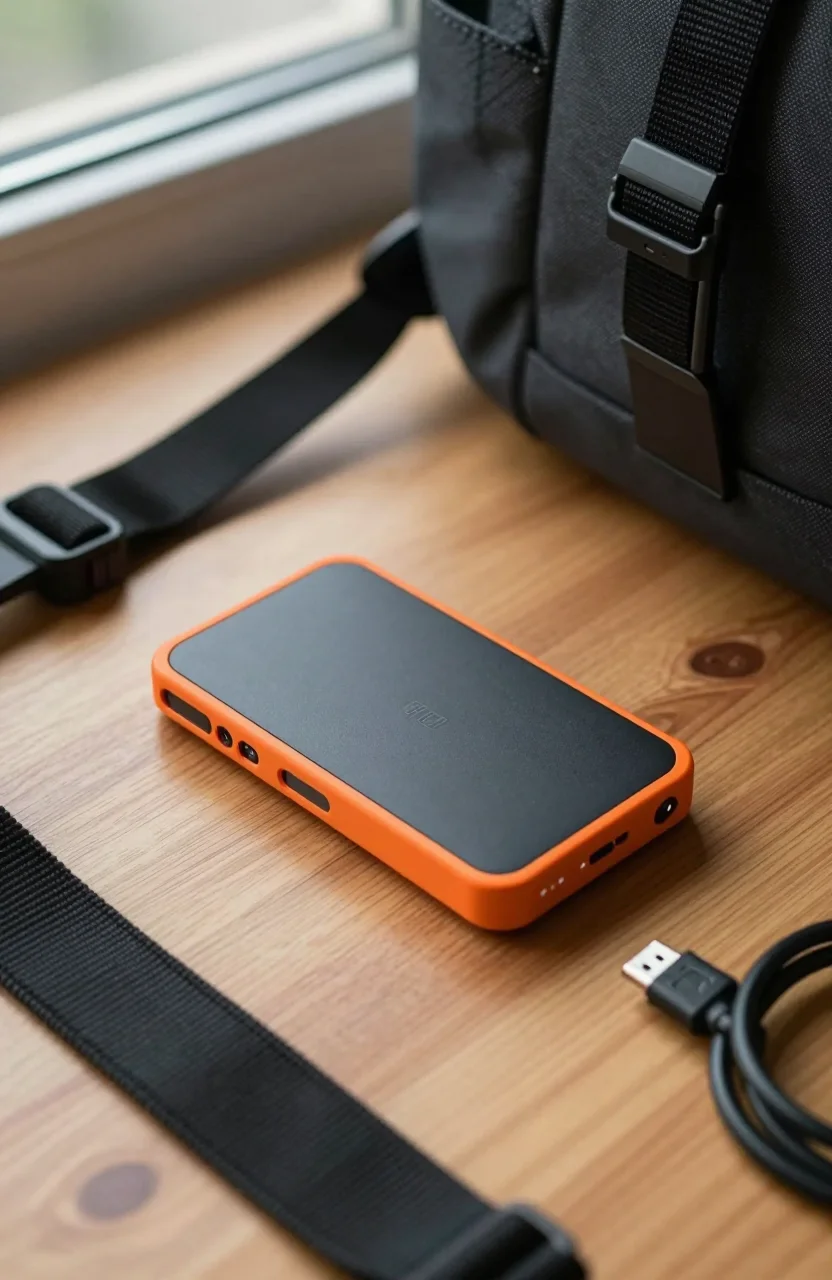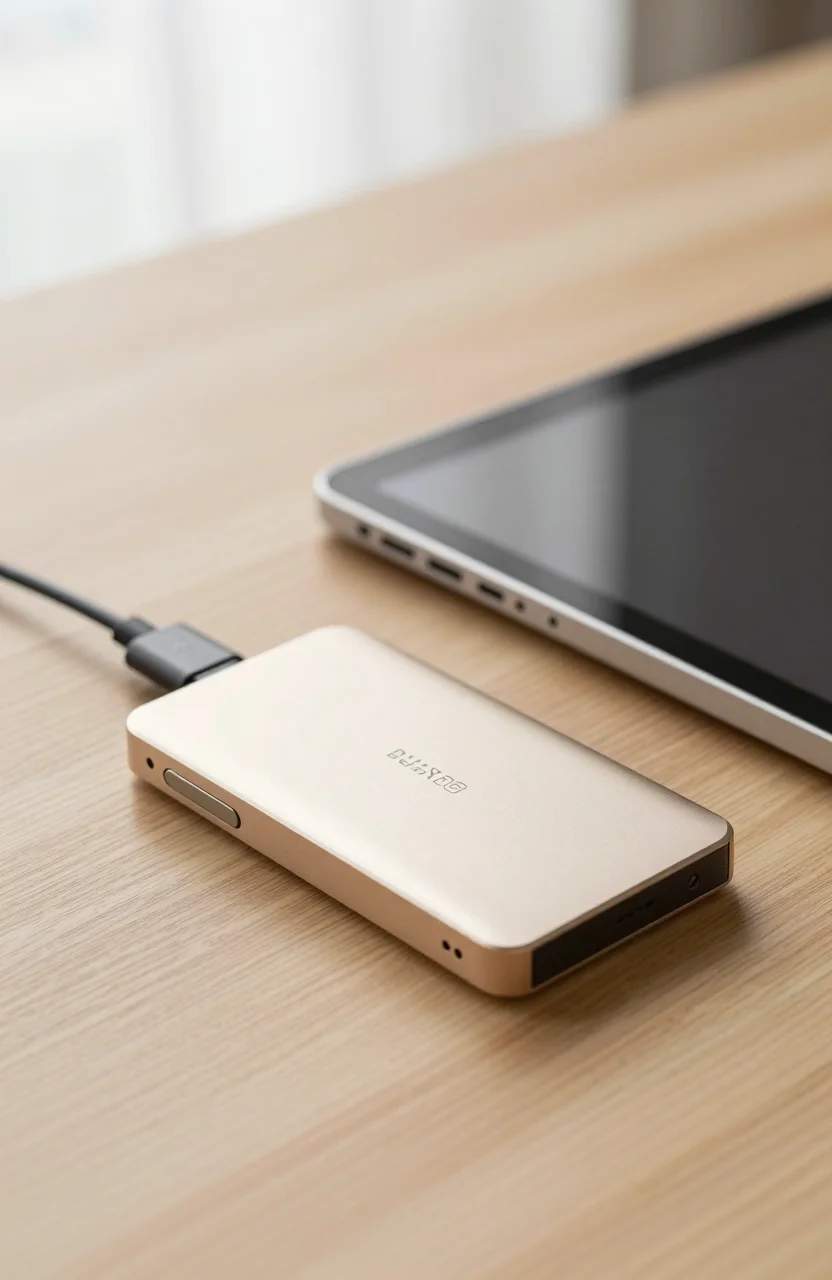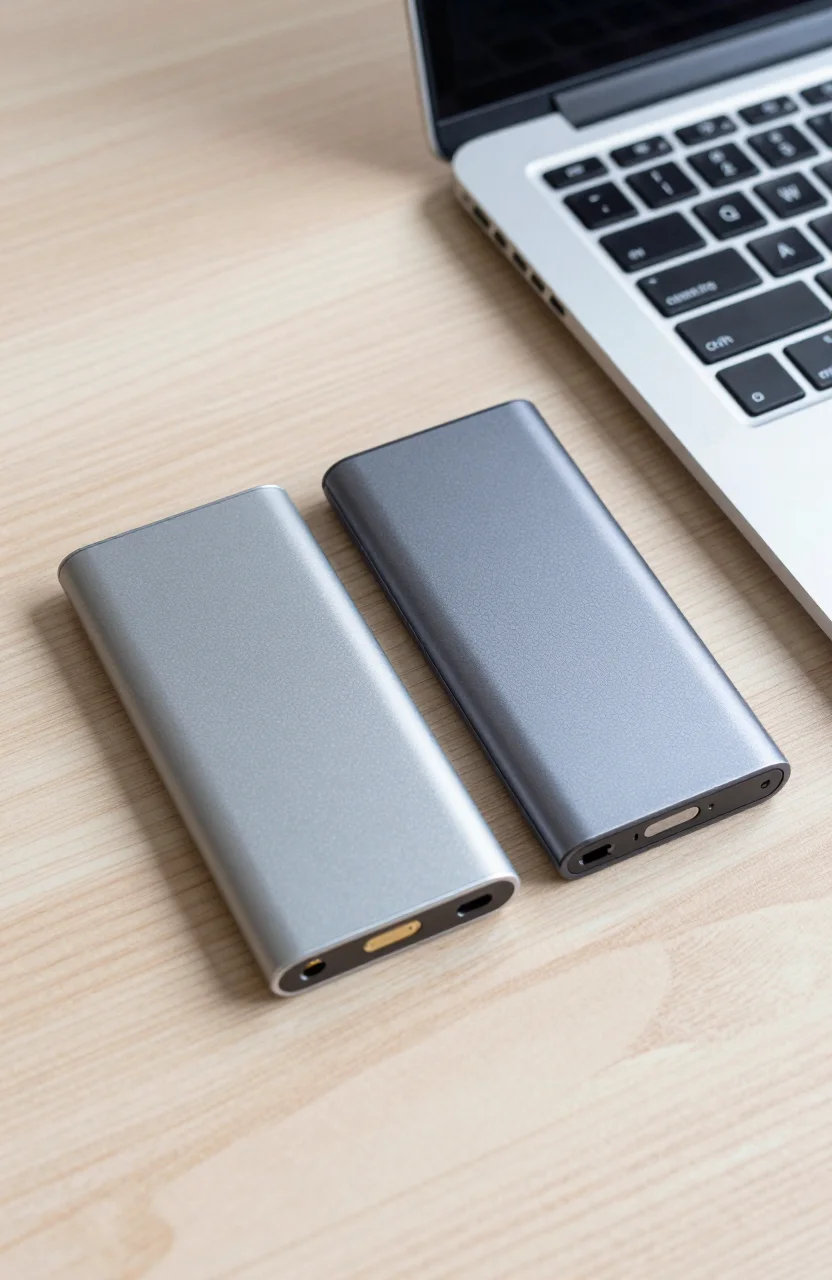
Both of these premium portables promise roughly 2000 MB/s class transfers, and both cost near $350 for popular high-capacity kits. The decision is less "which is faster on paper" and more which trade-offs you live with every week. This comparison puts the Samsung T9 (about $349.99, up to 2000 MB/s) against the SanDisk Extreme PRO portable SSD (about $352.51, up to 2000 MB/s, IP65) so you can pick by ruggedness, software habits, and how you actually move files.
If you are still learning how portable flash differs from spinning USB disks, our HDD vs SSD external archiving guide explains when a cheap multi-terabyte HDD should stay in the kit as cold storage while one of these SSDs handles the hot working set.
| Best Choice | Alt Pick | |
|---|---|---|
| Preview |  |  |
| Title | Samsung T9 Portable SSD 2TB | SanDisk Extreme PRO Portable SSD 2TB |
| Capacity | 2TB | 2TB |
| Read speed | Up to 2,000MB/s | Up to 2000MB/s |
| Interface | USB 3.2 Gen 2x2 | USB 3.2 Gen 2x2 |
| Rating | 4.6 / 52,898 reviews | 4.5 / 516,958 reviews |
| Price | $349.99$574.99 | $352.51$499.99 |
| Buy on Amazon | Buy on Amazon |
At a glance
| Feature | Samsung T9 | SanDisk Extreme PRO |
|---|---|---|
| Approx. street price | $349.99 | $352.51 |
| Claimed sequential peak | Up to 2000 MB/s | Up to 2000 MB/s |
| Interface class | USB 3.2 Gen 2x2 capable | USB 3.2 Gen 2x2 capable |
| Rugged rating | Compact metal-style portable (not IP65-led) | IP65 dust/water resistance focus |
| Software angle | Samsung Magician ecosystem | SanDisk utilities / encryption options |
| Best fit | Desk + dock workflows, Magician users | Travel, rain, dusty shoots |
Prices move weekly on Amazon. Treat $349.99 and $352.51 as snapshots, not permanent stickers. Capacity SKUs also shift the per-gigabyte math, so compare the exact size you need rather than mixing a 1TB listing against a 4TB promo.
Neither drive will hit 2000 MB/s on a USB 3.0 / 5 Gbps port. You need a host that actually exposes USB 3.2 Gen 2x2 (20 Gbps) or at least a clean high-bandwidth path. Many Thunderbolt docks still present a slower USB hub behind the pretty logo. Time a 40GB copy on your real machine before you standardize a team purchase.
Also match capacity before you crown a winner. A 1TB T9 on sale is not the same shopping decision as a 2TB Extreme PRO at list. Normalize to dollars per usable gigabyte, then layer ruggedness and software on top of that number.
Speed
On paper, both land in the same marketing band: up to 2000 MB/s. In practice, sustained writes, thermal behavior, and cable quality decide who feels faster on a two-hour ingest. Large sequential camera dumps favor whichever drive stays cooler longer on your desk. Tiny random file trees favor neither; filesystem overhead dominates.
The T9 often feels at home next to a Samsung-heavy workflow: Magician for monitoring, password tools, and firmware habits you may already know from internal 990-series drives. The Extreme PRO is tuned as a field portable first. When both are cool and the host link is true Gen 2x2, sequential charts tend to look close enough that human stopwatches matter more than spreadsheet bragging.
Drop either drive onto a Gen 1 USB port and the race collapses to roughly the same mid-400 MB/s neighborhood. That is why port auditing beats brand loyalty. Check Device Manager or macOS System Information for the negotiated link speed if numbers look wrong.
For broader SSD interface context, the ultimate SSD guide still helps even when the drive lives outside the PC. Portable enclosures are still NAND plus a bridge chip plus a cable. Understanding those three pieces stops you from blaming the wrong part.
Mid-article reality check: if your dock cannot sustain Gen 2x2, save money and buy a rugged Gen 2 drive instead of paying the 2000 MB/s premium. Or keep one of these for the edit desk and a tougher cheaper stick for the bag. Mixed kits beat one overpaid compromise.
Thermal soft limits show up after long uninterrupted writes. If a drive feels warm and the copy graph dips, pause for a minute, elevate the enclosure so air can move, and resume. That habit helps both brands more than swapping cables for the third time.
When you are ready to test live pricing, open the Samsung T9 listing and the SanDisk Extreme PRO listing side by side, match capacities, and ignore whichever seller is playing ASIN bait-and-switch.
Ruggedness
This is where the Extreme PRO usually wins the traveler vote. IP65 means sealed protection against dust and water jets. That matters in vans, beaches, festivals, and rainy sidewalk handoffs. It does not mean you should wash the drive in a sink for fun. Dry the connectors before reuse.
The T9 prioritizes a compact premium shell and thermal behavior for fast desk work. It is still a portable SSD you can toss in a pouch, but it is not marketed as the same sealed IP65 tool. If your biggest risk is a laptop bag falling off a chair indoors, either is fine. If your biggest risk is dust storms and sideways rain between takes, Extreme PRO is the clearer match.
Drop resistance claims vary by SKU generation and marketing sheet. Do not treat any portable SSD as a basketball. Rubberized armor and IP seals reduce odds; they do not erase physics. A padded pocket still beats bravado.
Creators who already own a rugged Gen 2 drive like a T7 Shield sometimes keep the Extreme PRO or T9 as the "fast desk" unit. That split is smart: armor for the field, peak bandwidth for the edit suite. Our SSD price per GB 2026 guide helps you decide whether two good drives beat one expensive compromise when you price the kit honestly.
Insurance for the unexpected still matters. Label both ends of the cable, keep a spare known-good USB-C lead in the bag, and never store the only copy of a wedding day on a single portable no matter how rugged the shell looks.
Software & encryption
Samsung Magician is familiar if you already run Samsung internals. Password protection, diagnostics, and firmware updates live in one place. The downside is yet another vendor utility. Some buyers format the T9 and never open Magician again. That works.
SanDisk ships its own tools and encryption options depending on the Exact SKU and region. Treat password features as convenience locks, not a full enterprise key-management system. Write recovery codes down. A forgotten password on an encrypted portable is a very expensive paperweight.
Cross-platform teams should agree on a filesystem early. exFAT remains the boring peacemaker between Windows and Mac. APFS or NTFS is fine inside a single-OS shop. Reformat before the first real job so you are not mid-shoot converting a drive that arrived in an unexpected format.
Neither brand's software replaces a backup plan. Fast portables fail, get lost, and get stolen. Keep a second copy on a desk drive or NAS. Speed without redundancy is cosplay resilience.
If you need stronger operational security, combine drive passwords with full-disk habits on the laptop and a separate offsite copy. Portable encryption is one layer, not the whole castle.
Who should pick which
Pick the Samsung T9 if you work mostly between desk and dock, already live in Magician, and want a compact 2000 MB/s-class portable without paying primarily for IP65. It is the cleaner choice for editors who shoot in controlled spaces and care about thermal consistency during long copies into a workstation.
Pick the SanDisk Extreme PRO if the drive leaves climate control often. IP65, travel abuse, and weather are the deciding factors when sequential ratings look equal. Wedding shooters, documentary kits, and outdoor commercial teams usually regret under-rugged drives before they regret a few MB/s.
Pick neither premium option if your laptop only offers USB 3.0. Spend less on a solid Gen 2 portable and invest in a dock or cable that actually unlocks bandwidth later. Or keep a spinning archive for bulk and a mid-tier SSD for daily shuttles.
MacBook users should also confirm which ports on their dongle negotiate high speed. Our MacBook storage options guide covers common adapter traps that make both of these drives look slow when the cable path is the real bottleneck.
Budget note: at roughly $349.99 vs $352.51, price alone should not decide this duel. Capacity availability and current lightning deals might. If one brand is $40 cheaper the week you buy, that discount can outweigh small feature preferences for desk-only users.
Team buyers should standardize on one model for cables, pouches, and muscle memory. Mixing T9 and Extreme PRO across a crew works, but shared kits get messy when half the bag expects Magician and the other half expects SanDisk's tools. Write a one-page kit guide so freelancers stop guessing which drive is the "hero" unit on a shared shoot.
Verdict
Call it a draw on peak marketing speed near 2000 MB/s and a near tie on street price around $350. Choose the Samsung T9 for Magician-friendly desk and dock life. Choose the SanDisk Extreme PRO when IP65 travel protection is non-negotiable.
Verify your host link before you celebrate either purchase. Then run one timed copy of a real project folder. Spec sheets sell the dream; your ports tell the truth. If both remain in your shortlist after that test, lean Extreme PRO for field kits and T9 for edit-bay shuttles.
Still unsure? Buy the one that matches where the drive sleeps at night. Couch and climate-controlled studio: T9. Camera backpack and weather: Extreme PRO. That single question settles more purchase anxiety than another benchmark screenshot ever will.