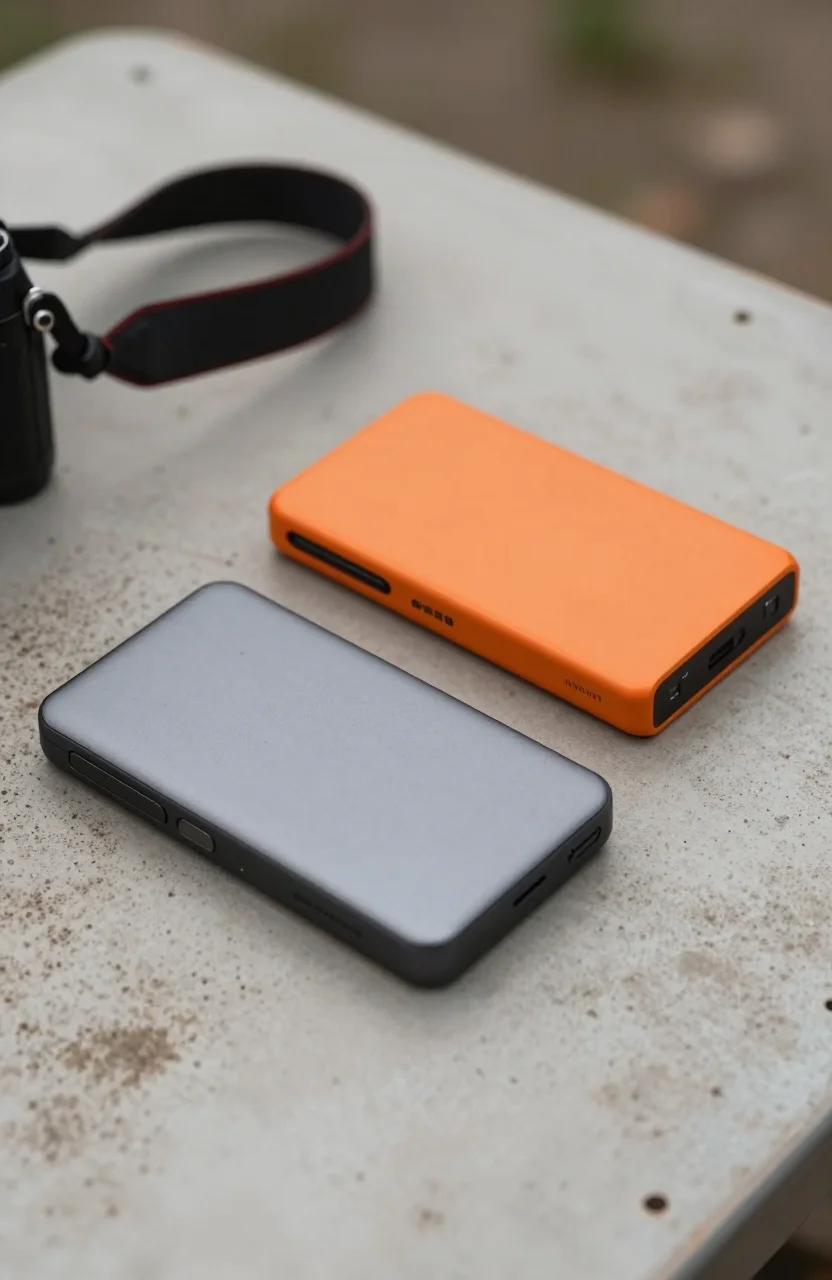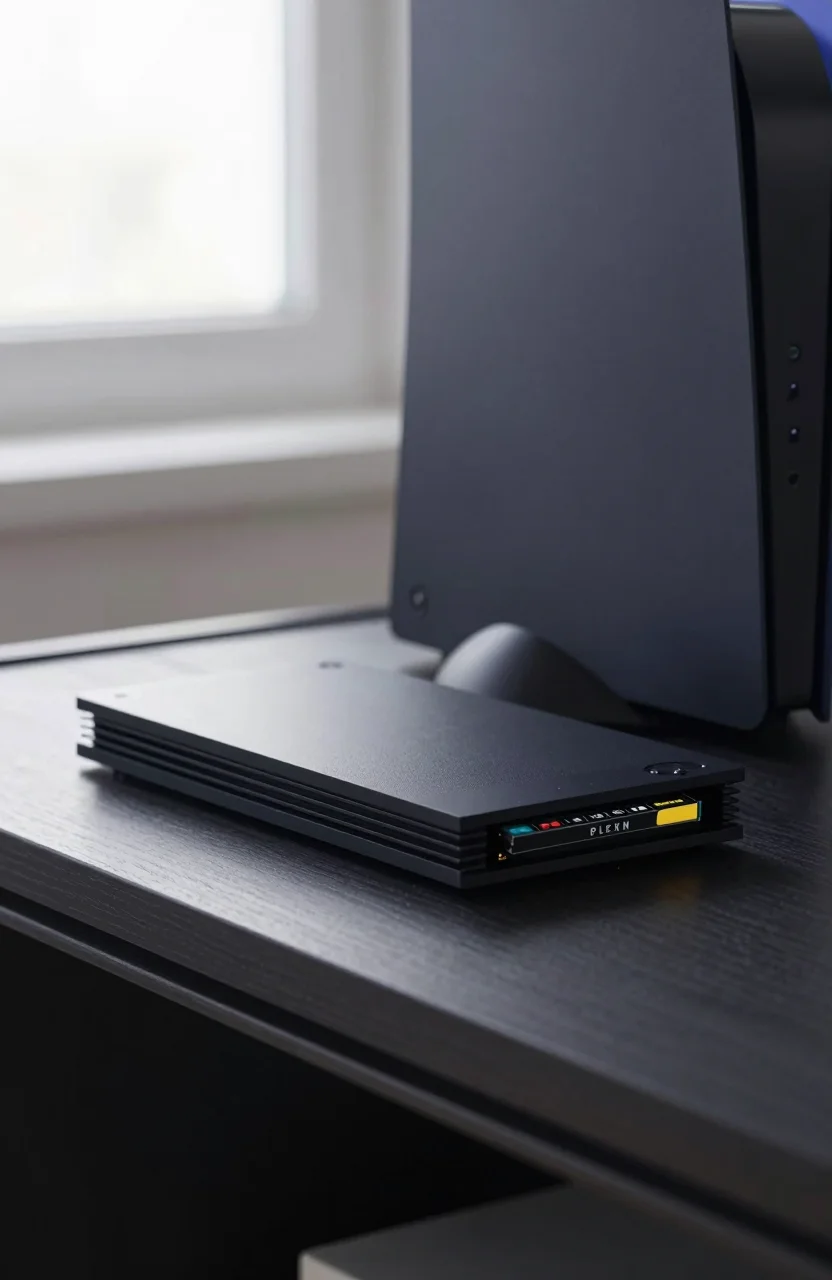
Xbox Series X and Series S fill up fast once you install a few modern titles with day-one patches. The Seagate Storage Expansion Card is Microsoft's licensed plug-in answer: a proprietary NVMe card that seats in the console expansion slot and behaves like internal storage. This review focuses on the 2TB model around $239.99, with Amazon shoppers rating it about 4.8 stars across roughly 30776 reviews.
If you are still weighing console options broadly, start with our roundup of the best drives for PS5 and Xbox storage expansion in 2026, then come back here when you want the Seagate card specifically rather than a USB enclosure.

- Official Xbox Series X|S licensed expansion storage
- Plug-and-play install in the console expansion slot
- Play games directly from the card like internal SSD
- 2TB capacity for large modern game libraries
What it is
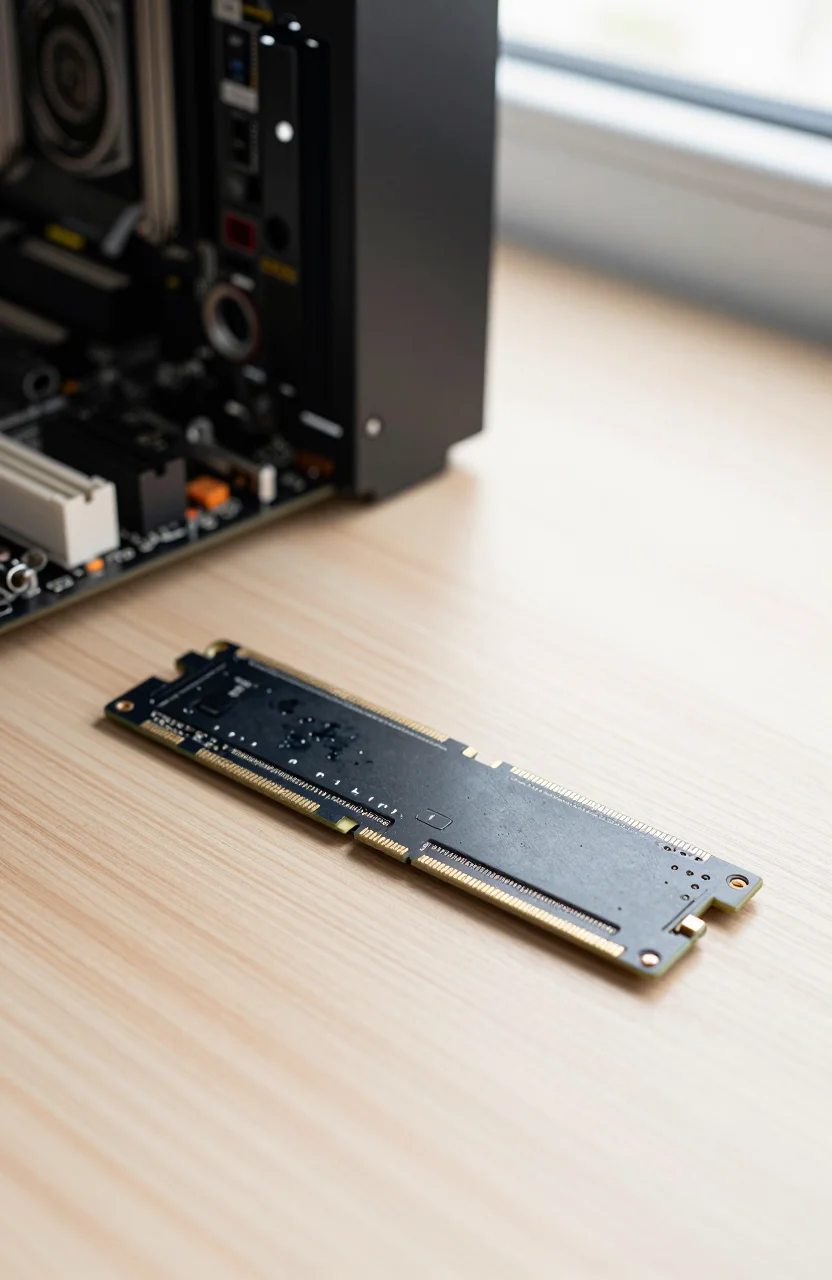
The Seagate card is not a generic M.2 stick you drop into a PC. It is a sealed, Xbox-licensed module that only fits the Series X and Series S expansion bay. Once seated, the console treats the space as playable storage. You can install Xbox Series titles and launch them from the card without moving them back to the internal drive first.
That design is the whole product. USB external SSDs are cheaper per terabyte, but on Xbox they mostly act as warehouses: you store supported games there, then copy them to internal or expansion storage when you want full Velocity Architecture performance. The 2TB Seagate expansion card removes that shuffle for Series-optimized games.
Capacity options have grown over the years. The Seagate 2TB Xbox expansion card remains the practical middle ground for households that keep a rotating library of big open-world titles, Game Pass downloads, and a few multiplayer installs that refuse to stay small after updates. If your console is a Series S with a smaller internal drive, the card feels less like a luxury and more like oxygen.
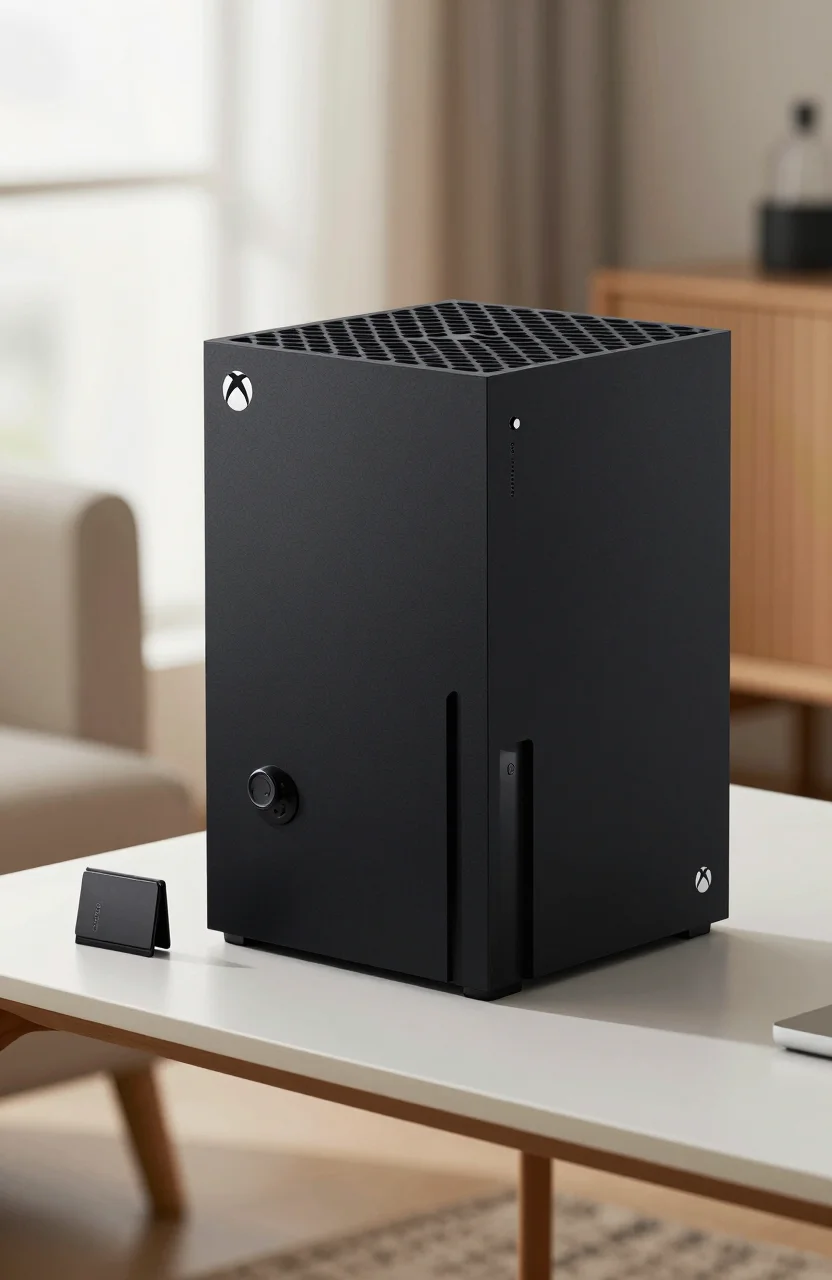
Compatibility is intentionally narrow. It will not expand a PC, a PlayStation, or an older Xbox One. Buy it only when you own a Series X or Series S and you are tired of uninstalling games every weekend.
Install and speeds vs USB
Installation takes about a minute. Power down the console, open the expansion slot cover, slide the card in until it locks, close the cover, and boot. Xbox recognizes the volume and walks you through using it as expansion storage. There is no BIOS menu, no heatsink paste, and no risk of buying the wrong M.2 key type.
Performance-wise, the card is tuned to match the console's internal SSD behavior for playable installs. You should see load screens and traversal stutter profiles that feel like stock storage, not like a USB archive drive. That is the pitch Microsoft and Seagate sell, and it is why the price sits well above a random portable SSD of the same capacity.
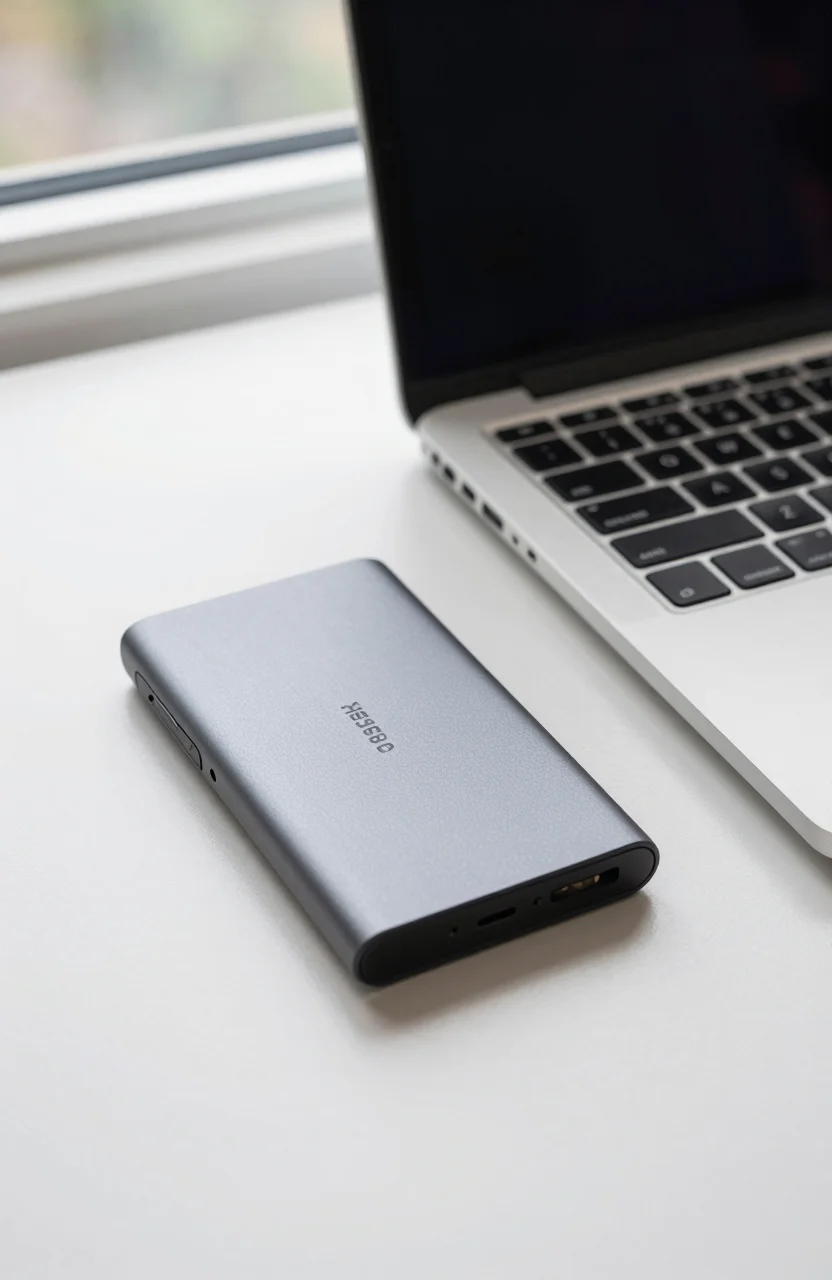
USB SSDs still have a role. They are excellent for Xbox One backward-compatible titles that can run from external storage, for media files, and for parking games you rarely touch. When you want to play a Series title stored on USB, you copy it over. That copy step is exactly what the expansion card avoids.
If your goal is maximum PC gaming performance instead of console expansion, ignore this card and read our guide to the best SSDs for gaming PCs in 2026. Different platform, different interface rules.
In practice, time one game install to the card and one copy from a USB SSD to internal storage. The second workflow always feels slower because you are managing two volumes. The Seagate Xbox card listing makes more sense once you are tired of that dance.
Strengths
- True playable expansion. Series titles run from the card without the USB copy step that drains evenings.
- Dead-simple install. No heatsinks, screws, or firmware guesswork. Seal the bay and you are done.
- Huge buyer sample. Roughly 4.8 stars across about 30776 Amazon reviews is an unusually large console-accessory signal.
- Clean living-room look. Nothing dangling from the USB ports, no enclosure to knock off a shelf.
- Works on both Series X and Series S. One accessory covers both form factors in a dual-console home.
The card also plays nicely with how Xbox organizes storage management. You can choose the expansion volume as a default install target for new downloads, which matters if your internal drive is already crowded with the OS, reserved space, and a few must-keep titles.
Reliability chatter in long-running reviews tends to focus on careful handling during install rather than mysterious failures. Treat it like a phone SIM: insert firmly, do not force at an angle, and avoid hot-swapping ideas that the hardware was never designed for.
Limits
- Price per gigabyte. At about $239.99 for 2TB you pay a clear premium versus USB portable SSDs of the same size.
- Proprietary lock-in. The card has no second life in a PC enclosure if you leave Xbox later.
- Finite slot. One expansion bay means one card. You cannot stack two Seagate modules.
- Not a speed upgrade myth. It matches internal-class playable storage; it does not magically outrun the console's own SSD design targets.
- Still need USB for cold storage. Cheap external drives remain smarter for archives and rarely played catalogs.
Another soft limit is opportunity cost. Money spent on the card is money not spent on a larger portable SSD library you could also plug into a laptop. If your household shares storage between console and PC edits, a rugged USB drive may pull double duty better than a sealed Xbox module.
Stock swings can push the street price of the Xbox Series expansion card around promotions. Confirm the capacity on the listing before checkout, because 1TB and 2TB cards look similar in photos and the wrong SKU is an annoying return.
Alternatives
USB 3.2 portable SSDs remain the budget path. Buy a reputable 2TB enclosure, use it as a game warehouse, and accept copy times when you rotate Series titles. That approach wins if you only bounce between two or three big games and live with temporary installs.
WD_BLACK and other licensed expansion cards compete with the official Seagate card in the same proprietary slot category when available. Compare current street prices per terabyte rather than brand loyalty. The Seagate option's advantage is the enormous review volume and long market presence, not a secret controller sauce you can feel in a blind load-time test.
For PlayStation owners reading this by accident: the Xbox card will not help you. PS5 uses a different internal M.2 expansion path. Stick to console-specific guides and ignore cross-brand wishful thinking.
PC gamers who also own Xbox should keep libraries separate. A Gen4 or Gen5 NVMe in the desktop does nothing for the living-room console. Buy the card for Xbox pain, and buy a proper internal SSD for the tower.
If you want a second opinion on console storage strategy before spending $240, revisit the PS5 and Xbox expansion guide and decide whether playable expansion or cheap USB parking fits how you actually play.
Verdict
Buy the Seagate Storage Expansion Card 2TB if you own an Xbox Series X or Series S, your internal drive is full, and you are done managing USB copy queues for Series-optimized games. At about $239.99 with a 4.8-star rating across tens of thousands of Amazon reviews, it is the straightforward licensed fix.
Skip it if you only keep a tiny active library, if budget per gigabyte matters more than convenience, or if a USB SSD warehouse already matches your rotation habits. The card is expensive because it buys simplicity and playable storage parity, not because it invents a new speed class.
Check live pricing and capacity options on the Seagate expansion card on Amazon, confirm your console model, and install it once so weekend uninstall theater can finally stop.