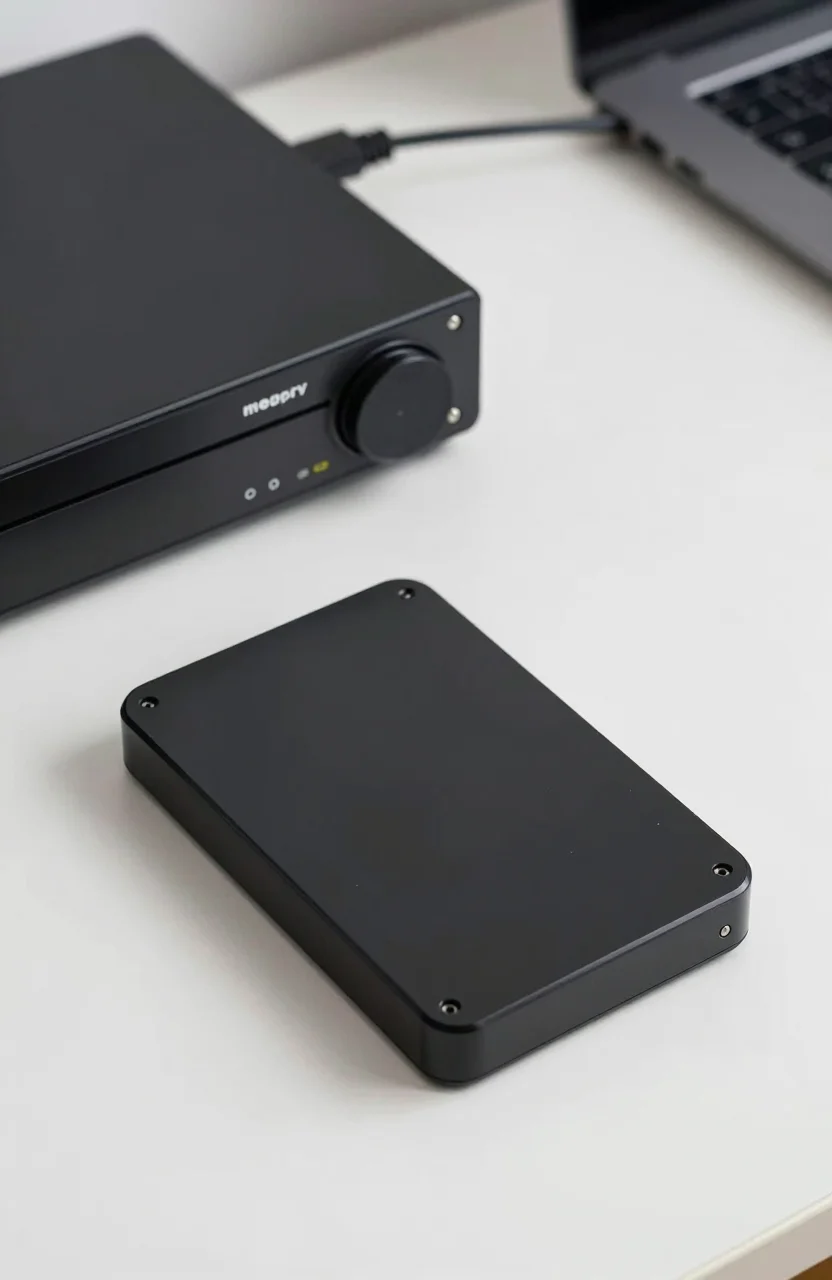
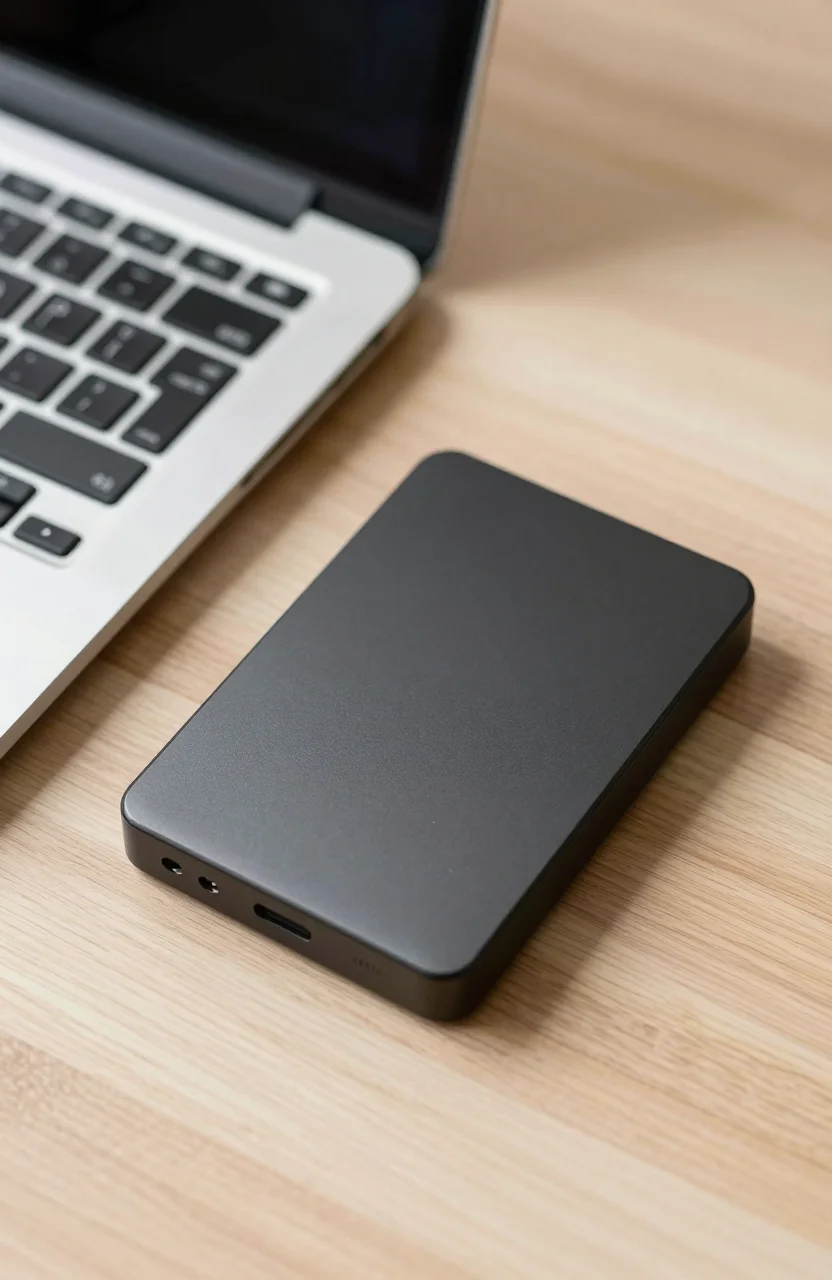
Portable hard drives still do one job better than almost anything else in consumer storage: cheap capacity you can throw in a backpack. The WD My Passport has been the default pick for years because it is small, USB powered, and widely stocked. At about $144.32 for a common 2TB listing with a 4.6/5 score across tens of thousands of Amazon reviews, it sits in the sweet spot for laptop backups and media dumps rather than flashy speed claims.
This review focuses on who the My Passport actually suits in 2026, where spinning portable drives still win, and which buyers should skip straight to SSD or NAS instead. If you are weighing cost per terabyte against everyday convenience, start with the box below, then read the tradeoffs before you buy.

- USB 3.1 portable HDD, bus powered
- 2TB class capacity for bulk backups
- Password protection and ransomware software included
- Compact shell for travel bags and desk drawers
What you actually get with the My Passport
On paper the My Passport is a USB 3.1 portable hard drive: spinning media, no wall brick on most modern laptops, and a form factor that fits next to a notebook charger. Real-world transfers sit in classic HDD territory. Large sequential copies feel fine for overnight backups and photo libraries. Random small-file work feels slower than any modern portable SSD, and that gap is normal rather than a defect.
Software is part of the pitch. WD bundles password tools and ransomware-oriented features that matter if you carry client files or personal archives on the same drive. Treat those tools as extras, not a substitute for a second copy elsewhere. Encryption and password locks help when a bag is lost; they do not replace a proper 3-2-1 backup habit. If you want a deeper look at how portable HDDs stack for backup workflows, our guide to the best external hard drives for backup in 2026 covers capacity tiers and redundancy patterns.
Street pricing moves with promotions. Seeing the 2TB My Passport around $144 is useful context: you are paying for terabytes, not peak MB/s. That is why this drive remains the default for students, freelancers, and households that need a second copy of documents and media without buying a full desktop enclosure.
Build quality is plastic and light. That is intentional for portability, but it also means you should avoid tossing the drive into a tool bag with loose keys. Drop resistance is marketing language on most consumer portables; treat the My Passport as carefully as any spinning disk. Cable quality varies by kit, so keep a known-good USB-A or USB-C adapter in the same pouch if your laptop only exposes USB-C ports.
Who should buy it, and who should walk away
Buy the My Passport if your priority is inexpensive capacity for cold-ish data: finished projects, photo years, game installers you redownload rarely, and Time Machine or File History targets. Pair it with a simple schedule. Nightly incremental backups to a portable WD drive still beat hoping cloud sync alone covers everything, especially for large video folders that would burn bandwidth.
Skip it if you edit 4K timelines off the external, or if you need to boot VMs and databases from the same cable. Those workloads belong on NVMe enclosures or internal SSDs. Also skip a single portable HDD if it would become your only copy of irreplaceable files. One drive in a backpack is a single point of failure. For bulk cheap capacity comparisons across brands, the Seagate portable 5TB review shows how larger spinning options trade size and price.
Gamers sometimes ask whether a My Passport can hold a PS5 or Xbox library. It can store downloads, but console performance expectations differ from PC file copies. If console expansion is the real goal, look at console-certified SSDs and expansion cards instead of a spinning portable. The My Passport remains a PC and Mac backup tool first.
Another edge case: frequent travelers who bounce between cafes. Vibration, temperature swings, and rushed unplugs are harder on HDDs than on flash. If that is your week, a rugged SSD costs more per TB but survives the lifestyle better. Keep the My Passport listing for desk-adjacent use: plug in at home, fill it, unmount cleanly, then store it flat.
- Good fit: laptop backups, photo archives, overflow media
- Poor fit: scratch disks, live video edit caches, sole copy of critical data
- Middle ground: game libraries you can redownload when needed
Setup tips that prevent the usual headaches
Format for the computers you actually use. ExFAT is the practical cross-platform choice for Windows and macOS handoffs. NTFS is fine for Windows-only homes. APFS or HFS+ only if every machine in the loop is Mac. Reformatting wipes the drive, so decide before you dump years of photos onto it. After the first format, create a top-level folder structure you will still understand in two years: year, project, or client name beats a dump of Desktop.zip files.
Always eject before unplugging. Spinning drives dislike surprise disconnects mid-write. On Windows, check that write caching settings match how careful you are; on macOS, use the Finder eject icon every time. Password software can add a login step when the drive mounts. Test that flow once on a spare folder so you are not discovering lockouts during a travel crunch. If you order the My Passport, set password protection only after you confirm the drive enumerates cleanly on your main laptop.
Capacity planning matters more than color options. 2TB fills faster than people expect once phone dumps and 4K clips enter the mix. If your library already sits near 1.5TB, jump a tier rather than living at 95% full. For a wider price-by-capacity map across portable and desktop HDDs, see our external hard drive prices by capacity guide. That context helps you decide whether the My Passport 2TB tier is enough or whether a desktop USB drive makes more sense for archival shelves.
One practical habit: keep a tiny text file on the drive that states what is backed up and the date of the last full pass. Future you will thank present you when three identical black portables sit in a drawer. Label the shell with a paint marker if needed. When shopping, confirm the exact capacity and interface on the current Amazon product page, because retail kits rotate firmware and cable packs over time.
If noise bothers you in a quiet room, remember that portable HDDs spin. Place the drive on a soft mat rather than a hollow desk, and avoid stacking it under a warm laptop. Heat and vibration shorten happy years. Used carefully, the My Passport remains the boring, correct portable HDD for people who need terabytes without paying SSD premiums. Buy it for backups and archives, not for speed bragging rights, and it will feel like the default choice for a reason.