How AI Is Transforming Modern Ransomware Tactics
Artificial intelligence is changing the playbook for ransomware authors by enabling faster reconnaissance, improved evasion, and automated decision making. Instead of relying on static scripts and one-size-fits-all encryption routines, threat actors now use machine learning models to analyze an infected environment, prioritize high-value targets, and adapt payloads in real time. AI does not replace human operators in most campaigns, but it amplifies their effectiveness by reducing the manual work required and increasing the speed of exploitation.
Concrete examples include automated scanning of connected devices to discover external drives, behavior-based payload selection that avoids sandbox detection, and dynamic generation of social engineering content tailored to users found on the compromised network. These capabilities make attacks more surgical - attackers can locate backup devices, choose the most damaging files, and encrypt selectively to pressure victims into paying.
Why External Drives Have Become Prime Targets
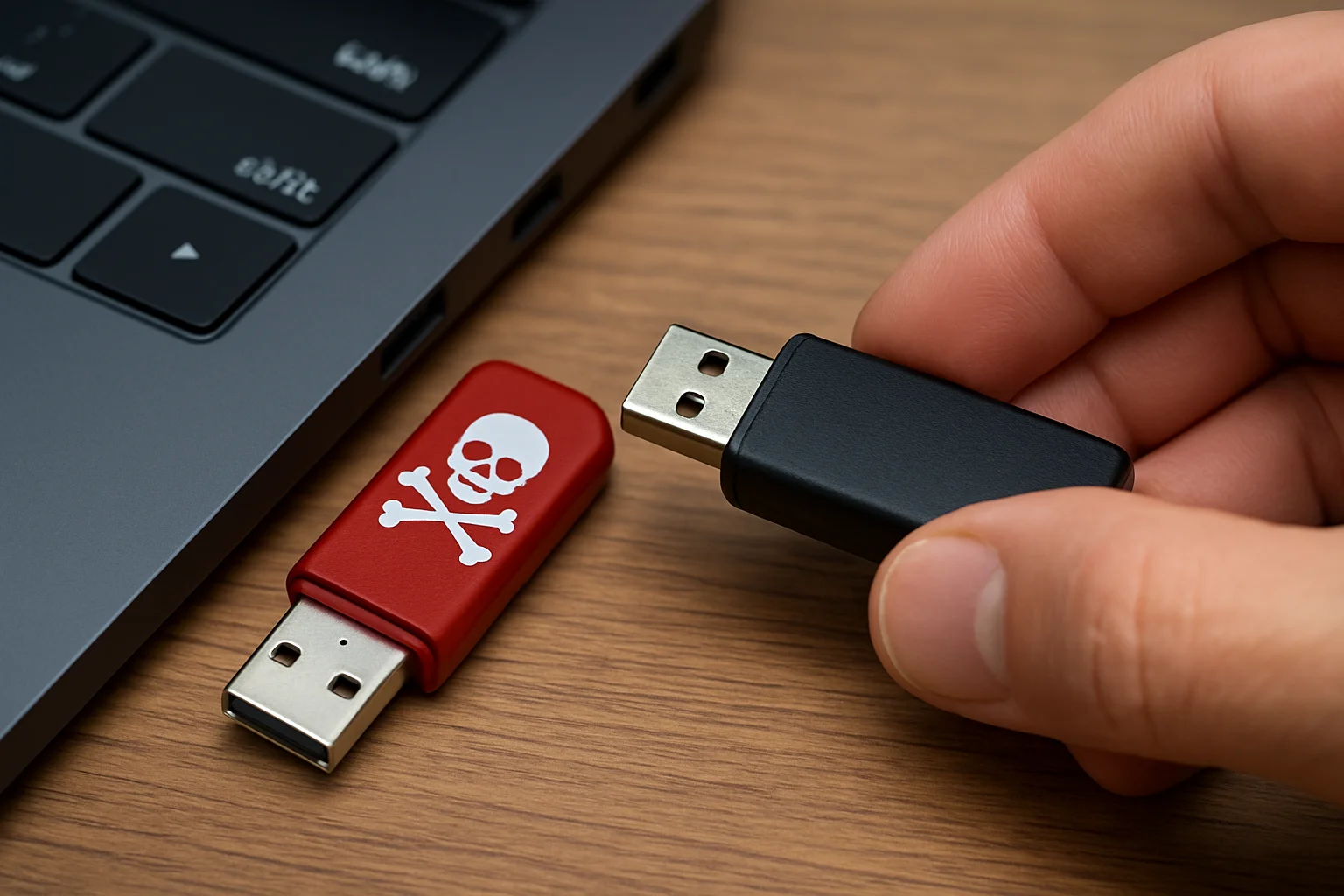
External drives - including USB sticks, portable SSDs, and network-attached storage devices that appear to the host as removable volumes - offer a compelling target profile for AI-driven ransomware. They often contain backups, archival data, or shared project files that are both valuable and sometimes less protected than live servers. Attackers that identify and encrypt external drives can significantly increase the perceived cost of recovery.
Key reasons external drives are targeted:
Before listing, note that these points explain why attackers prioritize removable storage and what defenders should watch for.
- Accessibility - External drives are frequently connected and disconnected, creating windows where malware can copy or encrypt large datasets.
- Inconsistent protections - Many external drives are excluded from regular backup verification or endpoint detection rules, making them a soft target.
- High payoff - Backups stored on external media are often the last resort for recovery; encrypting them forces organizations to choose between paying and permanent data loss.
- Propagation vectors - Removable media can carry malware across air-gapped or segmented networks when reconnected.
Real-Time Adaptive Attacks: A New Level of Threat
AI-driven ransomware increasingly behaves like a responsive adversary rather than a static payload. After an initial foothold, the malicious software may run analytical models to map file systems, identify backup signatures, and detect user behavior patterns. This intelligence enables several adaptive behaviors:
Below is a concise explanatory list of adaptive tactics and how they work in practice.
- Target prioritization - The malware assigns higher value to directories, file types, or volumes that match backup or proprietary formats.
- Stealth mode switching - If a sandbox or monitoring tool is detected, the code may delay encryption or adopt low-and-slow techniques to avoid alerts.
- Customized ransom demands - Attackers can calculate a tailored ransom based on discovered assets, or even generate more persuasive extortion messages using natural language models.
- Automated lateral movement - AI models can suggest optimal routes to access external drives across a network, reducing the need for manual operator guidance.
These capabilities make containment harder because the malware no longer follows a predictable timeline - it waits for opportunity and strikes where impact is greatest.
Impacts on Individuals and Organizations
The consequences of AI-enhanced ransomware that targets external drives vary by scale but share similar themes: increased disruption, greater recovery cost, and higher difficulty of forensics. For individuals, losing personal backups stored on external drives can mean irreversible loss of irreplaceable photos or documents. For organizations, encrypted backups translate into extended downtime, regulatory exposure, and reputational damage.
Below is a practical comparison that highlights the differences between traditional ransomware and AI-driven variants in terms of impact and response complexity. Use this to inform risk assessments and incident playbooks.
| Characteristic | Traditional Ransomware | AI-Driven Ransomware |
|---|---|---|
| Reconnaissance | Manual or scripted scanning | Automated, model-driven environment analysis |
| Targeting | Broad or opportunistic | Surgical - prioritizes backups and external media |
| Evasion | Static obfuscation and packing | Behavioral adaptation to avoid detection |
| Recovery difficulty | Moderate - backups often intact | High - backups and external drives may be encrypted |
Strategies to Strengthen Protection Against AI-Enhanced Ransomware
Mitigating this evolving threat requires combining technical controls with operational discipline. The following recommendations are practical, prioritized, and actionable - apply them according to your environment and risk tolerance.
Immediate technical controls
Start with settings and tools that reduce the attack surface and limit what ransomware can discover or encrypt.
- Harden USB and removable media policies - Enforce strict device usage policies and use endpoint controls to restrict auto-run and mounting of unknown media.
- Segment backup storage - Maintain physical and logical separation between production assets and backups. Avoid continuously mounted external drives that appear as regular volumes to endpoints.
- Implement immutable backups when possible - Use storage features that prevent modification or deletion of backups for a defined retention window.
- Apply least privilege - Limit service accounts and user rights, especially for those who can access shared external storage.
Monitoring, detection, and response
Detection must keep pace with adaptive threats. Combine telemetry sources and tune detection rules for behavior rather than simple signatures.
- Enable file integrity monitoring - Track unexpected mass modifications or rapid encryption patterns and alert on anomalous activity.
- Correlate endpoint and network logs - Use centralized logging to detect lateral movement patterns that precede attacks on external drives.
- Practice incident response drills - Simulate scenarios where external backups are targeted to verify recovery procedures and communication plans.
Operational best practices
Human processes reduce risk and limit attacker success even when technical controls fail.
- Regularly verify backups - Perform restores periodically to ensure data integrity and that backups are not silently infected.
- Restrict and log removable media use - Keep an auditable inventory of devices and require approvals for connecting external drives.
- Educate staff - Train users on safe handling of removable media and how to recognize targeted social engineering attempts that precede ransomware deployment.
Advanced defenses and future-proofing
For organizations with higher risk or regulatory demands, invest in defenses that anticipate AI-driven innovation from attackers.
- Adopt behavior-based EDR with AI-aware capabilities - Use tools that detect anomalous file access patterns and unusual device mounts rather than relying solely on signatures.
- Use deception and honeypots - Deploy decoy external shares and monitored volumes to detect attackers that are enumerating storage targets.
- Establish strict change control for backup devices - Require multi-person approval for changes to backup configurations or physical relocation of external drives.
Practical note: no single control is sufficient. A layered approach combining policy, process, and technology will reduce both the likelihood of successful attacks and the damage they cause. Choose measures that fit your operational reality and test them regularly.