From Passive Storage to Intelligent Devices: The Evolution of Drives
Storage devices have long been treated as passive endpoints: they hold bytes, expose a block or file interface, and let the CPU and the network stack do the heavy lifting. Recently, a new class of hardware has started to blur that boundary: AI-native storage devices that embed processing capabilities and machine learning models directly into the drive. This section explains the technological shifts enabling that change and what it means in practice.
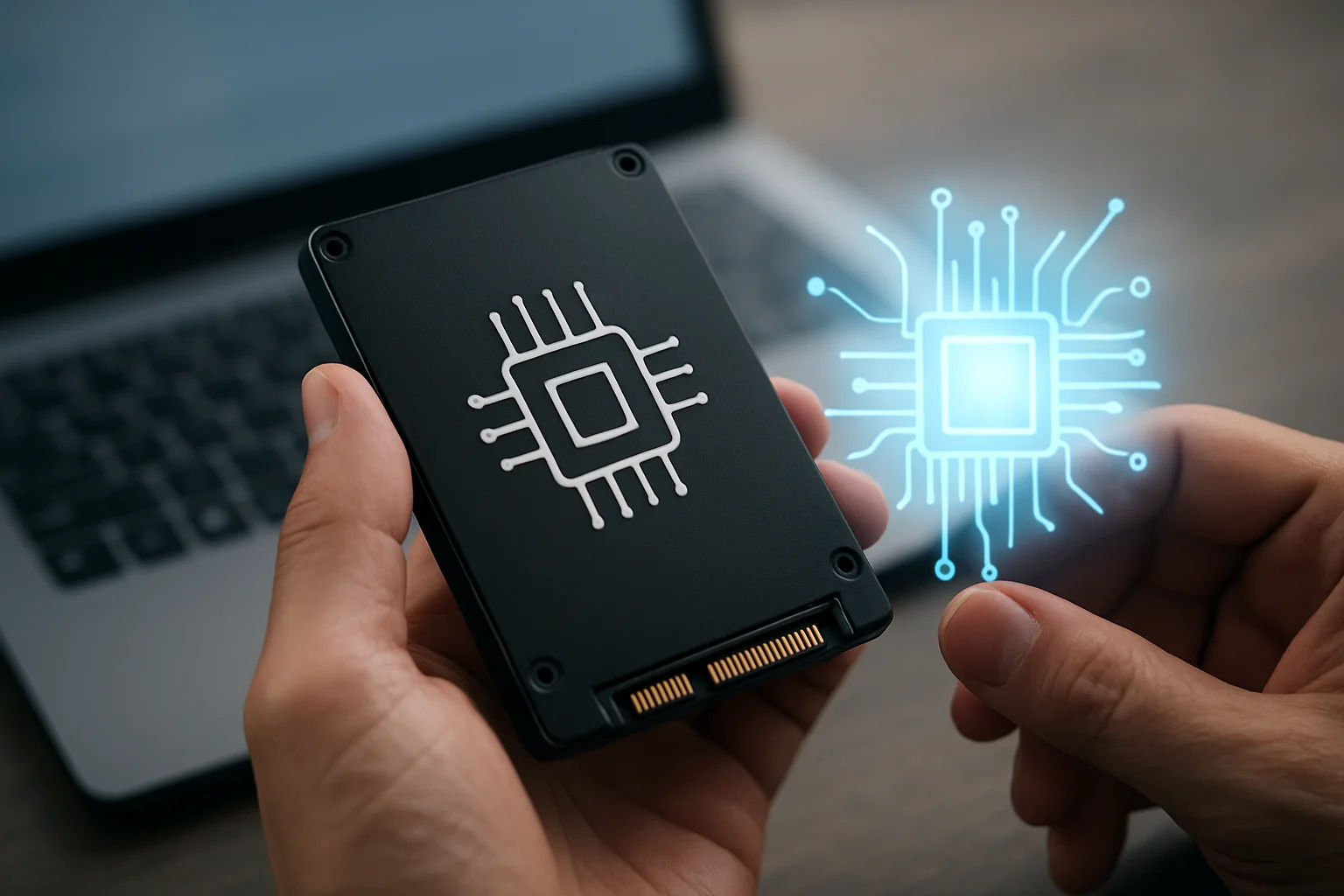
Key enablers include more powerful low-power CPUs and NPUs inside SSD controllers, increased on-device memory, faster PCIe/PCIe Gen 4+ interfaces, and standardized frameworks for running models at the edge. These advances allow drives to execute inference tasks, preprocess data, and apply policies without moving data out to the host. The result is a different performance model where intelligence lives beside the bits rather than in a separate server.
Practical implications for engineers and architects:
- Redesign data pipelines to think in terms of data-in-place operations instead of bulk transfers.
- Evaluate firmware and driver ecosystems early: the usability of on-drive AI depends heavily on APIs and toolchain support.
- Plan for incremental adoption: hybrid deployments (some drives AI-enabled, some not) will be common during transition.
On-Drive Processing: How Embedded AI Changes the Data Pipeline
When drives process data internally, the traditional data pipeline is altered at multiple levels. Instead of reading raw data into host memory, applying transformations, and writing results back, the drive can perform many of these steps internally. This changes latency characteristics, bandwidth requirements, and developer workflows.
Typical on-drive processing functions include:
- Feature extraction and dimensionality reduction (for example, extracting embeddings from images stored on the drive).
- Filtering based on ML models (for example, tagging and filtering logs or telemetry at rest).
- Compression and deduplication guided by learned patterns, improving efficiency beyond static heuristics.
Concrete example: an edge camera system where the drive holds raw video. Rather than transferring every frame to a central server for inference, the drive runs an object-detection model and only exposes metadata or cropped events. This reduces upstream bandwidth and enables faster local alerting.
Reducing Data Movement: The Performance and Energy Impact
One of the most tangible benefits of AI-native drives is a reduction in data movement, which directly influences both latency and energy consumption. Moving bytes between storage and CPU is expensive in time and power; on-drive processing reduces that cost by performing work next to the bits.
The following table summarizes typical tradeoffs between a host-centric approach and an on-drive approach in measurable terms. Numbers are illustrative of typical patterns; actual values vary by workload.
Table: Comparative summary of host-centric vs on-drive processing
| Metric | Host-Centric Processing | On-Drive AI Processing |
|---|---|---|
| Average latency for simple inference | Higher due to queueing and transfer time | Lower for local decisions |
| Network bandwidth consumption | High (raw data transfer) | Lower (metadata or filtered results) |
| Energy per operation | Higher because host CPU and RAM are used | Lower if NPU is optimized for low-power inference |
| Scalability | Dependent on central compute scaling | Scales with storage deployment |
Actionable guidance:
- Profile your workload to identify how much data is transferred per decision. If most data is discarded after inference, on-drive processing is a strong candidate.
- Measure energy per inference on representative hardware where possible; power savings can justify deployment in large fleets.
- Design for graceful degradation: when on-drive models are overloaded, define fallbacks to host processing.
Security and Privacy in an AI-Enhanced Storage Architecture
Embedding intelligence in drives introduces new security and privacy considerations as well as opportunities. On the positive side, processing sensitive data inside the drive can reduce exposure: raw data never leaves the physical device. On the other hand, more complex firmware and model surfaces increase the attack surface.
Practical recommendations for teams deploying AI-native drives:
- Secure boot and firmware signing must be mandatory to prevent unauthorized code execution on the drive controller.
- Use hardware-backed attestation so the host can verify which model version and firmware are running before trusting on-drive outputs.
- Adopt strict model lifecycle controls: track provenance, versions, and training data lineage to detect drift or biased behavior.
- Apply data minimization: design models and pipelines to output the smallest necessary data for downstream consumers.
Example policy flow: before accepting inference results from a drive, an orchestration service checks a signed attestation token, verifies the model hash, and enforces rate limits. This balances utility with safety and traceability.
Real-World Use Cases: Where AI-Native Storage Makes a Difference
AI-native storage is not a universal solution; it shines in scenarios where reducing data motion or enabling local decisions improves outcomes. Below are concrete use cases where this approach is immediately practical.
Use cases and practical notes:
- Edge video analytics - Drives can extract event metadata and keep raw video local, reducing upstream costs and enabling fast alerts. Deploy with periodic model updates and local policy rules.
- IoT telemetry filtering - On-drive anomaly detection can discard normal telemetry and retain only anomalous traces for later analysis, saving network and cloud ingestion costs.
- Enterprise search and compliance - Drives can tag documents using NLP embeddings so search indexes only receive enriched metadata rather than full documents, improving privacy posture.
- Backup and archival optimization - Content-aware deduplication using learned similarity can dramatically reduce storage footprints for incremental backups.
Deployment checklist for first pilot:
- Choose a small, representative workload (for example, one camera cluster or one category of logs).
- Define clear success metrics: bandwidth reduction, inference latency, energy per decision, or cost per GB transferred.
- Prepare a model update and rollback plan to respond quickly if on-drive inference misbehaves.
- Instrument measurements both on-drive and at the host to capture the end-to-end impact.
These steps make a pilot practical and measurable, and they reduce operational risk while proving the value of the approach.