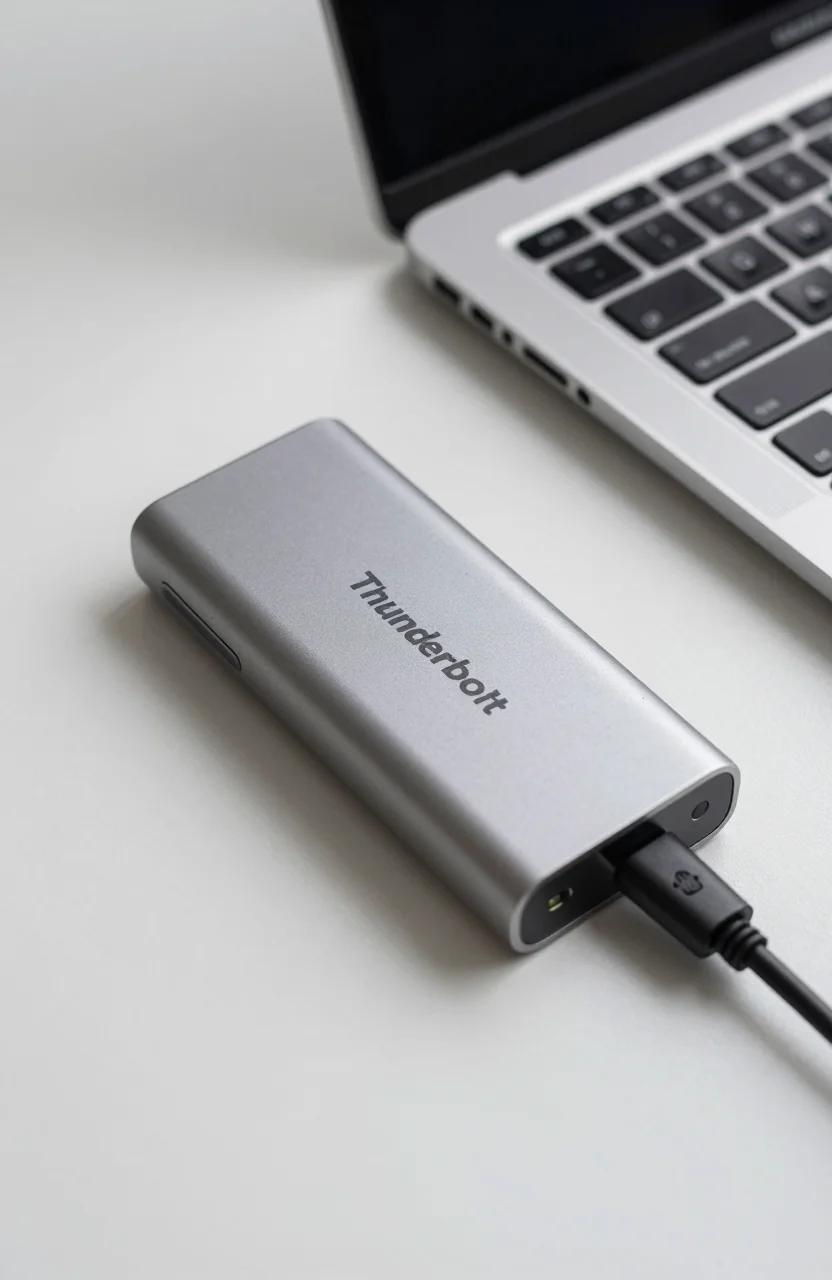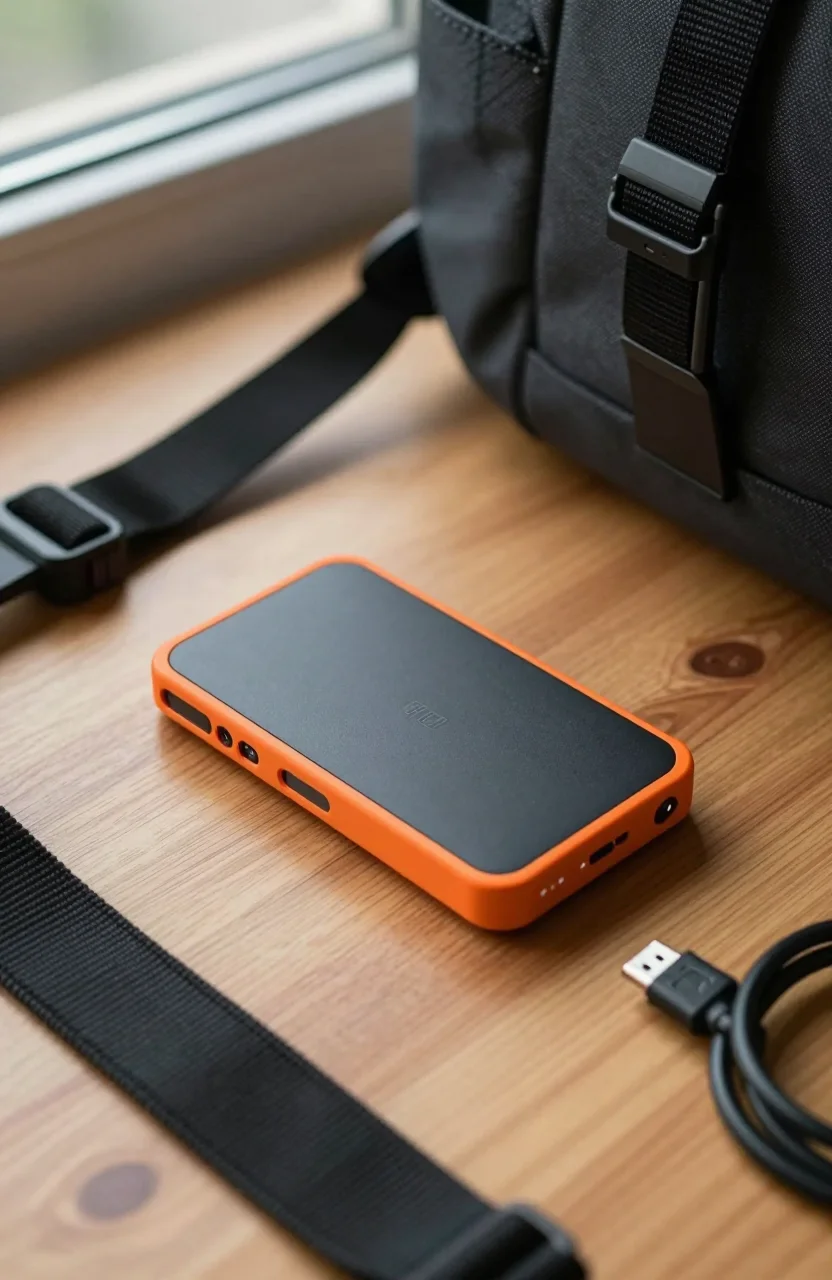
If you are shopping portable SSDs in 2026, the name "SanDisk Extreme" shows up everywhere. The problem is that Amazon listings and comparison charts often mix two different drives: the standard SanDisk Extreme Portable SSD and the much faster Extreme PRO. This review focuses on the non-PRO Extreme only, so you know exactly what you are paying for.
At roughly $288 for 2TB, with rated speeds up to 1050MB/s and an IP65 rating, the Extreme sits in the sweet spot for travelers, photographers, and anyone who wants a tough USB-C drive without Gen2x2 pricing. If you already compared it to the PRO in our Samsung T9 vs SanDisk Extreme PRO piece, this page is the other half of that story.

- Up to 1050MB/s sequential reads (USB 3.2 Gen2)
- IP65 dust and water resistance
- 2TB capacity option around $288
- Not the Extreme PRO (Gen2x2 ~2000MB/s)
Extreme vs Extreme PRO: do not mix the ASINs
SanDisk reused the Extreme branding on two generations that look similar in photos. The standard Extreme tops out around 1050MB/s on a 10Gbps USB port. The Extreme PRO uses a Gen2x2 path and advertises roughly 2000MB/s when your host and cable support it. If a listing promises 2000MB/s, you are looking at the PRO, not this review unit.
For most laptop users on USB-C without Thunderbolt or USB4, the non-PRO Extreme is the smarter buy. You rarely saturate Gen2x2 on everyday photo dumps, Lightroom catalogs, or backup jobs. Paying PRO money only makes sense when you move multi-gigabyte video clips all day and your machine can actually feed that bus. Before you checkout, open the ASIN and confirm you are buying the current Extreme listing, not a PRO SKU that landed in a "related" carousel.
We keep a broader rugged roundup in our best rugged portable SSDs for travel guide if you want Extreme stacked against Shield-class drives.
Specs that matter in daily use
Rated read speed up to 1050MB/s is the headline, and on a clean USB 3.2 Gen2 port you can get close with large sequential files. Writes land a bit lower in sustained bursts, which is normal for compact portable SSDs that throttle when they warm up. For camera card offloads and project folders, the Extreme still feels snappy compared with any spinning drive.
Capacity is the other lever. The 2TB cut is the one most buyers should target in 2026: enough for a year of travel photos or a few 4K projects without juggling disks. Street pricing near $288 for 2TB puts this 2TB Extreme drive in competitive territory against Samsung T7-class options, especially when IP65 is on your checklist.
IP65 means dust-tight and resistant to water jets from any direction. It is not a diving rating, but it covers rain, dusty trail bags, and the occasional coffee splash. Pair that with a rubberized shell and you get a drive that survives bags better than thin metal sticks. For more field habits, see our notes on protecting external drives from physical damage.
- Interface: USB-C, USB 3.2 Gen2 (10Gbps class)
- Peak sequential: up to 1050MB/s (host dependent)
- Durability: IP65 dust and water resistance
- Typical 2TB price: around $288 (verify live)
- Amazon score: about 4.6/5 across configurations
Who should buy the Extreme (and who should not)
Buy the Extreme if you want a sealed portable SSD for travel kits, drone days, or student laptops that only offer USB-C. It is quieter, lighter, and far more drop-tolerant than a 2.5-inch enclosure. Reviewers who already own a T7 Shield often keep an Extreme as a second disk because the form factor is pocketable and the brand warranty path is familiar.
Skip it if your workflow is Thunderbolt-native and you need enclosure-level NVMe speeds, or if you specifically need the PRO's Gen2x2 ceiling. Creators editing large RAW video timelines on a MacBook Pro with Thunderbolt ports will feel the difference more than a photographer dumping cards once a day. Budget shoppers under $150 should also check our best portable SSDs under $150 list before stretching to 2TB.
One practical tip: always use the included USB-C cable or a short high-quality replacement. Long cheap cables and docking hubs often cap the bus below what the IP65 portable SSD can deliver, which leads people to wrongly blame the drive.
Performance expectations on real ports
Marketing peaks assume a direct Gen2 connection. Plug into an older USB 3.0 port and you will see closer to 400-450MB/s. That is still fine for documents and photo libraries, but it is not the 1050MB/s sticker. Windows and macOS both benefit from keeping the drive cool on a desk rather than buried under a laptop during long transfers.
Encryption software from SanDisk can lock the volume with a password. Useful for client work, annoying if you forget the password on a set. Format for your OS once, then stick to one filesystem: APFS or exFAT for Mac-heavy kits, NTFS or exFAT for Windows shops. Reformatting wipe everything, so copy first.
Compared with DIY NVMe sticks in plastic shells, the Extreme trades a bit of peak speed for a finished product with weather sealing and consistent firmware. If you only desk-dock and never leave the office, a cheaper non-sealed drive can win on price per GB. If the disk lives in a backpack, picking up the Extreme is usually the lower-risk call.
Weak spots to accept before you order
Heat under sustained writes is the usual complaint on compact SSDs, Extreme included. Long 4K dumps will warm the shell; throttling is possible if ambient temperatures are high. The drive is also not a substitute for a proper backup strategy: IP65 helps with weather, not with accidental deletes or ransomware.
Another weak spot is naming confusion at checkout. Third-party sellers sometimes title PRO and non-PRO almost identically. Read the speed line and the ASIN. If you need a second opinion on common buying mistakes, our checklist of mistakes to avoid before buying a portable SSD covers cable, hub, and capacity traps that apply here too.
Warranty length and regional coverage vary by seller. Prefer fulfilled listings when you can, and keep the order email so RMA is simple if a unit arrives DOA. At a 4.6/5 average, most buyers land happy, but outliers exist on any mass-market SSD.
Verdict: still a strong midrange rugged pick
The SanDisk Extreme Portable SSD remains one of the clearest midrange choices in 2026 when you want IP65 toughness without Extreme PRO pricing. Treat the 1050MB/s rating as a best-case Gen2 number, buy 2TB if your library is growing, and double-check you did not cart the PRO by accident. For travel kits and everyday external storage, Extreme pricing on Amazon is usually where the value lands.
If your next step is comparing rugged shells head to head, jump to the travel roundup linked above. If you already know Extreme PRO is overkill, this non-PRO model is the one to shortlist.