Portable SSDs look simple: plug in, copy files, leave. The buying mistakes are less obvious. People chase a "2000 MB/s" banner, then plug into a USB-A port that never had a chance. Others buy a fragile stick for field shoots, or a 500GB drive for a 4K timeline habit that fills in a week. This tutorial walks through the mistakes that waste money, then points you to safer picks like the Samsung T7 Shield, SanDisk Extreme PRO, and Samsung T9.
If you still mix up media types, read SSD vs HDD and our external HDD guide. For capacity and archive pricing context, see external drive prices by capacity.

- Withstand whatever adventure with the wildly reliable T7 Shield; It's designed for the elements with water, dust and drop resistance-all, of
- Take on the project, then transfer all your heavy files within seconds with the USB 3.2 Gen 2 Portable Solid-State Drive; Compatible with PC
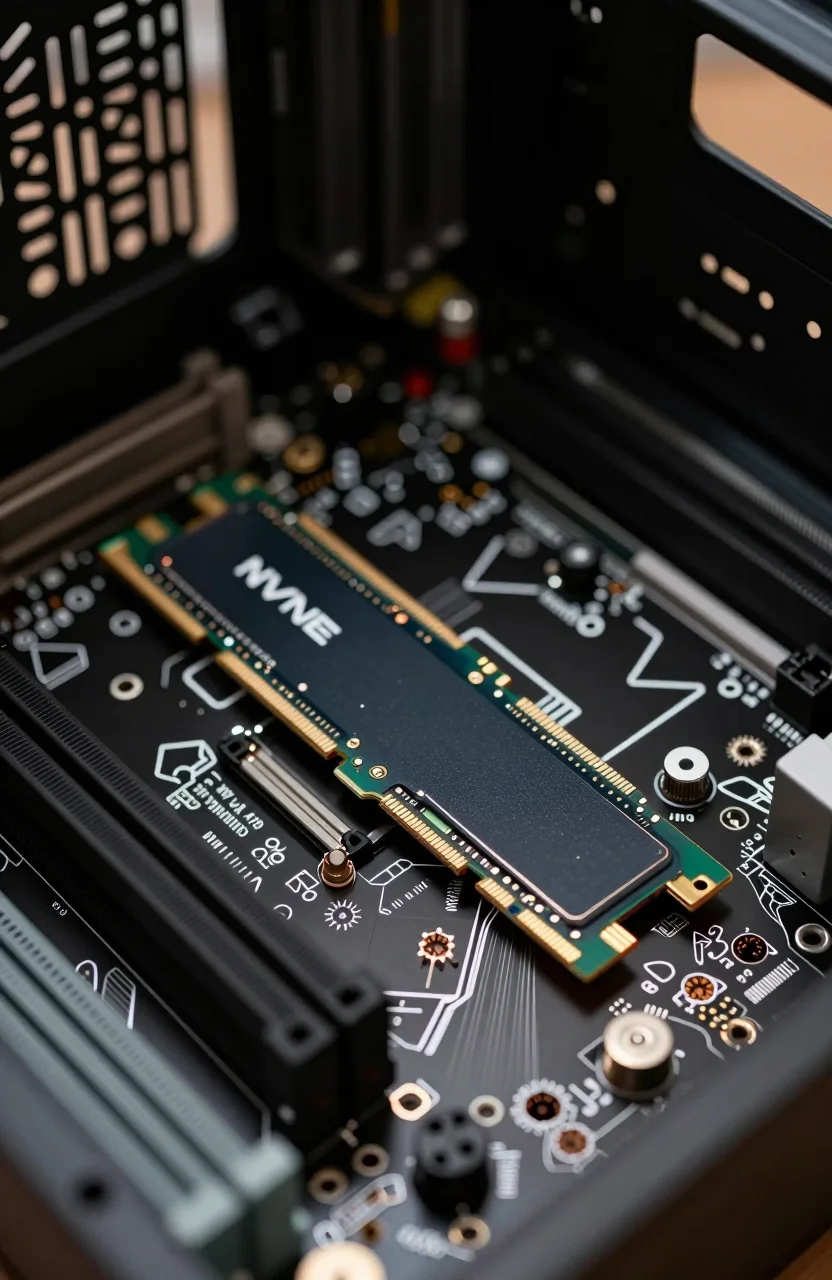
- The T7 is embedded with PCIe NVME technology that brings you fast read and write speeds up to 1,050/1,000 MB/s, making it almost twice as fa
- Forge your own path with a full range of storage capacities; Keep all your prized files in one place with options from 1TB to 4TB
Wrong interface assumptions
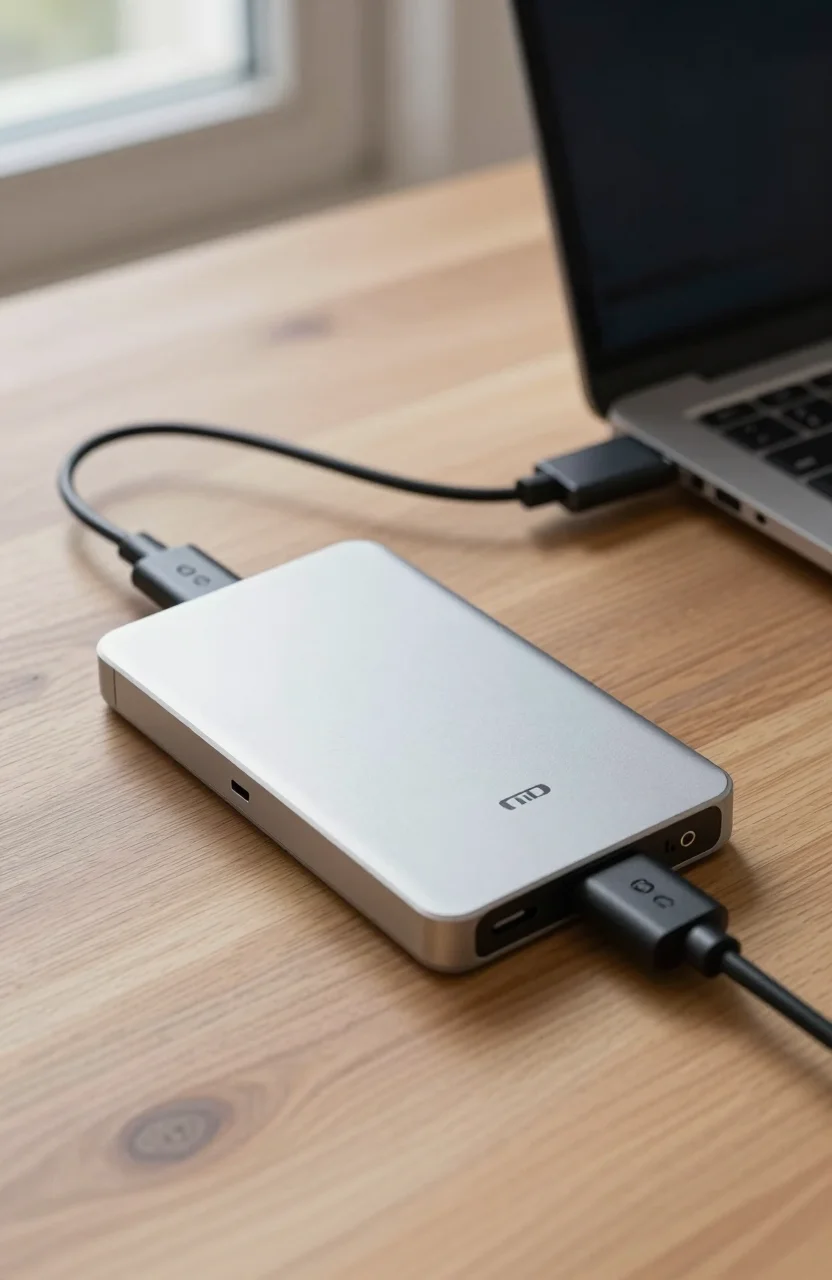
The biggest portable SSD mistake is treating every USB-C cable and port as equal. Marketing quotes peak speeds for the best-case host: often USB 3.2 Gen2 (roughly 10 Gbps) or Gen2x2 (roughly 20 Gbps) depending on the drive. Your laptop may only offer USB 3.2 Gen1 (5 Gbps) on the convenient side port. Thunderbolt ports behave differently again. The drive is not lying. Your port is the bottleneck.
Cables matter just as much. A charge-only cable, a thin no-name lead, or a Gen2 cable on a Gen2x2 drive can leave performance on the table. Gen2 and Gen2x2 are easy to confuse in product titles. Gen2x2 needs a host and cable that actually speak that dialect. Many Windows laptops still lack Gen2x2. You buy a 2000 MB/s class SSD, then measure 900 MB/s and leave a one-star review.
Adapters add another tax. USB-C to USB-A dongles, docking station passthrough, and cheap hubs often renegotiate to a slower link. If you must use a dock, test the SSD on a direct motherboard port first so you know the drive's real ceiling. Then test through the dock. The gap tells you whether the dock is the villain.
Before you buy, map your ports:
- USB-A 3.x only? Expect far below 2000 MB/s even with an adapter
- USB-C 10 Gbps (Gen2)? Solid for T7 Shield class performance
- USB-C 20 Gbps (Gen2x2) or Thunderbolt? Now premium 2000 MB/s class drives can breathe
Check Device Manager, System Information, or the laptop manual. Do not guess from the shape of the connector. USB-C is a shape, not a speed. Label the fast ports with a tiny piece of tape if your laptop has three lookalike sockets. Future you will thank present you on a deadline night.
Phone-to-SSD workflows have the same trap. Some phones expose limited USB speeds or need OTG settings enabled. If your plan is camera cards to phone to cloud, verify the phone can sustain useful write rates before you buy a flagship portable SSD for that path alone.
Ignoring sustained write behavior
Peak sequential numbers are short bursts into a fast cache. Dump 80GB of footage and many portable SSDs slow after the cache fills. That is normal controller behavior, not always a defective unit. Creators who only read the box speed plan a same-day offload that suddenly crawls at minute twelve.
Test the way you work. Copy a realistic folder size twice. Watch the second pass. If your workflow is constant large writes, prefer drives known for stronger sustained behavior and hosts with headroom. The Samsung T9 and SanDisk Extreme PRO sit in the higher-speed portable tier when the port cooperates. The T7 Shield is often plenty for Gen2 hosts and travel kits where ruggedness matters more than chasing another 400 MB/s you will never see on a hotel laptop.
Heat is part of sustained writes. A drive that throttles in a hot car dashboard will look "slow" in reviews that never mention ambient temperature. Give it airflow. Do not bury it under a jacket while dumping cards. On long transfers, place the drive on a hard surface, not under a laptop that is already cooking its own vents.
Encryption and software layers can also trim throughput. Password tools and hardware encryption are worth using for client data. Just measure with encryption on if that is how you actually work. A demo speed with security off is marketing theater for anyone who ships encrypted handoffs.
Mid-article reality check: if you already own a capable host, compare live listings for the Extreme PRO and T9 before you assume you need both. One good fast portable plus a smart cable usually beats two half-understood gadgets.
Skipping rugged needs
If the SSD lives in a backpack with keys, on a film set, or beside a boat rail, IP rating and drop resistance are not marketing fluff. A sleek plastic stick that wins a desk benchmark can die from one concrete bounce. Buy for the worst day, not the product photo.
Rugged shortlist thinking:
- Need dust/water resistance and drop claims for field work? Start with the Samsung T7 Shield
- Want high-speed portable with a tougher shell ethos? Look at the SanDisk Extreme PRO
- Mostly desk-to-desk transfers in controlled spaces? A less armored high-speed option like the Samsung T9 can fit
Rugged does not replace backups. A sealed IP65 drive can still fail electrically. Carry a second copy strategy for irreplaceable shoots. Portable SSD is fast transport, not a vault. If a wedding or commercial day cannot be reshot, budget a second drive in the kit and clone critical cards before you leave the venue.
Also think about connectors. A drive that needs a rare proprietary cable becomes useless when that cable disappears in a hotel drawer. Prefer kits that include the cable you need, then buy a spare rated cable and tape it to the drive sleeve.
Sleeve and pouch choices matter more than people admit. A metal shell still scuffs against keys. A simple neoprene sleeve costs little and prevents the cosmetic damage that turns into cracked ports later.
The capacity trap
Buyers under-buy capacity because the 1TB price looks friendly, then spend evenings deleting old projects. Others over-buy a huge portable SSD when a cheap external HDD would hold cold archives better. Match media to job:
- Active edits, game libraries you move often, client handoff: portable SSD
- Cold archives, PVR dumps, "maybe someday" folders: high-capacity HDD usually wins on $/TB
Confusing HDD and SSD here is expensive. An external HDD will never feel like a portable SSD on random access, no matter what the TB number says. Conversely, filling a premium SSD with files you open twice a year wastes money you could have spent on a second rugged SSD for redundancy.
Rule of thumb: buy the capacity you will fill in 12 months of real projects, plus 20-30% free space so the drive does not live at 99% full. Full SSDs feel slower and age less gracefully. If you shoot 4K or RAW bursts weekly, 2TB is often the minimum working drive, not a luxury upgrade.
Another capacity trap is splitting one project across three half-full sticks because each was on sale. Fragmented kits create wrong-drive mornings. Prefer one primary working SSD and one archive tier. Sales are only bargains when they match the system you already run.
Buyer checklist before checkout
Run this list once. It prevents most refunds:
- Confirm host port speed (5 / 10 / 20 Gbps or Thunderbolt)
- Confirm cable rating matches the drive (Gen2 vs Gen2x2 especially)
- Decide rugged needs (desk only vs field abuse)
- Size capacity for 12 months of active data, not wishful minimalism
- Plan a second copy for anything you cannot reshoot
- Read recent reviews for thermal throttling and cable complaints on that ASIN
- Ignore any expectation of 2000 MB/s on a slow USB-A dongle chain
- Test a large copy on day one and keep the receipt until that test passes
Still unsure whether spinning disks belong in your kit at all? Cross-check with HDD vs SSD for long-term archiving. Portable SSDs shine for speed and toughness. They are rarely the cheapest archive tier.
Write the checklist answers in a note on your phone before you open Amazon. Buying while tired after a shoot is how people impulse-purchase the wrong generation. Ten minutes of port homework beats a week of return shipping.
Safe picks by mistake you almost made
You almost bought speed you cannot use. If your daily laptop is Gen2 USB-C, get a strong mid-fast rugged drive and stop overpaying for Gen2x2 headroom. The T7 Shield is the practical fix: fast enough on real ports, tougher in a bag.
You need max portable throughput on a capable host. Pair a 20 Gbps-class port with the SanDisk Extreme PRO or Samsung T9, use the right cable, and verify speeds with a real multi-gigabyte copy, not a 3-second burst test.
You confused HDD capacity with SSD speed. Keep archives on a high-capacity external HDD and keep the portable SSD lean for working sets. That split saves money and keeps your bag lighter.
You travel hard. Prioritize drop and dust resistance first, then speed. A slightly slower rugged SSD that survives the trip beats a faster desk queen that cracks on day three.
Buy once with the checklist, test on day one, and label the cable that actually delivers the speed. Most "this SSD is fake" threads are wrong-port stories wearing a drama costume. Match the drive to the port you own, the abuse you dish out, and the files you truly need fast. That is how portable SSDs stop being disappointing gadgets and start being boring, reliable tools.