Nine hundred ninety-nine dollars for an external SSD sounds like a punchline until you see the capacity on the box: 8TB in a desk-bound SanDisk enclosure rated up to about 1000 MB/s. The question shoppers type into search is blunt: is the SanDisk Creator Desk Drive 8TB worth that money, or should you build something cheaper?
This piece answers the objection honestly. Early shop feedback sits near 4.0/5 with a limited review count, so social proof is thinner than on mature portable SSDs. We will walk through what you get, the math versus a DIY NVMe enclosure plus internal sticks, and when a spinning My Book-class HDD is the smarter archive. For interface context on fast desks, see Thunderbolt 5 vs USB4 for external storage.

- 8TB desktop SSD for creator libraries
- Up to 1000 MB/s class USB transfers (rated)
- Desk form factor, not a pocket portable
- Street price around $999.99
Why the $1000 question exists
Creators hit a wall when portable 2TB SSDs fill up and desktop HDDs feel too slow for active projects. An 8TB flash volume that sits on the desk and delivers roughly gigabyte-per-second class copies solves both complaints in one SKU. SanDisk markets that promise with the Creator Desk Drive, and Amazon lists it near $999.99 for the 8TB cut.
At that price you are paying for integration: enclosure, power design, firmware, warranty path, and a single branded product you can expense without assembling parts. You are also paying a convenience tax versus buying bare NVMe drives and a quality enclosure yourself. Whether that tax is fair depends on your time, your risk tolerance, and how often you need the full 8TB online at SSD speeds.
Early ratings near 4.0 with few reviews mean you should read recent comments, not treat the star average as gospel. Thin review pools swing hard on a handful of shipping or setup complaints. Wait for a deeper sample if you are nervous, or buy from a seller with an easy return window if you want to test fit on your desk now.
Compare the use case with our broader take on external drives for video editors. Editors who mostly archive finished exports can live on HDD. Editors who scrub proxies and camera originals off external volumes feel every missing hundred MB/s.
What you actually get
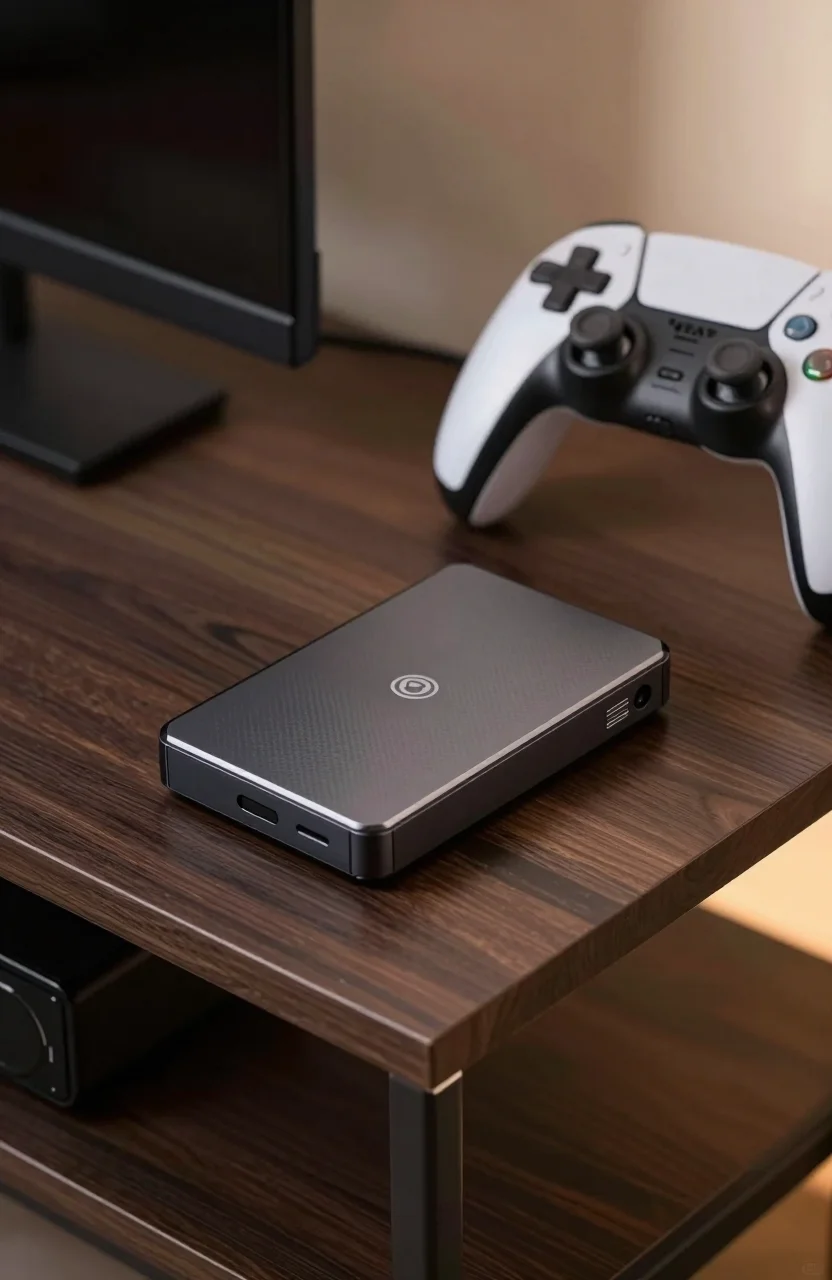
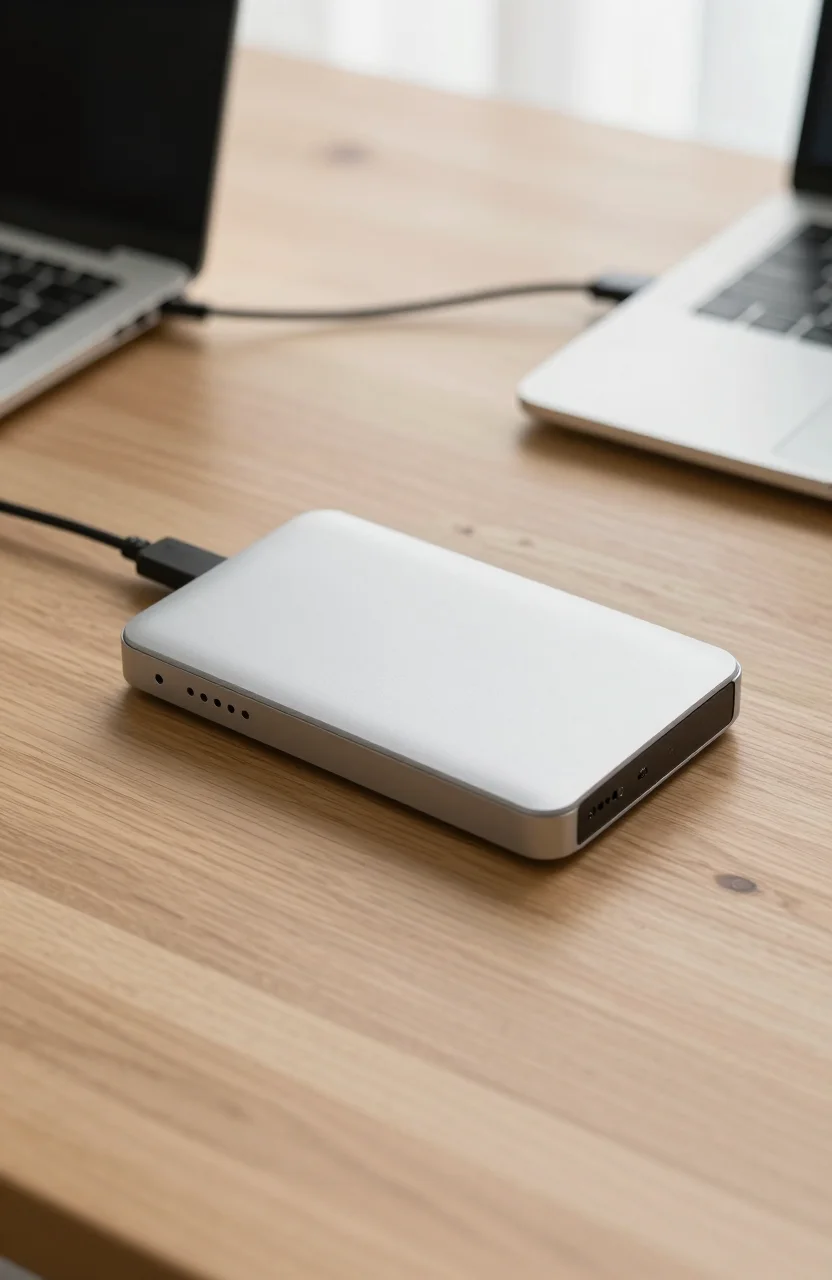
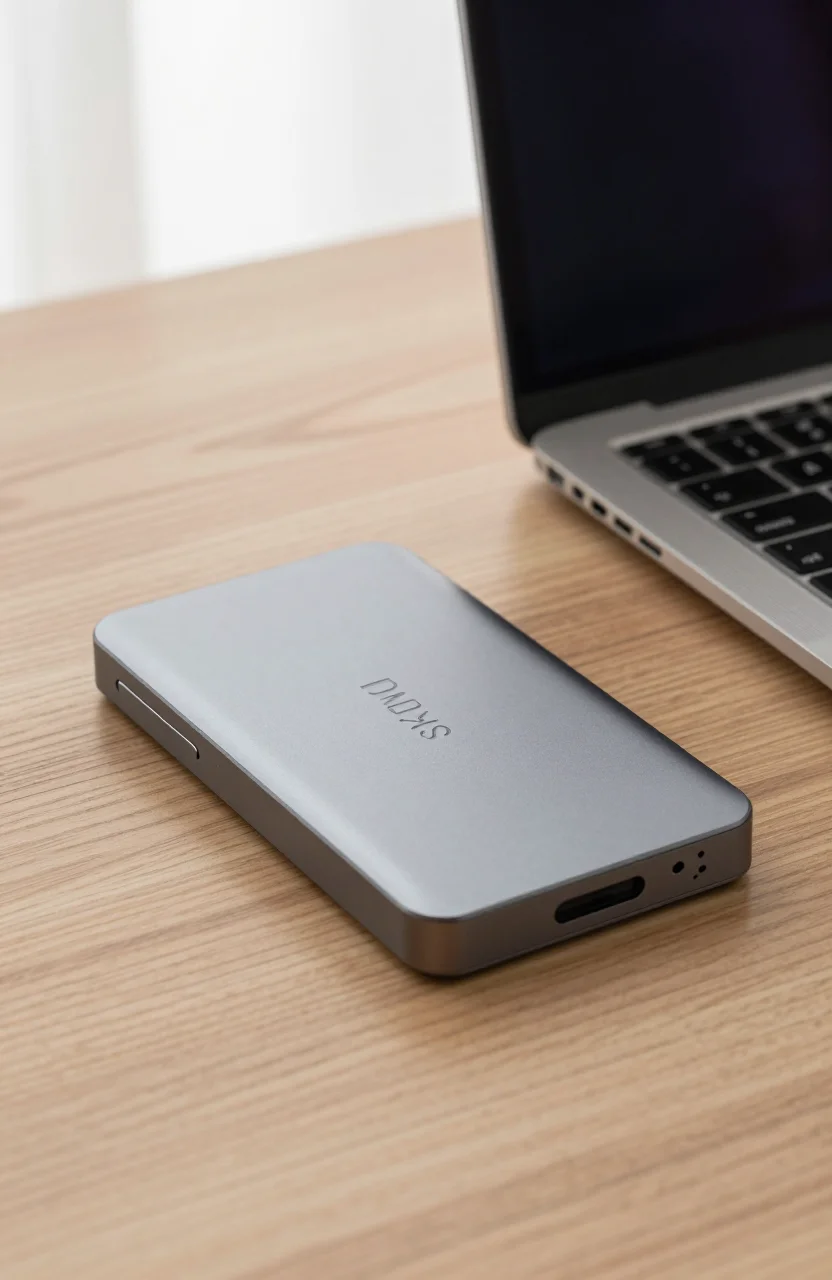
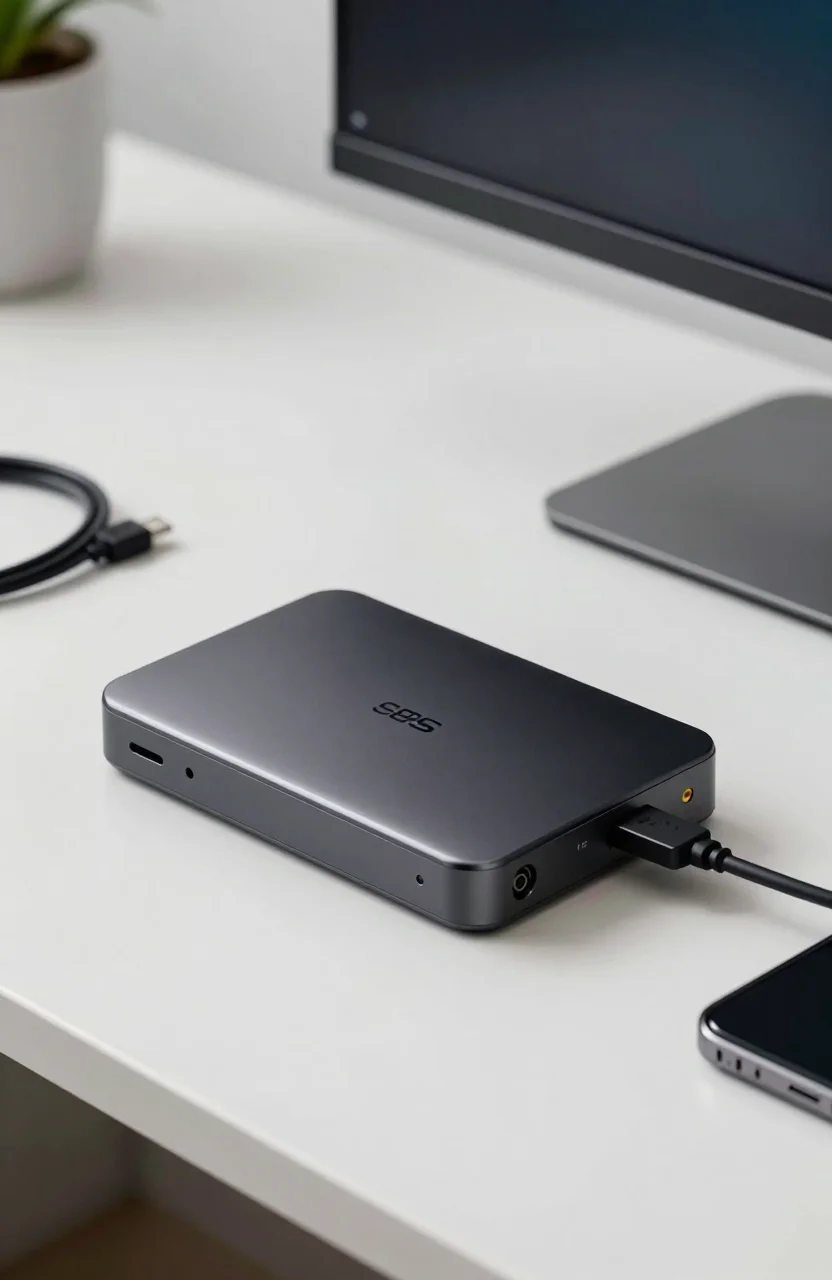
The Creator Desk Drive is a desktop SSD, not a rugged travel brick. Expect a larger footprint, likely AC power or a more substantial USB-C power profile depending on the exact pack, and a design meant to stay next to a workstation. Rated performance up to about 1000 MB/s puts it in familiar USB 3.2 Gen 2 territory: fast enough to feel like a modern portable SSD, not as fast as an internal Gen4 NVMe lane.
Eight terabytes of flash changes project hygiene. You can keep multiple camera days, LUT libraries, and client folders online without constant juggling. That alone is why some freelancers will check the Creator Desk Drive price even after flinching at four digits.
SanDisk branding helps if your studio already standardizes on Extreme or Professional media. One warranty phone tree and one cable standard reduces friction. It does not magically make USB faster than the host port allows, so a weak laptop dock can still bottleneck the drive.
Noise should be minimal compared with spinning desktop HDDs. Heat will exist under long writes; leave vent paths clear. For long-term archiving philosophy, contrast this SSD desk unit with advice in HDD vs SSD for long-term archiving.
The math versus DIY enclosure plus NVMe
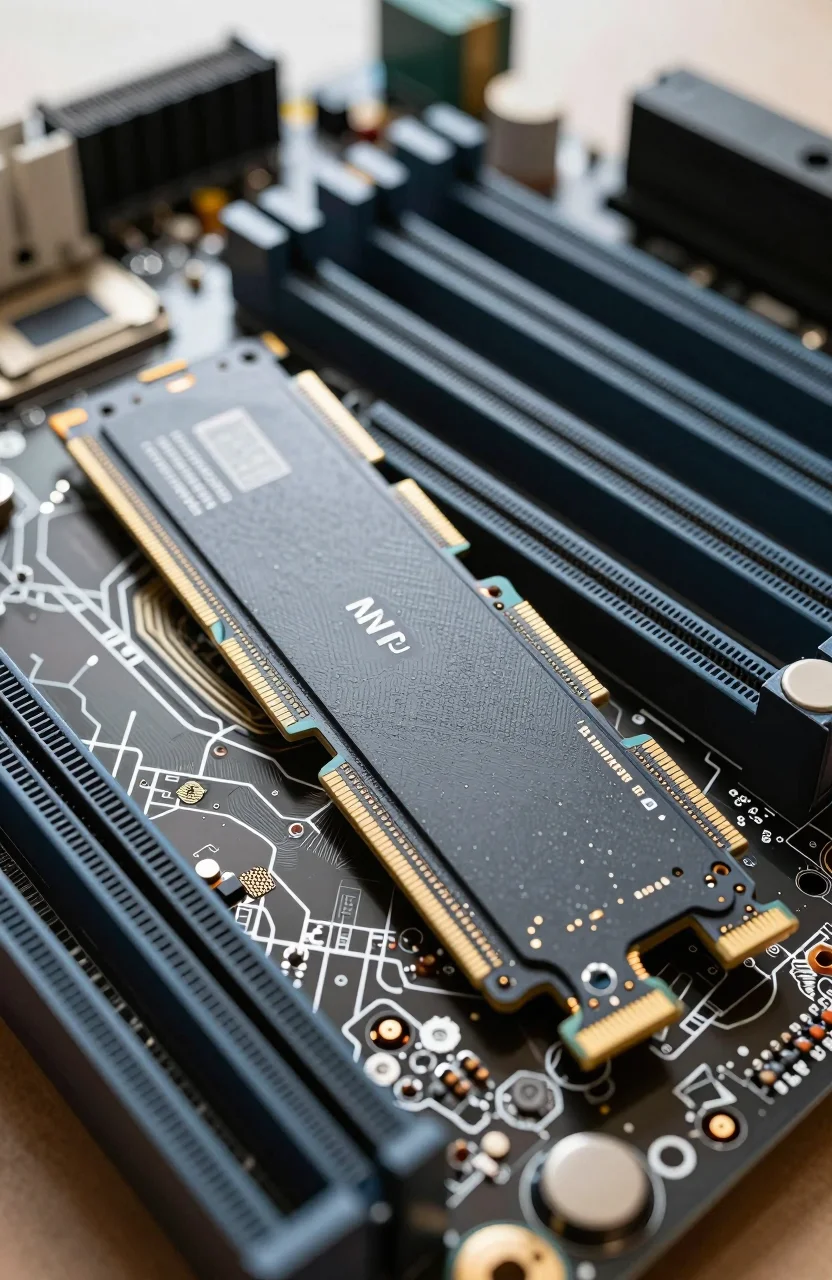
A realistic DIY stack in 2026 might be two or more high-capacity Gen4 NVMe drives inside a multi-bay or single high-capacity enclosure, or one huge stick if you can find it on sale. Enclosure costs vary widely, from budget USB bridges to premium Thunderbolt chassis. Add cables, heatsinks, and your time to format, benchmark, and troubleshoot.
On raw dollar-per-GB, DIY often wins if you already know how to buy compatible NVMe modules and you accept that firmware, thermals, and bus limits are your problem. A finished SanDisk Creator Desk Drive wins if you bill clients by the hour and cannot afford a weekend of hardware tinkering. Paying roughly $125 per TB for integrated 8TB flash is expensive next to HDD, yet competitive with other large prebuilt desktop SSDs when those exist at all.
Do not ignore failure modes. A sealed branded unit is simpler to RMA as one product. A DIY stack can leave you arguing about whether the enclosure or the SSD failed. DIY also tempts people to reuse old NVMe sticks that are already worn; that is a false economy for client data.
If your desk already has Thunderbolt and you chase higher than 1000 MB/s, a DIY or pro chassis on a faster bus may outperform this SanDisk USB-class design. Match the cable plant before you chase capacity alone.
My Book HDD and other cheaper paths
A WD My Book or similar 8TB-class desktop HDD often costs a fraction of $999.99. You get capacity for cold storage and overnight backups, not SSD snappiness. For photo archives you open monthly, that is rational. For active 4K timelines, it is frustration.
Hybrid setups remain popular: SSD desk drive for active projects, HDD for sealed deliverables. That split is cheaper than forcing every byte onto flash. Capacity pricing trends in our HDD capacity price guide show why spinning rust still anchors big libraries.
Portable SSDs under mid budgets solve travel, not 8TB desk libraries. If you only need 1-2TB on the go, skip the Creator Desk Drive entirely and shop portables instead. The Desk Drive only makes sense when the capacity and the always-plugged posture match your room.
Also weigh backup discipline. An expensive SSD can still die. RAID or a second copy is not optional just because the drive is flash. Budget a second target even if you order the 8TB Desk Drive as your hot volume.
Who it fits (and who should walk away)
Buy it if you are a working creator who needs multi-terabyte SSD speed on the desk, hates assembling enclosures, and can expense or amortize about $1000. The rated ~1000 MB/s class performance aligns with common USB creative docks, and 8TB reduces constant library pruning.
Walk away if you are primarily archiving cold files: a desktop HDD plus occasional SSD scratch space will feel smarter. Walk away if you enjoy DIY hardware and already own fast NVMe inventory. Walk away if the thin early review pool makes you uneasy; wait for more owner data.
Gamers chasing cheap Steam overflow are not the audience. Neither are travelers who need a pocket drive. This is a desk appliance for people who already know why USB flash at this scale costs real money.
Verdict: worth $1000 or not?
Worth it when your time, warranty simplicity, and 8TB of hot SSD storage matter more than winning a parts-list spreadsheet. Not worth it when a My Book-class HDD covers cold data, or when a DIY enclosure plus NVMe already sits in your skill set and budget.
Treat the roughly 4.0 early rating as a caution, not a death sentence. Read recent reviews, confirm cables and power in the box, and use a return-friendly purchase path. If those checks pass and you truly need 8TB online at about 1000 MB/s, the Creator Desk Drive on Amazon is a coherent product, not a meme price tag.
If you are still unsure, price a competing desktop SSD and a DIY bill of materials the same week. Whichever path keeps your projects moving with less drama is the right answer. For many freelancers that will still be a branded desk SSD; for tinkerers it will not. Either way, do not confuse capacity marketing with a backup strategy, and only buy the SanDisk Creator Desk Drive when the workflow math is clear.