Two cost-cutting strategies dominate discussions in the storage community: shucking external hard drives to extract the bare disk inside, and buying refurbished enterprise hard drives from secondary market vendors. Both approaches promise real savings - sometimes $40 to $60 per drive compared to retail NAS prices at high capacities. Both also carry risks that are easy to underestimate if you go in without a clear picture of the tradeoffs. This guide covers both strategies in depth for 2026, explains where they genuinely pay off, and identifies the situations where they backfire badly.
What Is Drive Shucking?
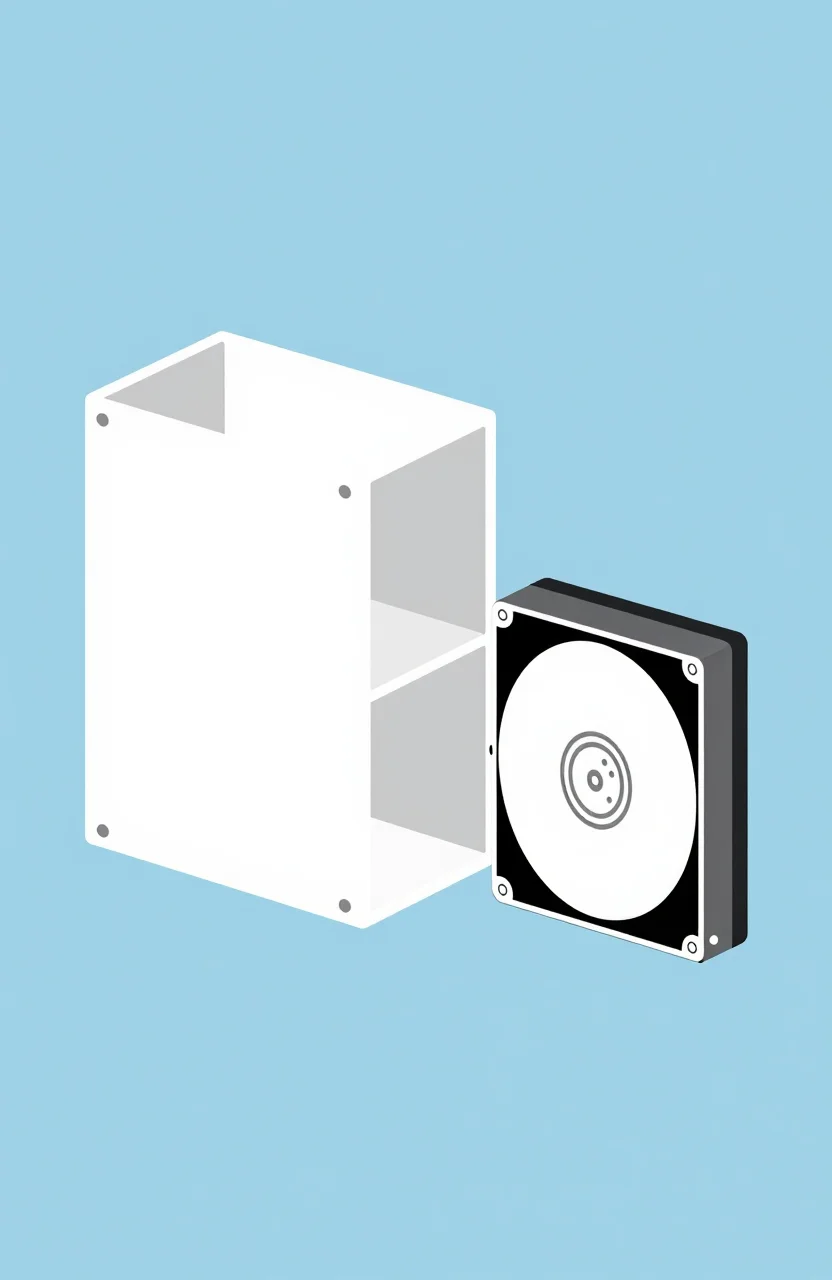
Shucking means opening a retail external USB hard drive enclosure and removing the bare 3.5-inch drive inside. External drives like the WD Elements Desktop 8TB and Seagate Expansion Desktop are frequently sold at lower price-per-gigabyte than equivalent bare retail drives, especially at high capacities. This pricing gap exists because external drives are bundled with an enclosure and USB bridge board that has low manufacturing cost, and external storage competes in a different retail category than bare drives sold to builders and integrators.
The drives inside are often full-size 3.5-inch HDDs closely related to models sold separately as WD White Label, WD Red, or Seagate Barracuda bare drives. At 8TB or 10TB capacities, the savings over a retail WD Red Plus or IronWolf can be significant enough to make shucking attractive for budget-sensitive NAS builds. For a 4-bay array, that delta adds up quickly.
The SMR Problem: The Most Important Risk in Shucking
Here is the critical issue many enthusiastic shuck guides skip over: a significant number of external drive enclosures - particularly in the budget and mid-tier segments - contain SMR (Shingled Magnetic Recording) drives rather than CMR. SMR handles sustained random writes poorly due to its track-overlap design, which requires re-reading and re-writing neighboring tracks whenever data is updated. This is precisely the workload a NAS RAID rebuild or a large nightly backup generates. An SMR drive inside a RAID array can reduce rebuild speeds to a crawl, and in some configurations can cause array degradation or drive ejection during the process.
The WD Elements Desktop 8TB has historically contained White Label or WD Red drives using CMR in its higher-capacity configurations, but WD has changed internal components across production runs without marking the box differently. The only reliable approach is to record the exact model number printed on the bare drive label after shucking, then verify it against manufacturer specs or community-maintained databases. Do this verification before committing drives to a RAID array. Use our cost-per-GB calculator to compare the shuck price against a confirmed CMR NAS drive - sometimes the savings are smaller than they appear once you factor in uncertainty and warranty loss.
Best Shucking Targets in 2026
WD Elements Desktop 8TB
The WD Elements Desktop 8TB has been one of the most consistently successful shuck targets over the past several years. At 8TB, production runs have typically used CMR drives - the higher capacity tiers have been less likely to include SMR than the smaller sizes in the Elements line. After shucking, the bare drive works in most NAS bays with one important caveat: some WD drives use the SATA 3.3V power pin for a spin-down feature that can prevent the drive from powering on in certain aftermarket NAS enclosures. Covering pin 3 on the SATA power connector with tape or using a compatible SATA power cable resolves this.
The warranty situation is the largest downside. WD does not honor warranty claims on shucked drives - the warranty applies to the external enclosure as sold, not to the bare drive operating outside it. For a backup NAS where RAID redundancy covers a single drive failure, this is a manageable risk. For a primary NAS holding irreplaceable family photos or business data, the absence of any individual drive warranty demands a more conservative approach. Read the HDD buying guide for an overview of retail NAS drive warranties by brand.
Seagate Expansion Desktop 8TB
The Seagate Expansion Desktop 8TB is a common shuck candidate discussed in storage forums, but the picture here is less favorable for NAS use. At 8TB, units in recent production have frequently contained SMR-based Barracuda Compute drives rather than CMR IronWolf-class hardware. This makes the Expansion a poor choice for shucking into a RAID NAS array. As a standalone desktop secondary drive for sequential workloads - storing large media libraries, archiving video projects, bulk file storage - an SMR drive performs acceptably because the write pattern is mostly large sequential rather than random. If you want a Seagate drive for NAS RAID use, purchasing a retail IronWolf is the cleaner and safer path. Check the NAS drive guide for the specific IronWolf models we recommend.
Refurbished Enterprise Hard Drives
Refurbished enterprise drives - typically Seagate Exos, Western Digital Gold, or HGST Ultrastar models - come from data center decommissions and are resold through secondary market vendors and online marketplaces. The appeal is significant: these drives are built to substantially higher durability and reliability standards than consumer NAS drives. Enterprise workload ratings often exceed 500TB per year, they are designed for 24/7 continuous operation at scale, and the raw hardware quality is generally excellent. At 10TB or 12TB, a refurbished Exos can cost less than a comparable retail IronWolf Pro.
The risk is uncertainty about remaining usable lifespan. A refurbished drive may have accumulated 20,000 to 40,000 hours of power-on time in a server rack. Reputable vendors should provide SMART data - including power-on hours, reallocated sector count, and pending sector count - before purchase or upon request. Always ask for this information before committing. A drive with a clean SMART report and under 30,000 hours from a vendor with a return policy is a different risk profile than an anonymous listing with no history data. Check reallocated sectors carefully - any nonzero count warrants scrutiny.
Warranty and Support Reality
Both shucked and refurbished drives typically carry limited or no manufacturer warranty. Some secondary market vendors offer their own 30 to 90-day return windows, providing basic protection against immediate infant mortality failures. Beyond that window, you are on your own. For any array holding data you care about, run a full surface scan using CrystalDiskInfo, badblocks, or the NAS built-in diagnostic immediately after installation, and again after 30 days of operation. Treat these drives as if they carry zero warranty and structure your backup strategy accordingly. A 3-2-1 backup approach - three copies, two media types, one offsite - remains the right answer regardless of what drives you use.
Use the cost-per-GB calculator to evaluate whether the savings from shucking or buying refurb enterprise drives actually justify the risk premium given current retail NAS drive pricing. At some capacity tiers, the gap has narrowed enough that retail CMR NAS drives with full warranty are the objectively better choice.
Is It Worth It in 2026?
Shucking makes the most sense for high-capacity drives at 8TB and above, where the price gap over retail NAS drives remains meaningful, and where you can verify CMR recording technology before deploying the drive. Refurbished enterprise drives are a reasonable option for users comfortable reading SMART data and working with vendor return policies - they fit well in home media servers, archival NAS builds, or parity-protected RAID 5 and RAID 6 arrays where a single drive failure is recoverable without data loss. Neither strategy belongs in a primary NAS holding critical data that lacks a tested backup and recovery process. Run the numbers before committing, and let verified CMR status guide your decision on any drive intended for RAID use.