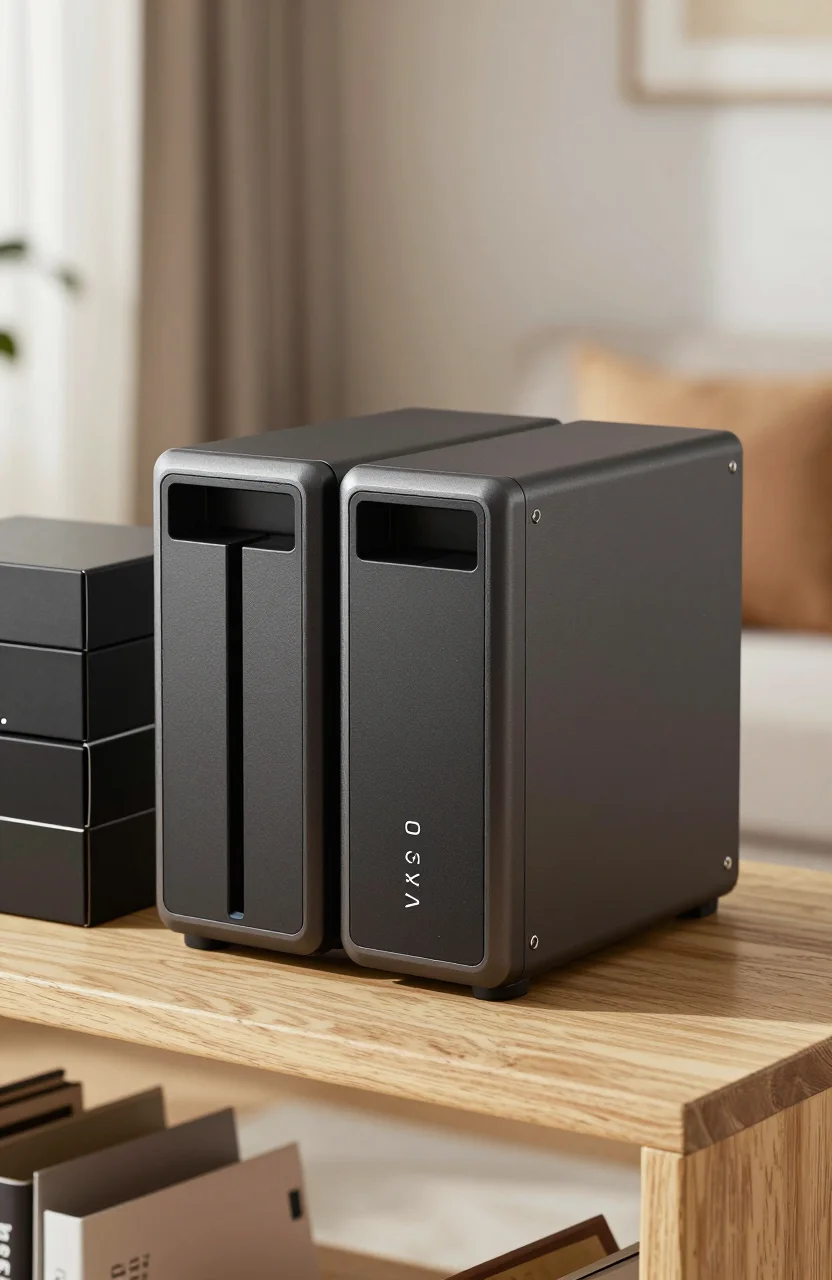
A cheap NAS that cannot run Plex cleanly is just a noisy USB box with a network cable. In 2026 the budget sweet spot for home media is still a diskless 2-bay unit with enough CPU and RAM for direct play today and light transcoding tomorrow. Browse live NAS prices, then decide whether you need apps like Docker and a mature Plex package, or simply shared folders and a media client.
This guide focuses on Plex-capable boxes. Skip barebone models that look cheap but lack Docker or a workable Plex path. Prefer the UGREEN DXP2800 or a Synology 2-bay when streaming is the main job. Check live diskless pricing before you lock a brand, because weekly deals often flip the shortlist.
| Best Choice | - | Best Price | |
|---|---|---|---|
| Preview |  |  |  |
| Title | UGREEN NAS DXP2800 2-Bay Diskless | Synology DS224+ 2-Bay Diskless NAS | Synology DS223 2-Bay Diskless NAS |
| Capacity | 8GB | - | - |
| Interface | PCIe NVMe | - | - |
| Rating | 4.5 / 51,111 reviews | 4.6 / 5634 reviews | 4.6 / 5930 reviews |
| Price | $369.99$439.99 | $299.99$339.99 | $249.99$279.99 |
| Buy on Amazon | Buy on Amazon | Buy on Amazon |
Direct play vs transcode (and why the CPU matters)
Direct play is the easy mode. Your TV, Shield, Apple TV, or smart client plays the file in its native codec and container. The NAS mostly ships bits over the LAN. Even a modest CPU handles multiple direct-play streams if the network and disks keep up.
Transcode kicks in when a client cannot play the source: wrong codec, outdated app, remote stream with a bandwidth cap, or burned-in subtitles that force a remux into a transcode. That is when weak ARM or entry N100-class CPUs struggle, fans spin up, and quality drops.
Budget rule for 2026: design your library for direct play first. Keep a few common profiles (H.264/H.265 in MP4 or MKV), use clients that handle those formats, and treat transcoding as a backup for phones and remote relatives. If you know you will transcode 4K HDR often, a bare-minimum NAS will frustrate you - step up CPU or offload playback to a stronger client.
The UGREEN DXP2800 uses an Intel N100-class platform that is a realistic Plex home server when you stay mostly on direct play and keep a couple of light transcodes in reserve. Synology's DS223 is quieter on apps maturity for some households, but its CPU is weaker for heavy transcode duty. The Synology DS224+ sits as the optional Synology step-up when you want DSM polish and a bit more headroom than the DS223 - useful as a pick in a shortlist, not as a full review topic here.
RAM, 2-bay RAID1, and real usable space
RAM is the silent limiter. Plex metadata scraping, Docker sidecars, and the NAS OS all share the same pool. On budget units, 8GB is a comfortable baseline for Plex plus a couple of containers. 4GB can work for a clean Plex-only install if you avoid stacking Arr stacks and databases on the same box.
Two bays remain the right home starter for media. Run RAID1 (mirroring) so one drive failure does not wipe the library. You pay for redundancy with capacity: two 4TB drives give roughly 4TB usable, not 8TB. That trade is worth it for family photos and a curated movie set. If raw capacity matters more than redundancy, JBOD or SHR/Basic modes exist, but understand you are choosing risk.
Still deciding between one bay and two? Our comparison of 1-bay vs 2-bay budget NAS covers expandability and price before you lock a chassis.
Diskless street prices move weekly. A DXP2800 or DS223-class chassis often lands in the low-to-mid hundreds of dollars before drives; the DS224+ usually sits higher. Always check live Amazon tags rather than memorizing a screenshot.
Budget NAS picks for Plex in 2026
UGREEN DXP2800 - best value when you want Plex and apps
The UGREEN DXP2800 is the primary recommendation in this roundup for Plex households that want modern hardware without jumping to a four-bay tower. Intel N100-class performance, room for Docker-style workflows on UGREEN's OS, and a 2-bay layout that fits RAID1. Pair it with CMR NAS drives and a wired Gigabit (or faster) link to your switch.
UGREEN is still the newer ecosystem compared with Synology. App polish and long-term support differ by release. If you want a deeper brand comparison, read UGREEN NAS as an alternative to Synology before you commit.
Do not buy a UGREEN DH2300-class unit for Plex. Models without a workable Docker/Plex path leave you with file sharing only. For streaming, stay on DXP2800 territory or Synology.
Synology DS223 - DSM comfort on a tighter CPU
The Synology DS223 remains a safe DSM entry point: package center habits many users already know, solid mobile apps, and a quiet 2-bay footprint. Direct play Plex libraries work. Heavy on-the-fly 4K transcode is not its job. Use it when software familiarity beats raw CPU, and keep clients on direct play.
Synology DS224+ - optional step-up in the Synology lane
If you prefer Synology but want more breathing room than the DS223, shortlist the DS224+. Treat it as a higher-tier pick in your comparison cart: better suited to mixed Plex plus packages, still a 2-bay home box. This guide is not a DS224+ deep-dive; if you need that, Synology's own specs and our broader NAS coverage are enough to decide whether the premium is worth it for your stream count.
HDD picks, power, and streaming hygiene
Buy CMR NAS drives, not desktop SMR specials that stutter under RAID rebuilds. A proven starter is the Seagate IronWolf 4TB - often near the $100 ballpark depending on the week. Two matching drives for RAID1 keep rebuilds predictable. For a wider CMR shortlist across Synology and QNAP-class units, use best NAS hard drives for home in 2026.
Power and noise matter in a living room. Park the NAS on a hard shelf with airflow, enable HDD hibernation if your access pattern allows, and prefer Ethernet over Wi-Fi for library streams. Schedule scrubbing and SMART tests monthly. Keep Plex metadata and the OS on a healthy volume; do not fill disks past roughly 80% if you want rebuilds and downloads to stay smooth.
For tuning tips after the hardware lands - library layout, remote access, and backup alongside streaming - follow how to optimize your home NAS for media streaming and backup.
Quick buying checklist
- Confirm Plex or Docker support before you chase the lowest diskless price.
- Plan RAID1 capacity honestly (usable space equals one drive in a two-disk mirror).
- Budget for two CMR NAS HDDs, not one giant desktop disk.
- Favor direct-play clients; treat transcode as overflow.
- Wire the NAS; reserve Wi-Fi for phones.
- Leave RAM headroom if you will add scrapers or containers later.
Label drive bays and keep the original screws in a small bag taped inside the chassis lid. When a disk fails two years from now, you will thank past-you for not guessing which tray held which serial number during a stressful rebuild. Photograph the drive serials once at install and store the photo in your password manager notes.
Power draw over a year is easy to ignore at checkout and annoying on a summer electric bill. A 2-bay NAS with two 3.5-inch CMR drives often sits in the 15-30W range while idle-ish and higher during scrubbing or multi-stream evenings. That is still far cheaper than leaving a full desktop PC on 24/7 as a Plex host. Prefer efficient N100-class or similar platforms when the box will live in a closet that already runs warm.
Remote streaming deserves a separate honesty check. If relatives watch from another city, your upload bandwidth and Plex remote quality settings matter more than another 0.2 GHz of CPU. Cap remote streams, prefer direct play when the client allows it, and keep a local client (Shield, smart TV app, or browser on LAN) for the heavy 4K titles. A budget NAS shines on the home network; fighting a 20 Mbps upstream with 4K remuxes is a different problem.
Backup still sits beside Plex even when the brief is "media box." RAID1 is not a backup. Mirror protects against one dead disk. It does not protect against ransomware, accidental deletes, or a stolen chassis. Keep a cold copy of irreplaceable family video on an external drive or a second location. Use the NAS for the hot library and convenience features; use offline or offsite copies for disasters.
Network hygiene is boring and it saves evenings. Give the NAS a reserved DHCP address or static IP, plug it into the same switch as your main client when possible, and avoid daisy-chaining through a weak mesh node. Enable HTTPS for the admin UI, change default passwords, and keep the OS packages updated on a monthly cadence. Plex itself should run under a dedicated shared folder structure so scrapers do not wander through personal documents.
Who should buy which box
Choose the DXP2800 if you want modern x86 efficiency, plan to add a container or two, and care more about Plex smoothness than brand loyalty. Choose the DS223 if DSM apps, mobile clients, and a predictable support path matter more than transcode horsepower. Shortlist the DS224+ only when you already know Synology is the OS you want and the DS223 feels underpowered for your mix of packages and streams.
Skip any ultra-cheap 2-bay that cannot install Plex or Docker cleanly. The sticker price looks friendly until you realize the box can only share folders. For a Plex home in 2026, start with the DXP2800 plus a mirrored IronWolf 4TB pair, wire it properly, and grow capacity later with matching CMR drives instead of chasing a four-bay chassis on day one.