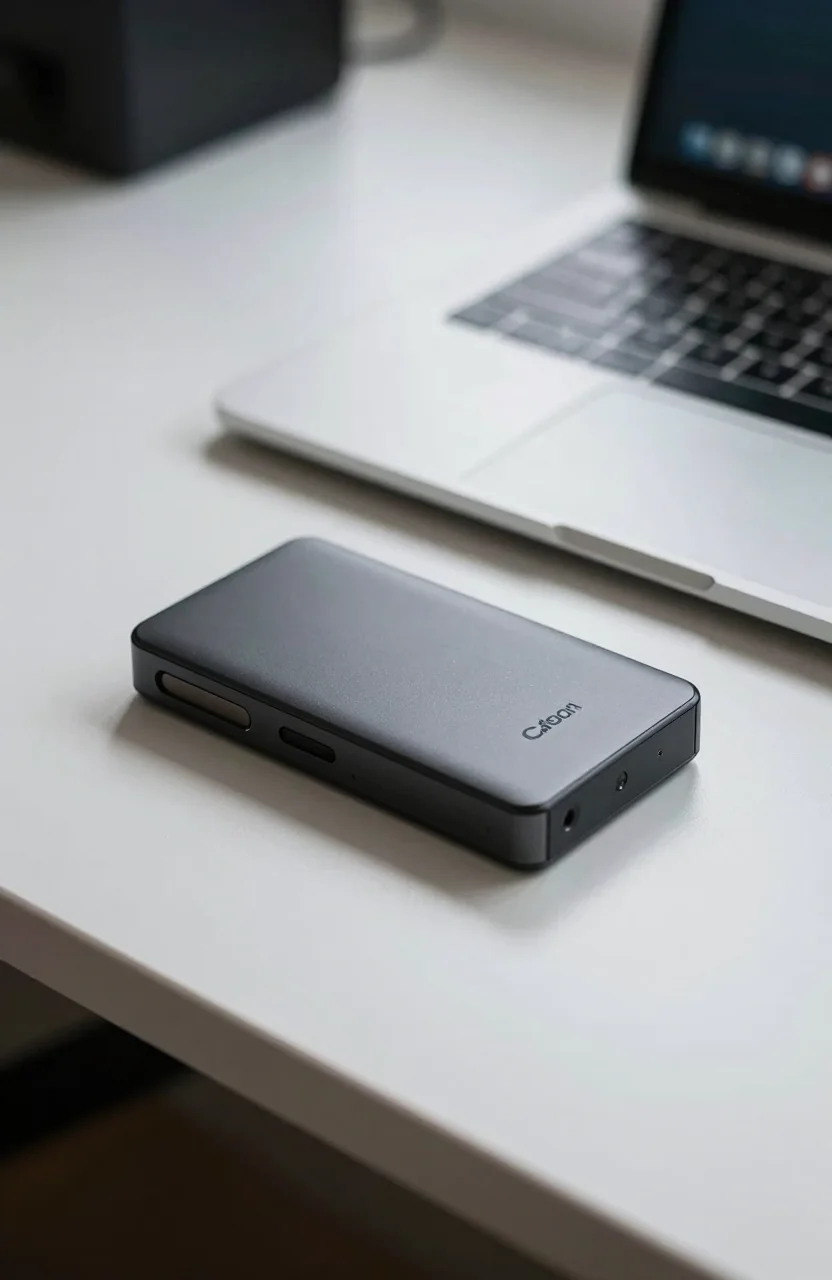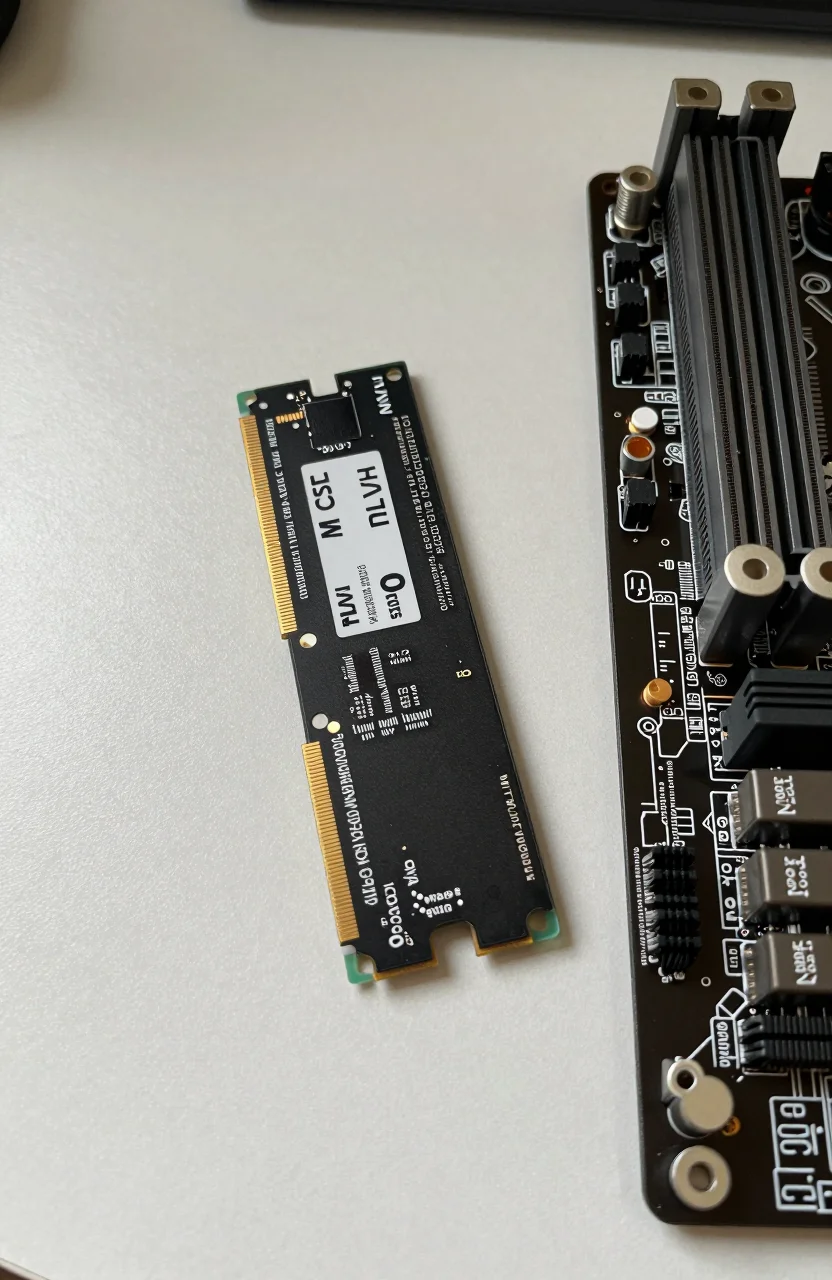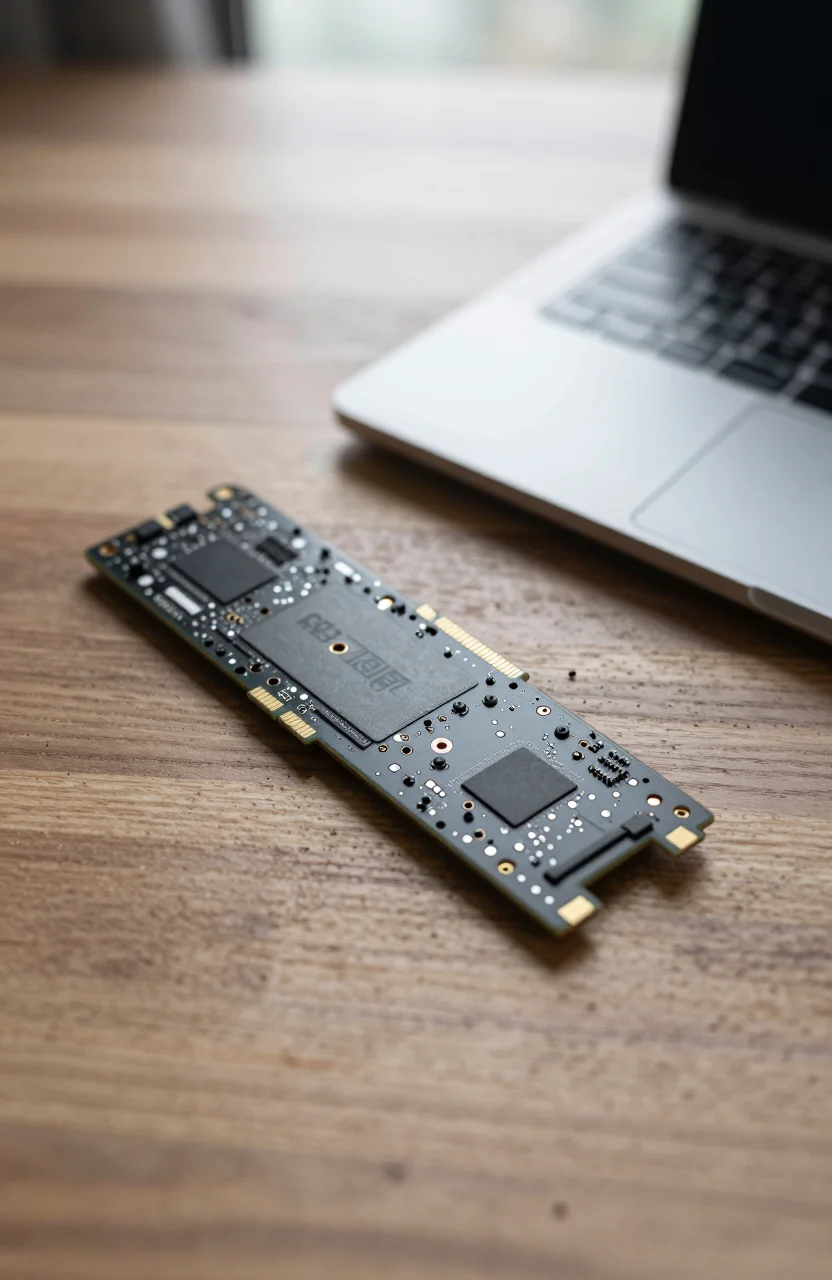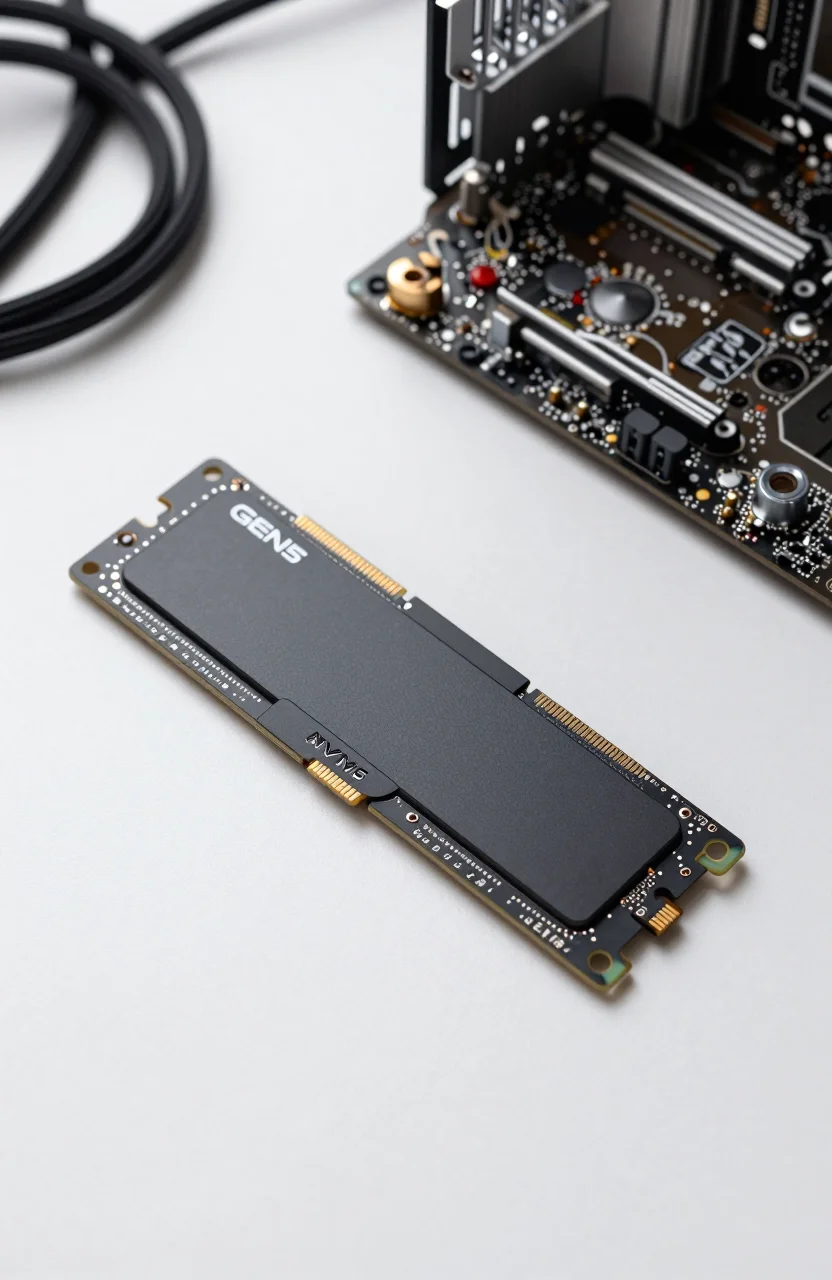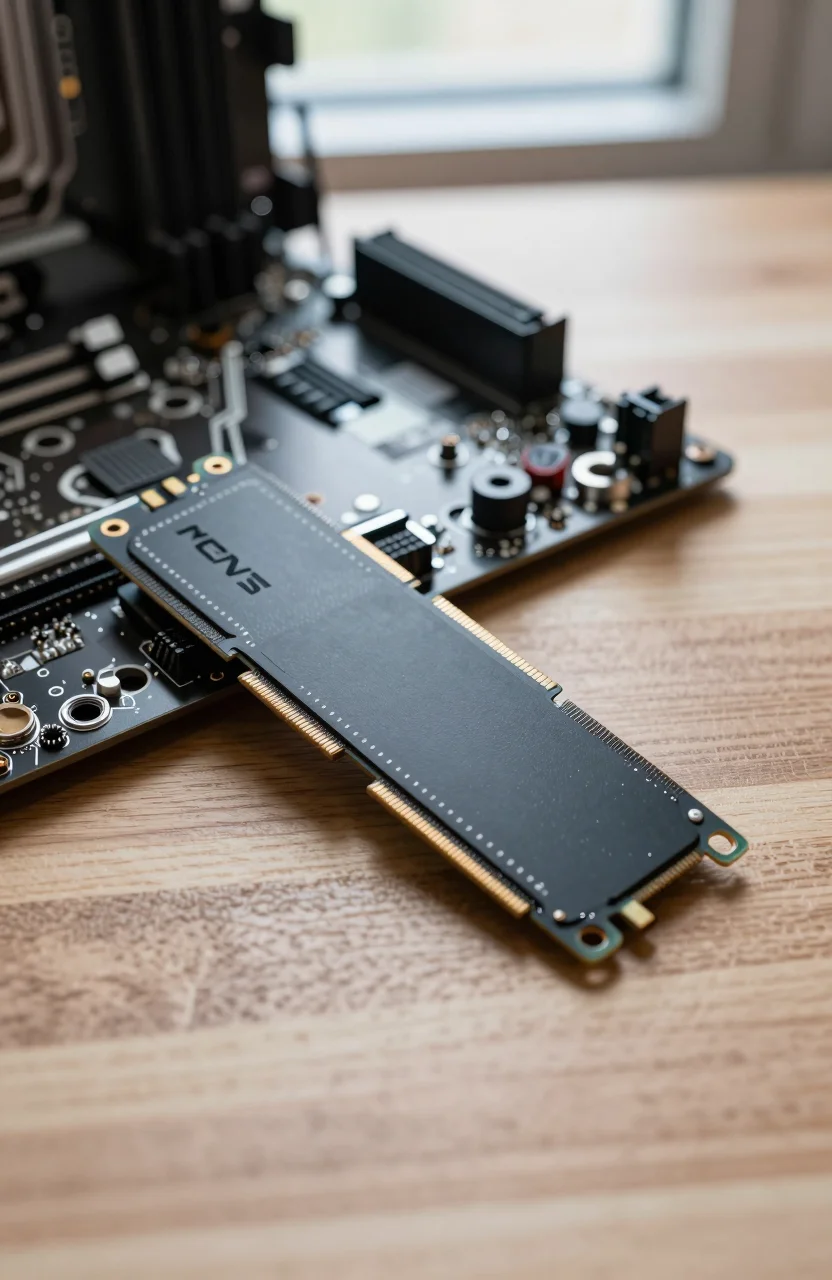
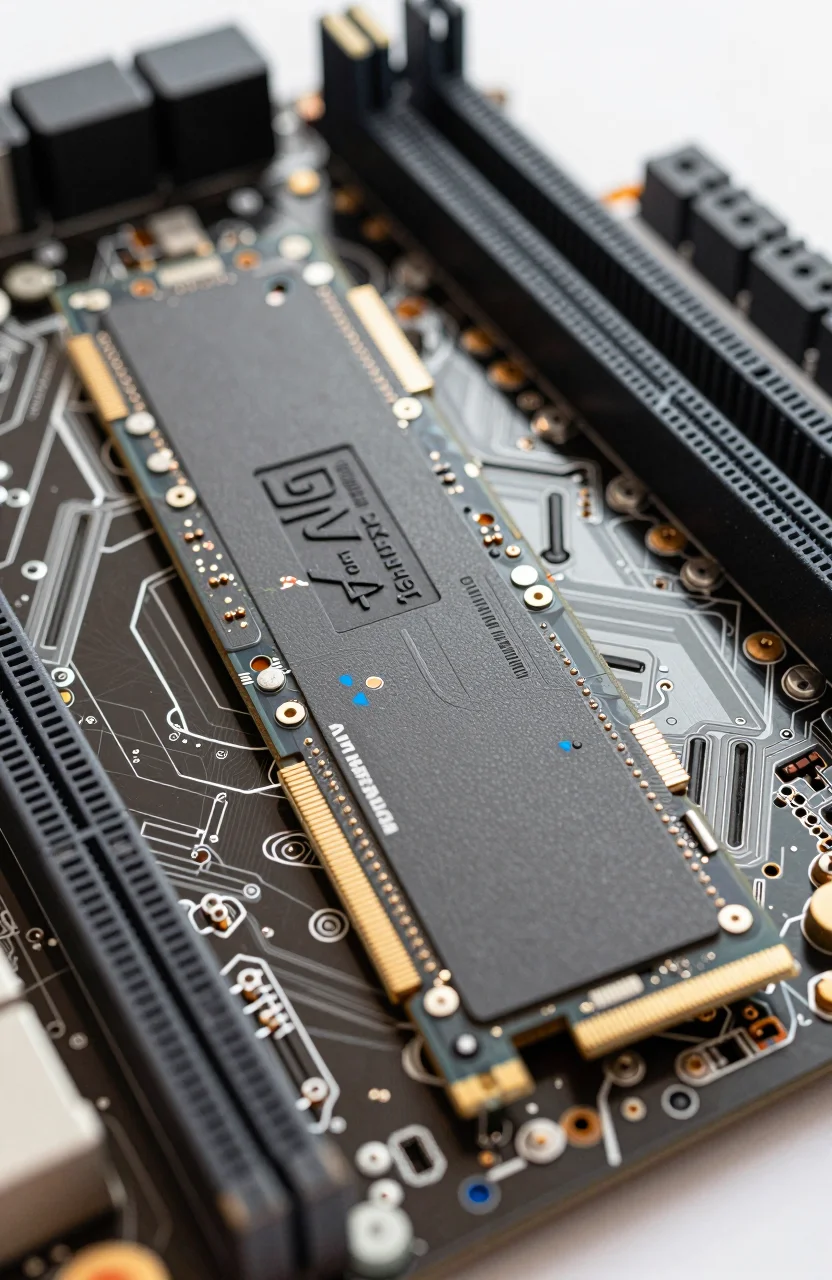
Budget Gen4 SSDs promise near-flagship sequential numbers at half the price. The Kingston NV3 2TB is the current example: up to 6000/5000 MB/s on paper, about $137.99 on Amazon, 4.7/5 from roughly 13392 reviews - and a DRAM-less QLC design that needs an honest review, not a brochure rewrite.
This piece stays on the product: what the NV3 is, where it holds up, and when "too cheap" is the right call to walk away.

- PCIe 4.0 x4 M.2 2280, up to 6000 MB/s read / 5000 MB/s write
- DRAM-less design with HMB; QLC flash on common BOMs
- 640 TBW endurance, 3-year limited warranty
- Strong value for gaming and everyday installs at about $137.99
Specs that matter on the Kingston NV3 2TB
On the label, the 2TB Kingston NV3 is a PCIe 4.0 x4 NVMe M.2 2280 stick rated up to 6000 MB/s sequential read and 5000 MB/s write. Kingston quotes 640 TBW for the 2TB SKU and a three-year limited warranty - shorter than the five-year wraps on many midrange TLC drives. Typical boards use a Silicon Motion SM2268XT2 controller without onboard DRAM, leaning on Host Memory Buffer instead.
Flash on widely documented samples is QLC (often Kioxia BiCS6 class), which explains both the aggressive street price near $137.99 and the behavior after the SLC cache fills. Burst copies look excellent in CrystalDiskMark. Long consecutive writes - dumping a multi-hundred-gigabyte archive in one pass - can fall toward roughly 200 MB/s once the cache is saturated. That is normal for this class, not a defective unit, and it is the main reason the NV3 should not be your only pick for sustained content pipelines.
Form factor is single-sided M.2 2280, so the 2TB NV3 stick fits most desktops and many laptops with a Gen4 (or Gen5 backward-compatible) slot. Temperatures stay manageable with case airflow; sealed ultraportables without a heatsink path may throttle sooner under heavy writes. Install the latest motherboard chipset and NVMe drivers, enable AHCI/NVMe mode in firmware, and leave some free space so wear leveling and garbage collection have room to work.
Amazon's 4.7/5 from a huge review pool suggests most buyers use the NV3 as a boot-plus-games drive and never hit the cache cliff. That matches the product brief. If your workload looks like theirs, the sequential headline numbers are not marketing fiction for short transfers. If your workload looks like continuous 4K timeline renders to the same volume all afternoon, keep reading the next section before you click buy.
DRAM-less and QLC: the honest tradeoffs
DRAM-less does not mean "broken." Controllers map the flash with a slice of system RAM (HMB), which works well for consumer random reads and typical desktop multitasking. It does mean the drive has less independent metadata bandwidth when the host is RAM-starved or when queues stay deep for long periods. Pair that with QLC and you get a clear personality: snappy for gaming installs and office work, softer when you rewrite huge folders repeatedly.
Our deeper primer on DRAM vs DRAM-less SSDs explains when the discount stops being smart. For the NV3 specifically, treat it as a capacity upgrade or secondary Gen4 stick, not as a substitute for a TLC DRAM drive on a workstation that writes terabytes weekly. Endurance at 640 TBW for 2TB is usable for years of normal OS and game updates, but it is not workstation-class. If you want the math on longevity, see our guide to SSD lifespan and TBW.
Multi-BOM reality also matters. Kingston ships NV3 retail units with controller/flash combinations that can shift over time. Two retail sticks may not bench identically. Buy from sellers with easy returns, check CrystalDiskInfo after install, and update firmware through Kingston's SSD Manager when offered. Do not assume every review sample matches the unit in your cart pixel-for-pixel.
None of this makes the NV3 a trap. It makes it a correctly priced consumer Gen4 drive. Paying less than many 1TB TLC options for 2TB of space is the point - as long as you accept QLC write cliffs and a three-year warranty. If you need five years of coverage and flatter sustained writes, step up a tier and stop hunting the absolute lowest dollar-per-gigabyte number.
Who the NV3 is for (and who should skip it)
Buy the budget Gen4 Kingston drive if you are building or upgrading a gaming PC, want a large Gen4 boot drive without spending flagship money, and mostly copy games, creative assets in bursts, or everyday documents. At roughly $137.99 for 2TB, the NV3 street price undercuts many TLC alternatives on pure capacity, which is why the Amazon rating stays so high among mainstream buyers.
Skip it if you edit video directly to the NVMe volume for hours, run databases or virtual machines with heavy write amplification, need a five-year warranty, or insist on DRAM on-package for peace of mind. In those cases a midrange TLC Gen4 drive costs more per gigabyte but wastes less time when caches empty. Also skip bargain sticks sold far below market with odd sellers; counterfeit and pulled enterprise pulls show up in any hot ASIN category.
Before you seat the drive, confirm your motherboard slot is wired for PCIe 4.0 x4 (some secondary slots drop to x2), plan a heatsink if your chassis runs hot, and leave 10-20% free capacity. Clone tools or a clean Windows install both work; verify TRIM is enabled afterward. For price context against the wider market, our SSD price per GB in 2026 rundown helps you spot whether today's $137.99 is actually a deal or just average.
- Good fit: gaming PCs, large Steam libraries, everyday Gen4 upgrades
- Poor fit: sustained write workstations, heavy VM hosts, warranty-sensitive builds
- Check slot wiring, airflow, and free space before blaming the NAND
- Prefer known sellers and keep packaging until the first week of benches looks normal
If that profile matches how you use storage, the NV3 is budget Gen4 done deliberately - not "too cheap" so much as honest about where the money was saved. If you need flatter writes every day, spend up and treat the NV3 as the wrong tool rather than a failed product. When you are ready, compare the live NV3 listing against a TLC Gen4 option in the same cart so the tradeoff is visible in dollars, not just in review prose.