Gen5 SSDs stopped being vaporware years ago, but plenty of buyers still treat them like a checkbox. The Crucial T705 is Micron's answer for people who actually have a free Gen5 M.2 slot, a real heatsink plan, and a workload that can use sequential throughput above Gen4. At around $249.50 for 1TB with a 4.6/5 score across 1429 Amazon reviews, it sits in the premium lane without the drama of the absolute fastest SKUs on the shelf.
If you only game or edit 1080p clips, you may leave a lot of that 13600/10200 MB/s rating on the table. If you move giant project folders, scrub high-bitrate timelines, or clone drives all day, Gen5 starts to feel less like marketing. Before you buy, make sure your board supports PCIe 5.0 x4 and that you can keep the drive cool. Our deeper dive on PCIe Gen4 vs Gen5 in 2026 covers why slot generation and thermals matter more than the sticker on the box.

- Up to 13600 MB/s read / 10200 MB/s write
- PCIe 5.0 x4, TLC NAND
- 1TB capacity option reviewed here
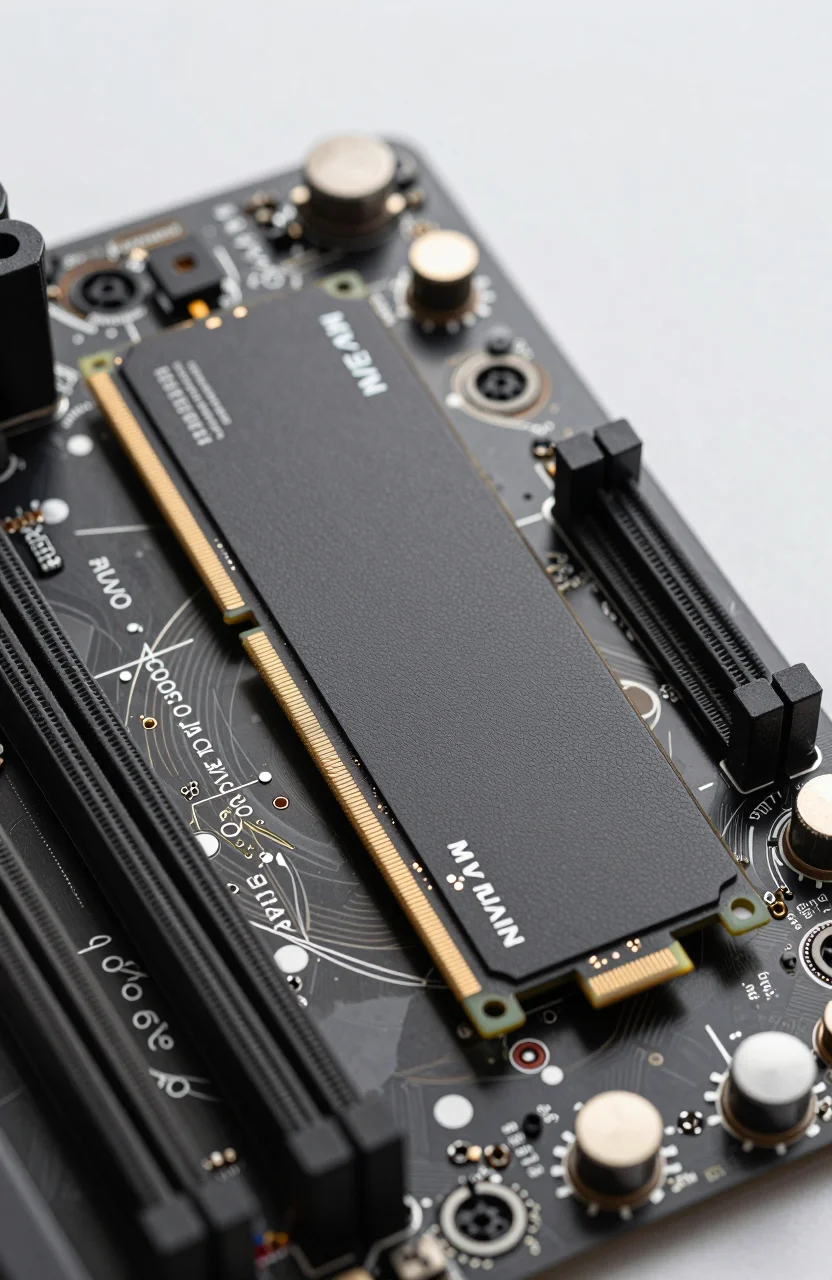
- Heatsink-friendly Gen5 design
What the T705 actually delivers day to day
On paper the T705 1TB promises up to 13600 MB/s sequential reads and 10200 MB/s writes on TLC. Those peaks show up in large file copies and synthetic suites when the drive is cool and the CPU's PCIe root complex is not congested. Everyday Windows boot and game load times still look closer to a strong Gen4 drive because most titles are latency and random I/O bound, not pure sequential beasts.
Where the T705 earns its keep is sustained transfers: dumping a 40GB camera card, copying Unreal project caches, or staging Acronis images. TLC helps keep write speeds more predictable than bargain QLC under long fills. If you are comparing NAND types and endurance tradeoffs, our note on QLC vs TLC in 2026 is worth a skim before you chase the cheapest Gen5 sticker.
Amazon's 4.6/5 from 1429 reviews lines up with what you see in forums: people who installed it correctly love the throughput, and people who stuffed a bare stick under a GPU shroud complain about throttling. The drive is not fragile; it is simply honest about physics. Gen5 controllers run hotter, and Micron expects you to treat cooling as part of the product, not an optional afterthought.
In mixed creator workflows the T705 also helps when several apps hit the disk at once. Think Premiere generating proxies while Chrome keeps a dozen tabs alive and a backup tool scans in the background. Gen4 can survive that day. Gen5 shortens the ugly minutes when everything contends for the same queue. You will not rewrite your entire edit style overnight, but the dead time between export stages shrinks enough that you stop watching progress bars as a hobby.
Heatsink, slot, and motherboard reality check
Buying Gen5 without checking the slot is the fastest way to waste money. Many boards still put Gen5 on the primary M.2 only, or share lanes with a second GPU slot. Read the manual for your exact SKU. If the primary slot is already occupied by a boot drive you refuse to move, a T705 in a Gen4-only secondary bay will negotiate down and feel like an expensive Gen4 stick.
Thermal design is the other gate. Motherboard shields help, but thick aftermarket heatsinks or the taller T705 heatsink variants can collide with GPU backplates on compact ATX layouts. Leave clearance, or plan a low-profile cooler. Without airflow, clocks drop and those 13600 MB/s numbers collapse toward Gen4 territory after a few minutes of heavy writes. That is not a Unique Crucial flaw; every serious Gen5 drive behaves the same way when starved of air.
If you are building a quiet living-room PC with limited case flow, a strong Gen4 drive often ages better. If you already run a mesh panel, a CPU AIO, and open M.2 spacing, the Crucial T705 listing becomes much more attractive. Confirm firmware is current after install; Gen5 platforms still see occasional BIOS and SSD firmware updates that fix rare hangs on resume from sleep.
A practical dry-fit checklist saves returns: remove the GPU, seat the drive, mount the shield, then reinstall the GPU and close the side panel before you peel any thermal pads for good. If anything rubs, stop. Clearance problems do not improve after you torque the M.2 screw. Also watch cable routing near the primary slot; a 12VHPWR cable draped across a heatsink can erase your carefully planned airflow in one tidy build photo.
T705 versus the WD_BLACK SN8100 crowd
Shoppers often tab-compare the T705 against Western Digital's SN8100 because both wear Gen5 badges. They are not clones. The SN8100 leans into a different controller and marketing stack aimed at high-end desktops that already treat storage as a performance component. Our separate WD_BLACK SN8100 Gen5 review digs into that stack; here the point is simpler: match the ecosystem you already trust.
Crucial's pitch is Micron NAND, Storage Executive tooling, and frequent retail availability of heatsink and non-heatsink packs. WD's pitch is gaming brand recognition and dashboard software that some users already use for older WD_BLACK drives. Peak sequential ratings bounce between them depending on capacity and firmware week. For most creators, sustained TLC behavior and consistent pricing matter more than a 3% CrystalDiskMark win.
If your board already ships with a WD heatsink aesthetic and you like WD Dashboard, the SN8100 path is fine. If you want Micron's stack and often find the T705 at a cleaner 1TB street price, stay here. Do not buy both "to try." Pick one Gen5 primary, keep a Gen4 secondary for mass storage, and move on.
Warranty paperwork and RMA habits also differ by brand. If you already know how to open a Crucial ticket and you keep invoice PDFs tidy, switching brands for a marginal benchmark score is busywork. Ecosystem friction is a real cost even when the silicon looks similar on a spec sheet.
Adobe and Acronis software bundle: nice or noise?
Retail T705 kits sometimes include limited-time Adobe Creative Cloud months or Acronis True Image variants. Treat those as bonuses, never as the reason to overpay. If the drive is $40 above a peer and the software seats expire in a few months, the math rarely works unless you already planned to renew those tools.
Acronis can be useful the week you migrate from an old SATA boot disk: clone, verify, then keep a recovery USB. Adobe seats help if you are mid-trial on Premiere and need breathing room. Neither replaces a backup habit. Pair the drive with a separate USB or NAS copy for anything you cannot afford to lose. Gen5 speed does not protect you from accidental deletes or ransomware.
When the bundle is active, redeem codes promptly and screenshot confirmations. When it is not, ignore the marketing banners and compare current T705 pricing against Gen4 TLC drives of the same capacity. Software should never paper over a missing heatsink or a wrong PCIe generation slot.
If the listing is unclear about which codes ship this week, assume none and price the SSD alone. Bundles rotate. A screenshot from a YouTuber three months ago is not a contract. Buy the hardware for the hardware, then smile if a redeem page still works after checkout.
Pricing, capacity, and mistakes that waste Gen5 money
At about $249.50 for 1TB, the T705 asks you to pay for interface headroom. That can be rational when your board is ready. It is irrational when you only needed 2TB of Gen4 TLC for media archives. Run the dollars-per-gigabyte math the same week you shop. Our SSD price per GB guide is a better compass than any single product hero shot.
Common mistakes: installing without a heatsink under a hot GPU, leaving the drive at 95% full so write caches choke, skipping BIOS updates, and expecting every game to load twice as fast. Another mistake is buying Gen5 for a laptop that never exposes Gen5 electrically. Always verify the service manual. If the bay is Gen4-only, shopping the T705 becomes an expensive compatibility lesson.
Capacity planning deserves one more beat. Creators who bounce between 4K timelines and game libraries often outgrow 1TB in a season. If you already know you need room, check whether a larger T705 SKU or a dual-drive plan (Gen5 scratch plus Gen4 archive) costs less than forcing everything onto one hero stick. Speed without free space is a short honeymoon.
Who should buy the T705 in 2026
Buy the T705 if you have a confirmed Gen5 M.2 slot, a heatsink strategy, and workloads that shove multi-gigabyte files around daily. Video editors on high-bitrate codecs, 3D artists caching scenes, and power users who clone disks weekly will notice. Competitive gamers who already own a solid Gen4 boot drive will notice less unless they also move huge game libraries between drives every week.
Skip it if your laptop only offers Gen4, if your mini-ITX case cooks M.2 slots, or if your budget is better spent on a larger Gen4 TLC capacity. More usable space often beats a thinner sequential spike. Also skip if you expected DRAM-less bargains; this is a premium TLC product with premium heat. For context on why cheap controller cuts hurt, see our guide on DRAM vs DRAM-less SSDs.
Check the live 1TB offer, confirm the heatsink variant fits your GPU clearance, update BIOS, then install with a proper thermal path. If those boxes are checked, the Crucial T705 1TB is a sensible Gen5 pick rather than a trophy part. If any box fails, pocket the cash for capacity instead of chasing a peak megabyte number you will rarely touch.