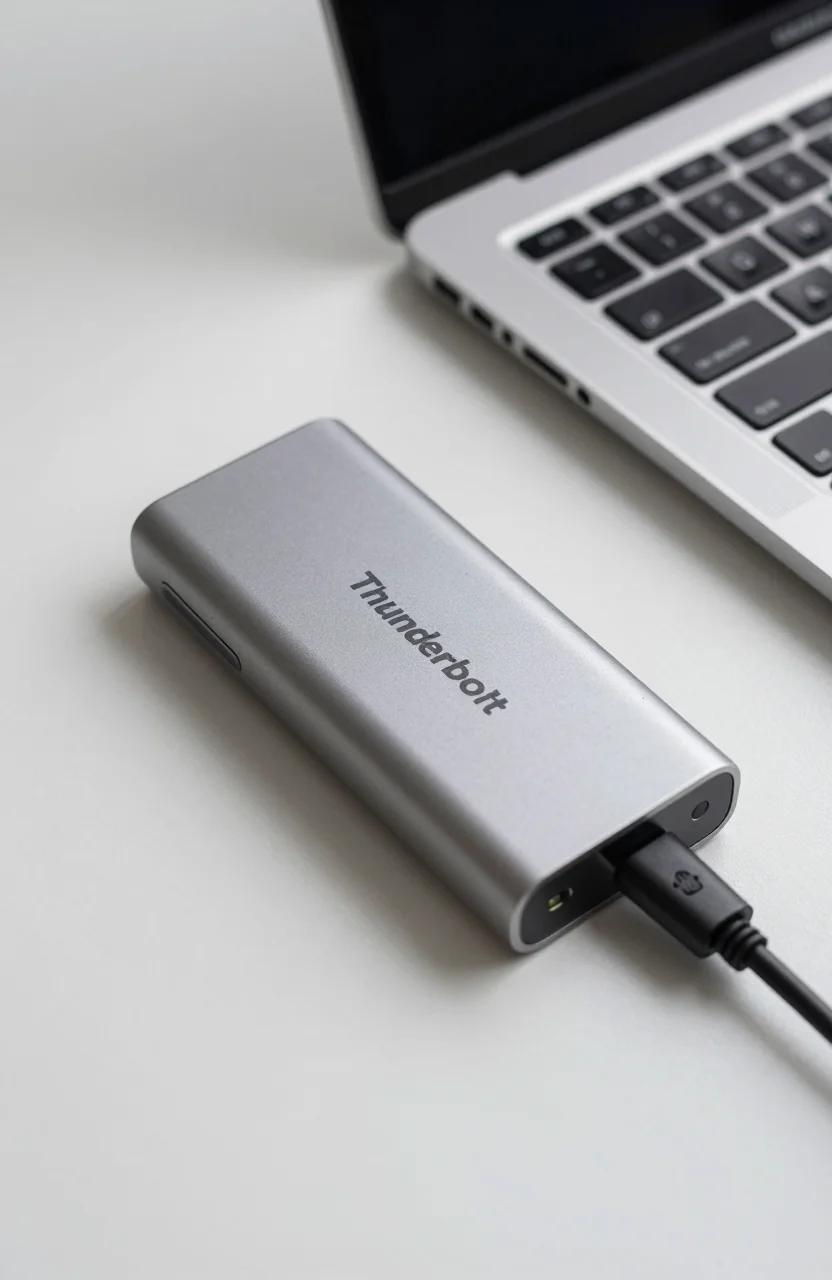
Most "fast" portable SSDs top out on USB 3.2 Gen2. The OWC Express 1M2 aims higher: a Thunderbolt portable NVMe enclosure designed to push a 40Gb/s link when your Mac or PC has a Thunderbolt port and a compatible M.2 drive inside.
If you edit video, dump camera cards into large project folders, or bounce libraries between machines, that bus difference is the whole pitch. This review walks through who actually benefits, what to expect on real ports, and when a simpler USB SSD is still smarter. For bus-level context, pair this with our Thunderbolt 5 vs USB4 storage guide.

- 40Gb/s Thunderbolt portable NVMe enclosure
- Takes a single M.2 NVMe SSD (capacity is yours to choose)
- Built for Mac and PC Thunderbolt workflows
- Street price varies - check Amazon before buying
What the Express 1M2 actually is
OWC sells the Express 1M2 as a compact Thunderbolt enclosure for one M.2 NVMe SSD. You supply the drive (or buy a preloaded bundle if the listing offers one). That design matters: peak speed depends on the NVMe you install, thermal headroom, and whether your host truly negotiates Thunderbolt rather than falling back to USB.
On paper you get a 40Gb/s Thunderbolt pipe. In practice, sequential transfers with a strong Gen4 SSD can crush consumer USB portable SSDs that live near 1000MB/s. Random I/O and sustained writes still depend on the SSD controller and how warm the shell gets. Treat the enclosure as the highway; the SSD is the car.
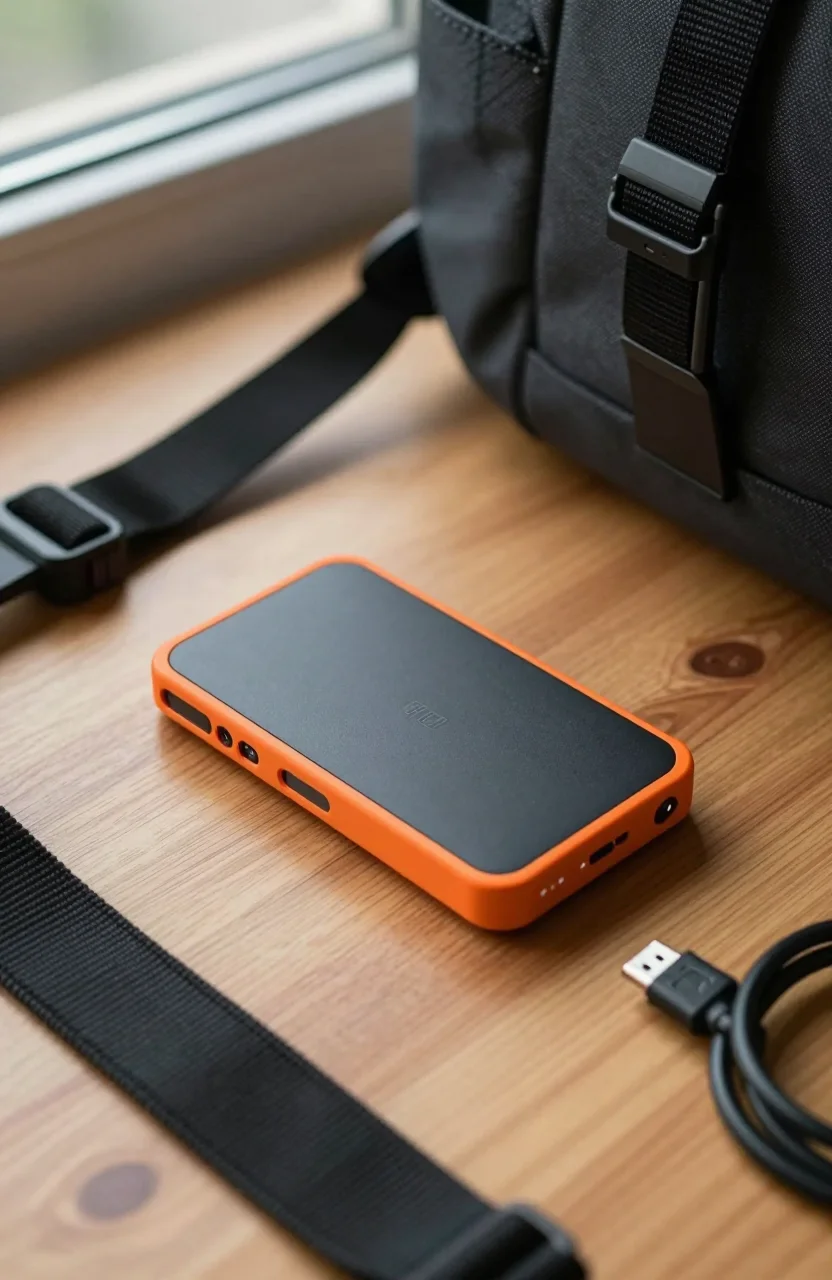
Form factor stays portable enough for a laptop bag, closer to a thick phone than a desktop dock. If you are choosing between stick-style USB drives and Thunderbolt bricks, our guide on which external SSD form factor fits your workflow helps frame the tradeoff.
Who should buy a Thunderbolt NVMe enclosure
Buyers who move multi-gigabyte media all day are the core audience. Think proxy-free 4K/6K timelines, cinema camera dumps, and editors who park caches on external storage. If that sounds like you, skim our external drives for video editors roundup next, then come back to whether DIY Thunderbolt is worth the assembly step.
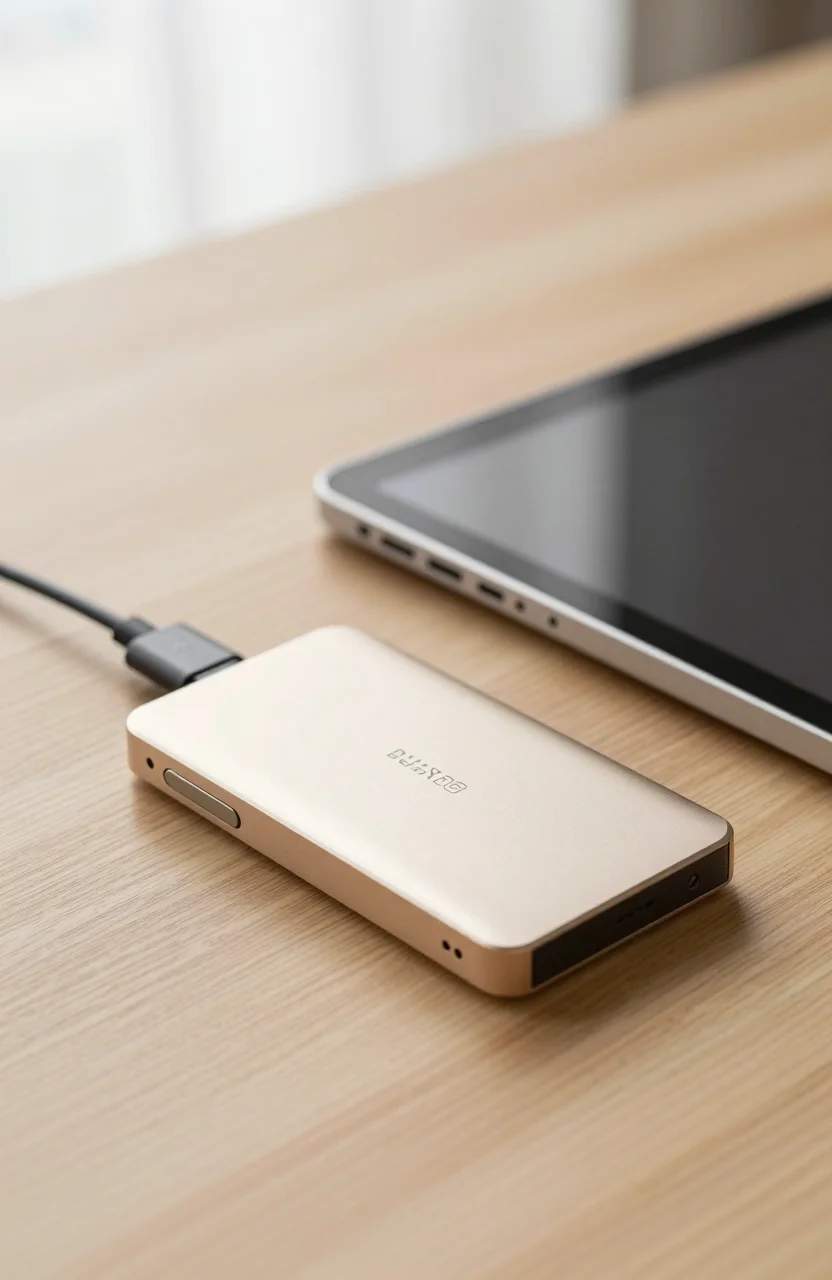
Mac users with Thunderbolt ports on MacBook Pro or Studio machines see the clearest upside. Windows laptops with Thunderbolt 3/4 also work when the cable and port are genuine. Pure USB-C phones, tablets, and many thin Windows Ultrabooks without Thunderbolt will not unlock the headline bus. In that case a finished USB SSD is cheaper and simpler.
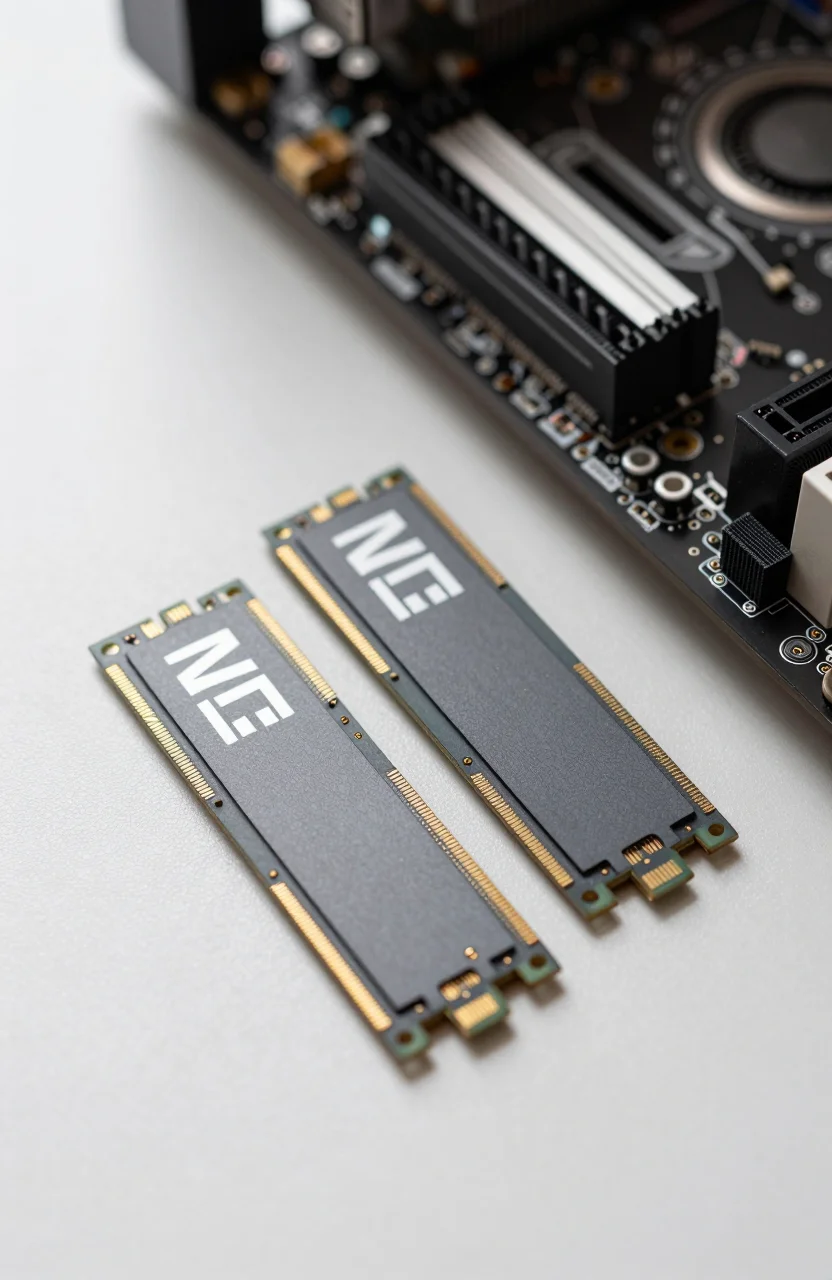
Another fit: labs and freelancers who already own spare M.2 SSDs. Pulling a Gen4 drive from an old desktop into the Express 1M2 enclosure can cost less than buying a sealed 2TB Thunderbolt SSD from scratch. Just confirm the SSD length (typically 2280) and that the drive is NVMe, not SATA M.2.
Setup, cables, and ports that make or break speed
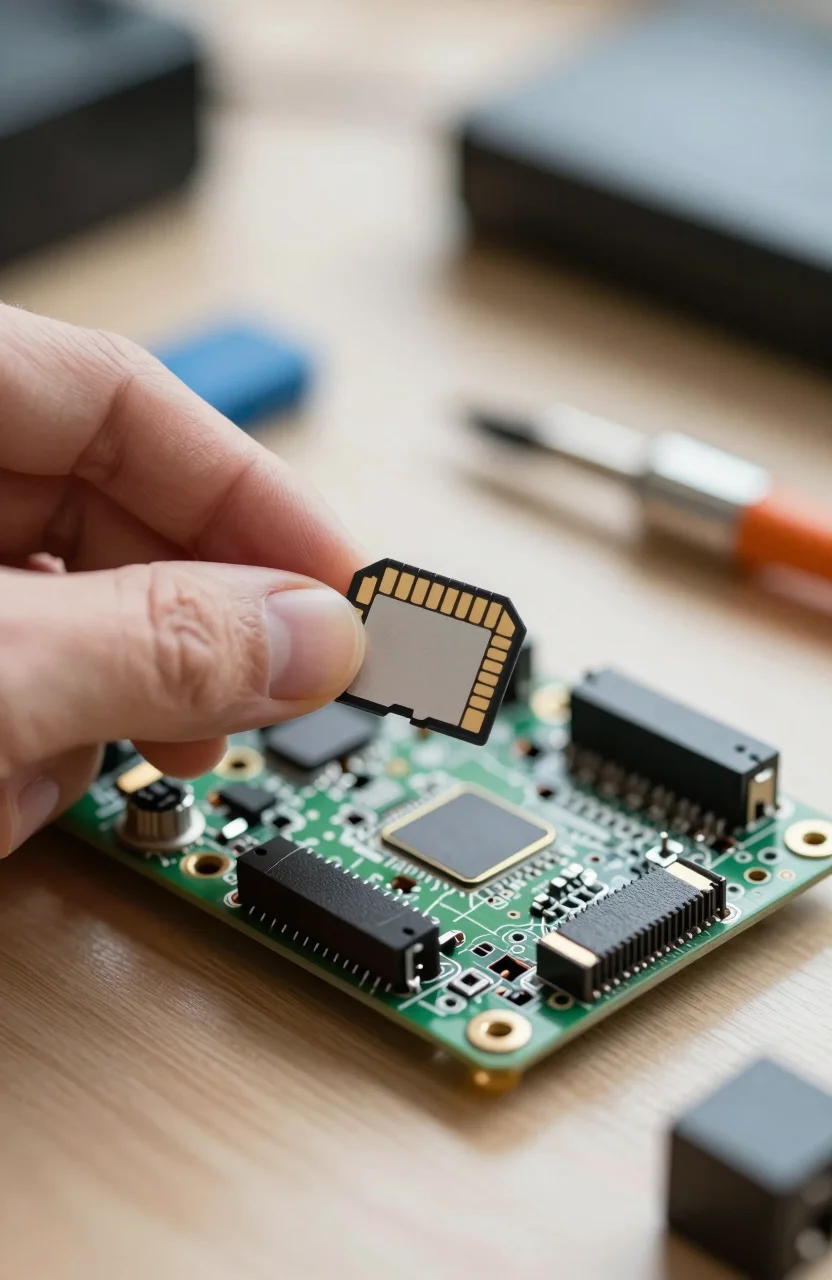
Install the SSD carefully: power off, seat the module, secure the screw or tool-free clamp, close the shell. Use a Thunderbolt-certified cable. A random USB-C charge cable can fail to negotiate full speed or even fail to mount. Plug directly into the computer when possible; daisy-chained docks sometimes throttle or add latency.
Format for your OS after first mount. APFS is the usual Mac choice for a single-machine scratch disk; exFAT helps if you bounce between Mac and Windows, with the usual multi-OS caveats. Clone or image tools work well once the volume is healthy. Before trusting client archives to a new build, run a large sequential write test and watch temperatures.
Pricing on Amazon moves often for both the empty enclosure and any bundled SSD kits. We intentionally avoid quoting a fake fixed price here. Open the OWC Express 1M2 listing, compare seller fulfillment, and add the cost of a quality NVMe if the listing is enclosure-only.
Strengths and weak spots from buyer feedback
Amazon ratings near 4.6/5 across roughly 826 reviews point to a mature product. Praise usually centers on Mac compatibility, build quality, and speed once a solid SSD is installed. OWC's ecosystem familiarity helps agencies that already use their docks and memory.
Weak spots are predictable. Thermals can climb when you hammer sustained writes into a compact shell; some users add short pauses or prefer desk use over buried-in-bag transfers. DIY also means you own SSD failures separately from enclosure failures. If you want zero assembly, a sealed Samsung T9-class USB drive is less flexible but simpler.
Noise is usually not an issue (no fan on many compact designs), but heat soak after long 4K dumps is real. Give the unit airflow on a desk. For field kits, a padded sleeve beats tossing bare metal into a camera bag with lenses. Durability habits from our physical damage protection tips still apply even when the bus is Thunderbolt.
When to skip the Express 1M2
Skip it if your laptop only has USB 3.2 Gen1/Gen2 without Thunderbolt. You will pay enclosure money for speeds a cheaper portable SSD already matches. Skip it if you need IP65 sealed ruggedization out of the box; this is a performance enclosure, not a rain jacket drive like a T7 Shield or SanDisk Extreme.
Also skip if you dislike maintaining firmware, formatting, and spare screws. Agencies that rotate drives between freelancers may prefer sealed branded SSDs with identical SKUs for support tickets. Students on a tight budget should look at finished USB options first, then revisit Thunderbolt when the host machine justifies it.
If you already decided Thunderbolt is required, compare total cost of enclosure plus SSD against a prebuilt Thunderbolt SSD. Sometimes a sale on a finished unit wins. Other weeks, building with the 1M2 Thunderbolt chassis and a midrange Gen4 stick is the better math.
Verdict: buy it for the bus, not the branding
The OWC Express 1M2 makes sense when Thunderbolt bandwidth is the bottleneck you feel every day. Pair it with a reliable NVMe, use a proper cable, and keep expectations honest about heat under long writes. Check live Amazon pricing rather than outdated screenshots, then decide whether DIY flexibility beats a sealed USB SSD.
For most casual backup users, this enclosure is overkill. For editors and power users on Thunderbolt Macs and PCs, it remains one of the cleaner portable NVMe paths you can order for a Thunderbolt kit without jumping to desktop RAID.