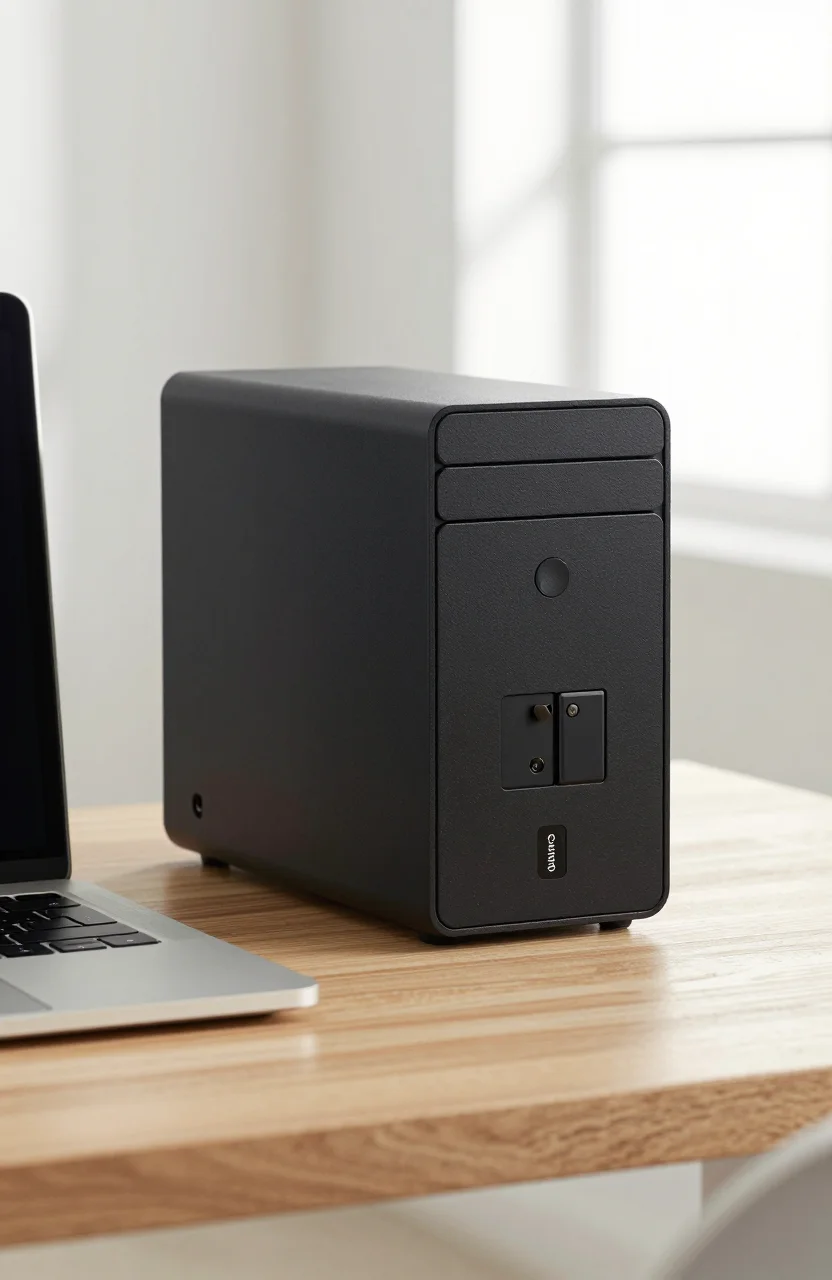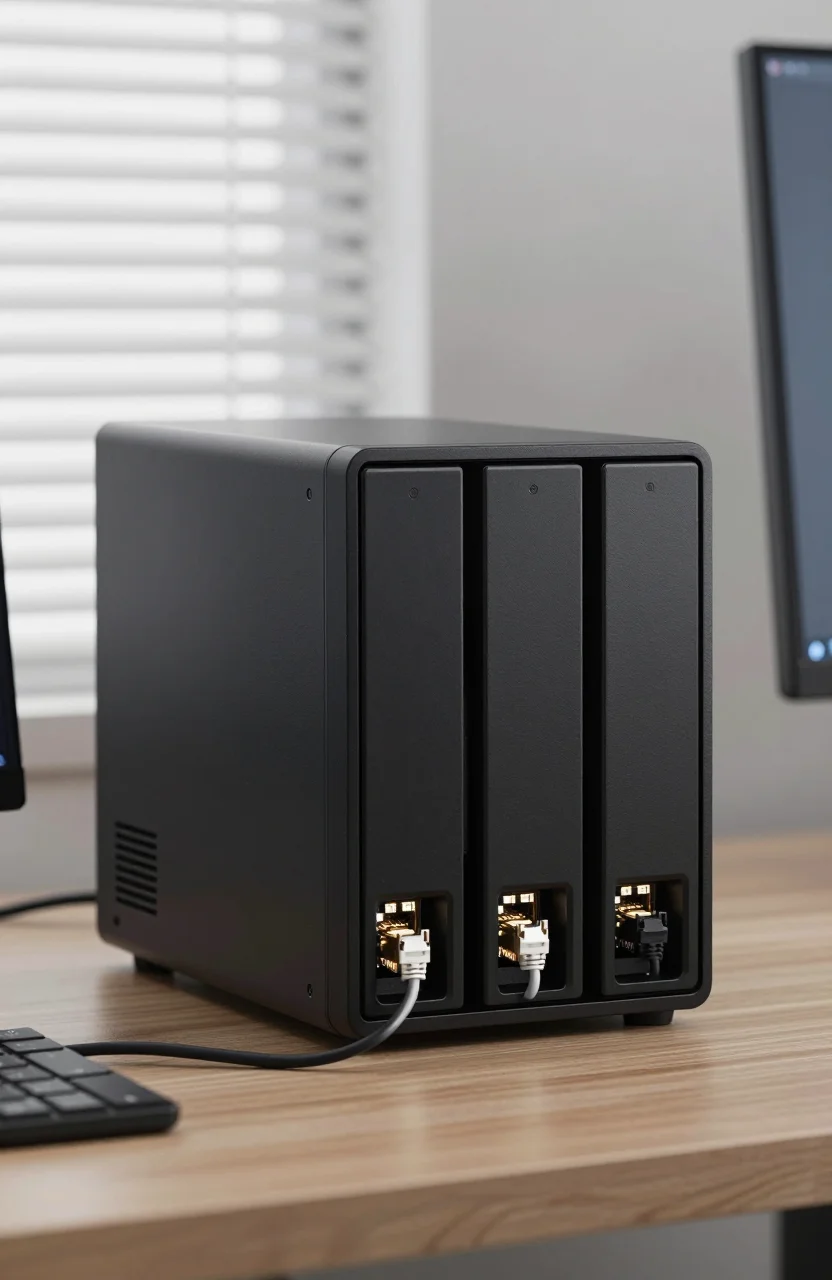
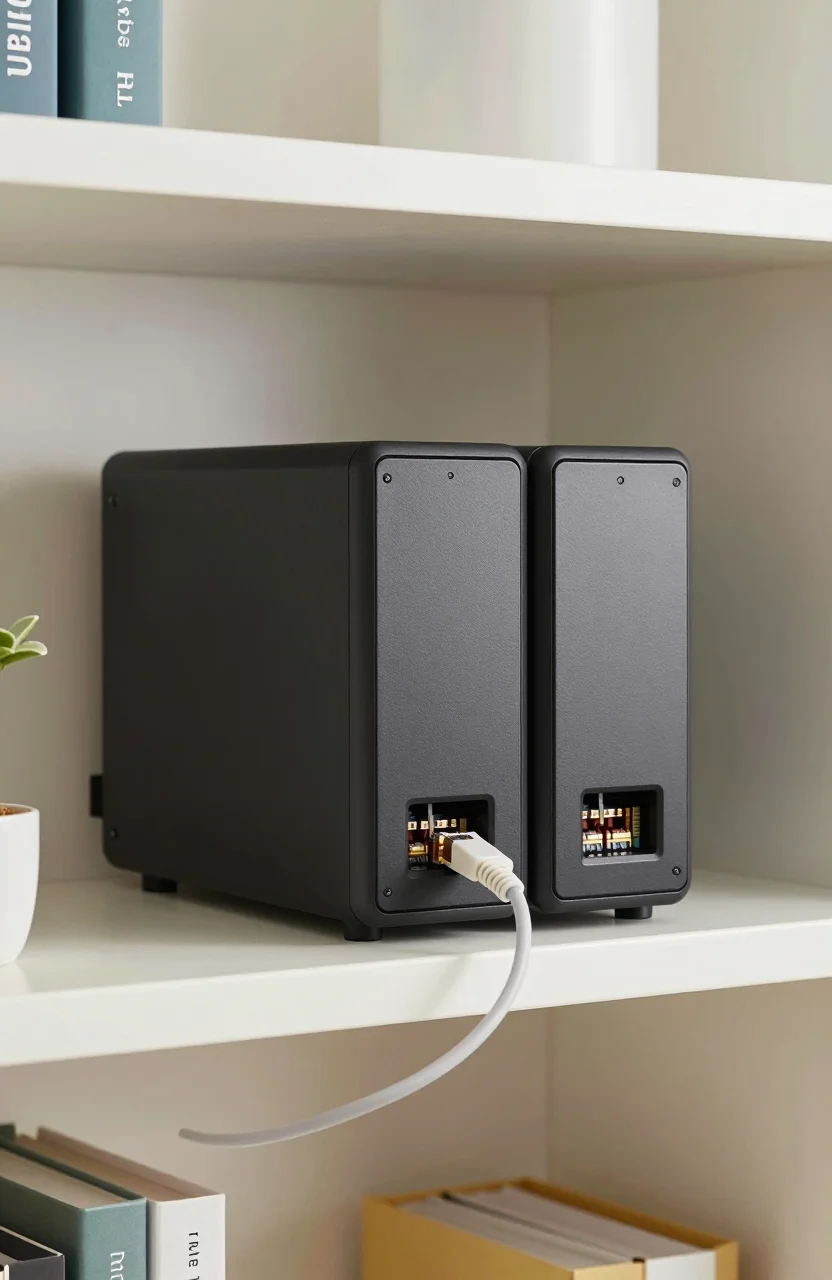
Home NAS shopping often starts and ends on Synology, especially around the DS224+. That reflex makes sense: DSM is polished and the community guides are everywhere. The QNAP TS-262 is the diskless 2-bay Intel Celeron box worth a hard look when you want 2.5GbE, flexible apps, and a street price near $369.99 (was $399.99) with a 4.2/5 score from about 61 Amazon reviews. This guide pushes the TS-262 as a practical Synology alternative, not a vague "any NAS will do" roundup.
If you already know you want two bays for mirrors at home, keep reading for hardware quirks, software tradeoffs versus DSM, and who should stay on Synology anyway.

- 2-bay diskless chassis with Intel Celeron CPU
- 2.5GbE networking for faster LAN copies
- Flexible QTS apps for media, backup, and containers
- Practical alternative when DS224+ stock or pricing frustrates
Hardware reality check against the DS224+
Both machines target the same buyer: a quiet two-bay for home photos, document sync, and light media. Synology's DS224+ leans on a familiar Intel dual-core story and DSM polish. The TS-262 answers with an Intel Celeron platform and, crucially for many 2026 home networks, 2.5GbE on the chassis side so large copies are less likely to sit at a hard 1Gbps ceiling when your switch and client NICs can keep up.
Diskless pricing near $370 before drives is the first decision gate. You still need two matching CMR NAS drives for a mirror if resilience matters. Budget the disks honestly. A chassis deal that forces you into the cheapest SMR desktop disks is a false economy. For drive selection that works across both brands, use our CMR NAS hard drive guide for Synology and QNAP before you click buy on bare metal alone.
Noise and heat depend on the disks more than the badge on the front. Place either NAS on a hard shelf with airflow, not inside a closed cabinet stuffed with sweaters. The TS-262's value proposition strengthens when DS224+ street prices climb or stock thins. If you want a longer Synology-centric walkthrough of that platform's habits, our Synology DS224 home NAS starter guide remains useful as the baseline you are leaving or dual-running.
Expansion ports, HDMI presence, and M.2 slots vary by QNAP SKU revision. Read the exact Amazon bullet list for the unit you are ordering. Do not assume every TS-262 photo online matches the retail carton in your region. When in doubt, open the QNAP TS-262 product page and confirm 2.5GbE, bay count, and memory configuration before checkout.
QTS versus DSM: where QNAP actually wins
DSM wins on first-hour comfort. Apps feel consistent, and community tutorials map almost every home scenario. QTS wins when you want more knobs: richer hybrid mount options, aggressive multimedia toolchains, and container-friendly workflows that feel closer to a mini server. That freedom includes more ways to misconfigure remote access. Plan your exposure carefully.
For Plex-oriented homes, either chassis can work if the CPU handles your library's transcode profile. Direct play on a strong LAN beats transcoding every time. If Plex is the primary mission, also skim our best budget NAS for Plex media in 2026 notes so you do not overbuy CPU for a direct-play living room. The TS-262 is attractive when you want QNAP's app mix plus 2.5GbE copies from an editing laptop.
Snapshots, versioning, and backup jobs exist on both ecosystems. The difference is muscle memory. If your household already lives in Synology Drive and Photos, switching costs real evenings. If you are starting fresh, QNAP is not a downgrade by default. Spend the first weekend on users, shares, and a tested restore, not on installing every app in the store.
Security hygiene is non-negotiable. Change defaults, disable services you do not use, keep QTS updated, and avoid exposing admin ports to the open internet without a VPN. Those rules apply to Synology too; QNAP's broader feature surface simply means you should be deliberate. Buyers who want another non-Synology path sometimes compare Ugreen boxes as well; our take on Ugreen NAS as an alternative to Synology shows how crowded that shelf has become. The TS-262 remains the pick when you specifically want QNAP's software stack.
Build the array without painting yourself into a corner
Two bays usually mean RAID 1 or a simple mirror equivalent for home. You trade half the raw capacity for disk failure survival. That is the correct default for family photos. RAID is not a backup. Keep a third copy offline or in another location for irreplaceable years. When you order the TS-262 chassis, order drives as a matched pair from a reputable NAS line rather than mixing leftovers.
Initialize with the storage pool wizard, create a thick or thin volume according to how experimental you feel, and enable snapshots on the shares that hold documents. Test a file restore on day one. Many people only discover restore friction during a panic. Schedule scrubbing if QTS offers it for your volume type, and note the disk model stickers in a password manager note.
Network setup deserves ten quiet minutes. Plug into a 2.5GbE capable switch if you have one, or accept that a 1GbE wall jack caps throughput regardless of the NAS NIC. Update the client side too: a multi-gig USB adapter on a laptop can unlock the TS-262's nicer link. Static DHCP leases make SMB shares less annoying when phones reconnect.
- Use CMR NAS drives in a mirrored pair
- Enable snapshots on document and photo shares
- Test one restore before you trust the box
- Prefer VPN over naked port forwards
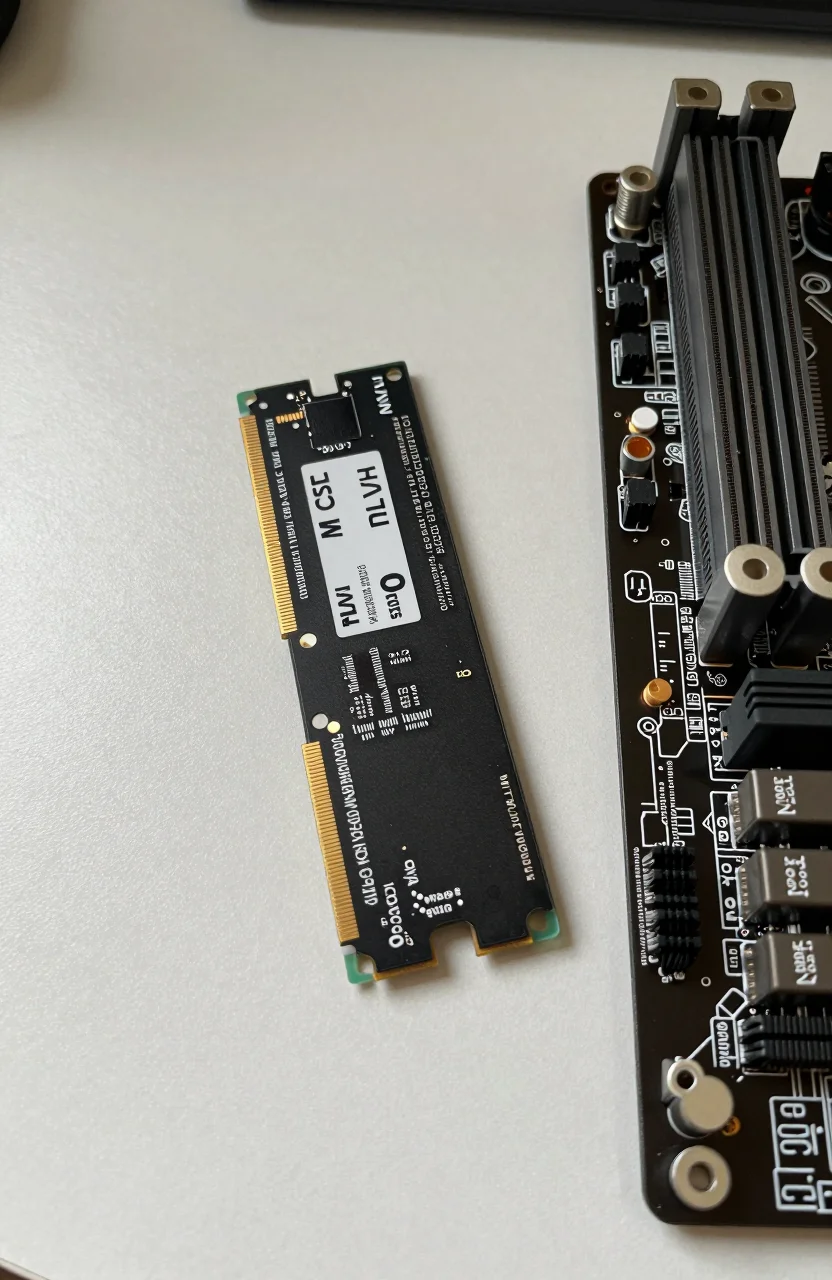
Memory upgrades, if the board supports them, help Docker and heavier indexing. Confirm official QNAP guidance for your exact revision rather than forcing random laptop SODIMMs. Power loss protection on the disks plus a small UPS for the NAS keeps filesystems happier during storms.
Who should choose QNAP TS-262 over Synology
Choose the TS-262 if you want 2.5GbE in the chassis price, you like QTS flexibility, and you are comfortable reading a few forum threads when an app behaves oddly. It also fits buyers who hit Synology stock walls or who simply prefer QNAP's multimedia and virtualization adjacent tools at the two-bay scale.
Stay on DS224+ if your household already depends on Synology Moments/Photos workflows, if non-technical family members need the friendliest UI, or if your IT-minded relative only knows DSM. Switching mid-library is busywork. Fresh builds have more freedom. If you are price shopping the TS-262 near $369.99, compare total cost with two drives against a DS224+ bundle the same week rather than chassis-only screenshots on social media.
Creators who shuttle large project folders across a desk deserve the multi-gig angle. Photographers dumping card dumps every weekend feel 2.5GbE. Casual document sync users may never saturate 1GbE. Be honest about your traffic. Marketing badges do not accelerate email PDFs.
Another honest filter: review volume. Roughly 61 Amazon ratings at 4.2/5 is a thinner sample than mass-market Synology listings. Read recent reviews for fan noise, DOA units, and seller packaging. A thinner sample is not a veto; it is a reason to buy from a seller with an easy return path.
Day-two habits that keep the NAS boring in a good way
Boring is the goal. After the first month, you should forget the TS-262 exists except when a backup notification lands. Turn on email or push alerts for disk warnings. Replace a dying disk promptly with the same or larger capacity following QNAP's rebuild steps. Do not casually migrate to exotic RAID layouts on two bays just because the menu allows it.
App discipline matters. Install what you use: backup sync, media, maybe Containers. Skip the curiosity installs that open extra ports. Review user accounts quarterly and remove guest experiments. Keep a paper or encrypted note with the admin URL on LAN only, the UPS test date, and the last successful offline backup.
When shopping windows open, verify the exact SKU, then check live TS-262 pricing against drive kits you already chose. If the chassis sits under $370 with a clear cut from $399.99, that is a reasonable entry for a QNAP-first home lab or family server. Pair it with CMR disks, a tested restore, and a VPN habit, and the TS-262 earns its place as a Synology DS224+ alternative rather than a compromise you resent six months later.
If you outgrow two bays, plan migration early. Export shares methodically, or add a larger QNAP later and use snapshot replication tools where licensing allows. Starting on QNAP with eyes open beats buying Synology by default and wishing for 2.5GbE after the return window closes. Label cables, photograph bay assignments, and keep spare screws in a labeled bag so a future disk swap is not a scavenger hunt.
Media households should decide whether the NAS is a cold archive, an active Plex library, or both. Active libraries want faster disks and more RAM headroom; cold archives can stay quieter with slower spindles and aggressive spin-down schedules. Document that choice in a shared family note so nobody fills the mirror with blurry phone dumps of the same vacation three times. For most new two-bay households that want flexibility and multi-gig LAN headroom, the QNAP TS-262 is the chassis to shortlist first this year.