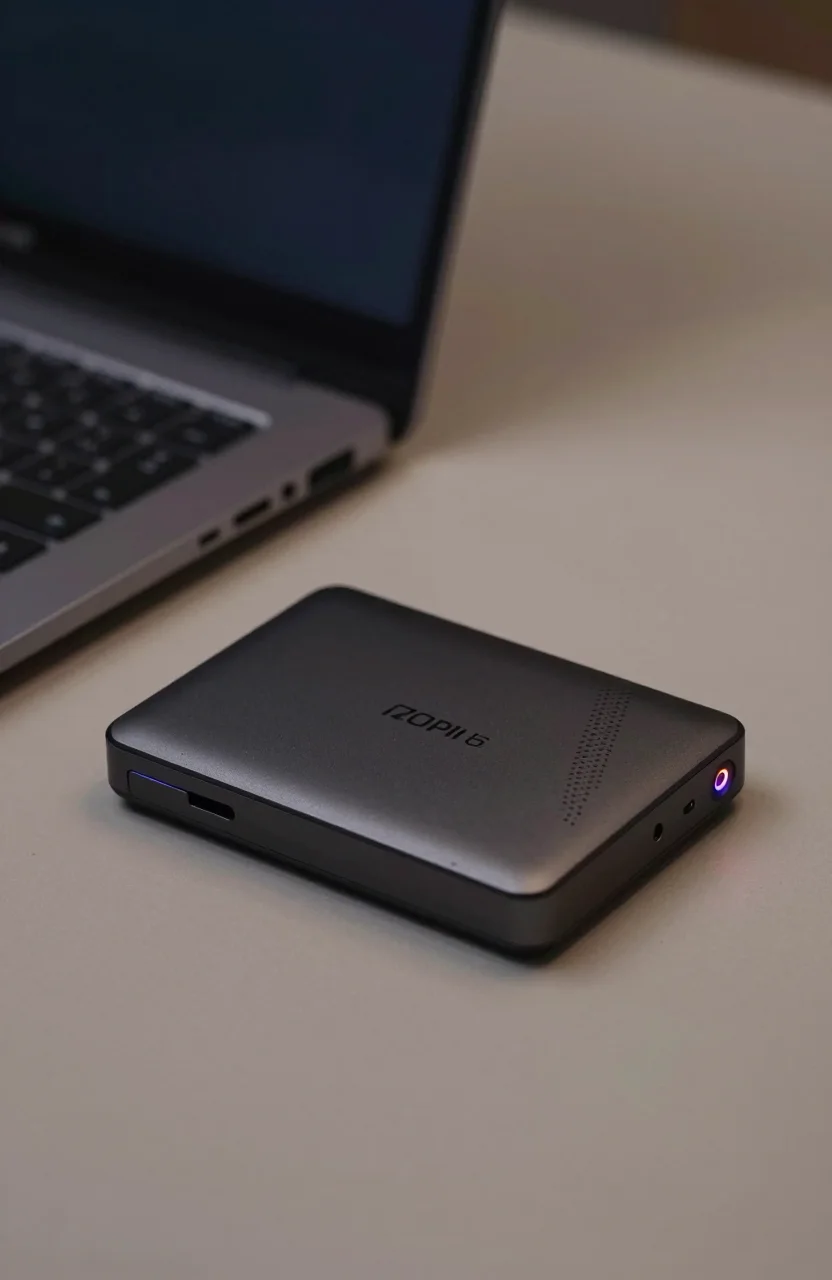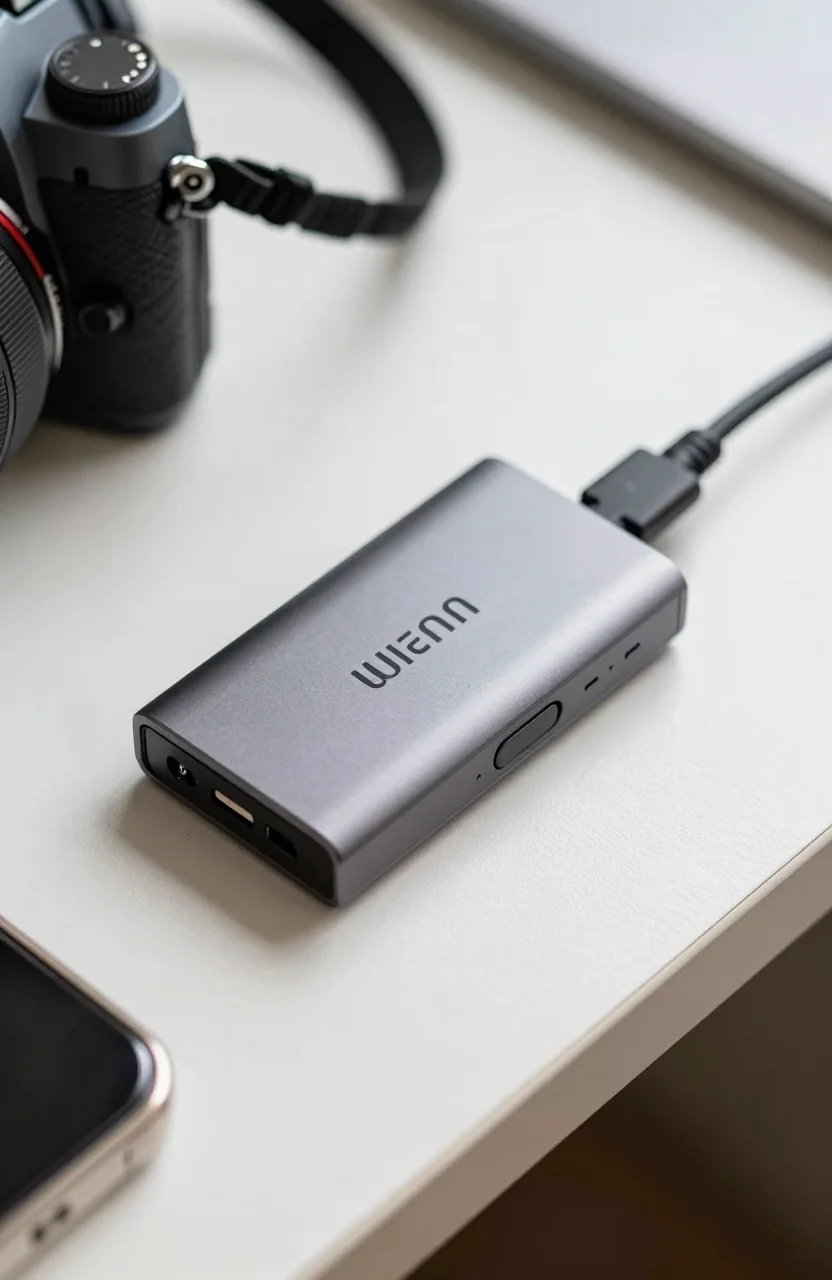
Most portable SSDs protect your files with a password dialog you can ignore. The SanDisk Professional G-DRIVE ArmorLock treats encryption as the product. It is a 1TB NVMe-class portable aimed at people who carry client footage, legal drafts, or camera originals through airports and shared edit bays. Street pricing sits near $239.99 with buyer sentiment around 4.0 stars, which already tells you this is a niche drive rather than a crowd favorite for speed alone.
If you mainly need toughness without the ArmorLock app stack, compare it later with our picks for the best rugged portable SSDs for travel. This review stays on the encrypted G-DRIVE path.

- Hardware-encrypted portable NVMe SSD
- About 1000MB/s class transfers on a proper USB link
- ArmorLock app unlock with phone-first workflow
- 1TB capacity for confidential project bags
What ArmorLock is built to solve
Software passwords on a normal portable SSD sit in the same OS that a thief can already poke at. ArmorLock leans on a hardware crypto path tied to the ArmorLock mobile experience. You authorize the G-DRIVE ArmorLock SSD from a phone flow, then the volume mounts on the host. Lose the phone pairing story and you feel the lock-in immediately. That is the point for security buyers and the friction for everyone else.
Think client rushes through customs, agency files shared across freelancers, or camera cards already dumped to a drive that must stay dark if the bag walks away. Those scenarios justify paying for encryption as a feature. Casual photo backups do not.
Before you buy any portable for travel, revisit mistakes to avoid before buying a portable SSD. Wrong cables and charge-only ports create as many failures as forgetting to unlock the drive.
Also decide whether you need ArmorLock or simply a rugged USB SSD with BitLocker or FileVault on top. Software encryption is free. Hardware encryption is faster to explain to a compliance checklist. Pick the story your client actually requires.
Setup, unlock flow, and daily use
Expect an app-mediated first-run. You register the drive, set unlock methods the ArmorLock stack supports, and practice the plug-in / unlock / eject loop before a paid job. Do not discover the workflow in a hotel lobby with a colorist waiting on Dropbox.
Once unlocked, the 1TB ArmorLock portable behaves like a fast USB NVMe stick in the roughly 1000MB/s class on a clean Gen 2 path. That is enough for HD/4K dumps and project folder syncs. It is not chasing Gen2x2 2000MB/s toys. Security was the product brief, not leaderboard charts.
Keep a recovery plan written offline. If the authorized phone dies, you need the documented recovery path from SanDisk Professional, not a guess. Teams should store recovery materials with the producer, not only on the shooter phone.
For editors who also haul unprotected speed demons, our Samsung T9 vs SanDisk Extreme PRO comparison maps the faster non-encrypted tier so you can split roles: ArmorLock for confidential masters, Extreme PRO for open scratch.
In weekly use, unlock the ArmorLock G-DRIVE, copy, eject cleanly, and lock it again. Treat the phone as part of the storage kit. No phone readiness means no mount.
Strengths, limits, and price reality
- Hardware encryption story. Easier to justify to a client than a software checkbox.
- NVMe portable class. About 1000MB/s is fine for most field dumps.
- 1TB capacity. Enough for many commercial spots or photo archives.
- Pro enclosure feel. Built like a work drive, not a toy stick.
Limits are real. The 4.0-star band is softer than mainstream portables that sit at 4.6+. App dependency frustrates people who wanted plug-and-play. Shared machines without a paired unlock path become dead ends. At about $239.99 you pay a premium versus a plain 1TB T7-class drive that does none of this.
Physical toughness still matters. Encryption does not stop a crushed USB port. Pair good habits from our guide on protecting an external drive from physical damage with the ArmorLock software story.
If your threat model is a lost bag, ArmorLock makes sense. If your threat model is ransomware on a desktop, a backup plan matters more than this enclosure. Do not confuse the two problems.
Check the live deal when you view the ArmorLock SSD on Amazon. Pro portable stickers move with bundles and capacity SKUs.
Who should buy (and who should skip)
Buy the SanDisk G-DRIVE ArmorLock 1TB if you carry confidential media, can live with a phone unlock step, and need a coherent hardware encryption pitch for clients. Freelancers who rotate through agency NDAs and producers who hand drives to runners both fit.
Skip it if you want the fastest portable on a chart, hate companion apps, or only back up family photos. A cheaper USB SSD plus OS encryption will feel simpler and leave more budget for a second backup copy.
Also skip it as your only backup. Encryption protects confidentiality. Redundancy protects against failure. You still need a second copy somewhere else.
Verdict
The G-DRIVE ArmorLock is a specialist: roughly 1000MB/s class NVMe portable storage wrapped around a hardware unlock story, priced near $239.99 for 1TB, with middling 4.0-star sentiment that reflects the app friction. Buy it when confidentiality is the brief. Buy a faster non-encrypted portable when speed or simplicity is the brief.
Confirm capacity and seller notes on the current ArmorLock listing, practice the unlock flow once at home, and keep recovery materials offline before the drive ever leaves the office.