The 1TB NVMe SSD category has matured into one of the best value segments in storage. For under $80 in 2026, you can pick up a PCIe 4.0 drive that delivers speeds desktop hard drives cannot approach. Whether you are building a new gaming PC, upgrading a laptop from SATA, or adding a fast secondary drive to an older desktop, the options this year are better than they have ever been. This guide covers the three best 1TB NVMe SSDs under $80, explains what the specs actually mean in everyday use, and helps you choose the right drive for your workload.
What to Look for in a Budget NVMe SSD
Not all NVMe drives perform identically. Key specs to evaluate are sequential read and write speeds, random 4K IOPS, endurance (TBW), and whether the drive includes a DRAM cache. Sequential speeds matter when you are moving large files - copying a 50GB game folder or exporting a video project. Random 4K IOPS matter for everyday tasks - booting Windows, launching apps, and loading game levels from a game already installed. DRAM cache affects performance under sustained heavy writes when the drive's SLC write buffer fills up.
For typical consumer workloads - gaming, web browsing, office software, photo editing - a DRAM-less NVMe drive still performs far better than any SATA SSD. The SLC buffer is large enough to absorb most everyday writes invisibly. Where DRAM starts to matter is under prolonged sustained writes: large video renders, virtual machine disk writes, or heavy database operations. If your workload fits the first category, the drives below will serve you very well without needing DRAM. For a deeper comparison of NVMe vs SATA performance tiers, see the SSD buying guide. Use the cost-per-GB calculator to check whether a 2TB model offers better value at current pricing before committing.
Top 1TB NVMe SSDs Under $80 in 2026
| Drive | Interface | Seq. Read | Seq. Write | TBW | Approx. Price |
|---|---|---|---|---|---|
| Crucial P3 Plus 1TB | PCIe 4.0 x4 | 5000 MB/s | 3600 MB/s | 220 TBW | ~$55 |
| Kingston NV3 1TB | PCIe 4.0 x4 | 3500 MB/s | 2100 MB/s | 160 TBW | ~$50 |
| WD Black SN770 1TB | PCIe 4.0 x4 | 5150 MB/s | 4900 MB/s | 600 TBW | ~$75 |
Drive-by-Drive Performance Breakdown
Crucial P3 Plus 1TB
The Crucial P3 Plus sits at the lower end of the price range and delivers solid PCIe 4.0 performance for the cost. Sequential reads reach up to 5000 MB/s, which leaves any 2.5-inch SATA SSD far behind. Crucial rates the 1TB model at 220 TBW endurance - adequate for many years of typical home use. A user writing 50GB per day would take over 12 years to exhaust the rated endurance.
The P3 Plus does not include a dedicated DRAM chip. Crucial uses a host memory buffer (HMB) design, borrowing a small slice of system RAM for caching. Performance is very good for everyday tasks and matches or exceeds drives costing more. Under sustained heavy writes - when the SLC buffer fills - speeds can drop noticeably until the drive catches up. For gaming, office work, streaming, and general Windows use, this threshold is rarely reached in normal daily use. At approximately $55, the P3 Plus is one of the strongest pure-value picks in the 1TB NVMe category right now.
Kingston NV3 1TB
The Kingston NV3 is the most affordable drive in this group and consistently appears among the top sellers in the budget NVMe segment. It uses a PCIe 4.0 interface but is tuned for power efficiency rather than peak throughput - sequential writes reach approximately 2100 MB/s, noticeably below the P3 Plus and SN770. Despite that gap, the NV2 still delivers a massive improvement over any SATA drive in real-world use, and the difference between 2100 MB/s and 4900 MB/s is invisible during normal app launches and game load times.
One consideration worth noting: Kingston has used different controllers and NAND types across NV2 production runs. Drive performance can vary slightly between manufacturing batches, which makes it harder to predict the exact performance profile of a specific unit. For most buyers who prioritize absolute lowest cost, this is acceptable. For buyers who want the most consistent performance at a low price, the P3 Plus is the safer pick. At approximately $50, the NV2 is still a reasonable upgrade for older laptops or secondary storage roles in a desktop build.
WD Black SN770 1TB
The WD Black SN770 is the clear performance leader in this under-$80 group and arguably one of the best sub-$100 NVMe drives available in 2026. Sequential reads hit 5150 MB/s and writes reach 4900 MB/s - numbers that challenge drives costing significantly more. Like the other two picks, the SN770 uses an HMB design rather than dedicated DRAM, but WD's implementation is among the strongest in the cacheless category. Random read performance is particularly impressive, which translates directly into faster app launches, snappier Windows responsiveness, and quicker game level loads compared to the other two drives in this roundup.
The SN770 also carries an unusually high 600 TBW endurance rating for its price - over twice the P3 Plus. For a power user who writes large amounts of data regularly, or anyone who wants extra confidence in long-term drive life, the SN770 earns its $75 asking price easily. For pure gaming or everyday desktop use, the P3 Plus at $55 is harder to justify skipping unless you have a specific performance target. Check the SSD price-per-GB guide for 2026 to understand whether the current 2TB SN770 price makes it worth stepping up in capacity.
PCIe 3.0 vs PCIe 4.0 Compatibility in 2026
All three drives above use PCIe 4.0. If your motherboard or laptop only supports PCIe 3.0, these drives will still work - they are backward compatible - but they will run at PCIe 3.0 speeds, roughly halving the peak bandwidth. Sequential reads will land around 2500 MB/s rather than 5000 MB/s. For most consumer workloads, this is still very fast and far ahead of any SATA drive. Systems sold after 2021 almost universally support PCIe 4.0, so this is a less common concern in 2026 than it was two years ago. If you are upgrading a pre-2021 laptop or board, confirm the M.2 slot's PCIe generation in the spec sheet before ordering.
Which Drive Should You Buy?
If lowest cost is the priority, the Kingston NV3 or Crucial P3 Plus will handle all everyday computing tasks without issue. The NV2 costs the least; the P3 Plus offers more consistent performance for a small premium. If you want the best all-around drive under $80 - for gaming, content creation, or as a demanding primary OS drive - the WD Black SN770 is the clear choice and worth the extra $20 over the P3 Plus. All three carry 5-year warranties, which is the standard at this price tier. Use the cost-per-GB calculator to compare 1TB and 2TB options side by side at current prices before deciding on capacity.
Installation Tips
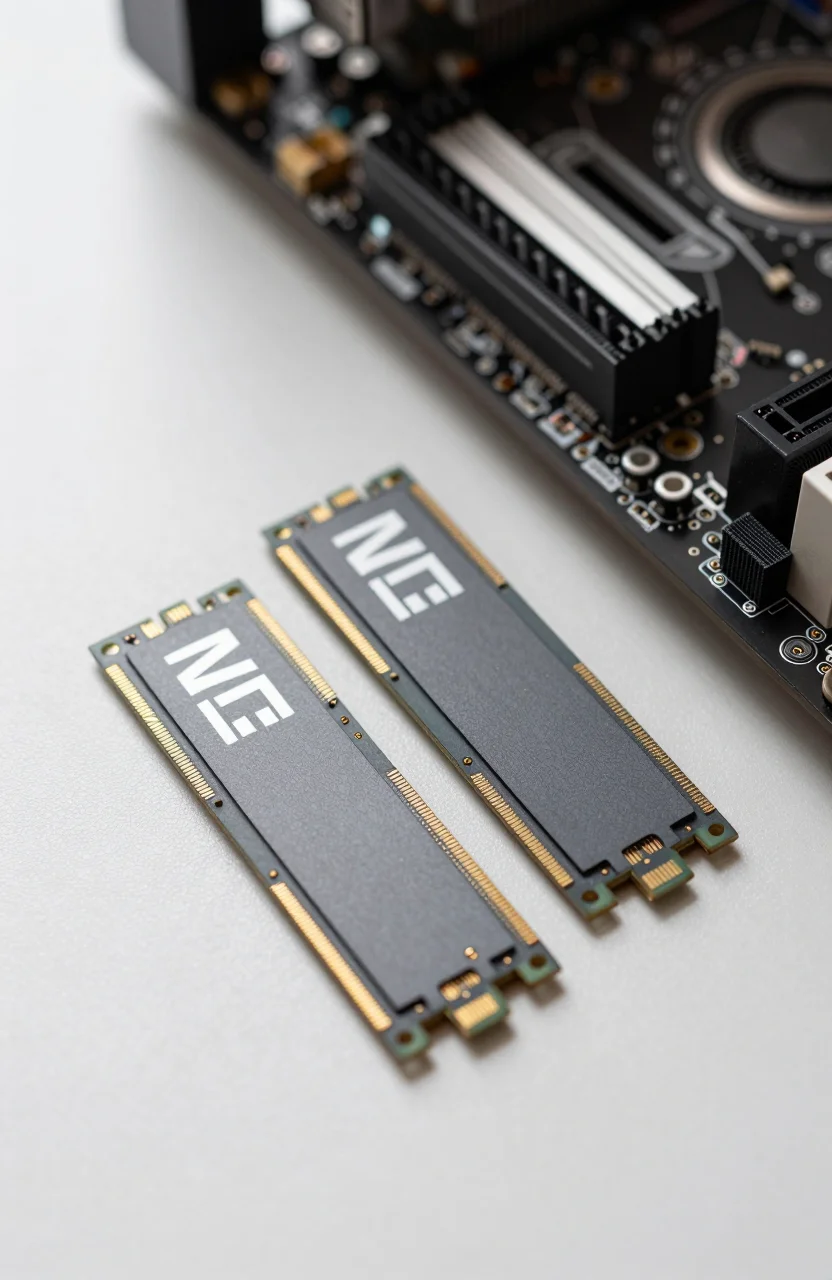
Installing an NVMe drive is straightforward. Power down your system completely and locate the M.2 slot on your motherboard. Check your board's manual to confirm which slot supports PCIe 4.0 - many boards have one dedicated PCIe 4.0 slot and one or more slower PCIe 3.0 secondary slots. Insert the drive at a slight angle into the M.2 key, then press it flat and secure it with the retention screw. In Windows, open Disk Management after boot to initialize and format the new drive. If you are cloning an existing OS drive to avoid reinstalling Windows, Macrium Reflect Free handles the process reliably and at no cost. For laptops, check whether your model uses a 2230 or 2280 form factor slot - the SN770 and P3 Plus both come in 2280, which fits most desktops and the majority of modern laptops.