Four terabytes of Gen4 NVMe still feels like cheating when your Steam folder, capture clips, and work VMs all want the same fast slot. The WD_BLACK SN850X 4TB targets that exact problem: up to 7300 MB/s read and 6300 MB/s write on an M.2 2280 PCIe 4.0 drive, with street pricing near $520.78 and a massive Amazon review base around 4.8 stars from roughly 17398 ratings. This review focuses on the 4TB capacity as a gaming and workstation expansion pick, not a budget 1TB boot disk.
If you are still deciding whether flash belongs in every bay, start with our SSD vs HDD guide, then come back when you already know you want NVMe and the only open question is whether 4TB is worth the jump.
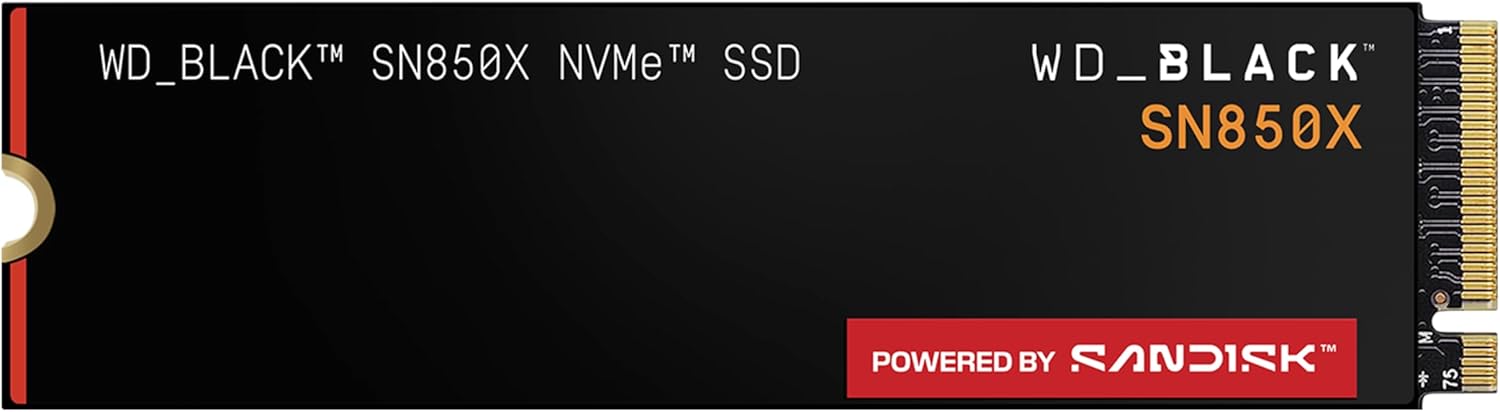
- Insane speeds up to 7,300MB/s (1TB - 4TB models) deliver top-tier performance with ridiculously short load times for your gaming PC or works
- Capacities up to 8TB built with SANDISK TLC 3D NAND, means you get to keep more games at the ready - and get into the action even faster
- The WD_BLACK SN850X NVMe SSD 1TB and 2TB drives have an optional heatsink version that not only looks awesome but also helps your rig mainta
- The downloadable WD_BLACK Dashboard (Windows only) monitors your drive’s health, lets you customize your RGB lighting, and, exclusively on t
Summary
The SN850X is Western Digital's high-end PCIe 4.0 gaming SSD line. At 4TB it is less about winning synthetic leaderboards against every Gen5 newcomer and more about deleting the "which games do I uninstall this week" ritual. Peak sequential numbers (up to 7300/6300 MB/s) sit at the top of the Gen4 class when the motherboard link, cooler, and BIOS are healthy.
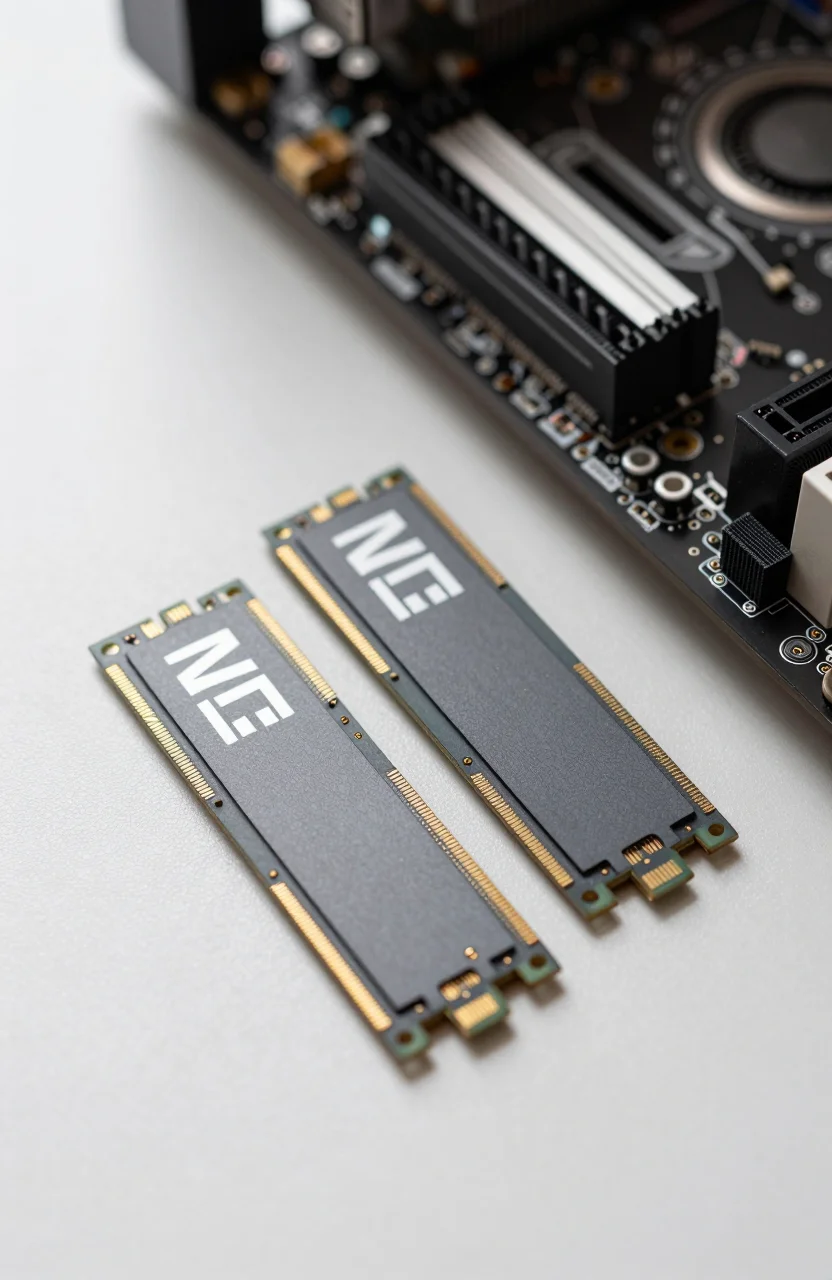
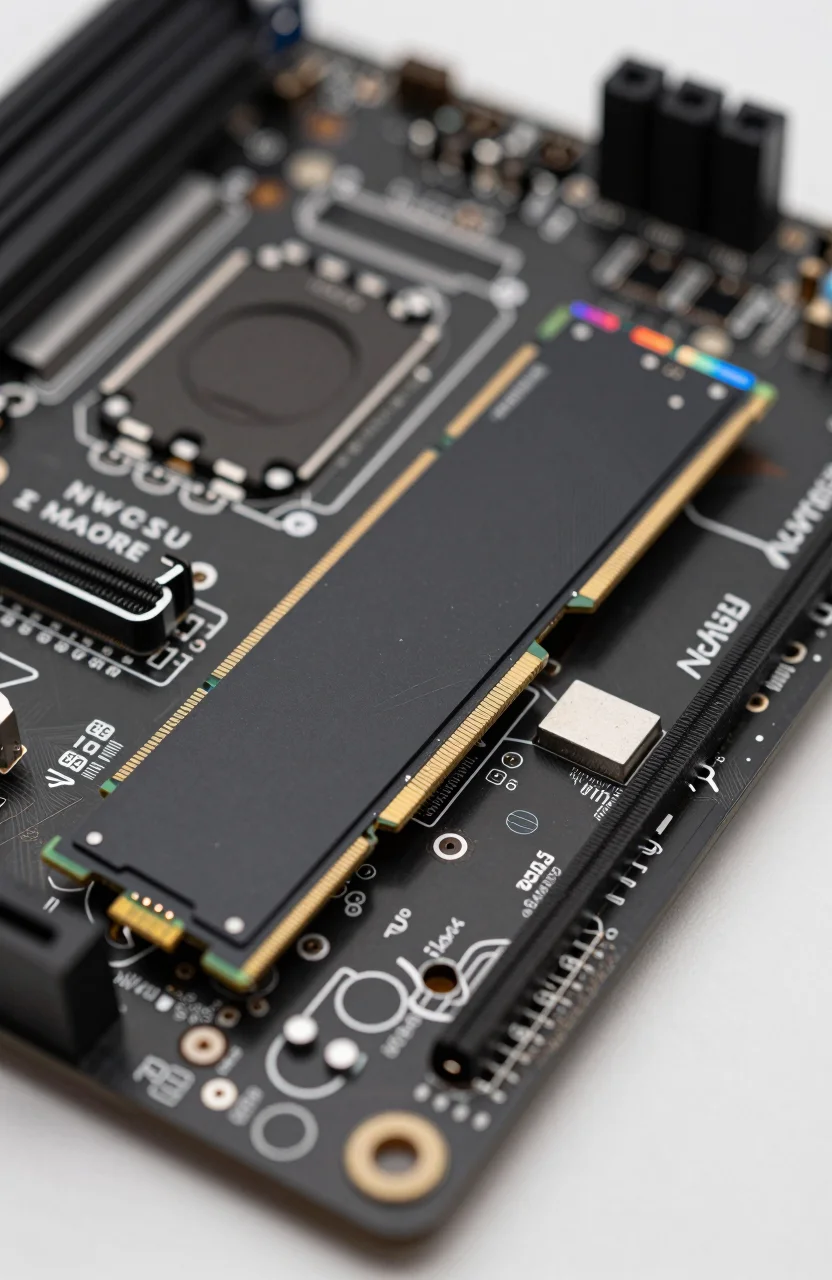
You install it like any M.2 2280 stick: one screw, correct notch orientation, optional heatsink if your board or the retail kit includes one. Many B550/X570 and modern Intel boards already ship with a slot plate. Leave airflow alone if the drive sits under a thick GPU; heat is the silent speed killer on long game installs and big file copies.
Amazon feedback at roughly 4.8/17398 is the kind of volume that filters out one-off DOA noise. Buyers who leave detailed notes usually praise capacity headroom and game load behavior more than absolute CrystalDiskMark bragging rights. That matches how most people actually use a secondary or primary 4TB stick.
Price near $520.78 lands around $0.13 per GB before tax. That is richer than value Gen4 drives, which is the tax you pay for the SN850X branding, firmware tuning, and the large 4TB SKU that value lines sometimes skip or delay. Check live Amazon pricing before you treat $520.78 as permanent; flash swings hard during sales weeks.
Think of this drive as gaming expansion first. You can boot Windows from it, and plenty of people do, but the product story is the library that never fits on a 1TB stick after two seasons of AAA releases, mods, and shader caches. If your CPU and GPU already outrun an old SATA SSD, this is the upgrade that removes the last obvious storage bottleneck without forcing a full platform swap to Gen5.
Specs that matter
- Interface: PCIe 4.0 x4 NVMe, M.2 2280 form factor
- Rated sequential: up to 7300 MB/s read, 6300 MB/s write
- Capacity in focus: 4TB usable for large Steam libraries and content folders
- Street price (approx.): $520.78
- Crowd signal: about 4.8 stars from ~17398 Amazon reviews
Sequential peaks matter when you copy ISOs, move capture folders, or clone disks. For game loading, random read behavior and a clean Windows install usually matter more than another 500 MB/s on a sequential chart. The SN850X is tuned as a gaming drive, which shows up as snappy level streaming rather than a night-and-day difference versus other strong Gen4 parts in every title.
Confirm your motherboard supports PCIe 4.0 on the slot you plan to use. Some secondary M.2 slots drop to fewer lanes or share bandwidth with SATA ports. Reading the board manual once saves an afternoon of "why is my 7300 MB/s drive stuck at Gen3 speeds" forum posts. Our NVMe lifespan and speed tips cover firmware, overprovisioning habits, and cooling basics that keep a high-end stick honest over years of writes.
Heatsink or no heatsink depends on chassis airflow. A bare stick under a sealed GPU sandwich can throttle during long writes. A tall aftermarket cooler that blocks a PCIe slot is its own problem. Middle ground: use the board's stock plate if it contacts the NAND packages firmly, and keep case intake clean.
DRAM cache behavior and TLC flash quality matter more for write-heavy workloads than for weekend gaming. If you dump multi-hundred-gigabyte video projects onto the same volume every day, leave some free space and avoid filling the drive to the last gigabyte. Controllers slow down when they have no spare blocks to rearrange. Gamers who keep 15-20% free rarely notice that cliff.
Mid-purchase check: open the WD_BLACK SN850X 4TB page, confirm you are buying the capacity and heatsink variant you expect, and match the ASIN to a seller you trust. Bundle kits sometimes quietly swap to a different WD Black SKU.
Pros
- Real 4TB headroom. Modern titles at 80-150GB each stop fighting each other for leftover free space.
- Top-tier Gen4 sequential ratings. Up to 7300/6300 MB/s keeps big copies and installs quick on a healthy PCIe 4.0 link.
- Gaming-focused positioning. Firmware and branding aim at desktops that run large libraries, not just office boots.
- Strong review volume. Near 4.8 stars across tens of thousands of ratings reduces "unknown brand lottery" risk.
- Standard M.2 2280 fit. Works in most recent desktops and many high-end laptops with a free slot and BIOS support.
For multi-purpose boxes that also store DaVinci caches or Unreal projects, 4TB of fast local NVMe beats juggling an external portable every session. Keep a separate backup habit anyway; speed is not a substitute for a second copy. See our 3-2-1 backup rule overview if your only plan is "the NVMe has not failed yet."
Gamers who want a broader map of internal vs external options can cross-check best storage solutions for gamers after this single-SKU deep dive. Pairing a fast internal SN850X with a slower archive HDD or NAS is still the sane pattern for clips you never scrub daily.
Cons
- Price per GB is premium. Near $520.78 for 4TB loses to value Gen4 drives if you only need capacity, not the SN850X name.
- Not Gen5. Newer motherboards can host faster PCIe 5.0 sticks. Most games will not saturate Gen4, but synthetic charts will.
- Heat under sustained writes. Long copies without airflow can soften peak speeds until the drive cools.
- Overkill as a tiny boot-only disk. If you only need Windows plus a few apps, a 1TB or 2TB value drive frees budget for more RAM or a better GPU.
- Laptop compatibility caveats. Some thin laptops use short 2242 modules or soldered storage. Measure the slot before you order 2280.
None of that kills the product for its intended buyer. It simply means you should not buy 4TB of SN850X out of habit when a cheaper 2TB Gen4 already covers your library with room left over. Also watch warranty paperwork and seller type on marketplace listings; a great drive with a sketchy third-party seller is still a bad purchase.
Gen5 marketing can distract you here. Unless you move multi-gigabyte-per-second media all day on a board that already has Gen5 cooling sorted, the SN850X's Gen4 ceiling remains more than enough for gaming installs and everyday creative work in 2026.
Who should buy 4TB
Buy 4TB if your Steam, Epic, and Xbox PC folders already push past 2TB after a couple of seasons, or if you keep capture video and game installs on the same fast volume. Buy 4TB if you hate migrating libraries every time a new 120GB title lands. Buy 4TB if this is the only internal NVMe slot you want to touch for the next few years.
Wait or downsize if your board only has Gen3 lanes on the free slot, if your total game install list stays under 1.5TB, or if you are months away from a platform upgrade where a Gen5 drive might make more sense for your workflow. Photographers and editors who archive to HDD and only need a fast scratch disk can often stay at 2TB and spend the difference on a NAS or a second backup disk.
A practical sizing method: export your current library sizes from Steam and any other launchers, add 30% growth for the next year, then pick the capacity that still leaves 20% free. If that math lands above 3TB, the 4TB SN850X stops looking extravagant and starts looking like insurance against another teardown next winter.
Console expanders are a separate checklist. PS5 and similar systems have their own heatsink and size rules. This review assumes a PC desktop or laptop M.2 slot. If console expansion is your real goal, verify the console's official requirements before you assume any PC gaming SSD drops straight in.
Laptop upgraders should also confirm whether the machine has a second empty slot or whether you must clone and replace the boot drive. Cloning tools make that painless, but you still need a screwdriver, a backup of critical files, and thirty quiet minutes. Rushing that step is how people wipe the wrong disk.
Verdict
The WD_BLACK SN850X 4TB is a strong answer when you want one high-end Gen4 stick that absorbs a growing game library without weekly uninstall theater. Rated up to 7300/6300 MB/s, M.2 2280, roughly $520.78, and a 4.8-star crowd signal near 17398 reviews make it an easy recommend for gaming PCs that already have a capable CPU and GPU waiting on storage headroom.
Choose a cheaper Gen4 2TB if capacity is not the bottleneck. Choose Gen5 only if your board, cooler, and workload justify it. For everyone else building or upgrading a gaming desktop in 2026, the SN850X 4TB is the "buy once, stop micromanaging folders" move.
Check current stock and pricing on the WD_BLACK SN850X 4TB listing, confirm your M.2 slot generation, and plan a clean clone or fresh Windows install so the new drive starts without years of leftover fragmentation on an old system disk.