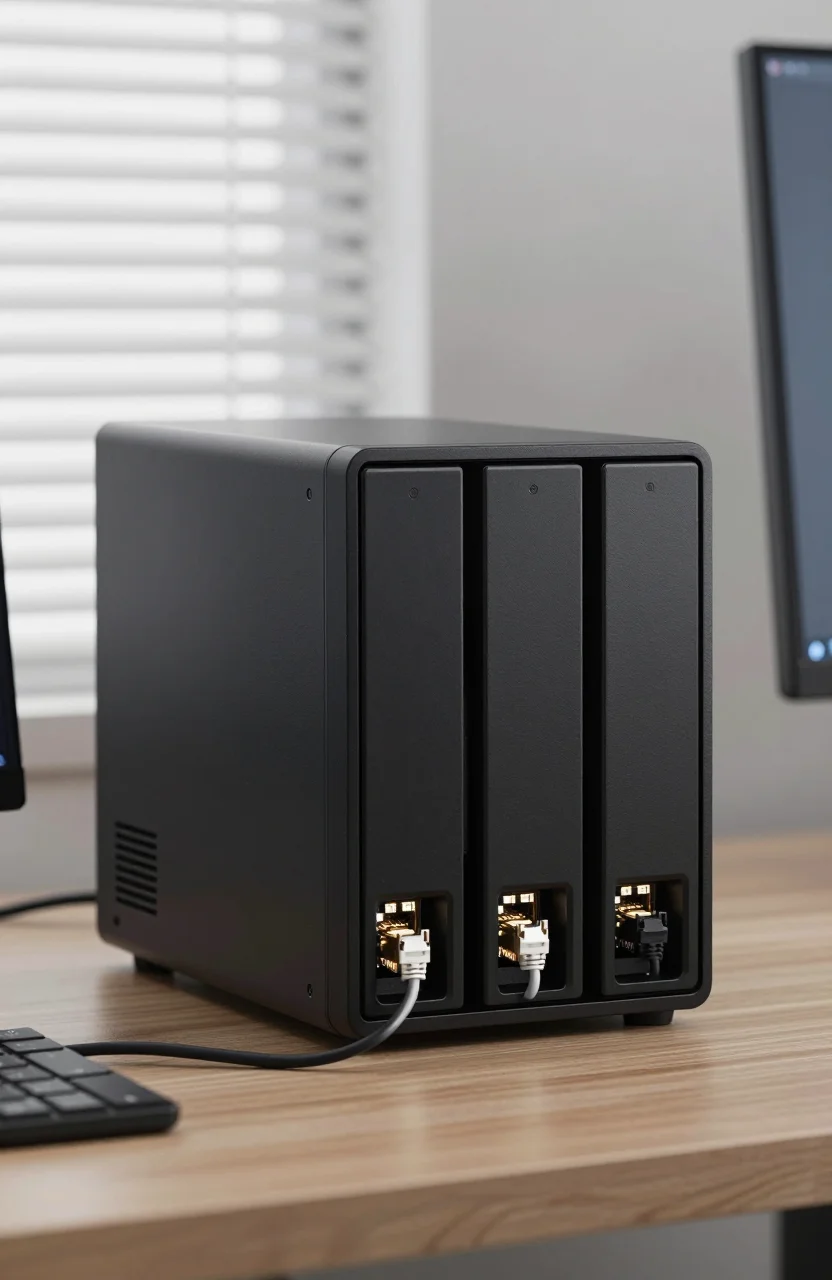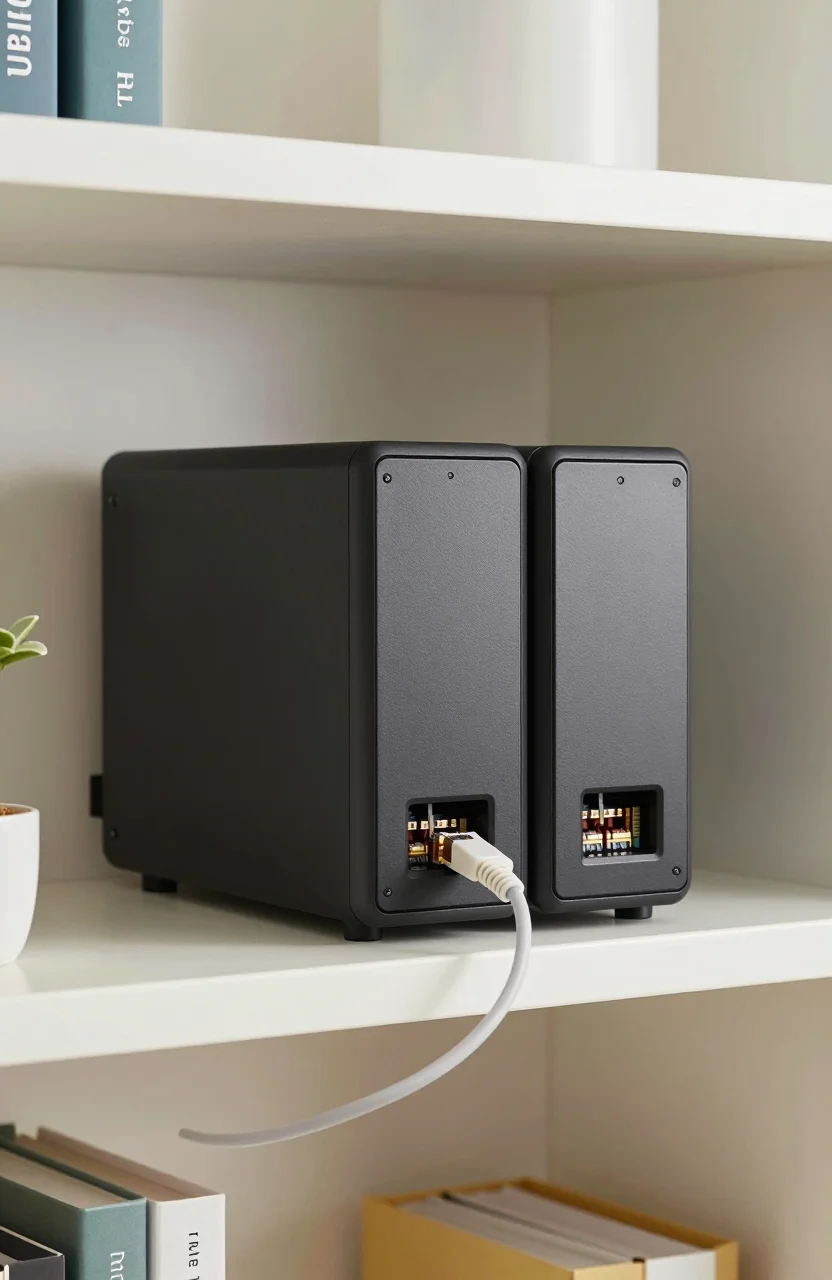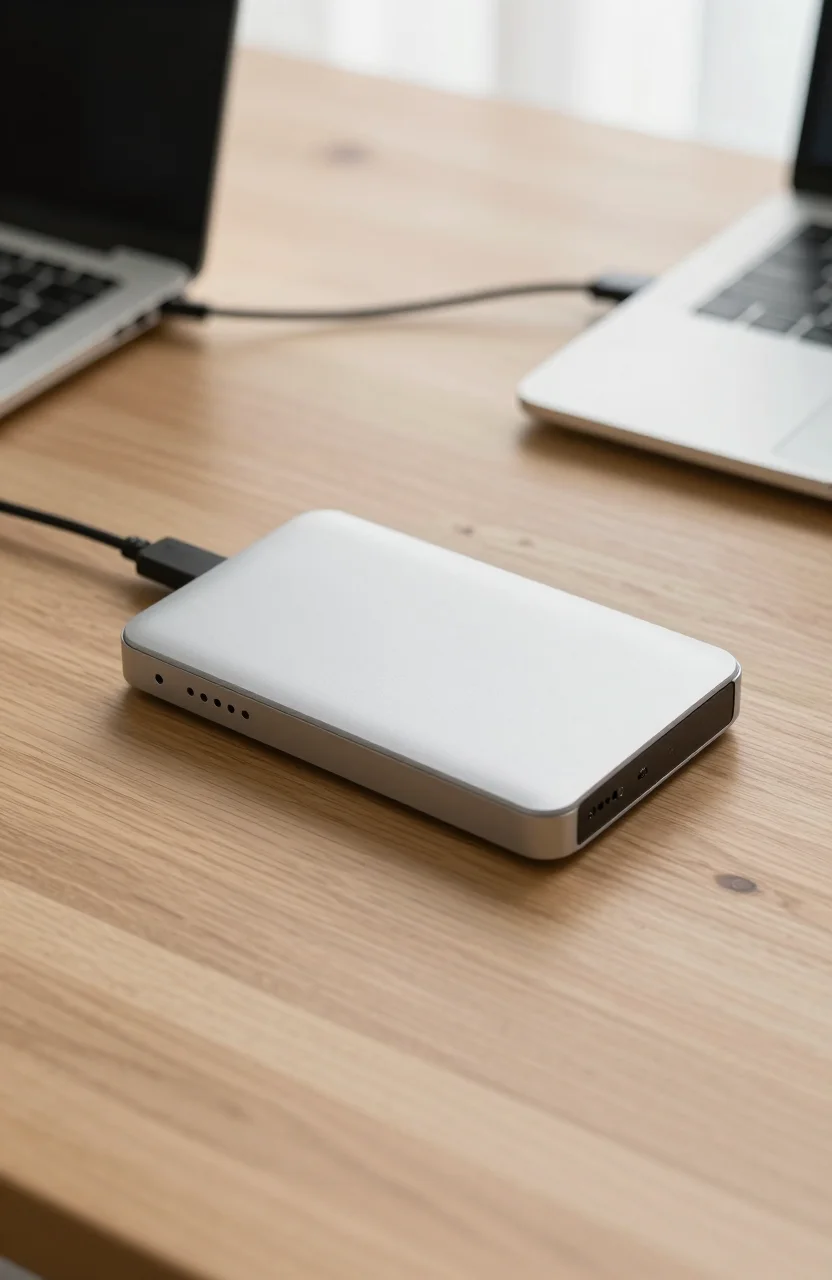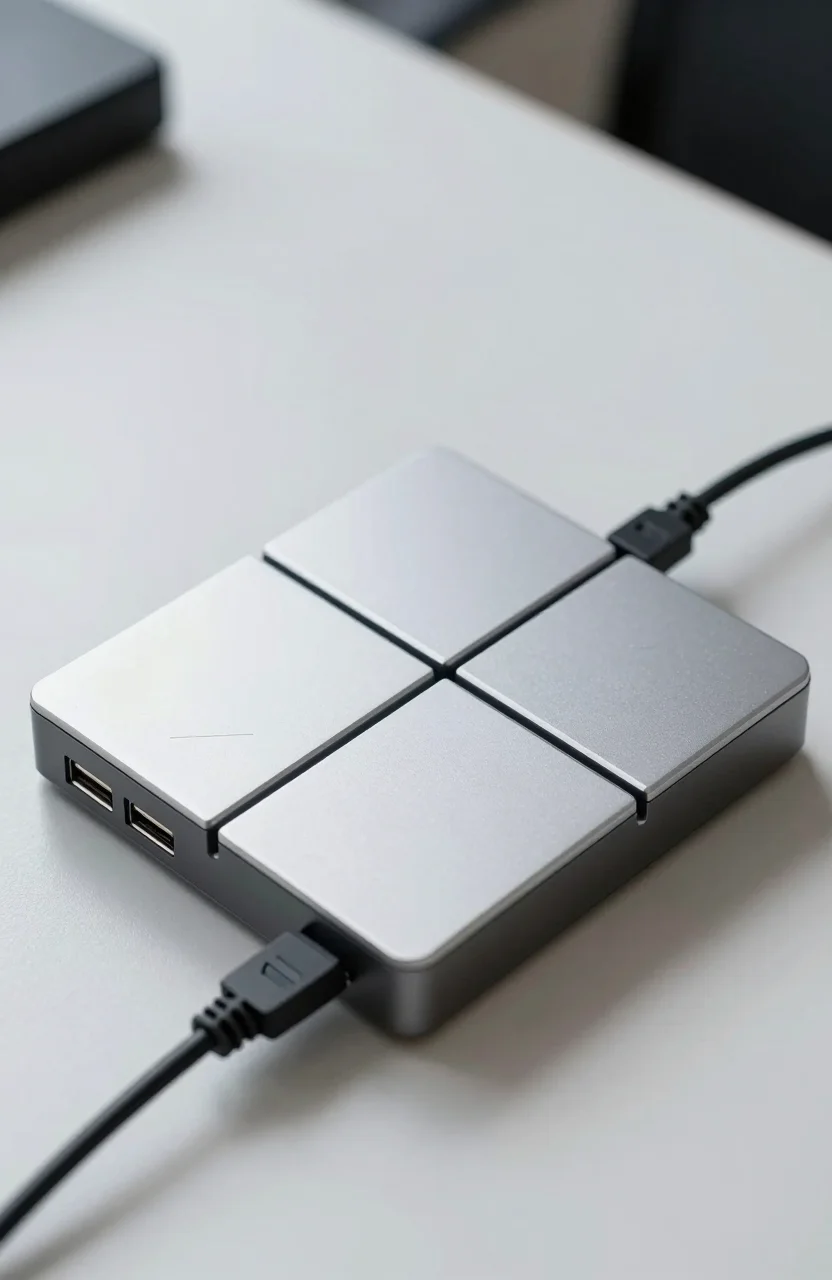
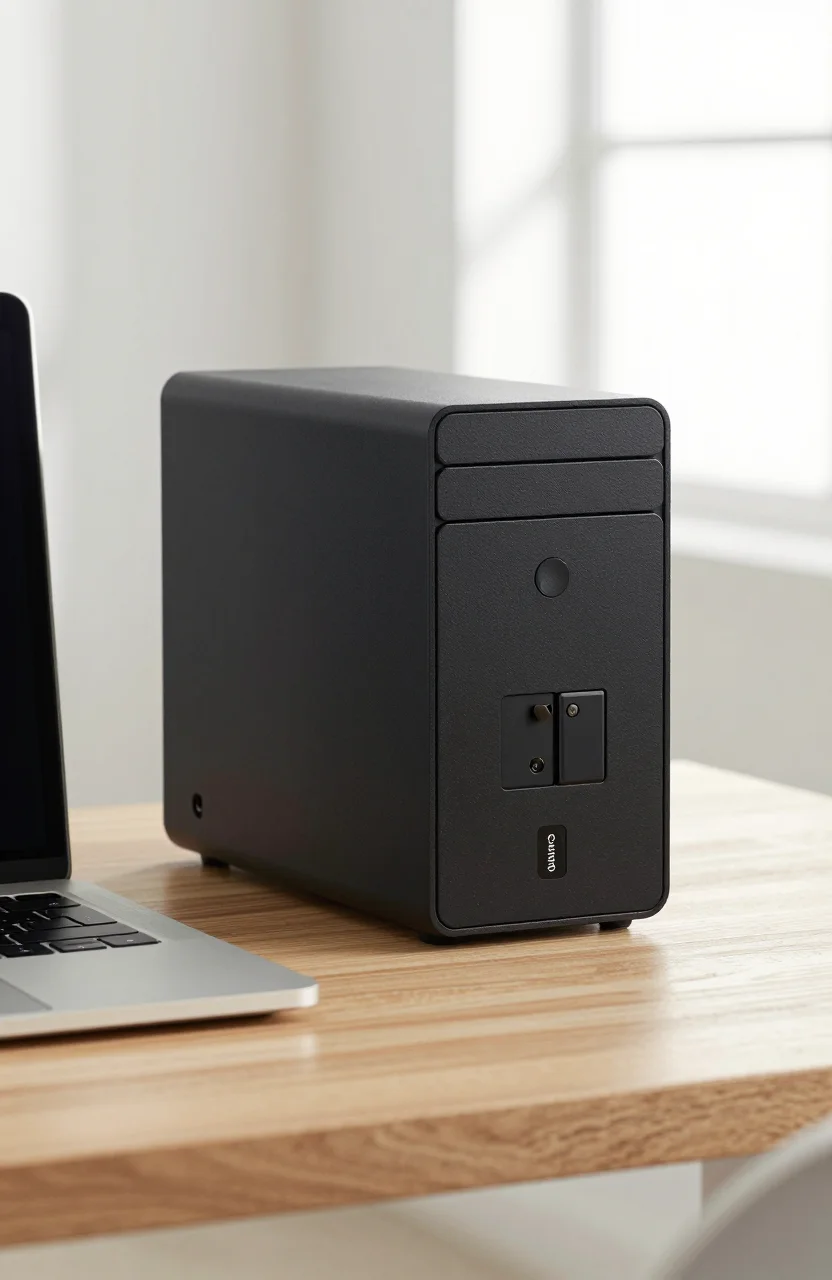
One-bay NAS boxes look like a bargain until you ask what happens when that single drive dies. The Synology DS124 sits right in that tension: full DSM software in a slim chassis, diskless street pricing near $138.99 (was $149.99), and about 4.5/5 from roughly 939 Amazon reviews - with zero RAID safety net.
If you already run backups elsewhere and mainly want a quiet always-on box for photos, files, and light media, this review walks through when the DS124 is enough and when you should stretch to a two-bay unit instead.

- 1-bay diskless chassis, Realtek RTD1619B 4-core 1.7 GHz
- 1 GB DDR4, 1x 1GbE, 2x USB 3.2 Gen 1
- Full Synology DSM for backup, photos, media, and remote access
- No RAID: one drive means one failure domain
What you actually get with a 1-bay DiskStation
The DS124 is Synology's modern entry into single-drive home NAS: a Realtek RTD1619B quad-core ARM chip at 1.7 GHz, 1 GB of DDR4 (soldered), one 3.5-inch SATA bay that also accepts 2.5-inch SSDs with an optional holder, one Gigabit Ethernet port, and two USB 3.2 Gen 1 ports. The enclosure is quiet enough for a living room shelf, with Synology quoting roughly 19 dB(A) and power draw near 10.7 W while active with a drive installed.
You buy it diskless. That keeps the sticker near $138.99 when you shop the DS124 diskless kit, but your real bill includes a compatible HDD or SSD plus any cable adapters you already own. Gigabit Ethernet caps sequential transfers around 110-113 MB/s in practice, so this is not a 10GbE editing bay. It is a always-on appliance that speaks Synology's DSM language: shared folders, Hyper Backup, Synology Photos, Surveillance Station with two free camera licenses, and remote access through QuickConnect if you want the easy path.
Compared with older one-bay units, the DS124 feels current: USB ports for an external backup target, LED brightness control, and a chassis that runs cool for overnight sync jobs. What it does not give you is expandability. There is no eSATA expansion unit path like some Plus-series boxes, and you cannot hot-swap mid-flight. If you later need more capacity, you migrate data to a larger drive or move the whole workload to a multi-bay DiskStation. For many apartments and first NAS setups, that is acceptable. For anyone who expects the box to grow with a media library for a decade, it is a hard ceiling.
Before you order the DS124 enclosure, decide whether DSM's app catalog is the reason you want Synology, or whether you only need SMB file shares. If it is only raw storage, a cheaper USB desktop drive might be enough. If you want photos, scheduled backups, and phone apps that feel polished, the DS124 earns its keep.
The RAID question nobody should skip
One bay means no RAID 1, no RAID 5, and no Synology Hybrid RAID mirror. When that single disk fails, the volume fails with it. Synology still sells one-bay units because plenty of homes treat the NAS as a secondary copy: laptop sync target, camera dump, or Time Machine destination, while the primary files live elsewhere. That use case is valid. Treating the DS124 as the only copy of irreplaceable photos is not.
Plan a second destination on day one. Options include a USB drive plugged into the rear ports for Hyper Backup, a cloud subscription such as Synology C2 or Backblaze, or a second machine on the network. Our 1-bay vs 2-bay budget NAS comparison covers why paying a bit more for two bays often costs less than recovering from a dead platter. If you need on-box redundancy, stop here and look at a DS223, DS224+, or similar two-bay model instead of forcing the DS124 into a role it cannot fill.
Even with a good external backup habit, one-bay boxes still punish you with downtime. Replacing a failed drive means restoring from backup, not rebuilding a mirror overnight. For a home office that can wait a day, fine. For a small business that needs continuous uptime, skip one-bay entirely. The DS124 is honest hardware for a narrow job: compact Synology storage when you already understand that redundancy lives outside the chassis.
Drive choice matters more here than on a mirrored array. Once you have the DS124 chassis, buy a NAS-rated HDD (Synology HAT3300 series or equivalent WD Red / Seagate IronWolf class) rather than a desktop drive with aggressive parking. Keep SMART monitoring enabled in DSM Storage Manager so you get early warnings. And label the drive capacity clearly; upgrading later means offline copy-out, not a painless expand.
DSM strengths that make the DS124 feel bigger than its chassis
Hardware is modest. Software is the reason people still buy Synology at this size. DSM gives you shared folders with permissions, snapshot-style protection on Btrfs volumes when supported by the package set, mobile apps that feel finished, and a Package Center that covers most home needs without Docker experiments. The ARM CPU and 1 GB of RAM limit what you should run: expect solid file serving and photo browsing, not a stack of virtual machines or heavy containers. Synology's own tables mark many advanced packages as Plus-series only for good reason.
Where the DS124 shines is routine: overnight Hyper Backup to USB, Synology Drive sync for a couple of PCs, Photos albums shared with family, and light Plex or Video Station libraries if your bitrate stays reasonable. Gigabit networking and the CPU will choke on multiple 4K streams or aggressive AI photo indexing, but a household of two or three people doing documents and JPEG libraries is within range. Surveillance Station's two free licenses cover a porch and a driveway without buying extra camera packs on day one.
Remote access is another reason people pick this over a bare USB drive. QuickConnect avoids router port-forwarding for many users, and HTTPS certificates through Let's Encrypt are a few clicks once DNS is sorted. If you prefer self-hosted reverse proxies and Tailscale, you can go that route too, but the out-of-box path is why Synology remains sticky for non-hobbyists. Pair that with the compact footprint and you understand the product: software gravity in a half-width tower.
Noise and power stay friendly. At roughly 10 W while working and a few watts in hibernation, the DS124 can sit powered 24/7 without dominating a utility bill. That always-on habit is what makes scheduled backups actually happen. A USB SSD that lives in a drawer only helps when you remember to plug it in. If you want that set-and-forget rhythm without spending on a Plus-series chassis, this DiskStation model is the smallest Synology path that still feels current.
DS124 vs DS224+: when one bay is enough
Synology's two-bay DS224+ sits a step up: Intel Celeron, more RAM, two drive bays for SHR/RAID 1, and better headroom for Photos face recognition and modest containers. Our DS224+ home starter review covers that box in depth. The question for shoppers staring at the DS124 is whether the software overlap justifies staying at one bay.
Choose the DS124 when budget and desk space dominate, your critical data already has a second copy, and you mainly need DSM for sync and backup rather than media servers with many clients. Choose the DS224+ when you want mirror protection inside the chassis, plan to run more packages, or expect the NAS to be the household's primary photo vault. The cash gap between diskless units is often smaller than the cost of a second hard drive, so do the math with drives included, not just chassis stickers.
Also weigh alternatives outside Synology. Ugreen and other brands push cheaper multi-bay kits with different OS stacks; our note on Ugreen as a Synology alternative helps if DSM licensing or drive compatibility rules frustrate you. Staying with Synology means accepting their HCL preferences and package ecosystem. Leaving Synology means learning a different UI. Neither is wrong; mixing goals usually is.
If Plex is your main reason for a NAS, re-read capacity and client counts carefully. A single Gigabit link and ARM CPU on the DS124 can stream fine for one local 1080p client, but busy households often outgrow it. In that case a two-bay Plus unit or a dedicated mini PC plus storage may be cleaner than forcing the DS124.
Who should buy the DS124 (and who should walk away)
Buy the Synology one-bay DiskStation if you want DSM in the smallest modern chassis, already keep offsite or USB backups, and need a quiet always-on target for documents, phone backups, and modest photo libraries. It is a strong first NAS for renters who cannot dedicate a full rack shelf, and a sensible secondary box next to a larger primary server. Amazon's roughly 4.5/5 from hundreds of reviews lines up with that niche: people who understand the one-drive limit tend to be happy; people who expected RAID feel burned.
Walk away if this would be your only copy of family photos, if you need mirror rebuilds without restoring from backup, if you plan Docker stacks and VMs, or if multiple 4K streams are non-negotiable. Also walk away if your budget already stretches to a two-bay Plus model with drives - the incremental spend buys real protection and CPU headroom that the DS124 cannot match later without a full migration.
Setup checklist once the box arrives: update DSM immediately, create a strong admin password (and disable default admin if prompted), enable automatic updates for security packages, format with Btrfs when available for your drive, turn on notifications, and schedule Hyper Backup to an external disk or cloud within the first evening. Verify a test restore. Then install only the packages you will actually open weekly; idle services still consume RAM on a 1 GB machine.
- Confirm your critical data already has a second copy before trusting one bay
- Budget for a NAS-rated drive, not only the diskless chassis price
- Prefer two-bay Plus hardware if redundancy inside the box is mandatory
- Use USB or cloud Hyper Backup on day one, not "someday"
- Keep package count lean on 1 GB of RAM
If those points match how you work, the current DS124 deal on Amazon is a coherent buy. If any of them feel like compromises you will regret in six months, spend the difference on a two-bay unit and sleep better when a drive eventually fails - because every drive does, eventually.
One last practical note: buy from a seller that ships a sealed diskless unit with the Synology accessory pack (power brick, LAN cable, screws). Counterfeit or incomplete kits waste more time than the few dollars you might save. Once DSM is online and your first backup job completes cleanly, you will know whether one bay was the right call for your home - and you can stop second-guessing the chassis every time a storage sale pops up.