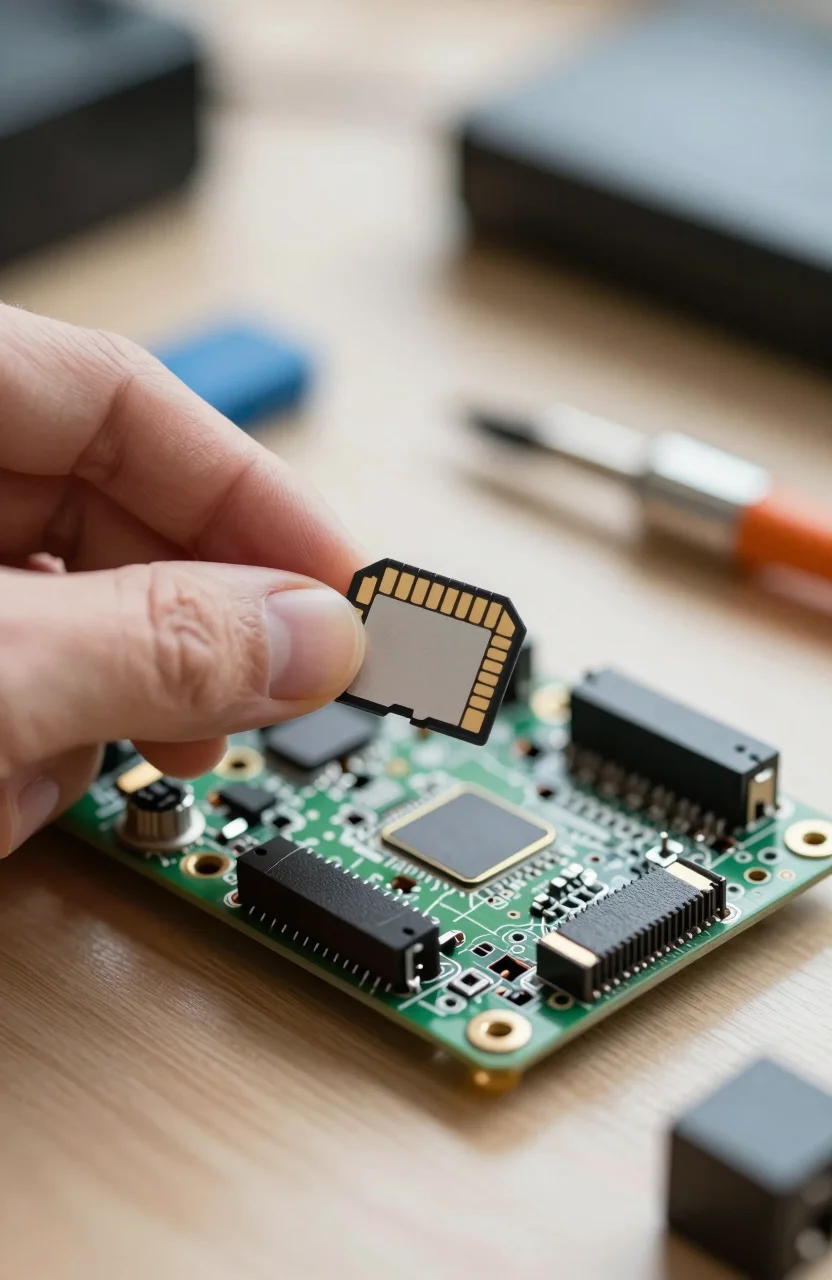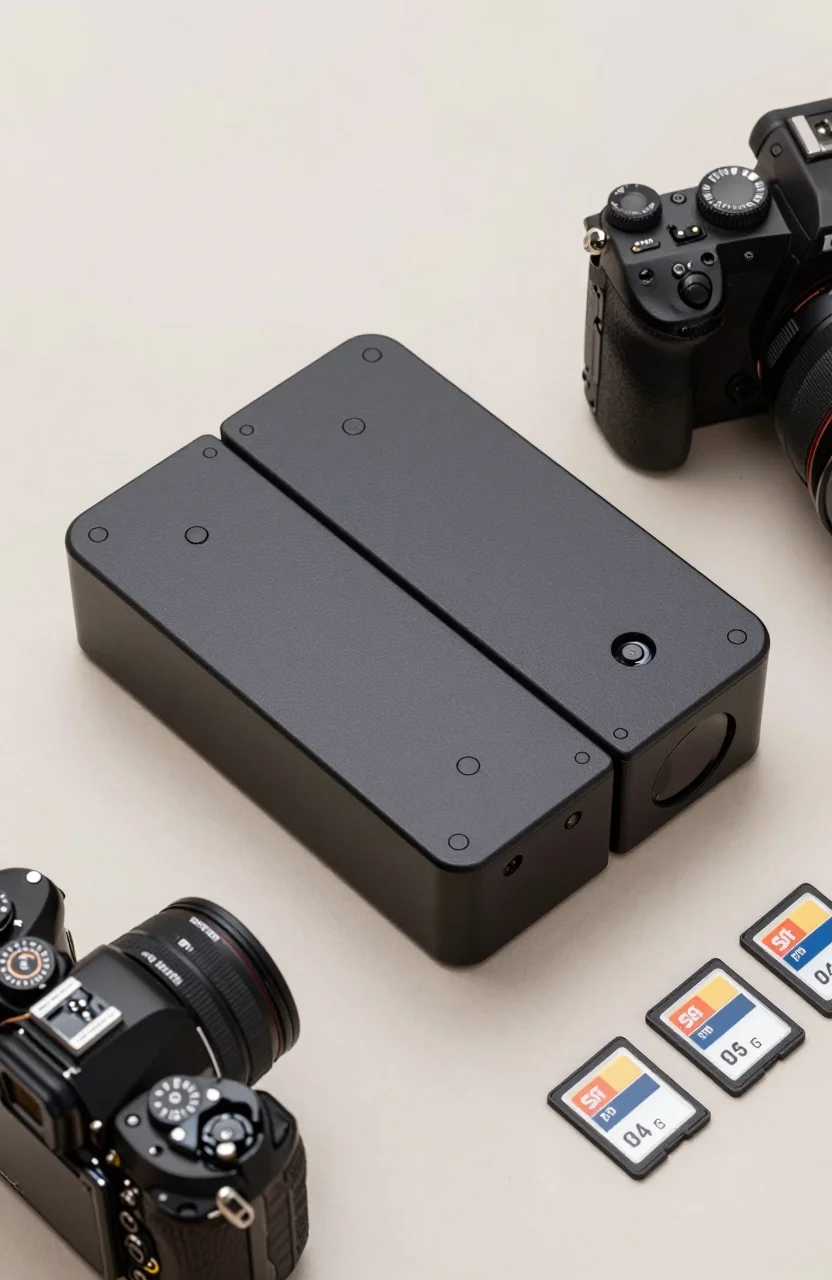
Photographers deal with a specific storage challenge: high volumes of large RAW files that need to be fast to ingest, easy to back up, and reliably archived. The question of whether to use a USB dock with a card reader, or a dedicated dual-bay desktop storage enclosure, comes up repeatedly in photography communities. The right answer depends on your shooting volume, workflow location, and how seriously you take data redundancy. This guide breaks down both options with real products and practical recommendations.
What Is a USB Dock and What Does a Dual-Bay DAS Do?
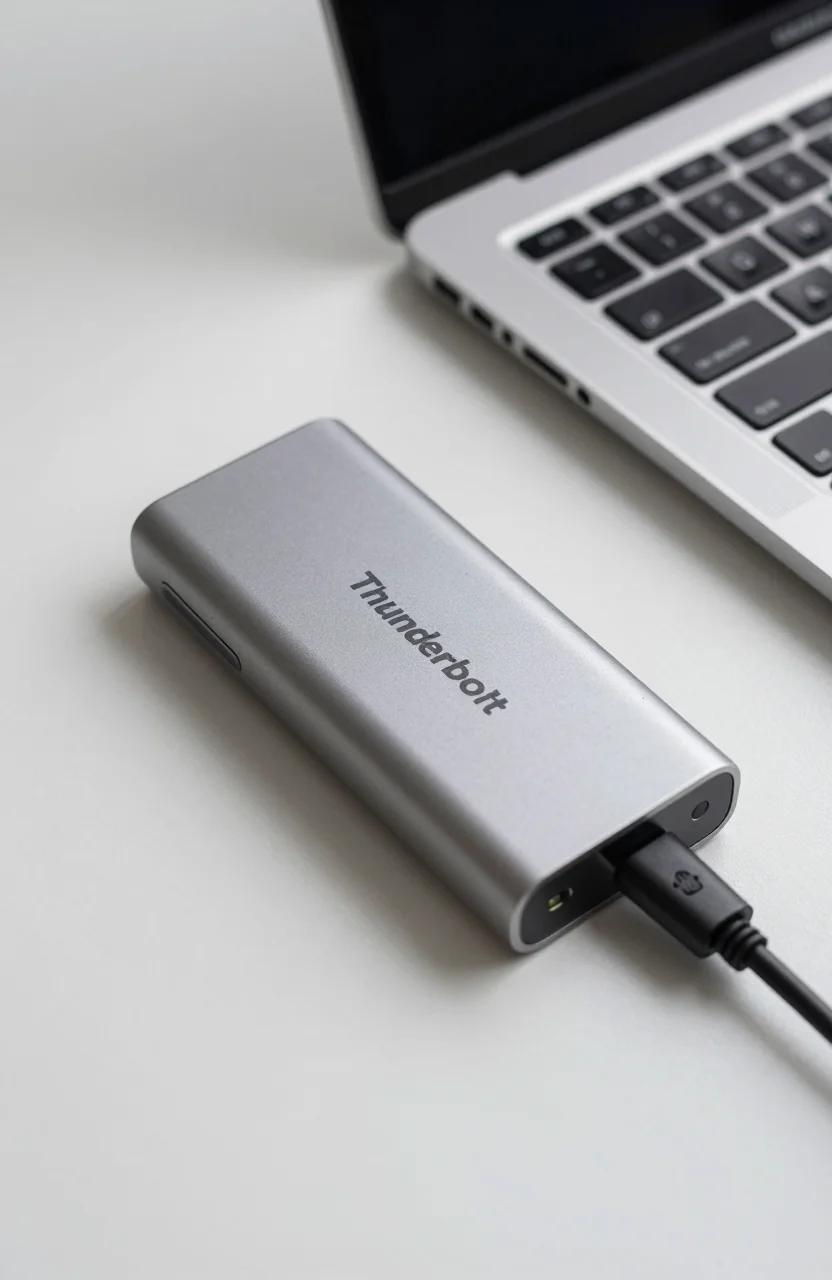
A USB dock - sometimes called a media hub or USB-C dock - adds ports to a laptop: USB-A, card reader slots, HDMI, Ethernet, and possibly a single USB storage connection. These are primarily designed as laptop productivity accessories. Storage is secondary: you connect an external drive to one of the USB ports and access it alongside other peripherals. The Anker USB-C Hub 8-in-1 is a typical example - it consolidates ports well for travel and desk use, and it can drive a single external hard drive at USB 3.2 speeds without issues.
A dual-bay DAS (Direct-Attached Storage) is purpose-built for drives. Units like the TerraMaster D2-320 hold two 3.5-inch or 2.5-inch hard drives simultaneously and connect to a PC or Mac via USB 3.1 or USB-C. A dual-bay DAS is not a laptop accessory - it is a desktop storage appliance designed for archive management, drive duplication, and redundant backup configurations.
Day Shoot Workflow: Card Reader and Portable SSD Are Fine
For a typical day of shooting - returning home, ingesting cards to a laptop, doing initial culling in Lightroom or Capture One - a basic USB-C card reader and a single external drive is all you need. The bottleneck in this workflow is almost always the card reader speed and the laptop's USB bandwidth, not the storage device itself.
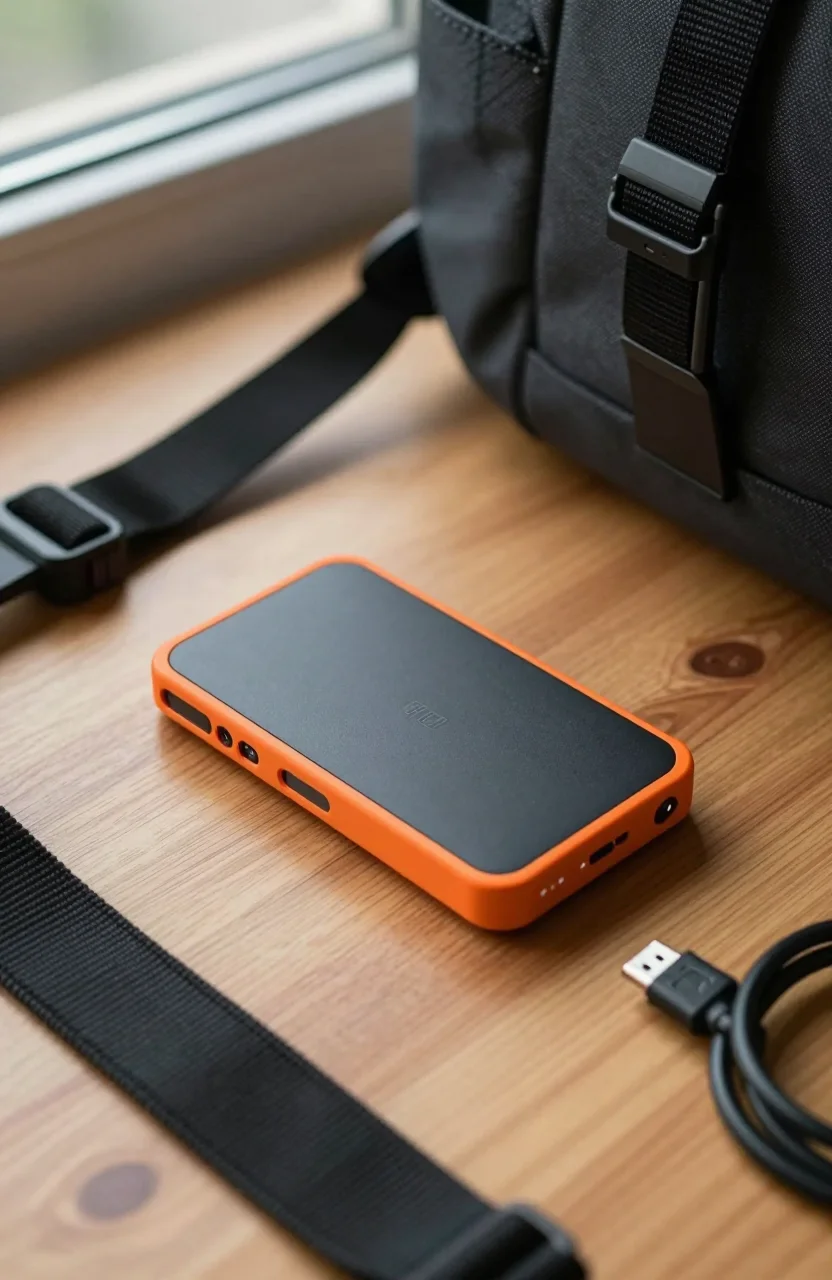
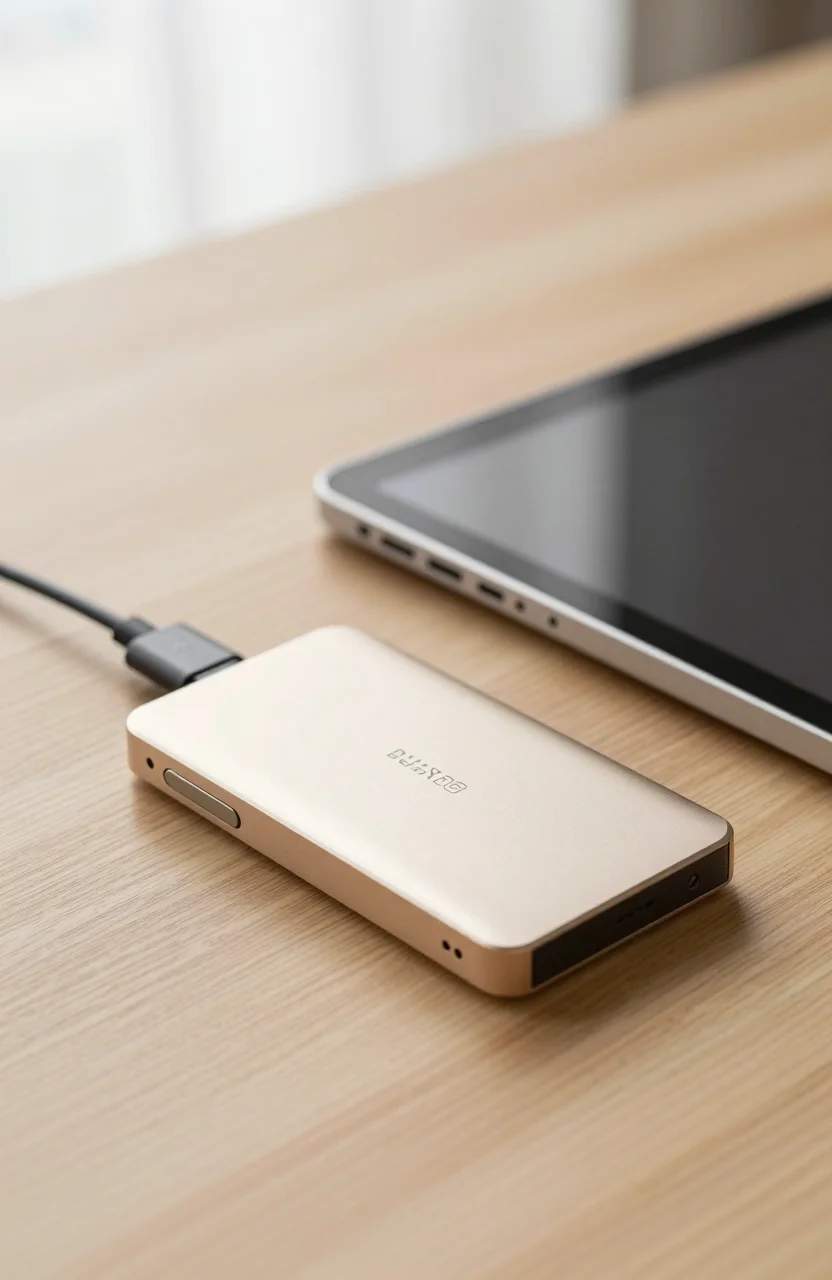
A portable SSD like the Samsung T7 Shield 1 TB connected to the laptop's USB-C port handles this workflow without any additional equipment. You get fast ingestion up to 1,050 MB/s, a compact drive that fits in a jacket pocket, and no extra power brick required. For photographers who travel regularly or work primarily from a laptop, this is the simplest and most portable setup available.
The limitation appears when you need a second drive for simultaneous backup during ingestion, or when you are archiving months of shoots to large 3.5-inch hard drives. That is where a dual-bay DAS earns its place in the workflow. See our external SSD form factor guide for more portable options across price points.
Home Archive Workflow: When a Dual-Bay DAS Makes Sense
If you maintain a home archive of RAW files across multiple years of shooting, a dual-bay DAS running two large hard drives is a significantly better approach than a USB dock with a single drive. The TerraMaster D2-320 or similar dual-bay units let you run two 4 TB to 8 TB drives simultaneously - one as your active archive, one as a real-time backup or mirror.
The ORICO 2-Bay DAS is a budget alternative that holds two drives in a desktop form factor with USB 3.0 connectivity. At idle, both drives spin down together. At your desk, you have a two-drive archive system that plugs into a single USB port - much cleaner than managing two separate external drives with two separate power adapters. See our photographers storage guide for a detailed comparison of current models and prices.
Some dual-bay units also support offline duplication - cloning one drive to another without a connected PC. This is useful when refreshing archive drives every few years, which photographers running long-term RAW archives should do as a precaution against age-related drive failure. The drives do all the work independently of any computer, which is a convenient feature during maintenance sessions.
Connectivity, Speed, and Power Considerations
Both USB docks and dual-bay DAS units typically use USB 3.0 or USB 3.1 connections to the host PC, providing 400 to 600 MB/s sustained bandwidth to hard drives - more than enough, since 3.5-inch hard drives max out at 200 to 260 MB/s regardless of interface speed. The practical speed difference between a well-connected USB dock and a dedicated DAS is minimal for hard drive storage specifically.
Where they differ is in power delivery and bus stability under sustained load. USB docks powering multiple peripherals simultaneously - display output, keyboard, network, and drives - can sometimes hit USB controller bandwidth limits or power delivery ceilings. A dedicated DAS with its own power adapter avoids this entirely and provides more consistent behavior during long ingestion sessions. For photographers archiving full event shoots of 50 to 200 GB at once, a powered enclosure is the more reliable choice over a bus-powered hub.
For the USB storage comparison, portable bus-powered options are ideal for travel and field use. For the home desk archive, a powered dual-bay unit wins on reliability and long-term convenience.
Which Setup Is Right for Your Photography Workflow?
Choose a USB dock with a portable SSD if: you primarily shoot on location and ingest at hotels or on the road, your active working set fits on a 1 TB to 2 TB portable drive, and you back up to the cloud between shoots. This setup costs less upfront and requires no desk space or permanent installation.
Choose a dual-bay DAS if: you shoot high-volume events such as weddings, sports, or commercial work, maintain a multi-year RAW archive, or want local redundancy with two drives running simultaneously. The upfront cost is higher - a decent dual-bay unit plus two 4 TB drives runs $150 to $250 total - but the workflow is cleaner and the data protection is meaningfully better.
Many working photographers end up with both: a fast portable SSD for field work and ingestion, and a dual-bay DAS at the home desk for long-term archive storage. The two tools complement each other across different phases of the photography workflow rather than competing for the same role.