Building a home or small-office NAS usually ends in the same aisle fight: Seagate IronWolf 4TB near $99.99 versus WD Red Plus 4TB near $114.99. Both are CMR NAS hard drives aimed at always-on arrays. Neither is a desktop Blue/Barracuda substitute with a NAS sticker slapped on. The useful question is which 4TB CMR disk fits your bay count, noise tolerance, and recovery preference.
If you are still choosing the chassis, start with the ultimate NAS guide. For media differences that affect rebuilds, keep CMR vs SMR for backups open. Backup design still beats brand loyalty: follow a real 3-2-1 routine.
| Best Choice | Alt Pick | |
|---|---|---|
| Preview | 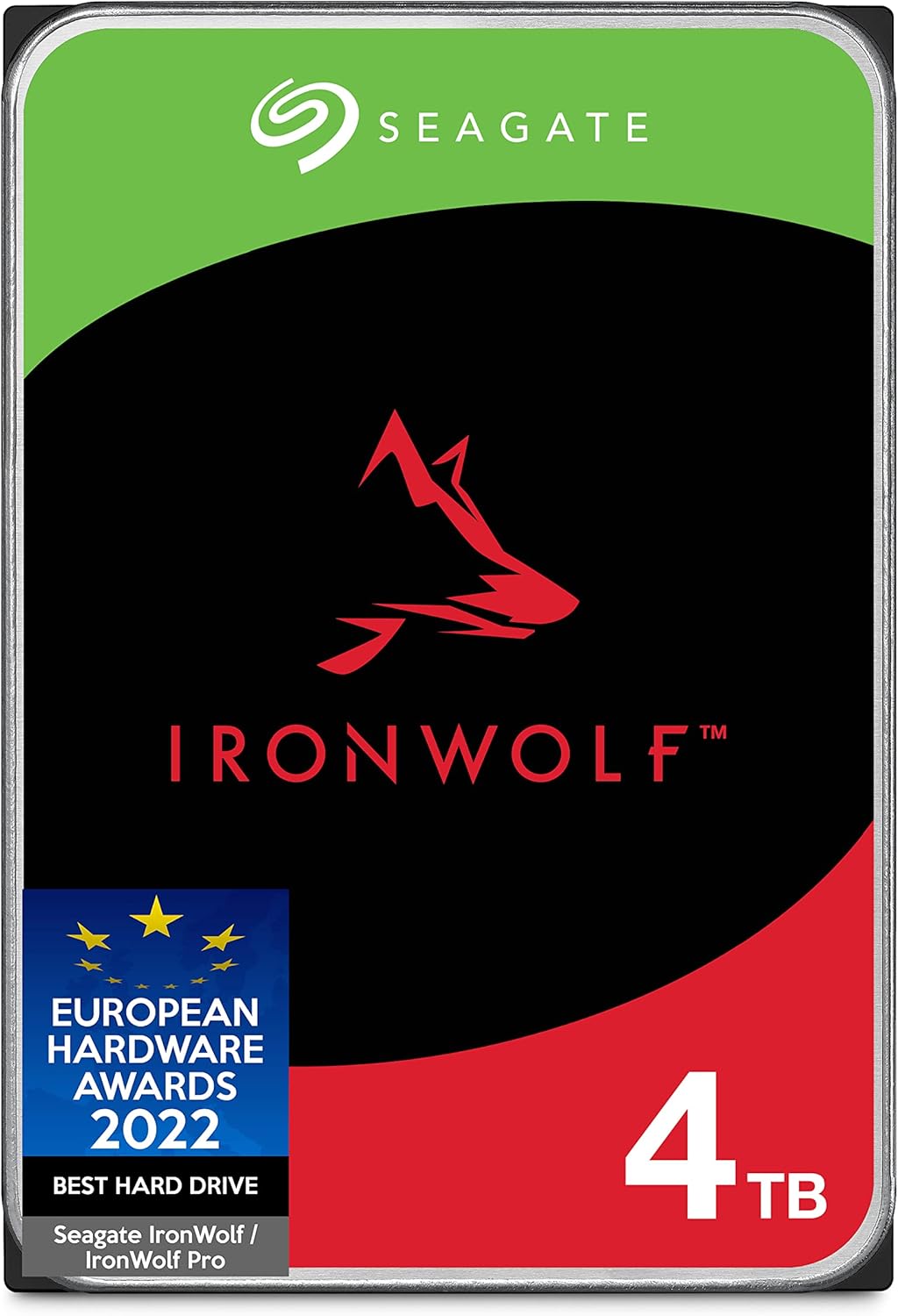 |  |
| Title | Seagate IronWolf 4TB NAS HDD | Western Digital 4TB WD Red Plus NAS HDD |
| Capacity | 4TB | 4TB |
| Interface | SATA | SATA |
| Rating | 4.7 / 511,982 reviews | 4.3 / 53,627 reviews |
| Price | $99.99$119.99 | $114.99$129.99 |
| Buy on Amazon | Buy on Amazon |
Quick comparison table
| Factor | IronWolf 4TB | WD Red Plus 4TB |
|---|---|---|
| Street price (approx.) | $99.99 | $114.99 |
| Recording tech | CMR | CMR |
| Typical use | NAS / RAID / always-on | NAS / RAID / always-on |
| Vendor extras | Rescue Data Recovery services (Seagate plans) | NASware tuning (WD) |
| Price delta | Usually cheaper at 4TB | ~$15 more at current pricing |
At 4TB the IronWolf often wins on sticker price. Across a 4-bay or 8-bay build that $15 gap multiplies. Performance between CMR NAS peers at this capacity is close enough that firmware compatibility, vibration handling, and support extras decide more purchases than a synthetic MB/s chart. Sequential peaks look similar in light home workloads. Rebuild time, error recovery behavior, and how your NAS OS handles a failing member matter more than a weekend benchmark screenshot.
Workload rating and CMR reality
NAS drives are rated for higher annual workload and multi-bay vibration than desktop disks. IronWolf and Red Plus both sit in that class. CMR matters because SMR (shingled) drives can choke during RAID rebuilds and heavy random writes. You want CMR for arrays that rewrite a lot of data. Both of these 4TB options check that box.
Workload rating numbers on the box are planning tools, not promises. A quiet photo archive with nightly syncs is an easy life. A Plex box plus constant camera uploads plus torrent staging is harder. Match drive class to duty cycle. Do not buy the cheapest desktop disk and hope RAID will forgive you. Desktop drives can work in a single-disk USB dock. Inside a vibrating multi-bay chassis they are the wrong tool.
If your NAS vendor publishes a compatibility list, check both SKUs before you order a full set. Mixed brands in one volume usually works, but identical model firmware keeps rebuild behavior predictable. When you expand later, buy the same model family if stock allows. A mismatched "temporary" disk has a habit of becoming permanent.
Also remember capacity planning. Four 4TB CMR drives in RAID5/RAIDZ1 do not give you 16TB usable. Parity eats a disk. If you already know you need 20TB-class raw space, compare stepping up capacity versus adding bays. Sometimes fewer larger CMR disks beat a pile of 4TB spinners on power and noise.
Warranty and recovery extras
Seagate leans on Rescue Data Recovery offerings tied to IronWolf purchases and plans. That is not magic immortality. It is a recovery-service path if a drive fails catastrophically and you need professional lab help. Read what the current plan covers, for how long, and whether your region is included. Recovery services help after disaster. They do not replace backups. If your only copy lived on the dead member, Rescue is plan B, not plan A.
WD emphasizes NASware, firmware and tuning aimed at NAS workloads: error recovery timing, multi-bay behavior, and compatibility focus. For many DIY builders, NASware is the quieter selling point: fewer surprises inside Synology, QNAP, Asustor, and TrueNAS hardware. People who standardize on WD across cameras, externals, and NAS often keep Red Plus for simpler spare management.
Compare the published warranty length on the exact ASIN you buy. Marketplace sellers and regional kits can differ. Prefer fulfilled stock with a clean return window when you are filling multiple bays at once. Burn-in new disks with a surface test before you trust a production volume. Catching a weak drive in week one is cheaper than catching it during a degraded rebuild in month fourteen.
Mid-build tip: lock today's prices on the IronWolf 4TB and WD Red Plus 4TB before you finalize a RAID calculator spreadsheet.
Noise, heat, and living with the array
Neither drive is a silent laptop disk. Expect seek chatter during scrubbing, balancing, and media library scans. IronWolf and Red Plus are both audible in a quiet bedroom if the NAS sits under a desk with a thin case. Put the chassis in a closet, add rubber feet, or accept a soft mechanical soundtrack.
Heat follows duty cycle and bay packing. Leave vendor-recommended gaps, clean filters, and do not stack a closed shelf against the rear exhaust. A drive that runs cooler usually lasts happier through summer. SMART temperature trends tell you more than a single unboxing photo. If one bay runs 8-10C hotter than its neighbors, fix airflow before you blame the brand.
Power draw also adds up in always-on builds. Four or eight spindles plus the NAS board are a real electricity line item. That is another reason some builders jump to fewer higher-capacity CMR drives once the budget allows.
Pick by NAS size
2-bay starter: Either CMR drive works. Take the lower price if the chassis compatibility list is happy. IronWolf at ~$99.99 often wins here unless you specifically want WD's NASware path. Mirror two disks, enable snapshots if your OS supports them, and keep an offsite copy of the irreplaceable folders.
4-bay home lab: Price multiplies. Four IronWolf 4TB disks save roughly $60 versus Red Plus at these street numbers. That savings can fund a UPS or a cold spare. If your NAS brand documentation favors Red Plus, pay the premium for fewer compatibility tickets. A UPS is not optional if your area browns out weekly. Dirty shutdowns stress arrays more than brand choice.
6 to 8+ bays: Vibration and firmware consistency matter more. Buy a matched set from one model family. Do not mix random desktop leftovers into the same vdev "just for now." Temporary mixes become permanent regret after the first rebuild. Schedule scrubbing, watch SMART, and keep one cold spare of the same model on a shelf if uptime matters.
Verdict
Both are legitimate CMR NAS picks. Choose IronWolf 4TB when budget and Seagate Rescue options matter and your NAS list includes IronWolf. Choose WD Red Plus 4TB when NASware and WD ecosystem preference outweigh about $15 per bay. Then spend the energy you saved arguing brands on a tested backup copy outside the array. A cheap CMR disk in a resilient layout beats an expensive CMR disk holding the only copy of your life.