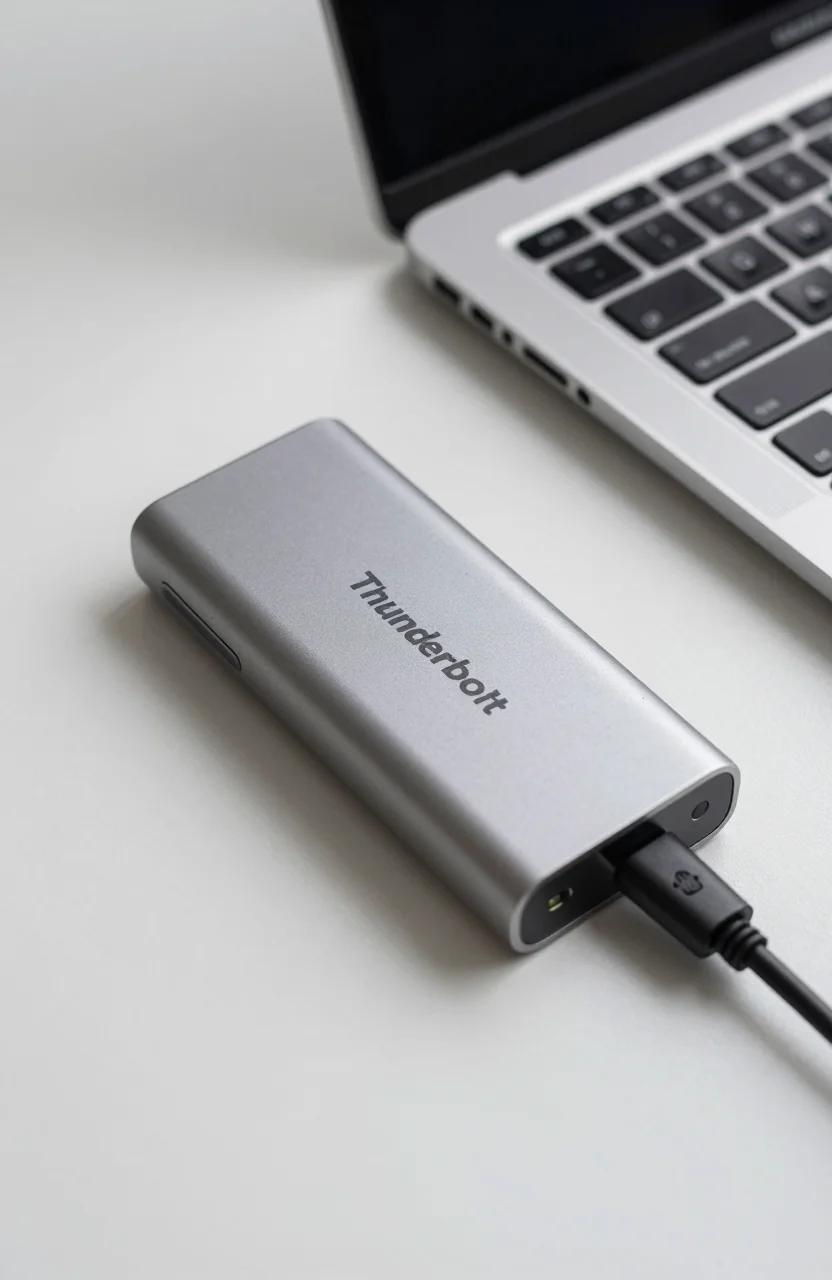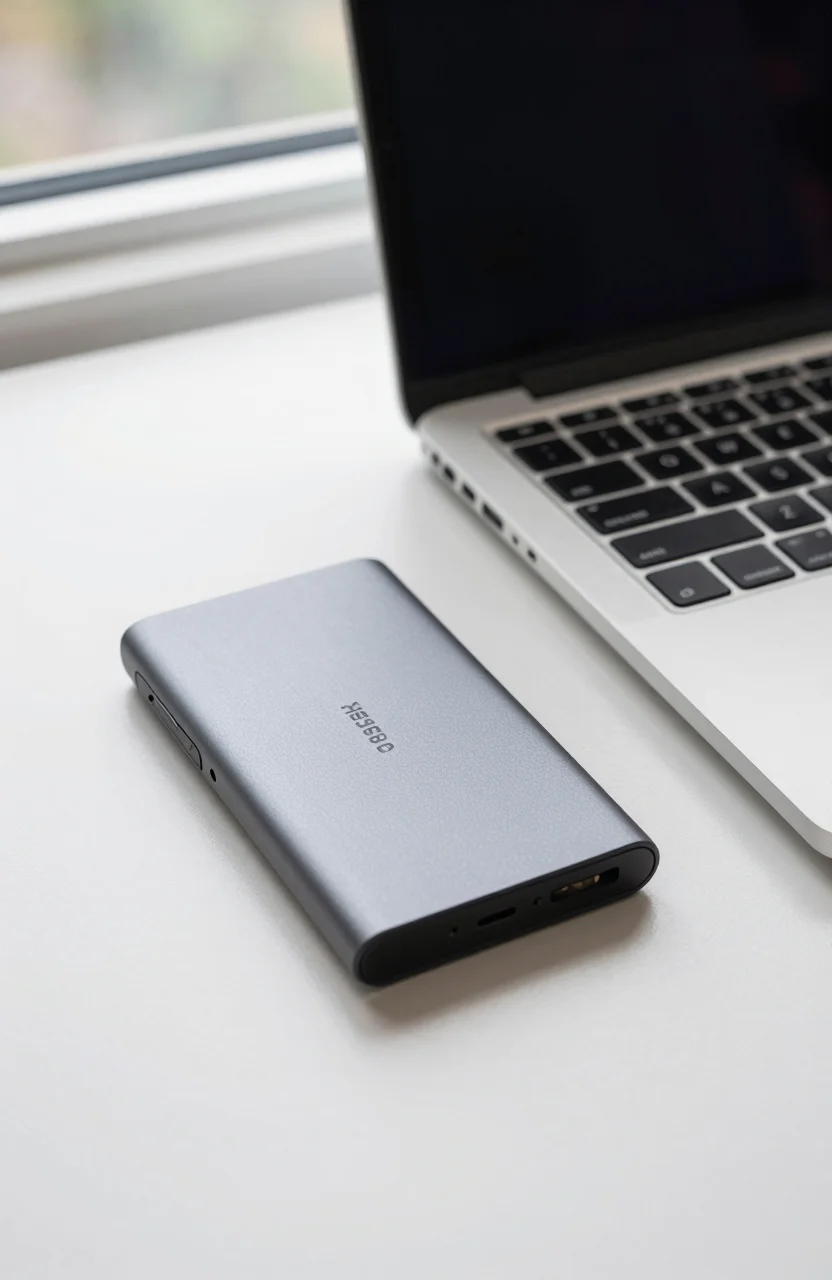
Amazon Basics usually means "good enough and cheaper than the branded version." The Amazon Basics Portable SSD 1TB aims higher: claimed speeds up to 2000MB/s, USB 3.2 Gen 2, and an IP65 rating that sounds closer to travel drives than a no-name stick. At around $215 with a 4.6/5 Amazon score, the real question is simple: is it worth it versus a Samsung T7-class drive or a cheaper bare enclosure build?
This piece answers that objection head-on. No hype, no "must buy" filler. If you already know the portable SSD pitfalls, skim our mistakes to avoid before buying a portable SSD checklist first, then come back for the Basics-specific verdict.

- 1TB portable SSD, USB 3.2 Gen 2
- Claimed up to 2000MB/s transfers
- IP65 dust and water resistance claim
- Around $215 street price
What you are actually paying for
At face value, $215 for 1TB of portable flash is not a fire sale. Plenty of portable SSDs under $150 exist if all you need is backup speed for documents and Lightroom catalogs. The Basics pitch stacks three extras: a high peak speed claim (2000MB/s), a sealed-looking chassis with IP65 marketing, and Amazon's own return funnel if something arrives DOA.
USB 3.2 Gen 2 is a 10Gbps class link. Real-world peaks depend on the host port, the cable, and whether your laptop is actually negotiating Gen2 instead of falling back to USB 3.0. Marketing numbers assume ideal conditions. Expect something lower on older Thunderbolt-less Windows laptops, and higher variance when the drive is writing large sequential dumps after the cache fills.
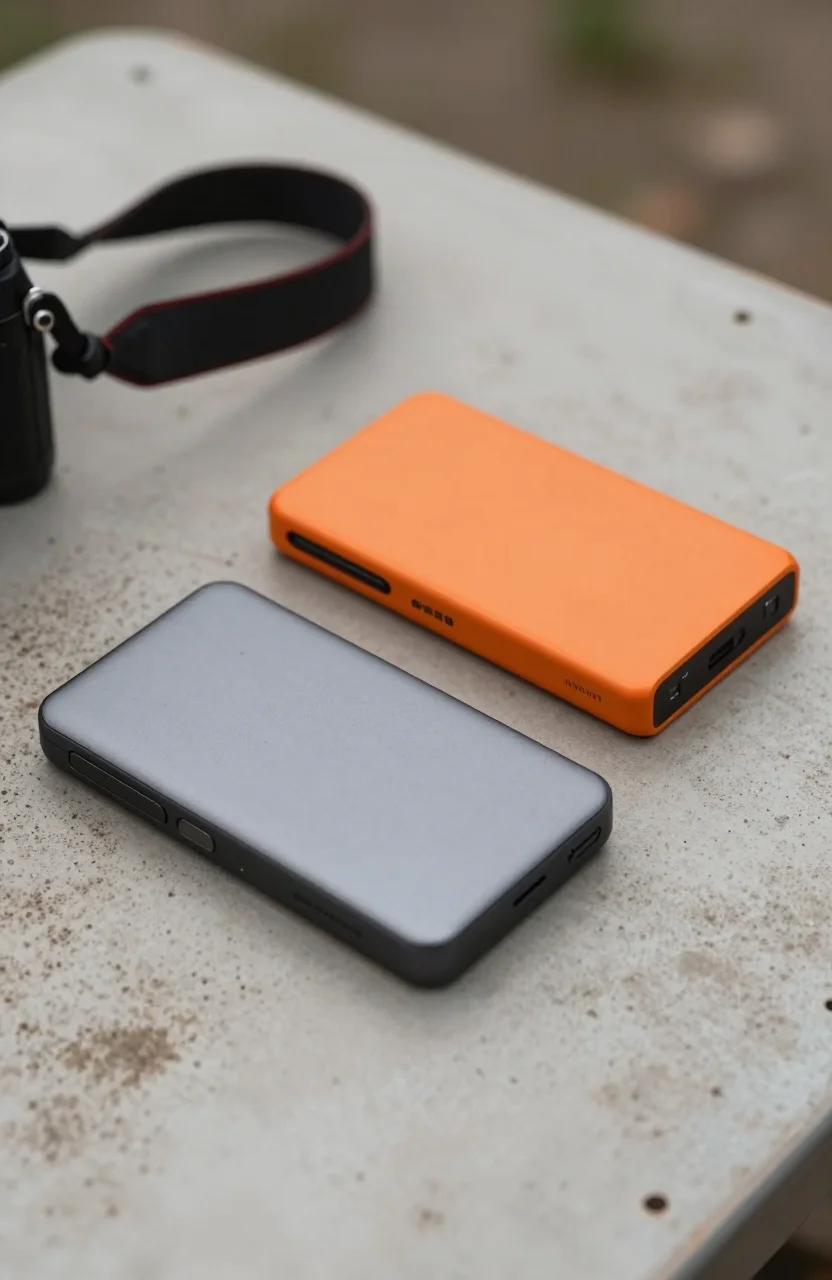
IP65 is useful language if you shoot outdoors or toss drives in a damp camera bag. It is not a diving certificate. Do not rinse the connector under a tap and assume magic. Treat the rating as splash and dust resistance for travel, not as permission to abuse the drive.
Before you add the Basics SSD to cart, check whether your primary machines have USB-C ports that can feed a 10Gbps device. A beautiful portable SSD on a USB 2.0 hub is a waste of money.
The honest objections (and answers)
Objection 1: "Amazon Basics means cheap components." Sometimes yes. Here the feature list looks closer to mid-tier travel SSDs than a $40 flash stick. Still, Amazon rarely publishes the exact NAND and controller combo the way Samsung does. You are buying a finished product and a warranty path, not a transparent BOM. If silicon transparency is non-negotiable, pay for a brand that publishes datasheets.
Objection 2: "$215 is steep versus under-$150 options." Fair. If your use case is occasional file ferrying, buy cheaper. The Basics drive only makes sense when you value the speed claim plus weather sealing enough to skip the bargain bin. Compare live prices the week you shop; portable SSD tags move weekly.
Objection 3: "Will it hit 2000MB/s on my PC?" Probably not every time. Peak sequential reads on a clean Gen2 port can approach the claim on large files. Mixed workloads, encryption overlays, and thermal limits cut that down. Treat 2000MB/s as a ceiling, not a daily average.
Objection 4: "Should I build my own with an enclosure?" DIY NVMe + USB enclosure kits can beat this on price per GB if you already have spare M.2 drives. They lose on sealed IP ratings and one-box simplicity. Photographers who hate fiddling with screws usually prefer a finished unit.
You can check the latest Basics SSD price against Samsung T7 / T9 street tags before deciding. If the Basics drive is only $10 cheaper than a T7 Shield-class option, brand familiarity may win. If it undercuts by $40+ while keeping IP65, the value case improves.
Who it is worth it for
It is worth it if you need a single durable 1TB shuttle for laptops and cameras, you travel enough that dust and light rain matter, and you want Amazon's checkout convenience with a 4.6/5 social proof floor. Students moving between dorm and studio, freelance editors dumping dailies, and travelers who already live inside Amazon returns all fit.
It is not worth it if you only back up documents once a month, if a $90-$120 portable already meets your speed needs, or if you need Thunderbolt/USB4 class peaks above what Gen2 can deliver. Also skip it as primary archival storage. Portable SSDs fail; keep a second copy on a DAS or NAS. Our dual-bay guides exist for a reason if you are building a desk backup stack.
Format tips: exFAT for cross-platform Windows/Mac sharing, APFS or NTFS when you stay inside one ecosystem. Always safely eject. Always keep a cable that is known-good USB-C to C; the wrong thin cable silently caps speed.
If those conditions match your kit, view the Amazon Basics portable SSD and confirm capacity, included cable, and seller fulfillment. Warehouse deals can be fine; third-party random sellers less so.
Verdict: buy, wait, or skip
Verdict in one line: worth it for travel-oriented 1TB buyers who want IP65 and near-2000MB/s class USB performance and who catch the drive near $215 or below; skip it when cheaper non-rugged portables cover your real workload.
The 4.6/5 Amazon rating is a green light for "mostly satisfied owners," not a guarantee of five-year perfection. Read recent critical reviews for cable quality, heat under long writes, and macOS mount quirks before you click buy. Those themes change over firmware and batch revisions.
Compared with the broader market in 2026, Amazon Basics is no longer automatically the cheapest line. It is a convenience brand that sometimes lands a competitive feature bundle. This portable SSD is exactly that kind of product: not the best on every axis, but coherent if the sealing and speed claims matter to you.
Final practical test after purchase: copy a 20GB folder twice, note average MB/s, leave the drive idle overnight, and verify the files. If numbers and reliability feel right, keep it as your daily shuttle. If not, return it inside the window and pivot to a T7-class alternative or a DIY enclosure.
Still on the fence? Open the current Basics SSD listing, compare it with two branded rivals the same day, and pick the one that wins on price-per-feature for your bag. That is the only "worth it" math that matters.
And if your desk already has a dual-bay dock for spinning backups, use the portable SSD for hot files only. Hot shuttle plus cold DAS remains a healthier habit than trusting one shiny Amazon Basics brick with everything you shoot. When you are ready, grab the 1TB Basics drive only after that role is clear.
For cross-shopping context, keep the under $150 portable SSD guide open in another tab while you weigh sealing versus pure price. The Basics unit wins some of those matchups and loses others; your travel pattern decides which column matters.