Key Storage Requirements for Modern AI Workloads
When running AI workloads on the go—training small models, iterating on datasets, or serving inference pipelines from external media—storage choices must be driven by three practical criteria: sustained throughput for large data transfers, low latency for many small random reads/writes, and thermal stability to avoid performance cliffs during long sessions. For many practitioners, a portable SSD is not just a backup device but an active workspace: model checkpoints, tokenized datasets, and local caches can easily exceed tens or hundreds of gigabytes and demand consistent bandwidth. Choosing a drive with NVMe performance (or an advanced USB 3.2 Gen2x2 / Thunderbolt interface) and good thermal design will reduce iteration time and prevent unexpected slowdowns.
Top Portable SSDs Optimized for High-Speed AI Data Processing
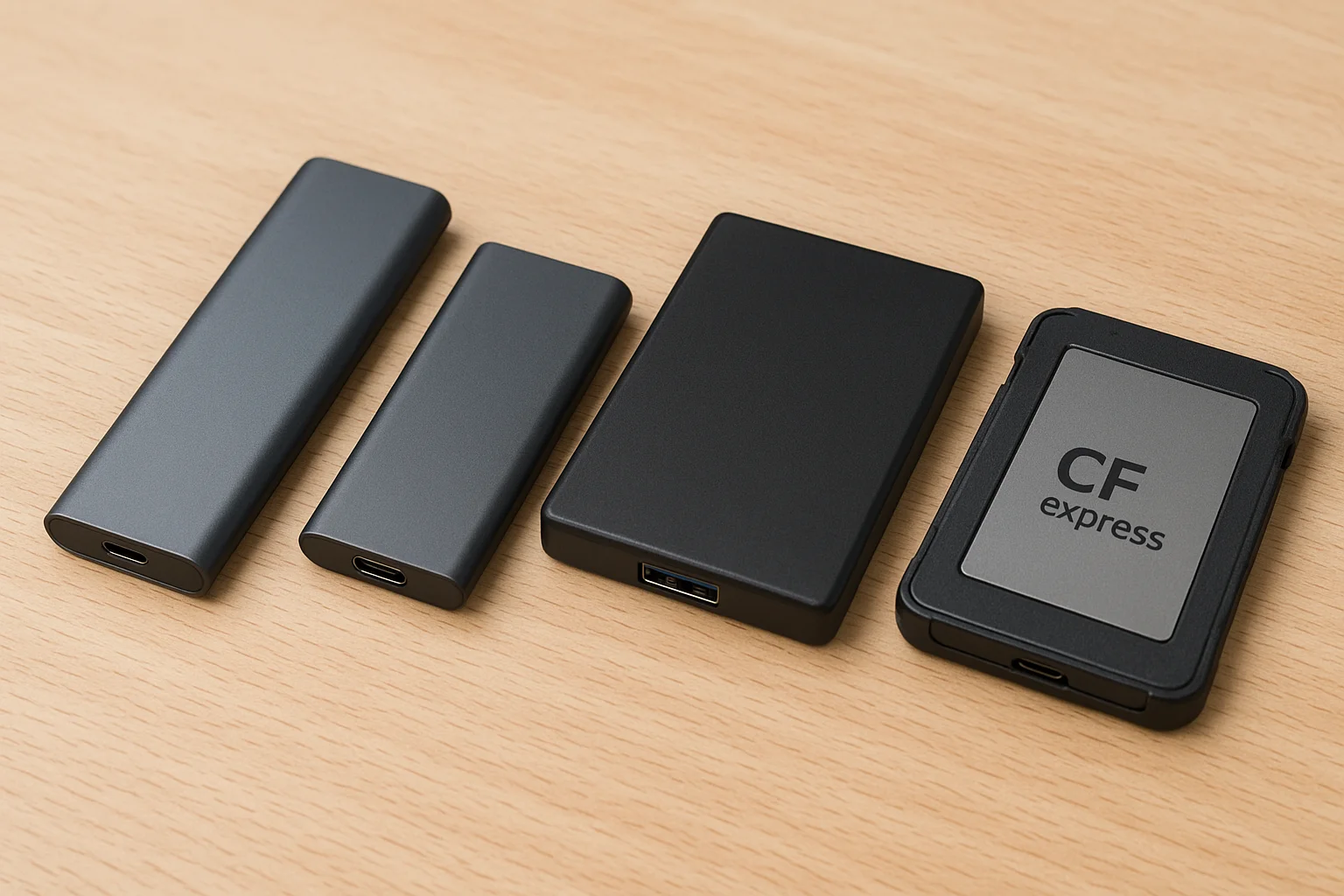
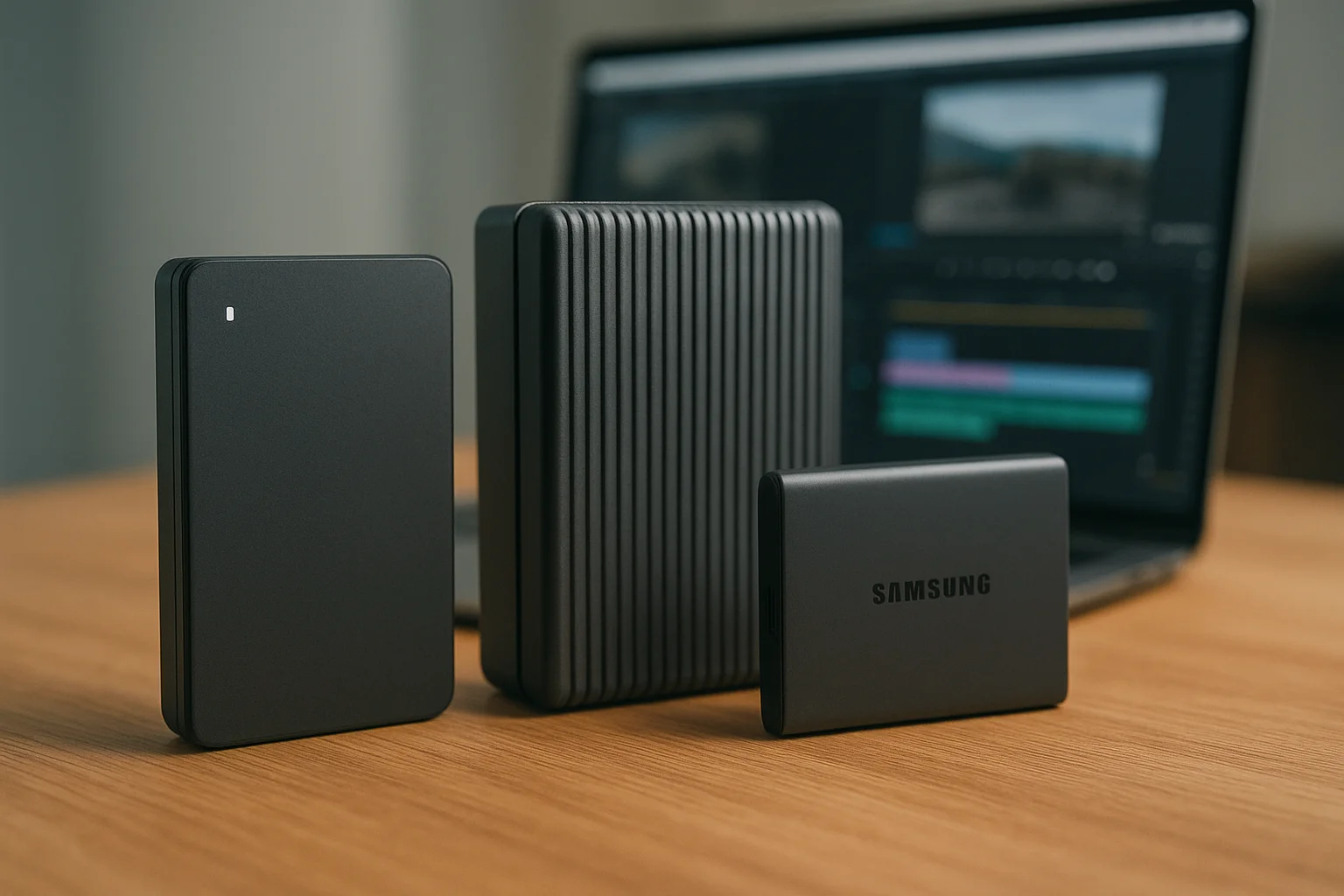
The market offers several portable SSDs that are especially well suited to AI-related tasks because they combine high sequential speeds with robust sustained performance. Below is a practical comparison of representative models that professionals commonly use as external work volumes. These drives represent different interface tiers (Thunderbolt vs USB 3.x) and tradeoffs between raw speed, platform compatibility, and price.
Table: quick comparison of typical options and their headline specs. Use this to map the right interface and capacity to your workflow before digging into thermal and durability details.
| Model | Interface | Advertised Seq. Read / Write | Best For |
|---|---|---|---|
| Samsung Portable SSD X5 | Thunderbolt 3 (NVMe) | Up to 2,800 / 2,300 MB/s | Max throughput, heavy dataset transfers, TB3-equipped laptops |
| Samsung Portable SSD T9 | USB 3.2 Gen2x2 | Up to ~2,000 MB/s | Fast, widely compatible, good price/perf |
| MSI Datamag (20Gbps) | USB 3.2 Gen2x2 (20Gbps) | Real-world ~1,600 / ~1,500 MB/s | Balanced sustained speed and thermal design |
| Sabrent Rocket XTRM-Q | Thunderbolt 3 / USB-C | Thunderbolt-class NVMe speeds on compatible hosts | Flexible host support (TB3 + USB) |
Durability, Thermal Performance, and Real-World Stress Testing
For AI tasks, the single most important “hidden” attribute is how a drive behaves under sustained load. Many high-speed portable SSDs use pSLC caching to deliver bursts of several GB/s, then fall back to lower speeds when the cache fills. A drive with a good heatsink or aluminum enclosure will keep the controller and NAND cool, preserving sustained throughput for longer transfers—this directly affects realistic dataset copies, model checkpointing, and synthetic benchmark stability.
Below are practical checks and expectations when assessing thermal and durability behavior:
- Real sustained throughput: look for reviews or measurements that show performance over multi-gigabyte transfers rather than only peak numbers.
- Thermal mitigation: prefer drives with aluminum shells, fins, or explicit thermal guards; these delay or eliminate throttling during long transfers.
- Ruggedness: if you travel or work outdoors, IP ratings or military drop ratings matter; they protect against real-world damage and reduce the risk of data loss.
Example: some modern portable SSDs advertise peak speeds near 2,000 MB/s but retain >1,500 MB/s in long transfers thanks to dynamic thermal management. Others drop below 900 MB/s once the cache is exhausted. For AI work, the sustained number is what will determine iteration speed.
Connectivity and Interface Considerations for AI-Centric Setups
Matching the drive to your host is essential. Thunderbolt 3 or 4 provides the highest consistent bandwidth and lowest latency for NVMe-class external drives, which benefits very large model transfers and some inference tasks. However, USB 3.2 Gen2x2 now brings multi-gigabit performance to many laptops without TB ports and is often the best practical compromise for cross-platform use.
Key practical tips for connectivity:
- Check your host port: if your laptop has Thunderbolt 3/4, a TB NVMe drive can approach internal SSD speeds. If you only have USB-C (10Gbps), a Gen2x2 device will be limited unless you have a matching 2x2 port.
- Carry appropriate cables: high-quality short USB-C or TB cables that support the required protocol are necessary to achieve advertised speeds.
- Consider adapters carefully: passive USB-C adapters may reduce throughput; for full TB3 performance you need an active-compatible setup.
If you frequently switch between Windows, macOS, and Linux, prefer drives with native cross-platform formatting options or those that come with vendor utilities for encryption and firmware updates. For sensitive model weights or proprietary datasets, enable the drive’s hardware encryption and pair it with a secure host unlock method.
Price-to-Performance Breakdown for AI Professionals on the Go
Budgeting for portable storage requires focusing on price per useful GB and the price per sustained throughput. High-end TB drives cost more but save time when transferring multi-hundred-gigabyte datasets; midrange Gen2x2 drives often hit a sweet spot for model iteration while remaining widely compatible.
Below is a short checklist to help allocate budget depending on your workflow:
- If you move full datasets daily: prioritize a Thunderbolt NVMe enclosure or a TB native portable drive for maximum sustained bandwidth.
- If you need cross-device convenience: choose a USB 3.2 Gen2x2 drive for broad compatibility and very good speed at lower cost.
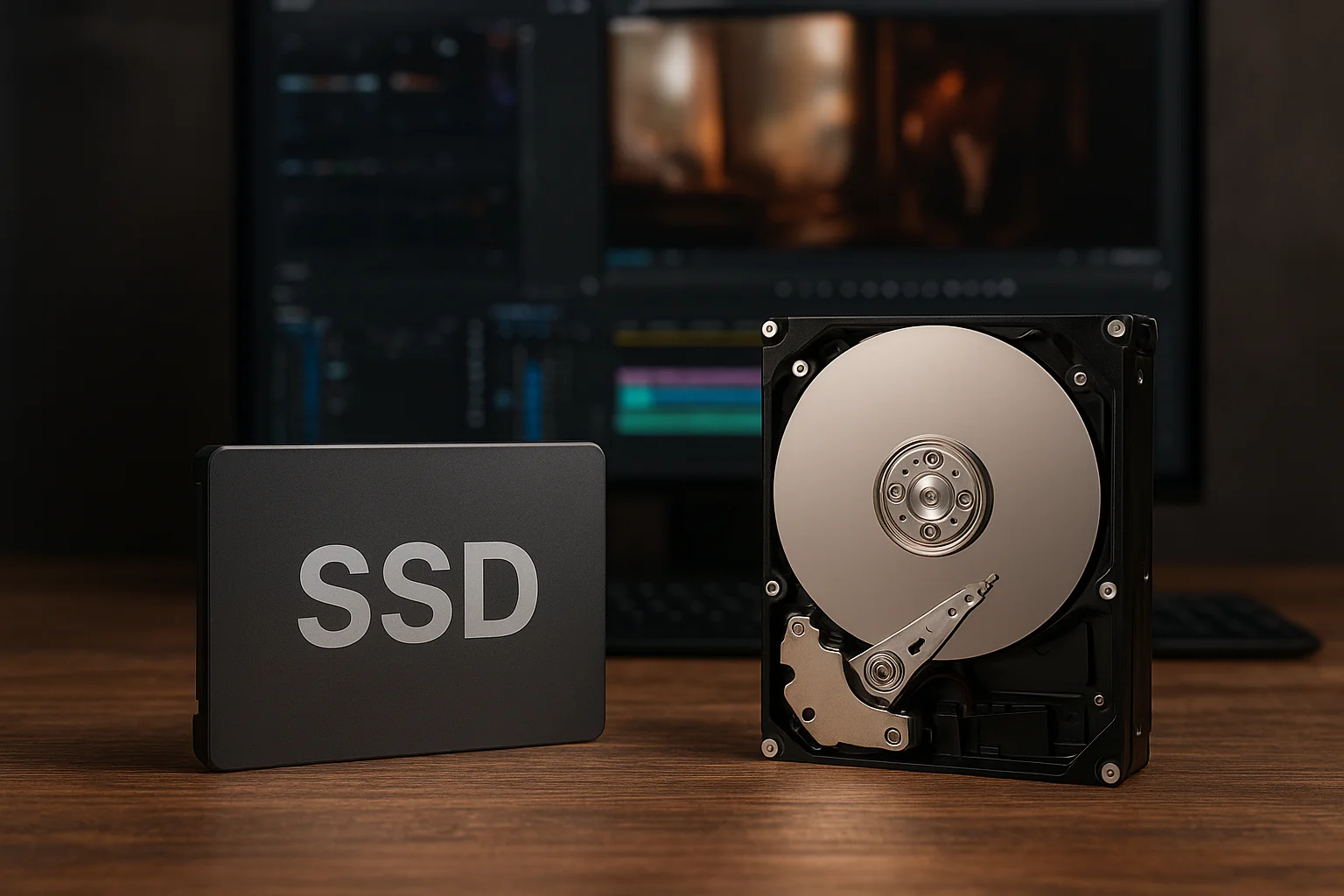
- If you primarily store checkpoints and occasionally transfer: a reliable USB 3.2 Gen2 drive (1,000 MB/s class) offers the best cost per TB while still being far faster than HDDs.
When comparing specific models, weigh advertised peak numbers against independent sustained benchmarks and consider warranty and endurance (TBW) figures if you write checkpoints constantly. A drive with slightly lower peak numbers but a robust thermal design can outperform a “faster” drive that thermal-throttles during long transfers.