If you need a cheap place to park photos, installs, and weekly backups, a slim portable hard drive still beats most SSDs on dollars per terabyte. The Toshiba Canvio Advance sits in that budget tier: a 1TB USB 3.0 portable HDD with a tidy plastic shell and a long Amazon review trail averaging about 4.6 out of 5.
This review covers real expectations for 2026, where it fits next to Seagate and WD Elements class drives, and when you should skip HDD altogether for a portable SSD. Street pricing moves week to week, so treat any dollar figure as a snapshot and confirm the live listing before you buy.

- 1TB portable HDD for backups and media libraries
- USB 3.0 bus-powered, no wall brick required
- Compact plastic shell that fits a laptop bag
- Budget-friendly cost per GB versus portable SSDs
What the Canvio Advance actually is
The Canvio Advance is a classic 2.5-inch portable HDD wrapped for everyday carry. The 1TB version we focus on here is meant for USB 3.0 ports on Windows and macOS machines. You plug it in, it draws power from the cable, and you get spinning-disk sequential speeds that usually land in the 100-140 MB/s ballpark once the drive is warmed up and not thrashing through random small files.
That is not gaming-library snappy. It is also not what you want for editing 4K timelines off the drive. It is what you want when a folder of RAW dumps, Steam orphans, or Time Machine / File History backups needs a second home without spending SSD money. If you are mapping the broader market, our best external hard drives for backup in 2026 roundup puts this class of drive in context against larger desktop units and rugged options.
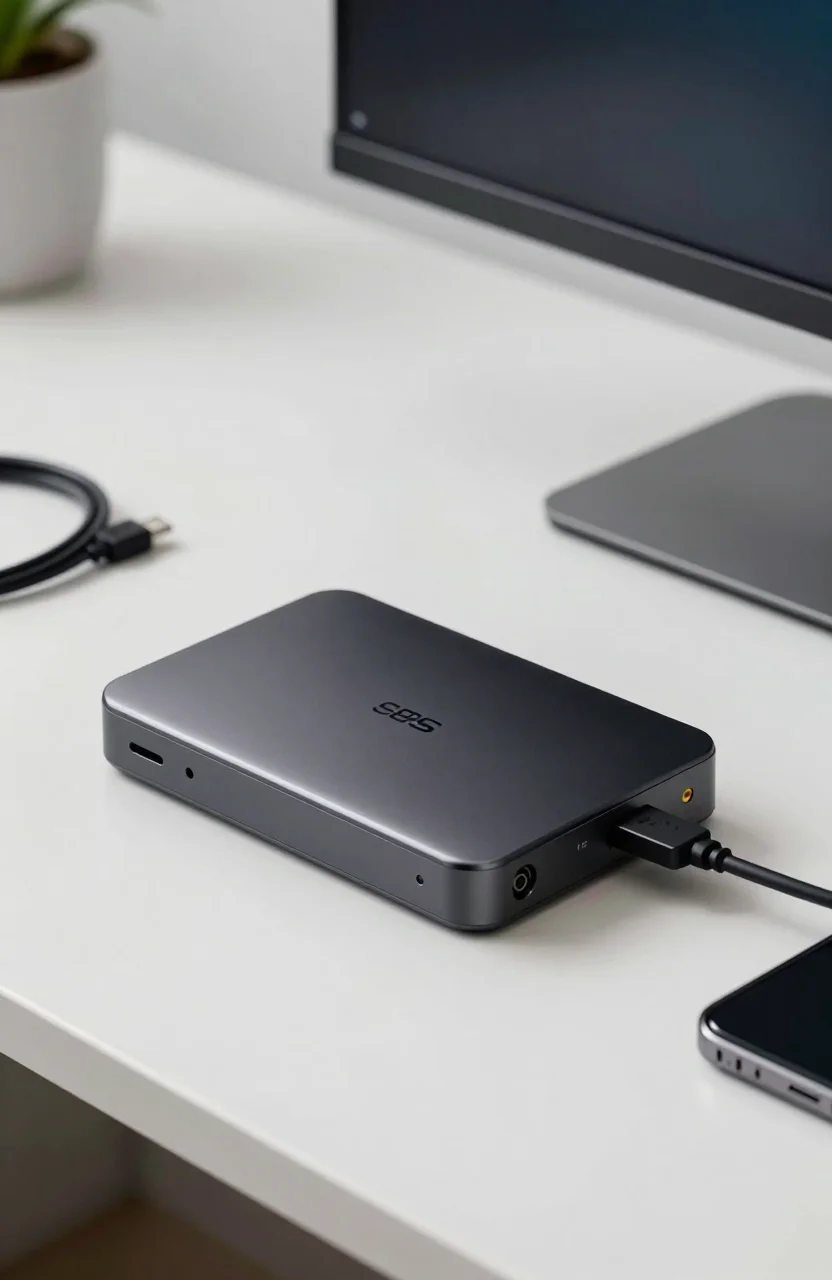
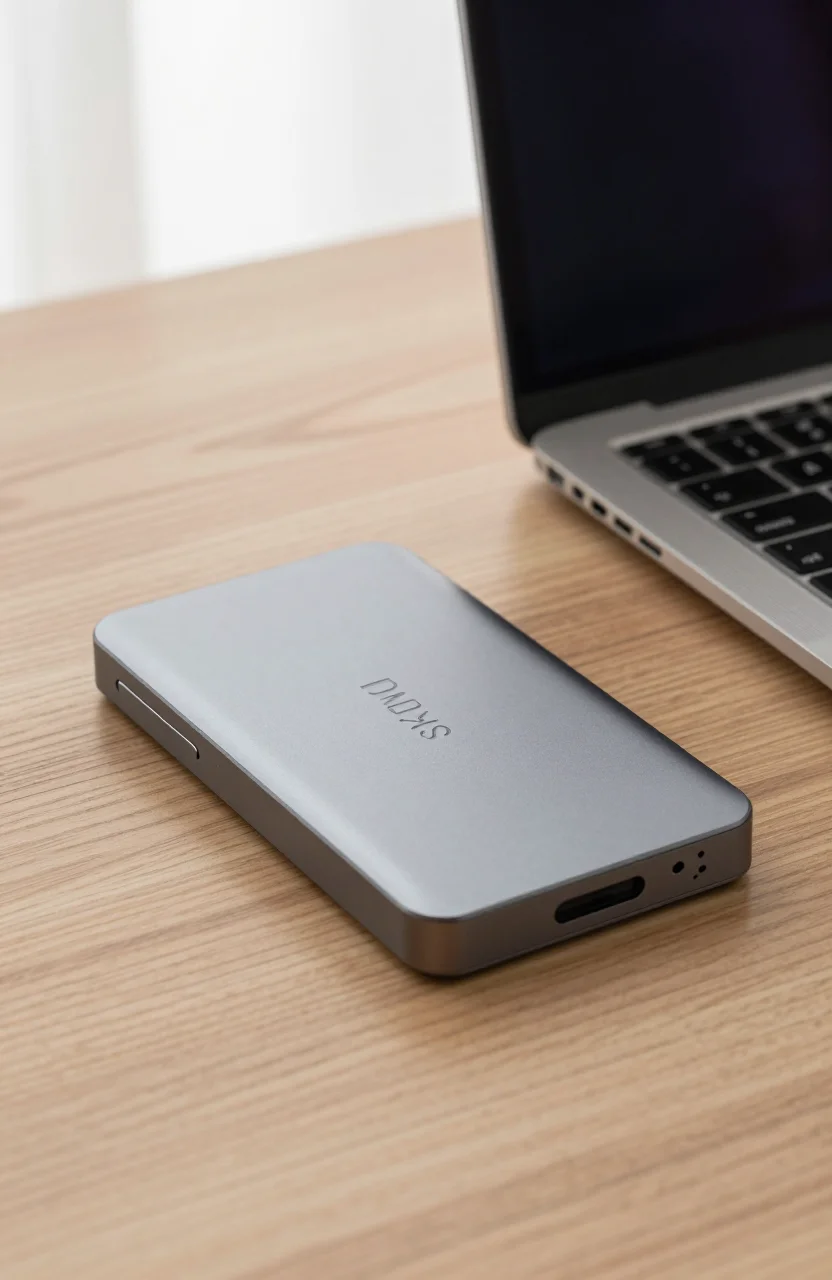
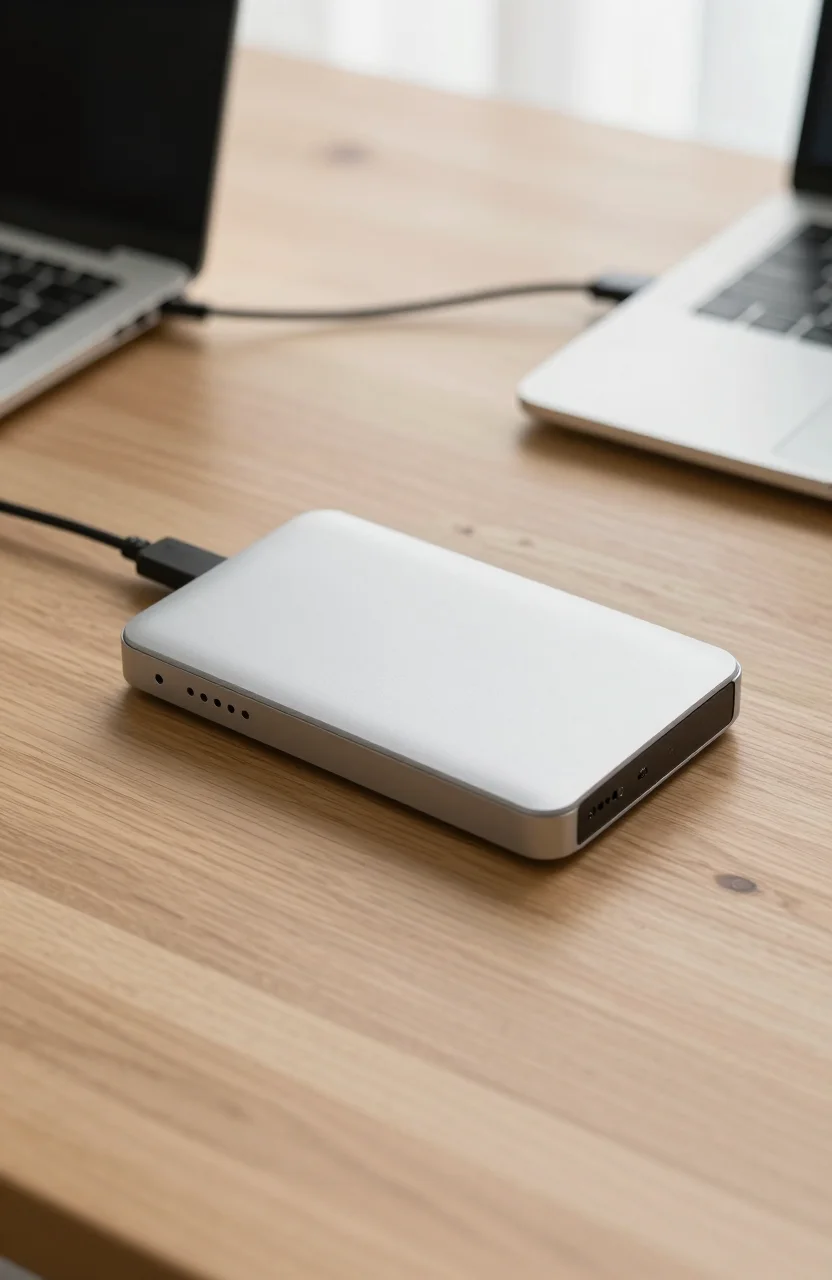
Physical design is straightforward: matte plastic, rounded edges, and a short USB cable in the box on most listings. There is no IP rating theater and no bumper armor. Treat it like a pocket drive, not like a job-site brick. For capacity shopping across 500GB to multi-TB SKUs, the external hard drive prices by capacity guide helps you see when stepping up from 1TB still makes sense.
Software on Toshiba portable drives has historically included a light backup utility on Windows. Useful if you want a guided first copy, optional if you already run Macrium, FreeFileSync, or the OS backup tools. Do not buy the Canvio Advance for the software suite; buy it for the disk and the price.
Pros that still matter in 2026
Cost per gigabyte remains the headline. Even after years of SSD price drops, a 1TB portable HDD is usually cheaper than a 1TB portable SSD of the same retail shelf. That gap is why people still compare Canvio Advance deals when they are building a second copy of a photo library or parking older game installs.
Bus power is the second win. No separate power brick means it travels with a laptop easily. USB 3.0 is old, but it is still the lowest common denominator on docks, older PCs, and many living-room HTPCs. If your machine only offers USB-C, a cheap adapter keeps the drive usable.
Brand familiarity helps trust for buyers who remember Toshiba HDDs from laptop eras. The Amazon rating around 4.6/5 across a large review base suggests most owners get the boring outcome they wanted: the drive mounts, copies complete, and it survives normal desk life. Boring is good for backup media.
Noise and heat are mild compared with desktop 3.5-inch drives. You will hear the latch and spin-up if the room is quiet, but it is not a NAS roar. For overnight backups while the PC sleeps nearby, that is acceptable. Pair it with a sensible schedule rather than constant random access and the platter stays happier longer.
Limits and honest downsides
Mechanical drives fail differently from SSDs. Drops while spinning, magnetic shocks, and years of vibration in a backpack are real risks. If your workflow is coffee-shop hopping with the drive dangling from a USB port, look at portable SSDs instead. Our notes on mistakes to avoid before buying a portable SSD also apply inversely: know whether you need shock resistance before you optimize for price.
Speed ceilings are fixed by physics. Large sequential copies of movies feel fine. Thousands of tiny documents feel sluggish. Antivirus full scans across the volume can grind. Do not expect the Canvio Advance to rescue a slow internal boot drive or to host a scratch disk for Premiere.
Capacity at 1TB is the sweet spot for light users and a trap for video shooters. One busy weekend of 4K can chew a huge slice of that space. If you already know you need 4TB or 5TB, look at higher Canvio SKUs or at models we cover in the Seagate Portable 5TB review rather than stacking multiple 1TB bricks.
Warranty and long-term firmware support are typical consumer HDD territory: fine for home use, not enterprise. Keep a second copy of anything irreplaceable. One portable drive is a convenience layer, not a full 3-2-1 backup plan by itself.
Who should buy it (and who should skip)
Buy the Toshiba Canvio Advance 1TB if you want inexpensive overflow storage, a simple USB backup target, or a travel copy of documents and photo archives that you handle gently. It fits students, casual PC users, and anyone who already owns an SSD internally and only needs cold capacity outside the case.
Skip it if you edit video on the go, if you bounce the drive in a bag daily, or if you need quiet random performance for databases and VMs. In those cases a portable SSD under mid-range budgets, including picks from our best portable SSDs under $150 list, will feel like a different class of product.
Also skip if your only goal is console game installs that require SSD-tier load times. USB HDD expansion on modern consoles is storage for older titles at best; check console rules before you assume a Canvio Advance will behave like an M.2 expansion bay.
If you are torn between spinning and flash for archives, read HDD vs SSD external drives for long-term archiving. The short version: HDD still wins on cost for cold data you access rarely; SSD wins when the drive travels and when restore speed matters.
Verdict
The Toshiba Canvio Advance remains a sensible 2026 pick for budget portable capacity. It is not exciting, and that is the point. USB 3.0, about 1TB of usable room after formatting, and a mature Amazon rating make it an easy default when you refuse to pay SSD premiums for files that mostly sit idle.
Confirm the current street price on the Canvio Advance Amazon listing, check seller fulfillment, and buy only from sellers you trust. Format it cleanly, label it, and put a second copy of critical folders somewhere else. Used that way, this little Toshiba is still worth the pocket space.
If a better deal on a similar WD Elements or Seagate portable pops up the same week, compare dollar-per-GB and return policies rather than brand loyalty. The Canvio Advance earns a recommendation when its price lands in the usual budget band; it is not magic, just competent cheap storage you can order the Toshiba Canvio Advance for without overthinking the SKU list.