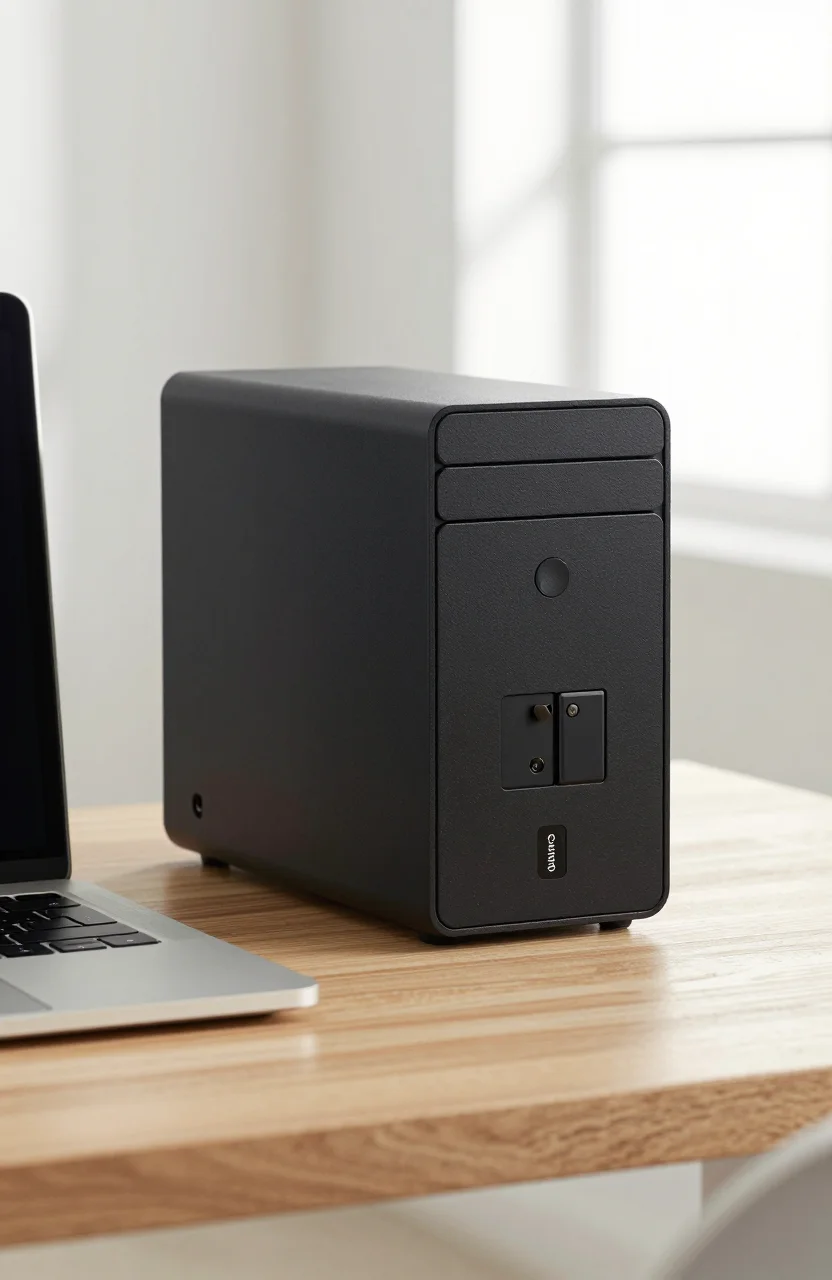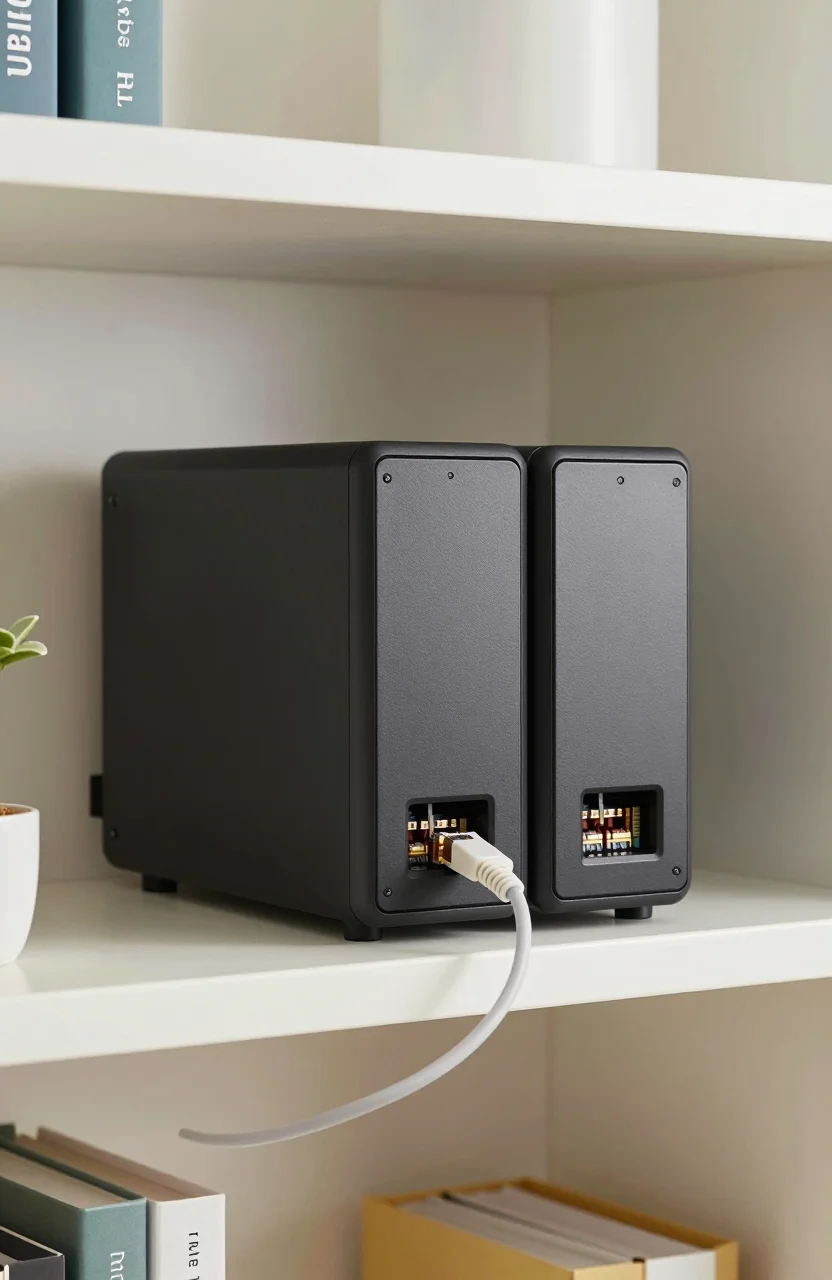
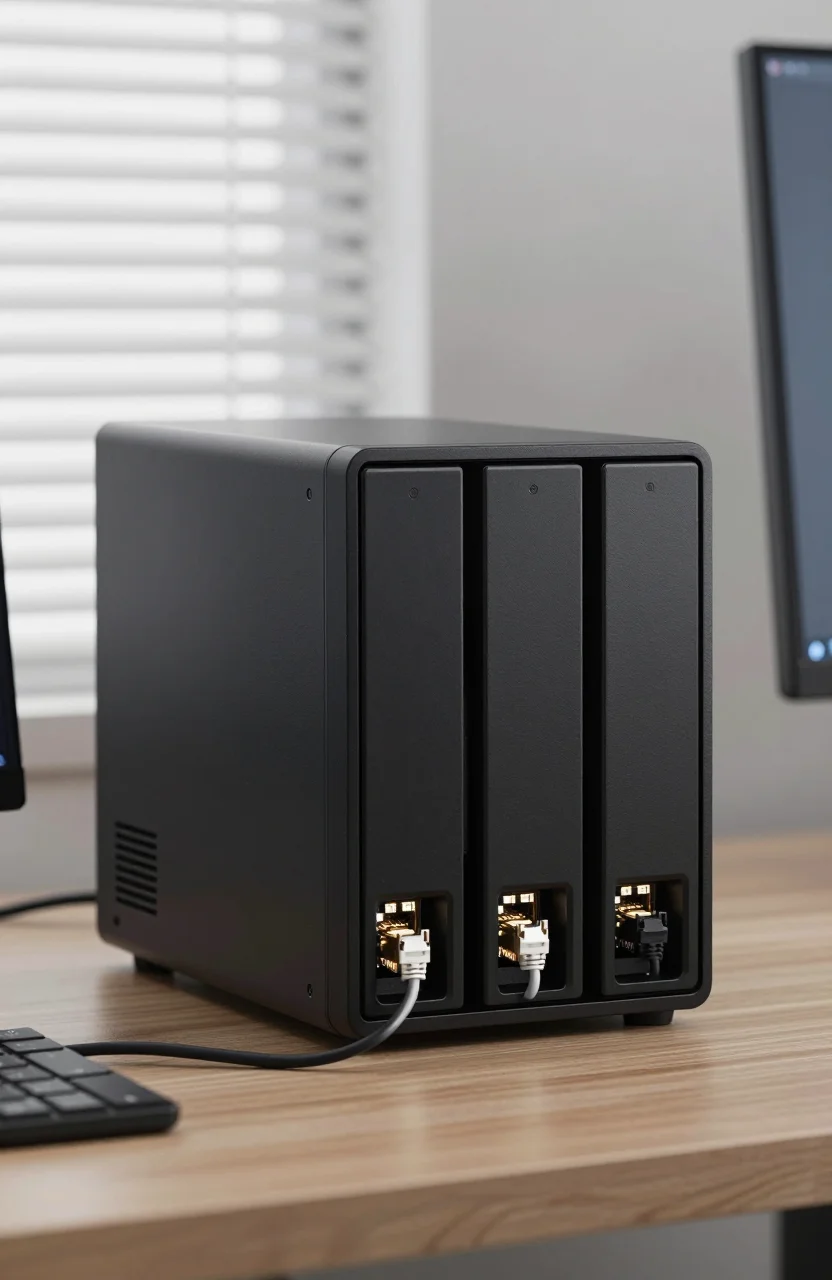
Home NAS shoppers who want more CPU and faster networking than a two-bay starter box often land on the UGREEN DXP4800 Pro. It is a four-bay tower with an Intel Core i3-1315U, dual M.2 slots, and a mix of 10GbE plus 2.5GbE that changes how you move large media libraries across the LAN. This review stays on that model: what the hardware buys you, how it feels day to day, and who should spend near $679.99 (recently listed around $799.99) instead of stretching a smaller Synology kit.
If you want the broader brand conversation, our separate piece on UGREEN NAS as an alternative to Synology covers ecosystem tradeoffs. Here the question is whether the DXP4800 Pro specifically is the right chassis for Plex, backups, and multi-user file serving in 2026.

- Intel Core i3-1315U for apps, Plex, and light VMs
- 10GbE plus 2.5GbE networking for fast LAN transfers
- Four HDD bays with dual M.2 slots for cache or SSD pools
- Street price around $679.99 (was $799.99)
Hardware that actually moves the needle
Four bays are the obvious headline, yet the i3-1315U is what separates the DXP4800 Pro from many budget ARM boxes. More cores and a modern Intel graphics block help with on-device apps, container workloads, and media tasks that choke weaker CPUs. You are still buying a NAS, not a gaming PC, but headroom matters when several family accounts sync photos while a movie transcodes in the background.
Memory and storage layout deserve a plan before the first power-on. Populate HDD bays with CMR NAS disks sized for your RAID goal, then decide whether the dual M.2 slots become a cache tier, a fast app pool, or a mirror for VMs. Mixing random desktop drives in the spinning bays is how people create slow, noisy arrays that feel worse than the CPU suggests they should. For disk selection, keep our CMR NAS drive guide for home builds nearby even though this chassis is UGREEN rather than Synology.
Thermal design is part of the hardware story. Four spinning disks plus an active CPU need clean airflow. Leave space behind the unit, avoid stuffing it in a sealed cabinet, and expect fan noise to rise during scrubbing or large copies. That is normal for this class. If silence is the top priority, a smaller two-bay living-room NAS may frustrate you less than forcing the DXP4800 Pro into a bedroom shelf.
When you compare the DXP4800 Pro configuration, confirm what ships in the box: empty bays are normal, disks are usually sold separately, and M.2 modules are your choice. Budget the full stack, not only the chassis discount from $799.99 down toward $679.99.
Networking: why 10GbE plus 2.5GbE changes the house
Most home routers still hand out 1GbE. The DXP4800 Pro assumes you might do better. A 10GbE port lets a nearby workstation or switch pull multi-gigabyte video projects without waiting on gigabit math. The 2.5GbE port covers a second network, a backup path, or a client that cannot take 10G yet. You do not need both ports saturated every day for the feature to be valuable. You need one fast path when you ingest a camera card or clone a VM.
Networking upgrades are the hidden cost. A 10G NIC in the PC, a compatible switch, and Cat6A (or better) cabling matter more than another marketing slide. If your LAN stays at 1GbE for the next two years, you still benefit from a responsive NAS CPU, but you will not feel the full networking story. Plan the switch purchase in the same month you order the UGREEN DXP4800 Pro if multi-gig transfers are the reason you upgraded.
Link aggregation and VLAN habits vary by firmware release. Read the current UGOS documentation for bonding behavior rather than assuming Synology DSM muscle memory applies one-for-one. Test large file copies from a wired client after setup. Wireless phones will never saturate 10GbE, and that is fine. The win shows up on the editing desk and on overnight backup windows.
Remote access deserves the same care you would give any internet-facing NAS. Prefer reverse proxy or vendor remote tools with MFA over raw port forwards. Fast LAN ports do not excuse weak WAN hygiene.
Four bays, dual M.2, and a sane storage layout
Four HDD bays support the RAID layouts most households actually use: mirrors for simplicity, RAID 5 for capacity with one-disk fault tolerance, or RAID 6 if you accept more parity overhead for larger arrays. Usable space is never the sum of the labels. Walk through the numbers with our RAID capacity calculator explanation before you buy four identical 8TB disks and expect 32TB of safe storage.
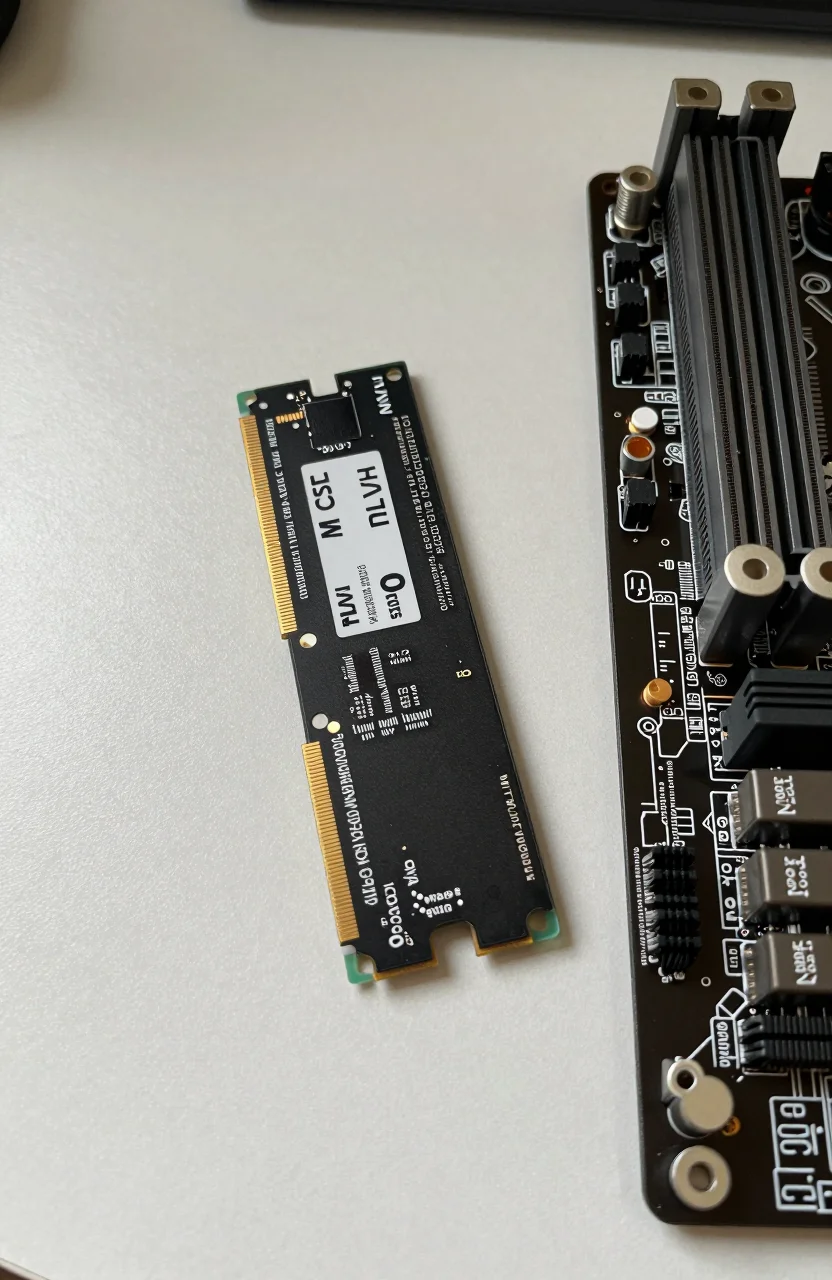
The dual M.2 slots are where the DXP4800 Pro feels modern. A common pattern is a mirrored NVMe pair for apps and containers, with HDDs for bulk media. Another pattern uses SSD as read/write cache in front of the spinning pool. Cache helps hot folders; it does not turn archive disks into NVMe. Pick a strategy and stick to it so you are not migrating volumes every month.
Hot-swap convenience depends on trays and firmware. Practice a disk replacement on a non-critical volume once you are comfortable. Label every drive with purchase date and capacity. When a disk fails at midnight, labels beat guesswork. Buy CMR NAS-class HDDs rather than desktop leftovers if the array will scrub weekly and stay powered for years.
People upgrading from a two-bay unit often underestimate migration time. Copying tens of terabytes over 1GbE can take days. If you can temporarily connect a 10G client to the DXP4800 Pro NAS unit, migration weekends get shorter. Plan downtime for the cutover of shared folders and user permissions.
Software habits if you are coming from Synology
UGREEN's software stack will feel familiar in the abstract: shared folders, users, apps, mobile clients. The details differ. Package catalogs, snapshot tools, and photo apps are not DSM clones. Expect a learning week if your household depends on specific Synology packages. That is the real cost of choosing a hardware-rich alternative at a lower chassis price.
For a baseline of what a simple Synology path looks like, the Synology DS224+ home NAS starter guide shows the calmer two-bay experience. The DXP4800 Pro aims higher on CPU and networking, so compare apples carefully. You are trading ecosystem depth for raw capability in many cases. If Hyper Backup workflows, Surveillance Station, or a particular DSM package is non-negotiable, stay in that ecosystem. If you want horsepower and are willing to relearn apps, keep evaluating this UGREEN model.
Containers and virtualization features should be tested with your real workloads. Spin up the services you care about before you migrate the family photo library. Document share names and permissions as you go. Future you will thank present you when a firmware update changes a default.
Amazon feedback near 4.6/5 across roughly 1016 reviews suggests many buyers land successfully after that learning curve. Read recent reviews for firmware notes around the date you buy, because NAS software moves. When you check UGREEN DXP4800 Pro availability, skim the newest comments for setup gotchas, not only star averages.
Plex, media, and multi-user workloads
Plex and similar apps are a common reason to step up from a quiet ARM NAS. The i3-1315U handles more simultaneous streams and more on-the-fly work than entry boxes, especially when clients need transcoding. Direct play still wins. Tune your library to match client capabilities so the CPU is not reinventing every film. Store the media on the HDD pool and keep metadata or app data on fast SSD storage when your layout allows it.
Budget Plex builds sometimes start cheaper. If your goal is only a couple of direct-play streams and light backups, a smaller chassis from our best budget NAS for Plex media in 2026 list may be enough. The DXP4800 Pro makes more sense when you also want multi-gig networking, four disks, and room for containers or light VMs beside the media server.
Multi-user homes stress permissions and sync clients more than raw CPU charts. Create separate users, avoid sharing one admin password on sticky notes, and enable whatever two-factor options the OS provides. Photo sync from phones can saturate Wi-Fi long before it saturates 10GbE. Schedule heavy ingest overnight if daytime video calls share the same uplink.
Game libraries, Time Machine targets, and PC image backups all fit, but separate them onto clear volumes so one full backup job cannot crowd out media scrubbing. Watch SMART and temperature dashboards during the first month. Early attention catches bad disks before they join a degraded RAID.
Noise, power, and where to place the tower
Four HDDs plus cooling fans are audible. In a closet or office corner the DXP4800 Pro is usually fine. Next to a sofa during quiet dialogue scenes, less so. Place it where vibration cannot transfer into hollow furniture. Soft feet help. So does avoiding a resonant metal shelf.
Power draw rises with disk count and CPU load. Use a quality surge protector or UPS sized for spin-up current. A UPS buys clean shutdowns during brief outages, which protects filesystems more than any marketing feature. Measure idle watts if you are energy conscious; four large disks will dominate the bill compared with the i3 alone.
Cable management matters more with multi-gig networking. Thick Cat6A cables do not like sharp bends behind a lowboard. Leave service loops. Label the 10GbE run so nobody unplugs it during a living-room rearrange. Dust filters, if present, need occasional cleaning; choked intake raises fan noise and disk temperatures together.
If you travel or shut the house down seasonally, practice a clean shutdown checklist. NAS units hate surprise power loss during parity checks. Schedule scrubs for times when noise is acceptable and when you are home to notice a degraded array alert.
Who should buy the DXP4800 Pro at current pricing
Buy this unit if you need four bays, a responsive Intel CPU, and a path to 10GbE without jumping into full DIY rack servers. The street price near $679.99 (down from about $799.99) is easier to justify when you already own or plan a multi-gig switch and CMR disks. Households that edit video locally, host Plex for several rooms, and keep serious backup jobs on one box are the core audience.
Skip it if you want the deepest Synology package catalog with minimum experimentation. Skip it if a two-bay starter NAS already covers your photo sync and a single media stream. Skip it if you refuse to budget for proper disks and a UPS. The chassis discount evaporates when you fill bays with the wrong drives and fight silent data issues later.
- Strong match: four-bay growth, multi-gig LAN, Plex plus containers
- Weak match: pure plug-and-play DSM loyalists, ultra-quiet bedroom shelves
- Budget next: identical CMR HDDs, NVMe for apps, UPS, and a 2.5G or 10G path
Before you commit, list the services that must work on week one. If that list fits, open the live DXP4800 Pro listing, confirm the bundle contents, and size your disks with RAID overhead included. A clear storage plan turns this UGREEN tower into a fast home server instead of an expensive experiment.