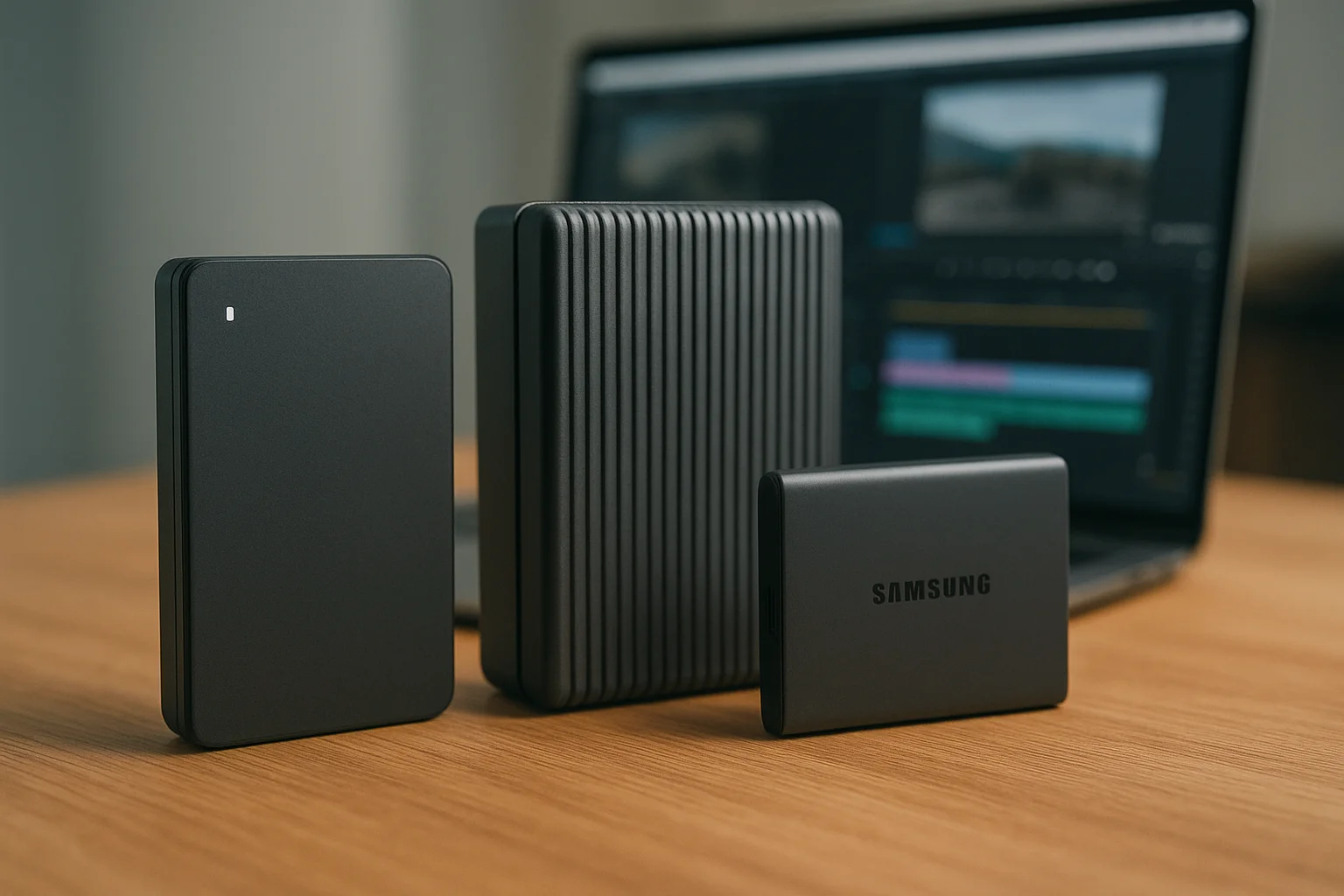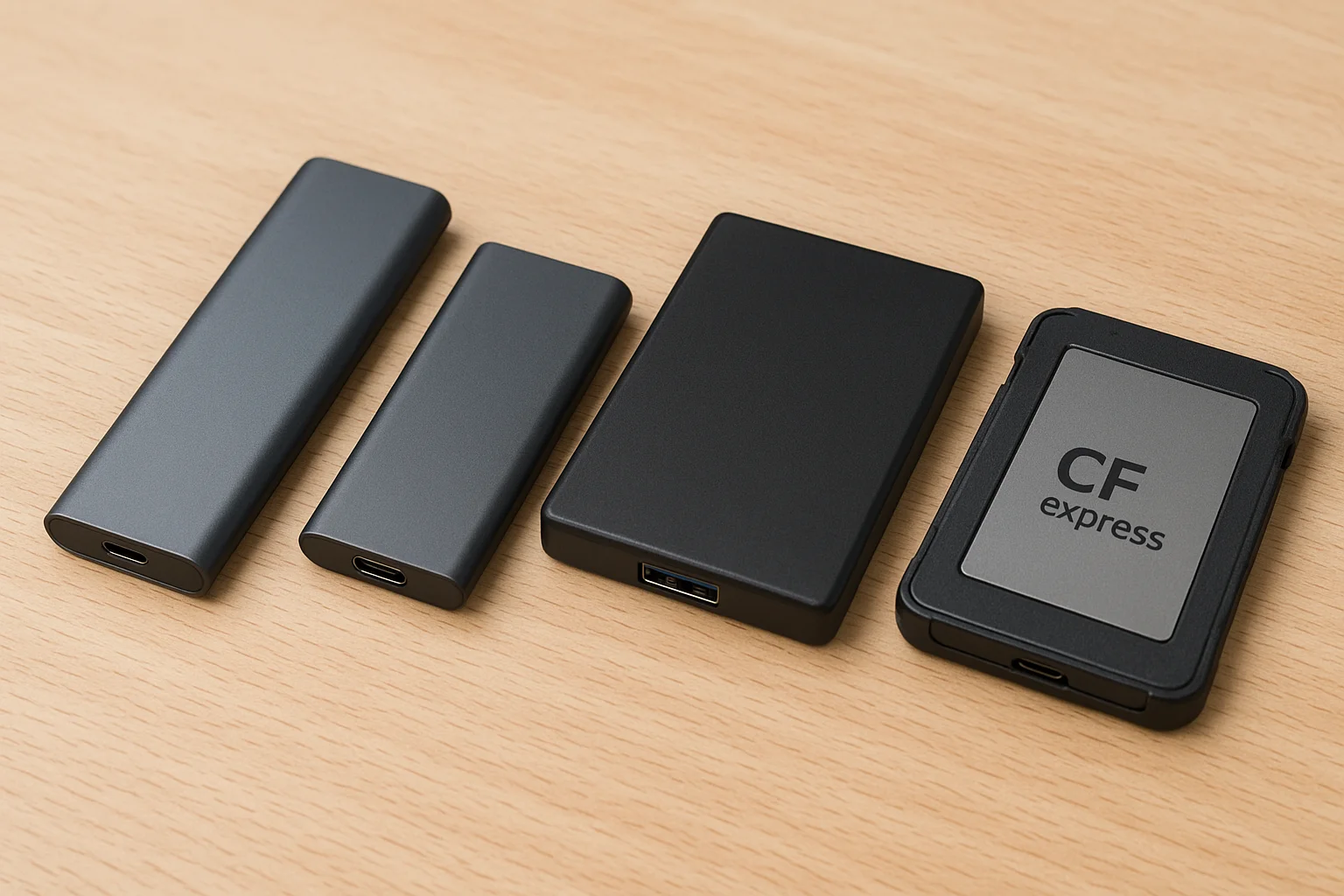
Understanding the Core Differences Between M.2, NVMe, SATA, and CFexpress
This section explains the fundamental distinctions you need to keep in mind when comparing external SSD form factors. M.2 is a physical form factor that can host different interfaces (SATA or NVMe). NVMe is a protocol that runs over PCI Express lanes and prioritizes low latency and high I/O operations per second. SATA is an older, widely supported interface with predictable performance and broad device compatibility. CFexpress is a removable card standard optimized for high-bandwidth camera workflows and professional capture devices. Understanding whether you are discussing a physical shape (M.2), a protocol (NVMe), or an interface standard (SATA, CFexpress) will help avoid buying mismatches.
Practical takeaway: when someone advertises an "M.2 SSD" check whether it is SATA-based or NVMe-based; when you read "NVMe" expect PCIe-level performance and lower latency compared with SATA; when you need direct camera support, consider CFexpress or an adapter that explicitly lists camera compatibility.
Performance Benchmarks: Speed, Latency, and Real-World Workflow Impact
Raw sequential speed numbers matter less than how a drive affects your actual tasks. Use benchmarks as a directional guide: booting and app launch benefit from low latency and random I/O, while large file transfers depend on sustained sequential throughput. NVMe drives typically outperform SATA in both metrics, but real-world gains depend on the rest of your system (CPU, bus, thermal throttling) and the file sizes you work with.
Here are concrete scenarios and what to expect:
- Photo editing (single files, many small edits) — benefits from faster random I/O and low latency; NVMe helps but a high-quality SATA SSD can be perfectly acceptable.
- Video editing (4K/8K, large sequential files) — benefits from sustained sequential throughput; NVMe (or CFexpress for camera capture) reduces transfer and render wait times.
- On-location capture — CFexpress or camera-native cards reduce the time between shoots; external NVMe enclosures help for quick offload if the camera supports it.
If you need a quick comparison, use the table below to see practical tradeoffs rather than absolute theoretical maxima.
| Form Factor | Typical Performance Characteristics | Practical Strength | When to prefer |
|---|---|---|---|
| M.2 (NVMe) | High throughput, low latency; depends on PCIe generation | Best for fast internal/external storage in modern systems | Video editing, large transfers, content creators with modern ports |
| M.2 (SATA) | Similar to 2.5" SATA SSDs; solid performance for everyday use | Good compatibility and lower cost | General storage, backup, older machines |
| SATA (2.5") | Predictable, lower maximum throughput than NVMe | Broad compatibility and reliability | Budget builds, long-term backups, cross-platform sharing |
| CFexpress | High sustained capture speeds optimized for cameras | Direct camera workflow, fast offloads | Professional photo/video capture and on-set workflows |
Compatibility and Connectivity: Choosing the Right Interface for Your Devices
Always verify both physical and protocol compatibility. An external enclosure that accepts an M.2 NVMe module must advertise NVMe support; a SATA M.2 will not realize NVMe speeds in an NVMe-only enclosure. External drives rely on the host interface: USB-A, USB-C, Thunderbolt 3/4, or dedicated card readers. Thunderbolt offers the most consistent high-throughput experience for NVMe externals; high-end USB (USB 3.2 Gen 2x2) can approach similar performance on supported hosts.
Checklist to follow before buying:
- Check your host ports (Thunderbolt, USB-C, USB-A) and which protocols they support.
- Confirm the enclosure or adapter lists support for the specific SSD type (NVMe vs SATA).
- If using with cameras, confirm the camera accepts the card standard (CFexpress Type, SD, etc.).
- Consider cross-platform needs (Windows, macOS, Linux) and whether reformatting is required.
Action tip: if you plan to use a single external drive across multiple machines, prefer widely supported interfaces (USB-C with UASP support or Thunderbolt) and format schemes that meet your compatibility needs.
Portability, Durability, and Thermal Management Across Form Factors
Portability and durability are often as important as raw speed for mobile workflows. Smaller M.2 modules in compact enclosures are highly portable, but high-performance NVMe drives produce heat under load and may throttle if the enclosure lacks thermal design. SATA solutions are cooler and sometimes more forgiving for long sustained writes. CFexpress cards are designed to be removable and rugged for fieldwork, but they require a compatible reader for transfers.
Practical advice on managing these concerns:
- Thermal throttling — if your workflow requires long sustained writes (large video files), choose enclosures with explicit thermal dissipation (aluminum body, thermal pads) or use short bursts to avoid throttling.
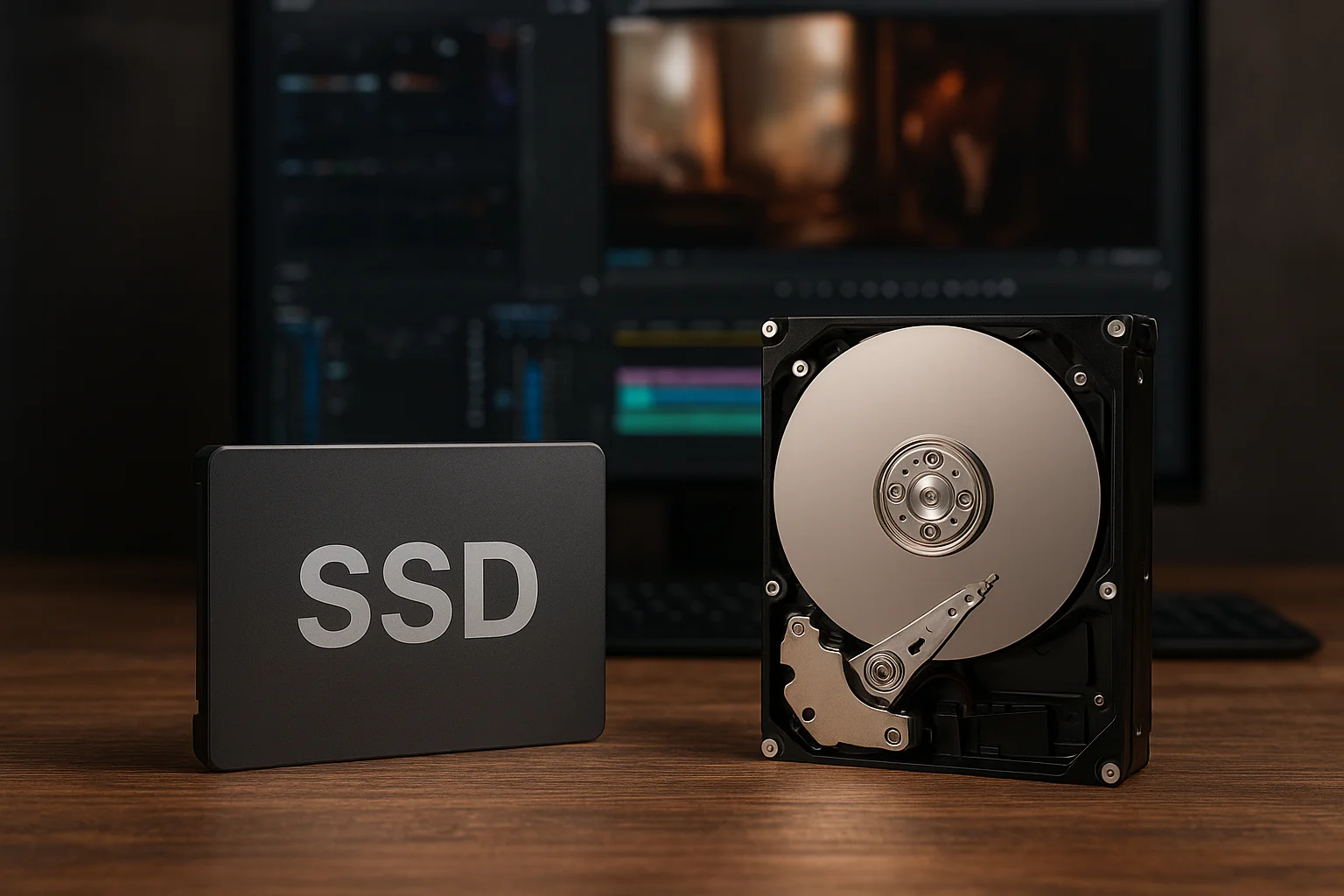
- Shock and vibration — choose SSDs over spinning disks for portable use; prefer enclosures with impact resistance if you travel a lot.
- Power — some high-performance drives draw more power; ensure your laptop or host can supply enough in bus-powered scenarios, or use an externally powered enclosure.
Best Use Cases: Matching Each SSD Format to Creative and Professional Workflows
Below are clear, actionable pairings of form factors to common workflows so you can match purchase decisions to real needs:
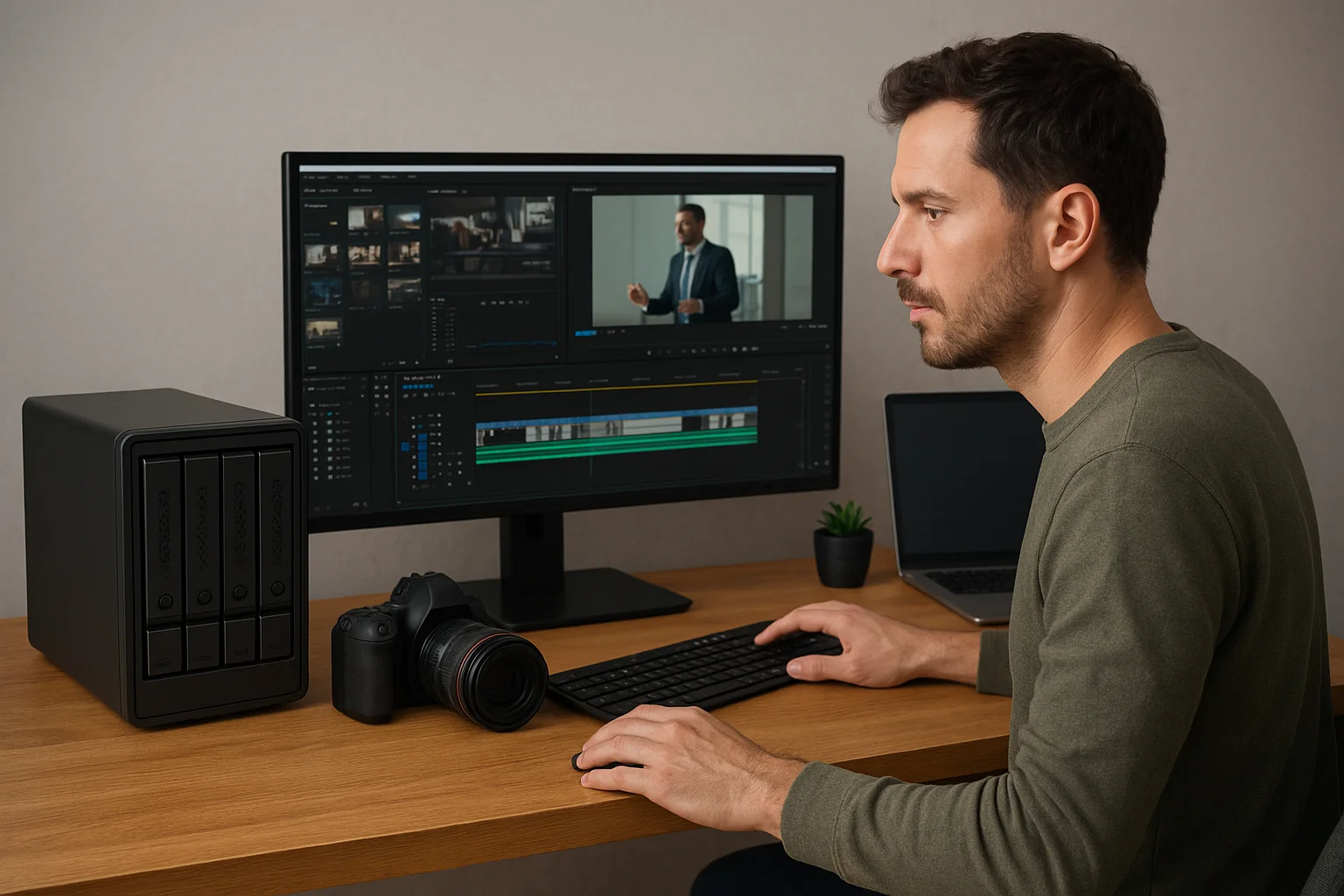
- Content creators and video editors — choose NVMe in a Thunderbolt enclosure or a high-end USB-C enclosure for fast frame scrubbing and export times. If you edit multi-camera 4K/8K projects, prioritize sustained sequential write/read performance and thermal management.
- Photographers and general office users — a high-quality SATA SSD or an M.2 SATA module in a simple USB enclosure gives excellent value for catalog storage, RAW processing, and backups.
- On-location shooters and camera operators — use CFexpress or camera-native cards for capture, and pair them with a fast reader or an NVMe external to offload quickly between takes.
- IT professionals and cross-platform teams — favor compatibility and durability: SATA externals or USB drives formatted and partitioned for cross-OS use reduce friction.
Final buying rule: align the drive choice with the slowest link in your workflow. A top-tier NVMe drive on a USB 3.0 host will not deliver its potential; conversely, a SATA drive on an older machine may be the most cost-effective, practical option.