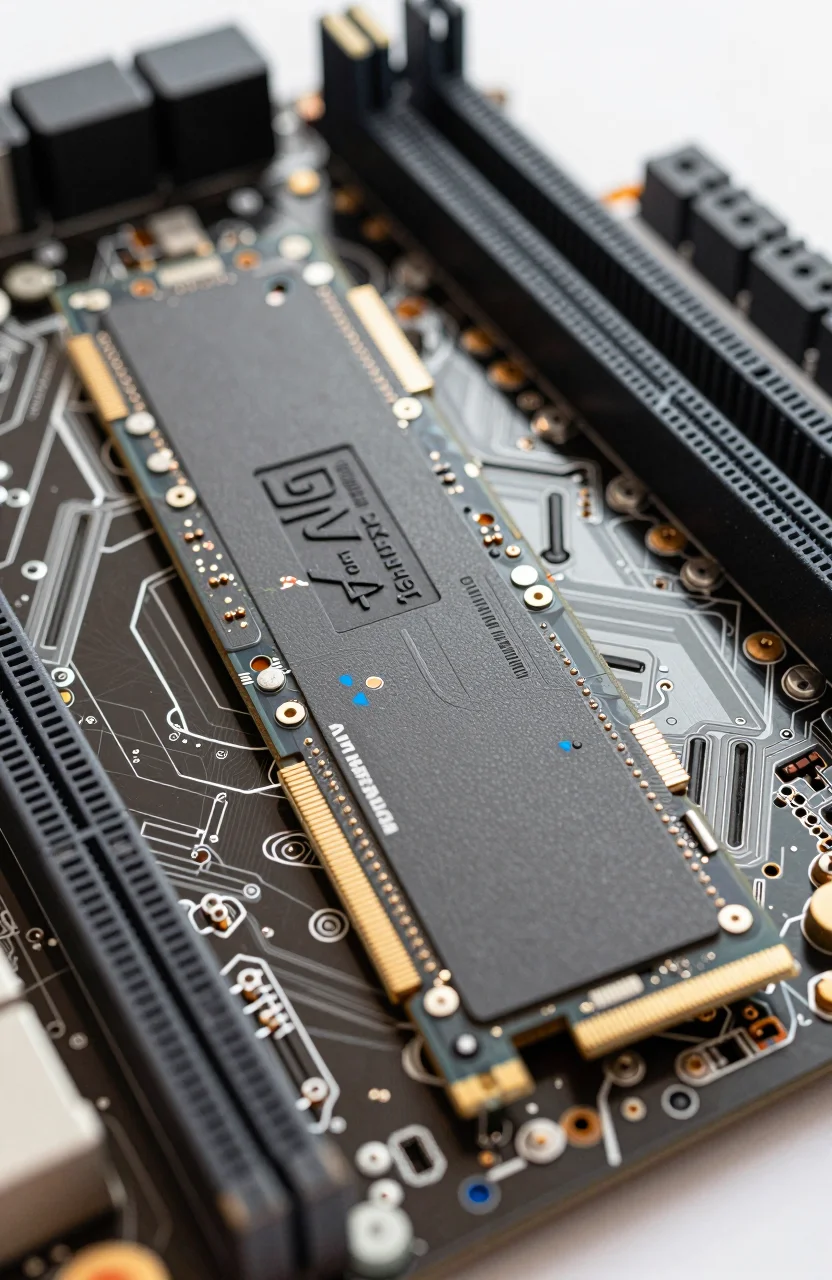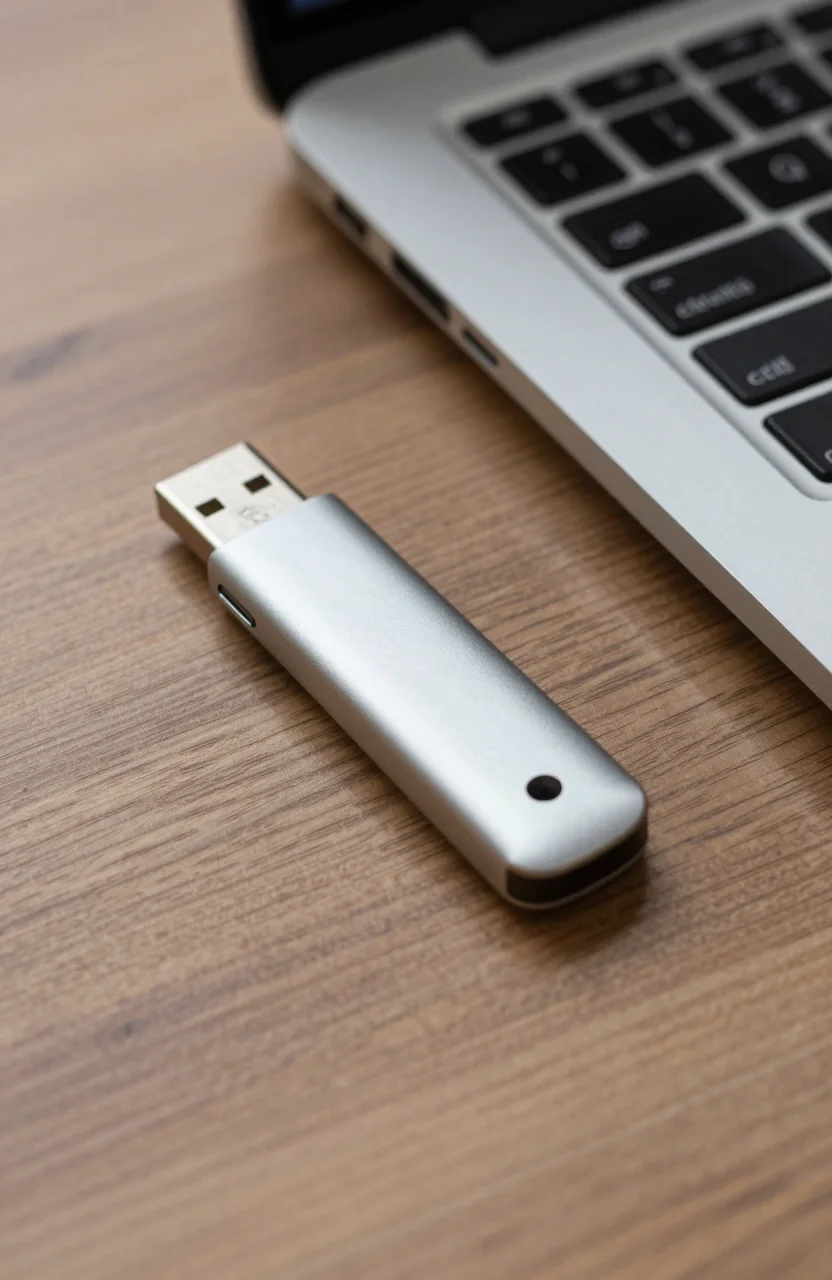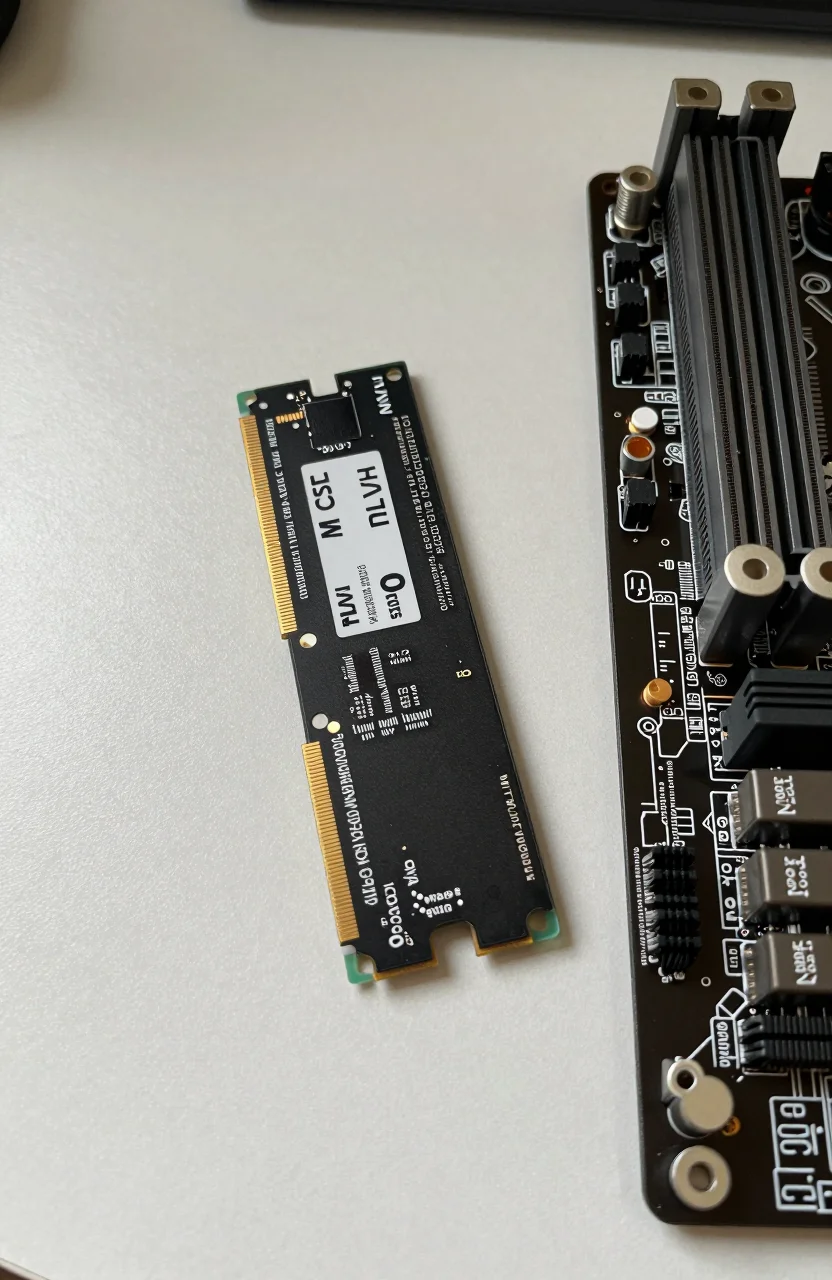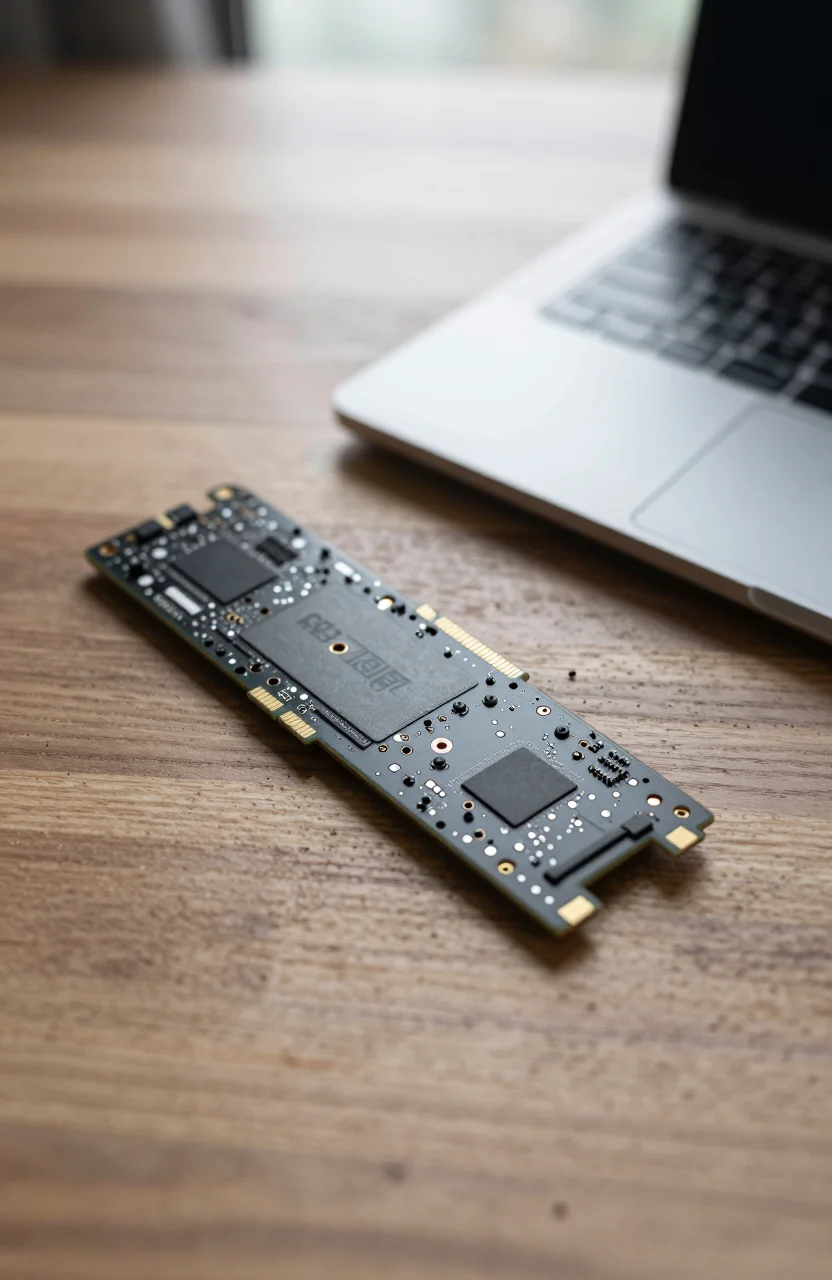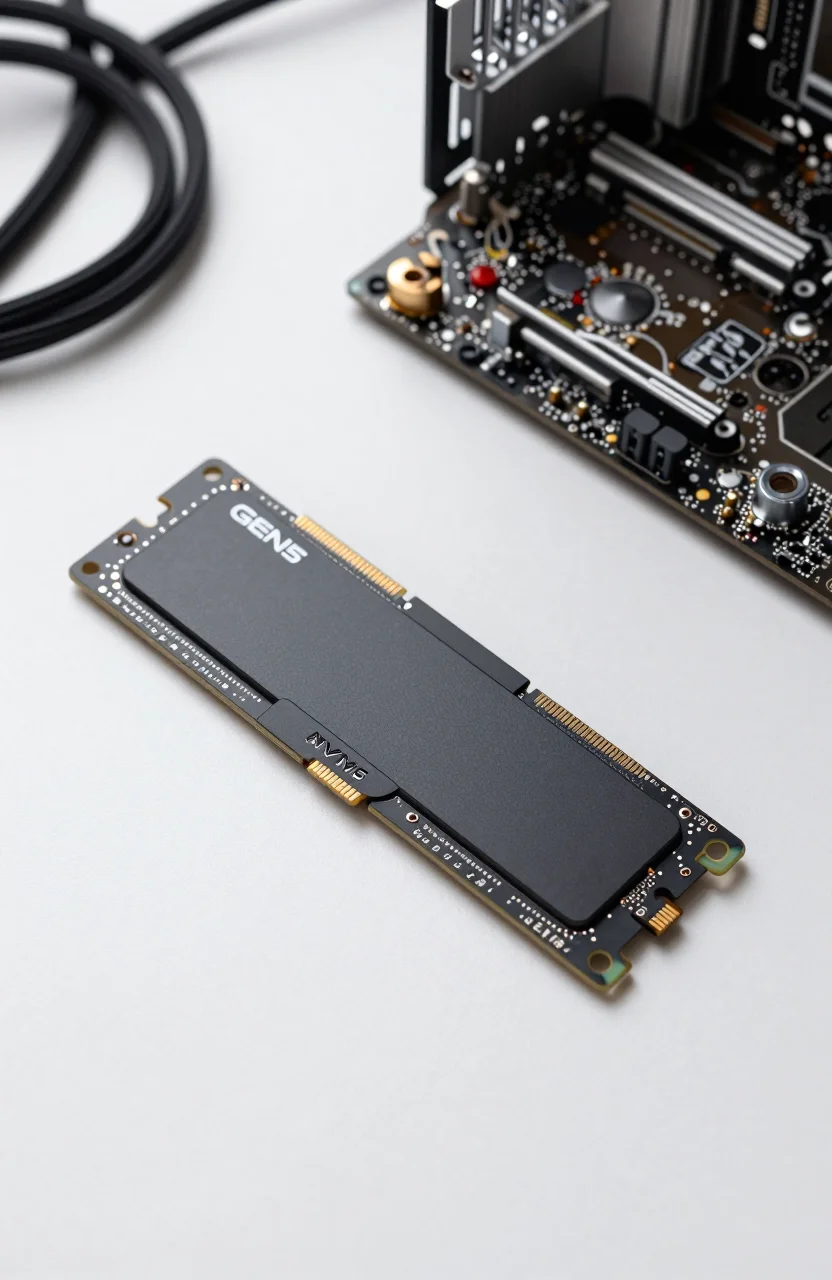
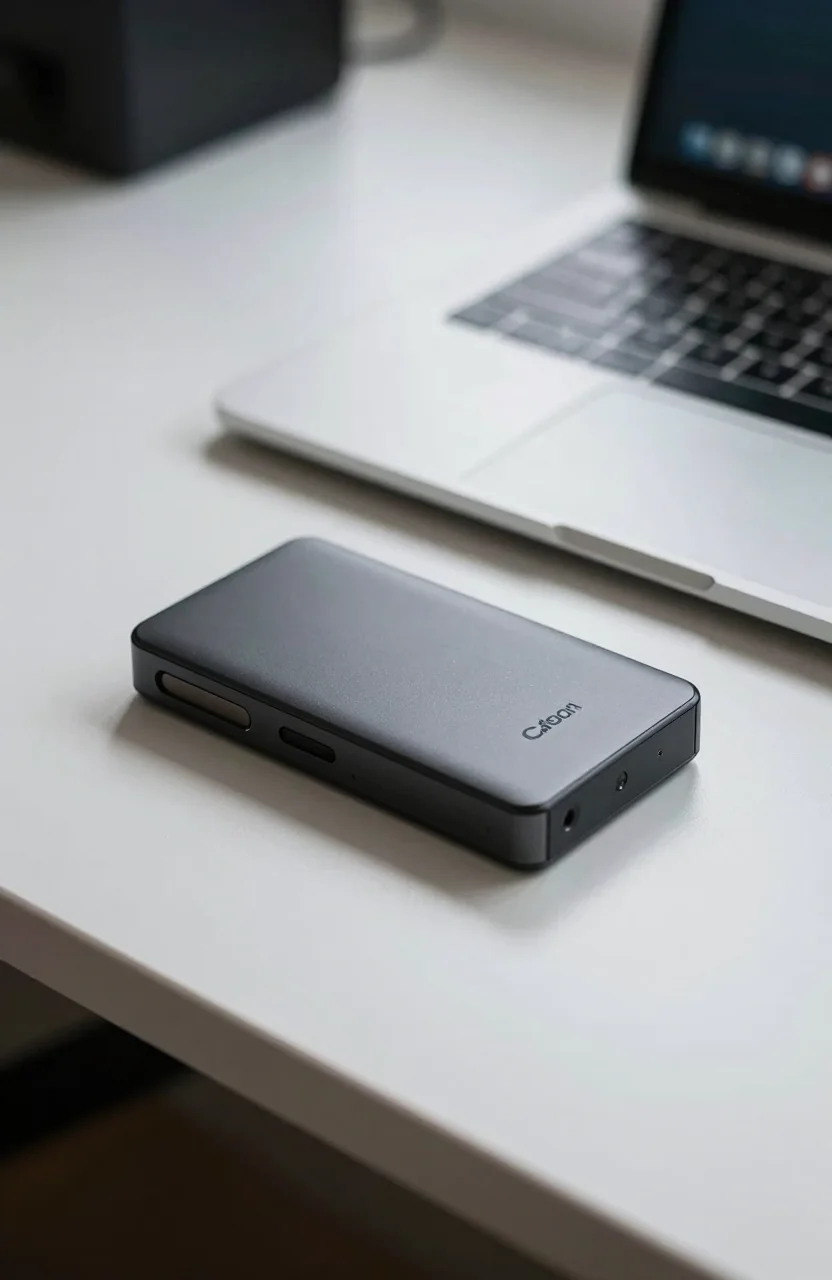
Creator portable SSDs sell a simple story: pocket size, USB-C, and speeds that keep 4K footage moving. The Crucial X10 Pro 2TB aims straight at that brief with up to 2100/2000 MB/s claims, IP55 sealing, and a compact metal shell - while Amazon sits near a mixed 4.0/5 from about 4399 reviews and a 2TB price around $362.86.
This review stays on the X10 Pro as a single product: what it does well for creators, where the Gen 2x2 port requirement bites, and how to read those mixed ratings without ignoring either the praise or the complaints.

- Up to 2100 MB/s read / 2000 MB/s write on USB 3.2 Gen 2x2
- IP55 dust and water-jet resistance, drop rated to about 7.5 ft
- Compact ~65 x 50 mm metal body with USB-C cable in the box
- AES hardware encryption options; 5-year limited warranty
Specs and design for creators on the move
The X10 Pro is a tiny USB-C portable SSD: roughly 65 x 50 x 10 mm and about 42 g, with an anodized metal shell, rubberized base, and a lanyard hole that actually gets used on set bags. Crucial rates sequential performance up to 2100 MB/s read and 2000 MB/s write when the host speaks USB 3.2 Gen 2x2 (20 Gb/s). Capacities typically span 1TB, 2TB, and 4TB; this review focuses on the 2TB class currently near $362.86 on Amazon.
Inside, independent testing has pointed at Silicon Motion bridge silicon and Micron TLC flash with a large pSLC-style cache. That combination is why short and medium transfers feel excellent, and why sustained writes in lab tests often stay high for many minutes before any cliff - better behavior than many cheap QLC sticks in plastic shells. The drive ships formatted exFAT for cross-platform use and includes a USB-C to C cable. Windows, macOS, and many tablets see it as a normal external volume once you plug in.
Security is part of the creator pitch on the X10 Pro portable: hardware AES paths, BitLocker To Go on Windows, FileVault-friendly behavior on Mac, and Crucial's utility for password workflows on supported OS versions. A five-year limited warranty is longer than many portable rivals. None of that replaces a second backup copy, but it does mean the enclosure is aimed at people who carry client footage between locations rather than only casual photo dumps.
Build quality impressions from reviewers are consistently solid for the size. The shell feels denser than budget plastic portables, and the short cable in the box is the right length for laptop-side ports. If you live on hubs, budget a known-good short C-to-C lead rated for 20 Gb/s; bargain cables are a common reason "slow SSD" tickets appear. When the hardware path is clean, the X10 Pro 2TB behaves like a serious shuttle drive, not a toy.
The Gen 2x2 port catch that decides your real speed
Those 2100/2000 MB/s numbers are not available on every USB-C logo. You need a true USB 3.2 Gen 2x2 host. Many Thunderbolt 3/4 ports, and plenty of "10 Gb/s" USB-C ports on thin laptops, will negotiate down near 1000 MB/s. That is still fast, but it is half the marketed ceiling - and it is the single biggest source of buyer frustration in this category.
Before you pay for the Pro SKU, check your actual ports. Desktop motherboards sometimes include one dedicated 2x2 Type-C. Creator laptops vary wildly; some docks advertise 2x2 while the upstream cable to the notebook is only 10 Gb/s. macOS machines with Thunderbolt often top out around the 10 Gb/s class for a single USB SSD even when the drive is capable of more. If every machine in your kit is 10 Gb/s only, Crucial's own X9 Pro class (lower peak, usually lower price) is often the smarter spend.
Benchmarks from outlets that owned a real 2x2 port show the X10 Pro near the top of the 20 Gb/s portable field, with strong sustained writes for video offloads. That is the scenario where paying for this model makes sense: camera card dumps on a desktop with the right rear port, or a Windows creator laptop that explicitly lists Gen 2x2. Without that port, you are buying IP55 and size more than peak throughput.
Practical tip: after first connect, run a short sequential test with a large file and note the result. If you see ~900-1100 MB/s, you are on a 10 Gb/s path. If you see ~1700-2000 MB/s class numbers, the link trained correctly. Do not return a healthy drive until you have ruled out hubs, long passive cables, and port multiplexing. The Amazon X10 Pro listing will not fix a 10 Gb/s host.
IP55 ruggedness and what it actually protects
IP55 means protection against dust ingress that is not total hermetic sealing, plus resistance to water jets from any direction. It does not mean you can swim with the drive or leave it in a puddle overnight. Crucial also cites drop resistance around 7.5 feet / 2 meters onto carpeted surfaces without data loss claims tied to that lab scenario. Think "survives a dusty festival bag and a rain shower on the walk to the car," not "indestructible brick."
For creators, that rating still matters. Plastic pocket SSDs crack when tossed with lenses; a metal IP55 X10 Pro shell shrugs off more abuse. Pair the X10 Pro with a small padded pouch if you throw it in the same pocket as keys. Keep the USB-C port dry before connecting; IP ratings assume the enclosure is closed, not that wet connectors are safe under power.
Compared with purpose-built rugged lines, the X10 Pro is compact-first with meaningful weather resistance, not a rubberized tank. If your work is mostly beach, rain forest, or construction sites, skim our roundup of rugged portable SSDs for travel for thicker shells and higher drop claims. If your risk is coffee spills, dusty vans, and hotel carpets, IP55 on this size is already a strong match.
Encryption and physical toughness complement each other. A lost unencrypted drive is a client incident; a lost encrypted drive is still a bad day but not a breach headline. Enable a password before the first client shoot, not after. And remember that rugged ratings do not replace the habit of cloning critical cards to two destinations before reformatting in camera.
Mixed Amazon ratings: what buyers praise and complain about
A 4.0/5 average across thousands of reviews is not a disaster, but it is not the 4.7 glow you see on simpler commodities. Praise clusters around size, build feel, and speed when the host cooperates. Creators who own a 2x2 desktop port often call out how quickly card dumps finish and how little desk space the drive occupies next to a laptop.
Complaints cluster in predictable places. Speeds "only" near 1000 MB/s on Thunderbolt Macs or 10 Gb/s Windows ports show up constantly - expectation mismatch more than defective silicon. Occasional reports of disconnects often trace to underpowered hubs, flaky cables, or sleep/wake quirks. A minority of units DOA or early failure appear in any high-volume ASIN; that is why buying with an easy return window matters at $362.86 for 2TB.
Price sensitivity also pulls the average down. Shoppers comparing against older sales or against Crucial's non-Pro siblings feel overcharged when their ports cannot unlock the headline numbers. That is fair criticism of the purchase decision, not proof the drive is slow on a correct link. Read recent critical reviews for patterns (cable, Mac, hub) rather than treating every one-star as a random lottery.
Our stance: the X10 Pro is a high-ceiling portable that punishes mismatched hosts. If you verify Gen 2x2 (or accept ~1 GB/s class speeds knowingly for the size and IP55), the mixed rating makes sense without being a red flag. If you expected every USB-C port to hit 2100 MB/s, the rating is warning you in advance. Cross-check habits in mistakes to avoid before buying a portable SSD before you checkout.
Workflow fit: video dumps, laptop travel, desk docking
Where the Crucial creator SSD earns its keep is shuttle duty. Offload SD or CFexpress cards to the portable on set, carry the stick home, and ingest to a RAID later. At full 2x2 speed, multi-hundred-gigabyte days hurt less. At 10 Gb/s, it still beats spinning USB HDDs by a wide margin for the same bag weight. Editors who keep active projects on the portable should leave free space and avoid filling the drive to the brim; caches and temp files need room.
Laptop travel is the other sweet spot. The footprint disappears in a sleeve pocket, and IP55 reduces anxiety on rainy sidewalks. MacBook users should temper speed expectations on Thunderbolt-only machines and still value the size; for Mac-specific alternatives and port realities, see our best external SSDs for MacBook guide. Windows creator notebooks with a marked 2x2 port get the full show.
Desk docking works if your dock truly passes 20 Gb/s to the SSD port. Many elegant docks share bandwidth across multiple downstream ports; plug the X10 Pro into the host directly when you need maximum throughput, then use the dock for keyboard and display. For iPad-centric kits the story changes again - bus power and app filesystem limits matter more than peak MB/s - so treat our portable SSDs for iPad Pro piece as a separate decision tree rather than assuming the X10 Pro is automatic.
Password workflow belongs in the same checklist as cable choice. Set encryption before the first paid job, store the recovery key offline, and test unlock on both machines you use. A drive that only unlocks on one laptop is a workflow bug waiting to happen at 11 p.m. before a delivery.
Alternatives and when the X10 Pro still wins
If you lack Gen 2x2 everywhere, look at Crucial's 10 Gb/s siblings or other strong ~1050 MB/s portables that cost less for the same capacity. Samsung's Shield-class rugged sticks trade different ergonomics and branding; our Samsung T7 Shield review covers that lane. DIY NVMe-plus-enclosure kits can beat street pricing but shift failure risk to cables, firmware, and your assembly habits - fine for tinkerers, poor for client-facing kits that must just work.
The X10 Pro still wins when three things line up: you own at least one real 20 Gb/s host you use for ingest, you want IP55 in a tiny metal body, and you prefer a five-year warranty from a major NAND brand over anonymous marketplace sticks. At about $362.86 for 2TB, it is not the cheapest gigabyte on the shelf, but it is a coherent creator tool when those conditions are true.
- Confirm Gen 2x2 on your main ingest machine before paying the Pro premium
- Use a short, quality C-to-C cable; hubs are the usual speed killer
- Enable encryption on day one for client media
- Keep a second backup target; rugged is not a substitute for redundancy
If that checklist is green, see the Crucial X10 Pro offer and treat the mixed Amazon score as a port-education warning rather than a blanket avoid. If the checklist fails, spend less on a 10 Gb/s portable and put the difference into a second drive - two good copies beat one very fast single point of failure every time you leave a shoot.
One purchase habit that saves returns: bench the drive on the exact laptop and dock you will use on Monday morning, not only on a desktop that happens to have a 2x2 rear port. Creators often own one fast machine and three slower ones; the X10 Pro should still be useful on the slow set, just without the brochure numbers. Buy for the median day in your week, keep the peak-speed machine as a bonus, and the 4.0/5 crowd makes a lot more sense.