Game install sizes have grown dramatically over the past five years. A modern AAA title regularly ships at 50 to 150 GB, with some open-world and live-service games exceeding 200 GB after patches and updates. If you are building or upgrading a gaming PC in 2026, choosing the right storage configuration is not a luxury decision - it directly affects how many games you can keep installed and how fast they load. This guide breaks down real game size data, helps you estimate your needs, and recommends specific drives at each capacity tier.
How Big Are Modern Games in 2026?
Average modern game sizes vary widely by genre and developer. A rough breakdown by category:
| Game Type | Typical Install Size |
|---|---|
| Indie / 2D games | 1 to 5 GB |
| Mid-budget 3D games | 15 to 40 GB |
| AAA single-player (older titles) | 40 to 80 GB |
| AAA single-player (2023 to 2026) | 80 to 150 GB |
| Live-service or open-world | 100 to 200 GB and above |
On top of install size, Steam and other launchers create a shader pre-compilation cache when you first run a game on a new GPU or driver. This cache can add 2 to 10 GB per game for titles that generate it aggressively. DirectX 12 and Vulkan titles tend to generate larger shader caches than older DirectX 11 games. If you switch GPU drivers frequently, expect this cache to rebuild and temporarily occupy additional space.
How to Estimate Your Actual Storage Needs
Start by listing the games you actively play or plan to play in the next twelve months. For most PC gamers, the actively installed list is 5 to 15 games at any time - not the full library. Calculate the total of your regularly played games, add 20 percent for updates and shader caches, then add headroom for the operating system and programs.
A realistic breakdown for a gaming PC:
- Windows 11 install: 25 to 40 GB
- Applications, browser, productivity software: 10 to 20 GB
- 5 actively installed AAA games at 80 GB average: 400 GB
- Shader caches and update headroom: 50 GB
- Total: roughly 480 to 510 GB for a five-game setup
If you play 10 or more games concurrently, or if your active rotation includes large open-world RPGs or battle royale titles, 1 TB starts to feel tight within the first year. Use the cost-per-GB calculator to evaluate whether stepping up to 2 TB is worth it for your specific library size.
1 TB vs 2 TB: When to Step Up
The WD SN770 1 TB is the right call if your active library stays under 700 GB and you are comfortable occasionally uninstalling and reinstalling titles you are not currently playing. Steam makes this easy - reinstalling a game you own takes 20 to 40 minutes on a fast connection, and nothing is lost except time.
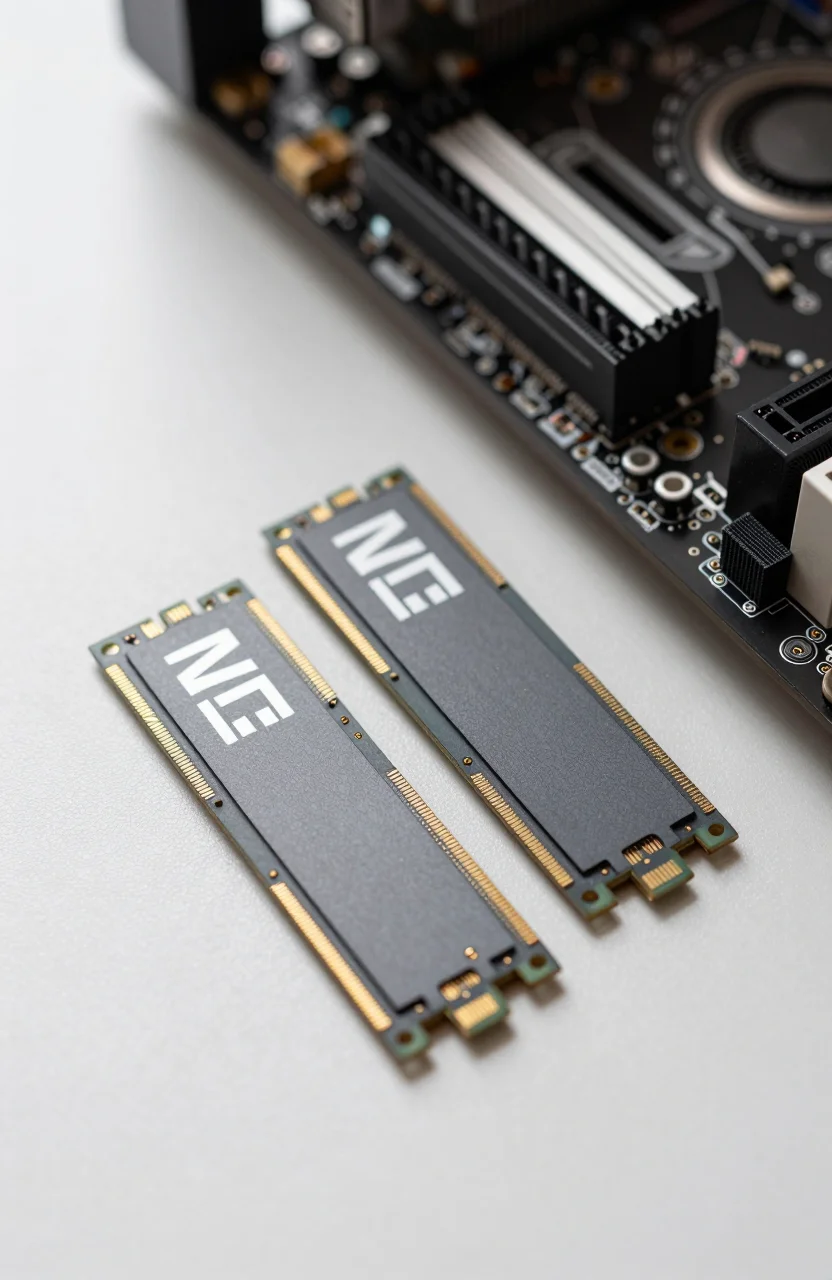
The Crucial P310 2TB is the better fit if you maintain a large active library or play games that frequently push large patches. At 2 TB you can comfortably install 10 to 15 large AAA games simultaneously alongside system files and future installs. The price per GB on 2 TB NVMe drives has dropped significantly in 2026, making the step up from 1 TB a reasonable investment for serious gamers who want to stop managing install rotations.
Beyond 2 TB, dedicated game storage on a secondary internal NVMe is a practical strategy. See the SSD comparison page for current pricing on larger capacities. Many mid-range and high-end motherboards include two or three M.2 slots specifically to accommodate separate OS and game storage drives.
Internal NVMe vs External Storage for Games
Internal NVMe always wins on load times. PCIe 4.0 NVMe drives deliver sequential reads of 4,000 to 7,000 MB/s, which translates to near-instant load screens in well-optimized games. USB 3.2 Gen 2 external drives top out at around 1,000 MB/s in real-world transfers - adequate for many games but noticeably slower for open-world titles with heavy streaming assets.
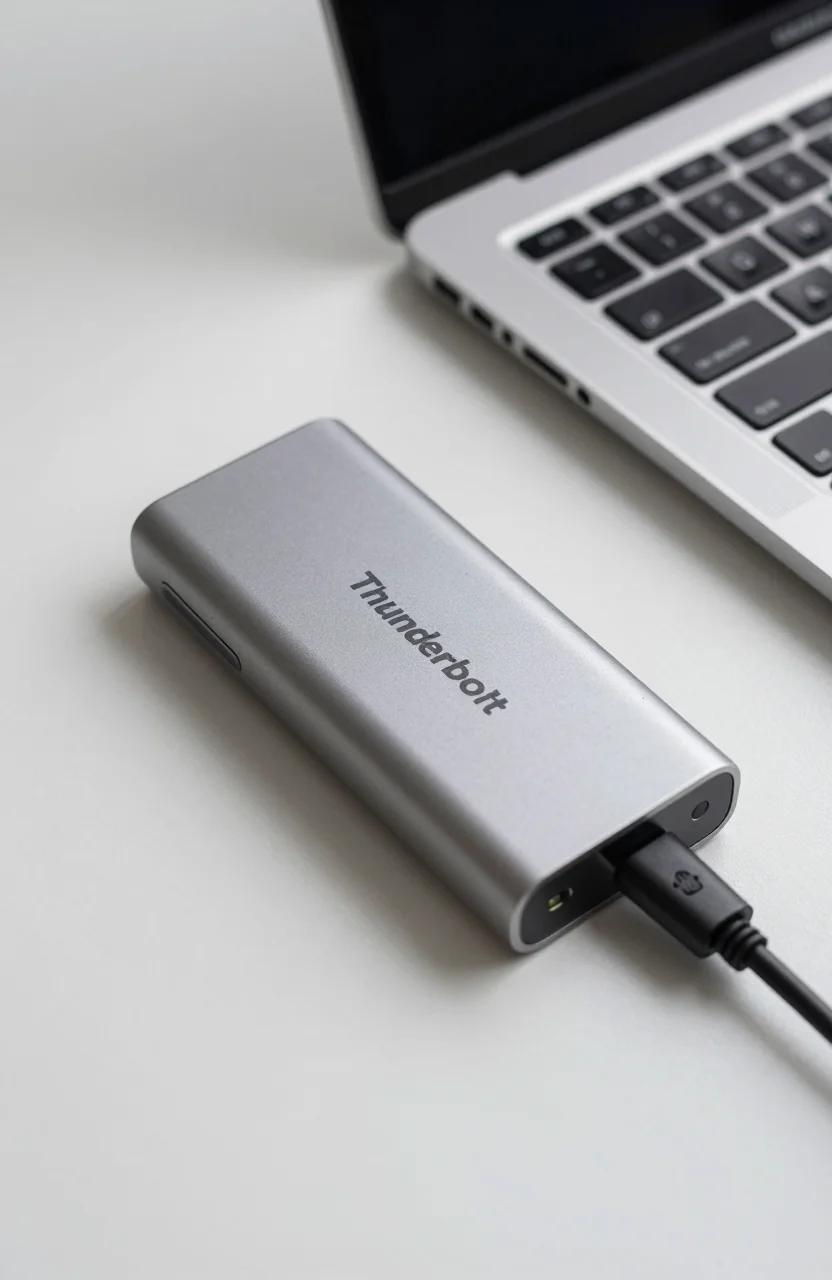
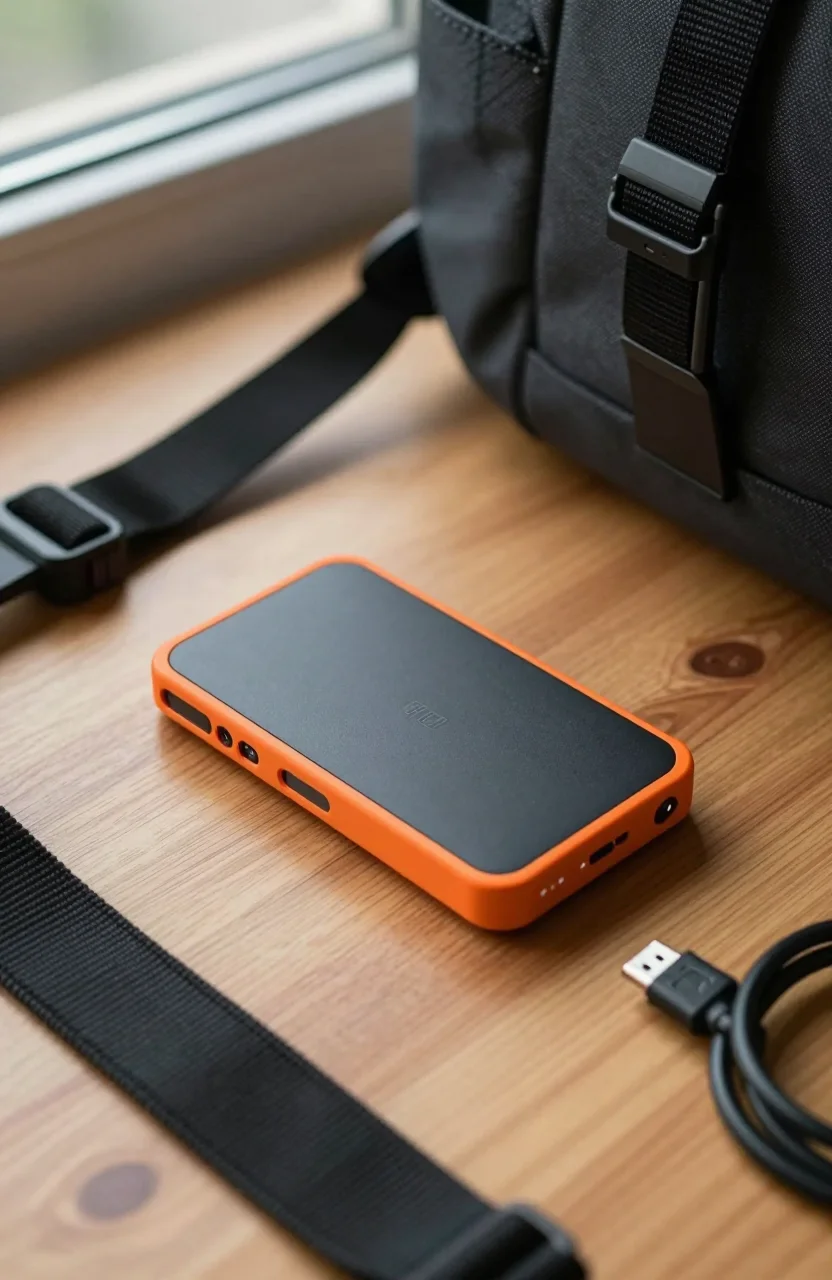
External storage makes more sense for archiving games you play occasionally or for moving your library to another system at a LAN party. The Crucial X9 1 TB is a rugged, compact portable option with USB-C connectivity that handles both file transfers and occasional game installs without issues. For alternatives, see our best portable SSDs under $150 guide.
Practical Storage Strategy for PC Gamers in 2026
A two-drive setup covers most gaming needs without overspending. Use a 1 TB NVMe for the operating system and your most-played games, and a larger secondary drive for game archives and media files. This keeps frequently accessed data on fast storage without paying for maximum capacity on a single drive.
For single-drive builds, 2 TB NVMe at current 2026 prices is the practical sweet spot. It provides enough room for the OS, applications, and 8 to 12 large games without constantly managing installs. Evaluate 4 TB NVMe options only if you actively play 15 or more large titles simultaneously and want to avoid managing install rotation entirely - those drives still carry a price premium over the 2 TB tier.
Managing Your Library: Uninstall, Re-download, or Archive?
Even with a 2 TB drive, eventually you will want a strategy for games you play rarely. The three main approaches are: uninstalling and re-downloading as needed, keeping an external archive drive with installed game folders, or using Steam's built-in backup feature to save installation files without re-downloading. Re-downloading is the simplest method for most people on fast connections - 100 Mbps internet restores a 100 GB game in under 15 minutes. If your connection is slower or data-capped, the Steam backup method or an external archive drive makes more sense.
Some games - particularly online titles - cannot be restored from backup and require a fresh download regardless. These are good candidates for keeping installed on your main drive since there is no reliable archival shortcut. Games with large offline single-player campaigns that you replay periodically are better candidates for the external archive approach since their save files and installs can be preserved and restored cleanly.
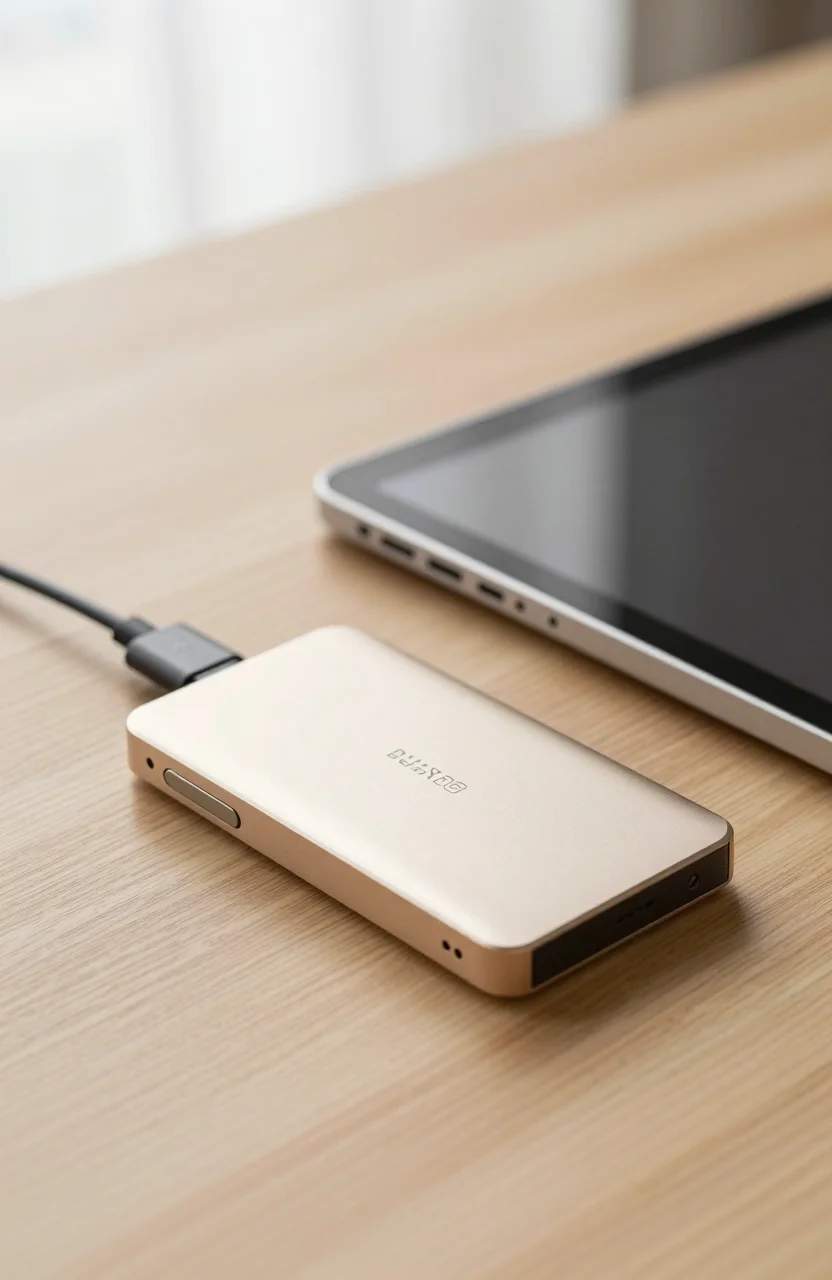
If you play across multiple PCs - a desktop at home and a laptop for travel for example - a portable NVMe enclosure with a copy of your most-played titles saves significant download time. The Crucial X9 and similar portable SSDs handle this role well, and many games run acceptably from USB 3.2 Gen 2 speeds for titles that are not demanding on IO bandwidth.