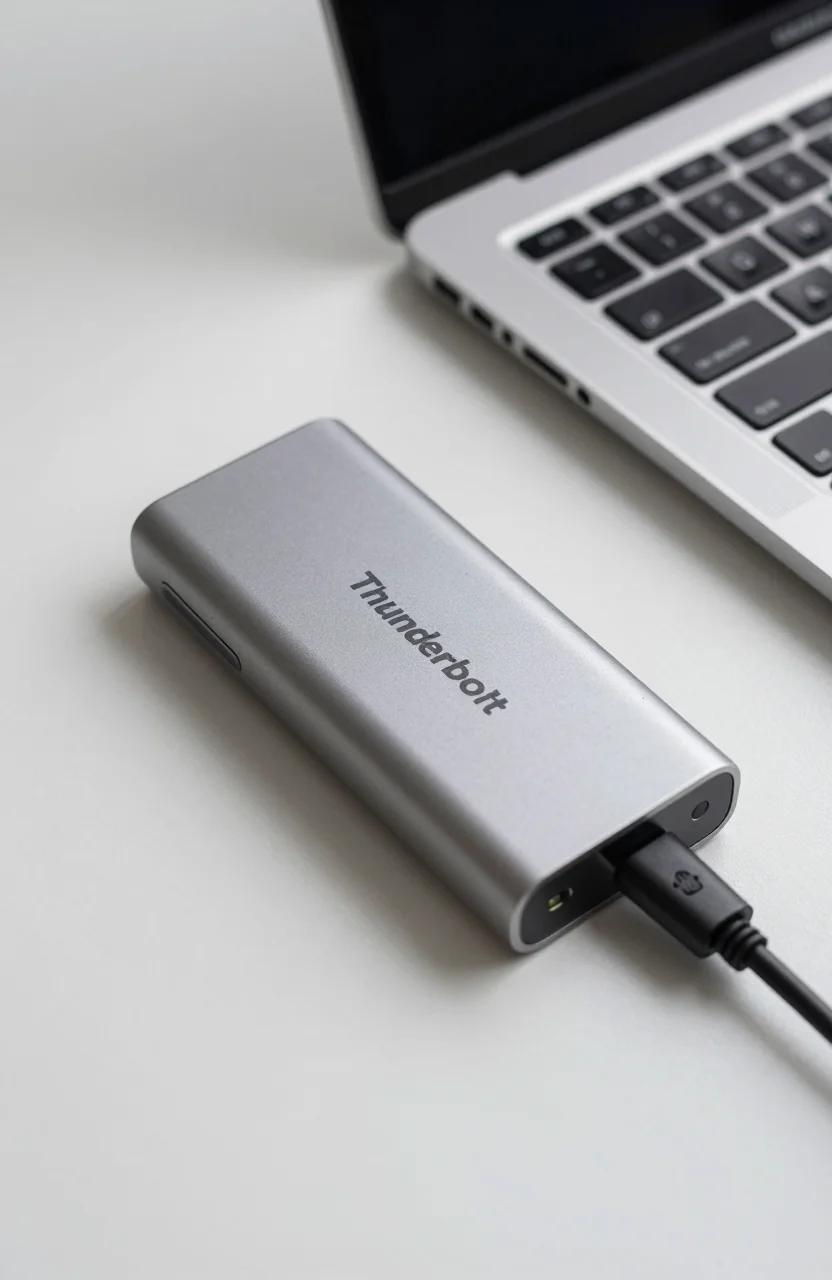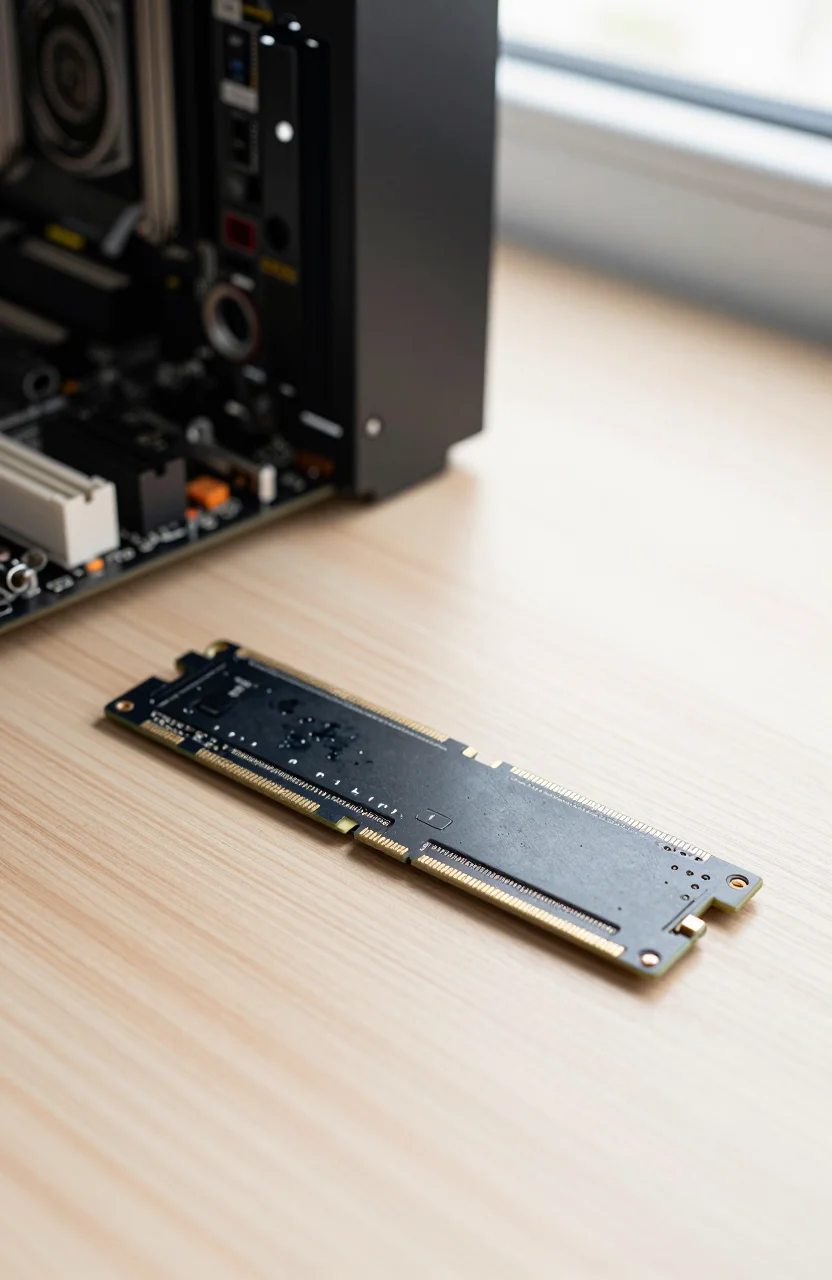
SanDisk's Optimus name is still new enough that a lot of shoppers pause when they see it next to familiar WD_BLACK and Samsung badges. The SanDisk Optimus 5100 2TB is a PCIe 4.0 M.2 NVMe drive aimed at creators and everyday upgrades, with claimed sequential speeds up to 7100MB/s read and 6700MB/s write on the 2TB SKU. Street pricing around $263 makes it a mid-pack Gen4 option rather than a bargain bin pick.
This review treats it as an early-lineup product. Amazon's rating sits near 4.6/5 on the listing we tracked, but long-term endurance data and wide third-party lab coverage are still thin compared with multi-year staples like the Samsung 990 PRO. Read the specs and buyer themes honestly, then decide if the price beats a proven TLC gaming drive.

- 2TB M.2 2280, PCIe 4.0 x4 NVMe
- Up to 7100MB/s read / 6700MB/s write (rated)
- QLC NAND with HMB; 5-year limited warranty
- Around $263 street price for 2TB
What the Optimus 5100 actually is
Optimus is SanDisk's newer consumer NVMe branding after the brand split story with Western Digital got messy for shoppers. The 5100 sits in the creator / general PC lane: M.2 2280, PCIe Gen4 x4, capacities from 500GB up to 4TB depending on SKU. The 2TB model we focus on here is the one showing up most often in "people also bought" style NVMe lists.
On paper you get sequential peak numbers that sit in the same neighborhood as strong Gen4 drives. That does not automatically mean game load times will crush a WD_BLACK SN850X. Peak sequential ads matter most for large file copies and some creative exports; random IOPS, TLC vs QLC behavior, and sustained write after the SLC cache fills matter more for heavy installs and video dumps.
SanDisk documents BiCS QLC NAND, Host Memory Buffer instead of a large onboard DRAM pool, nCache 4.0 for burst writes, and a 5-year limited warranty with a 900TBW endurance figure on the 2TB SKU. Those are solid brochure points. They are also why you should treat Optimus as a value-performance hybrid, not a DRAM-heavy workstation flagship. If you want the Gen4 vs Gen5 reality check first, our PCIe Gen4 vs Gen5 guide is worth a skim before you overspend.
You can compare current Optimus pricing against whatever Samsung or Crucial Gen4 deal is live the same week. SSD street prices swing hard; a $40 swing can flip the verdict overnight.
Specs that matter for a 2026 upgrade
For most desktops and modern laptops with a free M.2 slot, the checklist is short:
- Form factor: M.2 2280 NVMe (not SATA 2.5")
- Interface: PCIe 4.0 x4 (works in Gen3 slots at lower speed)
- Capacity: 2TB is the sweet spot for OS + games + creative projects on one drive
- Rated peaks: up to 7100MB/s read and 6700MB/s write on 1TB/2TB SKUs
- Endurance: 900TBW on 2TB with a 5-year limited warranty (per SanDisk docs)
QLC with a strong cache can feel fast day to day. Sustained writes of multi-dozen-GB video projects or cloning giant game libraries may slow once the SLC cache is saturated. That is normal for this class. If your workflow is endless 4K timelines and constant scratch-disk thrashing, a TLC gaming drive from our best SSDs for gaming PCs roundup may age more gracefully even if the Optimus listing looks flashier on Amazon.
Heatsinks: many motherboards already include an M.2 shield. The bare Optimus stick is thin; add a third-party heatsink only if your chassis runs hot and the drive sits under a GPU blanket of warm air. Do not force a tall heatsink into a thin laptop bay.
When you open the Optimus 5100 product page, confirm capacity, seller, and whether a heatsink version is mixed into the same listing. Wrong SKU returns waste a weekend.
Early Amazon feedback: what buyers praise and complain about
Because this is a newer lineup, treat star averages carefully. A 4.6/5 score on a young listing can mean "mostly fine installs" more than "decade of field proof." Older drives with tens of thousands of reviews have survived firmware quirks, batch issues, and RMA patterns that Optimus has not fully lived through yet in public.
Themes that show up repeatedly on early Amazon comments (paraphrased, not cherry-picked marketing quotes):
- Installers like the plug-and-play M.2 experience on recent Intel and AMD boards
- File copy speeds feel snappy for typical photo and game installs when the cache is warm
- Some buyers mention confusion between SanDisk Optimus branding and older WD Blue / WD_BLACK naming
- A minority report thermal throttling concerns in poorly cooled slots under long writes
- Warranty and Dashboard software get mentioned as sanity checks after migration
None of that replaces a CrystalDiskMark suite on your own PC. Motherboard firmware, PCIe bifurcation, and Windows power plans all move numbers. If you need a known quantity for a competitive gaming build today, proven names still win on risk. If you are price shopping Gen4 2TB and the Optimus deal undercuts TLC rivals by a clear margin, the risk/reward starts to make sense for secondary storage or a fresh Windows install you can image first.
Also watch return windows. Early adopters should keep the box, run a full surface test (HD Tune / badblocks style workflows), and migrate with Acronis or Windows backup before deleting the old boot drive.
Who should buy it, and who should wait
Buy the Optimus 5100 2TB if you want a current Gen4 M.2 stick for creative multitasking and general gaming, you accept QLC/HMB tradeoffs, and the live price lands near or below $263 while competitors sit higher. It is a reasonable "fill the empty slot" choice when you already trust SanDisk's warranty process.
Skip or wait if you need maximum sustained write for video scratch disks, you want the deepest review corpus available, or a TLC gaming SSD with a heatsink is within $20 on sale. Console owners expanding a PS5 should still verify height clearance and Sony's requirements separately; a bare Optimus is not automatically a "PS5 kit" even if marketing lists console compatibility on some regional pages.
Laptop buyers: double-check single-sided vs double-sided thickness and whether your chassis uses a proprietary bracket. The Optimus 5100 is a standard 2280 profile, but some ultrabooks only accept very specific modules.
Ready to decide with live stock and seller ratings in view? See the SanDisk Optimus 5100 offer and compare it against the SN850X or 990 PRO the same day. If the Optimus saves real money and you accept early-lineup uncertainty, it is a fair Gen4 pick for 2026. If the savings are pocket change, spend the little extra on a drive with a longer public track record.
One last practical tip: clone your OS, confirm SMART after a week of normal use, and keep critical projects on a second backup target. A new brand family can be excellent hardware and still benefit from boring redundancy. That habit matters more than any sequential megabyte claim on the box.
If inventory flips and the 2TB Optimus listing jumps well past competing TLC options, walk away and revisit later. SSD markets punish FOMO buyers; they reward patient price watchers.