Console storage fills up faster than most players expect. A single modern game regularly exceeds 100GB, and the base 825GB of usable internal storage on a PS5 disappears within a few major titles. The Xbox Series S ships with just 364GB of usable space. Fortunately, Sony and Microsoft have both opened meaningful storage expansion options - but the rules for each console are different enough to create real confusion. This guide covers the best drives for PS5 and Xbox storage expansion in 2026, including the correct drive types for each use case and the platform rules you need to understand before spending money on the wrong hardware.
PS5 Storage: Internal M.2 vs External USB - Understanding the Rules
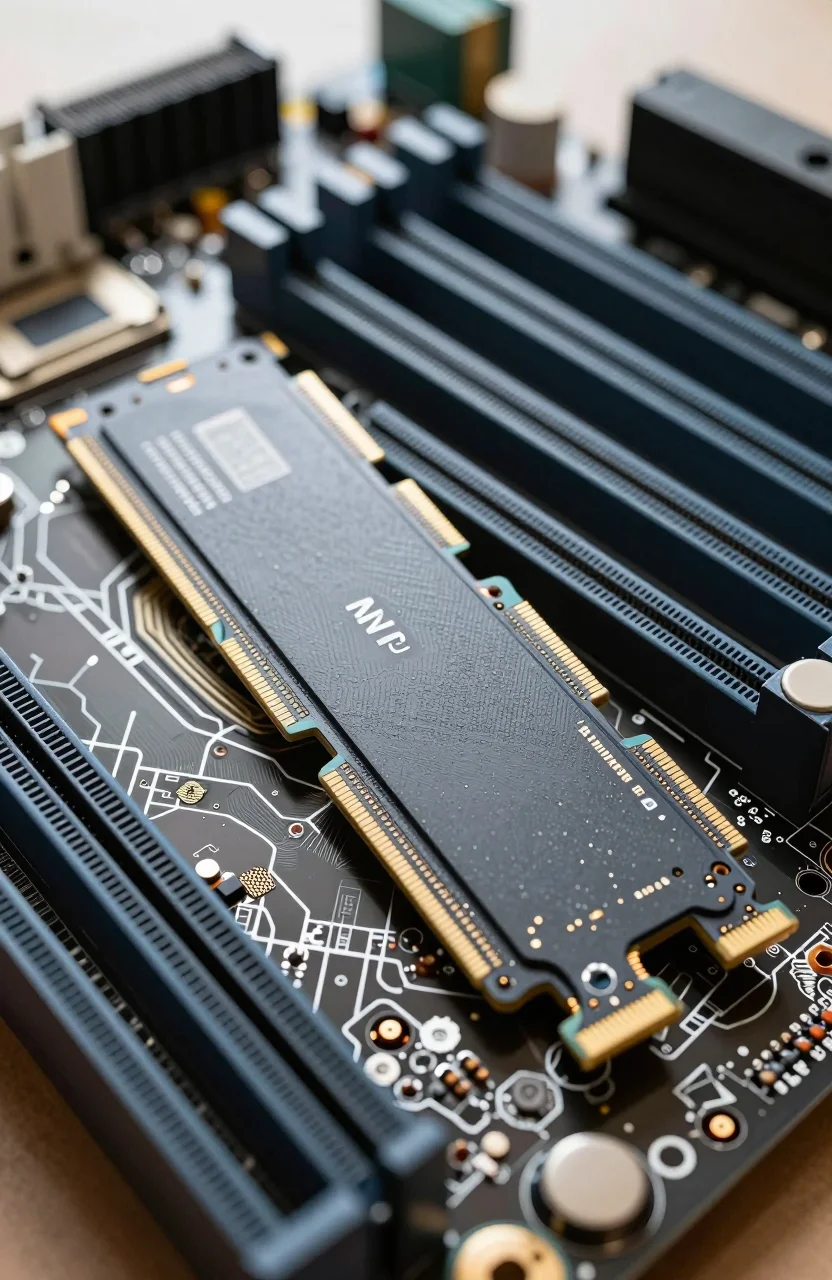
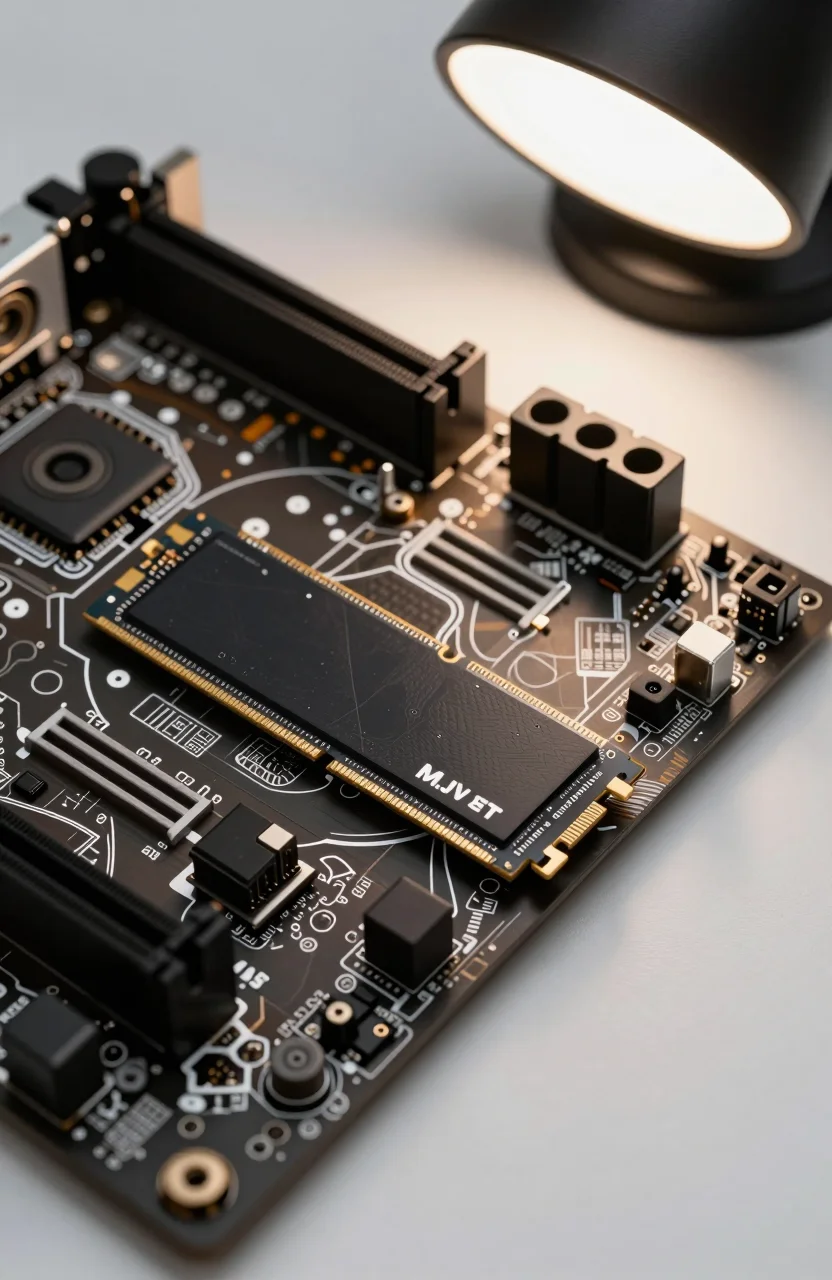
The PS5 supports two separate approaches to storage expansion. First, there is a dedicated M.2 NVMe expansion slot under the side panel. Drives installed here function exactly like the internal SSD - PS5 native games install and run directly from the expansion drive with no performance difference visible in normal gameplay. Sony requires an M.2 form factor (2230 or 2280) using PCIe 4.0, and recommends a minimum sequential read speed of 5500 MB/s. Slower PCIe 4.0 drives below that threshold do work but Sony makes no guarantee of full compatibility.
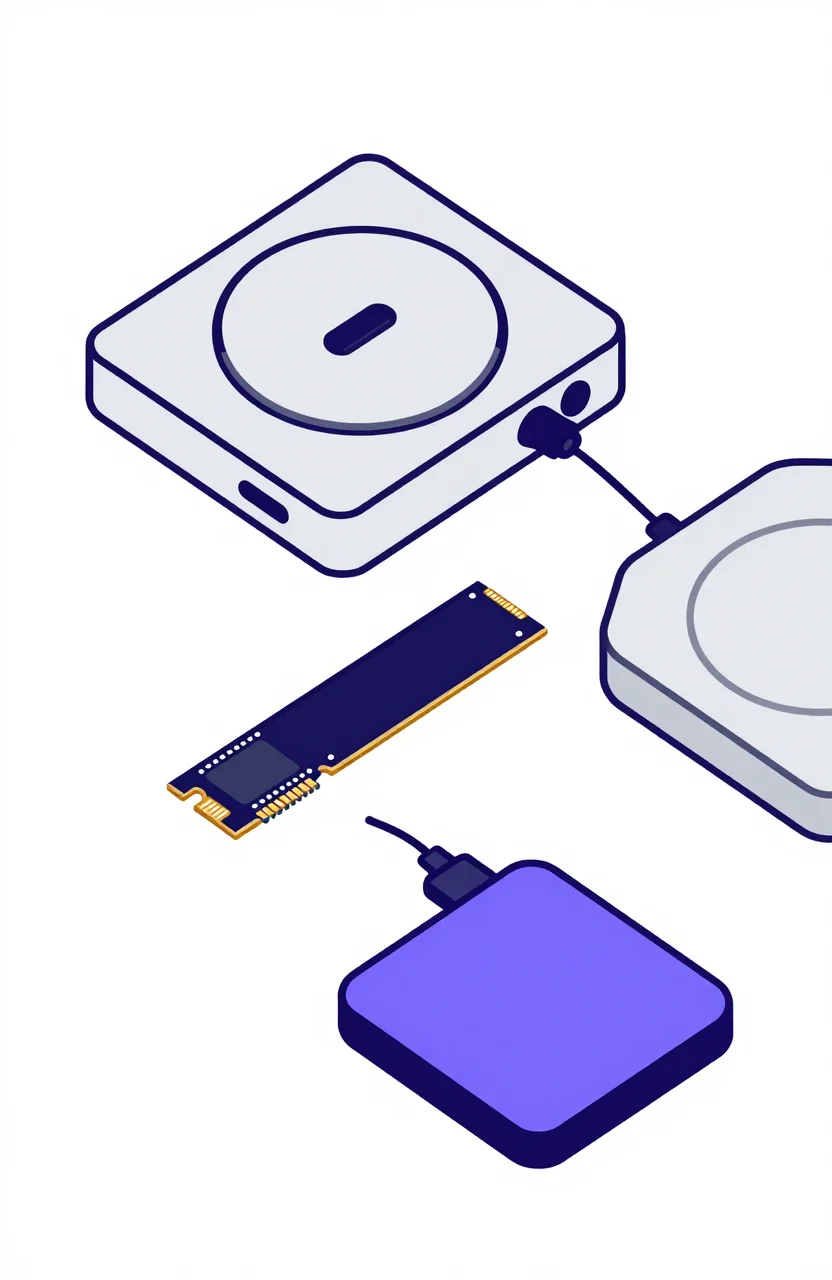
Second, you can connect a USB drive or enclosure to the PS5's USB ports. This is archive storage only - you cannot install or run PS5 native titles from USB. PS4 games are playable directly from USB storage. PS5 games can be moved to USB to free up internal or M.2 space, but must be transferred back to internal storage before launching. The USB route is most useful as a holding area for titles you are not actively playing or as a game library for backward-compatible PS4 titles. See the SSD buying guide for more on M.2 form factors and PCIe generation compatibility.
Xbox Series Storage: Expansion Cards vs USB - The Key Difference
Xbox Series X and S use a proprietary storage expansion slot on the back of the console. Licensed expansion cards from Seagate and Western Digital plug into this slot and extend the internal SSD with identical read and write performance. Xbox Series X and Series S native titles can install and run directly from these cards just as they would from internal storage. The tradeoff is cost - licensed expansion cards carry a premium per gigabyte compared to standard M.2 SSDs because of the proprietary form factor and licensing.
For Xbox, USB drives serve a different and more limited purpose. Backward-compatible titles - original Xbox, Xbox 360, and Xbox One games - can be played directly from a USB drive without any transfer step. Xbox Series X and S native titles can be moved to USB storage but must be transferred back to internal or expansion card storage before they can launch. A fast USB 3.0 drive significantly reduces the time needed for those transfers. For players with large backward-compatible libraries, a high-capacity USB drive is a practical complement to internal storage. See the HDD guide for portable drive options suited to Xbox archive storage.
Best M.2 SSD for PS5 Internal Expansion
The WD_BLACK SN850X 1TB is the top recommendation for the PS5 M.2 expansion slot. It delivers sequential reads up to 7300 MB/s - well above Sony's 5500 MB/s recommendation - and WD offers a heatsink-equipped version designed for the PS5's thermal environment. The console manual specifies a maximum heatsink height, and WD's heatsink version fits within that clearance. WD's Game Mode 2.0 firmware technology adapts SSD caching behavior based on gaming workload patterns, optimizing for the large sequential read operations common in modern game engines. At approximately $100 to $120 for the 1TB heatsink version, the SN850X represents the sweet spot between verified PS5 compatibility and cost. You can add a third-party M.2 heatsink to a bare SN850X if you want to save a few dollars, as long as it meets the height clearance requirement.
Best Drives for Console Archive and Portable Storage
| Drive | Type | Capacity | Interface | Best For | Approx. Price |
|---|---|---|---|---|---|
| WD_BLACK P10 2TB | Portable HDD | 2TB | USB 3.2 | Xbox/PS4 archive | ~$70 |
| Samsung T7 1TB | Portable SSD | 1TB | USB 3.2 Gen 2 | Fast transfers, PS4 | ~$75 |
| WD_BLACK D10 Game Drive 8TB | Desktop HDD | 8TB | USB 3.0 | Large Xbox library | ~$130 |
WD_BLACK P10 2TB Portable HDD
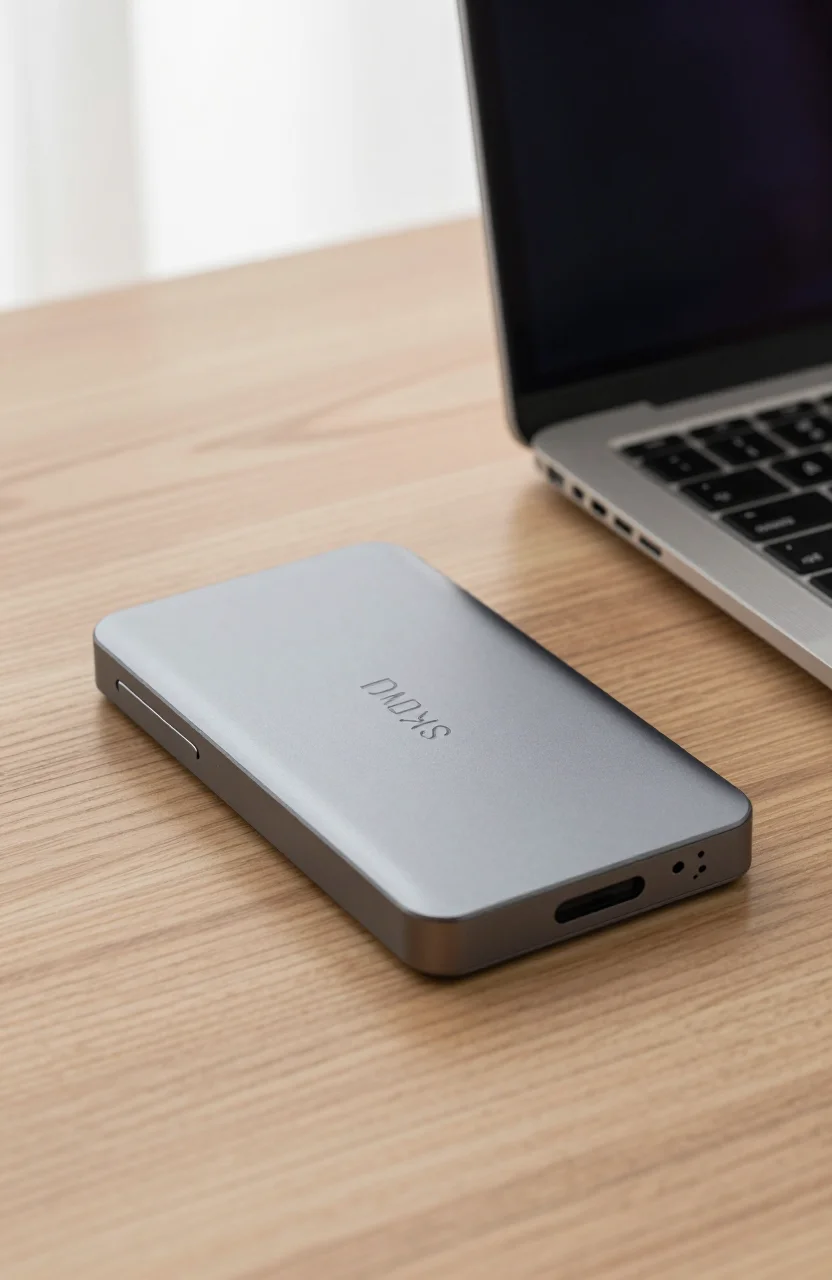
The WD_BLACK P10 is a rugged portable HDD marketed directly at gamers. At 2TB, it holds a substantial library of PS4 titles playable directly from the drive on a PS5, or Xbox backward-compatible games for Xbox Series players. It connects via USB 3.2 and delivers sequential transfer speeds around 130 MB/s - adequate for game archiving and transfers. The P10 is bus-powered from the USB connection, so no external power adapter is needed. Its compact size makes it convenient to store behind a console or carry between two setups. For players with large PS4 back catalogs or extensive Xbox 360 and Xbox One libraries, the P10 is a straightforward and affordable solution.
Samsung T7 1TB Portable SSD
The Samsung T7 is a portable SSD rather than a spinning HDD, and the speed difference is dramatic. USB 3.2 Gen 2 throughput reaches up to 1050 MB/s read and 1000 MB/s write - roughly eight times faster than the P10 for large file transfers. For PS5 users who regularly rotate games between M.2 expansion storage and USB archive, this cuts transfer times from several minutes to under a minute for a typical 50 to 100GB game. The T7 is compact, lightweight, and available in a 2TB variant if 1TB is not enough for your archive needs. See our best portable SSDs under $150 guide for more options at this tier, including ruggedized models for travel use.
WD_BLACK D10 Game Drive 8TB
The WD_BLACK D10 Game Drive is a desktop-style USB HDD with 8TB of capacity. For collectors or households with large backward-compatible game libraries spanning multiple console generations, this amount of space is practical in a way that portable drives are not. It connects via USB 3.0 and requires an external power adapter, making it a stationary addition to an entertainment setup rather than a portable drive. The drive ships formatted and labeled for Xbox, but it works equally well as PS4 archive storage connected to a PS5. Prices fluctuate - check current listings before ordering, as promotional pricing on this model can be significant.
Buying Rules Summary
- PS5 M.2 slot: PCIe 4.0, 2230 or 2280 form factor, minimum 5500 MB/s sequential read recommended - runs PS5 and PS4 games natively.
- PS5 USB: PS4 games run directly; PS5 titles must transfer to M.2 or internal SSD before launching.
- Xbox expansion card slot: proprietary licensed format only - the only way to run Xbox Series X and S titles outside the internal SSD; expensive per GB but seamless.
- Xbox USB: backward-compatible titles run directly; Series X and S titles must move to internal storage or expansion card before launching.