People talk about backups until the first disk dies. Then the conversation becomes forensic. The 3-2-1 rule exists to keep that day boring: three copies of anything you care about, on two different kinds of media, with one copy offsite. It is old advice because it still matches how failures actually cluster.
Below is a practical reading of the rule for home users and small offices, including where cloud sync fits, which hardware to put where, and mistakes that quietly void the plan. Pair it with a fuller home-office playbook in our disaster-proof backup routine and size jobs with the backup time calculator.
What 3-2-1 means in concrete terms
Three copies means the live file plus two backups, or three backups if you count carefully; the spirit is redundancy beyond a single disk. Two media types means you do not keep every copy on the same SSD model in the same enclosure style. One offsite copy means something survives a fire, flood, or stolen backpack: cloud object storage, a disk at a relative's house, or a safe deposit box.
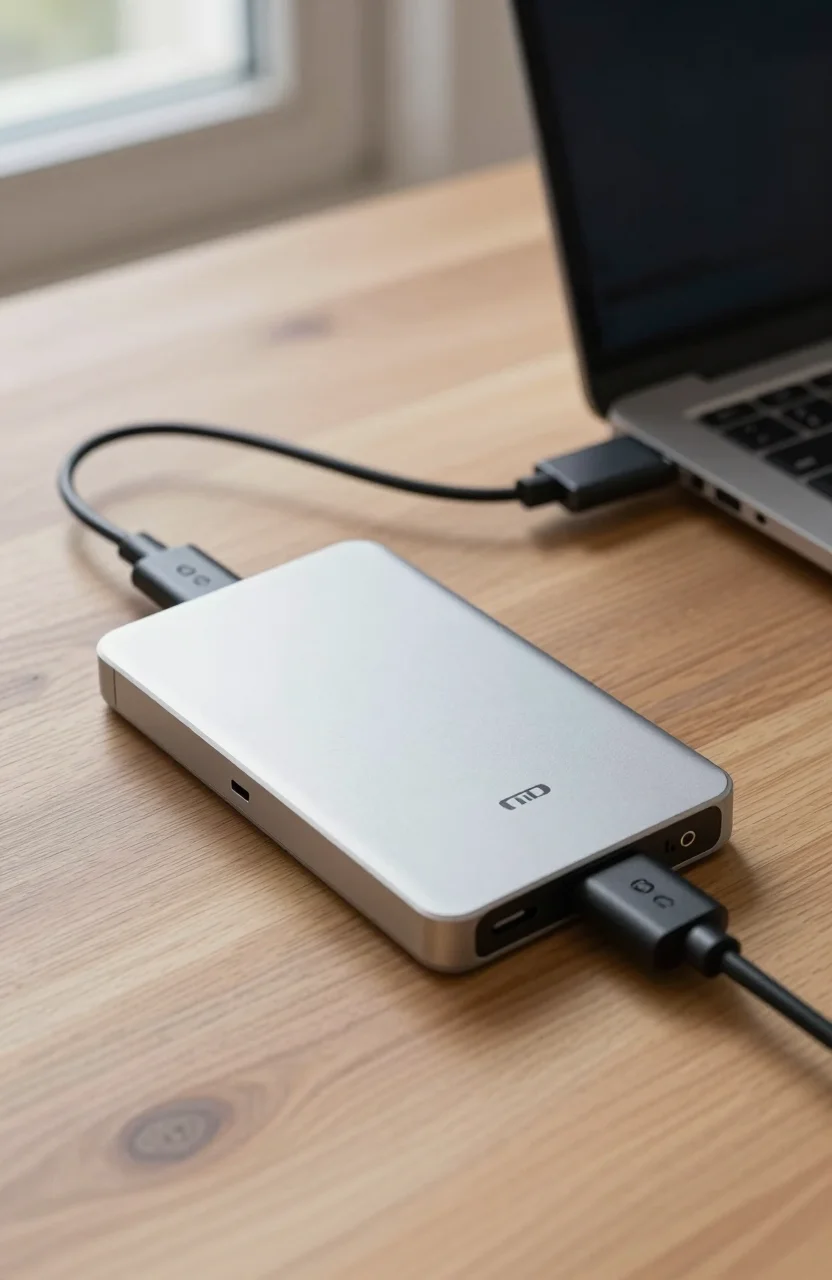
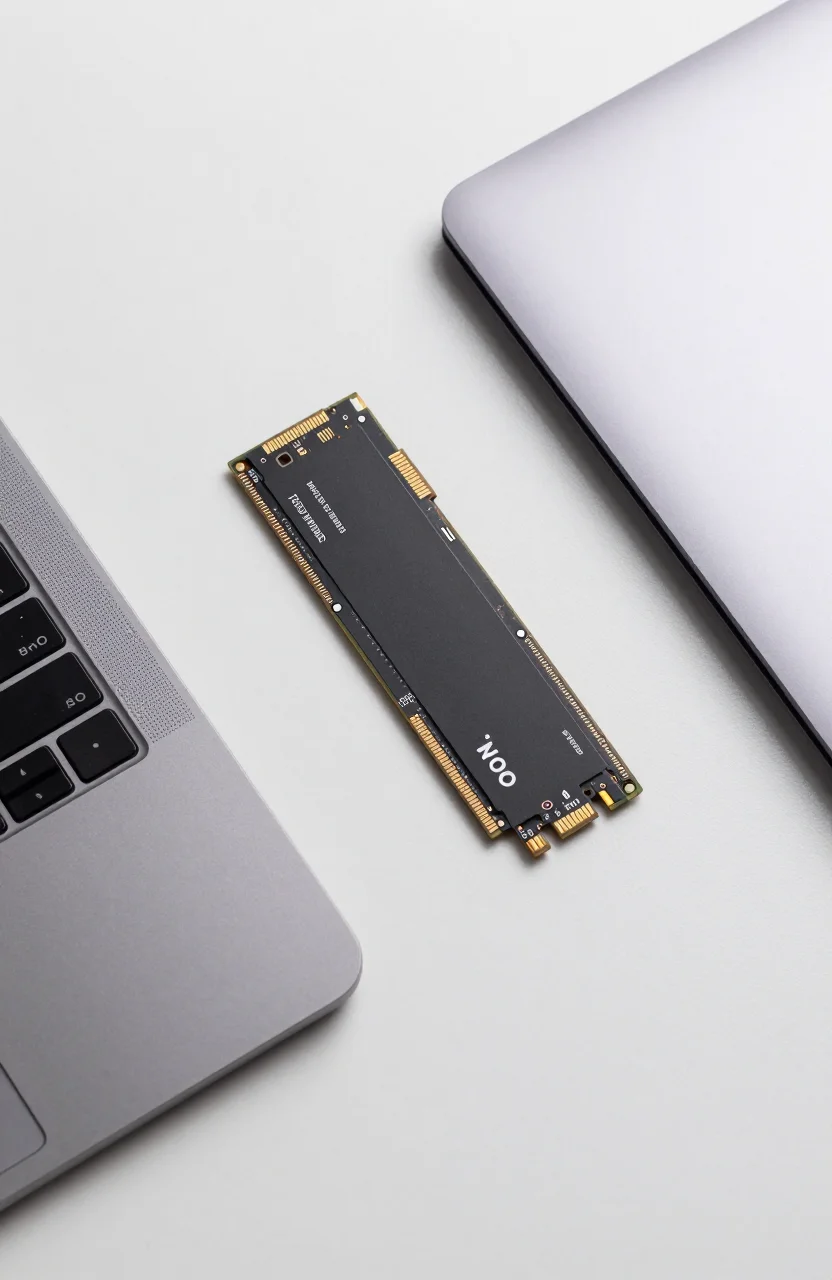
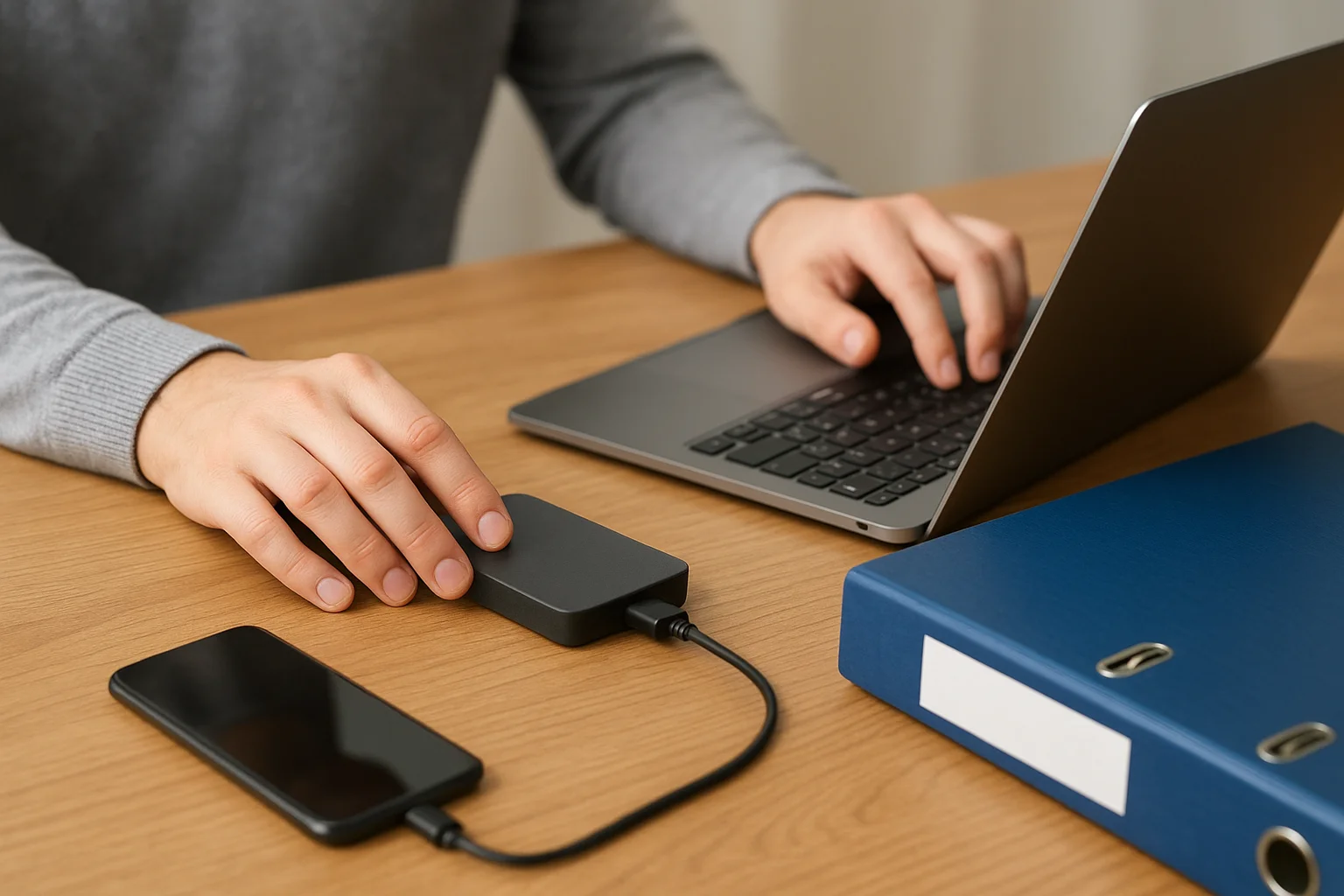
Example: working files on your laptop SSD, a nightly clone to a USB SSD in a drawer, and an encrypted sync to a cloud cold tier. That hits three copies, two media (internal flash vs external flash/HDD plus cloud), and one offsite. Swap the drawer drive for a NAS shelf if the household shares data, using ideas from our budget NAS comparison.
The rule is a minimum. High-value creative shops sometimes run 3-2-2 (two offsite) or immutable cloud versions. Start with 3-2-1 and only add complexity you will maintain. If you freelancers share a studio PC, write down whose projects live where so nobody assumes "the NAS has it" without checking the job log.
Count copies after a restore test, not from marketing folders. A Time Machine sparsebundle that never completed still looks like a volume in Finder. Verify dates and open a sample file before you trust the third copy.
Why different media and offsite copies matter
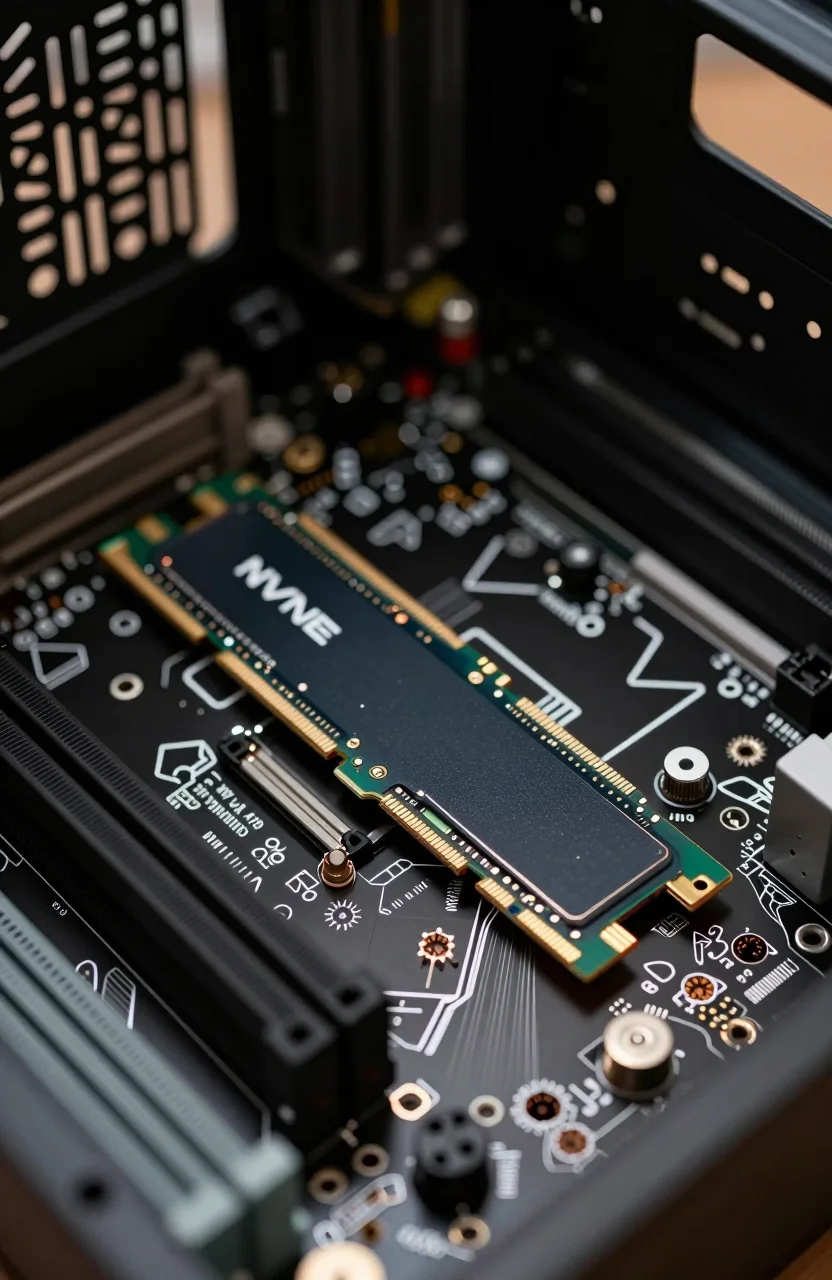
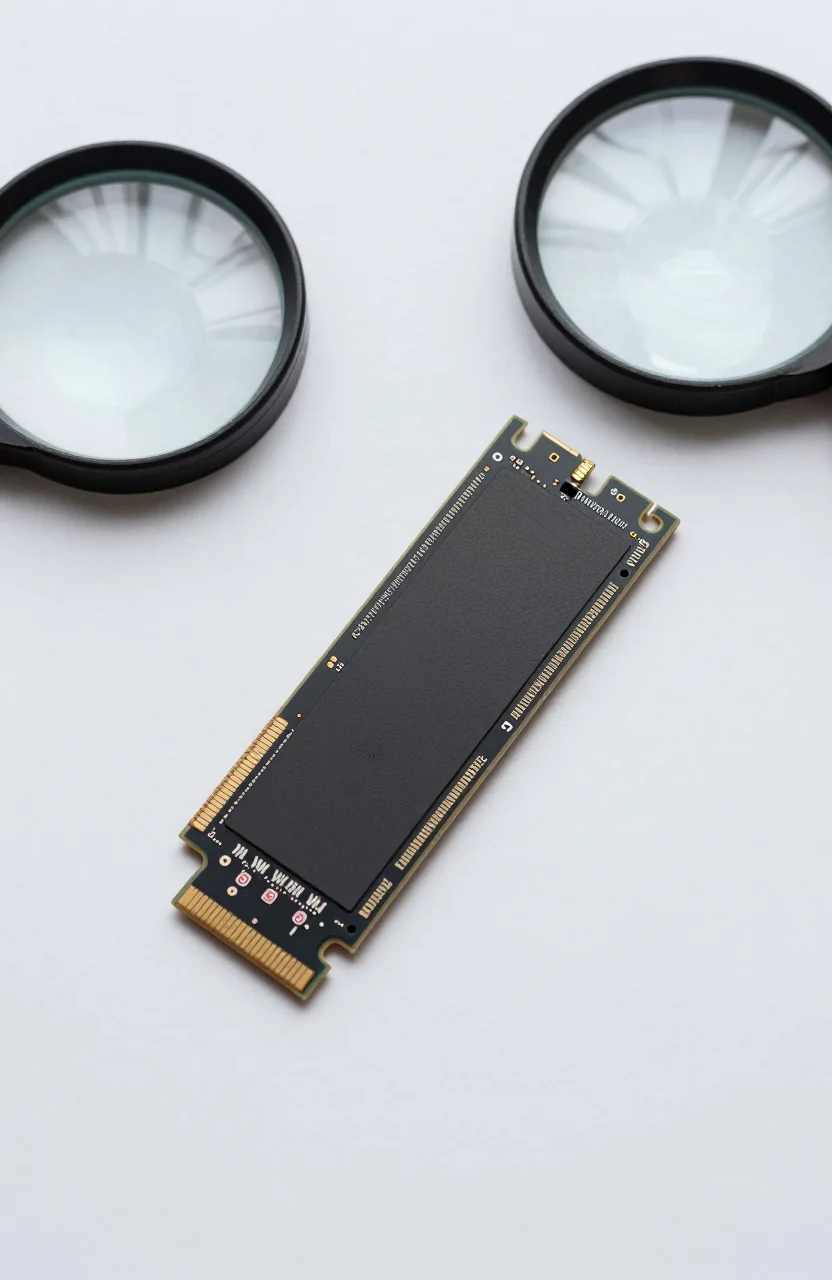
Identical failure modes travel together. A batch of cheap USB sticks can lose data the same way. A lightning hit can take the PC and the powered DAS on the same strip. Ransomware can encrypt every mounted volume in one afternoon. Mixing SSD and HDD, or disk and cloud, breaks those correlations.
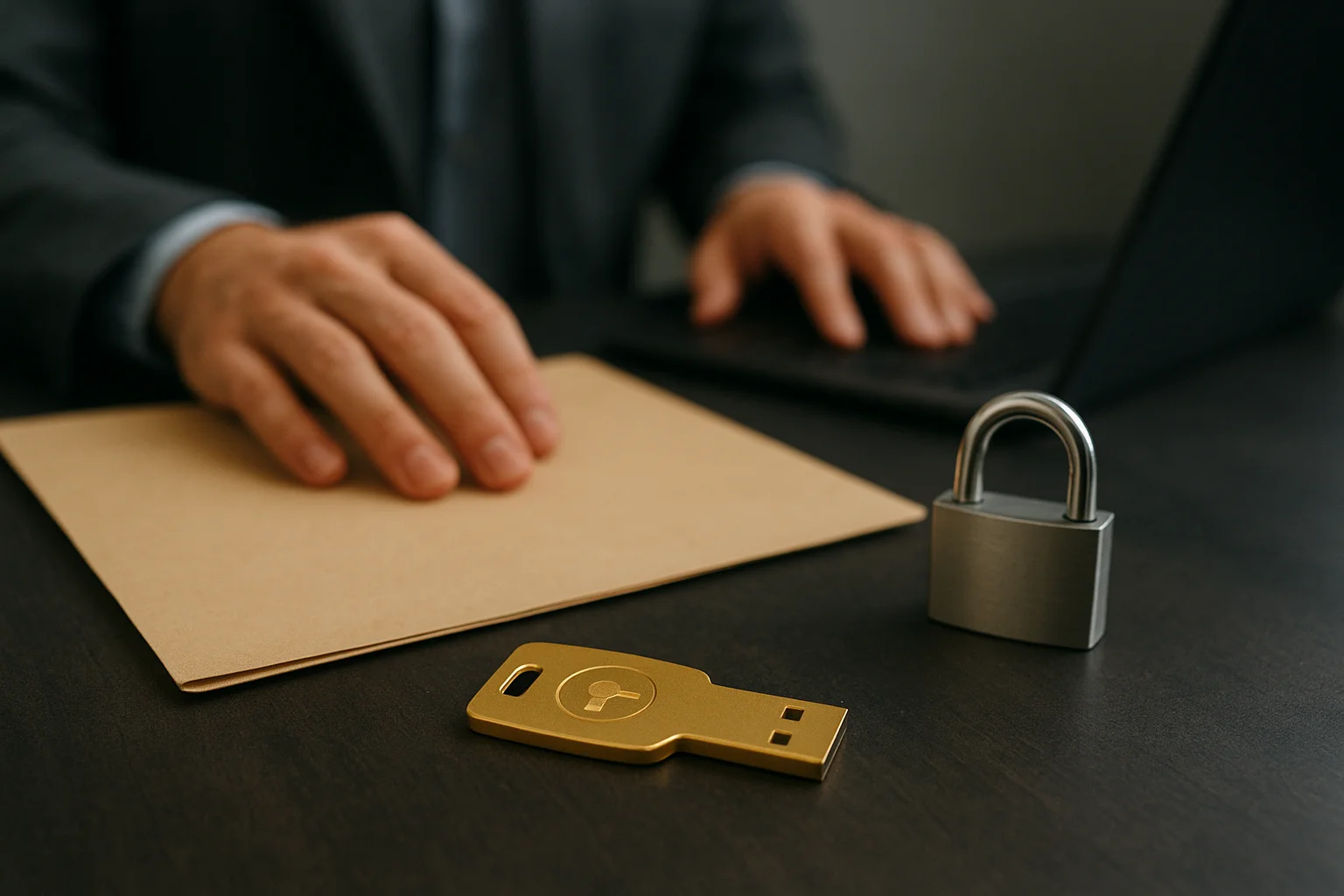
Offsite is the piece people skip. A second disk on the same desk is excellent for quick restores and useless for apartment fires. Cloud helps if you enable versioning and MFA; a mirrored sync folder without history can replicate deletes. Local offsite disks work if you actually rotate them. Encrypt both, and mind key custody with an offline encryption key approach.
Cost should drive media choice, not brand loyalty. Hot data belongs on SSD; bulk history on HDD priced via the external capacity guide; deep archive may lean cloud after you run the numbers in our cloud vs local cost analysis. A quiet desk setup may also push spinning disks into another room, as covered in our notes on silent storage and fanless enclosures.
Common mistakes that break 3-2-1
Calling cloud sync a backup without version history. Leaving backup disks permanently mounted for malware to find. Never testing a restore. Storing the only password for an encrypted volume in the same house fire zone as the disk. Buying the biggest drive and never scheduling jobs. Ignoring phone photos that never hit the PC.
Another quiet failure: RAID alone. RAID mirrors disks inside one chassis. It is not offsite and not a substitute for versioned backups. Use RAID for uptime, 3-2-1 for survival. USB hygiene matters too; a poisoned stick can threaten the machine that holds your live copy, which is why habits from the USB skimming guide belong next to backup policy.
- Do not count two partitions on one disk as two copies.
- Do not skip encryption on traveling drives.
- Do not assume "Backup completed" means "files open correctly."
- Do not keep the only cloud recovery codes inside the encrypted archive they unlock.
A simple kit that implements the rule
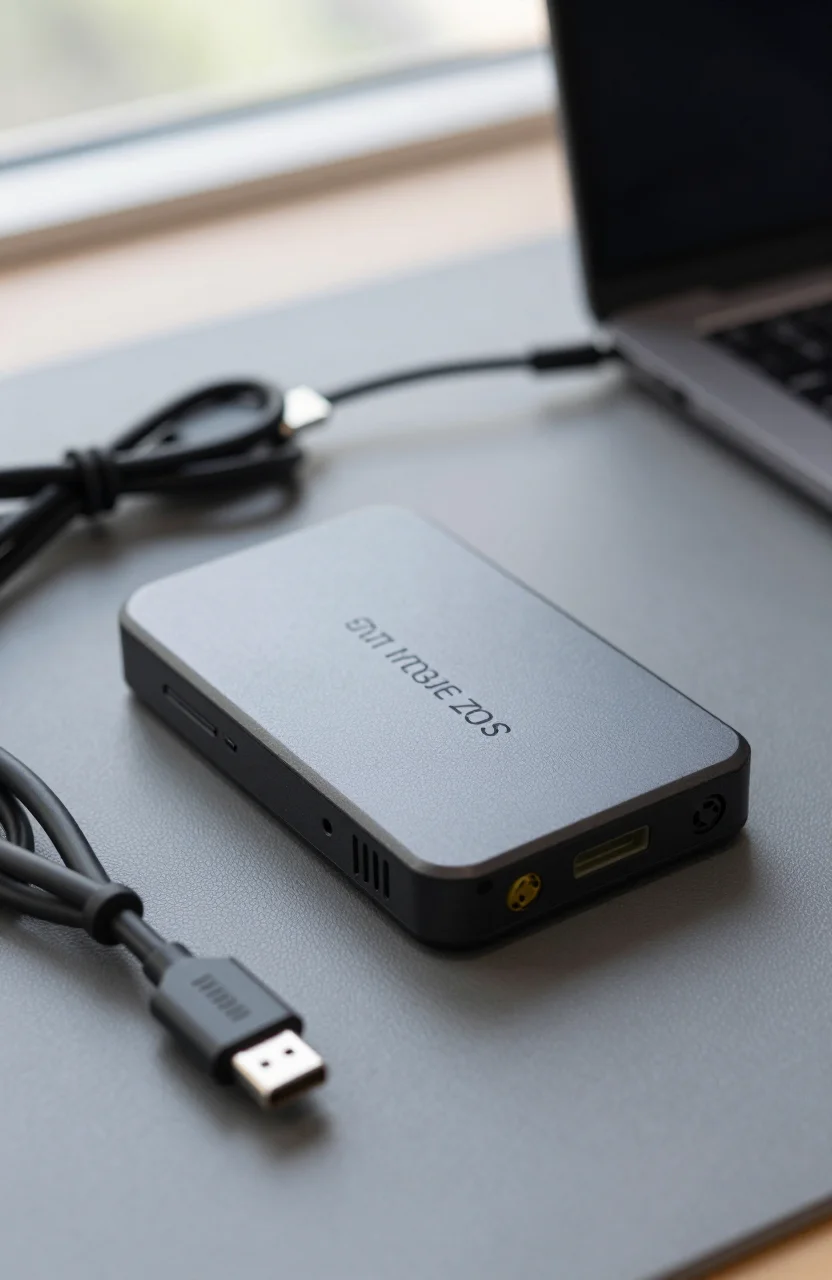
Pick a portable SSD for the fast local copy; options under common budgets appear in portable SSDs under $150. Add a larger HDD or dual-bay DAS for weekly images if you need more history, such as the units in our dual-bay DAS guide. Enable one cloud provider with versioning for offsite, or rotate an encrypted disk to another building.
Automate nightly incrementals for documents, weekly for media. Unmount or power down local backup disks when idle if ransomware is a concern. Label everything with the job name and the last successful restore date. Put a calendar reminder to restore a sample folder each month. If overnight windows slip, trim what you back up before you buy another chassis.
How to know the rule is working
You can answer four questions without digging through forums: Where are the three copies? Which two media types? Where is the offsite copy? When did you last open a restored file? If any answer is fuzzy, tighten the process before you buy more hardware.
Revisit the answers after major life changes: new laptop, new camera body, new client portal. Those events change what Tier A means. 3-2-1 will not impress anyone at a dinner party. It will let you replace a dead laptop without rewriting your year. Keep the copies diverse, keep one elsewhere, and prove restores on purpose while the stakes are still low.