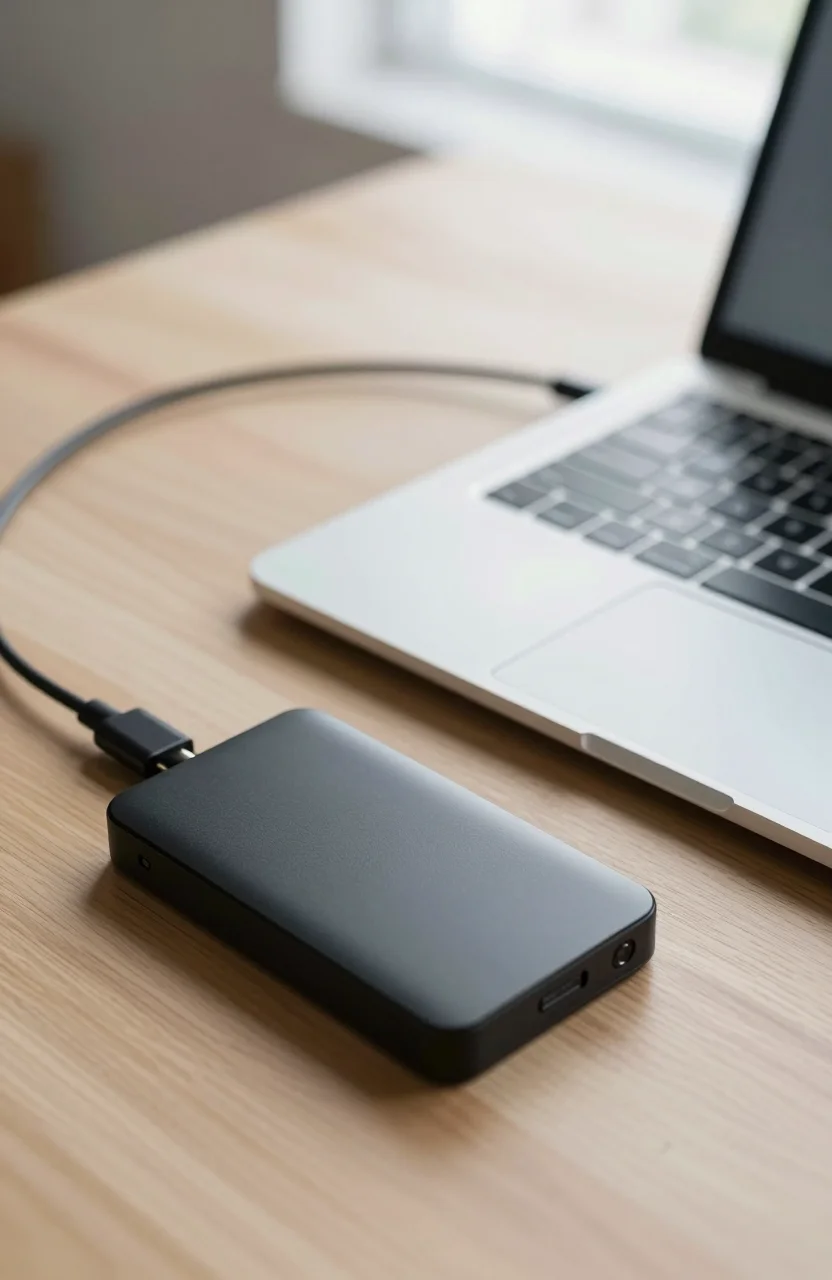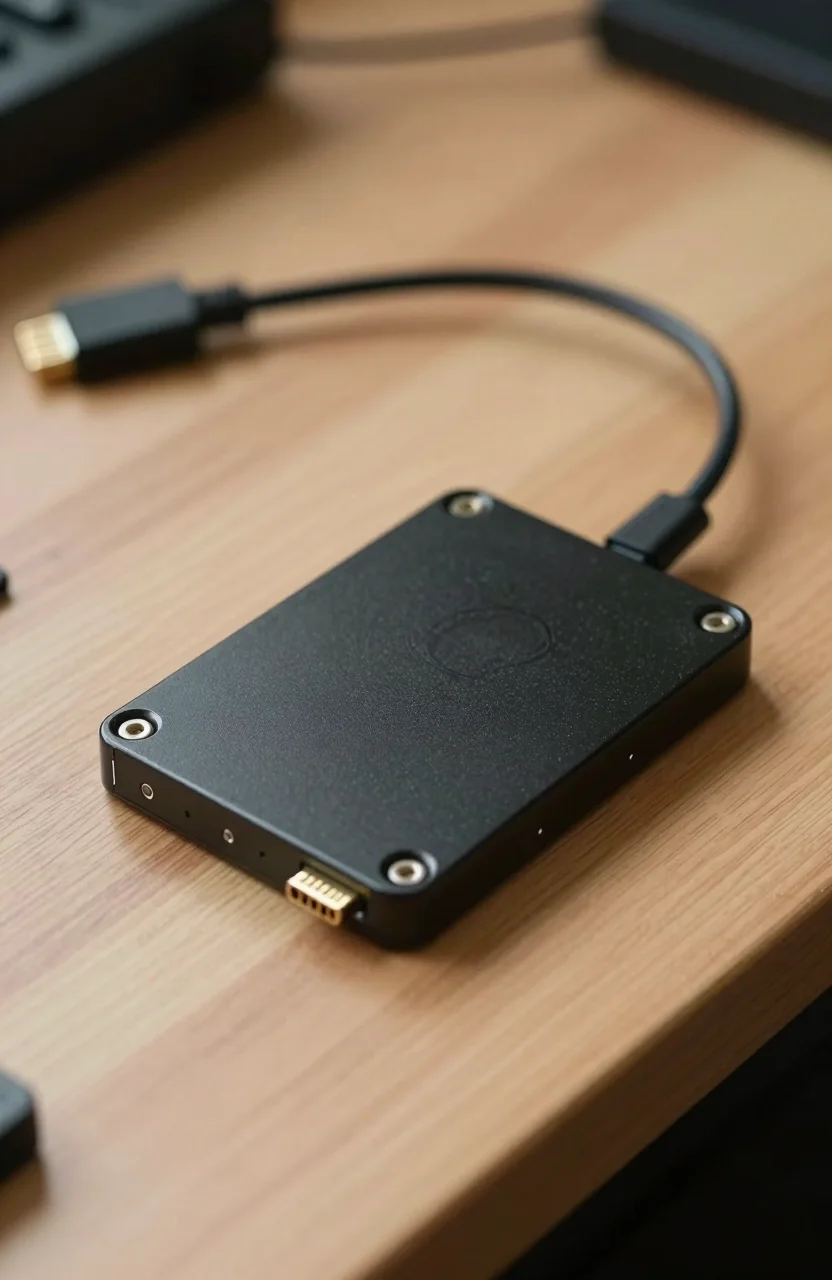
If you need fast external storage and refuse to spend more than $150, a portable SSD is the sweet spot in 2026. One terabyte models from Samsung, Crucial, and SanDisk regularly land in that range, and they move files several times faster than a spinning external hard drive. This guide picks the drives worth buying, explains what you give up at this budget, and links to current Amazon listings. Some links are affiliate links: if you buy through them, we may earn a commission at no extra cost to you.
Before you lock a model, skim live street prices on our SSD price comparison and run the math with the cost per GB calculator. Amazon deals swing week to week, so treat every dollar figure below as a target, not a fixed tag.
What $150 Actually Buys in 2026
At this budget you should expect USB 3.2 Gen 2 (10Gbps), sequential reads around 1050MB/s when your laptop has a real USB-C Gen 2 port, and 1TB of usable space. That is enough for a photo library, a semester of school projects, several big games, or a travel backup of your laptop. You will not get Thunderbolt 5 speeds or a 4TB brick for under $150 on a normal day. Those live in a higher tier.
Build quality still matters. Rugged drives with IP65 water and dust ratings cost a little more than bare aluminum sticks, but they survive backpack abuse better. Hardware encryption (AES-256) shows up on Samsung and SanDisk models and is worth having if the drive leaves the house. For a deeper look at how capacity pricing works across all SSDs, read our SSD price per GB guide for 2026.
| Drive | Capacity focus | Rated read | Standout trait | Best for |
|---|---|---|---|---|
| Crucial X9 | 1TB | Up to 1050MB/s | Often the cheapest Gen 2 pick | Everyday files and backups |
| Samsung T7 | 1TB | Up to 1050MB/s | Aluminum body + AES encryption | Work bag, Mac and PC |
| Samsung T7 Shield | 1TB | Up to 1050MB/s | IP65 + drop resistance | Travel, field shoots |
| SanDisk Extreme | 1TB | Up to 1050MB/s | IP65 + carabiner loop | Creators on the move |
Best Portable SSDs Under $150 Right Now
Prices move. Confirm the live Amazon price before you buy. The picks below are the models that most often sit at or under $150 in the 1TB size.
Crucial X9 1TB - Best value
The Crucial X9 1TB is the drive we point to when someone wants maximum capacity per dollar. Rated up to 1050MB/s over USB 3.2 Gen 2, it is light, ships with a USB-C cable, and works on Windows, Mac, and many Android devices. It lacks hardware encryption on the base X9, so do not treat it as a vault for sensitive work files unless you add software encryption yourself. For photo dumps, Steam libraries, and Time Machine or File History backups, it is hard to beat when Amazon drops it under $150.
Samsung T7 1TB - Best everyday pick
The Samsung T7 1TB is the polished all-rounder. Same Gen 2 speed class as the X9, plus a metal shell and AES-256 password protection through Samsung Magician. It feels more premium in a pocket, and it is a safe choice if you bounce between a Windows desktop and a MacBook. When the T7 1TB sits near $110-$130, buy it without overthinking. If you want form-factor context (pocket stick vs rugged shell), our guide on external SSD form factors helps you match shape to workflow.
Samsung T7 Shield 1TB - Best rugged pick
The Samsung T7 Shield 1TB keeps the T7 speed and encryption, then wraps the drive in an elastomer shell with an IP65 rating for water and dust. Samsung rates it for drops around 3 meters under controlled tests. Photographers, students who throw gear in a backpack, and anyone who works outdoors should pay the modest premium over the plain T7 when both stay under $150. Check the color and cable bundle on the Amazon page, because listings vary by color and region.
SanDisk Extreme Portable SSD 1TB - Best for creators on foot
The SanDisk Extreme Portable SSD 1TB lands in the same 1050MB/s Gen 2 club with IP65 resistance, a silicone feel, a carabiner loop, and AES hardware encryption. The five-year warranty is a nice bonus versus the three-year cover on some rivals. If you clip drives to a bag and shoot outside, this is the SanDisk to shortlist. Avoid confusing it with the faster Extreme Pro Gen 2x2 models, which often sit above a $150 ceiling unless a sale hits hard.
How to Choose Capacity, Port, and Durability
Start with capacity. 1TB is the default under $150. Jump to 2TB only if Amazon puts a known brand on sale below your limit; otherwise you stretch into thinner NAND or obscure brands that are harder to trust. If your laptop only has USB-A, buy a drive that includes a USB-C to USB-A adapter, or keep a short adapter in the same pouch. Full Gen 2 speed needs a USB-C port that supports 10Gbps. Older USB 3.0 ports still work, but they cap closer to 400-500MB/s in practice.
Match durability to how you travel. Desk use and a padded sleeve? The Crucial X9 or Samsung T7 is enough. Rain, dust, festival bags, or camera kits? Prefer T7 Shield or SanDisk Extreme. If video editing is your main job, also read SSD or HDD for video editing so you know when a portable SSD is a scratch disk and when you still need a larger archive drive at home.
Format the drive for your main OS on day one. exFAT remains the practical choice for Windows and Mac sharing. Keep a second copy of anything you cannot replace. A portable SSD is fast storage, not a full backup plan on its own.
Mistakes That Waste Your $150 Budget
Do not buy a no-name 2TB stick at $89 because the listing looks flashy. Capacity claims and controllers on ultra-cheap drives are a common disappointment. Stick to Crucial, Samsung, SanDisk, WD, or other brands with real warranty pages.
Do not assume every USB-C port is fast. A phone charge-only port or an old hub can kneecap a 1050MB/s drive. Test the drive on the laptop USB-C port you will actually use.
Do not skip encryption setup if the drive holds client files or personal archives. Enabling the password tool once is cheaper than a lost bag story later.
Do not ignore the cable. A damaged or charge-only cable causes flaky disconnects that look like drive failures. Keep the original cable in the box sleeve.
Final Buying Advice
For most people under $150, buy the Crucial X9 1TB when it is the clear price winner, or the Samsung T7 1TB when you want encryption and a metal shell for a few dollars more. Choose the T7 Shield or SanDisk Extreme when the drive will live in a bag that sees weather and drops. Then open our SSD listings, compare the same capacity against other shops, and only click buy when the cost per gigabyte looks honest for 2026.