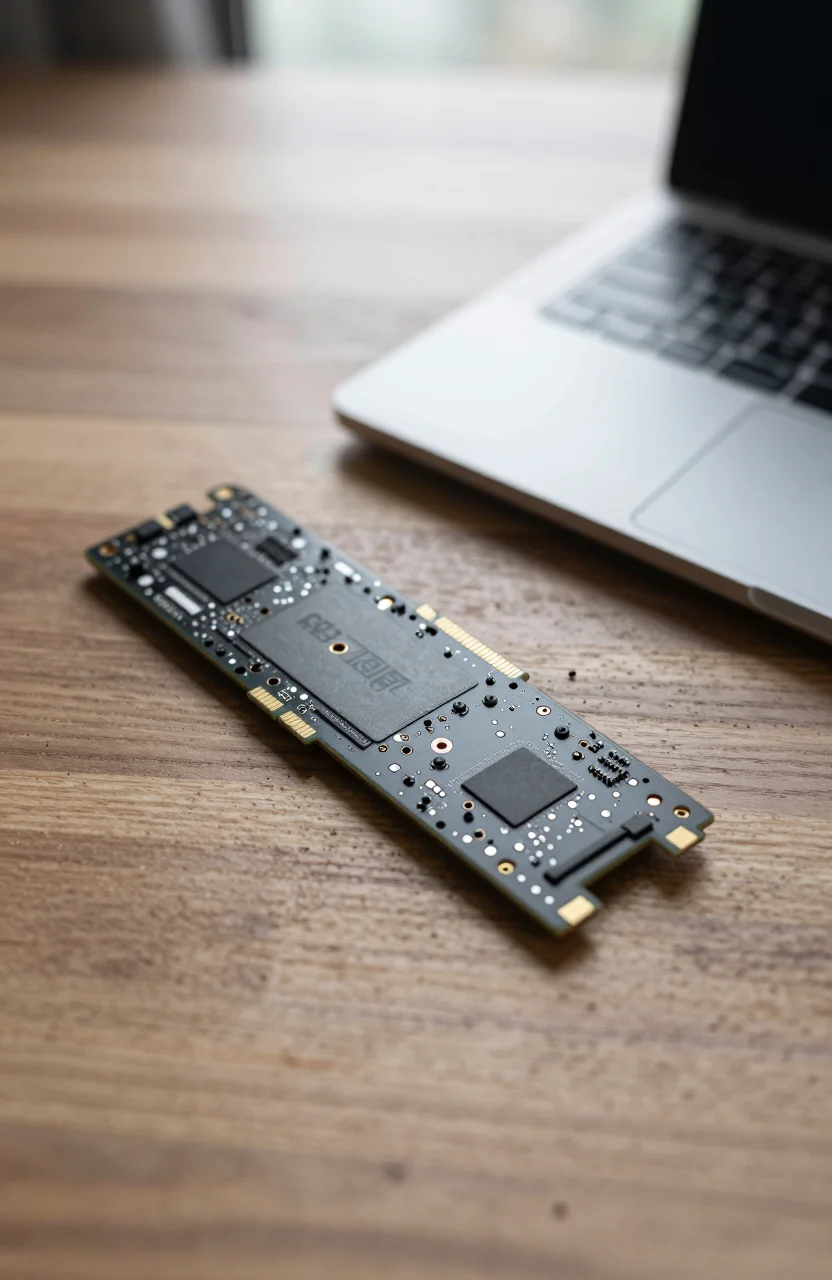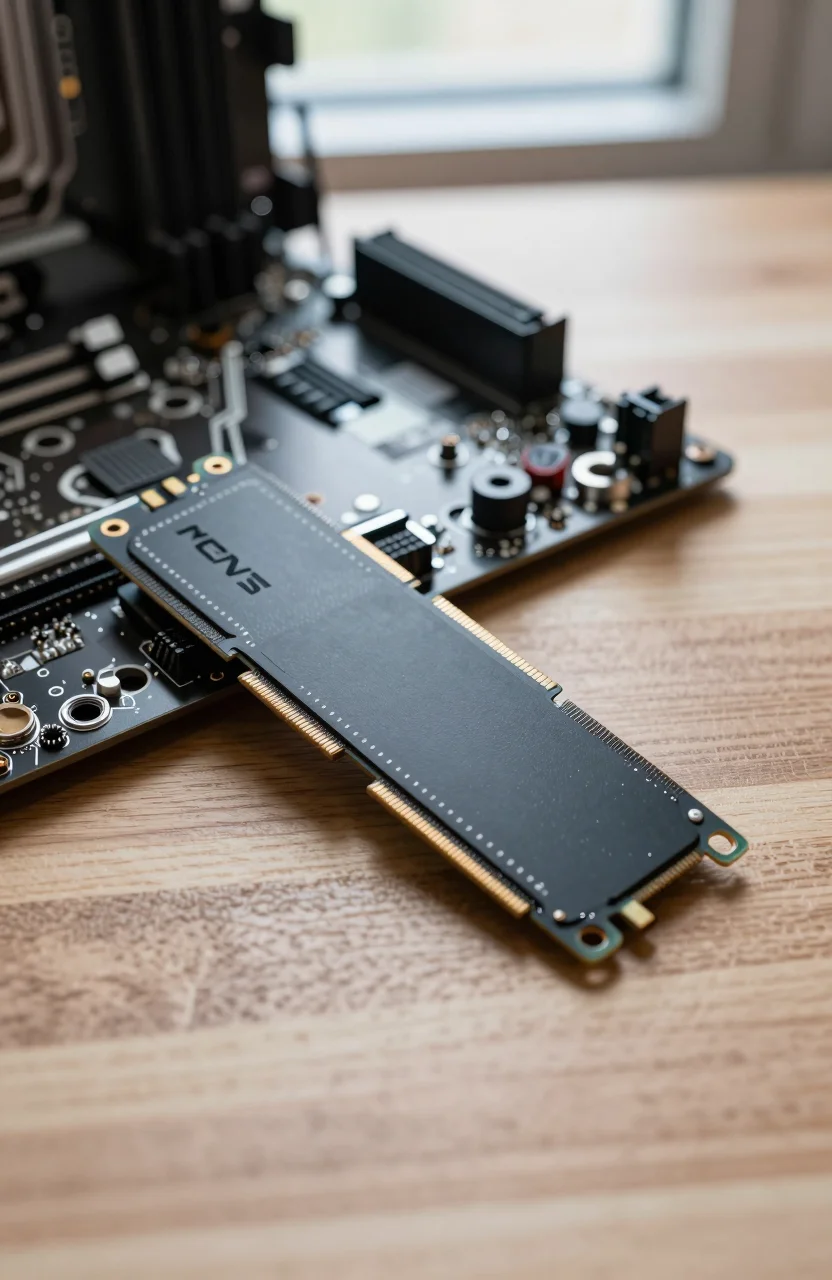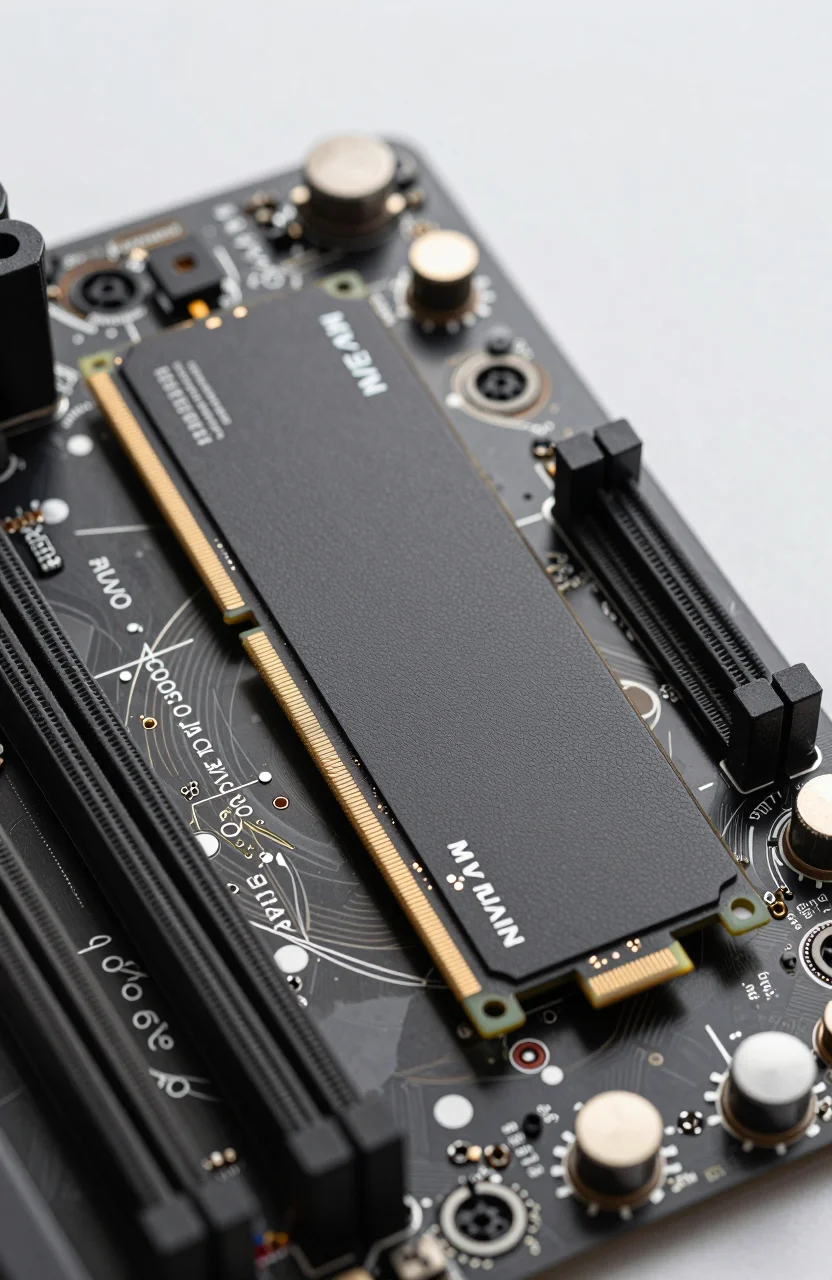
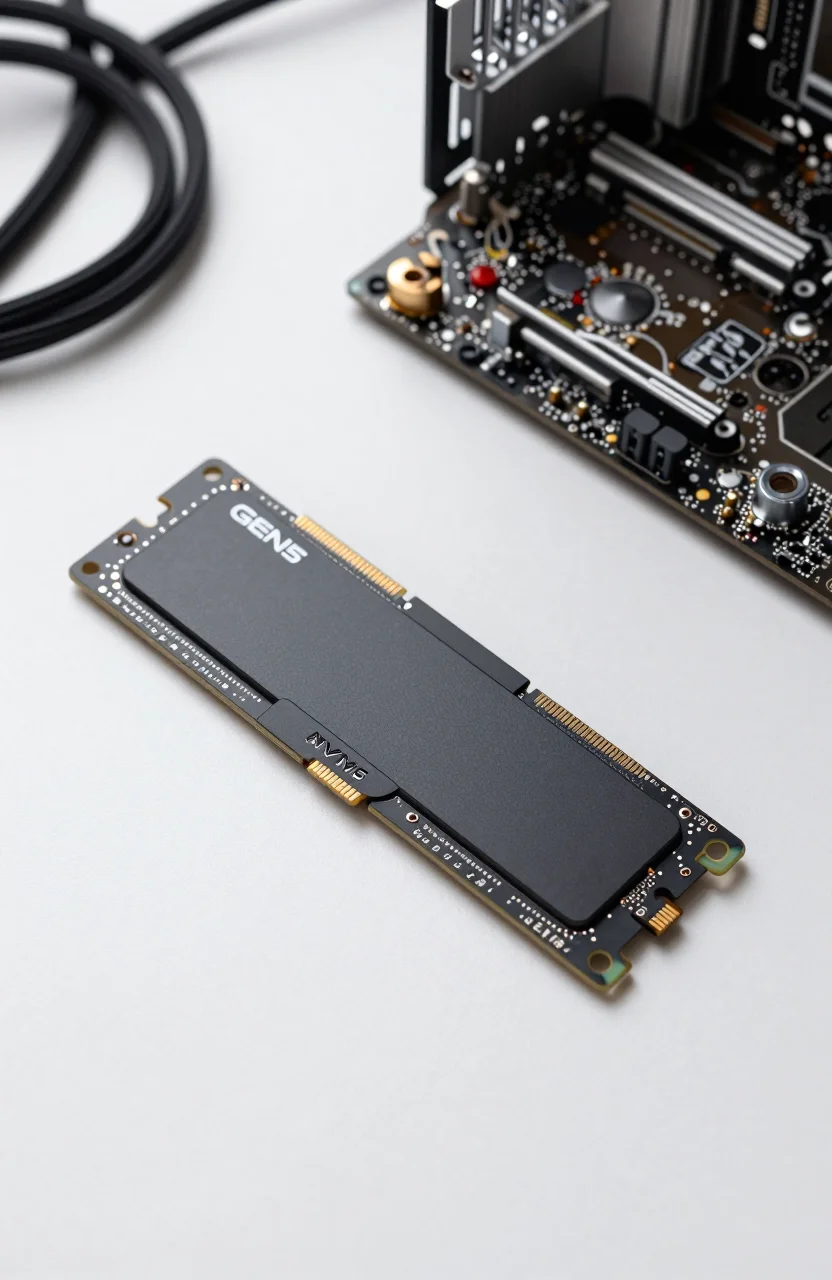
Flagship Gen5 SSDs are no longer rare, but Samsung still sells the idea that firmware maturity and tooling matter as much as peak megabytes. The Samsung 9100 PRO 2TB sits near the top of that stack: up to 14700 MB/s read and 13400 MB/s write, a 4.7/5 Amazon score from 1653 reviews, and a street price around $399.99 after a cut from $679.99. That discount matters. At full MSRP this drive feels indulgent. At the current cut it becomes a serious alternative to other Gen5 sticks for creators who already live inside Samsung Magician.
This is not a remix of the Samsung 990 PRO review. The 990 PRO remains a Gen4 workhorse. The 9100 PRO is Samsung's Gen5 flagship with a different controller generation, different thermal envelope, and a different buyer. If your board only speaks PCIe 4.0, stop here and spend on capacity instead. If you have a cool Gen5 slot and move huge media libraries daily, keep reading.

- Up to 14700 MB/s read / 13400 MB/s write
- PCIe 5.0 x4 flagship NVMe
- 2TB capacity focus in this review
- Works with Samsung Magician
Performance you feel versus numbers you screenshot
Sequential ratings near 14700/13400 MB/s look absurd next to a SATA SSD, and they are. In practice you feel them when you shove multi-dozen-gigabyte folders across the bus: RED footage dumps, Unreal derived data, VM images, game library migrations. Random 4K work and game level loads remain closer to a strong Gen4 flagship because engines still wait on CPU, GPU, and asset design more than raw sequential bandwidth.
That is why the 9100 PRO frustrates buyers who expected every click to feel twice as fast as a 990 PRO. Gen5 shines in bulk motion. It does not rewrite how Windows Explorer opens a folder of JPEGs. If your day is email, browsers, and a few Steam titles, the premium is hard to justify. If your day is moving 80GB project packages between machines, the gap is obvious on a stopwatch even when it is subtle in a screenshot-friendly synthetic suite.
Amazon's 4.7/5 across 1653 reviews tracks that split. Enthusiasts with proper cooling call out speed and Magician updates. Compact-case owners who skipped a heatsink report thermal taper. Samsung is not unique here; every Gen5 controller wants airflow. Treat cooling as part of the purchase, the same way you would for a 450W GPU. For a broader Gen context, our PCIe Gen4 vs Gen5 guide still applies before you click buy.
Write consistency also depends on free space and firmware. Leave headroom, enable TRIM, and avoid filling the 2TB to the brim with scratch files. Sustained TLC behavior stays healthier when the drive can recycle spare area. That sounds basic, yet it is the difference between a drive that stays near rated writes and one that feels "slow after a month" because the partition was packed to 95%.
If you benchmark, use long sequential fills and real project folders, not only a 1GB CrystalDiskMark pass. Short tests flatter every modern NVMe. The 9100 PRO 2TB earns its rating when the queue stays deep and the heatsink stays fed with air for minutes, not seconds.
Magician software and the Samsung ecosystem pitch
Samsung Magician remains the quiet reason many builders stay loyal. Firmware checks, secure erase, performance optimization toggles, and health graphs live in one installer. You do not need Magician to use the drive, but it lowers the friction of keeping a flagship SSD current. That matters on early Gen5 platforms where BIOS and SSD firmware still ship meaningful fixes.
Compared with third-party dashboards, Magician's value is familiarity. If you already manage a 980 or 990 PRO in the same PC, adding a 9100 PRO keeps monitoring consistent. If you hate vendor utilities, ignore the pitch and judge the hardware alone. Just remember that skipping firmware updates on a brand-new interface generation is how people invent mystery BSODs.
Magician will not fix a bad slot choice. A Gen5 drive parked in a Gen4-only bay will train down. Magician will not invent airflow under a solid side panel. Use the software for health and firmware, then solve physics with a heatsink and case fans. Overclaiming what Magician can do is how flagship SSDs get unfair one-star reviews.
One practical tip: after cloning an old boot disk onto the 9100 PRO, run Magician's health check and confirm the firmware string matches Samsung's current release notes. Then reboot once into BIOS and verify the slot shows PCIe 5.0 x4, not a negotiated 4.0 link. That two-minute check prevents weeks of "why is my Gen5 slow" forum threads.
Also resist the urge to enable every performance toggle on day one. Change one setting, retest your real workload, then keep or revert. Magician is a toolkit, not a lottery ticket. If a profile raises idle power or heat for no measurable gain in your apps, leave it off and keep enjoying the hardware as shipped.
9100 PRO versus keeping a 990 PRO (or buying more capacity)
Plenty of readers already own a 990 PRO and wonder whether Gen5 is mandatory in 2026. Short answer: no. The 990 PRO remains excellent for gaming boot drives and general creative work. Moving to the 9100 PRO makes sense when you have a free Gen5 slot, you already cool M.2 well, and your bottlenecks are large sequential jobs. It is a poor upgrade if you only want bragging rights on a Discord screenshot.
Money is the sharper knife. At roughly $399.99 for 2TB after a drop from $679.99, the 9100 PRO undercuts its own launch tax, yet a larger Gen4 TLC drive can still win on dollars per gigabyte. Our SSD price per GB 2026 guide is the better decision tool if you are torn between speed and space. Empty space you never fill is wasted. Speed you never saturate is also wasted. Pick the scarcity you feel weekly.
Another angle: two-drive setups. Keep a proven Gen4 990 PRO as boot and games, then add the 9100 PRO as a dedicated media scratch disk. That layout often feels smarter than replacing a healthy boot drive just to chase Gen5. It also isolates thermal load: the hottest Gen5 stick sits away from the GPU shroud if your board's secondary Gen5 bay allows it. Always confirm lane sharing so you do not kneecap a second GPU slot by accident.
If you are building fresh and love Samsung's stack, starting on the current 9100 PRO deal is clean. If you are mid-cycle on a cool, quiet Gen4 tower and your projects fit, stay put and spend on RAM or a better GPU instead.
Creators who already standardized on Samsung accessories (cloning workflows, Magician alerts, spare screws from prior installs) also save time by staying in-family. That soft lock-in is not a reason to overpay forever, but it is a reason not to switch brands for a 2% synthetic gap when the 9100 PRO sale price already looks sane.
Heat, install pitfalls, and who should actually buy it
Install mistakes kill Gen5 reputations. Thick heatsinks that scrape a GPU backplate, motherboard stickers left on the contact pad, and forgotten standoff screws are still common. Dry-fit the cooler before you commit thermal pads. Confirm the M.2 screw length. Update BIOS before the first heavy benchmark so the root complex behaves.
Thermals deserve a blunt paragraph. Gen5 controllers dump heat fast. A bare stick under a sealed panel will throttle. Motherboard shields help on open ATX cases with intake flow. Aftermarket dual-sided coolers help more when clearance exists. Laptop upgrades are usually the wrong home for this SKU unless the vendor explicitly supports Gen5 and provides a thermal path. Most thin laptops still top out at Gen4 electrically or thermally.
Buy the 9100 PRO if you edit high-bitrate video, compile huge caches, virtualize disk-heavy labs, or regularly migrate multi-hundred-gigabyte libraries and you already solved cooling. Skip it if your case is a hotbox, your slot is Gen4, or you would rather own 4TB of strong Gen4 TLC for the same money on a future sale. Gaming-only buyers should read our best SSDs for gaming PCs roundup before paying flagship Gen5 tax.
Before you checkout, open the Samsung 9100 PRO product page, confirm the 2TB heatsink vs bare option matches your clearance, and price-check against a 2TB Gen4 TLC alternative the same day. If Gen5 still wins on your workload list, install it with airflow first and benchmarks second. If capacity wins, walk away without guilt. Flagship storage only pays off when your hands hit the bottleneck every week, not when a marketing slide says 14700 MB/s.
One last practical filter: list the three largest file jobs you did last month. If none of them moved more than 20GB in a single sitting, keep your Gen4 money. If two of them did, and your board is ready, the 9100 PRO at around $399.99 is the Samsung-shaped answer for 2026 rather than a vanity upgrade. Update BIOS, seat the cooler, leave 15% free space, then get back to the project that made storage feel slow in the first place.