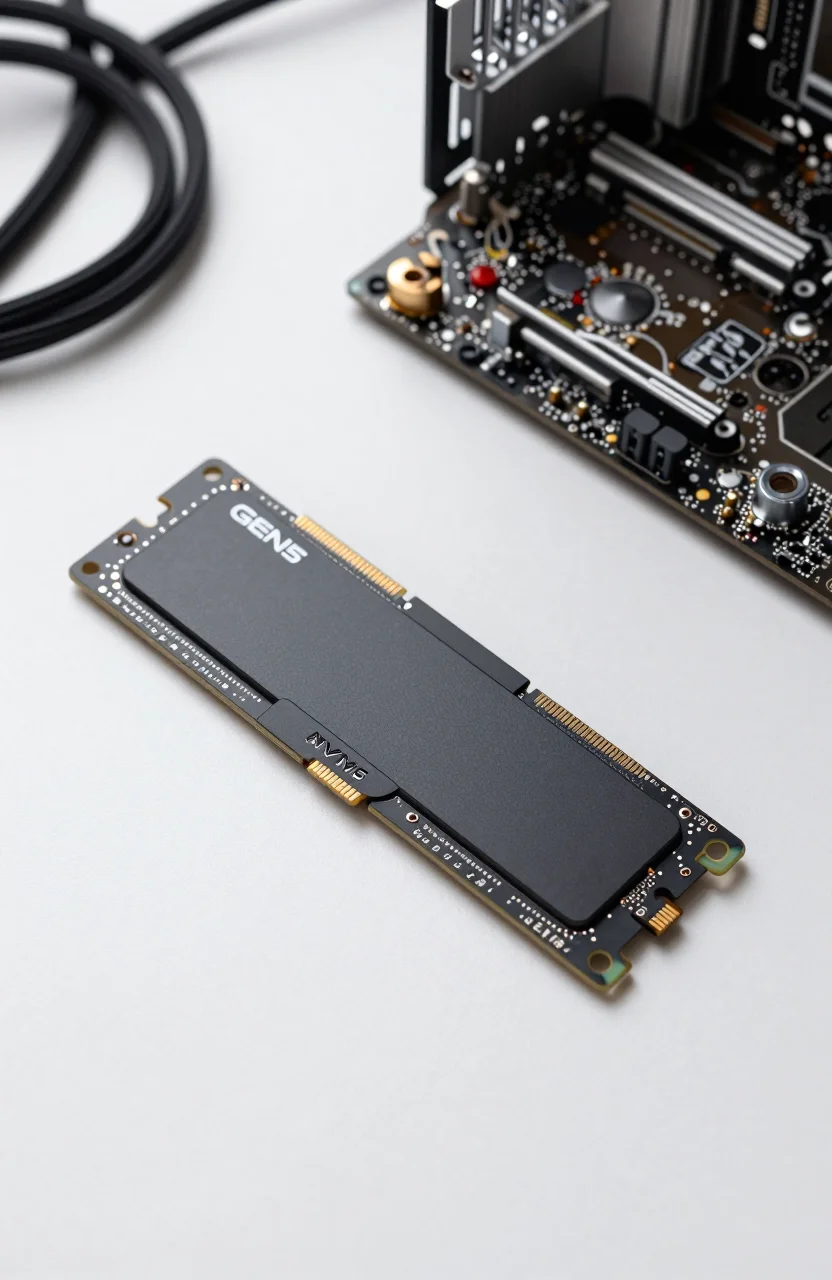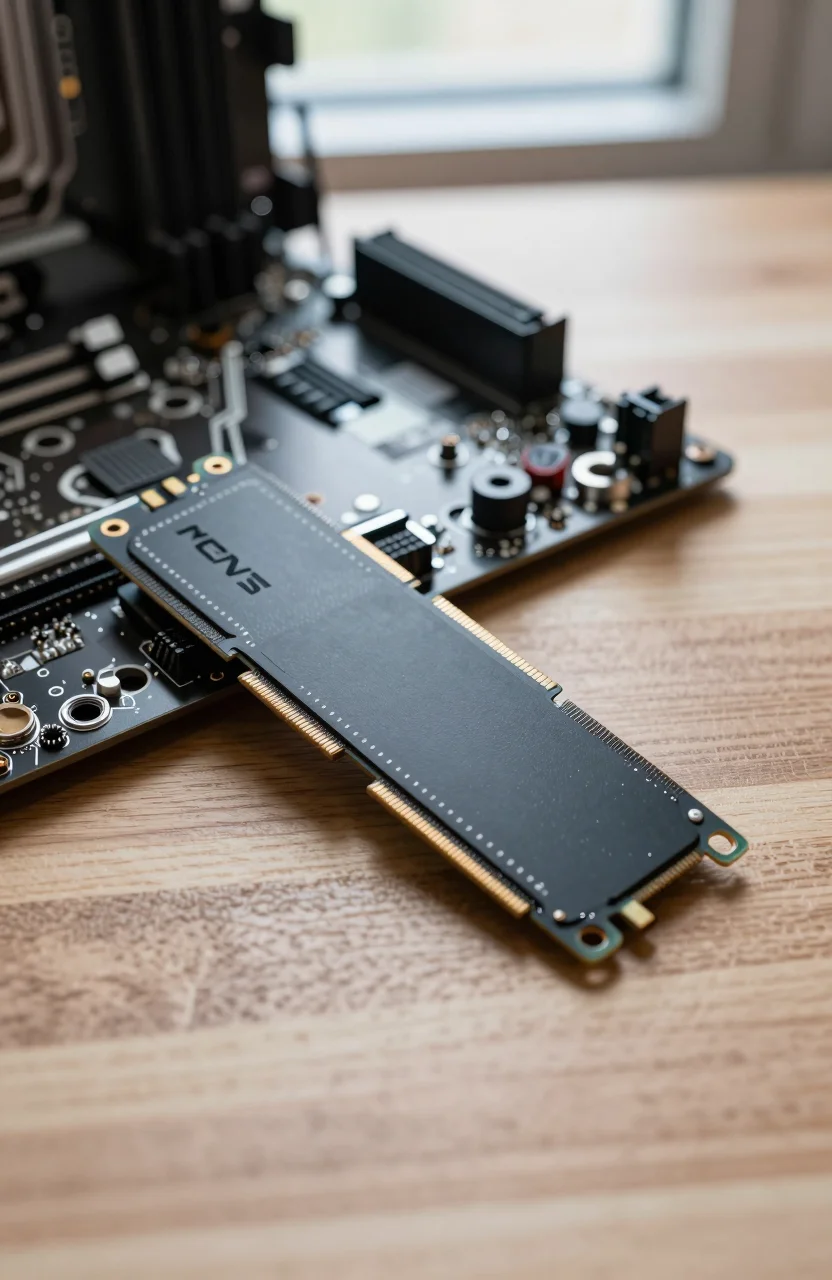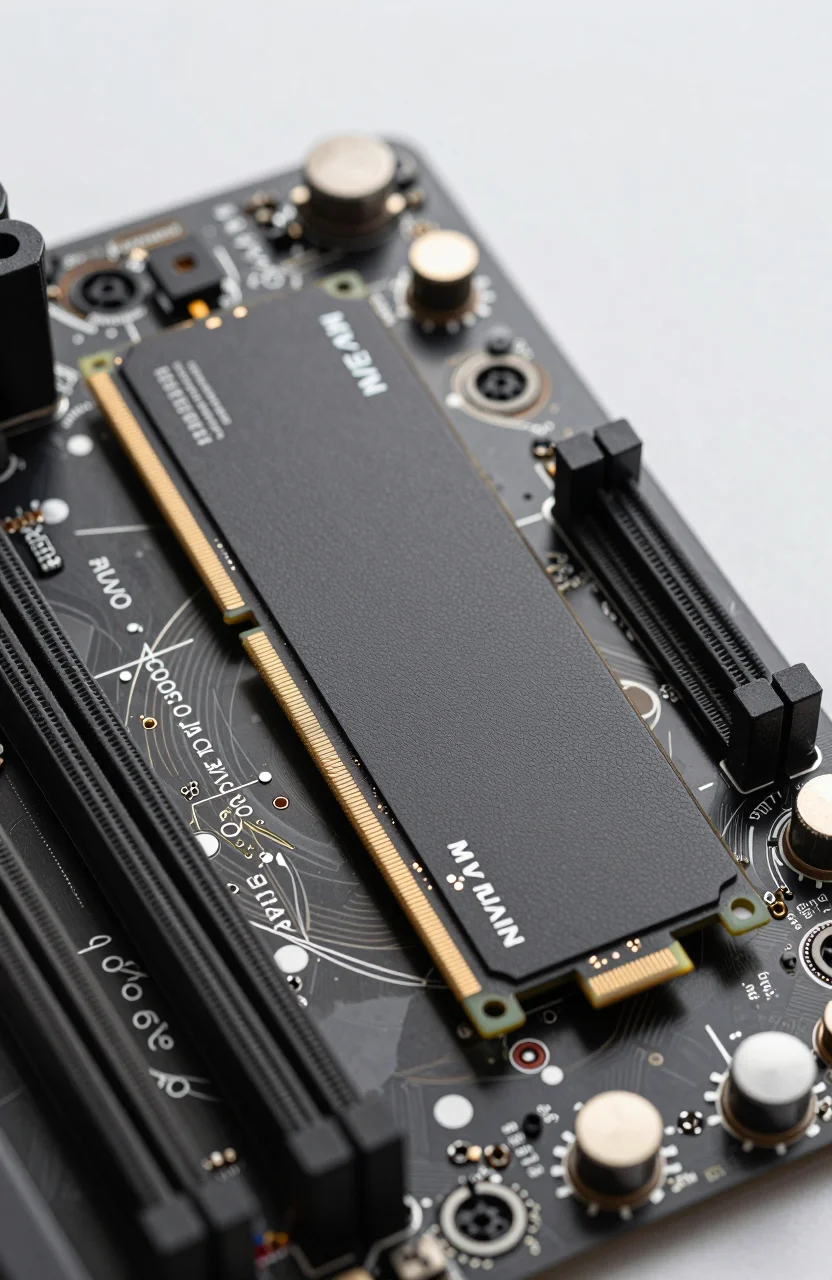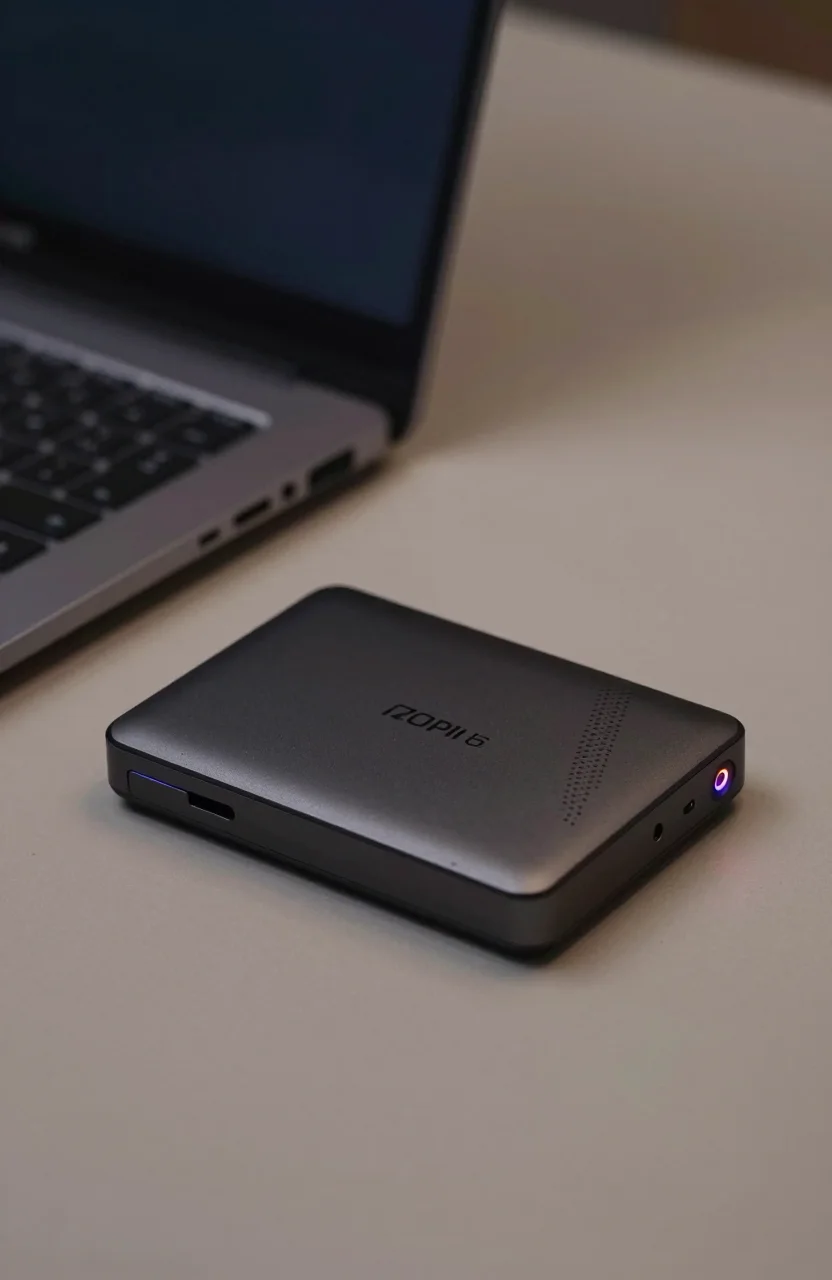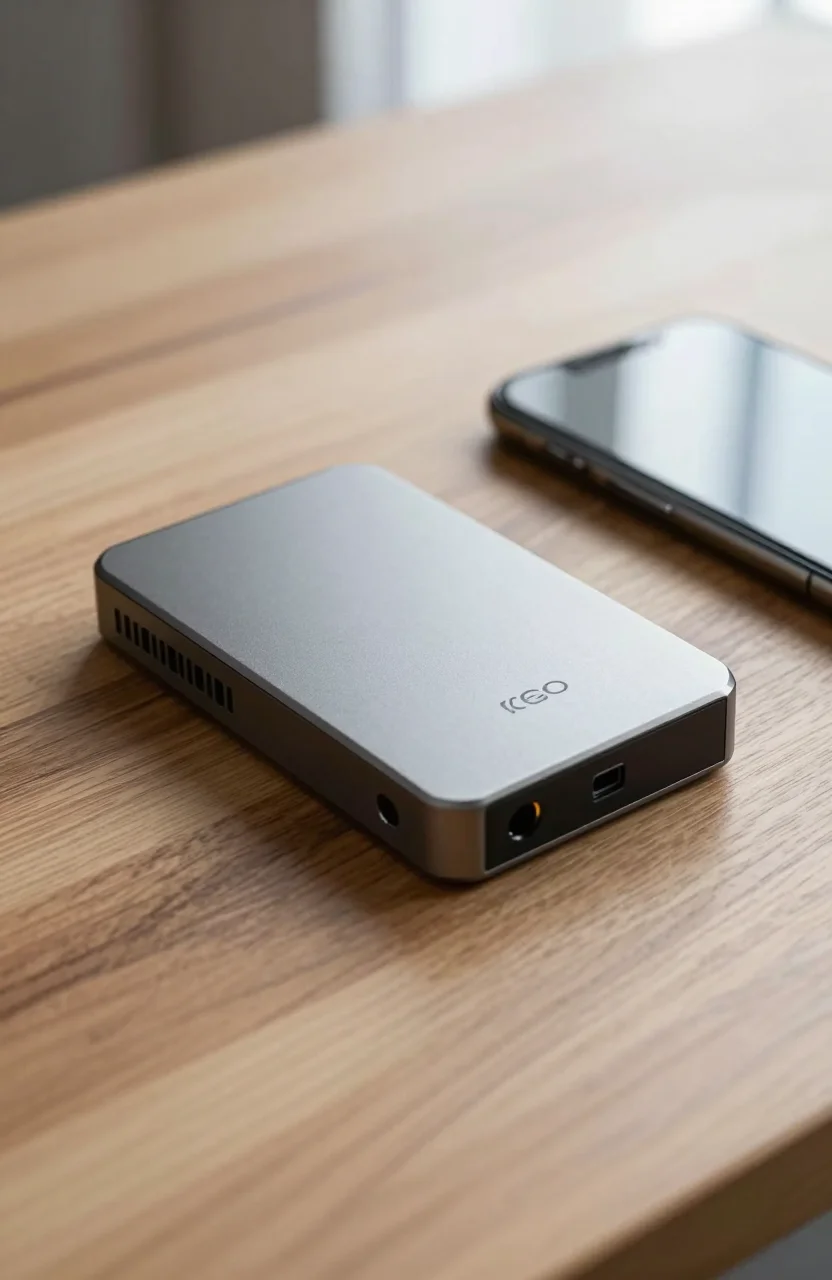
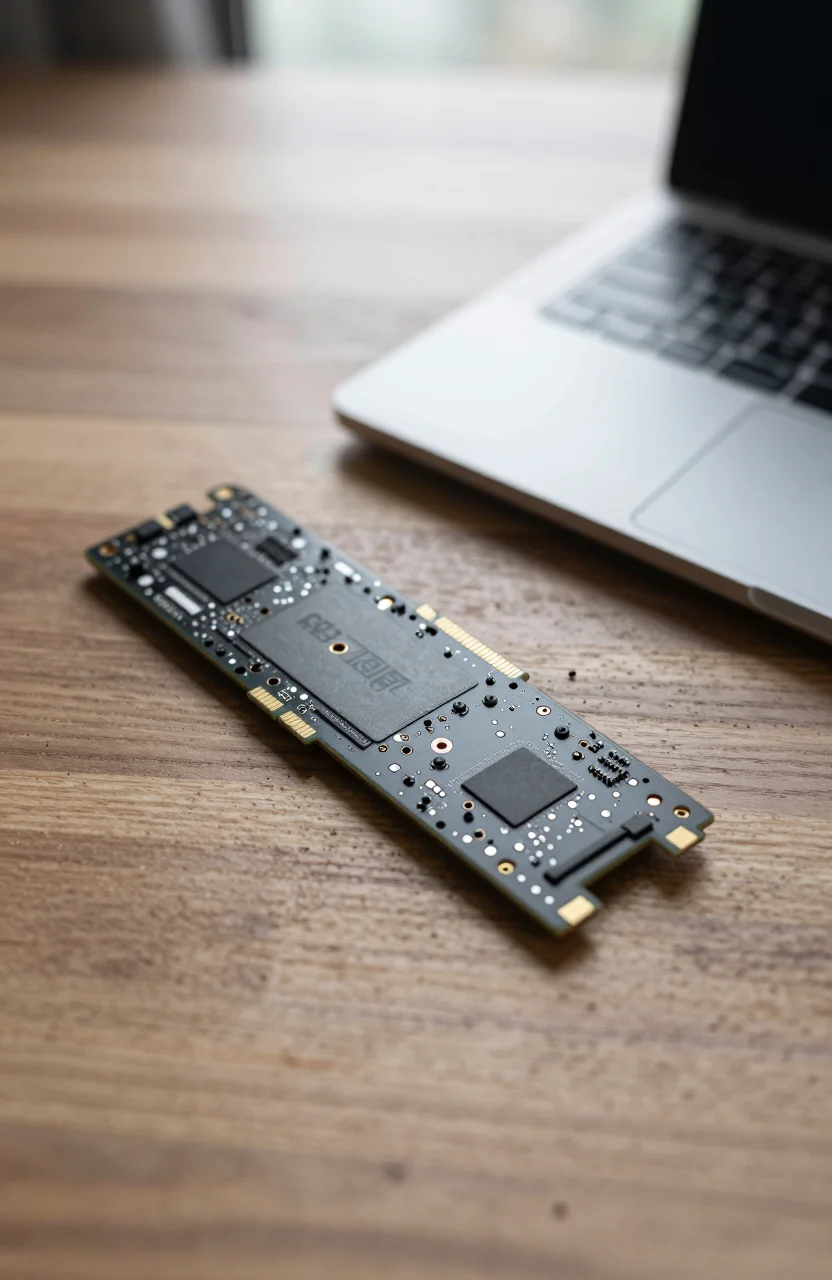
Laptop and handheld upgrades punish thick heatsinks and hot controllers. The WD_BLACK SN7100 targets that lane: a Gen4 NVMe rated up to 7250 MB/s read and 6900 MB/s write, often near $144.99 for 1TB after a drop from $179.99, with a strong 4.8/5 score across 6167 Amazon reviews. It wears the WD_BLACK badge, yet it is not a desktop SN850X clone with a gaming RGB story. Think thinner systems, Steam Deck-class upgrades, and notebooks that need speed without a tower's airflow.
If you are shopping a full ATX gaming PC with open M.2 coolers, look at thicker flagship Gen4 or Gen5 options instead. If you are prying open a ultrabook or a handheld, the SN7100's profile and power behavior matter more than another 1000 MB/s on a synthetic chart. Our best SSDs for Steam Deck guide pairs well with this review when capacity and thickness limits collide.

- Up to 7250 MB/s read / 6900 MB/s write
- PCIe Gen4 NVMe for thin systems
- 1TB focus; strong Amazon ratings
- Better fit for laptops than thick desktop heatsink kits
Why the SN7100 fits laptops and handhelds better than desktop flagships
Desktop Gen4 heroes like the SN850X family chase peak charts and often ship with taller coolers meant for tower airflow. Stuff that stack into a 14-inch notebook and you fight thickness, warranty stickers, and heat soaking into the palm rest. The SN7100's job is different: deliver modern Gen4 throughput in a form that respects cramped M.2 bays.
On a Steam Deck or similar handheld, every watt and every millimeter counts. Rated speeds near 7250/6900 MB/s are plenty when the handheld's own bus and game installs are the real ceiling. You feel the upgrade most when you leave eMMC or a tired OEM drive behind: shorter install times, fewer "storage full" compromises, and snappier OS updates. Pair that with our Deck-focused picks if you need a second opinion on capacity versus price.
Amazon's 4.8/5 from thousands of reviews is the social proof thin-system buyers want. People praise install simplicity and everyday responsiveness more than synthetic bragging. That matches the product brief. If you expected an SN850X twin with desktop RGB energy, you bought the wrong badge. WD_BLACK covers more than one chassis type now.
Mini PCs sit in the same camp. Many NUC-class machines expose a single 2280 slot with a thin shield and almost no spare airflow. A bare SN7100 stick is easier to live with than a desktop kit that forces you to grind heatsink fins down with a file. Keep the OEM pad aligned and you avoid the classic "lid will not close" return.
Install, thermals, and what not to do
Before you order the SN7100 1TB, confirm your device supports user-upgradable M.2, the keying (usually 2280), and whether the OEM voids support for third-party drives. Clone the old disk with a reputable tool, then verify boot before you wipe anything. Handhelds often need a specific recovery image workflow; read the community guide for your exact model first.
Thermals in thin lids are honest. Even a well-behaved Gen4 stick will warm under long game downloads. Avoid stacking aftermarket heatsinks that prevent the bottom cover from seating. Use the stock thermal pad or shield your laptop already provides. If temps climb during huge Steam downloads, pause, let the chassis breathe, then continue. That is normal physics, not a defective NAND lottery.
Power profiles matter on battery. Aggressive desktop SSD settings in vendor tools can raise idle draw. For notebooks, leave defaults unless you have a measured reason to tune. For endurance context while you plan multi-year use, skim our note on SSD lifespan and TBW so you size capacity with write headroom, not fear.
One more install trap: mixing screw lengths. Laptop trays sometimes use shorter M.2 screws than desktop boards. Forcing a long screw can crack a PCB pad or lift the drive at an angle so it overheats on one side. Keep the original screw in a labeled bag until the upgrade is verified. If your kit arrives without a screw, buy the correct length rather than improvising with a random PC spare.
Real-world use on Deck-class devices and thin laptops
After the clone, fill the drive the way you actually play. On a Steam Deck, move your heaviest titles first and watch whether shaders and updates still behave. Gen4 bandwidth helps install queues, but Proton, shader caches, and SD card overflow policies still shape the feel. The SN7100 removes the storage ceiling; it does not rewrite Valve's stack overnight.
On Windows laptops, the win is quieter everyday work: resume from sleep, opening large Lightroom catalogs, and unpacking game launchers without the old OEM drive gasping. If you travel with a portable monitor and dock, a responsive internal SSD matters more than a desktop tower's peak chart because you live on battery and hotel Wi-Fi more than on LAN transfers.
Compare street pricing the week you buy. At roughly $144.99 versus $179.99 prior, the 1TB WD_BLACK SN7100 deal is easier to justify than Gen5 desktop parts you cannot cool in a thin shell. If 2TB is on sale for only a small premium and your library is already overflowing, stretch for capacity before chasing another 500 MB/s you will not saturate on a handheld bus.
Who should buy the SN7100 (and who should look elsewhere)
Buy the SN7100 if you are upgrading a laptop, mini PC, or handheld that needs Gen4 speed without a chunky cooler, and 1TB at roughly $144.99 fits your library. It is a clean step up from older Gen3 OEM drives and a sensible Steam Deck-class expansion when thickness rules out many "gamer" kits.
Look elsewhere if you are building a high-airflow desktop and want maximum Gen4 or Gen5 peaks with a large heatsink; our gaming PC SSD guide is the better starting list. Also look elsewhere if you need 4TB in one stick and the SN7100 capacity you want is out of stock or poorly priced that week.
Check the live SN7100 offer, confirm 2280 clearance in your chassis, clone carefully, then reseat the shield so heat has somewhere to go. Do that once, and the drive disappears into the machine the way a good laptop SSD should: fast enough that you stop thinking about storage and get back to the games or files that made you open the screwdriver in the first place. If the cover will not close over a random "gaming" heatsink kit you almost bought, you already know why the SN7100 exists.