A two-bay NAS is the point where home backup stops being a stack of USB disks and starts feeling like a small appliance you can trust. The Synology DS224+ ships diskless around $299.99 and runs DSM, Synology's polished NAS operating system. This review covers who the DS224+ actually fits, what the hardware can and cannot do, how to pair drives without wrecking RAID rebuilds, and what total cost looks like once you add two NAS HDDs.
If NAS basics still feel fuzzy, skim our ultimate NAS guide first, then come back for the DS224+-specific buying call. For the backup philosophy that should sit on top of any Synology box, the 3-2-1 backup rule remains the checklist that matters more than any CPU spec sheet.

- Centralized Data Storage - Consolidate all your data for complete data ownership and multi-platform access
- Sharing and Syncing Across Systems - Access, share, and sync data across different systems and devices using intuitive controls
- Powerful Backup and Restoration - Back up and restore critical devices and data using a host of intuitive backup tools
- Check Synology knowledge center or YouTube channel for help on product setup and additional information
Who it's for
The DS224+ is aimed at households and tiny offices that want shared folders, photo backups, Time Machine or Windows File History targets, and light media serving without babysitting a DIY PC. Two bays give you a real redundancy choice (usually RAID 1 / Synology SHR mirroring) so one drive failure does not erase the only copy of family photos.
It is a strong starter if you are leaving single USB drives behind and want a browser UI that non-technical family members can eventually learn. DSM's app catalog (Photos, Drive, Hyper Backup, Surveillance Station lite workloads) is the real product. Hardware alone is ordinary; the software ecosystem is why people pay the Synology premium.
Skip it if you need four or more bays on day one, 10GbE networking, or heavy virtualization. The DS224+ is a home-and-starter box, not a rack lab. Skip it too if your only goal is the absolute cheapest shared storage and you are happy flashing alternate OS software on bargain hardware. Synology sells polish and support patterns, not rock-bottom dollars per bay.
Remote workers who already follow a messy "external disk in a drawer" habit should treat the DS224+ as the always-on mirror for laptops. Pair it with an occasional offsite copy (cloud vault or a disk you rotate to a second location) so a house fire does not take every copy. That is the difference between a NAS and a false sense of safety.
Photographers and freelancers who already shuttle portables can still benefit: use the DS224+ as the house archive while a rugged SSD stays in the bag. The NAS is the calm copy that does not travel.
Hardware & ports
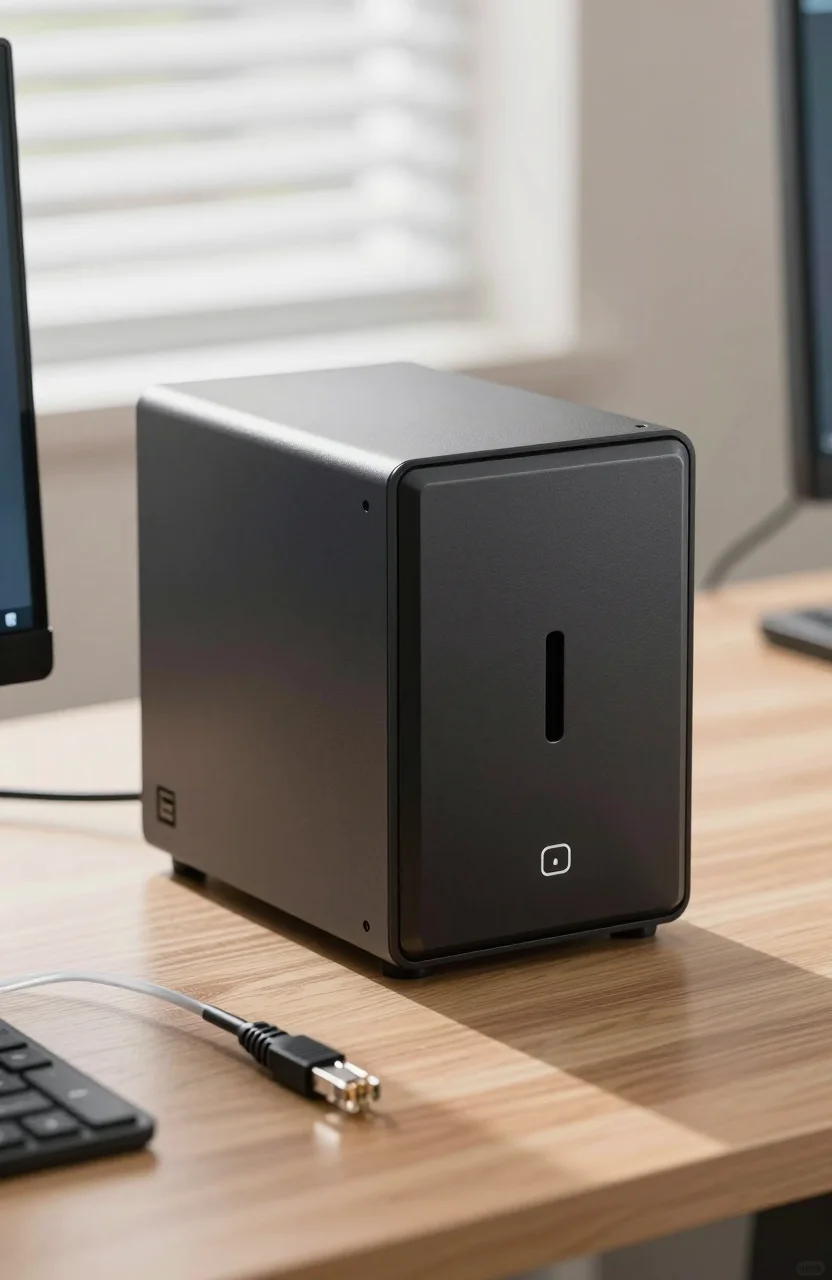
Expect a compact two-bay chassis, Gigabit Ethernet (check the exact listing for dual-LAN details on your revision), USB ports for limited expansion or UPS signaling, and tool-friendly drive trays. It is diskless at about $299.99, so the Amazon price is the computer, not the storage. Budget drives separately or the project stalls on checkout sticker shock.
CPU and RAM on plus-series two-bay units are sized for DSM services, file sharing, and modest transcoding or containers, not for editing 8K timelines off the NAS as if it were local NVMe. Plan network copies and laptop scratch disks accordingly. Gigabit Ethernet tops out near 110-120 MB/s in the real world once protocol overhead lands. That is fine for overnight backups and photo browsing. It is not a substitute for a Thunderbolt SSD on your desk.
Noise and heat depend on the drives you install more than the chassis marketing photos. NAS HDDs spin 24/7. Place the unit on a hard surface with airflow, not inside a sealed cabinet next to a router that already cooks itself. Schedule intensive scrubbing and backups for hours when nobody is on video calls nearby if acoustic sensitivity matters in your home office.
Before you click buy, open the DS224+ diskless listing, confirm you are not accidentally buying a bundle with random desktop drives, and add two matching NAS-class HDDs to the cart in the same session so the project does not die in analysis paralysis.
A small UPS on the same circuit is cheap insurance. Unexpected power cuts during writes are how filesystems get ugly moods. Synology can shut down cleanly when a compatible UPS signals low battery.
DSM strengths
DSM is why Synology keeps winning home buyers who tried friendlier "easy NAS" toys and bounced. Package Center, clear sharing permissions, Hyper Backup to USB or cloud targets, and Photos for phone dumps are the daily wins. You get snapshots on Btrfs volumes when you configure them, which turns "I overwrote the wrong file" from a disaster into a five-minute restore.
Mobile apps make the box useful for non-geeks: upload camera rolls on Wi-Fi, grab a document from outside the house through QuickConnect or a properly set VPN, and stop emailing yourself PDFs. Power users can add containers or light VMs within the hardware limits, but keep expectations honest on a two-bay plus unit.
Admin habits matter. Enable automatic DSM updates on a schedule you watch, turn on email or push alerts for drive health, and document the admin password in a password manager. A NAS nobody can log into after a year is landfill. Our disaster-proof home office backup routine pairs well with DSM's Hyper Backup so the NAS is one layer, not the only layer.
Permissions should stay boring. Create user accounts per person, share folders by need, and avoid one shared "everyone full control" dump unless you enjoy cleaning ransomware fireworks. Snapshot retention and recycle bin settings on shared folders catch more accidents than any lecture about careful clicking.
Limits
- Two bays only. Growth means bigger drives and a migrate path, or a future larger chassis. Plan capacity with RAID 1 usable space in mind (roughly one drive's worth).
- Gigabit networking. Multi-gig or 10GbE dreams need a different model class.
- CPU headroom. Heavy Plex 4K transcoding, lots of cameras, or stacked VMs will frustrate you. Direct play and light duties are the happy path.
- Diskless sticker vs real total cost. $299.99 plus two NAS HDDs is the honest cart total.
- Vendor ecosystem lock-in tendencies. DSM is excellent, but apps and some features assume you stay in Synology's world. That is a feature for many buyers and a constraint for tinkerers who want total freedom.
None of these limits are surprises. They are the reason the DS224+ stays affordable relative to larger Synology plus units. Buy it for what it is: a dependable two-bay DSM appliance for home data, not a studio render farm.
Also respect RAID limits emotionally. Mirroring protects against one drive failure, not against theft, fire, or ransomware that encrypts every reachable share. Offsite and versioned backups still matter. RAID is uptime and disk-fault tolerance, not a time machine by itself unless snapshots and Hyper Backup are configured on purpose.
Drive pairing tips
Buy two identical capacity NAS-class CMR drives when you can. Mixing random desktop disks invites firmware quirks and rebuild stress. Seagate IronWolf and WD Red Plus are the usual home NAS shortlist for a reason: they are built for 24/7 duty cycles and vibration in multi-bay chassis.
Practical Amazon pairings to put next to the enclosure:
Match capacities so SHR/RAID 1 can use the space cleanly. Avoid SMR archive disks sold as quiet bargains; rebuilds and write patterns in NAS arrays punish SMR. If you need a refresher on why that matters for backups, read our CMR vs SMR backup impact guide before you chase a fake deal.
Burn-in new drives with a long read/write exercise or at least Synology's integrated tests before you trust them with the only copy of anything. Then enable email alerts and schedule data scrubbing. Rebuilding a mirrored pair after a failure is normal ownership, not a crisis, if you already have an offsite copy and spare budget for a replacement disk.
Capacity planning example: two 8TB NAS drives in RAID 1 yield roughly 8TB usable, not 16TB. People still get surprised by that math at checkout. Size from usable space, add 20% free for snapshots and growth, and only then pick the disk SKU.
Label trays, keep anti-static habits when swapping, and never yank a drive during a rebuild because the LED pattern made you nervous. DSM will tell you when it is safe. Patience is cheaper than a dual-disk tragedy.
Verdict
The Synology DS224+ is one of the cleanest home NAS starter moves in 2026 if you want DSM, two-bay mirroring, and an appliance that family members can live with. At about $299.99 diskless, the box is only half the purchase. Add a matched IronWolf or WD Red Plus pair, set snapshots and Hyper Backup, and keep an offsite copy.
Choose a larger Synology or a DIY build if you already know you need more bays, faster Ethernet, or heavier services. Choose a simple USB DAS if you refuse always-on hardware. For everyone else graduating from drawer disks to real home infrastructure, the DS224+ is the boring, correct recommendation.
Ready to price the enclosure? Start with the Synology DS224+ on Amazon, add two NAS HDDs in the same cart, and block an evening for first-time DSM setup instead of rushing it between meetings.