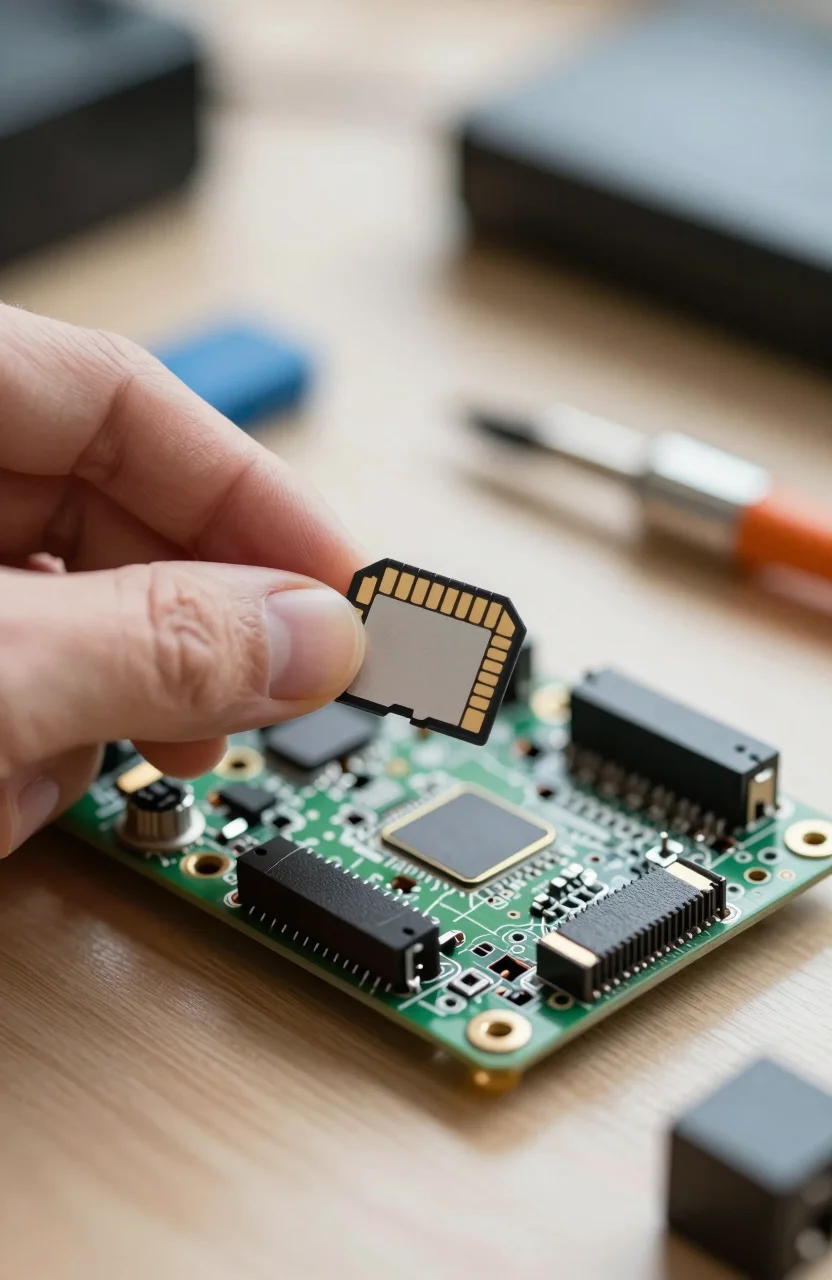
A Raspberry Pi lives or dies by its microSD card. The board is cheap. A bad card turns boot loops, corrupt databases, and mysterious read-only remounts into your weekend hobby. Pi OS writes logs, package caches, and temp files constantly, so endurance matters more than a flashy 4K camera rating.
This shortlist prioritizes cards that survive rewrite stress, come from brands you can return, and still move installs without feeling stuck in 2015. For a broader anti-fake checklist, see our guide to reliable microSD cards without the fakes.
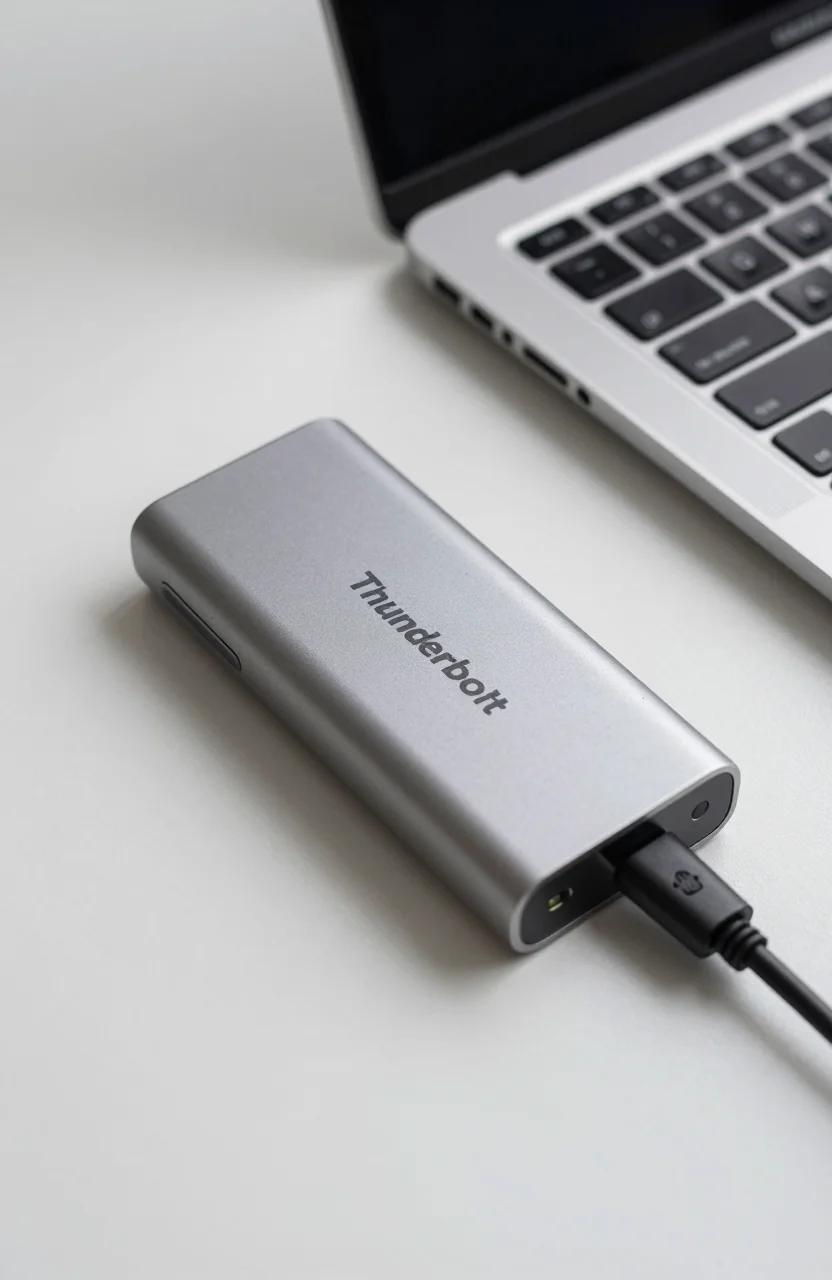
| Best Choice | Fastest | Balanced | |
|---|---|---|---|
| Preview |  |
 |
 |
| Title | Samsung PRO Endurance 256GB | SanDisk Extreme 256GB | Samsung PRO Plus 256GB |
| Best for Pi | Always-on OS writes | Quick imaging / apps | Desktop Pi + media |
| Class focus | Endurance / V10 | A2 / V30 / U3 | A2 / V30 / U3 |
| Rating | 4.7 / 528469 reviews | 4.8 / 5147602 reviews | 4.7 / 513505 reviews |
| Price | $29.99$39.99 | $24.99$34.99 | $39.99$54.99 |
| Buy | Buy on Amazon | Buy on Amazon | Buy on Amazon |
Criteria that matter on a Pi
Camera cards chase sustained video bitrate. Pi cards chase rewrite life and stable random I/O. Logs, apt, Docker layers, and SQLite databases punish weak flash. That is why endurance-oriented cards often outlast faster A2 cards that were tuned for phones.
Capacity sweet spots in 2026: 64GB for a lightweight Lite install, 128GB for desktop Pi with a few projects, 256GB when you keep media or multiple containers on the card. Bigger than that is fine, but many people should move heavy media to USB SSD and keep the card lean.
Buy name brands sold as new. Counterfeit microSDs still appear in shadowy listings. If the price looks half of everyone else, walk away. Flash the official Raspberry Pi Imager, enable SSH only when you mean to, and keep a second known-good card imaged for recovery.
Heat and power interact with flash too. Undervoltage warnings are not just a red lightning bolt aesthetic. Unstable power during writes is a common path to filesystem pain. Pair a reputable card with the official or well-reviewed PSU for your Pi generation, especially Pi 5 loads.
Winner for most Pi 4 and Pi 5 installs
The Samsung PRO Endurance 256GB is our Best Choice for always-on Pis: home assistants, DNS filters, light NAS helpers, camera servers, and kiosk boards that never sleep. Endurance marketing for dash cams translates well to OS write patterns. You give up some peak sequential speed versus Extreme-class cards, and that trade is usually correct for reliability.
At roughly $30 on sale for 256GB, it is cheap insurance compared with rebuilding a corrupted node. If you only run a Pi for an afternoon coding class, you can spend less. If the Pi is infrastructure, start here and check the PRO Endurance listing for the capacity you need.
Label the card physically. Write the hostname and image date on a tiny sticker. When you manage three Pis in a closet, mystery cards become the enemy. Keep the Amazon order email so replacements are easy if a batch ever misbehaves.
Strong alternatives and when to use them
The SanDisk Extreme 256GB is the faster daily pick when you image often, install desktop environments, or want snappier app installs. A2 and V30 ratings help random workloads more than raw sequential claims. Huge review volume also makes odd batches easier to spot.
The Samsung PRO Plus 256GB sits in the middle: strong transfer ratings for media and games on devices that care, while still being a reputable Samsung card for Pi desktop use. Choose it when you want one card that might also move between a Pi and a camera bag, knowing endurance-first cards still win for 24/7 boards.
USB boot on Pi 4/5 is a valid escape hatch. A small SSD can feel transformative for databases. Keep a quality microSD anyway for recovery and for boards that stay on SD by design. Do not throw your only good card away the day USB boot works once.
Pick by use case
Headless always-on service. PRO Endurance. Prioritize rewrite life and quiet stability.
Pi desktop for coding and browsing. SanDisk Extreme or PRO Plus. You will feel install speed more than dash-cam endurance claims.
Camera module or short clips. Extreme or PRO Plus for bitrate headroom, then offload to another disk. Do not treat the boot card as your media archive.
Kids lab / classroom. Buy two identical cards. Label them. Image both. The spare saves the session when someone yanks power mid-update.
Common mistakes
Power-cutting during apt upgrades is still a classic way to brick a card's filesystem. Use a decent PSU. Avoid random phone chargers for Pi 5 loads. Do not fill the card to the last megabyte. Leave free space for logs and updates.
Cheap no-name 512GB miracles are not a bargain. Verify capacity with a tool if a card behaves oddly, and prefer sellers with clean return policies when you order PRO Endurance or Extreme stock.
Finally, back up. Clone a working image before big experiments. A great microSD reduces failure rate. It does not replace backups.
Verdict
For most Raspberry Pi builds that stay powered on, buy the Samsung PRO Endurance 256GB. Choose SanDisk Extreme when you want snappier imaging and desktop installs. Use PRO Plus when you want a flexible high-speed Samsung card for mixed devices.
Spend a little more on the card than on a case sticker. The Pi is only as trustworthy as the flash under the board.