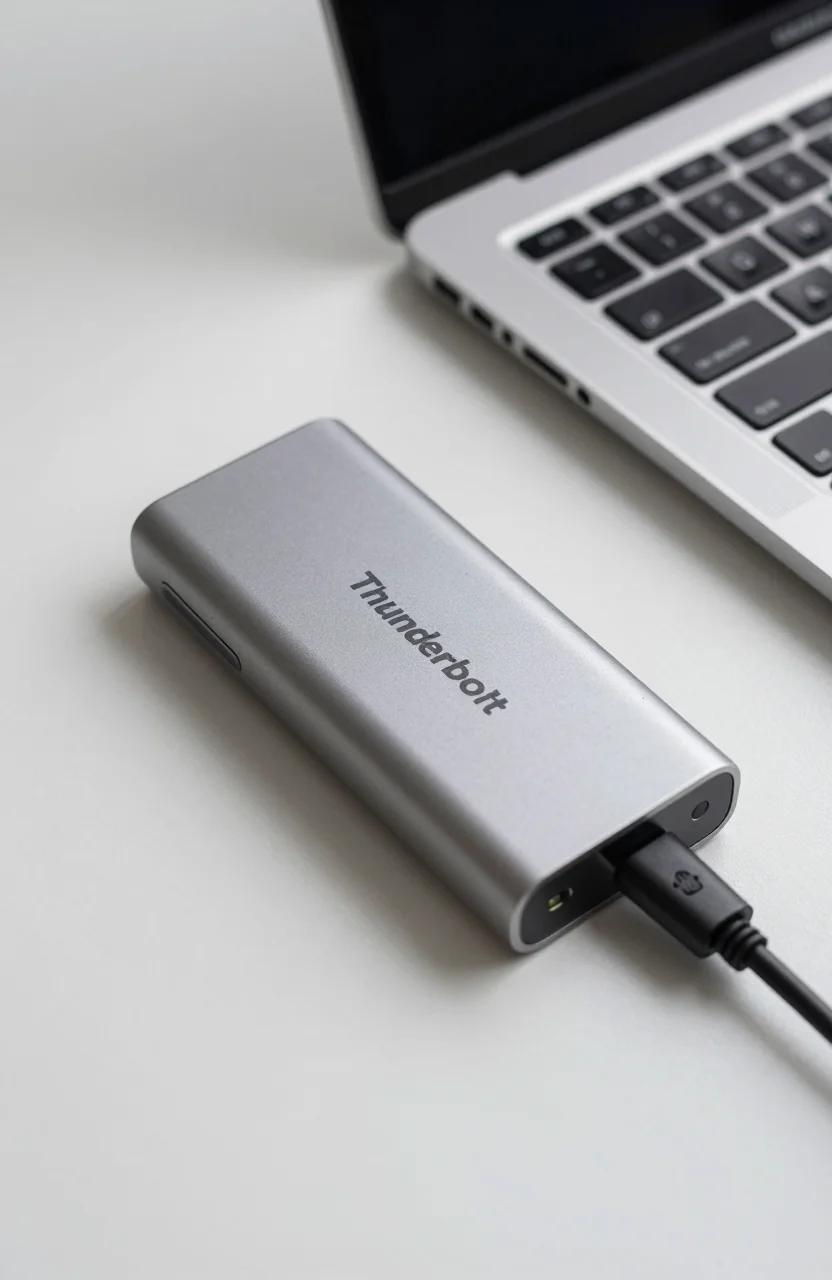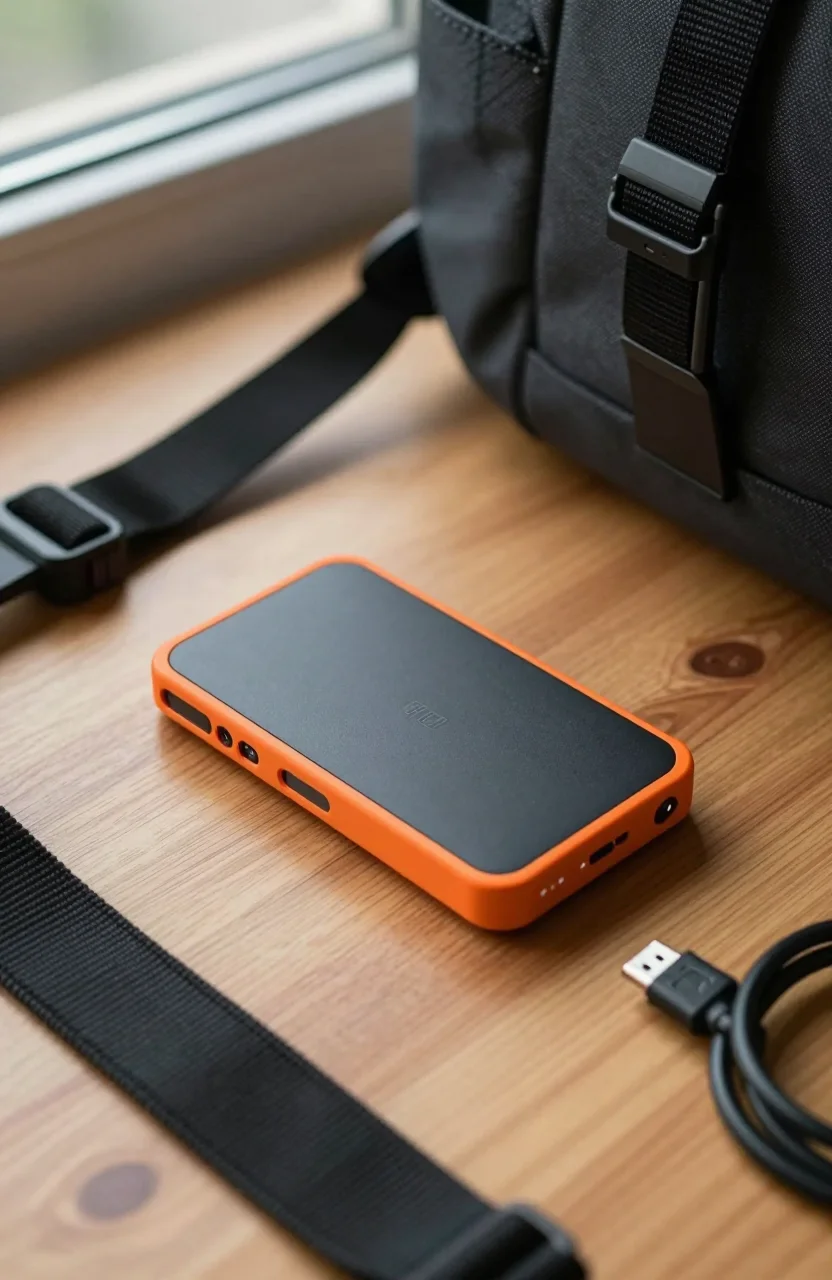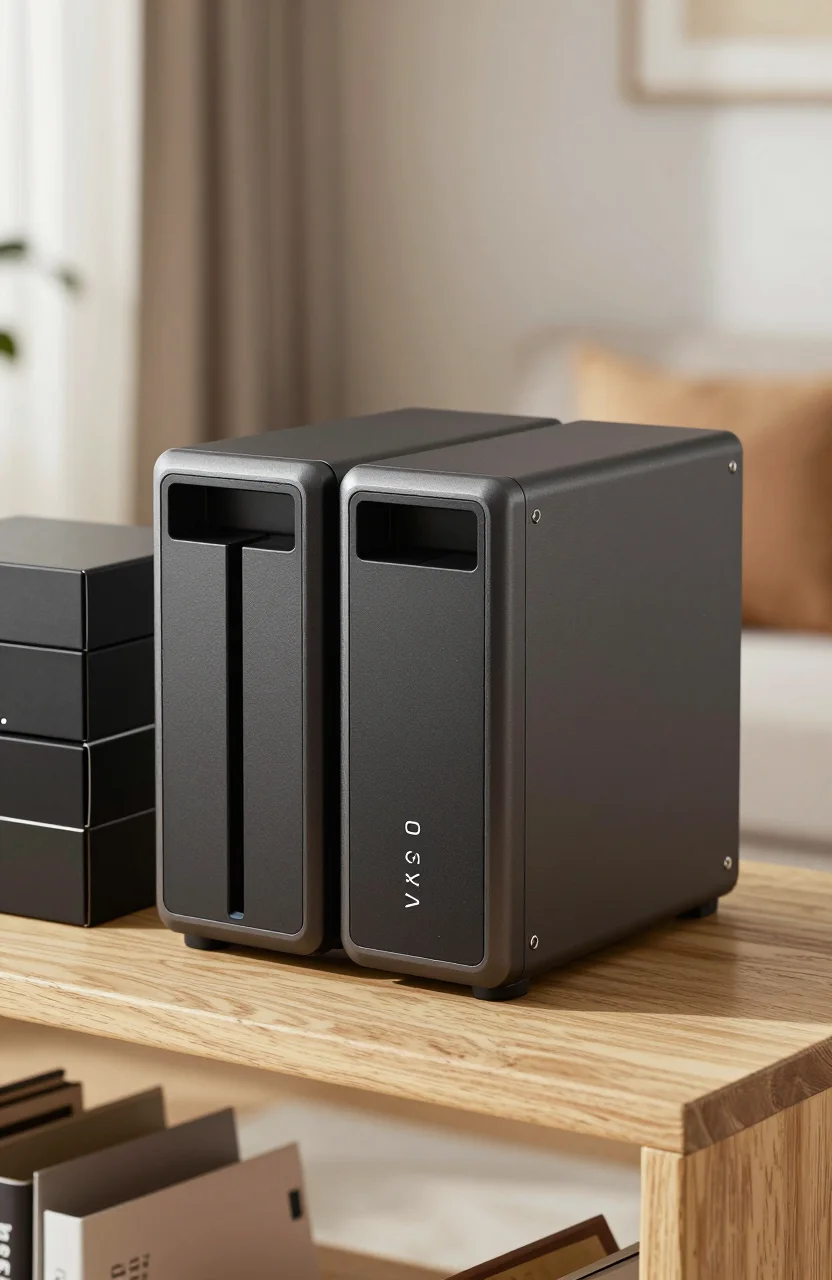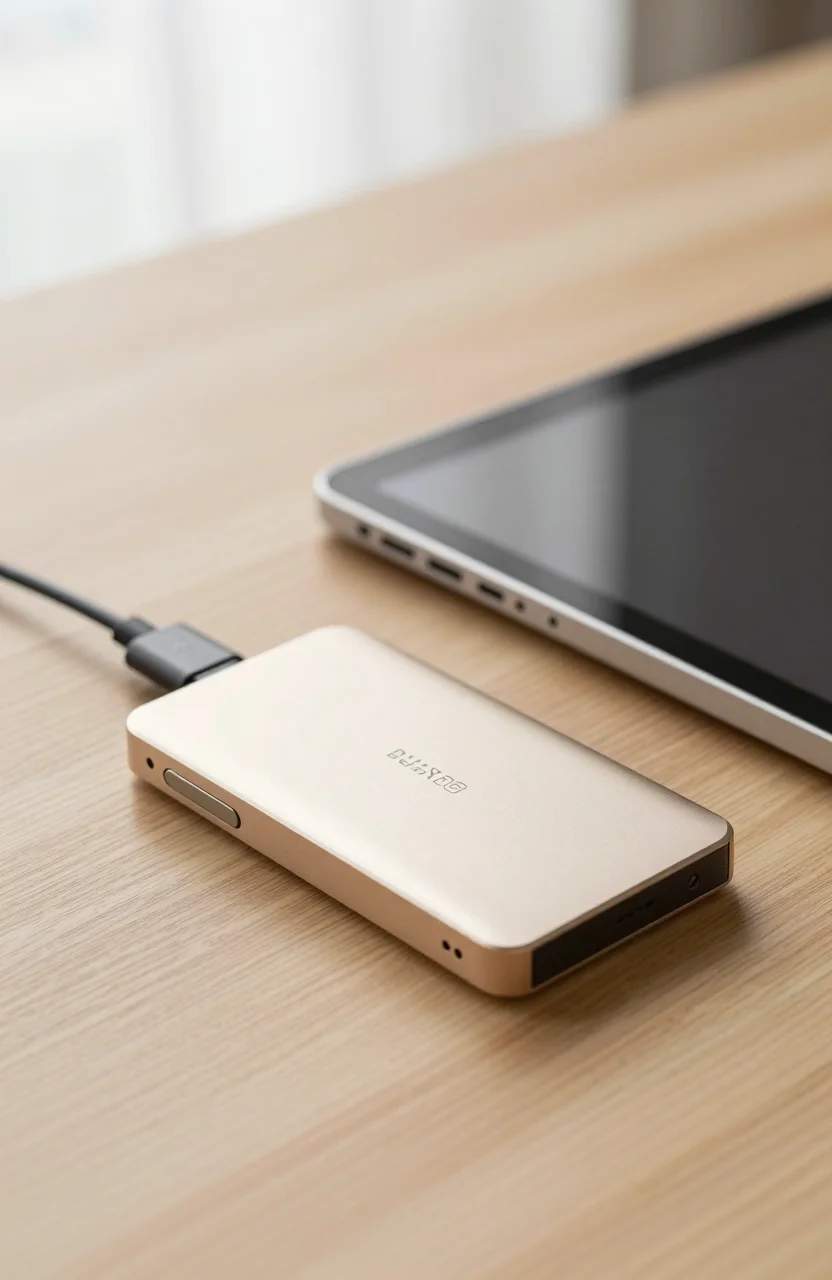
iPad Pro storage fills up fast once you shoot ProRes, keep Lightroom libraries offline, or park Final Cut projects for travel days. Apple's internal SSD is fast, but it is also expensive to upgrade and painful to replace. A USB-C portable SSD is the practical overflow: bus-powered, quiet, and ready whenever Files or your editing app asks for more room.
This guide ranks portable SSDs that behave well with recent iPad Pro models. We focus on real USB-C behavior, capacity that survives a shoot week, and drives you can also plug into a Mac later. If you are still deciding whether a portable SSD fits your kit at all, skim mistakes to avoid before buying a portable SSD and our portable SSDs under $150 shortlist.
| Best Choice | Best Value | Fastest Class | |
|---|---|---|---|
| Preview |  |
 |
 |
| Title | Crucial X10 Pro 2TB | Samsung T7 1TB | Samsung T9 2TB |
| Read speed | Up to 2100MB/s | Up to 1050MB/s | Up to 2000MB/s |
| Interface | USB-C 3.2 | USB 3.2 Gen 2 | USB 3.2 Gen 2x2 |
| Standout | IP55 + creator kit | Proven iPad daily driver | Sustained high throughput |
| Rating | 4.0 / 54399 reviews | 4.7 / 521121 reviews | 4.6 / 52898 reviews |
| Price | $362.86 | $99.99$129.99 | $349.99$574.99 |
| Buy | Buy on Amazon | Buy on Amazon | Buy on Amazon |
What iPad Pro actually needs from an external SSD
USB-C on iPad Pro is not the same as a Thunderbolt MacBook dock. Recent iPad Pro models can move large files over USB, but you still depend on the cable in the box, the Files app permissions, and whether your editing app supports external libraries. Buy for reliability first. Peak marketing numbers come second.
Format matters. For mixed Mac and iPad work, exFAT is the least painful shared format. APFS can be excellent on Apple silicon Macs, yet it is a worse default if you also hand the drive to a Windows laptop on set. Keep at least 20% free space so write spikes do not choke mid-export.
Power is usually fine: these SSDs are bus-powered. Avoid cheap charge-only cables and random hubs that renegotiate to slow links. Plug the SSD straight into the iPad when you need the best transfer. If you must use a hub, test a 20GB copy once and keep that cable in the sleeve.
Capacity planning is boring and useful. A week of ProRes or RAW bursts will embarrass a 500GB stick. For active travel projects, 1TB is the minimum comfort zone and 2TB on the Crucial X10 Pro is the safer working drive if you hate deleting overnight. Cold archives still belong on a cheaper tier later.
Our top pick and why
The Crucial X10 Pro 2TB is our Best Choice for iPad Pro creators who want one travel SSD that survives bags, dust, and the occasional rain delay. Rated up to 2100MB/s read and 2000MB/s write on a capable host, it is overkill for light PDF work and exactly what you want when offloading camera cards between locations.
IP55 water and dust resistance plus a claimed drop resistance up to about 2 meters make it more field-friendly than a bare aluminum desk drive. Password protection and the compact footprint help when the iPad is your only computer for the day. You are paying a premium versus the T7, so only jump here if durability and headroom matter as much as price.
If your iPad Pro mostly stores Lightroom catalogs and client reviews, you do not need every megabyte of that speed. Still, buying once for the hardest day of the year beats owning two half-useful sticks. Check the live listing for the X10 Pro on Amazon before you lock a kit list, because creator SSD prices swing week to week.
Best alternatives by budget and capacity
The Samsung T7 1TB remains the best value daily driver for iPad Pro. Up to 1050MB/s is plenty for most Files transfers and many timeline workflows, and the long review history shows fewer nasty surprises. At roughly $100 when discounted, it is the drive we recommend when the budget is tight but you still refuse spinning disks.
Step up to the Samsung T9 2TB when you have a host that can use USB 3.2 Gen 2x2 class speeds and you dump multi-hundred-gigabyte folders often. Sustained writes and thermal control matter more here than a single burst score. Compare it with our focused look at Samsung T9 vs SanDisk Extreme PRO if you are torn between premium portables.
Want pocket size with a rubber sleeve? The Kingston XS2000 2TB is a strong alternate in the 2000MB/s class, though it needs a host and cable that actually unlock USB 3.2 Gen 2x2. On a limited iPad link it can land closer to Gen2 speeds, which is still fine for travel backups.
Travel hard? Cross-check rugged options in best rugged portable SSDs for travel. The X10 Pro already covers a lot of that ground for iPad kits.
Which drive for which iPad workflow
Photo culling on the road. Pair iPad Pro with the T7 if you mostly preview RAW and build selects. Use the X10 Pro if you keep full camera dumps on the SSD for days.
ProRes or multicam edits. Prefer 2TB class drives: X10 Pro or T9. Keep the project media on the external volume and leave the internal SSD for apps and scratch when possible.
Client review handoffs. A labeled T7 with exFAT and a clear folder structure beats a mysterious high-speed brick. Speed only helps if the client can mount the drive.
Mixed MacBook + iPad weeks. Buy once for both. The same Crucial X10 Pro or T9 will feel faster on a Thunderbolt Mac than on iPad, and that is expected. You still get one cable language and one backup habit.
Mistakes that waste money on iPad storage
Buying a Gen2x2 flagship for an iPad that never sees those speeds is the classic trap. Match the drive to the ports you own. Using a charge-only cable is the second trap. The third is filling the SSD to 99% and blaming the brand when writes crawl.
Do not treat a portable SSD as your only copy of a wedding or commercial day. Clone critical cards before you leave the venue. A sealed IP55 shell still fails electrically sometimes.
Skip random no-name ASINs. Fake capacity sticks still show up in marketplaces. Stick to brands with clear return paths and recent review volume when you shop the X10 Pro, T7, or T9.
Verdict
For most iPad Pro creators who want one serious travel SSD, buy the Crucial X10 Pro 2TB. If you need a cheaper everyday overflow drive, the Samsung T7 1TB is still the smart value pick. Step to the T9 when sustained high-speed dumps are a weekly habit and your host can feed it.
Pick capacity for the next 12 months of active projects, keep free space, and test a large copy on day one. That is how external storage on iPad Pro stops feeling fragile and starts feeling like part of the kit.