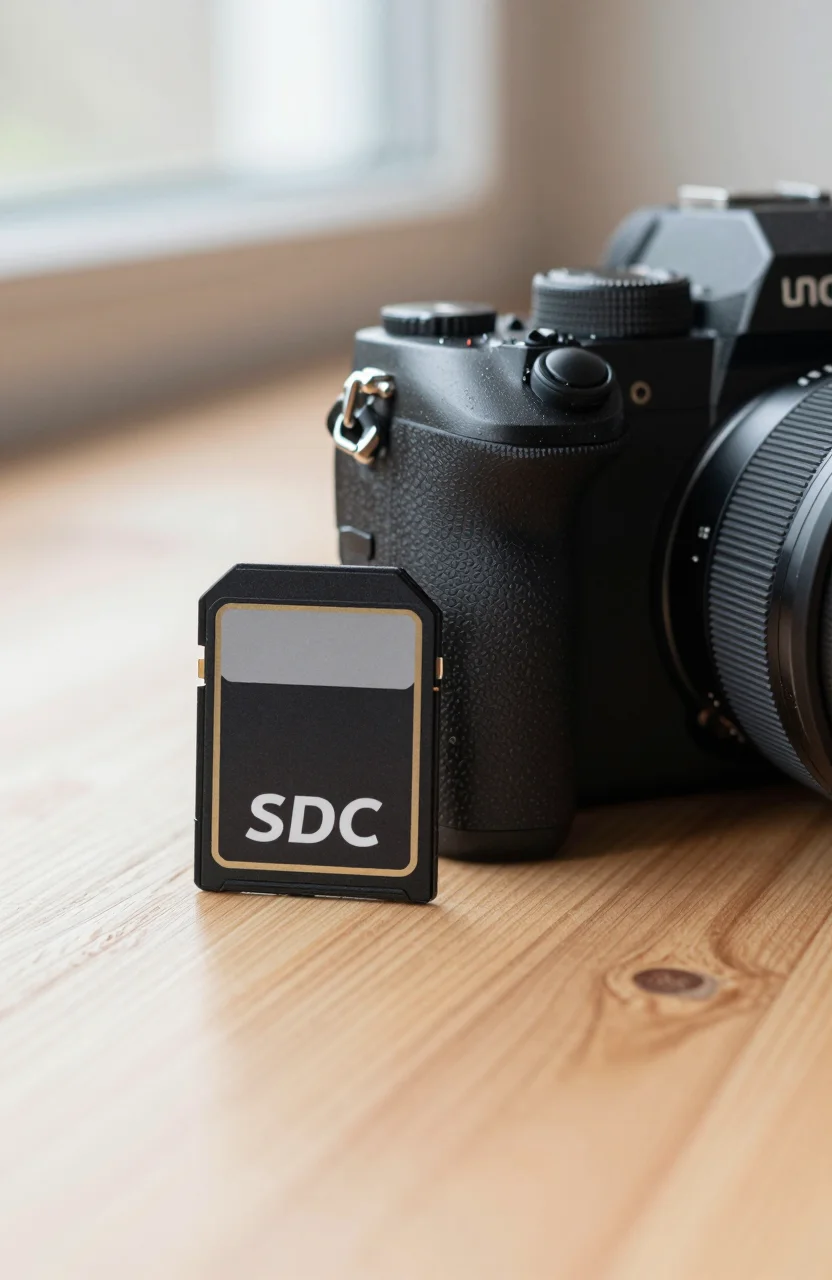
4K cameras are ruthless about storage. Drop below the speed floor and you get dropped frames, not a polite warning. The SanDisk Extreme PRO SDXC 256GB is the card many shooters default to when they want V30/U3 headroom without gambling on mystery brands. The Amazon listing we track sits around $39.99, claims up to 200 MB/s read and 140 MB/s write, and carries a 4.8 rating from roughly 89000 reviews.
If you need a refresher on formats and speed classes, keep our SD card guide open in another tab while you read.

- Save time with card offload speeds of up to 200MB/s powered by SanDisk QuickFlow Technology
- Pair with the SanDisk Professional PRO-READER SD and microSD to achieve maximum speeds (sold separately)
- Shot speeds up to 90MB/s for sequential burst photography
- Perfect for shooting 4K UHD video
Specs decoded
Marketing badges on SD cards look like alphabet soup. Here is what matters on this Extreme PRO SDXC 256GB:
- SDXC 256GB: enough for a solid day of 4K clips for many hybrid shooters, though heavy ALL-Intra or high-bitrate modes still fill cards fast
- Up to 200 MB/s read / 140 MB/s write: offload speed to a good USB reader matters on set; in-camera write speed must still clear your codec
- V30 and U3: Video Speed Class 30 means a minimum of 30 MB/s sustained write for video; U3 is the UHS Speed Class sibling aiming at the same floor
- UHS-I: check your camera body. A UHS-II slot can still use a UHS-I card, but you will not unlock UHS-II-only peaks
V30 is enough for a wide range of 4K consumer and prosumer modes. It is not a promise for every cinema camera recording the highest internal bitrate. Always match the card to the camera manual's minimum rating. If your body asks for V60 or V90 for a specific mode, do not "hope" a V30 card will cope.
Capacity planning tip: shoot a timed test at your real settings, note gigabytes per minute, then buy enough cards for the longest day plus one spare. One 256GB hero card is not a workflow.
Also separate stills from video needs. High-burst RAW stills care about burst buffer clearing. Long-form 4K cares about sustained write floor. The Extreme PRO's V30/U3 labeling is aimed mainly at that video floor while still being a solid general-purpose card for hybrid kits.
Pros
Why this card stays on shortlists:
- Clear speed class labeling for 4K-oriented buyers who do not want to decode obscure third-party claims
- Strong Amazon rating signal at about 4.8 stars across a huge review base (~89000), which helps when you are choosing between lookalike listings
- Practical 256GB size for hybrid photo/video kits without jumping straight to expensive CFexpress for every body
- Brand tooling and familiarity for people who already use SanDisk readers and recovery software habits
- Street price around $39.99 that is easy to justify as a working consumable rather than a precious object
On a good reader, the 200 MB/s-class read claim makes end-of-day offloads less painful than older 90 MB/s cards. That matters when you are dumping multiple cards into a laptop before the next location. For gamers who also shoot, media habits overlap with general storage hygiene we cover in storage solutions for gamers: label media, rotate spares, and never treat a single card as archival storage.
Mid-article CTA: if the specs match your camera manual, check the live offer for the SanDisk Extreme PRO SDXC 256GB and confirm you are buying a fulfilled authentic listing.
Cons
No card is perfect:
- Not the fastest format in 2026. Bodies that prefer CFexpress or UHS-II V60/V90 will outgrow V30 for their highest modes
- Write peaks are not a substitute for sustained class. Burst stills and 4K video care about the floor, not the brochure maximum
- 256GB can still be short for multi-cam or long-form high-bitrate days
- Price per gigabyte is worse than hard drives; cards are performance media, not cold archive
- Counterfeits exist in the wider marketplace, which forces extra diligence at checkout (see next section)
Also remember that camera firmware, dirty contacts, and tired batteries cause "card errors" that get blamed on media. Clean contacts, test a second card, and update firmware before you bin a good Extreme PRO.
Another soft con: people over-trust a single brand card and skip redundancy. Even a great Extreme PRO can be lost, corrupted, or left at a location. Budget for a second identical card in the same shoot bag.
Fake-card warning
SD cards are one of the most counterfeited storage products online. Fake cards often show the right hologram-ish printing, then fail capacity tests or collapse under video bitrates. Protect yourself:
- Buy from reputable sellers with clear return paths; avoid "too cheap for 256GB" storefronts
- Match the exact model string and packaging details on the listing
- After arrival, verify capacity with a trusted tool and run a real 4K record test before a paid shoot
- Be suspicious of listings that undercut normal street pricing by a huge margin
The Extreme PRO's roughly 4.8 rating across about 89000 Amazon reviews is one reason people stick to this family, but a rating does not authenticate a shady third-party offer. Authenticity is about seller and fulfillment, not star count alone. When in doubt, skip the bargain tab and pay normal market price.
For broader media literacy beyond SD, our notes on SSD vs HDD still apply to offload targets: dump cards to a fast SSD for editing, then archive to a redundant disk plan.
Verdict
The SanDisk Extreme PRO SDXC 256GB remains a safe, practical pick for many 4K cameras that specify V30/U3. You get up to 200/140 MB/s class transfer claims, a workable capacity, and a massive Amazon trust signal at about 4.8 stars from ~89000 reviews for around $39.99. It is not a cinema-card replacement for V60/V90 bodies, and it is not immune to counterfeit listings if you chase absurd discounts.
Buy it as working media: two or three cards beat one hero card. Test before client work. Offload daily. If that matches your kit, grab the SanDisk Extreme PRO SDXC 256GB from a trusted seller and keep a spare in the camera bag.