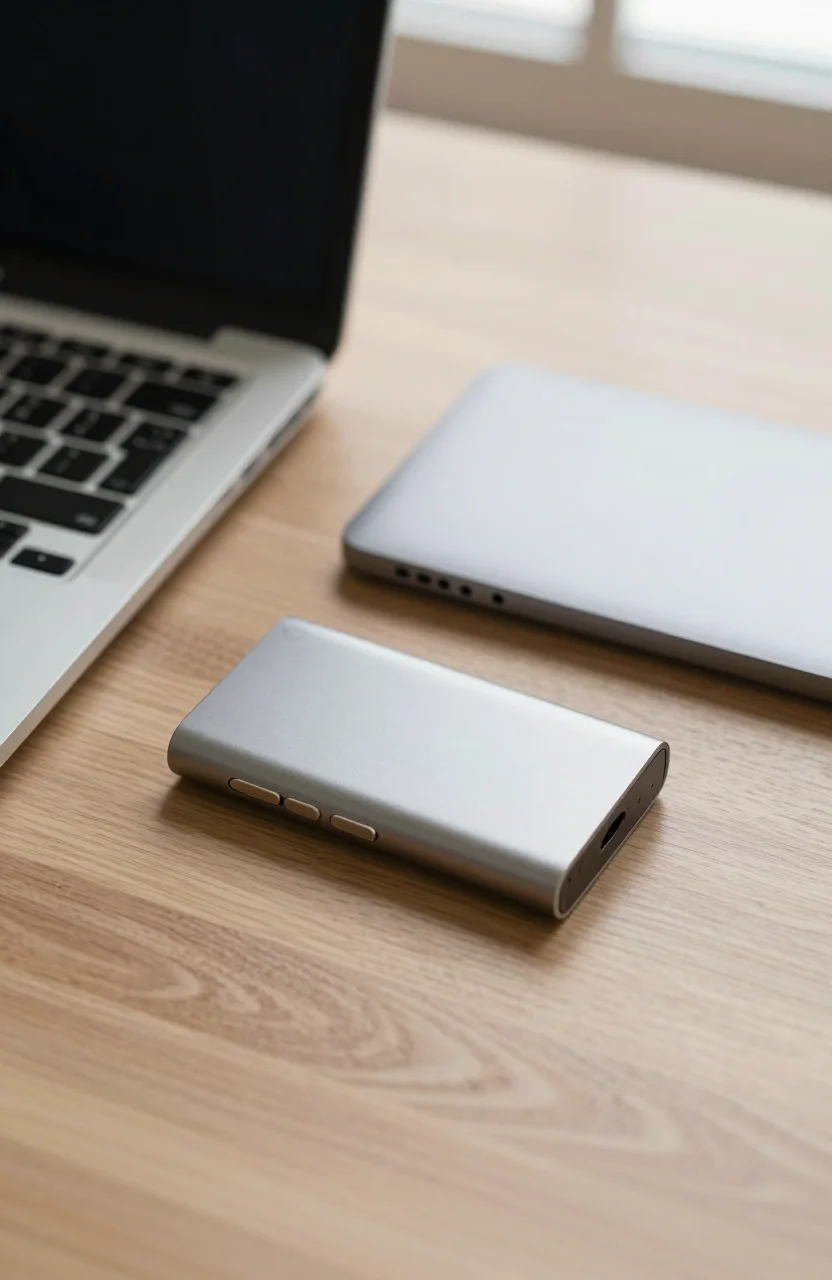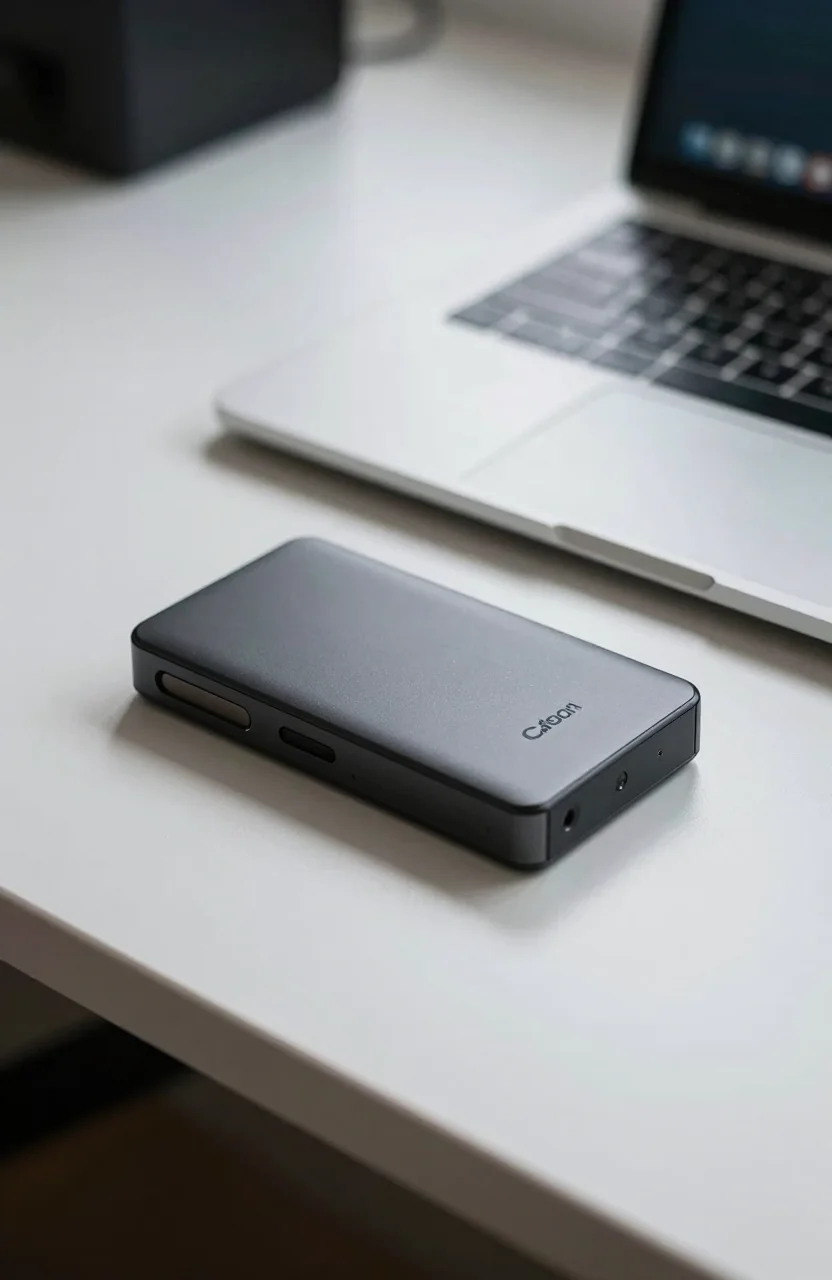
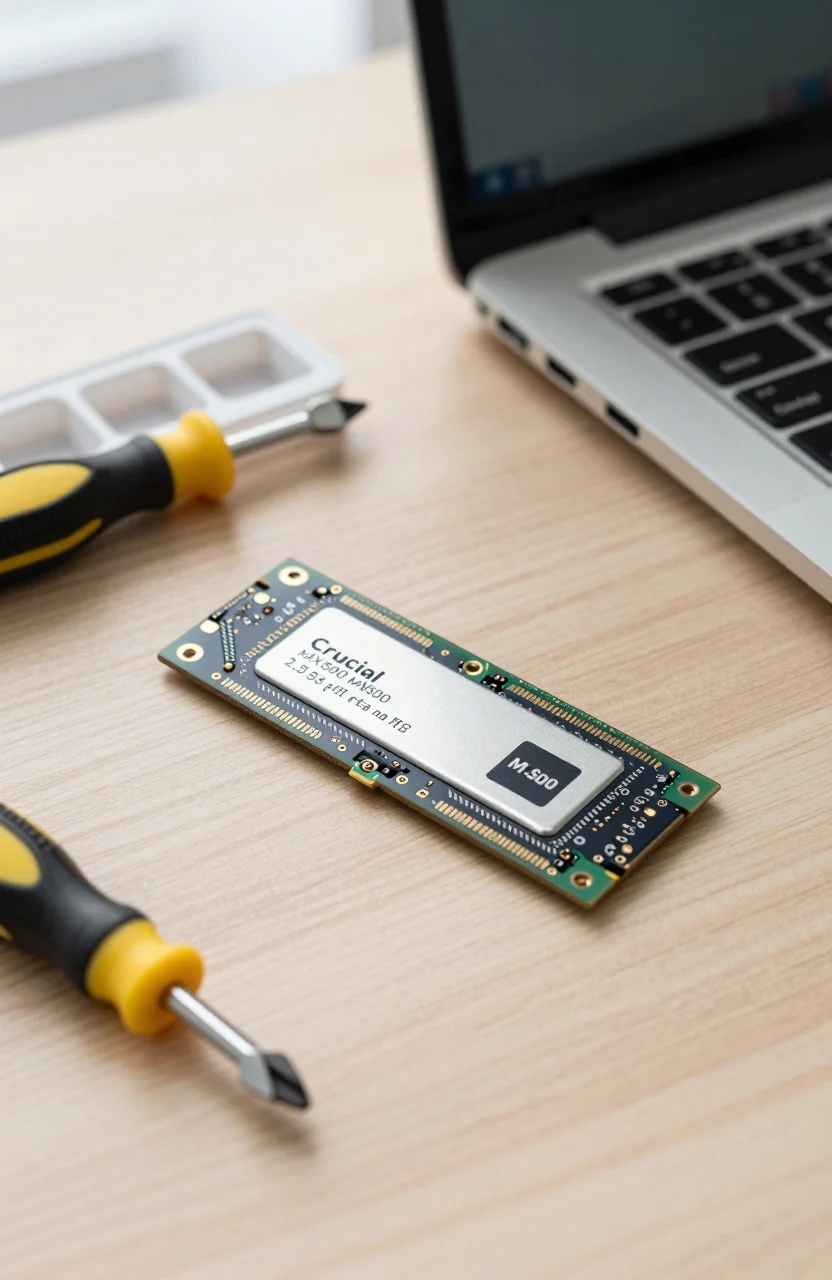
The Crucial MX500 is not a new launch. It is the SATA drive people still recommend when a laptop only has a 2.5-inch bay, when a desktop SATA cable is free, or when you want TLC endurance without paying Gen4 prices. In 2026 that story still holds for a lot of upgrades, even if NVMe ads dominate every homepage.
This review stays on the MX500 itself: how the 2TB SKU behaves day to day, what the Amazon rating pattern suggests, and where SATA TLC still wins versus bargain QLC. If you want a broader market scan first, start with our note on whether a SATA SSD is still worth buying, then come back for the product call.

- SATA 6Gb/s TLC, up to 560 MB/s read and 510 MB/s write
- 2TB capacity suited to OS plus photo libraries
- Long-running Micron brand with broad laptop fit
- Street price near $159.99 (was $174.99)
What the MX500 still delivers in daily use
Peak sequential numbers look modest next to Gen4 stickers, yet most office and media workflows never saturate SATA. Booting Windows, opening a browser with dozens of tabs, scrubbing Lightroom catalogs, and copying large folders all feel snappy on this SATA SSD. The drive saturates the interface early, then stays predictable. That predictability matters more than a synthetic peak you hit once in CrystalDiskMark.
Crucial quotes up to 560 MB/s read and 510 MB/s write on TLC NAND. In practice you should expect near-SATA limits on large sequential transfers and healthy random IOPS for everyday apps. Compared with aging 5400rpm laptop disks, the jump is night and day: resume from sleep is faster, searches finish sooner, and the chassis runs quieter because the platter spin noise disappears. Compared with a DRAM-less QLC bargain, the MX500 usually holds write performance better during long copy jobs, which is exactly when cheap drives start to stutter.
Form factor remains the quiet strength. The 2.5-inch body drops into countless older ThinkPads, Dell Latitude units, and desktop trays without adapters. If your machine lacks a free M.2 slot, or the existing NVMe slot is already filled with a tiny boot drive, the MX500 2TB is still one of the least stressful capacity upgrades you can buy.
Pricing, ratings, and what 10000+ reviews actually mean
Street pricing for the 2TB model sits near $159.99 against a recent $174.99 list, which keeps the dollar-per-gigabyte story competitive for TLC. Amazon shows roughly 4.7 stars across more than 10500 reviews. That volume matters: isolated one-star DOA complaints exist on every SSD listing, but the overall pattern for this SKU has stayed strong for years. Buyers repeatedly mention clone tools, laptop upgrades, and multi-year uptime without drama.
Read the negative cluster carefully. Common themes are cable adapters that were missing from a kit (the bare drive never includes a SATA data cable), confusion with mSATA or M.2 form factors, and rare early failures. None of those erase the rating, but they remind you to confirm bay size and interface before you order. If you are comparing several 2.5-inch options for notebooks, our roundup of best SATA SSDs for laptop upgrades maps the field; the MX500 keeps showing up because Micron TLC and mature firmware age well.
At current MX500 pricing, paying a small premium over the cheapest no-name QLC stick is usually rational. You are buying a known controller family, a warranty path through a major brand, and firmware that has already survived years of Windows updates. That is the opposite of lottery shopping on an untested SKU that undercuts by ten dollars.
Who should buy it, and who should skip SATA
Buy the MX500 when your bottleneck is capacity and reliability inside a SATA lane, not theoretical bandwidth. Good fits include a secondary desktop archive next to a fast NVMe boot drive, a content laptop that only exposes 2.5-inch storage, a home office PC that still has empty SATA power connectors, and a clone target when you want to retire a failing HDD without opening an M.2 heatsink puzzle.
Skip it when your chassis only offers M.2 and you already planned a Gen4 install, when you edit multi-stream 4K from a single volume and need higher sustained writes, or when price-per-GB is the only metric and you accept QLC tradeoffs. NAND type still shapes longevity and write cliffs; if that distinction is fuzzy, read our primer on QLC vs TLC SSDs before you chase the lowest sticker.
- Choose MX500 for TLC SATA upgrades in 2.5-inch bays
- Prefer NVMe when the slot is free and workloads are write-heavy
- Avoid mixing up SATA, mSATA, and M.2 when ordering
- Clone with verified software and keep the old disk until you boot cleanly
Creators who park scratch disks on SATA still get a calm experience with this Crucial drive. The interface caps throughput, yet timeline caches, proxy media, and photo libraries do not need Gen5. What they need is space that does not throttle after a few dozen gigabytes of continuous writes. TLC helps there more than a flashy box graphic.
Install tips and mistakes that waste the upgrade
Back up first. Then decide whether you will clone or fresh-install. Cloning keeps apps in place; a clean install removes years of leftover services. Either path works on the MX500. Use a quality USB-to-SATA adapter if you clone from outside the chassis, seat the drive firmly, and reconnect the SATA data and power plugs until they click. Many "dead drive" returns are loose cables.
In BIOS or UEFI, confirm the SATA mode is AHCI, not a legacy IDE emulation that older boards sometimes keep after an HDD era. After the first boot, install Crucial Storage Executive if you want firmware checks and a secure erase path, then enable TRIM in the OS if it is not already on. Leave some free space; filling any SSD past roughly 80-85% invites slower sustained writes.
Thermals are rarely dramatic on SATA, but a drive sandwiched against a hot GPU shroud in a tiny case can still get warm. Give it airflow if your build is cramped. For longevity context beyond this model, our overview of SSD lifespan and TBW explains why light office writes rarely exhaust modern TLC warranties.
If the price of the drive on Amazon dips under your target per-gigabyte number, treat it as a buy signal for capacity you will actually use. The MX500 will not win a Gen4 leaderboard screenshot. It will quietly replace a noisy laptop disk, soak up a photo archive, and keep working after trendier SKUs rotate off the shelf. For that job in 2026, the classic still earns the slot.