Compare Live NAS Prices First
Start on bestdiskprices.com. We track live NAS prices across major retailers every day, so you see the real cost of a one bay nas before you commit. Prices shift week to week. A unit that sells for $160 today may drop to $130 next month. You keep more cash when you check the live number before checkout.
Our comparison tool lists the lowest NAS price for each bay count and brand. You filter by budget, drive size, and feature set. You skip the guesswork and buy near the bottom of the market. This guide breaks down the 1-bay vs 2-bay choice so you spend on the right box, not the biggest one.
Use the site to confirm the live figure, then read on for the trade-offs that decide which bay count fits your home.
What a One Bay NAS Actually Gives You
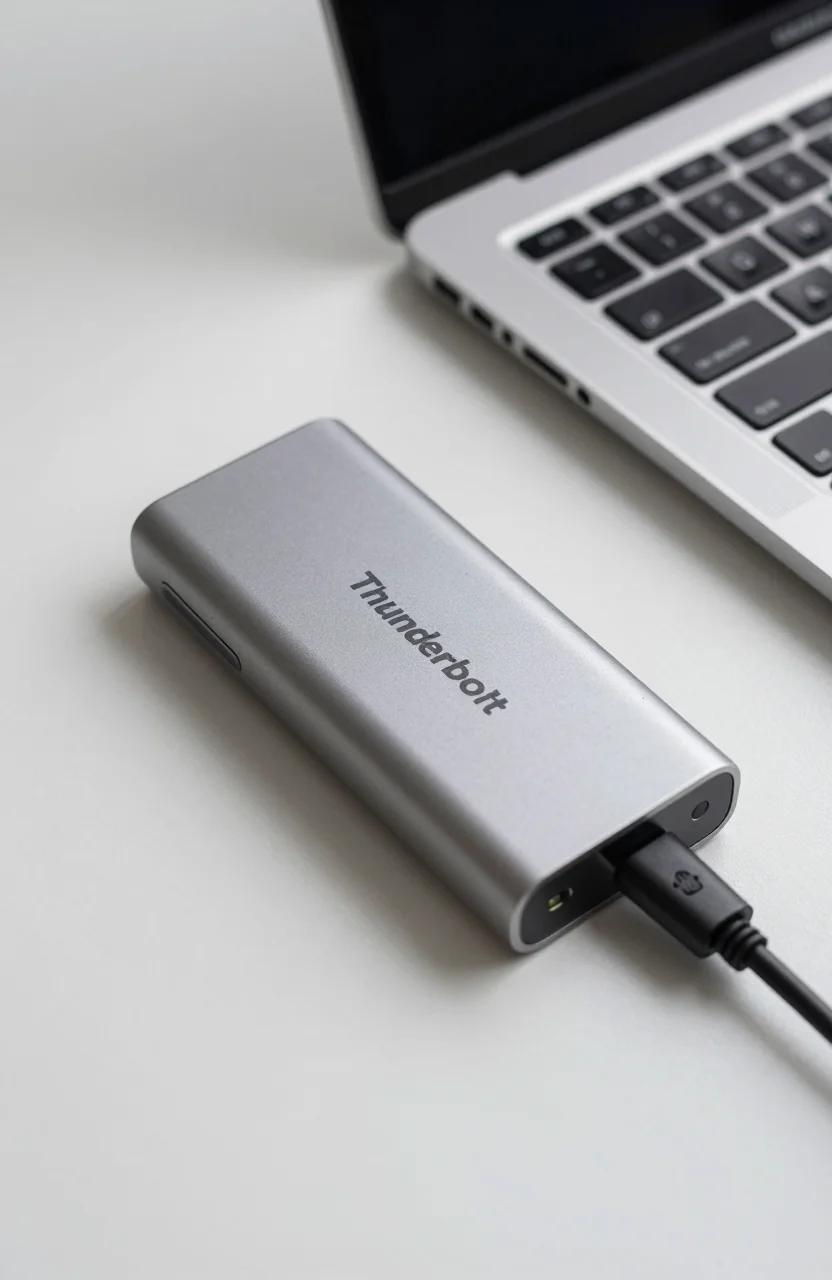
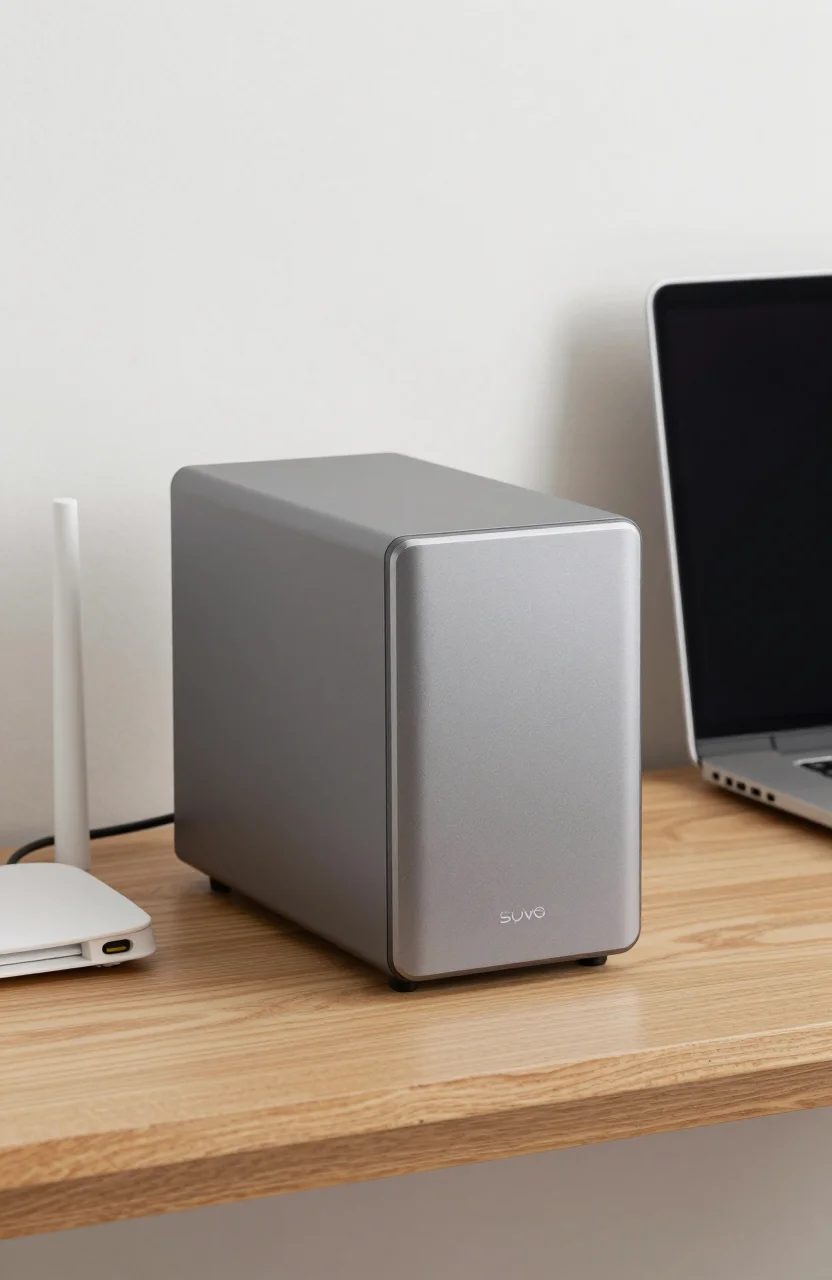
A one bay nas holds a single drive. That is the whole story. You slide in one hard disk or one SSD, and the device serves files across your network. It streams video to your TV, backs up your laptop, and shares photos with the family.
The single drive is the limit. When that one disk fails, your data goes with it. There is no second disk to copy from. You must lean on an external backup or a cloud copy to stay safe.
Speed stays solid for a home. A single modern disk pushes 110MB/s over a wired network, which is enough for 4K streaming and file sync. The bottleneck is rarely the bay count. It is usually your drive speed or your Wi-Fi.
Cost stays low. Entry one bay units start around $90 to $130 without a disk. You add one drive, and you are done. For a person who wants network storage without a learning curve, this is the gentlest door in.
Read our ultimate guide to NAS if you want the full picture on what these boxes do and which apps run on them.
1-Bay vs 2-Bay: The Core Comparison
The table below shows how the two bay counts stack up on the points that matter to a budget buyer.
| Feature | 1-Bay NAS | 2-Bay NAS |
|---|---|---|
| Redundancy | None. The single disk is your only copy. | Mirror or stripe with one spare copy. |
| Expandability | Fixed at one drive. No room to grow. | Add a second disk later and grow capacity. |
| Price range (US, diskless) | $90 - $160 | $150 - $280 |
| Best for | Solo users, light backup, media streaming. | Families, shared files, safe mirrored storage. |
A single-bay unit gives you network access and nothing more. The moment a disk dies, you lose the library. A 2-bay unit lets you run two disks as a mirror, so one failure costs you nothing but a replacement drive.
Expandability is the second gap. With one bay you hit a wall at the size of that single disk. With two bays you start with one disk and slide in a second later when space runs low. You spread the cost instead of buying it all at once.
When a 2-Bay NAS Is Worth the Extra Money
Buy two bays when your data has no other home. If the files on the NAS are the only copy, a mirror is the cheapest insurance you will ever buy. The second disk costs less than a lost photo library.
Choose two bays when more than one person depends on the box. A family that shares movies, homework, and phone backups needs headroom and a safety net. The mirror keeps the house running through a disk failure.
Pick two bays if you plan to grow. A 2-bay unit lets you start with a small disk and add capacity later without wiping data. A 1-bay unit forces you to replace the whole drive and copy everything across.
Skip the second bay if you already back up elsewhere. A solid 3-2-1 plan with an external drive and a cloud copy means your one bay nas is just one of three copies. In that case the mirror adds little.
Budget Picks by User Profile
The right box depends on who you are. Here are four profiles and the bay count that fits each.
Solo streamer. You live alone and want your movie folder on the TV. A one bay nas with a 4TB or 6TB disk does the job for $90 to $200 all in. Keep an external drive for backup.
Home worker. You sync documents and need them safe. A 2-bay mirror protects client files without a cloud bill. Budget $150 to $300 plus two matched disks.
Family hub. Parents and kids share photos, schoolwork, and video. A 2-bay unit with mirrored 8TB disks covers the house. Spend $200 to $400 and sleep easy.
Backup-only user. You already pay for cloud storage and want a local copy. A one bay nas is enough. Use the money you save on a bigger disk instead of a second bay.
Our RAID levels guide explains the mirror, stripe, and parity options so you can pick the right disk setup for your bay count.
Get the Most From Your Box
A NAS earns its keep when you tune it. Map your folders, set automatic backups, and point your phones at the share. Small setup steps pay back every week.
Our media streaming and backup guide shows how to shape your NAS for smooth 4K playback and hands-off backups across the home.
Lock it down. Network storage sits on your internet connection, and attackers hunt for open boxes. Our ransomware safeguard guide walks through the settings that keep your files out of danger.
Pick the bay count that matches your data and your backup plan. Compare the live price on bestdiskprices.com, then build the storage that fits your home.