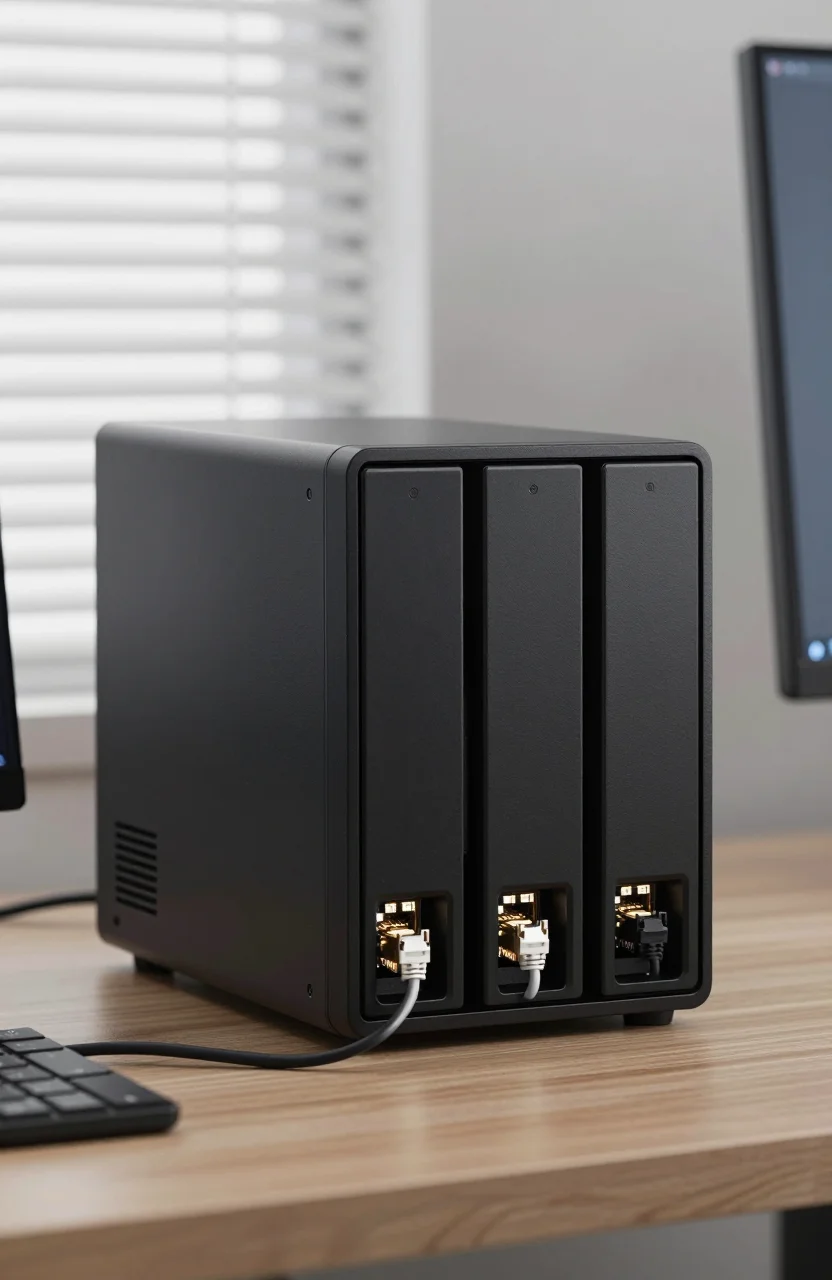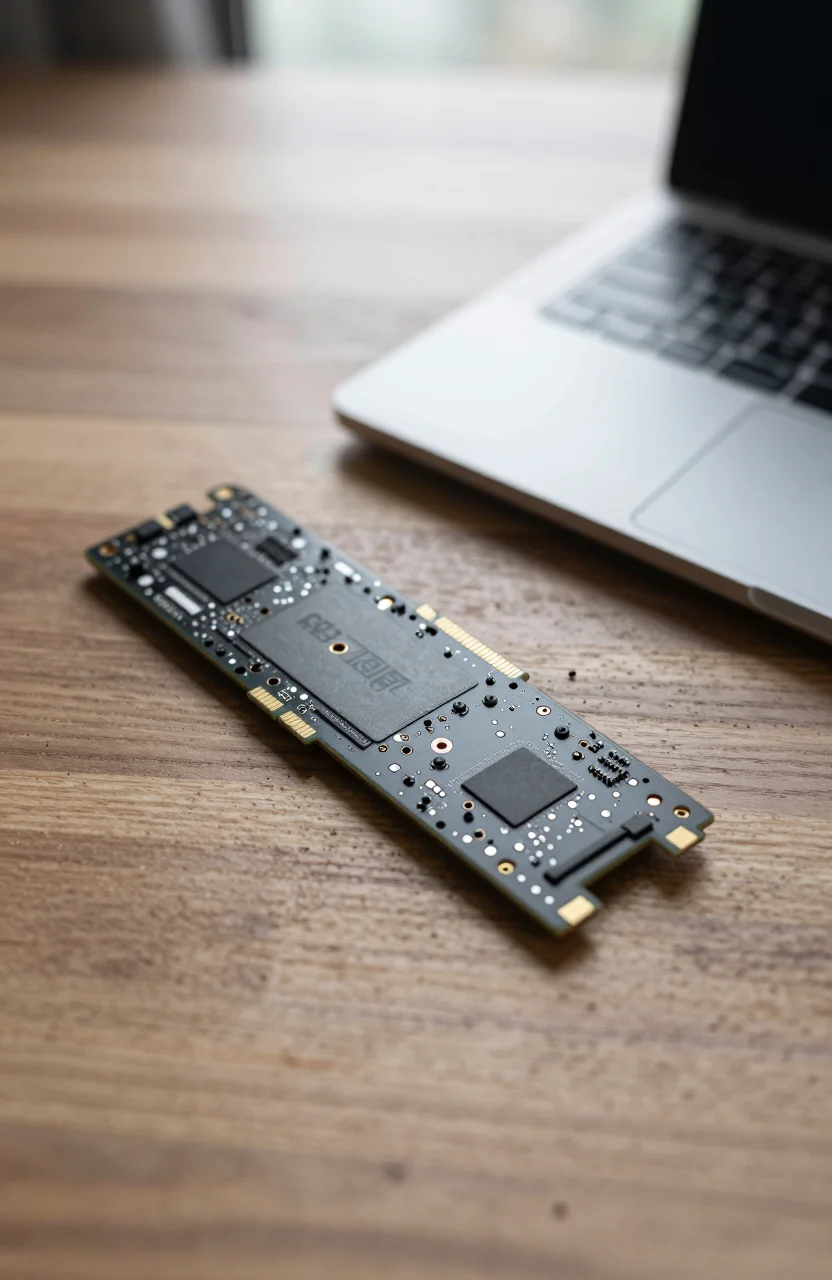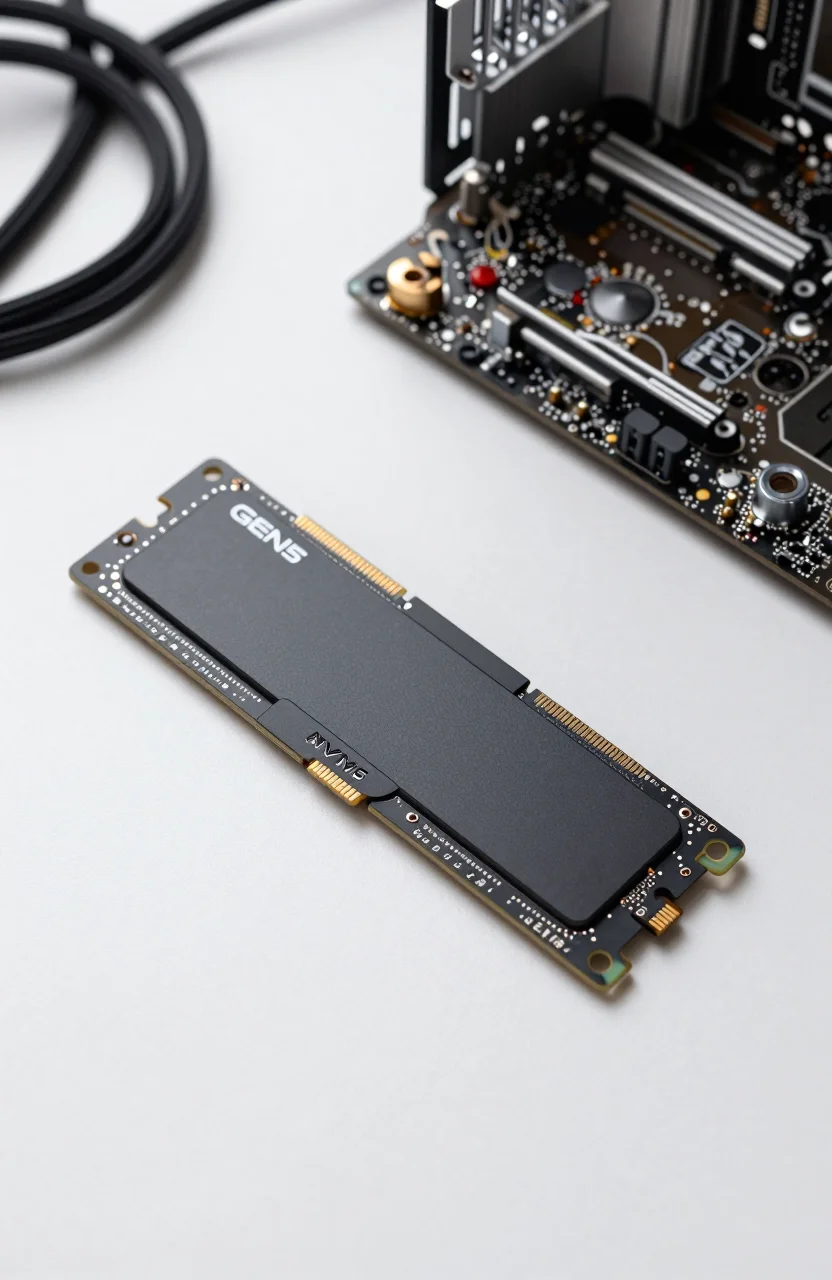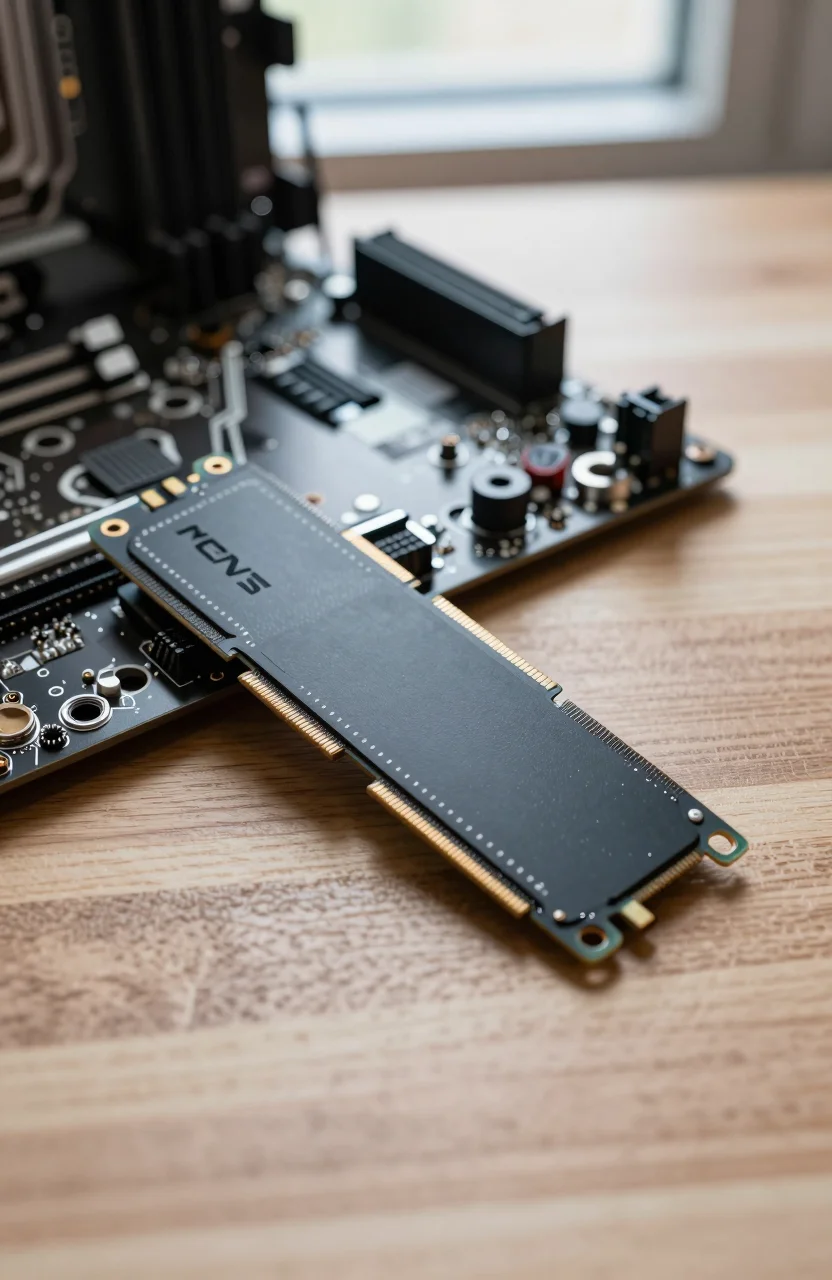
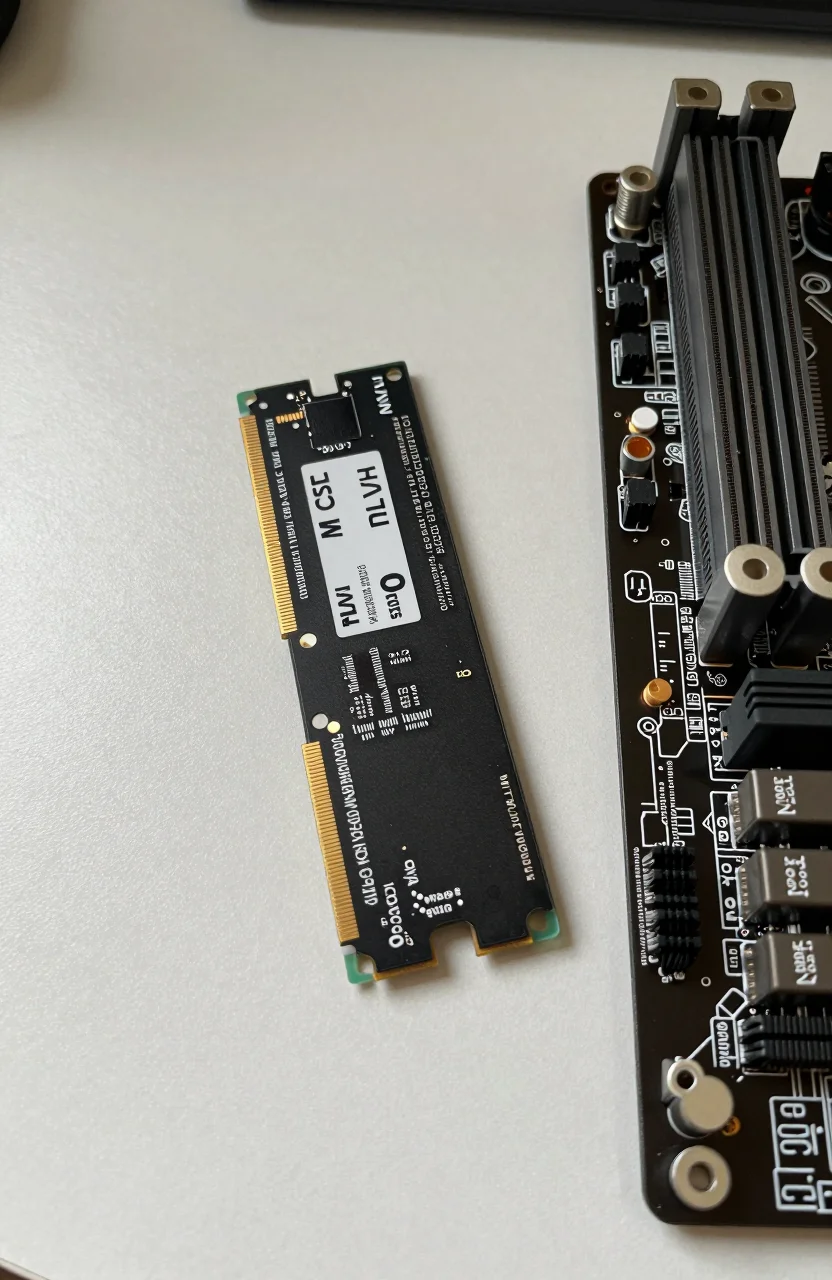
Internal SSDs still decide how snappy a gaming PC or PS5 expansion bay feels after the honeymoon of a console launch. The Lexar NM790 sits in the high-end Gen4 conversation with claimed peaks up to 7400/6500 MB/s, PS5 compatibility notes, and a 2TB street price near $149.99 (was $199.99) with a 4.8/5 score from about 1249 Amazon reviews. This piece stays on the NM790 itself: what it is good for, where heatsinks matter, and when a different drive makes more sense.
If you already compared broader PS5 lists elsewhere, treat this as a focused product deep dive rather than another ranked roundup.

- PCIe Gen4 NVMe, up to 7400/6500 MB/s
- 2TB capacity for large game libraries
- PS5 compatible when paired with a proper heatsink
- Strong value versus flagship Gen4 pricing
Speed claims versus everyday installs
Peak sequential numbers sell SSDs, but game installs and shader compilation care about a mix of sequential bursts and sustained writes. The NM790's advertised 7400/6500 MB/s class puts it in the upper Gen4 band on paper. On a desktop with a clean PCIe 4.0 x4 slot and a motherboard heatsink, synthetic benches usually look strong. In day-to-day Windows use you feel shorter load screens and faster large copies more than a magical new frame-rate ceiling.
PS5 owners should remember Sony's official guidance: expansion SSDs need enough sequential performance and a heatsink that fits under the cover. The Lexar NM790 2TB is frequently listed as PS5 compatible, yet the heatsink is still your responsibility unless the kit includes one that clears the console lid. Measure height before you buy a chunky aftermarket cooler. For broader console bay context, our note on the best SSDs for PS5 expansion in 2026 explains clearance and formatting steps without turning this review into another multi-drive ranking.
Thermals matter once you fill the drive with large titles and run long copy sessions. Thin DRAM-less designs can throttle earlier under torture tests; the NM790's positioning is higher end, but case airflow and heatsink contact still decide whether peaks hold. If your PC already has a thick motherboard armor plate, clean the thermal pad contact area before seating the drive.
Capacity planning for 2TB libraries
Two terabytes feels huge until modern multiplayer titles and high-texture packs land. A mixed Steam and Epic library can chew 1TB faster than expected. Choosing the NM790 at 2TB is often the sweet spot: enough headroom for a season of releases without jumping to flagship Gen5 pricing. Keep OS and creative scratch space separate if you also edit video on the same machine; a second NVMe for work files reduces fragmentation headaches.
On PS5, the expansion bay becomes a second library shelf. Move completed campaigns there and keep active multiplayer titles on the console SSD if you notice any odd hitching after huge patches. The console will prompt you through formatting the new drive the first time. Budget an evening for the first big move rather than mid-raid downloads.
Price checks help. Seeing roughly $150 for 2TB with a prior $199.99 list price is the kind of discount that makes the NM790 interesting versus older Gen3 leftovers. Compare dollar-per-GB against whatever is currently in your cart, not against launch-day Gen5 hype.
Desktop install checklist that avoids RMA pain
Power down, ground yourself, and seat the M.2 screw firmly without crushing the PCB. Enable the correct NVMe slot in BIOS if your board shares lanes with a GPU or SATA ports. After Windows boots, initialize the disk in Disk Management, create an NTFS volume, and confirm Device Manager shows the Lexar model string. Then run a short CrystalDiskInfo health check so you have a baseline SMART snapshot.
Firmware utilities from Lexar are worth a visit once after install. Controllers get occasional fixes. Avoid updating mid-project if the drive already holds your only copy of work. Clone tools can migrate an old boot drive, but verify Secure Boot and BitLocker states first so you do not brick the unlock flow. When you are ready to purchase, open the current NM790 Amazon listing and confirm capacity, bundle contents, and seller before checkout.
Gamers who want a sense of how this class stacks against other PC-focused Gen4 options can skim our wider best SSDs for gaming PCs in 2026 guide after reading this review. Keep the shopping decision anchored on the NM790's price and heatsink plan, not on every chart online.
PS5 clearance, formatting, and transfer habits
Console expansion is less about synthetic MB/s flex and more about fitment. Remove the PS5 cover, lift the expansion bay slot cover, and dry-fit the heatsink sandwich before you commit. If the lid will not sit flush, swap to a lower-profile cooler. Sony rejects drives that miss minimum speed thresholds; the NM790's marketed numbers are aimed at clearing that bar when the host link trains correctly.
After detection, let the console format the SSD. Do not expect to dual-boot Windows data partitions on the same stick while it lives in the PS5. Treat the bay as console storage only. Move game installs overnight when possible so you are not waiting on 100GB transfers before a session with friends. If you later pull the drive for a PC, expect a reformat.
Owners who already use a Samsung 990 PRO class drive as a mental benchmark can read our Samsung 990 PRO review for flagship pricing context. The NM790 often undercuts that tier while staying in the same Gen4 performance neighborhood for gaming loads. That is the practical comparison most shoppers need.
Endurance, warranty, and quiet failure modes
Consumer NVMe drives rarely die mid-FPS match if temperatures stay sane, but they do wear from heavy write cycles. Content creators dumping multi-hour timelines should watch free space and leave spare capacity for wear leveling. Gamers who mostly install and uninstall titles put less write stress on the NAND than 24/7 download servers.
Keep a second backup of irreplaceable clips on a different device. An SSD is fast, not immortal. Register the drive if Lexar offers an easy warranty portal, and save your order receipt from the Amazon NM790 page. RMA friction drops when paperwork is ready.
Watch for sudden capacity disappearances or repeated BSOD storage errors. Those symptoms deserve a backup-and-replace plan, not endless chkdsk loops. Most NM790 units in the wild simply run. The noisy minority of failures is why reviews and return windows still matter.
When to pick something else instead
Choose a different SSD if you need Gen5 peaks for synthetic leaderboards, or if your motherboard only exposes Gen3 lanes and you refuse to pay for unused headroom. Also walk away if the only heatsink that fits your PS5 costs nearly as much as the drive and a bundled kit from another brand lands cheaper that week. Value is a moving target.
Creators who live in Premiere caches might prefer a second drive for scratch. Laptop upgraders should confirm module clearance; some ultrabooks are picky. Confirm label photos when you compare NM790 offers.
- Pick NM790: Gen4 gaming PC or PS5 bay with a known heatsink plan
- Skip: Gen3-only laptops where a cheaper drive matches the bus
- Pause: if a complete heatsink kit elsewhere undercuts total cost
Buying window and final practical check
SSD pricing swings weekly. If the 2TB NM790 sits near $149.99 with a clear discount from $199.99, that is a strong buy signal for capacity-hungry gamers. Re-check recent reviews for packing issues before you confirm. Have your screwdriver and free evening ready before the box arrives. Once the NM790 drive is seated, formatted, and filled with the titles you actually play, expect more library space with Gen4-class responsiveness rather than a mysterious FPS boost.