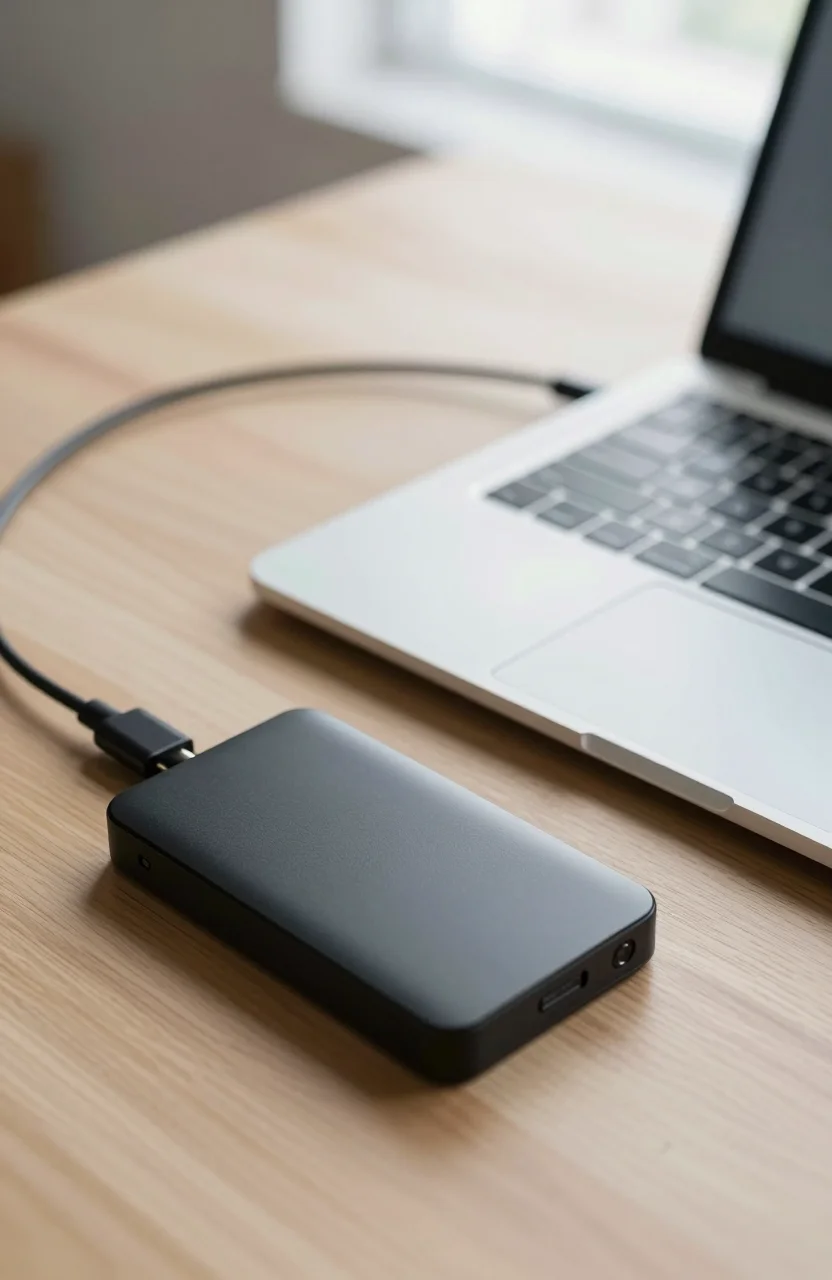
MacBook Air and Pro owners run out of internal storage faster than they expect. Photo libraries, Final Cut libraries, and Time Machine backups all push you toward a pocketable drive that plugs into USB-C. If you are shopping for the best external SSDs for MacBook in 2026, ignore flashy peak-speed numbers until you match them to the ports on your machine.
This guide sticks to finished portable SSDs with USB-C cables, not DIY NVMe shells. For a wider look at Mac storage choices, see our MacBook storage options guide. You can also browse live external drive prices when you are ready to buy.

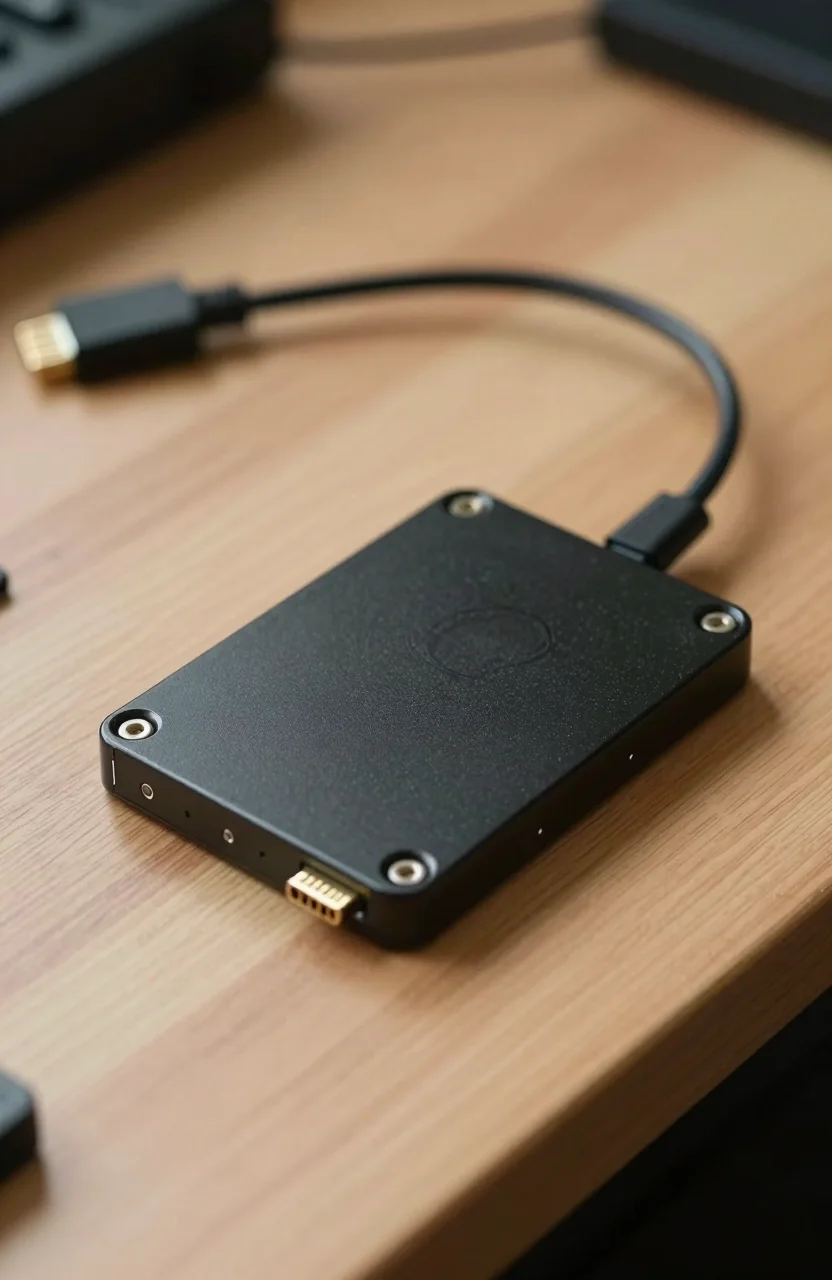
- Create; Explore; Store; The T7 Portable SSD delivers fast speeds and durable features to back up any endeavor
- The T7 is embedded with PCIe NVMe technology that brings fast read and write speeds up to 1,050/1,000 MB/s
- Compact design with massive capacity up to 4TB
- Extensive compatibility for PC or mobile phone
MacBook ports, Thunderbolt, and real-world USB speeds
Every recent MacBook uses USB-C that also carries Thunderbolt (or USB4 on some M-series models). That does not mean every external SSD will run at Thunderbolt NVMe speeds. Most compact drives on this list are USB 3.2 Gen 2 devices rated around 1000 to 1050MB/s. That is the speed band you should budget for on a typical MacBook Air or Pro without special adapters.
Drives advertising 2000MB/s or 4000MB/s usually need USB 3.2 Gen 2x2 (20Gbps) or a host path that can sustain those rates. Gen 2x2 is still rare on MacBooks. Thunderbolt can help in some adapter setups, but many buyers still see those flagship drives capped near 1000 to 1050MB/s in day-to-day Finder copies. Cable quality matters too: a thin charge-only cable or a cheap dongle can cut throughput in half before the SSD itself becomes the limit.
If you edit 4K video or shove multi-gigabyte project folders around daily, a solid 1050MB/s USB-C SSD already feels transformative next to a spinning hard drive. Chase 2000MB/s-plus ratings only when you know your port, cable, and adapter chain can use them.
Six external SSDs that fit MacBook workflows
Prices below are approximate street prices for 2TB models and move often. Star ratings reflect recent Amazon feedback at the time of writing.
Crucial X9 2TB
The Crucial X9 2TB sits near $244 with a claimed 1050MB/s USB-C link, IP55 dust and water resistance, and explicit Mac compatibility. At about 4.5 stars it is the value pick if you want a known brand without paying Extreme-series premiums. It is a strong daily driver for documents, Lightroom catalogs, and offload of camera cards.
SanDisk Portable SSD 2TB (new model)
SanDisk refreshed its mainstream portable line. The SanDisk 2TB Portable SSD lands near $300 with roughly 1000MB/s performance and a 4.6-star average. It is the simple choice when you want a clean USB-C stick-style drive for Air travel and classroom laptops alike.
SanDisk Extreme Portable 2TB (2000MB/s new model)
The newer SanDisk Extreme Portable 2TB targets about 2000MB/s and sells near $439 with 4.6 stars. On many MacBooks you may not unlock the full marketing number, but the chassis, software suite, and rugged reputation still make it a popular editor companion. Treat 2000MB/s as a ceiling, not a guarantee.
SanDisk Extreme PRO Portable 2TB (4000MB/s new model)
At roughly $550 and a perfect 5.0 early score, the SanDisk Extreme PRO Portable 2TB is the speed-ceiling option in this roundup. Full 4000MB/s claims need USB 3.2 Gen 2x2 or a compatible high-bandwidth path. Mac Thunderbolt ports can help depending on the adapter and cable, yet plenty of MacBook users still settle near the 1000 to 1050MB/s class unless the whole chain is right. Buy this when you already verified your dock or when you also plug into a Windows Gen 2x2 laptop.
Lexar ES3 2TB
The Lexar ES3 2TB offers another 1050MB/s USB-C package around $311 with 4.5 stars. It is a sensible middle path if Crucial stock is thin or if you prefer Lexar packaging and warranty support in your region.
SanDisk Extreme Portable 2TB (1050MB/s)
Still widely available, the SanDisk Extreme Portable 2TB at 1050MB/s costs about $330, carries IP65 sealing, and holds a 4.6-star rating. If you shoot outdoors or toss the drive in a camera bag, the older Extreme remains a proven Mac-friendly workhorse even when the new 2000MB/s SKU looks more exciting on paper.
APFS, exFAT, and the NTFS trap
Many portable SSDs ship formatted for Windows as NTFS. macOS can read NTFS out of the box but writing is painful without third-party tools. Before you dump a library onto a new drive, open Disk Utility and reformat.
Use exFAT when you need the same disk on a Mac and a Windows PC, or when you hand footage to a mixed crew. Use APFS when the drive stays in a Mac-only world and you want Time Machine-friendly behavior and modern APFS features. Our deeper comparison of NTFS, exFAT, APFS, and EXT4 walks through edge cases like large video files and Linux dual boots.
One more practical note: always eject cleanly from Finder. Portable SSDs tolerate bumps better than hard drives, but a mid-write disconnect still corrupts files no matter how rugged the shell looks.
How to choose the right MacBook SSD
Start with capacity. 2TB is the sweet spot for most creative MacBook users in 2026: enough for active projects without paying the steep jump to 4TB. If you only archive finished exports, a cheaper 1TB unit can work, but 2TB ages better.
Next, match speed claims to your ports. For MacBook Air owners who mostly plug straight into USB-C, a 1000 to 1050MB/s drive such as the Crucial X9, Lexar ES3, or the 1050MB/s Extreme is usually the honest buy. Keep the 2000MB/s and 4000MB/s SanDisk Extreme and Extreme PRO models for workflows where you have already confirmed higher-bandwidth hosting, or when you share the drive with a PC that unlocks Gen 2x2.
Then weigh durability. IP55 or IP65 ratings matter if the SSD lives in a backpack with a water bottle. Office-only use can skip the rugged premium. Finally, check the included cable. A short USB-C to USB-C lead that seats firmly in your MacBook is worth more than an extra five percent on a synthetic benchmark.
When you are ready to compare current Amazon prices, cross-check street pricing against our external storage price index so a temporary spike does not look like a deal.
Quick picks by MacBook use case
Students and general Air users: Crucial X9 or the new SanDisk Portable SSD. Video and photo pros who already own a capable dock: Extreme Portable 2000MB/s or Extreme PRO if the host can feed it. Field shooters who need sealing first: Extreme Portable 1050MB/s with IP65. Anyone stuck between Lexar and Crucial at similar prices can flip a coin on warranty preference and color, then format to exFAT or APFS before the first copy job.
A MacBook with a well-chosen USB-C SSD feels less constrained than a machine with a tiny internal SSD and a cloud tab open forever. Buy for the port you actually have, format for the computers you actually share with, and treat 4000MB/s marketing as optional rather than required.