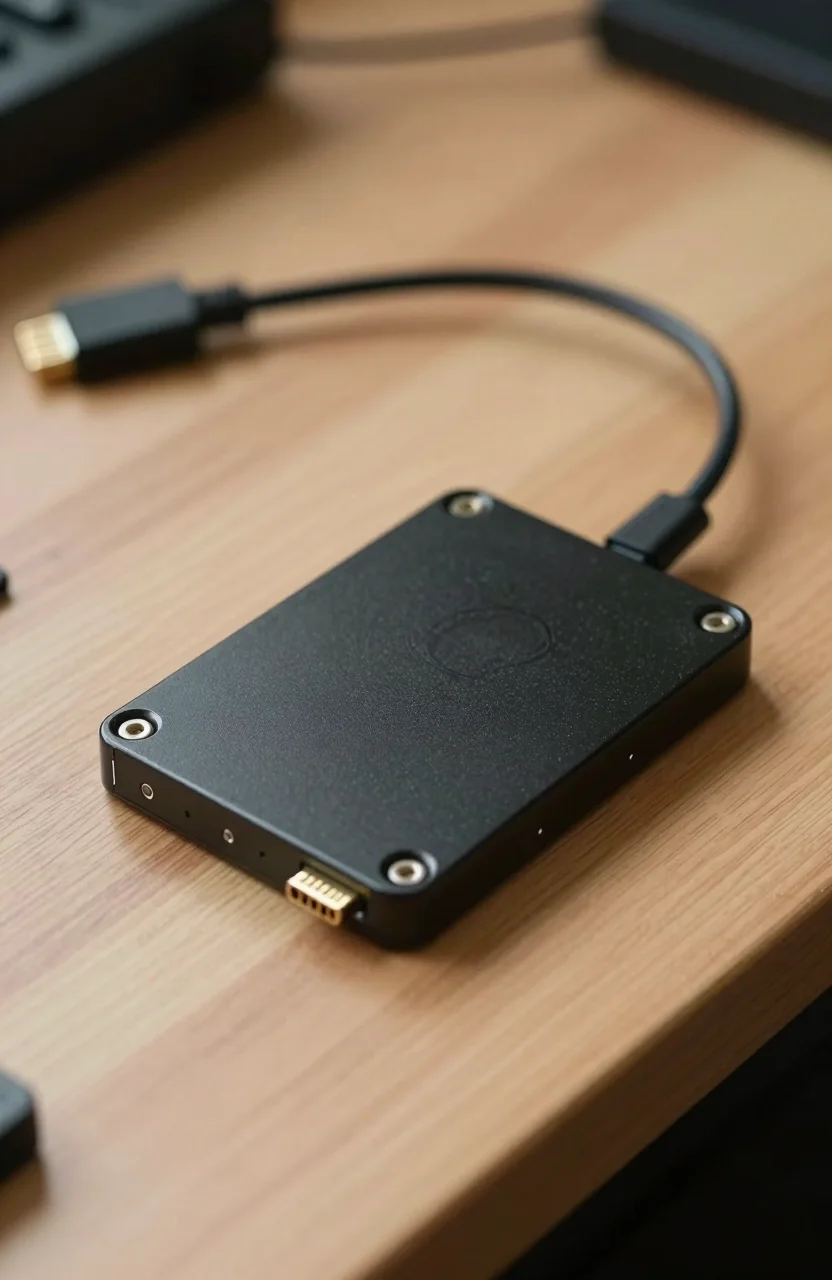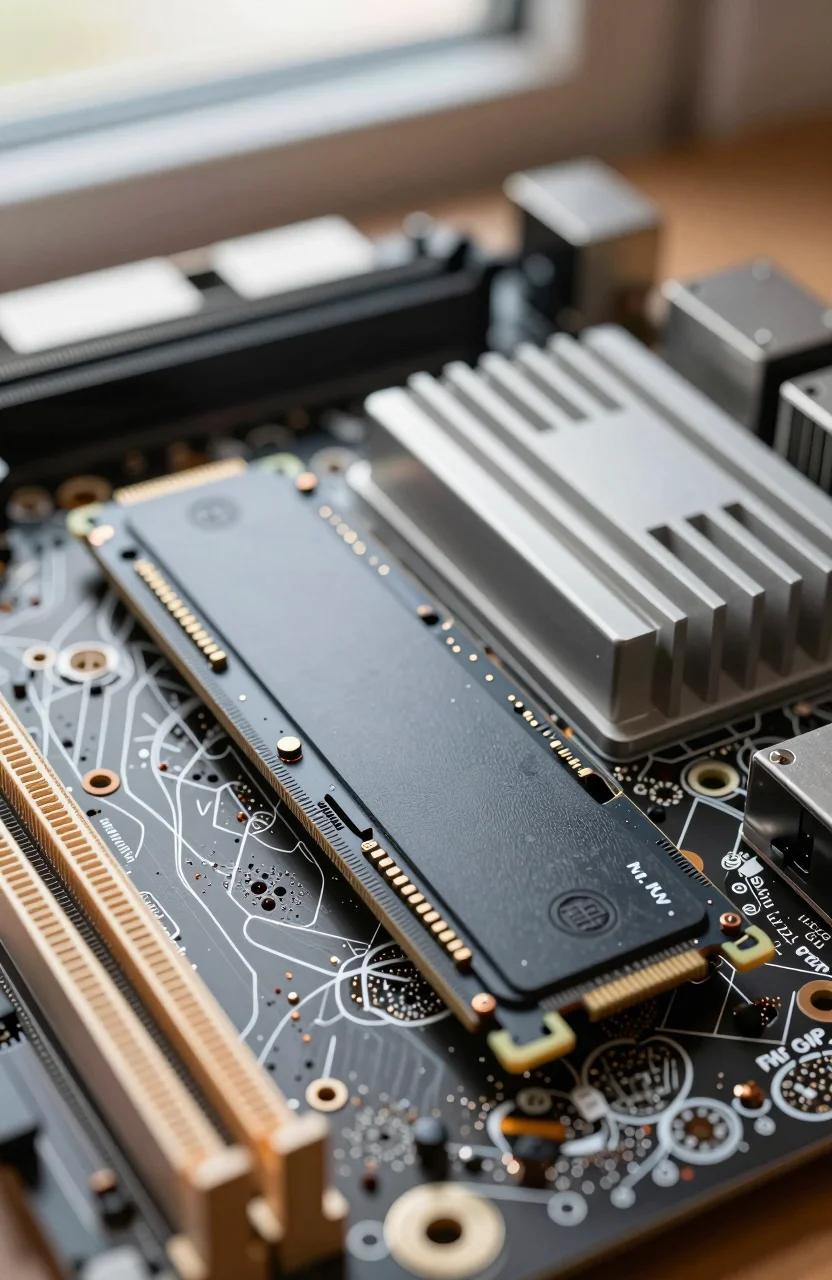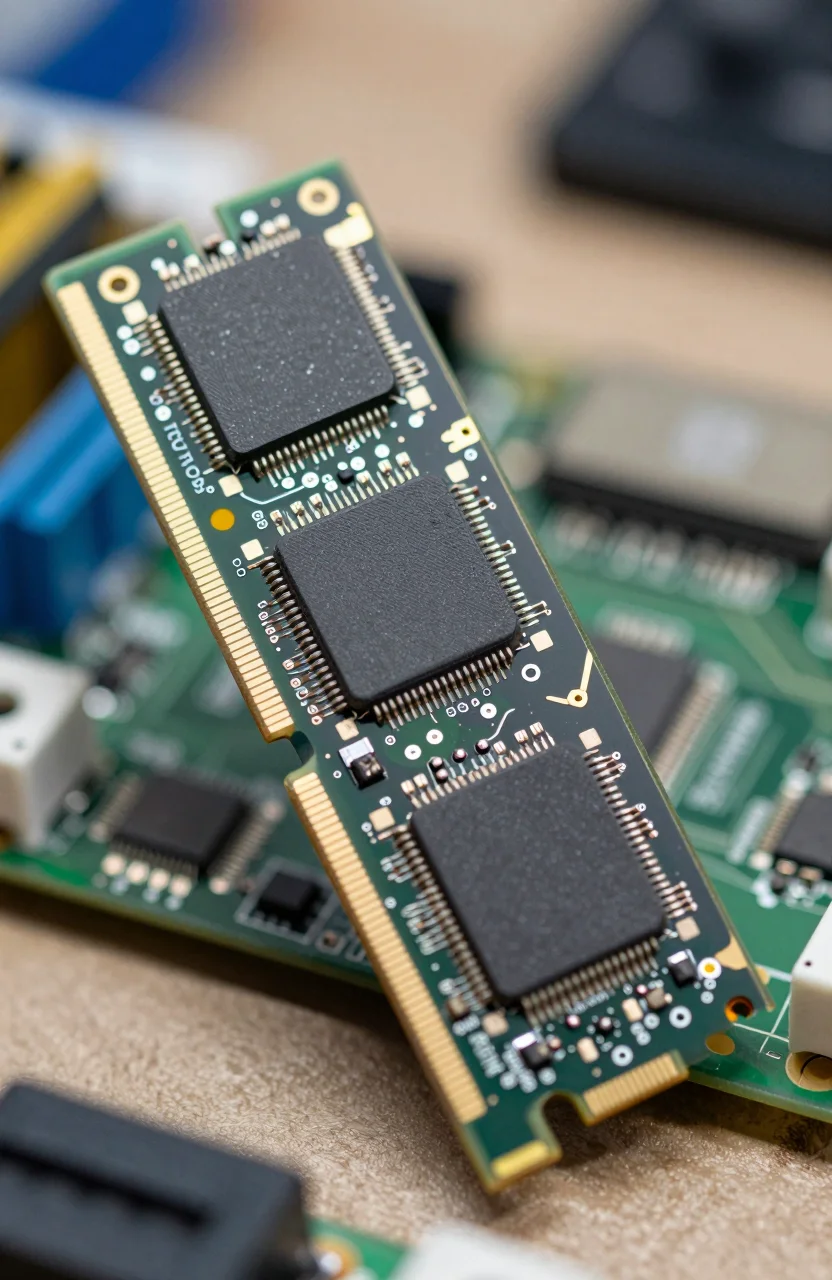
Budget NVMe listings often look identical until you dig into the fine print: DRAM cache or DRAM-less with HMB. That detail decides how the drive behaves after the fast cache fills, especially during long writes. Cheap is fine for light use. Too cheap becomes painful when sustained transfers collapse.
A clear DRAM example is the Samsung 990 PRO. A popular HMB-oriented value pick is the Samsung 990 EVO Plus. Scan live prices on our SSD tracker before you decide how much cache architecture is worth to you.
| Best Choice | - | Best Price | |
|---|---|---|---|
| Preview |  |  |  |
| Title | Samsung SSD 990 PRO 1TB NVMe | Samsung SSD 990 EVO Plus 1TB NVMe | Crucial BX500 SATA SSD 1TB |
| Capacity | 1TB | 1TB | 1TB |
| Read speed | Up to 7,450MB/s | Up to 7,150MB/s | Up to 540MB/s |
| Interface | PCIe NVMe | PCIe NVMe | SATA |
| Rating | 4.8 / 513,320 reviews | 4.8 / 56,825 reviews | 4.6 / 55,353 reviews |
| Price | $179.99$239.99 | $109.99$149.99 | $54.99$69.99 |
| Buy on Amazon | Buy on Amazon | Buy on Amazon |
What DRAM does on an SSD
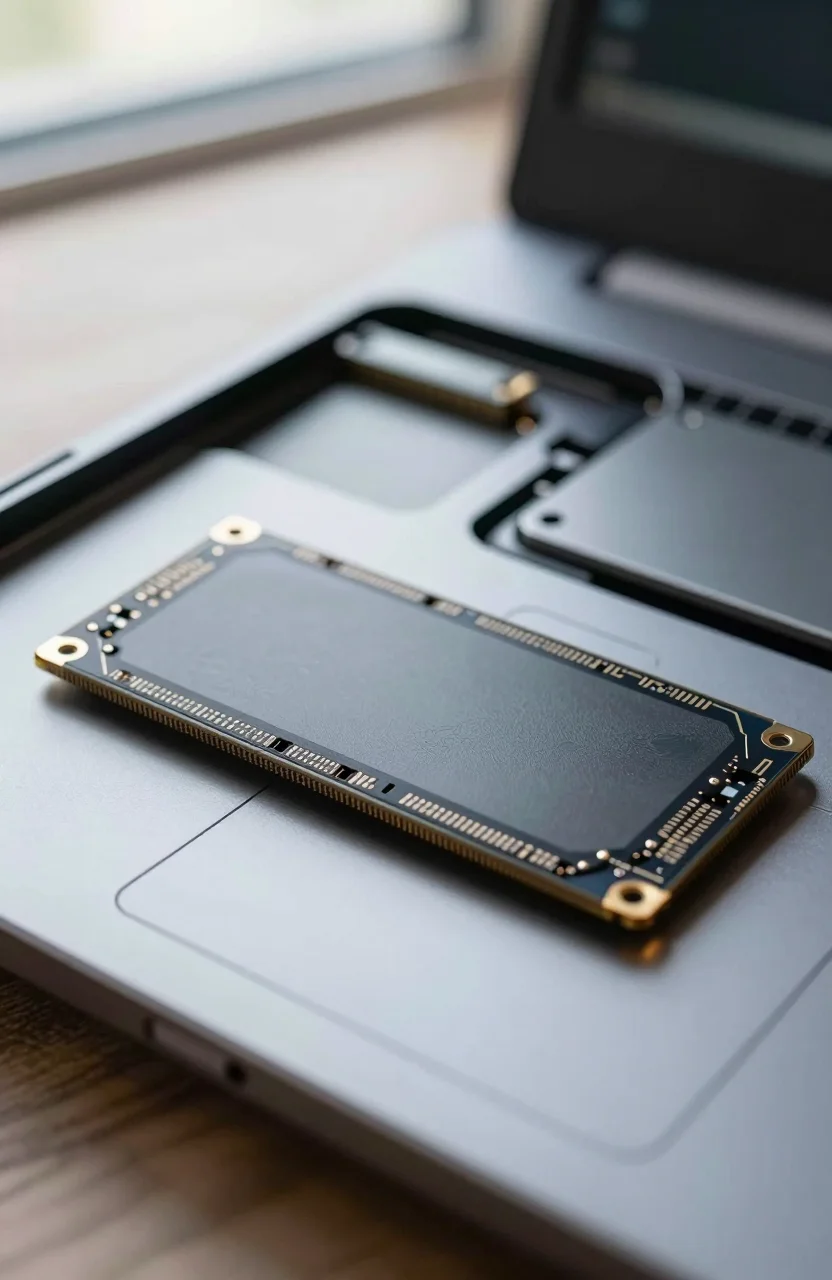
On-board DRAM stores the mapping table that tells the controller where your data lives. With local DRAM, the drive can update and look up that map quickly without borrowing system memory. That helps random performance stay consistent and helps the controller manage garbage collection more smoothly under load.
DRAM also cushions heavier multitasking: game installs while downloads continue, VM disk images, or large archive extraction. You still depend on NAND type and firmware, but DRAM removes one common bottleneck that budget controllers hit early.
If you want a DRAM NVMe that also stays competitive on sequential speed, the 990 PRO class of drives is the familiar benchmark. Creators who write continuously often prefer that predictability over saving a few dollars on a DRAM-less SKU.
Think of DRAM as a dedicated scratchpad glued to the controller. When that scratchpad lives on the drive, mapping work does not compete with your browser tabs for system RAM. That separation is why DRAM models tend to feel steadier in messy real-world sessions, not only in short benchmarks.
DRAM-less and HMB explained
DRAM-less drives skip the dedicated memory chip to cut cost and power. Many modern designs use Host Memory Buffer (HMB): they reserve a slice of your system RAM for mapping data. HMB can work surprisingly well for everyday Windows use when the firmware is mature and your PC has enough free memory.
HMB is not magic. Under heavy sustained writes, some DRAM-less drives fall from multi-gigabyte peaks to much lower plateaus once the SLC cache is exhausted. That is the moment a cheap drive feels "broken" even though it is behaving as designed. Light office work rarely hits that cliff. Cloning a full disk or dumping large video files often does.
Entry SATA models such as the Crucial BX500 are a common DRAM-less budget path for secondary storage. They can be fine for documents and media libraries. They are a weaker fit as a heavily written scratch disk.
Laptops with 8GB of RAM can feel HMB more than machines with 32GB. If Windows is already paging under memory pressure, borrowing RAM for the SSD map is one more tug on a busy system. That does not ban HMB drives, but it is a reason to avoid the cheapest unknown sticks in low-RAM notebooks.
Sustained writes: when cheap gets expensive
Watch for long sequential writes: OS imaging, game library moves, 4K footage offload, and repeated archive packing. DRAM-equipped drives usually hold higher secondary speeds for longer. DRAM-less drives may look equal in a short CrystalDiskMark screenshot and then drop hard in a real 50GB copy.
If your workflow includes frequent large writes, pay for DRAM or at least a well-reviewed HMB drive with honest sustained numbers. The Crucial T500 sits in the performance conversation for buyers who want strong NVMe speed without ignoring real-world write behavior. Match capacity so the drive is not constantly full; a nearly full SSD of any design slows down.
Also compare price per gigabyte instead of chasing peak MB/s alone. Our guide to how much you should pay per GB helps you spot when a DRAM model is only a small premium away from a DRAM-less deal.
A practical test before trusting a bargain drive: copy a 20GB to 40GB folder twice in a row and watch the second pass. If speed collapses and stays low, you have seen the cache cliff. That five-minute check tells you more than a marketing sequential number.
OK use cases for DRAM-less drives
DRAM-less or HMB drives are reasonable when the disk is a light OS drive in a laptop with modest writes, a secondary game archive, a browser and office machine, or a media library that is read more than written. They also make sense when every dollar must go to capacity and you accept slower long copies.
They are a poor primary choice for video scratch disks, database-like workloads, constant torrenting plus unpacking, or any role where the drive stays near full and busy. In those cases the time you lose waiting on throttled writes often exceeds the money you saved.
If you are shopping the budget NVMe shelf, cross-check options in our roundup of best internal 1TB NVMe SSDs under $80. Use that list for shortlist ideas, then verify whether each candidate uses DRAM, HMB, or neither before you click buy.
Secondary steam libraries and photo dumps are classic DRAM-less wins. You open those folders less often than your OS drive, and writes arrive in bursts rather than all day. Keep backups anyway; cache design does not replace redundancy.
Buyer checklist for 2026
- Prefer DRAM for heavy writes and primary creator drives.
- Accept quality HMB drives for everyday boot and light gaming if the price is clearly better.
- Avoid the cheapest unknown DRAM-less sticks for critical data roles.
- Leave free space and keep firmware updated either way.
- Recheck live pricing on the SSD page on the day you purchase.
Cheap storage is only a win when performance stays usable after the cache fills. Read the cache design, match it to your write habits, and spend up when sustained speed is part of your job. That is the line between a smart budget buy and a drive that feels too cheap the first week you own it.
If two drives are within a small price gap and one includes DRAM, take the DRAM model for any drive you write to daily. Save DRAM-less for overflow roles where the worst case is a slower copy, not a stalled workday.