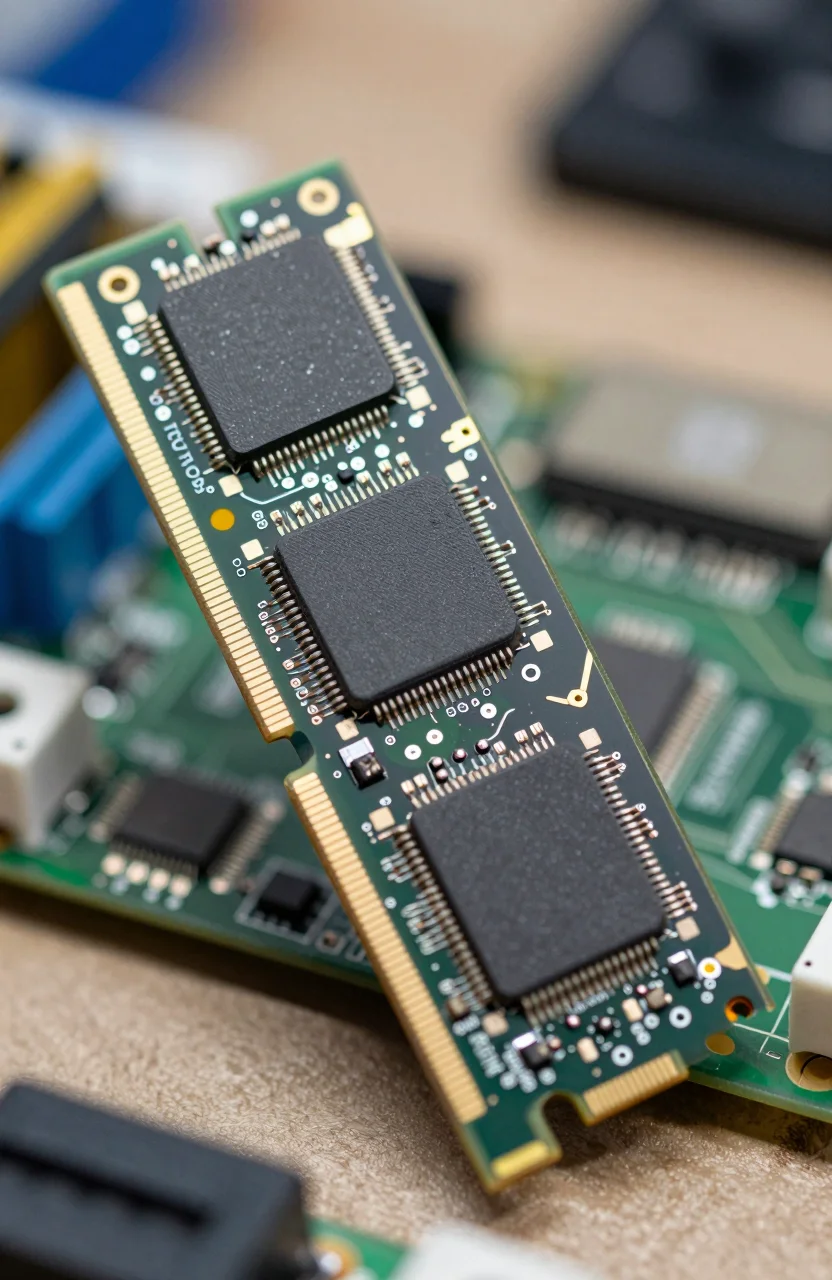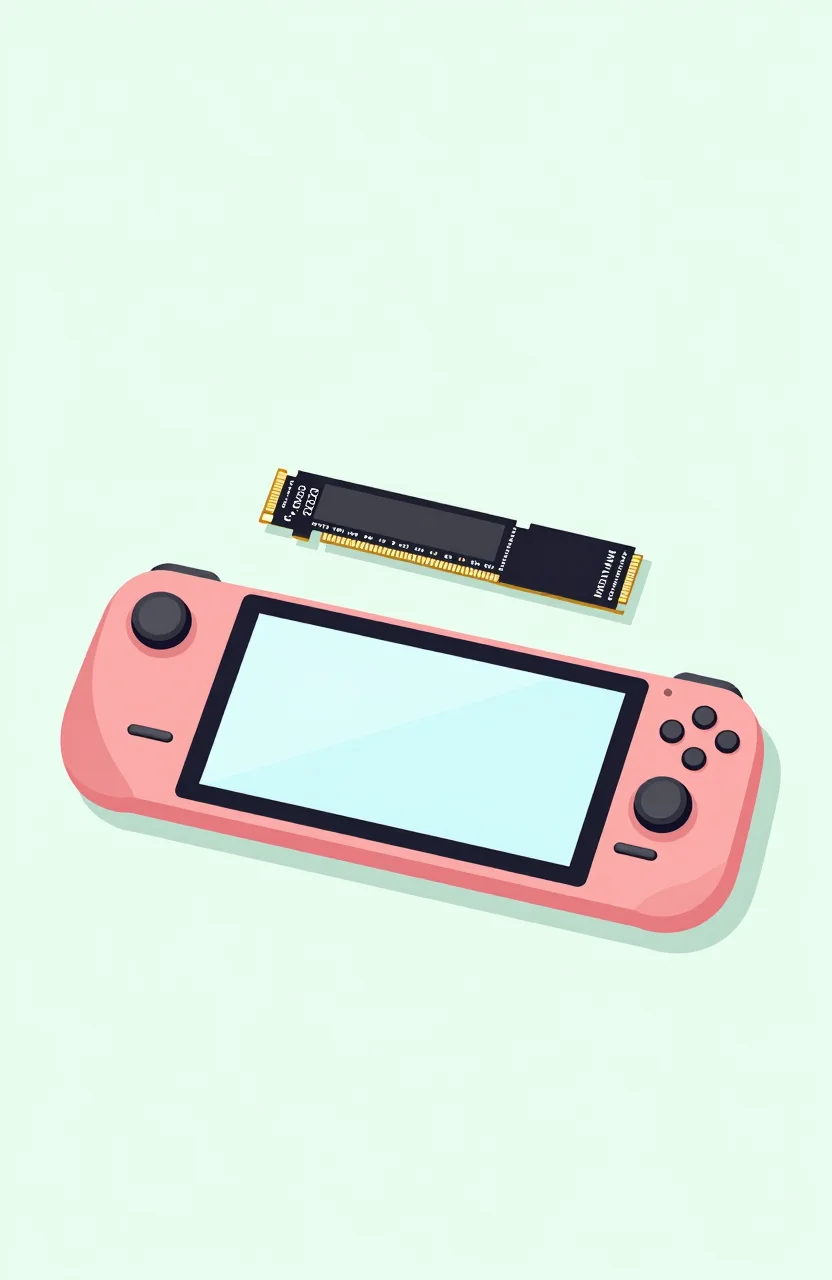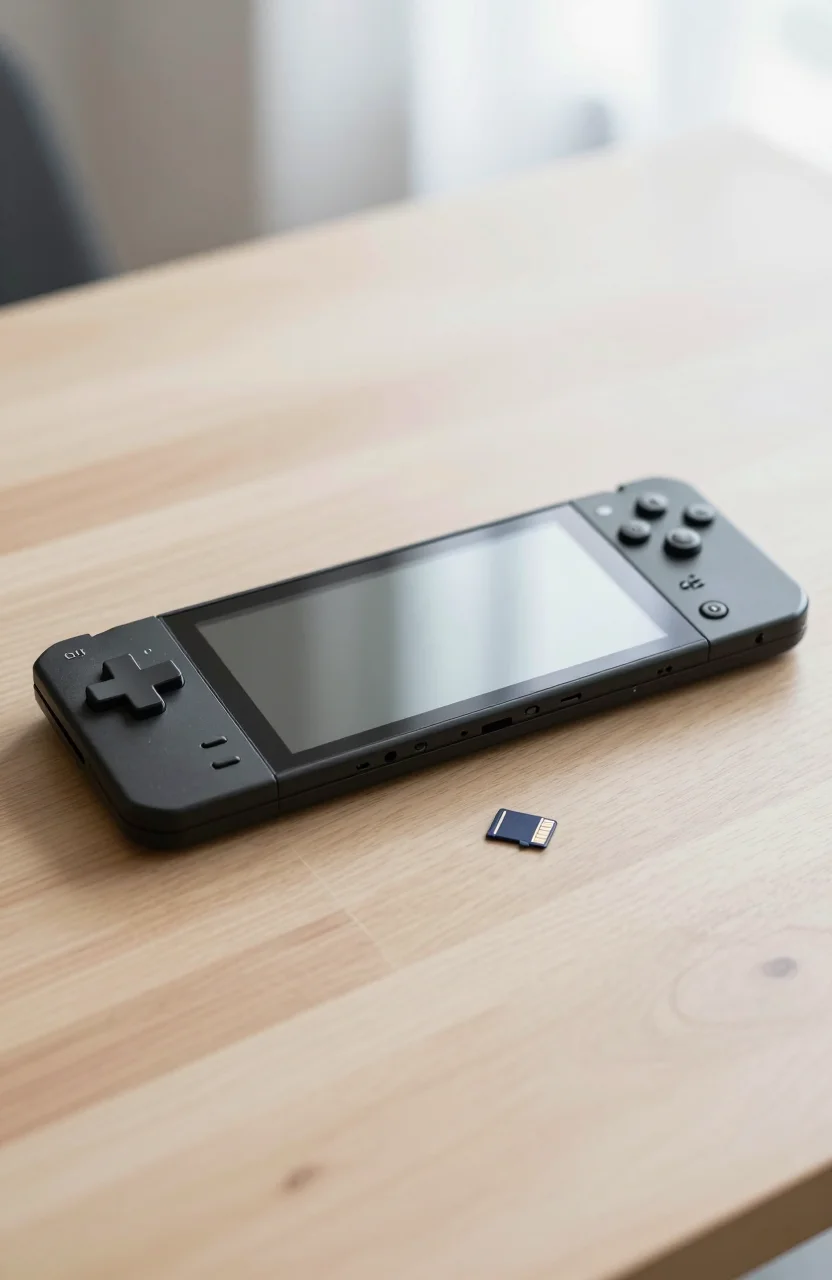
Nintendo Switch libraries grow fast once you start buying digital. Cartridge shelves stay tidy, but the microSD slot is where the real collection lives. The catch in 2026 is that not every Switch uses the same card standard. Original Switch, OLED, and Lite are happy with fast UHS-I microSDXC cards. Switch 2 game installs lean on microSD Express, a different bus that older cards simply cannot feed at full speed.
This guide splits the market the way your console does. First, solid UHS-I picks for Switch 1 family systems. Then Express cards built for Switch 2, with a clear note on backward compatibility so you do not buy twice by accident. If you want to browse current Amazon storage deals while you read, match capacity to how you actually play.
For a broader look at brands, speed labels, and price trends beyond gaming, our SD card price comparison is a useful companion. Here the focus stays on Nintendo consoles only.
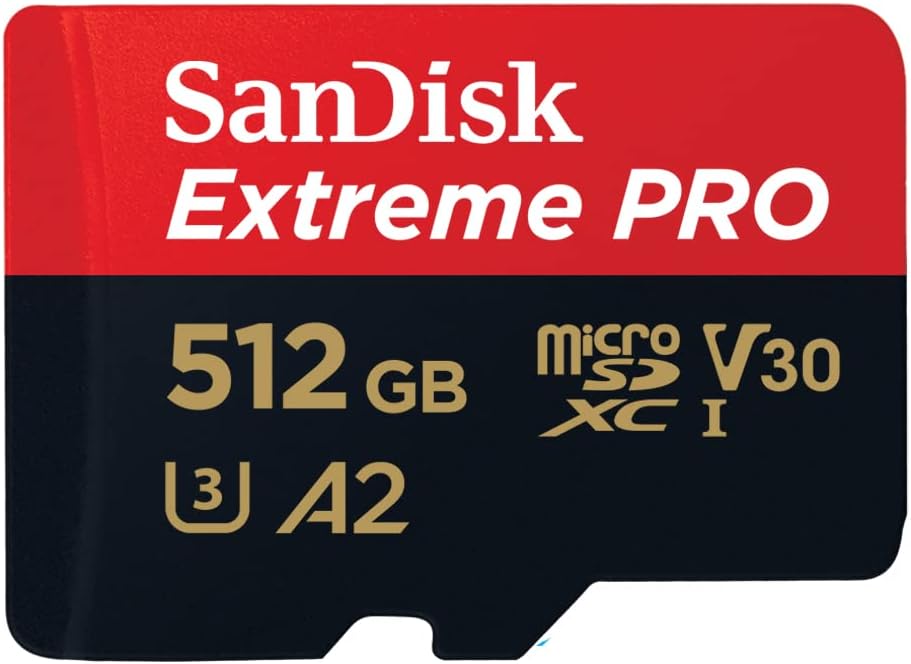
- The SanDisk Extreme Pro microSDXC is ideal for all Android smartphones and tablets, as well as drones or action cams
- The microSD card ensures better app performance thanks to the A2 performance standard
- With a read speed of 200 MB/s and a write speed of 140 MB/s, you can transfer your data extremely quickly
- Make lossless 4K UHD video recordings thanks to UHS Speed Class 3 (U3) and Video Speed Class 30 (V30)
Switch 1, OLED, and Lite still run on UHS-I
If your dock still says Switch OLED or your travel bag holds a Lite, you do not need Express. Nintendo designed those systems around UHS-I microSDXC. A reputable Class 10 / U3 / A1 or A2 card is enough for game installs, screenshots, and video captures. Paying for Express on an older Switch wastes money; the console will not unlock those headline megabytes per second.
What does matter is real capacity and a seller you trust. Fake 512GB sticks still show up in shady listings. Stick to known brands, check recent reviews mentioning Switch formatting, and prefer cards that ship with an SD adapter if you ever move files on a PC. Our primer on how SD cards actually work covers UHS symbols if the packaging feels noisy.
Also plan backups. Consoles fail, cards get lost in couch cushions, and a quick copy of saves or captured media saves a weekend. Walk through a simple routine with easy SD card backup methods before you fill a fresh card edge to edge.
Best UHS-I microSD cards for original Switch systems
These four cards target OLED, Lite, and launch Switch owners. Speeds are in the normal UHS-I lane. Prices float, so treat the figures below as recent ballpark checks, not locked MSRP.
The SanDisk 512GB Animal Crossing Leaf Edition sits around $106 with a 4.8-star rating. It is a playful shell on a proven SanDisk microSDXC, which matters more than the leaf print. 512GB covers a big digital library without forcing constant uninstalls. If you already own Animal Crossing aesthetics on the console, matching storage is a nice bonus, not a gimmick that tanks reliability.
For a quieter look and a lower sticker, the Amazon Basics microSDXC 512GB A2 U3 lands near $93 at about 4.7 stars. A2 helps with random reads when you bounce between many small game files. It will not feel like a PCIe SSD, and it does not need to. On Switch 1 hardware, this is a practical daily driver if you want capacity without themed packaging.
Need a full terabyte? The Lexar Play 1TB microSD lists near $180, rated up to 205MB/s read, with roughly 4.3 stars. That rating is a bit softer than SanDisk themed SKUs, so skim recent buyer notes about Switch formatting before you commit. Capacity-wise, 1TB is the set-and-forget choice for heavy digital buyers who hate managing storage warnings mid-download.
Collectors who want darker packaging can check the SanDisk Pokemon Gengar Edition 512GB, around $147 and about 4.6 stars. Same story as the Leaf card: buy it for SanDisk firmware and support, keep the Gengar art as the fun layer. At 512GB you still sit in the sweet spot for OLED libraries without jumping to Express pricing.
Why Switch 2 games need microSD Express
Switch 2 raises install sizes and streaming demands. Nintendo expects microSD Express for game storage on that hardware. A classic UHS-I card that worked fine on OLED may still mount for photos or leftover data in some cases, but it is the wrong tool for Switch 2 game installs. Treat Express as required kit for the new console, not an optional turbo upgrade.
Express cards usually stay backward compatible for other devices. In plain terms, many Express microSD cards can still talk UHS-I when you drop them into a camera, phone, or older Switch. That is handy if you move captures to a laptop reader. It does not mean a cheap UHS-I card suddenly becomes Express when you put it in Switch 2. Compatibility goes from Express down to older hosts more often than the reverse.
So the buying rule is simple. Switch 1 family: UHS-I is correct and cheaper. Switch 2 games: buy Express. If you own both generations, either keep two cards or pick Express and reuse it carefully on older gear when the card supports UHS-I fallback.
Best microSD Express cards for Switch 2
These picks advertise Express performance and Switch 2 positioning. Always confirm the listing still says microSD Express before checkout, because packaging language changes when stock rotates.
The Samsung P9 Express 512GB sits near $150, claims up to 800MB/s, and holds about 4.7 stars. Samsung markets Switch 2 readiness plus UHS-I fallback. 512GB is a sensible first Express buy if you are migrating a mid-size library rather than hoarding every first-party title day one.
SanDisk answers with the SanDisk 512GB microSD Express for Switch 2, around $160 and a strong 4.9-star signal in early feedback. Official Switch 2 branding reduces guesswork at the shelf. If you want the least confusing box for a gift or a first Express purchase, this is the safe headline pick.
On a tighter budget, the Lexar Play PRO 256GB Express lands near $77 with up to 900MB/s claims and roughly 4.6 stars. 256GB is smaller, so it suits players who keep a few big titles installed and rotate the rest. Speed on the box looks excellent; capacity is the tradeoff you feel after a couple of 40GB+ downloads.
Need more headroom and do not mind paying for it? The GIGASTONE 512GB microSD Express is near $190, with stated 880MB/s read and 650MB/s write, around 4.7 stars. It is one of the pricier 512GB Express options here, so compare the live Amazon price against Samsung and SanDisk the day you buy. Performance claims look competitive; value depends entirely on the weekly discount stack.
Capacity, installs, and a clean buying checklist
Start from how you play. OLED owners who buy physical carts can live on 256GB to 512GB UHS-I. Full digital libraries push toward 512GB or 1TB. Switch 2 owners should size Express the same way, then add headroom for larger patches. Uninstalling to free space works, but it burns evenings when every title wants an update the same weekend.
Format the card in the console when Nintendo asks. Skipping that step is a common reason a brand-new microSD looks dead on first insert. After formatting, install one mid-size game as a smoke test before you dump an entire wishlist overnight. If write speeds feel stuck, reseat the card, reboot, and confirm you did not buy a UHS-I card for a Switch 2 game queue by mistake.
When prices swing, compare Amazon listings side by side for the ASINs above instead of chasing random third-party storefronts. Keep one trusted card in the console and a second for archives if you travel with captures. That split is cheaper than replacing a lost library.
Bottom line: match the bus to the console. UHS-I for Switch, OLED, and Lite. Express for Switch 2 game storage. Themed SanDisk shells are fine when the internals are real. Express SKUs from Samsung, SanDisk, Lexar, and GIGASTONE cover the new generation without recycling the Extreme PRO shop staples you may already own.