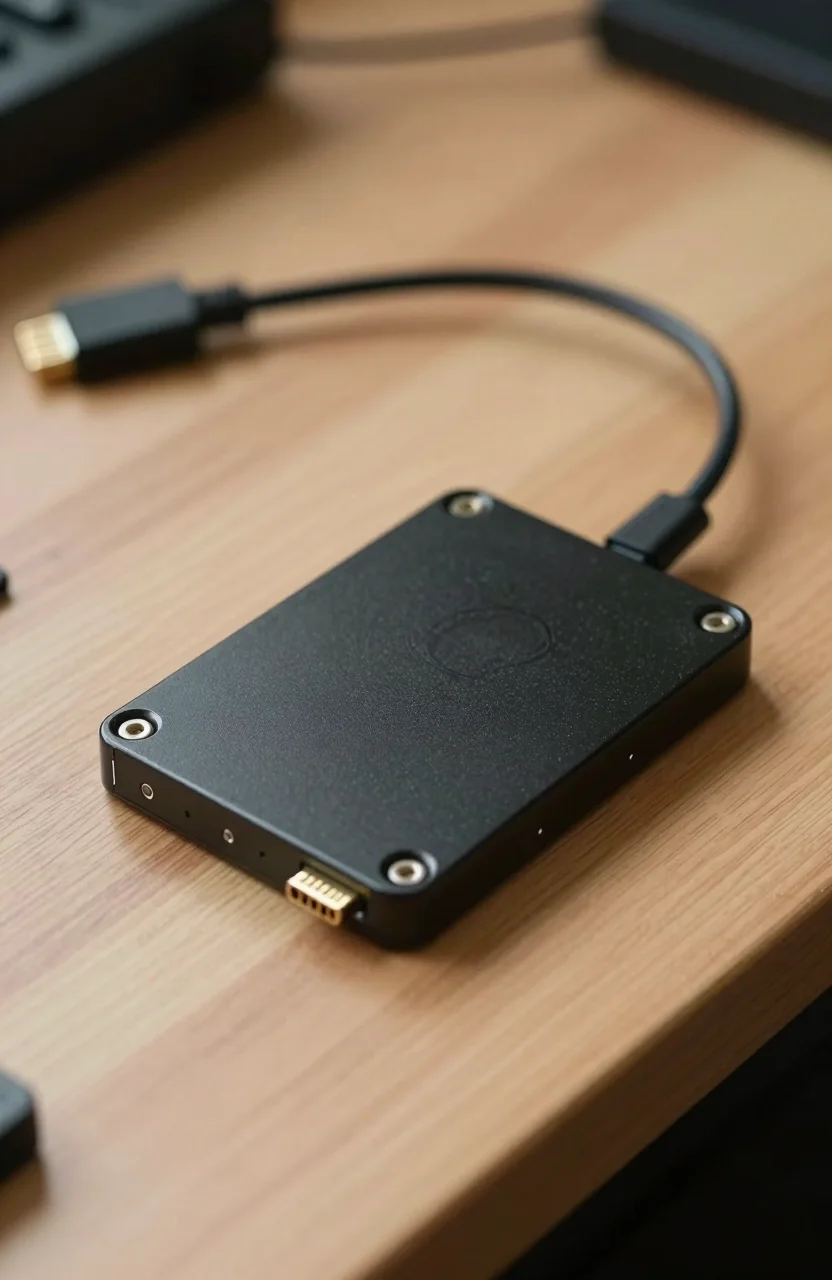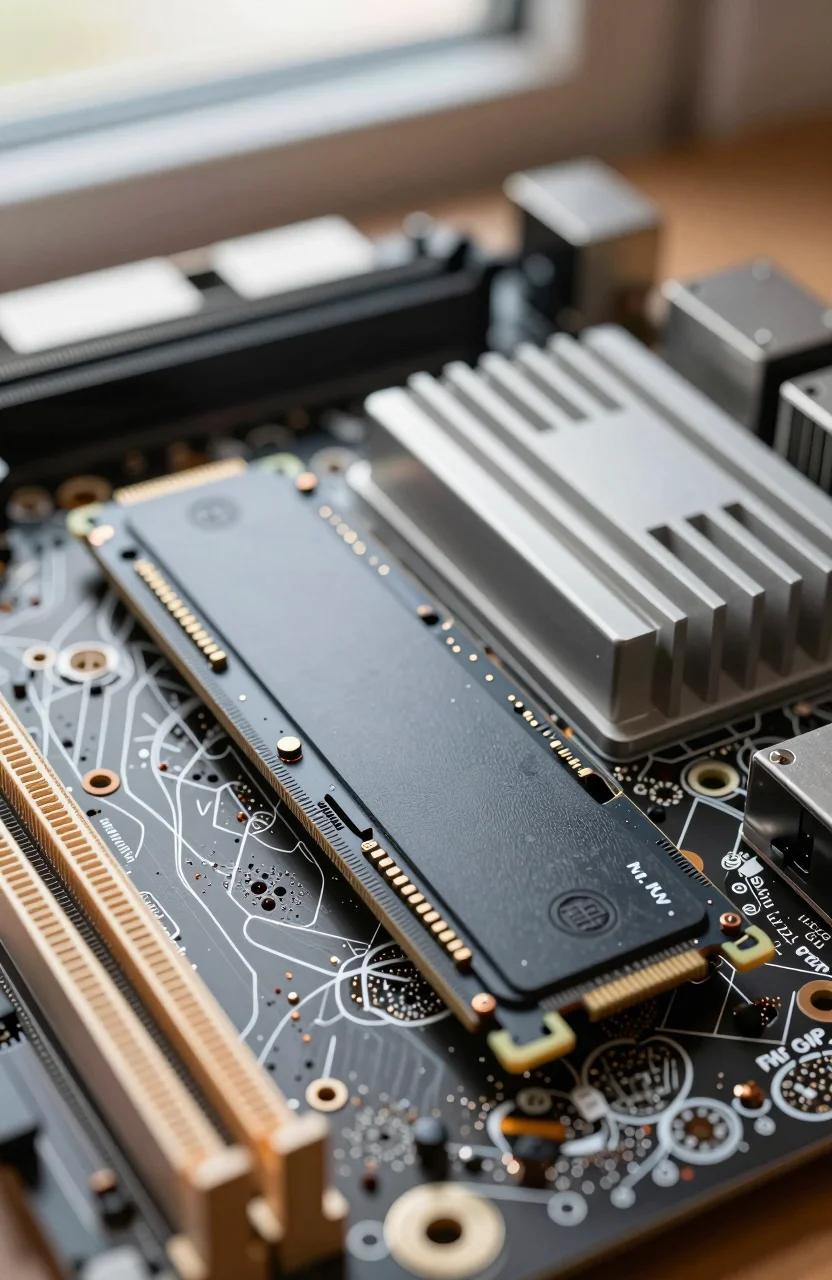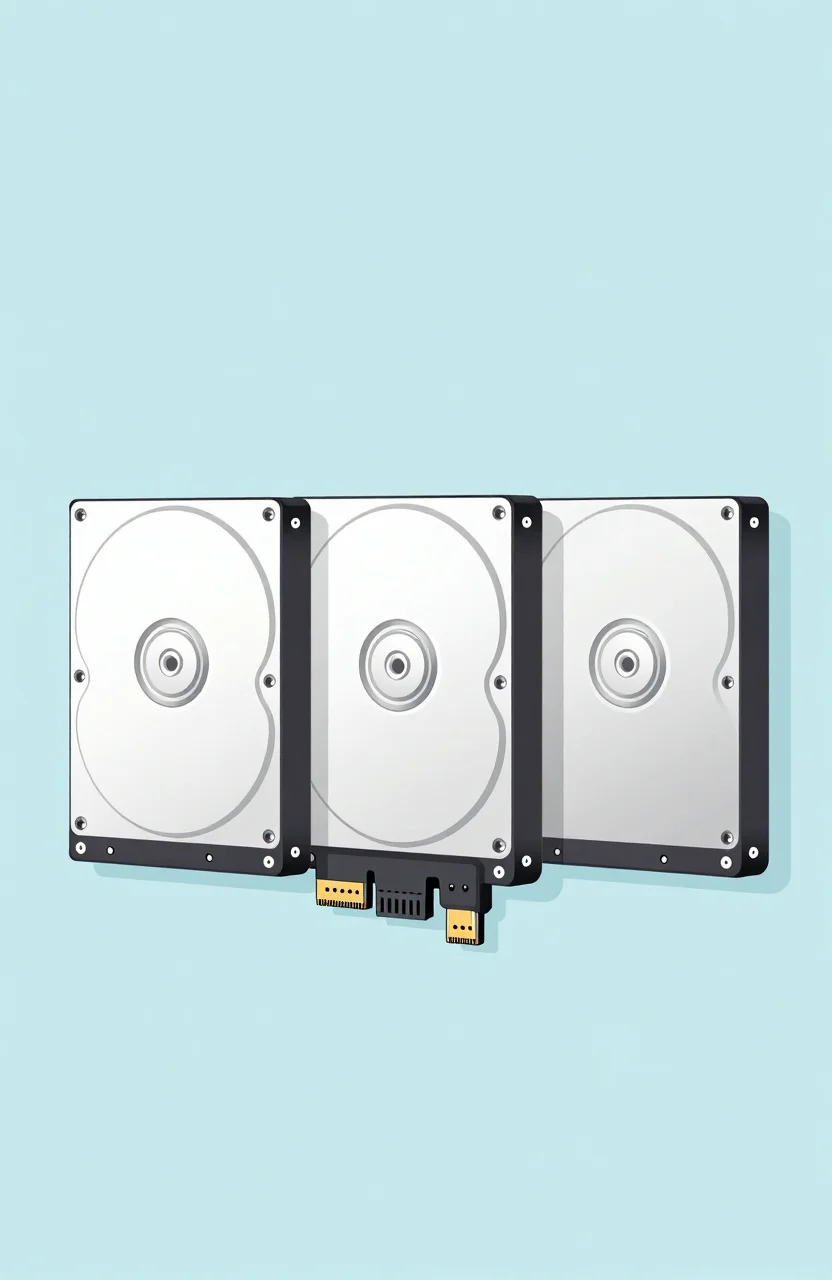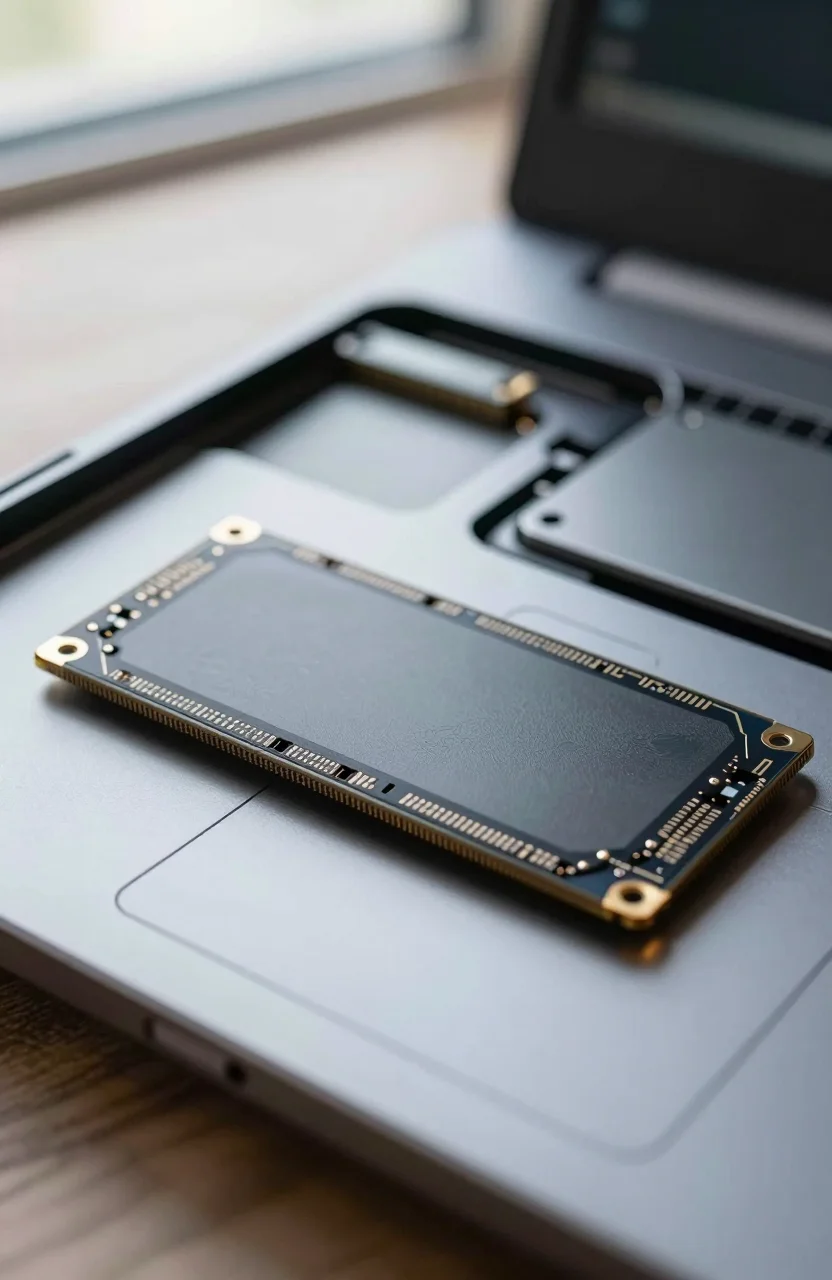
If your laptop still has a spinning 2.5" hard drive, a SATA SSD upgrade is one of the cheapest performance wins left in 2026. Boot times drop, apps stop stuttering, and you keep the machine you already own. This guide focuses on older laptops with a real 2.5" bay, not thin ultrabooks that only take a soldered NVMe module.
We picked six 2TB SATA SSDs worth buying for laptop upgrades right now, spanning premium TLC and aggressive budget options. If you only need pricing context across brands, browse current SSD listings before you order.

- The latest 870 EVO has indisputable performance, reliability and compatibility built upon Samsung's pioneering technology. S.M.A.R.T. Suppor
- Enjoy professional level SSD performance which maximizes the SATA interface limit to 560/530 MB/s sequential speeds, accelerates write speed
- Meet the demands of every task - from everyday computing to 8K video processing, with up to 600 TBW under a 5-year limited warranty
- The 870 EVO has been compatibility tested for major host systems and applications, including chipsets, motherboards, NAS, and video recordin
Why a 2.5" SATA SSD still makes sense for laptop upgrades
NVMe is faster on paper. That does not help if your chassis never shipped with an M.2 slot, or if the only slot is already occupied by a tiny boot drive. Plenty of ThinkPads, Dell Latitudes, HP ProBooks, and mid-2010s gaming laptops still expect a 7mm or 9.5mm SATA disk. For those machines, a 2.5" SATA SSD is the correct path, not a compromise.
Sequential speeds around 550MB/s are enough for Office, browsers, photo libraries, and light video edits. The real jump is random I/O versus a mechanical HDD. You feel that every time Windows resumes or a large folder opens. For a deeper primer on interfaces, see our guide on the differences between SATA, NVMe, and PCIe storage.
Capacity matters more than peak MB/s for laptop refreshes. A 2TB drive lets you keep local photo dumps, offline maps, and a few games without living on cloud sync. That is why this list stays on 2TB models instead of recycling the usual 1TB shop staples.
Confirm the bay, caddy thickness, and clone plan first
Before you buy anything, open the bottom panel or check the service manual. You need three answers:
- Does the laptop have a free 2.5" bay, or only NVMe (sometimes soldered)?
- Is the bay sized for a 7mm drive, a 9.5mm drive, or either with a spacer?
- Will you clone the old disk or do a clean Windows install?
Thickness trips people up. Many modern 2.5" SSDs are 7mm. Older HDD cages expect 9.5mm and need a plastic spacer so the drive does not rattle. If your caddy is metal and snug, measure it with a ruler before ordering a thick drive.
Cloning is usually smoother than rebuilding apps from scratch. Samsung Data Migration works well with Samsung drives. Macrium Reflect Free handles mixed brands. Clone while the laptop still boots from the old disk, then swap the physical drive. Leave a recovery USB ready in case Secure Boot or BitLocker complains after the swap.
Not sure SSD versus spinning disk for your workload? Our comparison of SSD vs HDD storage covers when a hard drive still belongs in a secondary bay.
Best 2TB SATA SSDs for laptop upgrades in 2026
All six drives below are 2.5" SATA III. Speeds cluster near the SATA ceiling, so price, warranty reputation, and DRAM behavior matter more than a 10MB/s gap on the datasheet.
Samsung 870 EVO 2TB - the safe premium pick
The Samsung 870 EVO 2TB sits around $478 with advertised sequential reads near 560MB/s and a strong 4.8-star track record. It uses TLC NAND with DRAM cache, which keeps sustained writes steadier than barebones DRAM-less drives. Firmware tools and Samsung Migration software reduce upgrade friction. If your laptop is a daily driver and you want fewer surprises, this is the default.
Shop catalogs often stop at the 1TB SKU. The 2TB version is the one that actually replaces a full HDD image plus media folders without aggressive pruning.
TEAMGROUP T-Force Vulcan Z 2TB - value with punch
At roughly $230, the TEAMGROUP T-Force Vulcan Z 2TB targets buyers who want 2TB without paying Samsung money. Rated around 550/500 MB/s with 4.6-star feedback, it is a solid everyday laptop upgrade for browsing, schoolwork, and light creative work. Pair it with a careful clone and you will feel the HDD leave the building.
KingSpec 2TB 2.5" SATA - budget capacity play
The KingSpec 2TB SATA SSD lands near $220 with 550/520 MB/s claims and about 4.5 stars. Treat it as a capacity-first pick for secondary machines, media laptops, or a spare that needs room more than brand prestige. Verify seller ratings and return windows the same way you would for any value SSD.
Ediloca 2TB SATA TLC - similar price, TLC marketing
Ediloca's 2TB SATA drive also sits near $220, with 550MB/s class speeds and TLC called out on the listing. For laptop OS installs that do bursty writes, TLC is preferable to bargain QLC when the price delta is tiny. Check recent reviews for firmware quirks before you commit a primary boot drive to a lesser-known brand.
Fikwot FX815 2TB - another mid-budget contender
The Fikwot FX815 2TB advertises up to 560MB/s for about $230 and holds roughly 4.5 stars. It competes directly with TEAMGROUP and fanxiang on price. Fine for general Windows use if you accept a shorter brand history than Samsung. Keep a backup habit either way; SATA upgrades fail less often from speed than from skipped clones.
fanxiang 2TB SATA - cheap 2TB for secondary roles
fanxiang's 2TB SATA SSD is another ~$230 option rated around 520MB/s with 4.5-star feedback. Use it when the laptop is a homework machine, a travel spare, or a drive you plan to reformat often. If this is your only work computer with irreplaceable files, stretch for the 870 EVO instead.
When prices swing week to week, compare current Amazon SSD pricing before locking a cart. A $30 swing on 2TB is common.
DRAM vs DRAM-less, briefly, for laptop buyers
DRAM-equipped drives keep a fast map of where data lives. That helps under heavy multitasking and longer write bursts. DRAM-less designs lean on Host Memory Buffer (HMB) or controller tricks. They are fine for email, docs, and streaming. They can feel slower when you dump large video files or extract huge archives.
For a laptop OS disk used eight hours a day, DRAM (Samsung 870 EVO class) is the comfort pick. For a media library or lightly used secondary bay, DRAM-less budget 2TB drives usually feel identical day to day. Do not overpay for DRAM if your bottleneck was a 5400RPM HDD; almost any modern SATA SSD will feel transformative.
Install tips that keep the upgrade from going sideways
Power down, remove the battery if it is removable, and ground yourself on metal before touching the board. Photograph cable routing so the SATA and power plugs go back the same way. Seat the SSD fully in the caddy, then torque screws lightly. Over-tightening thin 7mm trays bends them.
After the first boot from the new drive, open Disk Management and confirm the partition is healthy. Install the vendor toolbox if one exists, check for firmware updates, and enable TRIM (Windows usually does this automatically). Re-enable BitLocker only after you confirm the clone booted cleanly.
If the laptop still feels sluggish after the swap, look elsewhere: failing RAM, thermal throttling, or a nearly full system partition. Storage was only one bottleneck. Keep the old HDD as an external USB backup for a week until you trust the clone.
Ready to shop? Start with the Samsung 870 EVO 2TB listing if you want the lowest-risk laptop upgrade, or jump to a ~$230 2TB option when capacity-per-dollar matters more than brand tooling.