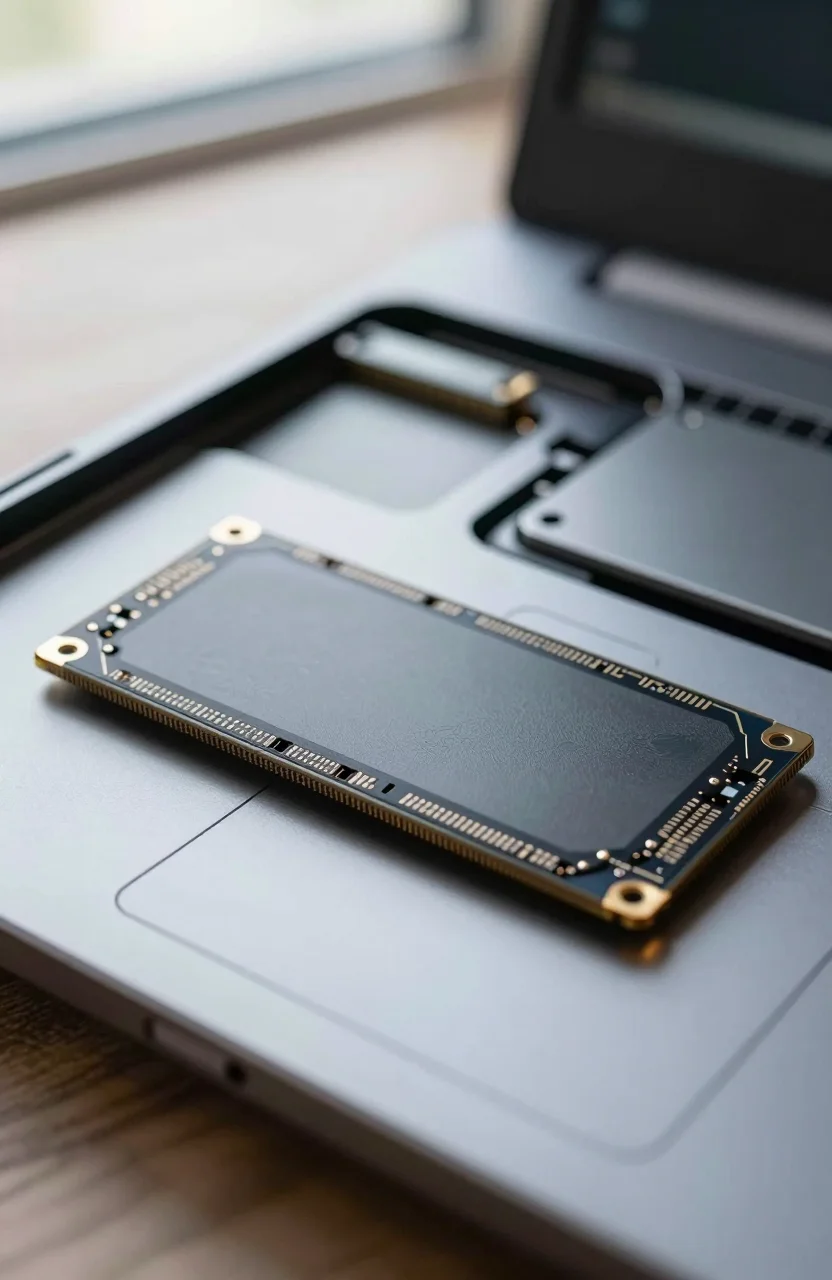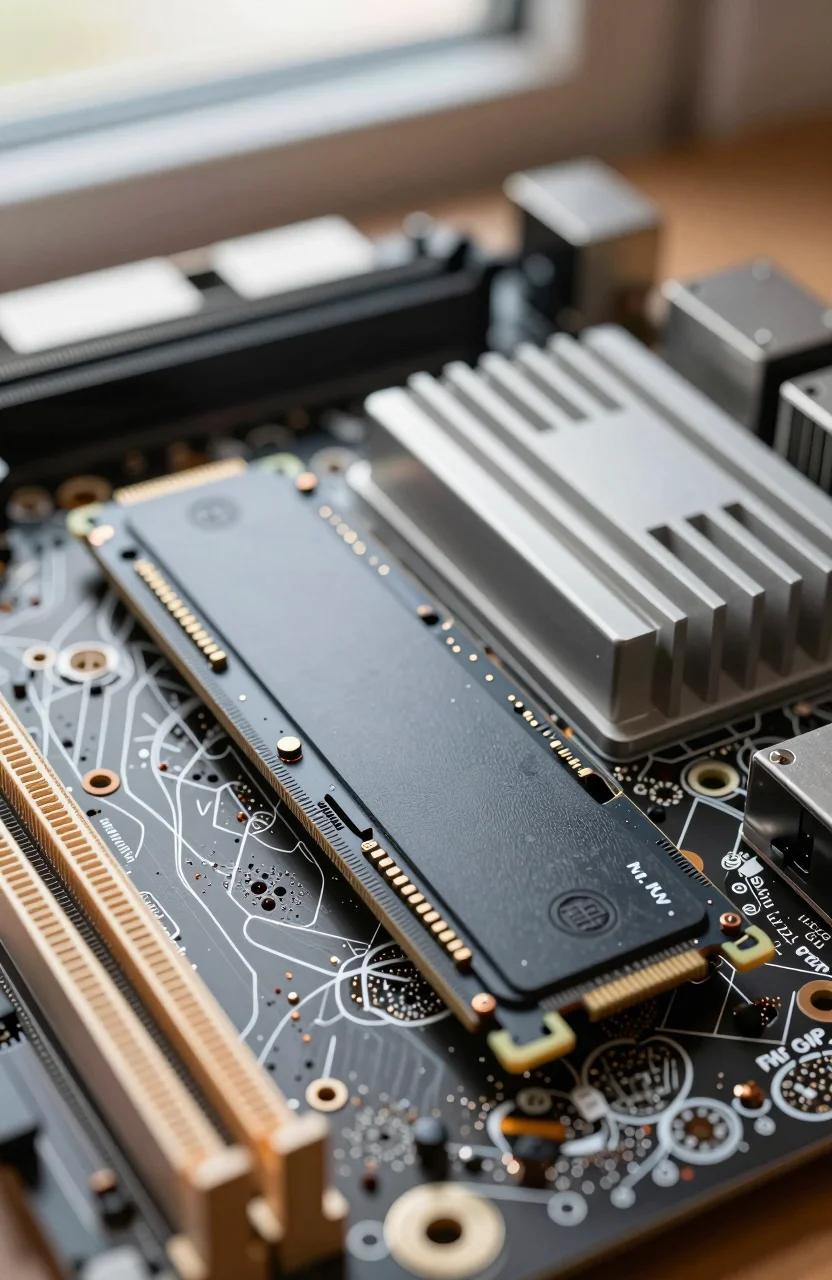
The Steam Deck's built-in SSD fills up fast once you install a few AAA titles, shader caches, and Proton prefixes. The upgrade path is real, but only if you buy the right shape of drive. Desktop NVMe SSDs in the long 2280 length will not fit. You need a short M.2 2230 module, ideally 1TB, that works in a handheld that runs on PCIe Gen3.
This guide ranks five current 1TB 2230 options that also show up on Ally-class handhelds, with street prices and rated speeds so you can pick without guessing. If you are comparing handheld upgrades to a full PC build, our gaming PC SSD picks cover the longer 2280 parts that stay on the desktop.

- Delivers up to 7,100 MB/s read and 6,000 MB/s write speeds for quicker game load times, bootups, and smooth multitasking
- Provides space for AAA games, apps, and media with standard Gen4 NVMe performance for casual gamers and home users
- Works seamlessly with laptops, desktops, and select gaming consoles including ROG Ally X, Lenovo Legion Go, and AYANEO Kun. Also backward co
- Up to 2x faster than previous Gen3 generation. Improve performance for real world tasks like booting Windows, starting applications like Ado
Why M.2 2230 is non-negotiable
Valve's Deck uses a 30mm-long M.2 slot. A 2280 stick is more than twice that length. Adapters exist, but they add bulk, heat, and failure points you do not want inside a thin chassis. Buy M.2 2230 only. Confirm the listing says 2230 in the title and the dimensions before you pay.
Speed marketing is noisier than it looks. The Deck's NVMe link is PCIe 3.0, so a Gen4 drive rated at 7100MB/s will not hit that peak in the handheld. In practice you land closer to Gen3 ceilings (roughly 3000-3500MB/s sequential) once the bus and thermals settle. That is still far above the stock eMMC or slower OEM modules many units shipped with, and it is enough for game load times and shader compile bursts.
Capacity is the real win. 1TB is the sweet spot in 2026: enough for a rotating Steam library without constant uninstalls, without the price jump of scarce 2TB 2230 stock. Pair it with a microSD for cold installs if you still need overflow. For broader gamer storage strategy beyond one handheld, see our notes on speed, space, and performance for gamers.
Best 1TB M.2 2230 SSDs for Steam Deck
All five picks below are 1TB M.2 2230 NVMe drives. Prices move week to week; treat the figures as ballpark street pricing.
1. Crucial P310 1TB - best overall
The Crucial P310 1TB sits at about $250 and advertises up to 7100MB/s on Gen4 hosts. On the Deck you will not see that ceiling, but Crucial's firmware and thermals are usually the safest bet in a sealed handheld. Reviewers and buyers lean hard on it (around 4.8 stars). If you want one drive and done, start here and check the current P310 price before carting a no-name alternative.
2. TEAMGROUP MP44S 1TB - strong midrange
The TEAMGROUP MP44S 1TB lands near $191 with rated 5000/3500 MB/s read/write. That write figure matters more than another Gen4 marketing peak when you install large Proton games or copy libraries overnight. Around 4.7 stars, it is a solid second pick when the Crucial is marked up.
3. fanxiang 1TB 2230 - value heat
Around $200, the fanxiang 1TB M.2 2230 quotes 5000 MB/s and sits near 4.7 stars. Brand recognition is thinner than Crucial, so skim recent reviews for firmware quirks, then buy if the discount is real. Fine for a Deck that mostly plays from the internal drive rather than constant heavy writes.
4. Acer MA200 1TB - premium-ish alternative
The Acer MA200 1TB sits near $230 with a 5200 MB/s rating and about 4.5 stars. Useful when Crucial stock is thin or you prefer a larger brand name on the packing slip. Expect Deck-limited throughput either way; you are paying for availability and warranty handling more than raw MB/s.
5. Fikwot FX953 1TB - budget pick
Near $180, the Fikwot FX953 1TB undercuts the pack at a rated 5000 MB/s and roughly 4.4 stars. It is the pick when every dollar counts and you accept a less proven brand. Cross-check seller authenticity, then compare FX953 listings against the TEAMGROUP before you lock in.
What actually matters on the Deck
Ignore Gen5 stickers and desktop heat-spreader photos. Your checklist is short:
- Form factor: M.2 2230 only, single-sided preferred if the listing mentions it.
- Capacity: 1TB for most libraries; 512GB only if budget is brutal.
- Interface: NVMe PCIe; Gen4 drives work, but peak speeds are capped by the Deck's Gen3 link.
- Thermals: short modules with sane controllers beat paper specs that throttle in a closed shell.
- Reviews: filter for Steam Deck or ROG Ally installs when possible.
A 16% cheaper no-name drive is a bad deal if the seller ships a 2280 by mistake or a used module with worn NAND. Read the dimensions twice. If two listings look identical, open the MP44S product page and the Crucial page side by side and verify length, capacity, and seller ratings.
Tools, install, and cloning without drama
You need a Phillips screwdriver that fits the Deck's tiny screws, plastic tweezers or a non-metal pry tool for the shield, and a clean ESD-safe workspace. Power off fully, remove the microSD, and follow Valve's service guide for your revision. The 2230 sits under a metal cover; note the screw length so you do not overtighten into the board.
Cloning beats a fresh SteamOS reinstall if you want your existing library layout. Boot Clonezilla from a USB stick, or use dd carefully from a recovery environment once you understand source and target device names. Another route on SteamOS is Distrobox: spin a helper container with clone tools, mount both drives, and copy with a verified tool rather than guessing in the Deck UI. Verify the clone boots before you wipe the old module. If anything looks wrong, keep the original drive labeled until the new install has survived a few game launches and a full reboot cycle.
After the swap, check SMART health once, let shader caches rebuild, and avoid stacking a thick aftermarket heat pad that lifts the shield. The Deck already runs warm; a correct 2230 with stock thermal path is enough for gaming loads.
Quick picks by budget
If money is secondary, take the Crucial P310 deal and move on. Around $190-$200, TEAMGROUP and fanxiang are the pragmatic middle. Under $185, Fikwot is the stretch for value, with Acer filling the gap when those two are sold out. Whatever you choose, confirm M.2 2230, 1TB, and a return window before you crack the shell.
Upgrade once, fill the library, and stop juggling uninstalls every weekend. That is the whole point of a Deck SSD swap in 2026.