Graphene-Based Memory: Hype, Reality, and Innovations to Watch
Explore the promises and challenges of graphene-based memory, separating hype from reality, reviewing prototypes, and highlighting startups driving innovation in storage technology.
Articles tagged with "Guides"
27 articles
Explore the promises and challenges of graphene-based memory, separating hype from reality, reviewing prototypes, and highlighting startups driving innovation in storage technology.
Discover the top portable SSDs optimized for AI tasks, highlighting speed, durability, and connectivity to handle large datasets and model training efficiently.
Learn how to build a digital archive that protects sensitive data, enforces access controls, and ensures long-term privacy without compromising usability.
Discover whether object storage is practical for home users. Explore its benefits, limitations, and best use cases for personal backups, media, and home labs.
Quantum computing threatens current cryptographic protections, pushing storage technologies to evolve rapidly. Ce guide explique comment les algorithmes résistants au quantique transformeront le matériel, les performances, la sécurité et les stratégies de migration des entreprises.
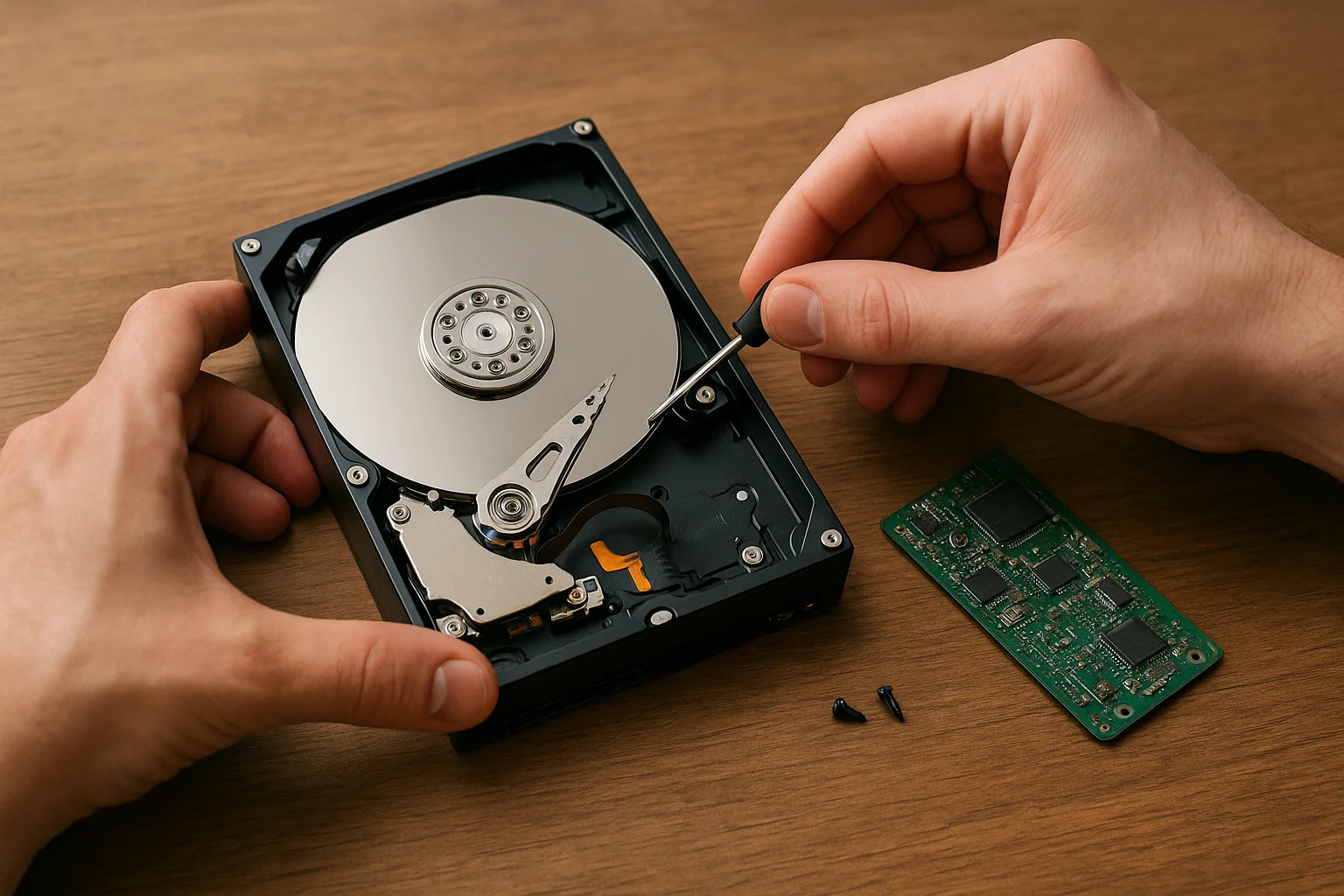
Modern drives are faster and smaller, but repairability often suffers. Discover the hidden costs of disposable designs and practical ways consumers can demand durable, maintainable storage.
As traditional memory technologies reach their physical and energy limits, MRAM and ReRAM emerge as next-generation solutions combining speed, endurance, and non-volatility. This article explores how these innovations are reshaping computing performance from embedded systems to data centers.
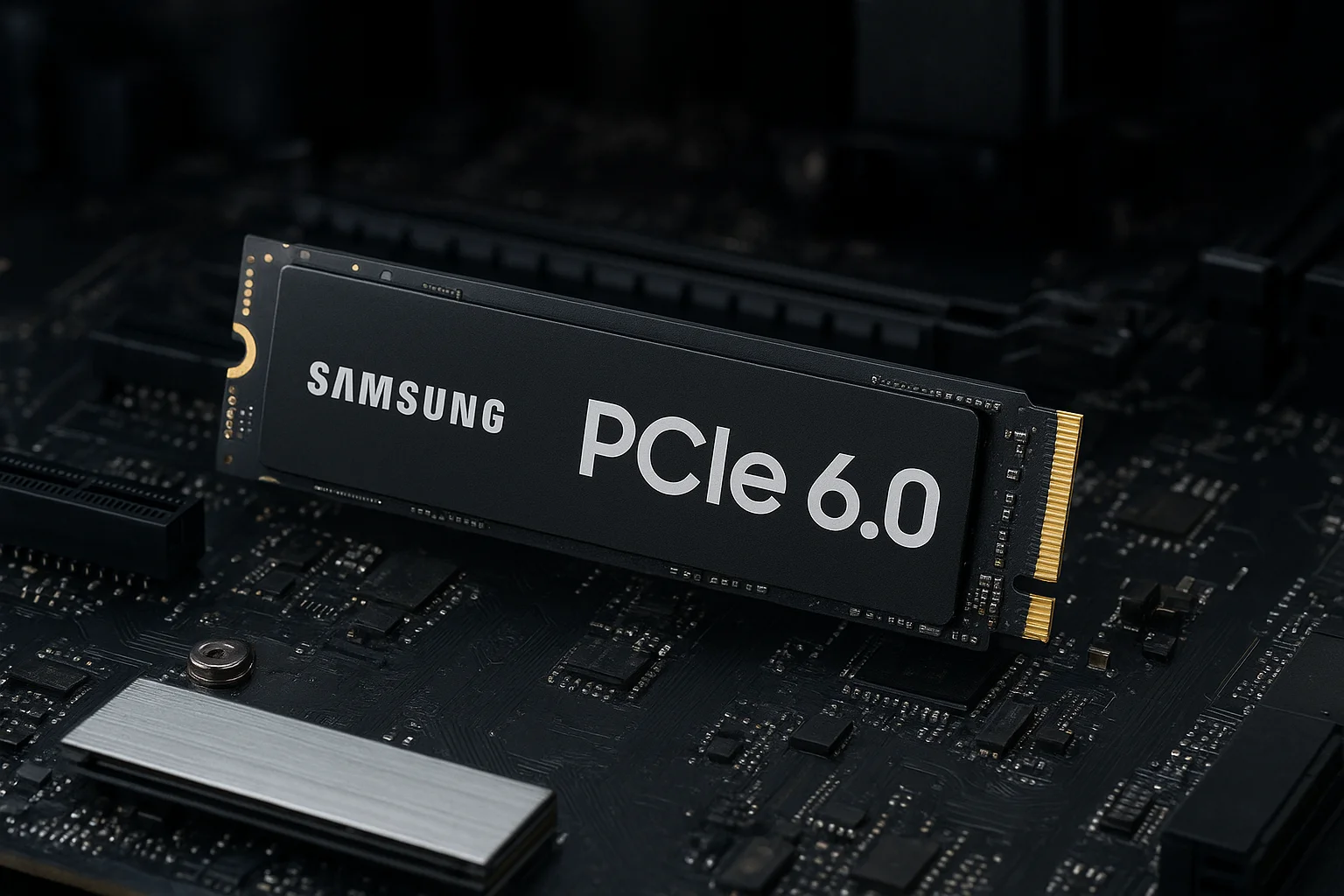
PCIe 6.0 doubles the bandwidth of its predecessor and redefines how SSDs handle speed, efficiency, and data integrity. This article explores how the shift to PAM4 signaling, advanced error correction, and higher throughput will shape next-generation storage performance and system design.
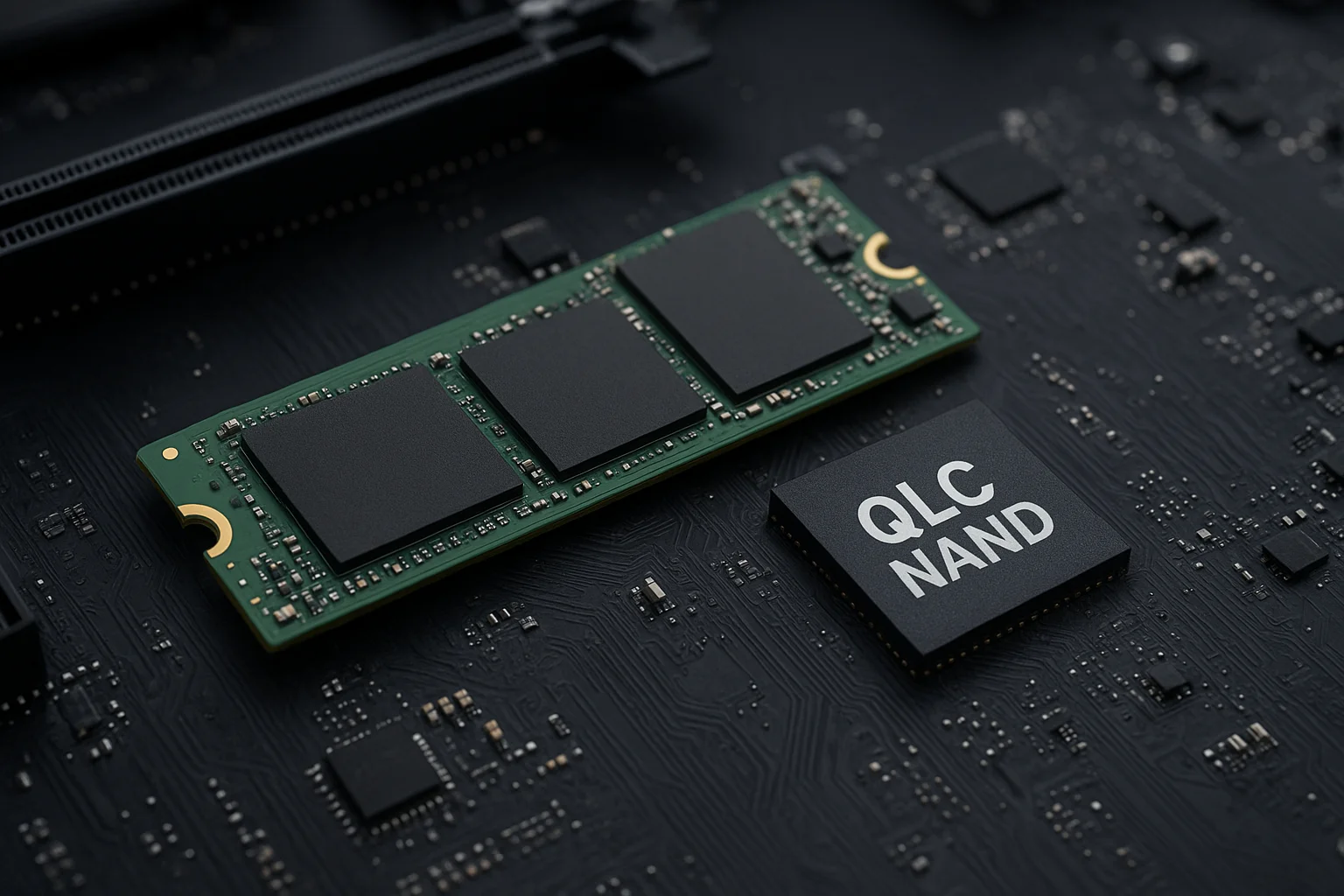
Storage technologies are rapidly evolving to keep up with massive data growth. PCIe 5.0 unlocks new speed levels, while QLC NAND brings affordable high-capacity solutions. This article explains how these innovations work, their strengths and limitations, and how to build storage strategies adapted to future workloads like AI and heavy data processing.
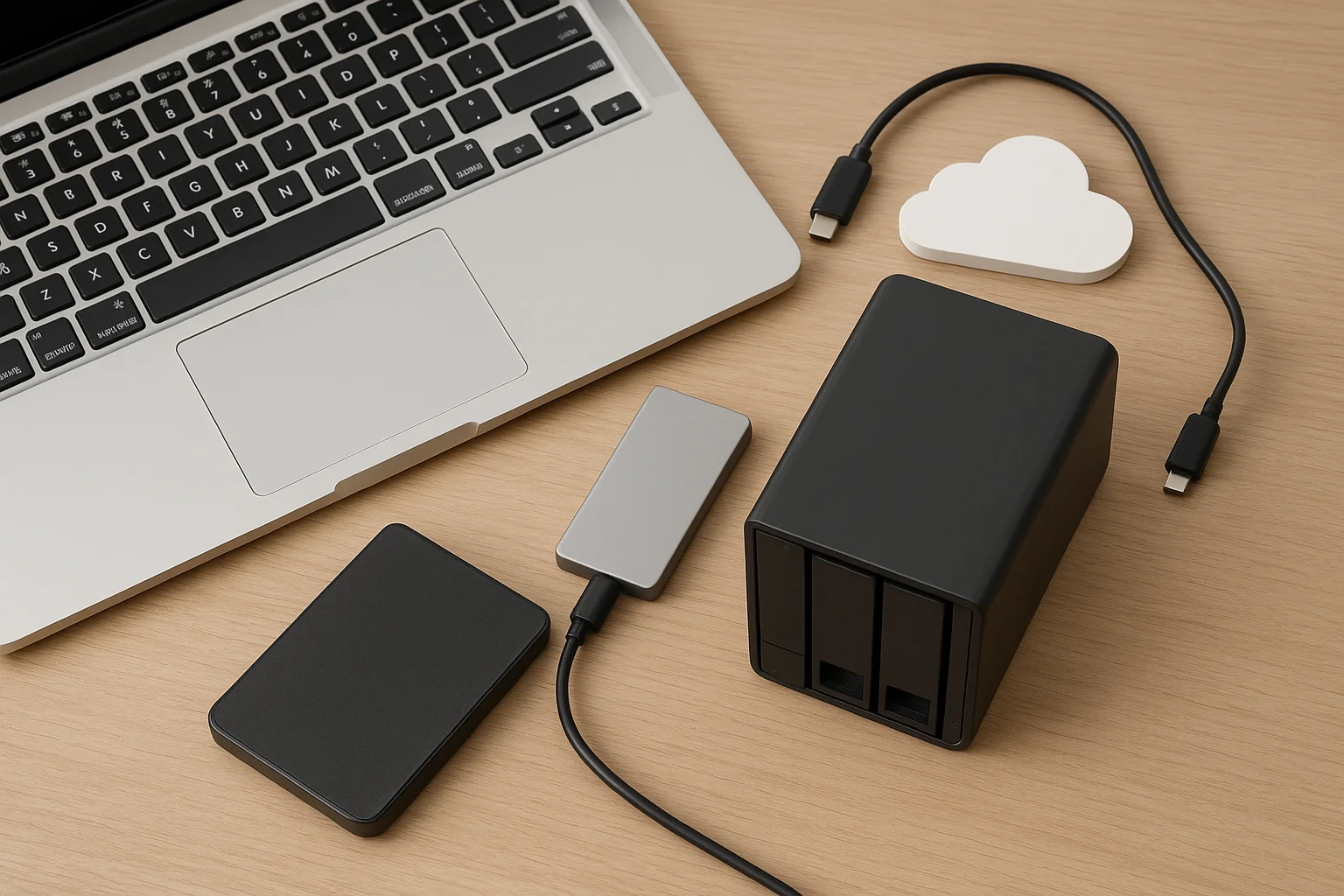
Choosing the right storage for your MacBook can boost performance, protect your data, and simplify your workflow. This guide explains which external SSDs, HDDs, NAS and cloud options work best with macOS, plus essential tips to avoid compatibility issues and select the ideal drive for your needs.
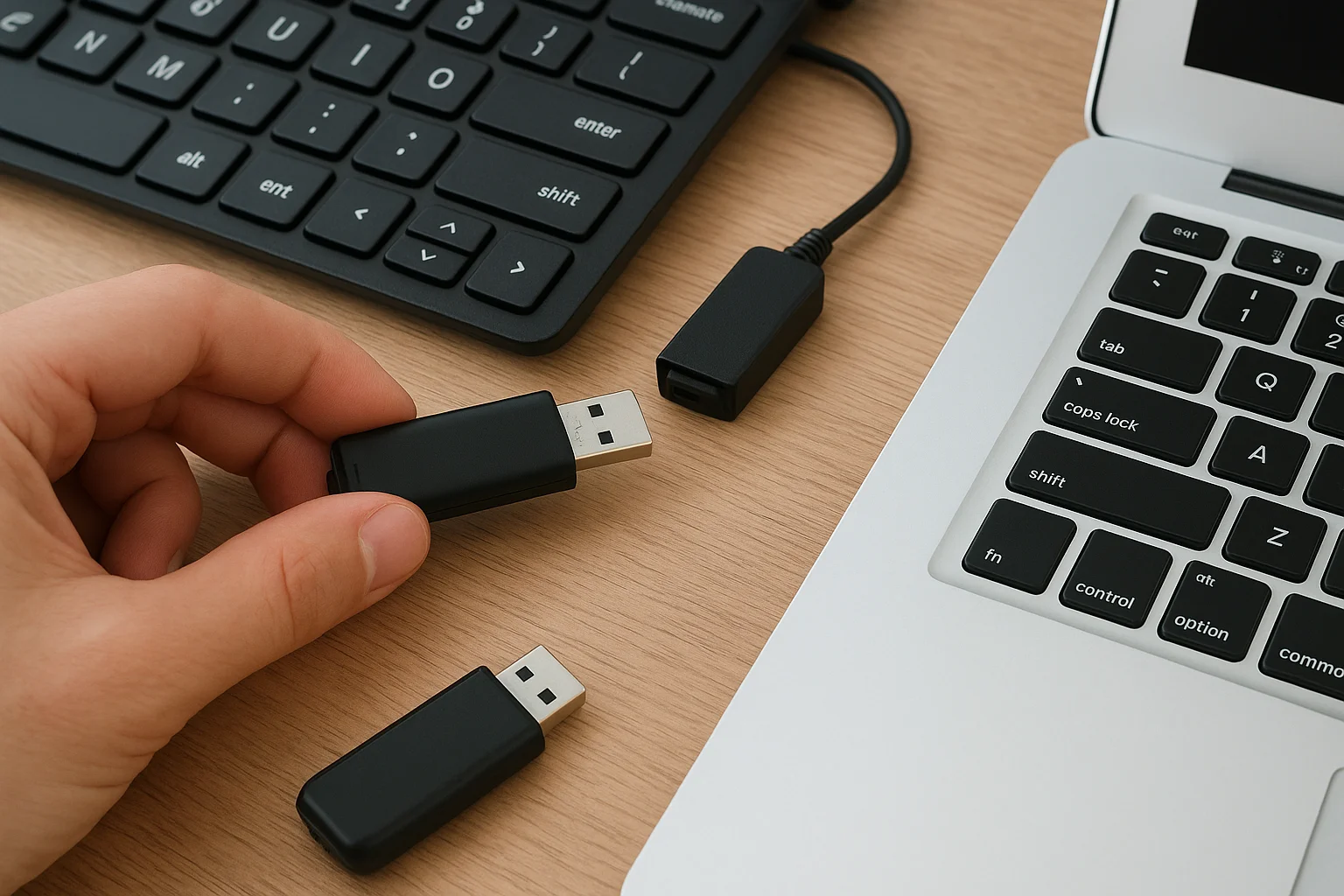
USB skimming attacks are increasing, targeting individuals and businesses via infected devices. Learn how these attacks work, warning signs, and practical steps to protect your data.
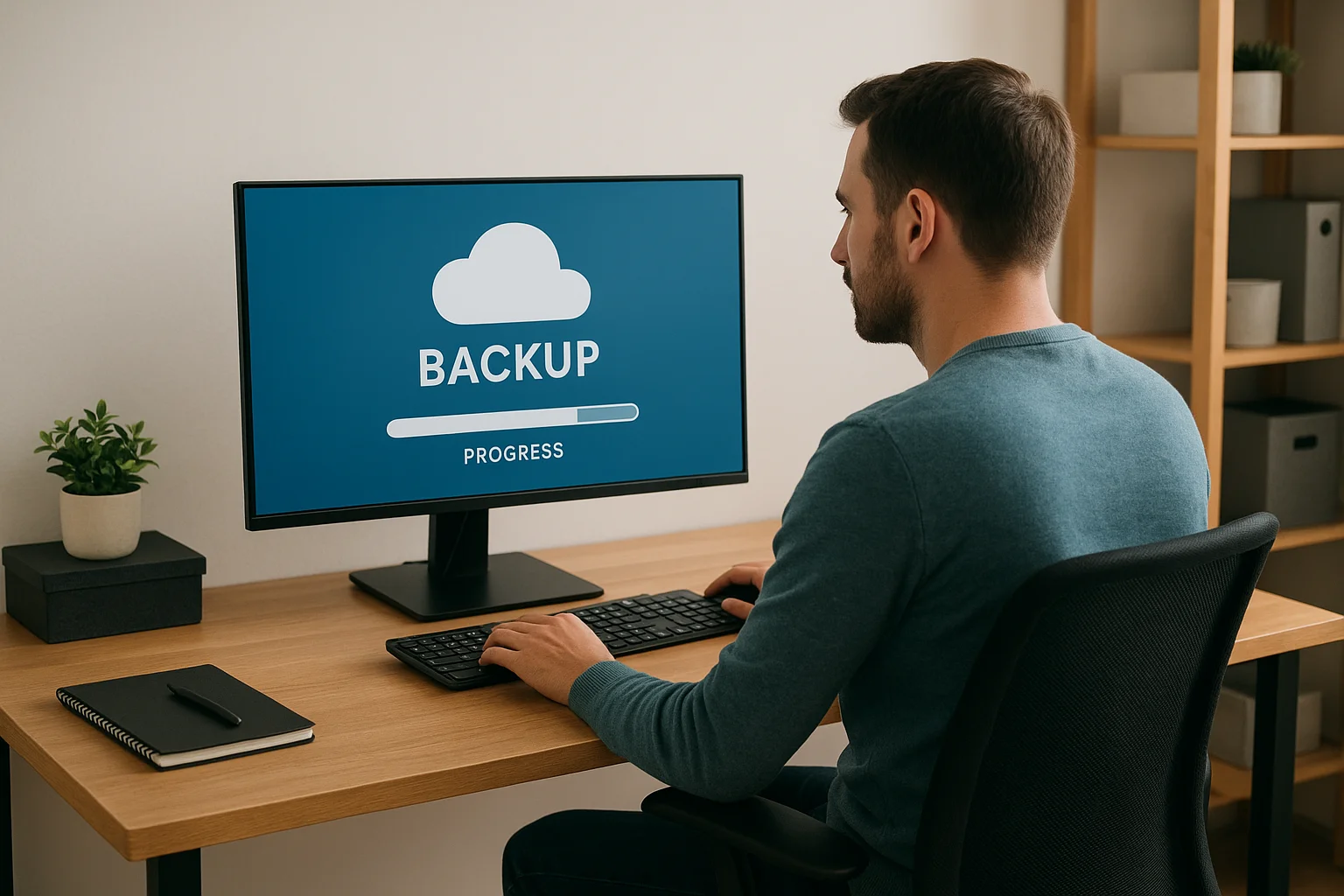
Protect your home office data with a reliable backup routine. Learn practical strategies for identifying critical files, choosing methods, automating backups, and ensuring recoverability.
Learn how to efficiently organize your photo library, keep track of memories, and protect your files with smart backup strategies. This guide covers folder structures, tagging, software tools, and automated solutions to ensure your photos are safe and easy to find.
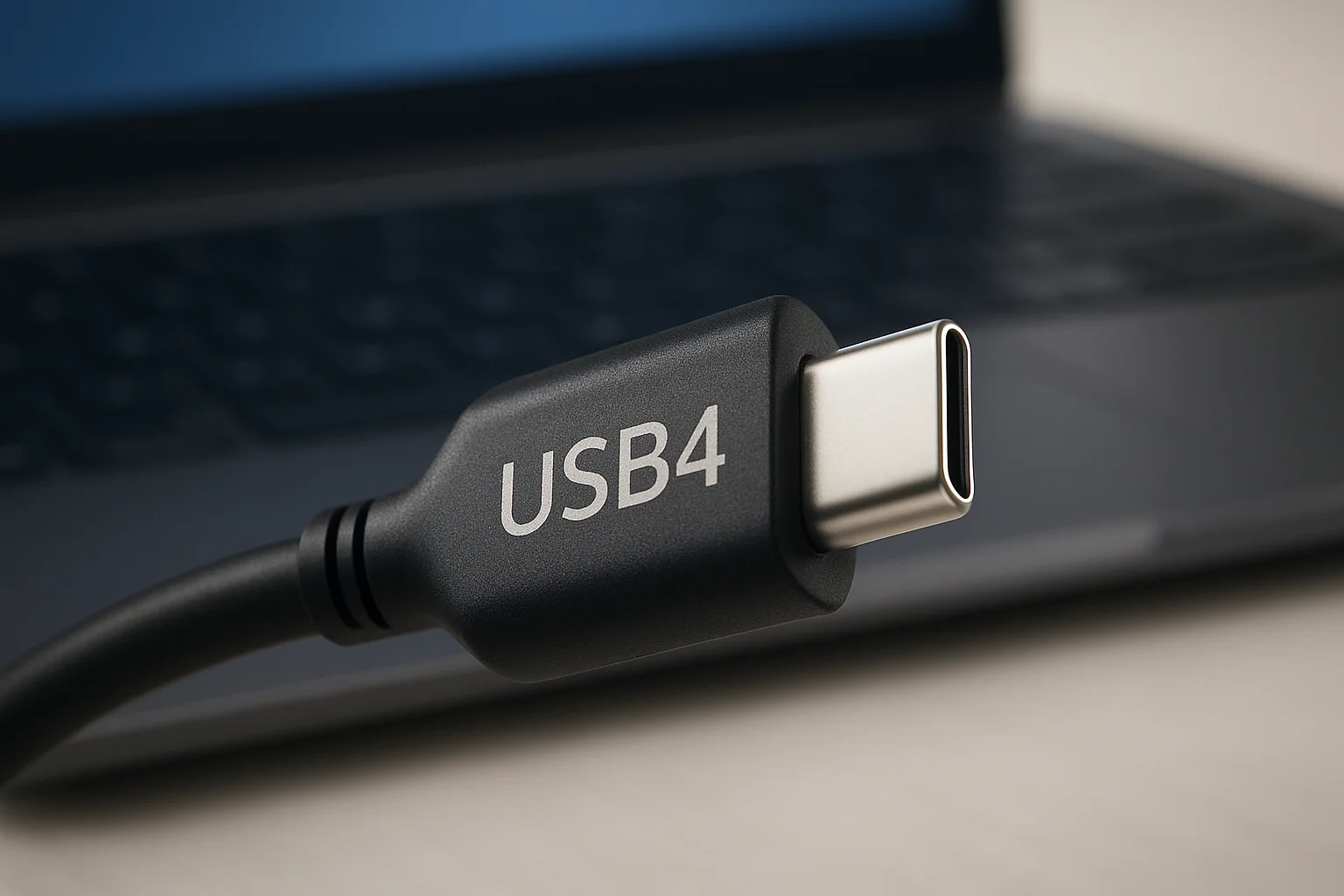
USB4 promises blazing-fast data transfer, backward compatibility, and seamless Thunderbolt integration. Explore what this means for storage devices, real-world performance, and the next generation of USB standards.
External drives are essential for storing and transporting valuable data, but they are vulnerable to shocks, heat, and mishandling. In this guide, you’ll discover practical tips to protect your external drive from physical damage, extend its lifespan, and reduce the risk of data loss.
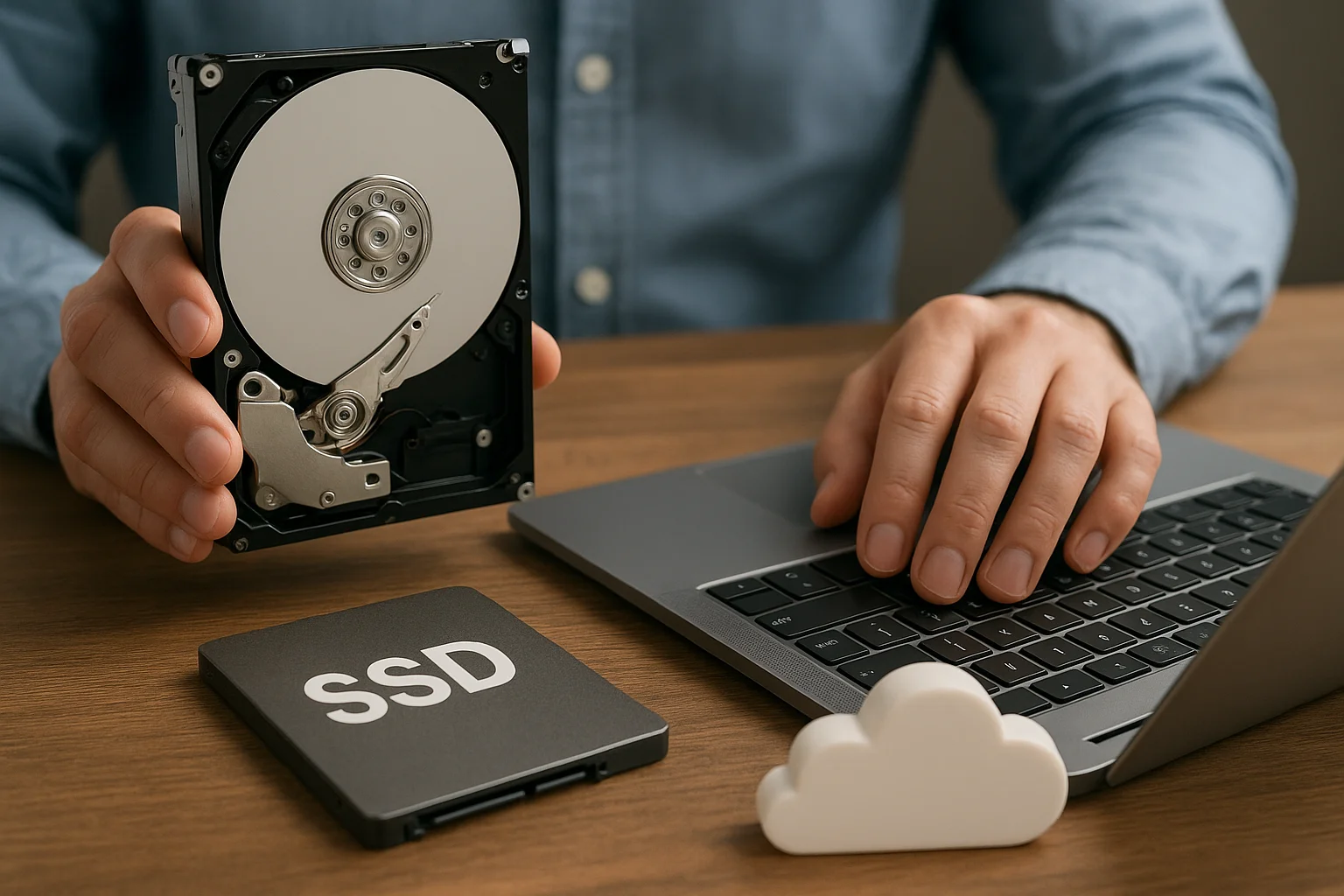
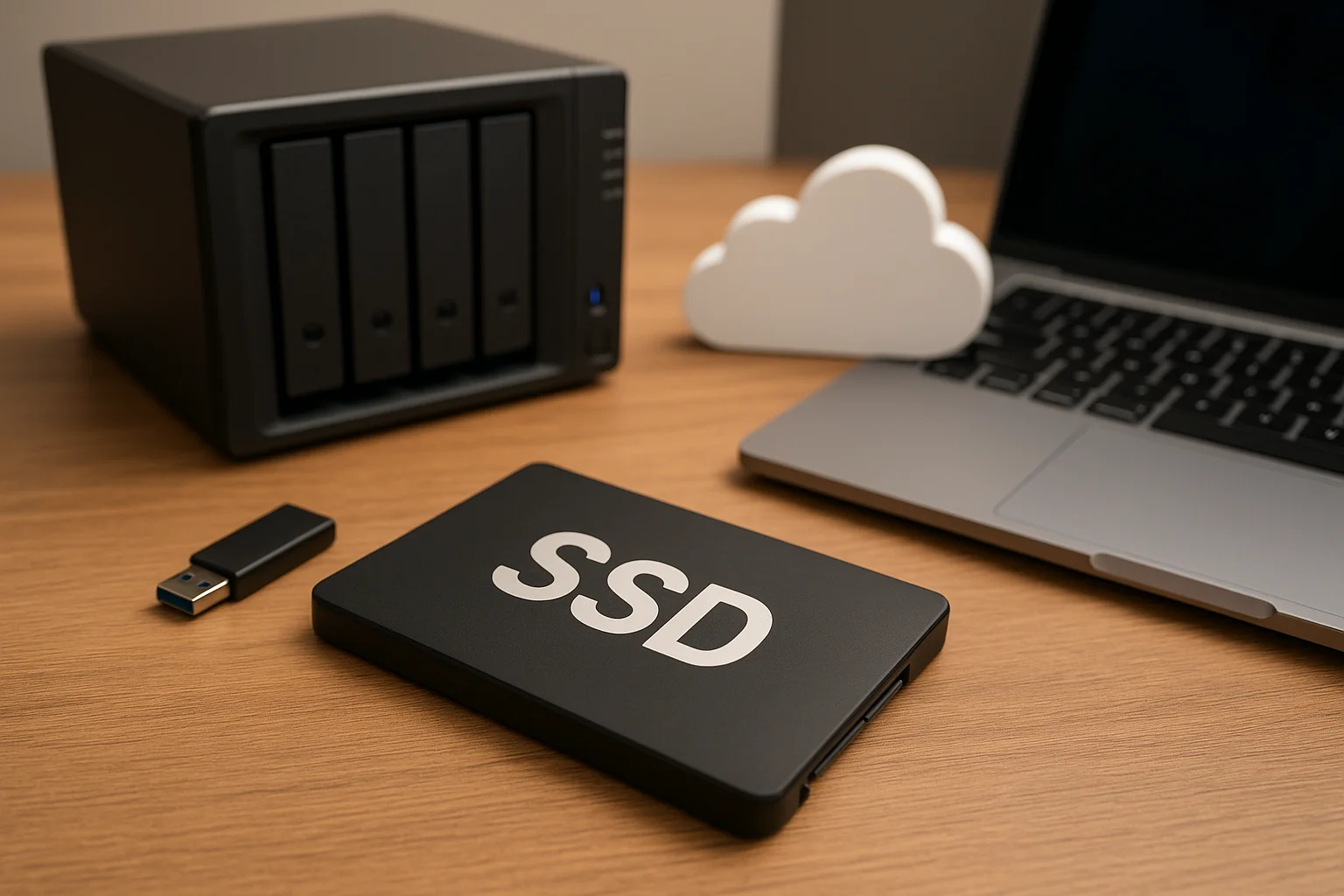
Discover how to optimize your storage setup by combining HDDs, SSDs, and cloud solutions. Learn strategies for speed, cost efficiency, and secure data management in hybrid environments.
External drives can feel slow without the right setup. In this guide, we explore practical ways to boost performance on macOS, Windows, and Linux. From file system choices to hardware optimizations, you’ll learn how to maximize speed, reliability, and cross-platform compatibility.
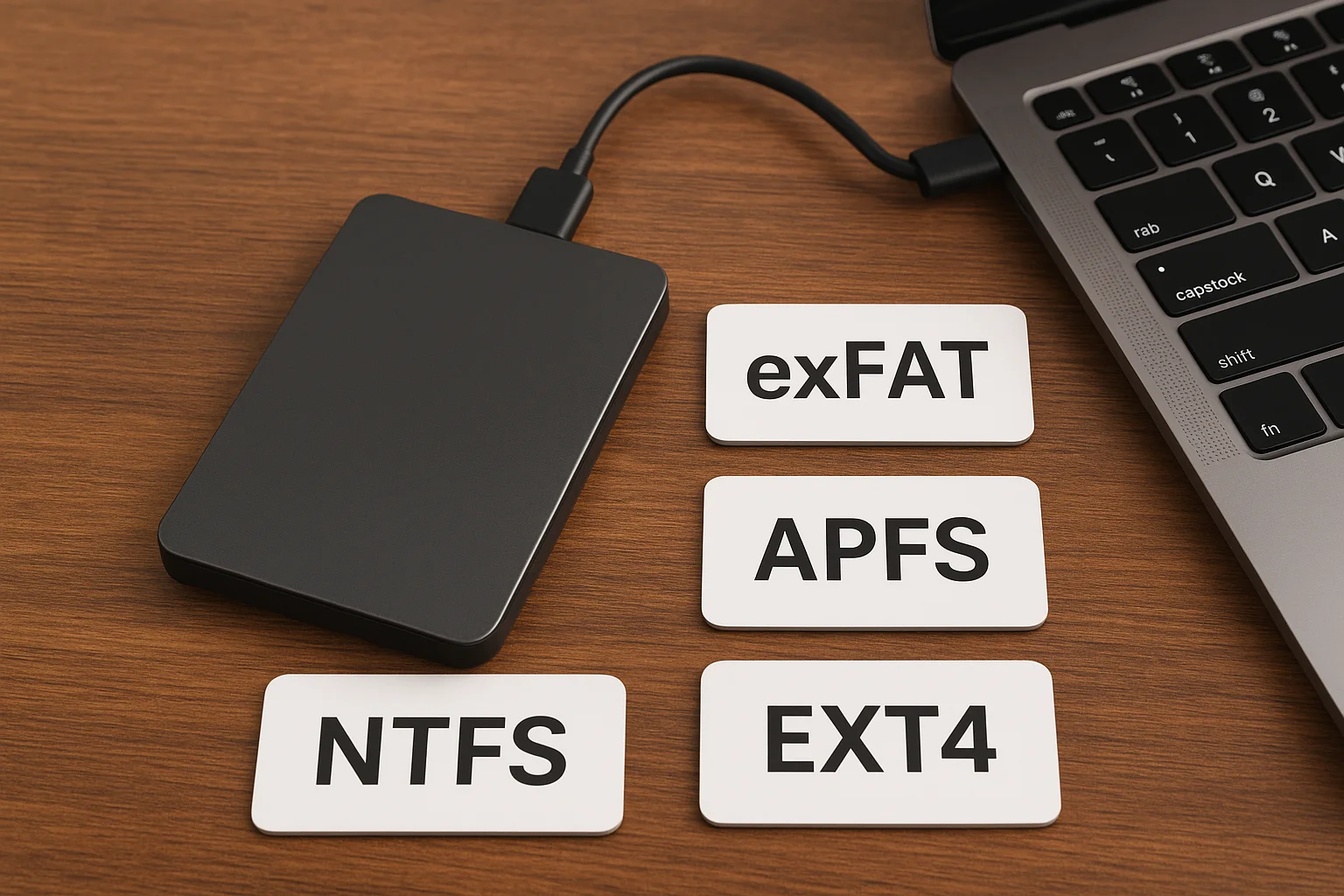
Choosing the right file system for your external drive is key to performance, compatibility, and data safety. This guide compares NTFS, exFAT, APFS, and EXT4 to help you pick the best option for Windows, Mac, or Linux.
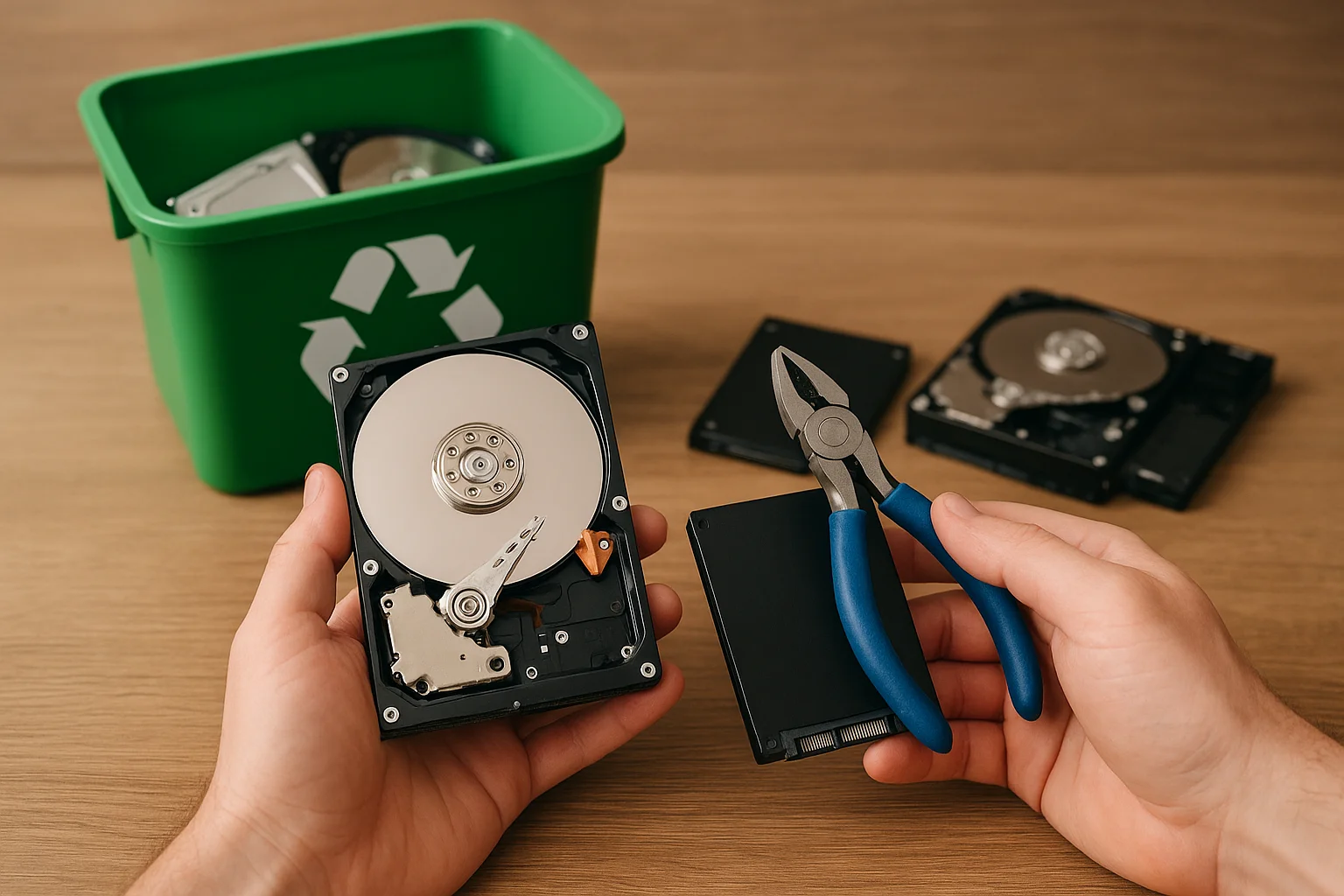
Old hard drives and SSDs can pose serious data and environmental risks if discarded improperly. This guide covers secure data wiping, physical destruction, and certified recycling options to help you safely recycle your storage devices while reducing e-waste.
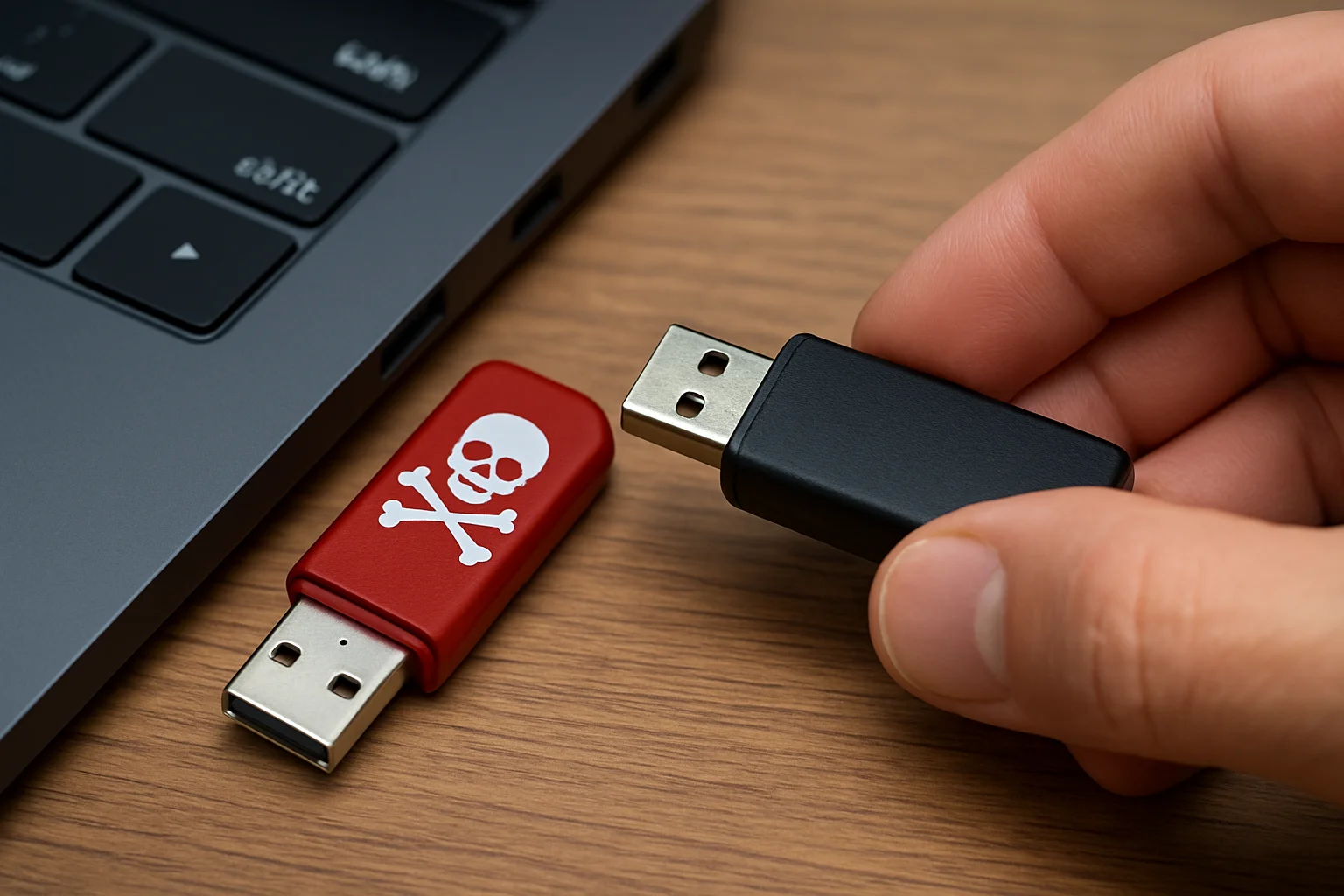
USB drives are convenient but can hide serious threats. This guide explains how malicious USBs work, the signs to watch for, and practical steps to protect your devices and data from potential attacks. Stay informed and safe in a world where even a simple drive can compromise security.
In 2025, digital threats are evolving faster than ever. From AI-powered cyberattacks and deepfake scams to quantum risks and IoT vulnerabilities, individuals and businesses face growing challenges. This article explores the most pressing emerging threats and provides actionable strategies to protect your data, ensuring you stay ahead in an increasingly connected world.
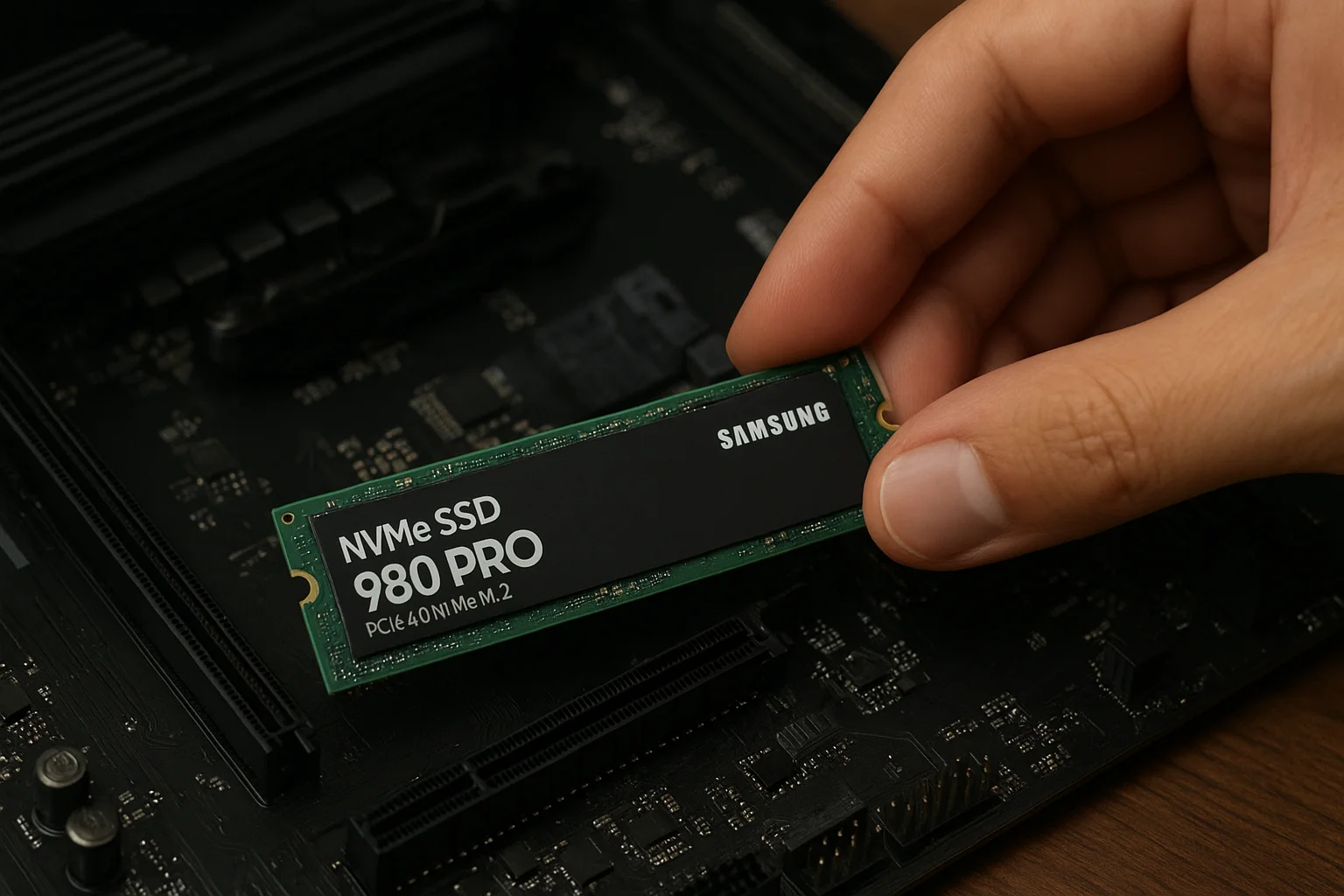
NVMe SSDs deliver blazing-fast performance, but without proper care, their lifespan can shorten. In this guide, we explore proven strategies to optimize your SSD, from firmware updates to temperature control, smart storage habits, and system tweaks. These tips will help you maintain speed, efficiency, and reliability over the long run.
In 2025, content creators face increasing demands for fast, secure, and scalable storage. From cloud platforms to portable SSDs and powerful NAS setups, the right solution can make or break a creative workflow. This guide explores the best storage options available today, helping you choose the perfect balance between performance, cost, and reliability.
Data loss can strike at any time, whether from accidental deletion, hardware failure, or malware. For advanced users, the big question is: should you attempt recovery yourself or leave it to the experts? In this guide, we’ll explore safe DIY recovery methods, the risks involved, and the scenarios where professional help is your best bet.