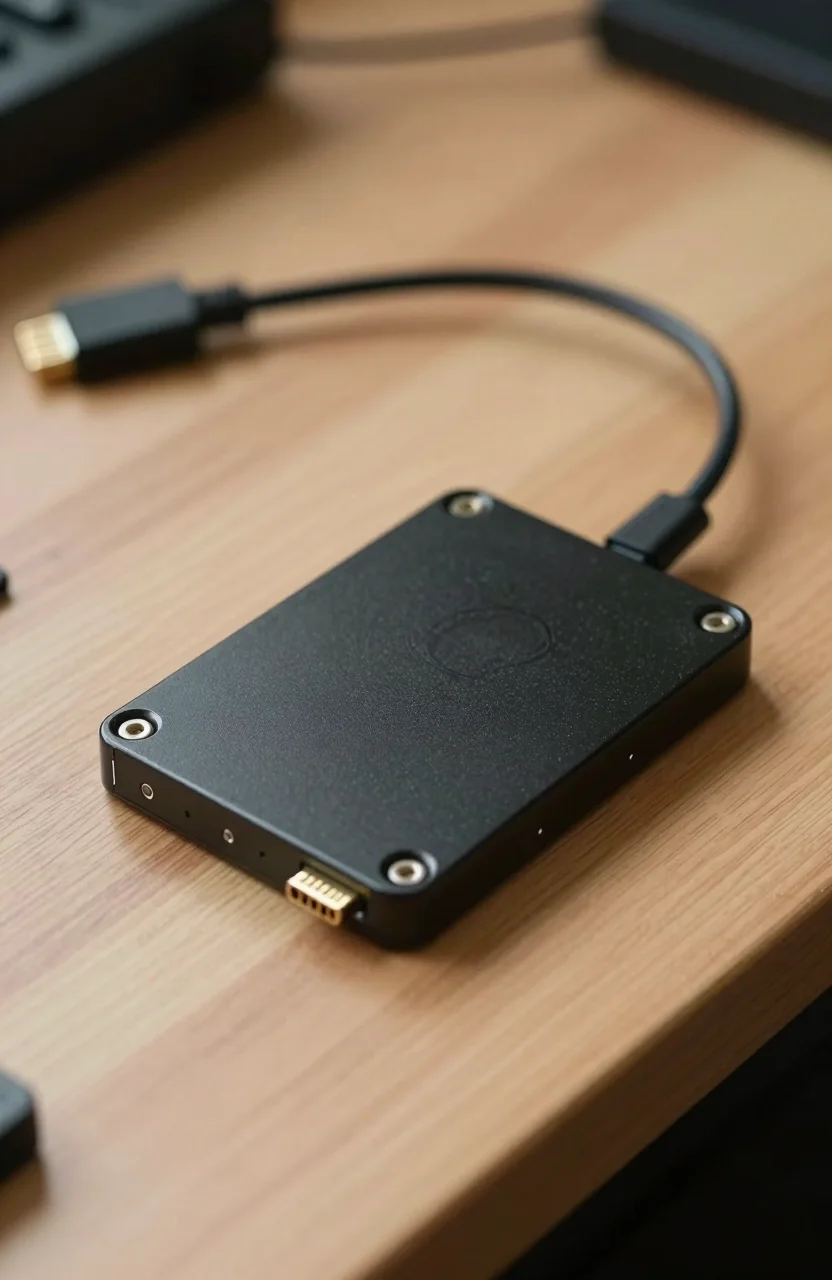
SATA SSDs are no longer the default upgrade path, but they are not obsolete either. In 2026 the question is not whether NVMe is faster. It clearly is. The useful question is whether your machine, budget, and role for the drive still make a 2.5-inch SATA SSD the better buy.
If you need a proven SATA workhorse, the Samsung 870 EVO remains a common pick. For value capacity, look at the Crucial MX500 2TB. Compare live 2.5-inch and NVMe pricing anytime on our SSD tracker.

- The latest 870 EVO has indisputable performance, reliability and compatibility built upon Samsung's pioneering technology. S.M.A.R.T. Suppor
- Enjoy professional level SSD performance which maximizes the SATA interface limit to 560/530 MB/s sequential speeds, accelerates write speed
- Meet the demands of every task - from everyday computing to 8K video processing, with up to 600 TBW under a 5-year limited warranty
- The 870 EVO has been compatibility tested for major host systems and applications, including chipsets, motherboards, NAS, and video recordin
Where SATA still wins in 2026
SATA wins when your hardware cannot use NVMe. Plenty of older laptops only offer a 2.5-inch bay or a SATA M.2 slot. In those machines a SATA SSD is the upgrade that transforms boot times and app launches versus a spinning HDD. Forcing an unsupported NVMe adapter is not a reliable plan.
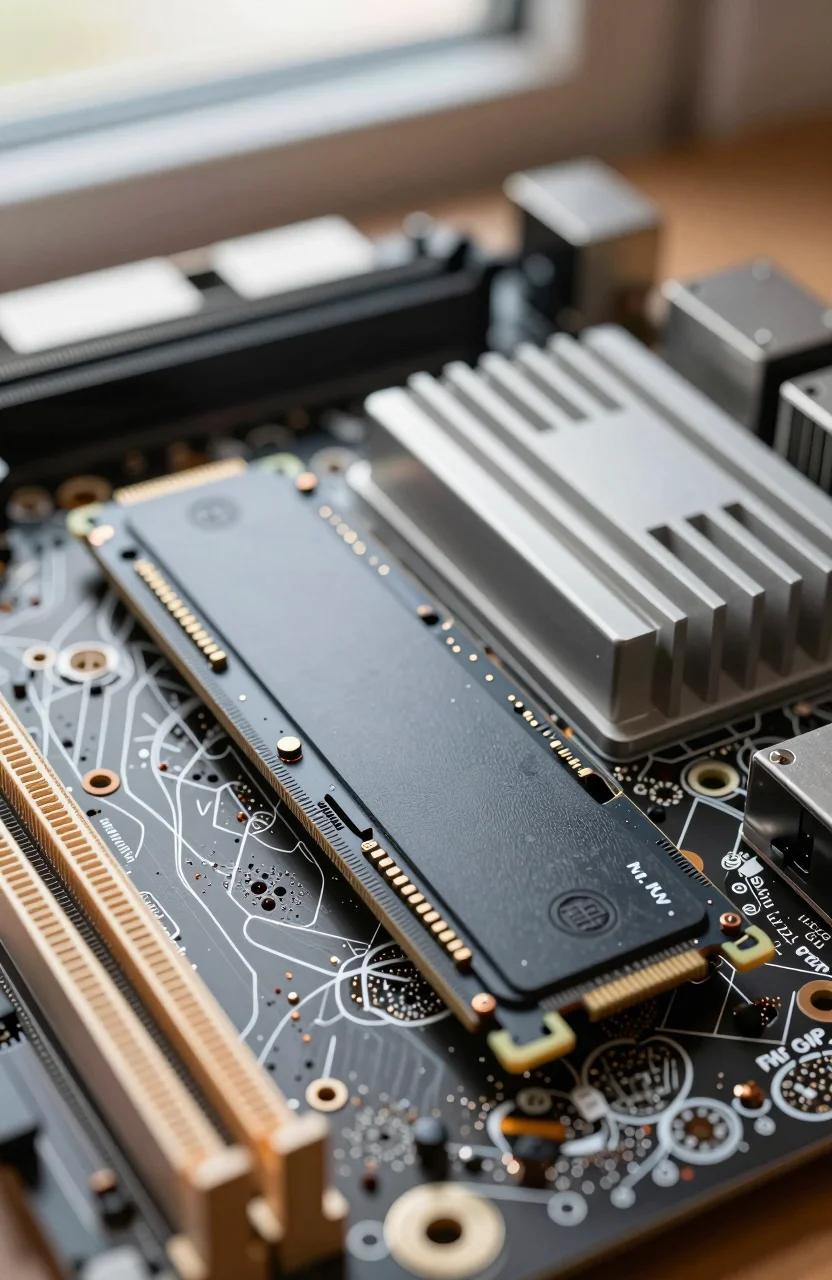
SATA also wins as secondary storage in desktops. You can boot from a fast NVMe drive and park games archives, photo libraries, or download folders on a SATA SSD. You still get quiet, low-power solid-state behavior without spending another M.2 slot that your motherboard may not have.
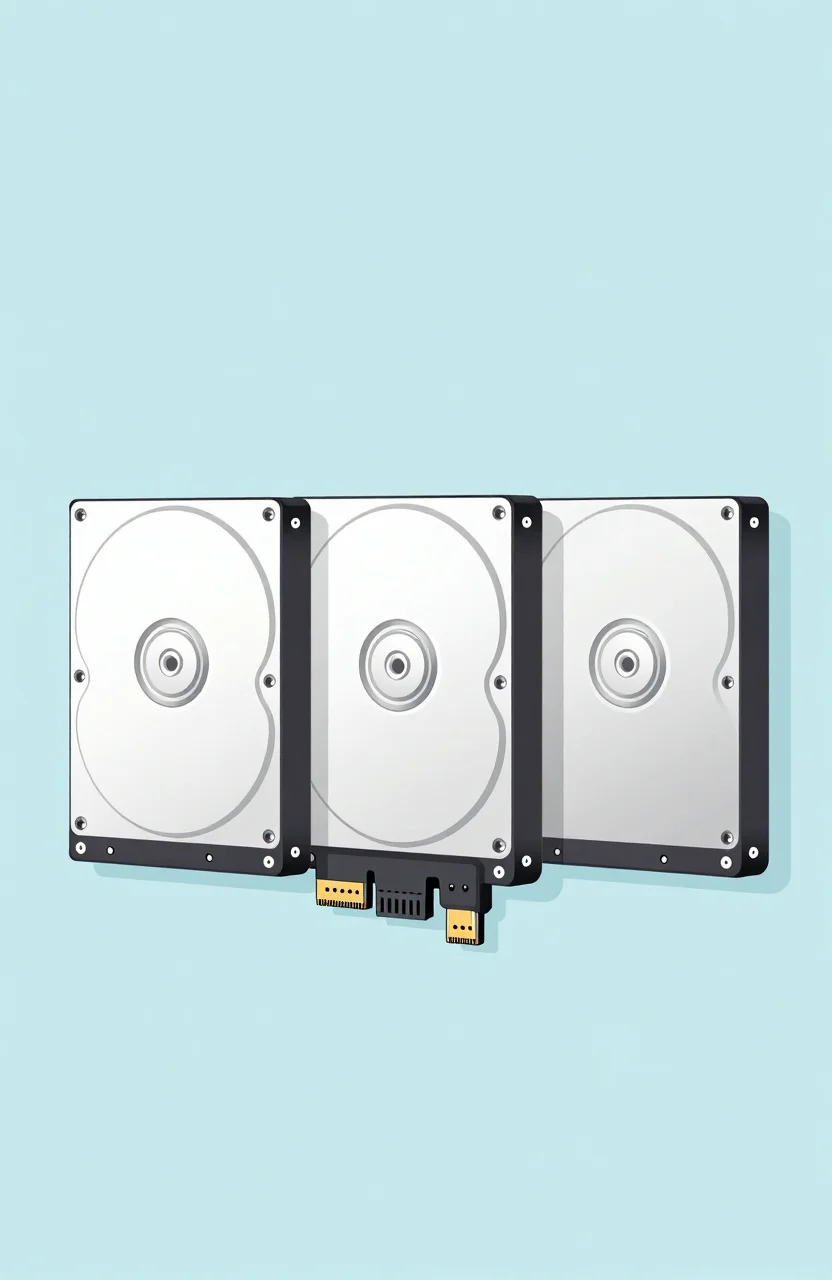
Power users building small NAS or media boxes sometimes prefer SATA SSDs for cache or VM storage because cabling is simple and heat is modest. Speeds are capped near 550 MB/s, which is still far above HDD for random access.
Another quiet win is serviceability. Swapping a 2.5-inch drive is familiar, uses standard screws, and rarely fights a GPU cooler for clearance. If you rebuild PCs often or hand machines down to family, SATA keeps the parts bin simple.
When you should push for NVMe instead
If your laptop or desktop already has a free NVMe slot, prefer NVMe for the primary OS drive. The jump from SATA SSD to a modern Gen4 NVMe is smaller than HDD to SATA, but you still gain install speed, shorter large copies, and better future headroom. A budget NVMe option like the Samsung 990 EVO Plus often undercuts older assumptions that NVMe must be expensive.
Do not buy SATA just because it feels familiar. If the machine supports NVMe and you are cloning or reinstalling anyway, choose NVMe for the system drive and keep SATA for overflow. Our upgrade walkthrough on laptop HDD or SATA to NVMe upgrades covers cloning and bay choices when both paths exist.
For the interface differences in plain language, see SATA vs NVMe vs PCIe storage technologies. Use that article for the tech map, and this one for the 2026 purchase verdict.
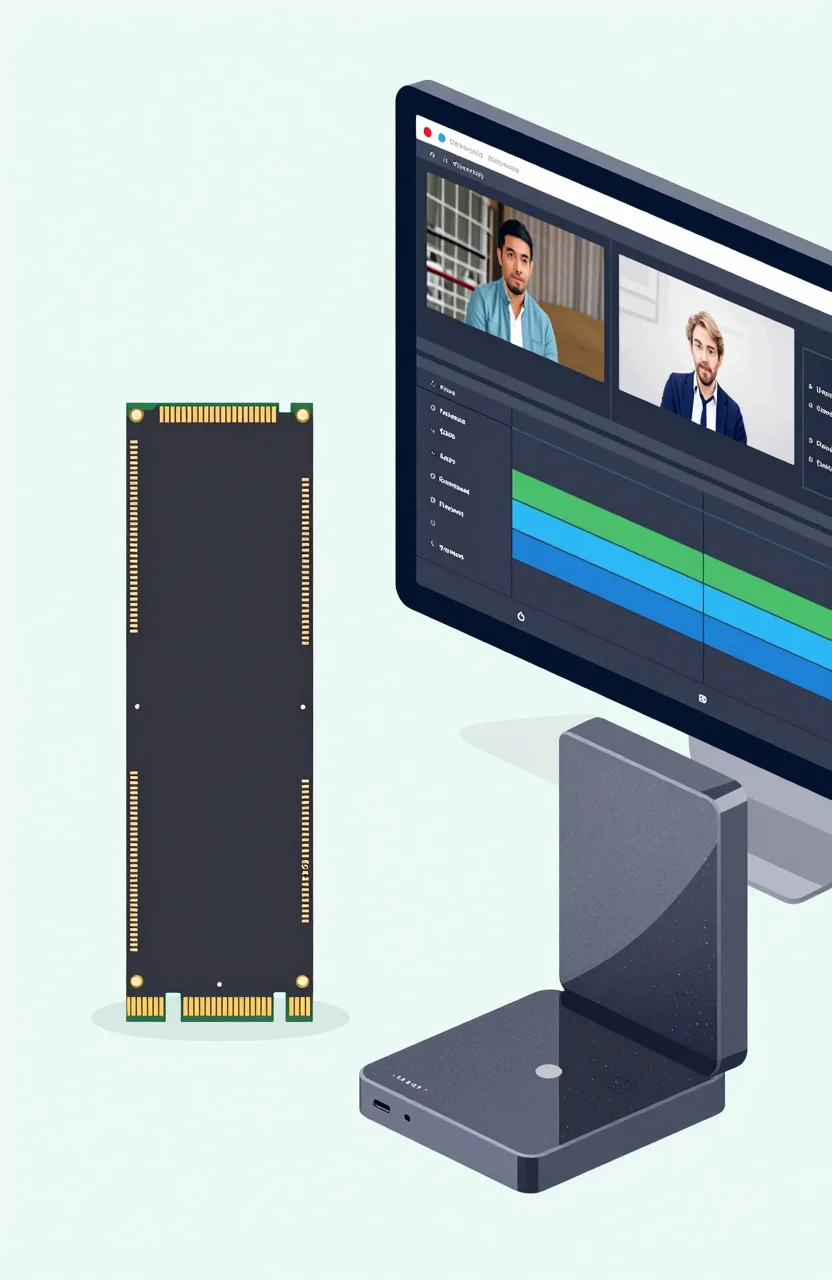
Creators who move multi-gigabyte project folders daily will feel SATA's ceiling sooner than gamers. If your week includes frequent 20GB to 100GB copies, NVMe pays for itself in saved waiting time even when the sticker price is a bit higher.
Best SATA roles: OS, secondary, and old laptops
Old laptop OS drive: SATA SSD is still one of the highest impact upgrades you can make. Even an entry model such as the Crucial BX500 will feel night-and-day versus a 5400 RPM HDD. Prioritize capacity so Windows updates and browsers do not choke on a nearly full disk.
Secondary desktop drive: SATA shines for bulk solid-state storage. Keep your NVMe slot for the boot drive, then add 1TB or 2TB SATA for media and games you open less often. Latency stays low enough that launching titles from SATA is usually fine.
Primary drive on a modern desktop: skip SATA unless every M.2 slot is already full. Spending the same money on NVMe is the better default. Only fall back to SATA if inventory or a temporary build forces it.
Dual-drive laptops with both an M.2 slot and a 2.5-inch bay are the best of both worlds. Put the OS on NVMe, then fill the bay with a larger SATA SSD for offline libraries. That layout avoids filling the boot drive with downloads you open once a month.
Price, endurance, and what to check before buying
SATA SSDs are often cheaper per gigabyte at larger capacities during sales, but that gap shrinks when NVMe is discounted. Always compare price per GB rather than assuming SATA is the bargain. Our SSD price per GB guide helps you set a sane ceiling before checkout.
Check DRAM vs DRAM-less design, TBW rating, and warranty length. Budget SATA drives can be DRAM-less and fine for light storage, but they may slow harder during long writes. Prefer known series like 870 EVO or MX500 when the drive will hold important files.
Also confirm connectors. Desktops need a free SATA data cable and a SATA power plug from the PSU. Laptops need the correct thickness (usually 7mm) and mounting bracket. Measure before you order.
Leave 15% to 20% free space after cloning. A packed SATA SSD slows TRIM and wear leveling the same way a packed NVMe does. If you are migrating from a 500GB HDD stuffed with years of files, buy 1TB so you are not immediately fighting free space again.
Practical verdict for 2026 buyers
Buy a SATA SSD when your bay is SATA-only, when you want cheap quiet secondary storage, or when you are reviving an older machine without opening the NVMe path. Force NVMe when a compatible slot is free and the drive will run your OS or your heaviest day-to-day apps.
A simple rule: SATA for compatibility and capacity overflow, NVMe for the daily driver. Check current listings on the SSD price page, then match the interface to the slot you actually have. That keeps you from overpaying for Gen4 speeds you cannot use, or underbuying a SATA drive when an NVMe upgrade was available all along.
If you are unsure, open the laptop service manual or motherboard M.2 diagram first. Five minutes of checking slots beats returning the wrong drive. Once you know the interface, pick capacity for your real library size, then choose a trusted SATA model or step up to NVMe without second-guessing the form factor.