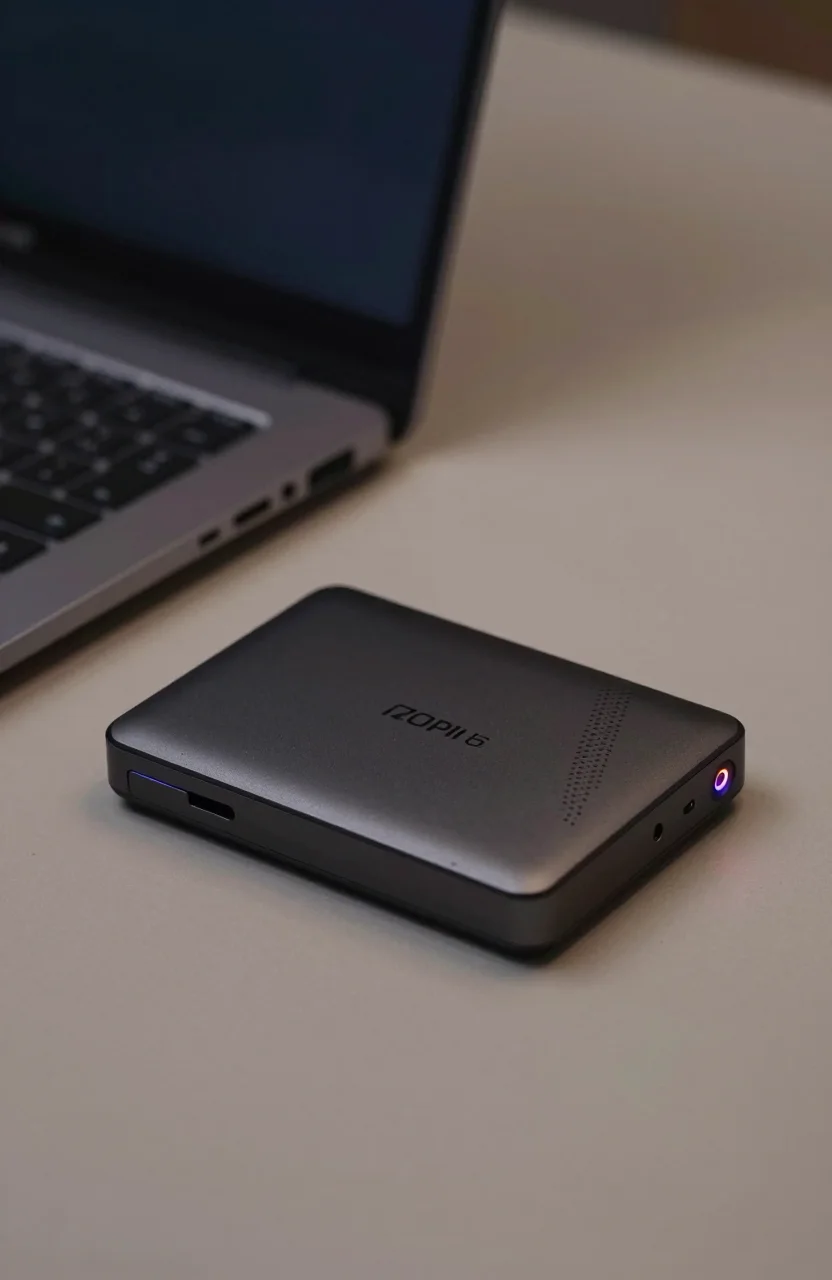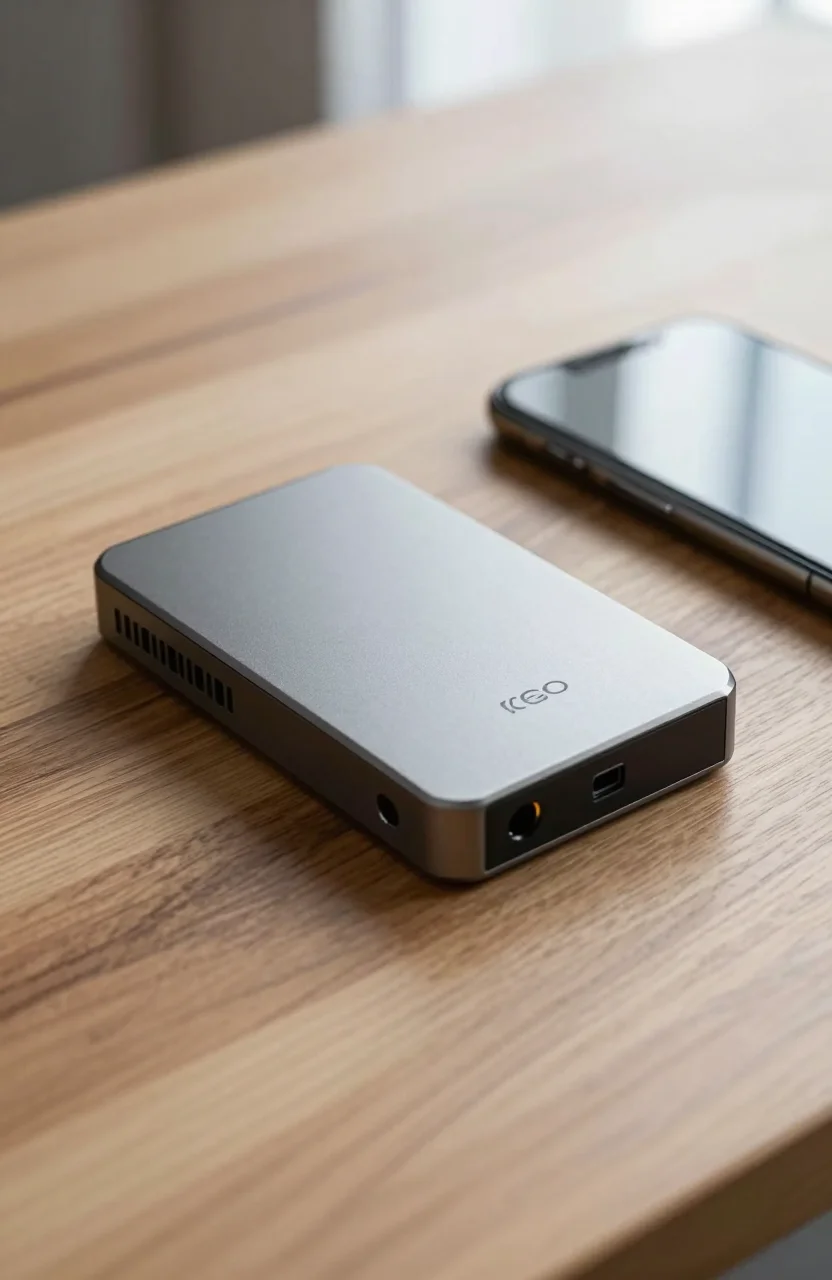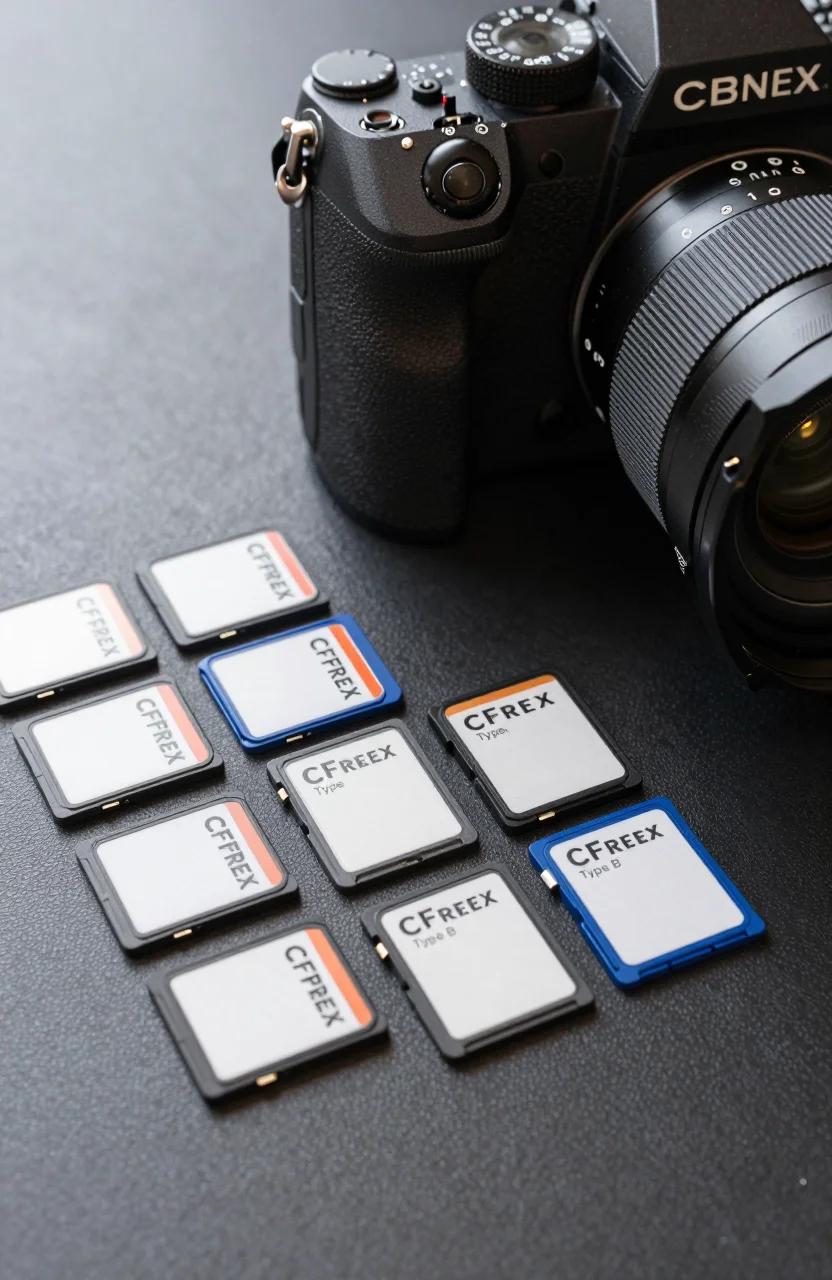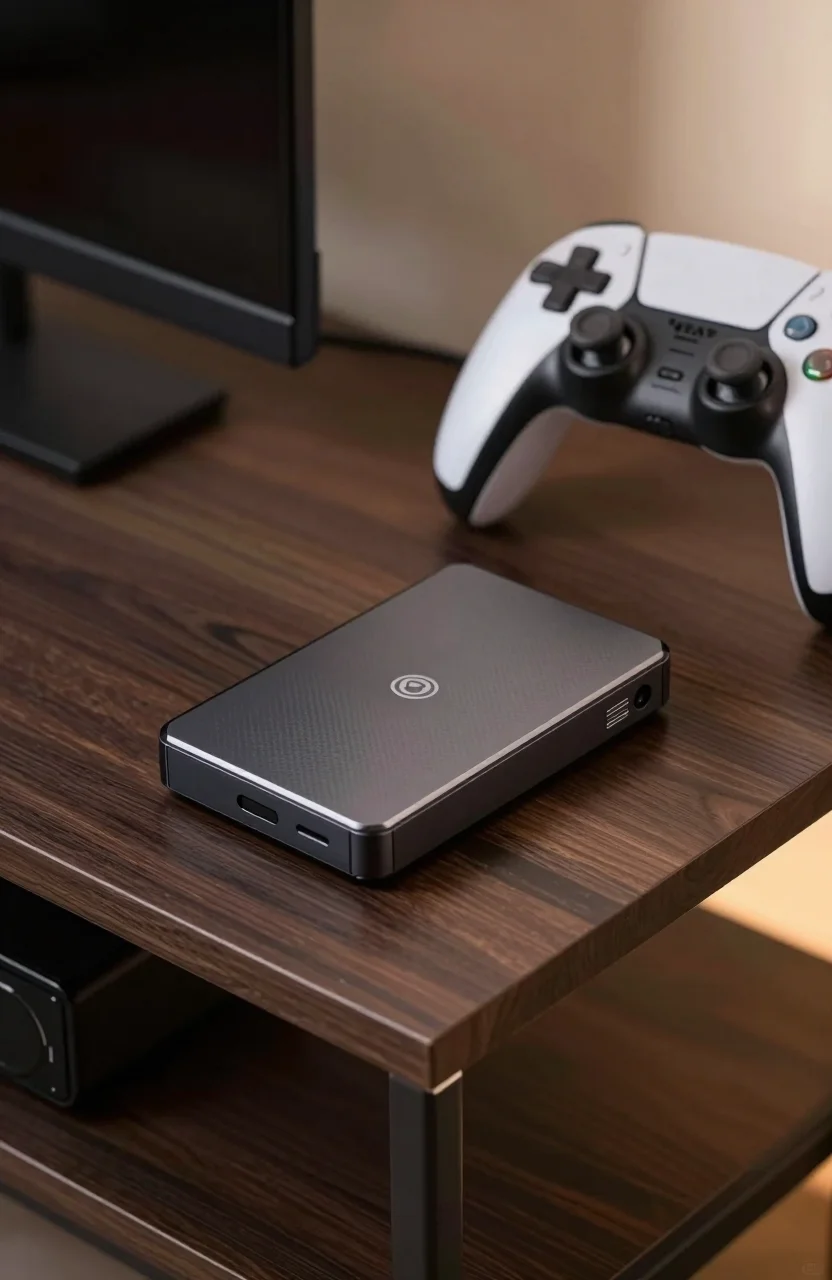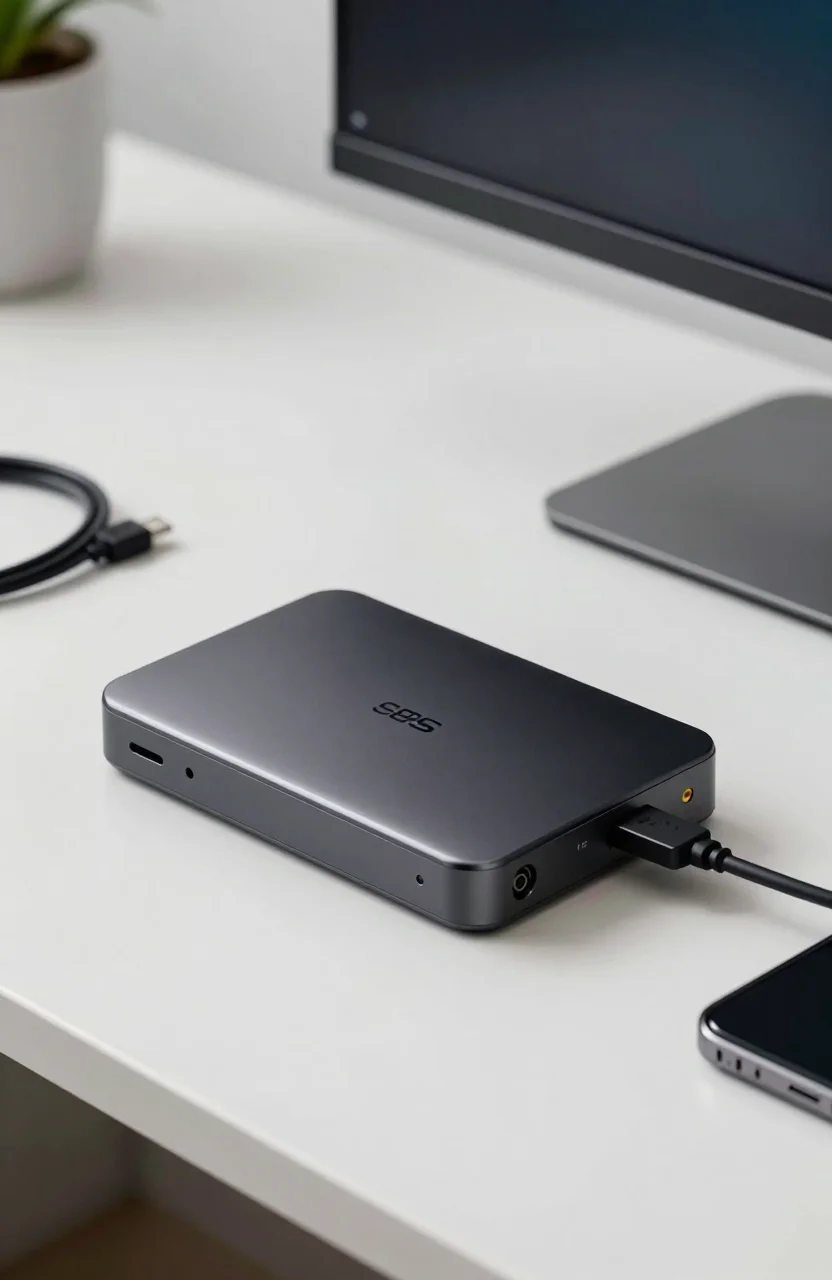
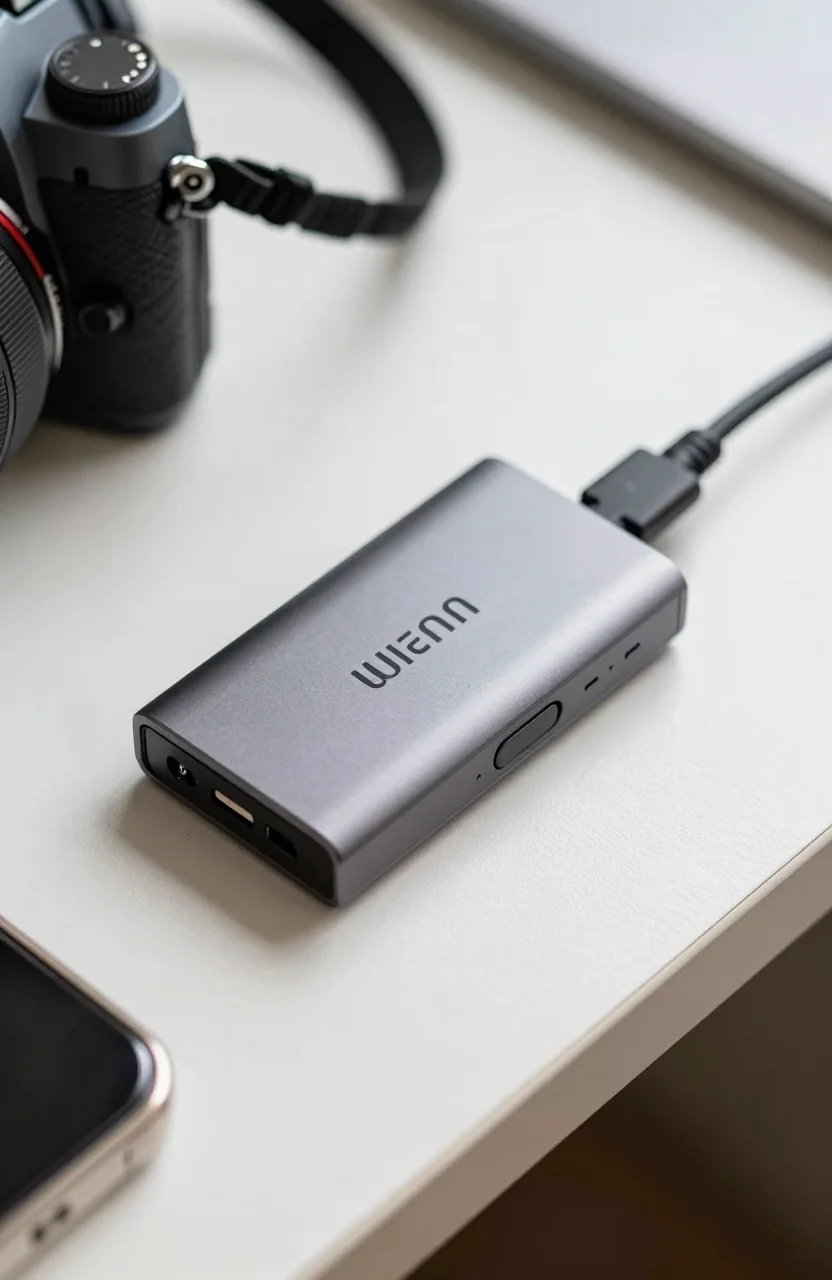
Fast CFexpress Type B cards are wasted if the bottleneck is a lukewarm reader. The Lexar Workflow CFexpress Reader targets that gap with a Type B 4.0 design, a USB-C link claiming up to 40Gbps class throughput, a $99.99 street price, and an early Amazon score around 4.1 from roughly 16 reviews.
Those review numbers are thin, so this write-up stays honest about maturity. We cover who needs a dedicated Workflow module, how it fits next to camera card habits, and when a cheaper USB reader is enough. Pair it with media advice from our best SD cards for 4K video and drones guide when your kit mixes SD and CFexpress bodies.

- CFexpress Type B 4.0 reader module
- USB-C link with up to 40Gbps class claim
- Built for Lexar Workflow / multi-slot desks
- Street price around $99.99
What the Workflow reader is for
Lexar’s Workflow idea is modular: stack or dock readers for the card types you actually shoot, instead of buying one bloated multi-format brick that does everything poorly. The CFexpress Type B module is for mirrorless and cinema bodies that write heavy RAW bursts or high-bitrate video to Type B media.
The 4.0 generation cards can outrun older USB 3.0 readers easily. Lexar’s up-to-40Gbps USB-C claim aims the module at Thunderbolt / USB4 class hosts as well as fast USB ports. Real throughput still depends on the card, the cable, and whether your laptop port is full bandwidth or a limited USB-C charge port in disguise. For interface shopping context, our Thunderbolt 5 vs USB4 storage guide explains why the host matters as much as the reader.
At $99.99 the reader is an accessory, not a storage volume. Budget it beside cards and a fast destination disk. Dumping a full card onto a slow HDD wastes the Lexar link; pair it with a quick internal NVMe or a capable external SSD such as options discussed for editors in external drives for video editors.
Performance expectations and caveats
Marketing peaks are not a promise that every card hits 40Gbps. CFexpress Type B 4.0 media varies, and many shooters still run older 2.0 cards that top out earlier. The reader should not be the weak link when the host and media are healthy. That is the bar for a modern Lexar Workflow module.
Early Amazon feedback around 4.1 from roughly 16 reviews means sample size is tiny. A few frustrated cable or compatibility notes can swing the average. Read the newest comments, confirm your camera card type is Type B (not Type A), and keep the receipt handy if you are an early adopter.
Heat can rise during long video offloads. Give the module air, avoid burying it under other Workflow bricks without airflow, and eject cleanly in the OS before pulling the card. Those habits matter more than chasing a benchmark screenshot.
Drivers are usually class-compliant on current macOS and Windows, yet enterprise-locked laptops sometimes block USB storage. Test on the machine you edit with before a paid shoot day. If you need to order the Lexar CFexpress reader for a kit, do it early enough to verify.
Who should buy it
Buy this reader if you already shoot CFexpress Type B, you offload often, and your computer has a fast USB-C or Thunderbolt port. Hybrid shooters who keep Lexar Workflow SD or XQD modules on the same desk get a consistent cable story.
It also fits second-shooter kits where you want a dedicated dump station while the camera stays free. Wedding and documentary teams that rotate cards mid-day feel the time savings immediately when the reader keeps pace with the media.
Skip it if your cameras are still UHS-II SD only. A CFexpress reader will sit unused. Skip it if your laptop is USB 2.0 era or only offers slow Type-A ports through a cheap dongle; upgrade the host first. Skip it if you rarely fill cards and can tolerate camera-to-USB tethered copies.
Photographers comparing portable SSDs for the destination side of the workflow should still avoid naive cable mistakes covered in portable SSD buying mistakes. The reader is only half of an offload chain.
Workflow tips that protect the investment
Label cards, rotate them, and never format the only copy of a job before checksum verification. Fast readers tempt people to rush. Build a simple habit: copy, verify, then format in-camera.
Use quality USB-C cables rated for data, not charge-only noodles from a random drawer. A bad cable makes a $99.99 reader look broken. Keep a spare in the bag.
When you check Lexar Workflow pricing, also confirm whether you need the hub/dock pieces for multi-module setups or just the single CFexpress brick. Buying the wrong bundle is a common first-order mistake.
If you edit on the same machine you dump to, park the destination on a fast internal drive first, then archive overnight to larger external storage. That two-step path keeps the Lexar link saturated without waiting on archive disks.
Verdict
The Lexar Workflow CFexpress Reader is a sensible $99.99 accessory for Type B 4.0 shooters who own a fast USB-C host and need repeatable offloads. The up-to-40Gbps class claim is ambitious marketing that still depends on cards and ports. Early ~4.1 feedback from about 16 reviews means you should buy with eyes open, not on hype alone.
If your body already writes CFexpress Type B and your current reader feels sluggish, this module is an easy upgrade path inside Lexar’s Workflow ecosystem. If you are still on SD-heavy kits, spend on cards and cameras first.
Confirm Type B compatibility, cable quality, and return terms, then buy the Lexar CFexpress Workflow reader when the rest of your desk is ready to keep up. For creators moving huge dumps afterward, match it with a quick SSD destination rather than a slow archive disk, and compare the current Lexar reader deal against other Type B readers before you lock the kit list.