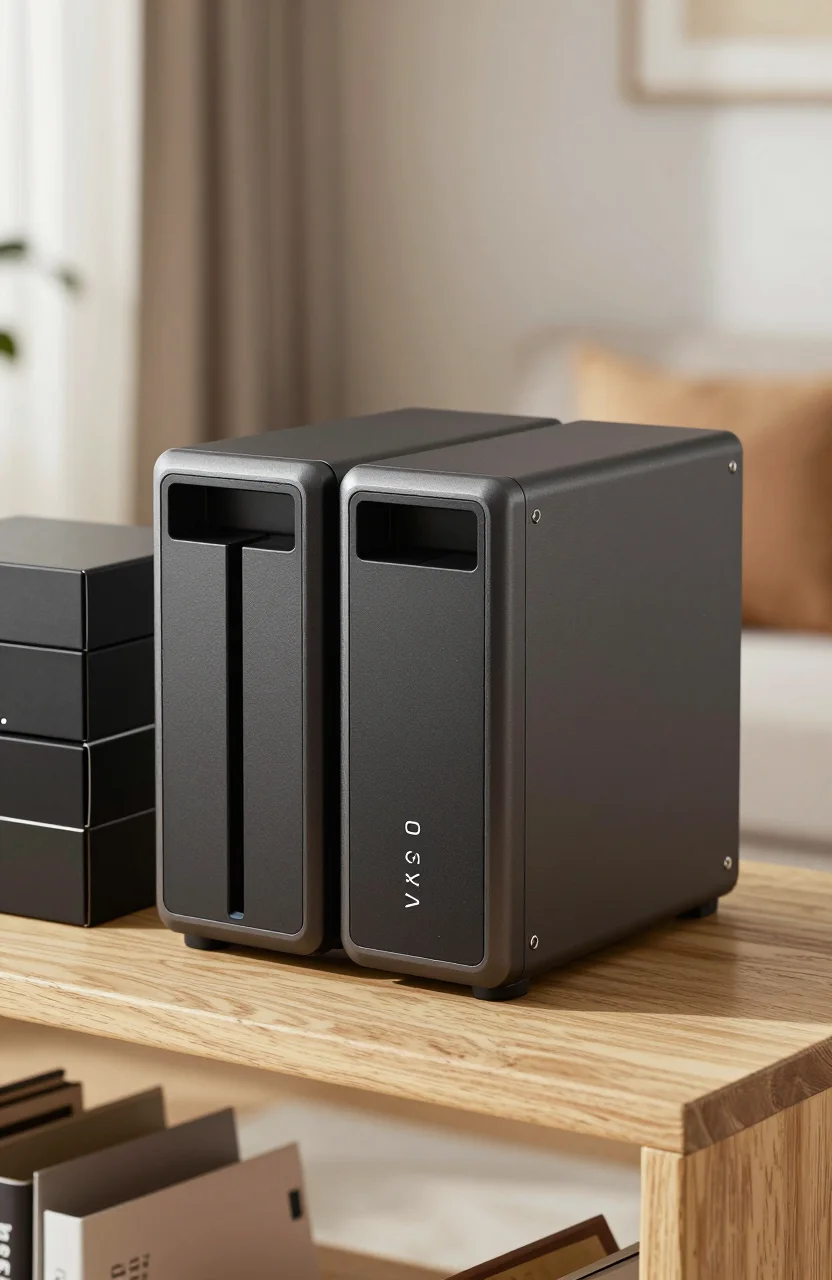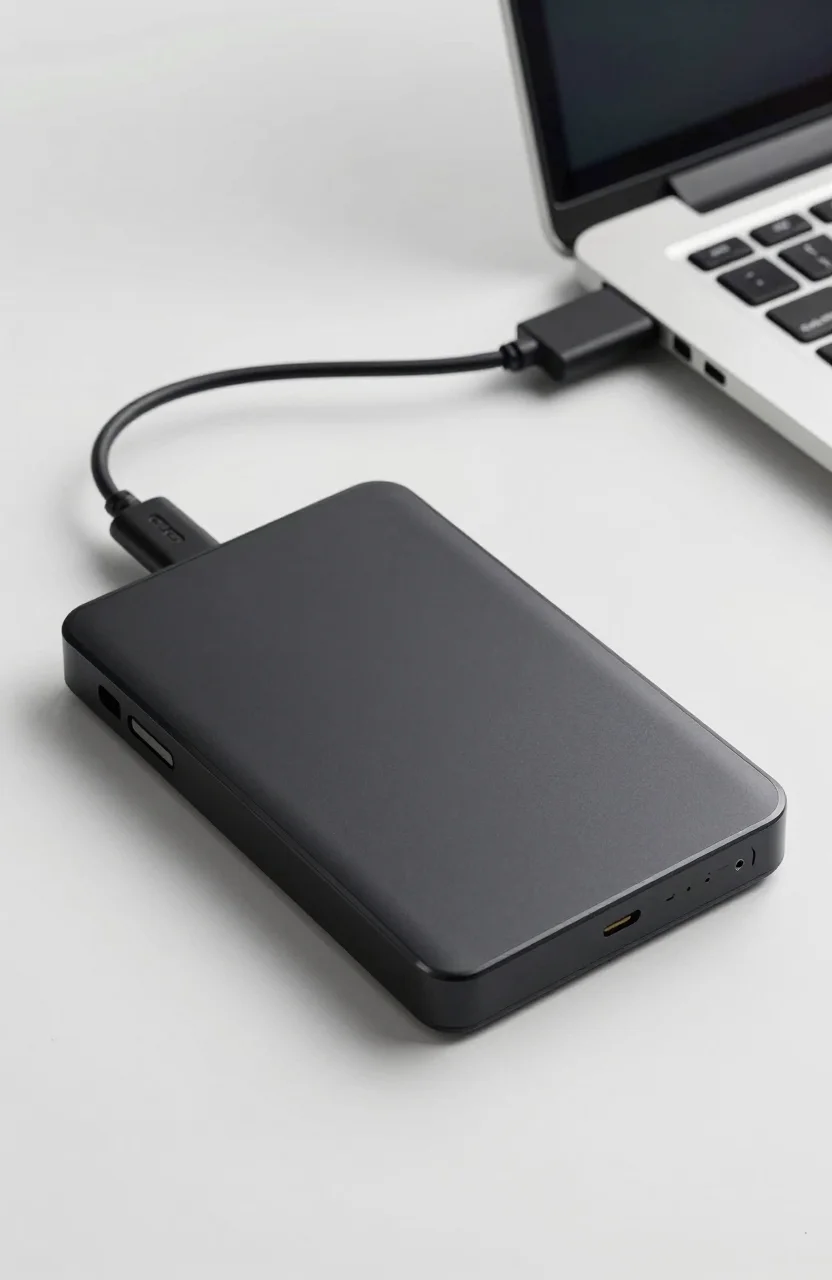
Need a lot of gigabytes without paying SSD prices? The Seagate Portable 5TB is the blunt instrument of personal storage: about $119.99, USB 3.0, roughly 80000 Amazon ratings, and a 1-year Rescue Data Recovery Services plan on many listings. It will not feel fast. It will hold a lot of cold files for the money.
This review is for buyers who already understand the HDD vs SSD trade-off and still want cheap bulk. For the wider capacity landscape, see our external hard drive prices by capacity guide.

- Add on storage for your files with a portable 5TB Seagate hard drive
- USB 3.0 for fast file transfers
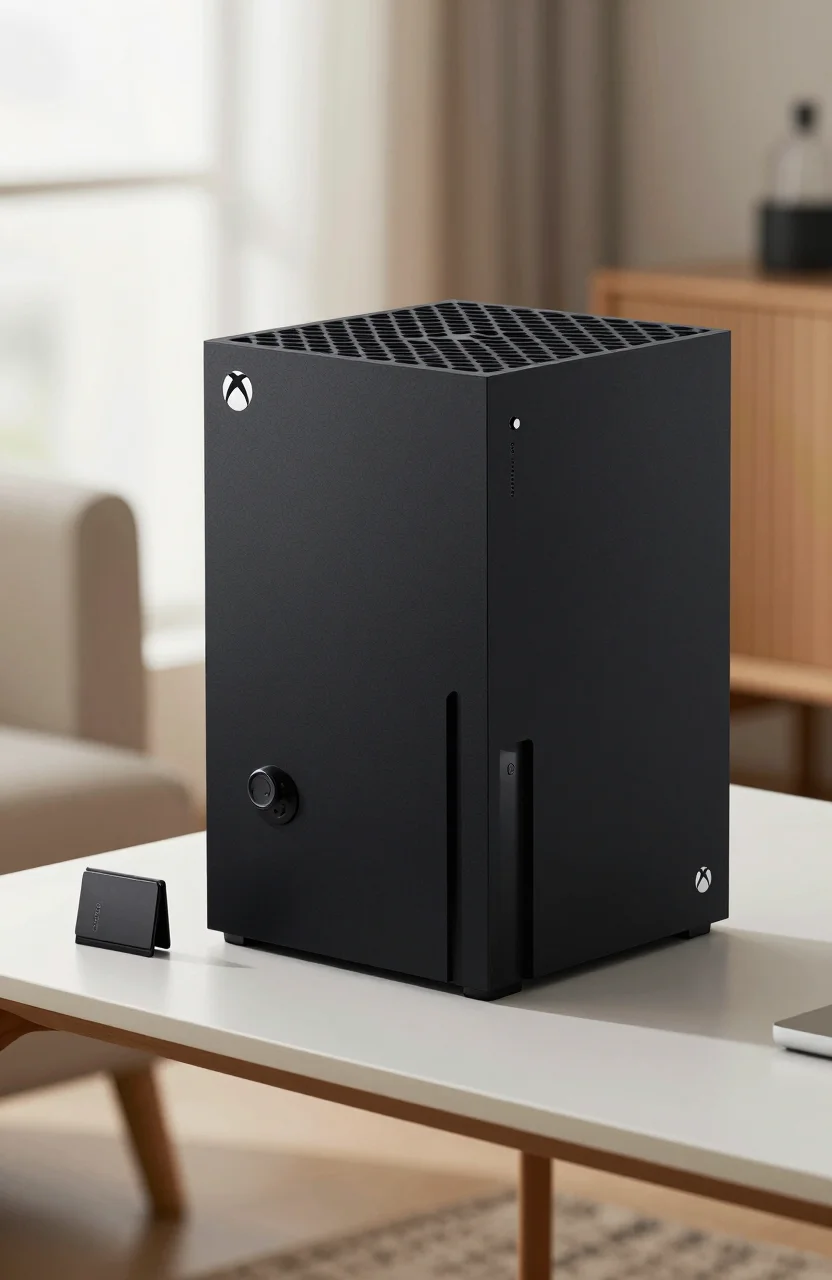
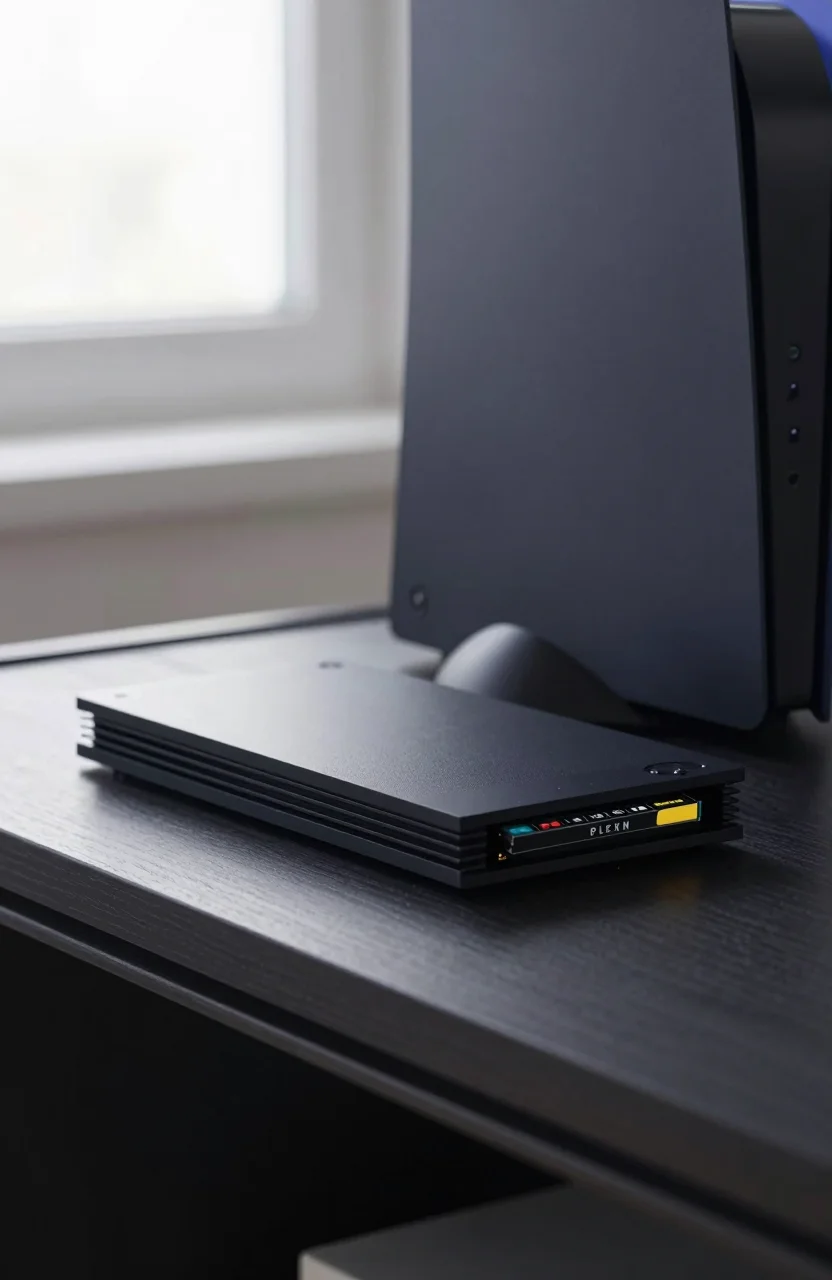
- Compatible with PC, Mac, PlayStation and Xbox (reformatting may be required)
- Drag and drop file saving
Who it's for
This drive fits a narrow but common job:
- Windows File History, Time Machine-style backups, or manual archive folders
- Photo and video libraries you open weekly, not while scrubbing timelines all day
- Steam or console archive libraries you can wait on while titles copy back
- Students and households that need "one big disk" for documents and exports
Skip it if you edit 4K from the external disk, travel weekly with the only copy of client files, or expect SSD snappiness. Spinning platters hate drops, and USB HDD speed ceilings feel dated next to even budget portable SSDs.
Think of the Seagate Portable 5TB as a warehouse shelf, not a workbench. Pair it with a backup habit from our 3-2-1 backup rule article so a single USB cable failure does not become a life event.
It also works as a rotating offsite disk: copy critical folders, eject, and store the drive somewhere other than your desk. That simple habit beats another year of promising yourself you will "set up a NAS someday."
Real speeds
USB 3.0 portable HDDs typically land far below SSD numbers in real copies. Expect sequential transfers often in a rough ~100-160 MB/s neighborhood on a good port when the drive is happy, with lower results for lots of tiny files. Your cable, USB controller, and whether the drive is sleeping all change the feel.
What that means day to day:
- A 50GB photo dump can take several minutes, not seconds
- Thousands of small documents feel slower than the sequential spec suggests
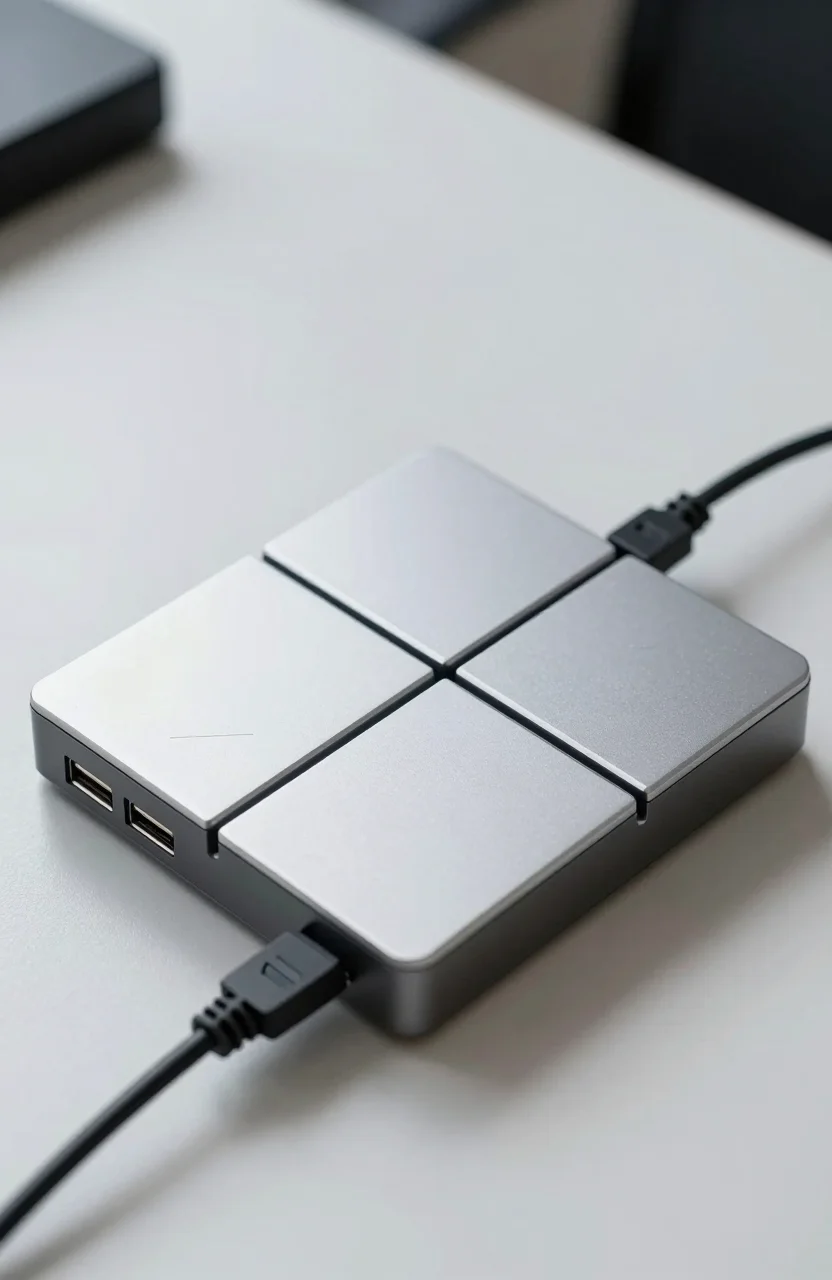
- Bus-powered drives can stutter on weak laptop ports or unpowered hubs
Plug directly into a rear desktop USB port or a quality powered hub when you run big backups. Avoid daisy-chaining through a shaky dock if you can. Format choice (exFAT for cross-platform, NTFS for Windows-only) also affects overhead. None of this makes the Seagate Portable "bad." It makes expectations honest for mechanical USB storage in 2026.
If you measure with a benchmark tool, remember that peak sequential reads on empty drives look better than messy real folders full of tiny files. Judge the drive by the backup jobs you actually run, not by a synthetic screenshot.
Mid-article CTA: if bulk capacity at about $119.99 matches your archive needs, check the live Seagate Portable 5TB listing and confirm the Rescue offer still shows on the page you buy.
Durability limits
Portable HDDs fail in predictable ways:
- Drops while spinning are the classic killer. Park the heads (eject properly) before you toss it in a bag
- Heat and vibration in a backpack next to a gaming laptop are not free
- Cable stress at the USB micro or USB-C adapter joint causes intermittent disconnects that corrupt copies
- Single-drive reality: no RAID inside the plastic shell. One mechanism, one fate
The 1-year Rescue Data Recovery Services plan (when included) is a useful safety net for accidental failure scenarios, not a license to skip backups. Recovery services can help after a hardware fault. They do not replace versioned backups for ransomware or accidental deletes.
Practical habits: eject before unplugging, keep a short spare cable, store the drive in a padded sleeve, and do not sit it on a hot console vent. If the drive clicks, stop using it and copy what you can to a second target.
Also label the drive with the date of the last successful backup verification. A shelf full of unlabeled "backup" disks is how people discover their newest copy is two years stale.
Alternatives SSD
When should you pay more for a portable SSD instead?
- You travel with client deliverables
- You edit or scrub media directly from the external disk
- You need shock resistance closer to solid-state reality
- You value quiet, instant wake, and faster incremental backups
SSDs cost more per terabyte. For pure cold bulk at home, a 5TB HDD still wins on price. For a bag that sees airports, an SSD usually wins on risk. Our comparison of HDD vs SSD external drives for archiving walks through that decision in more depth. Many people end up with both: SSD for active projects, Seagate-class HDD for deep archive.
If you outgrow a single portable disk, a small NAS or desktop DAS is the next step. Until then, a labeled 5TB portable and a second copy elsewhere beats an empty wishlist for "someday RAID." For even more context on external HDD roles, our external hard drives guide still covers the practical buying questions that did not vanish in 2026.
Verdict
The Seagate Portable 5TB remains sensible cheap bulk storage in 2026 when you accept USB HDD speeds and treat the drive as one layer of a backup plan. Around $119.99 with USB 3.0, a huge Amazon review footprint (~80000 ratings), and a 1-year Rescue plan on many offers, it is an easy archive buy for home libraries and backup targets.
Buy it for cold and warm archives at a desk. Do not buy it as your only traveling copy of irreplaceable work. If that matches your use case, order the Seagate Portable 5TB, format it cleanly, and schedule the first full backup the same day it arrives.