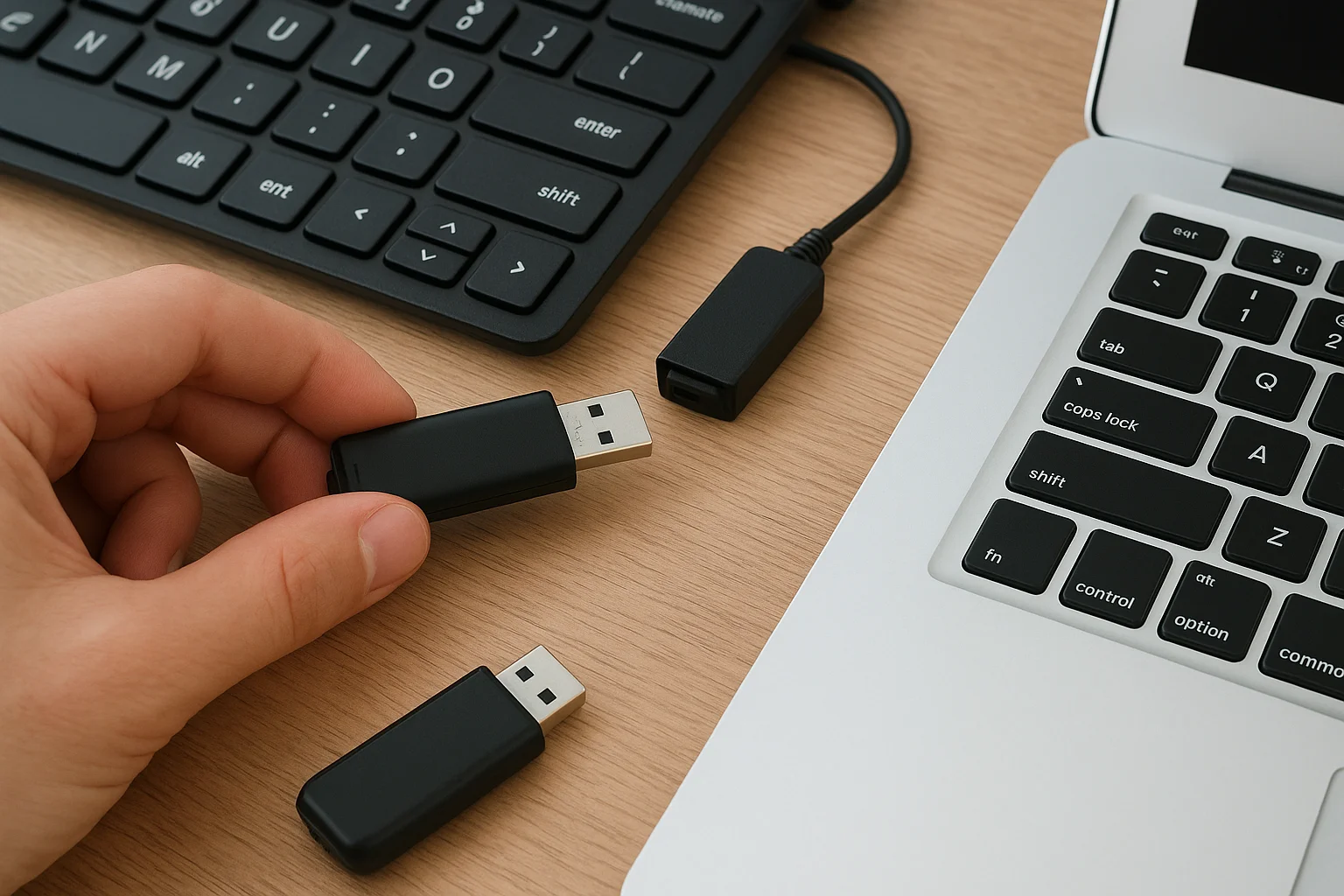
USB ports feel harmless. You plug in a drive, copy a file, move on. Attackers know that habit, which is why USB skimming keeps showing up in security reports: tiny gadgets or compromised sticks that steal credentials, inject malware, or clone traffic when nobody is watching the port. If you carry drives between home, office, and client sites, this is not a niche risk.
This guide explains how USB skimming works in practice, who gets hit most often, and the habits that actually cut risk without turning every transfer into a ritual. You will also see how physical media fits into a safer workflow next to cloud sync and a solid 3-2-1 backup routine.
What USB skimming is and how the attacks work
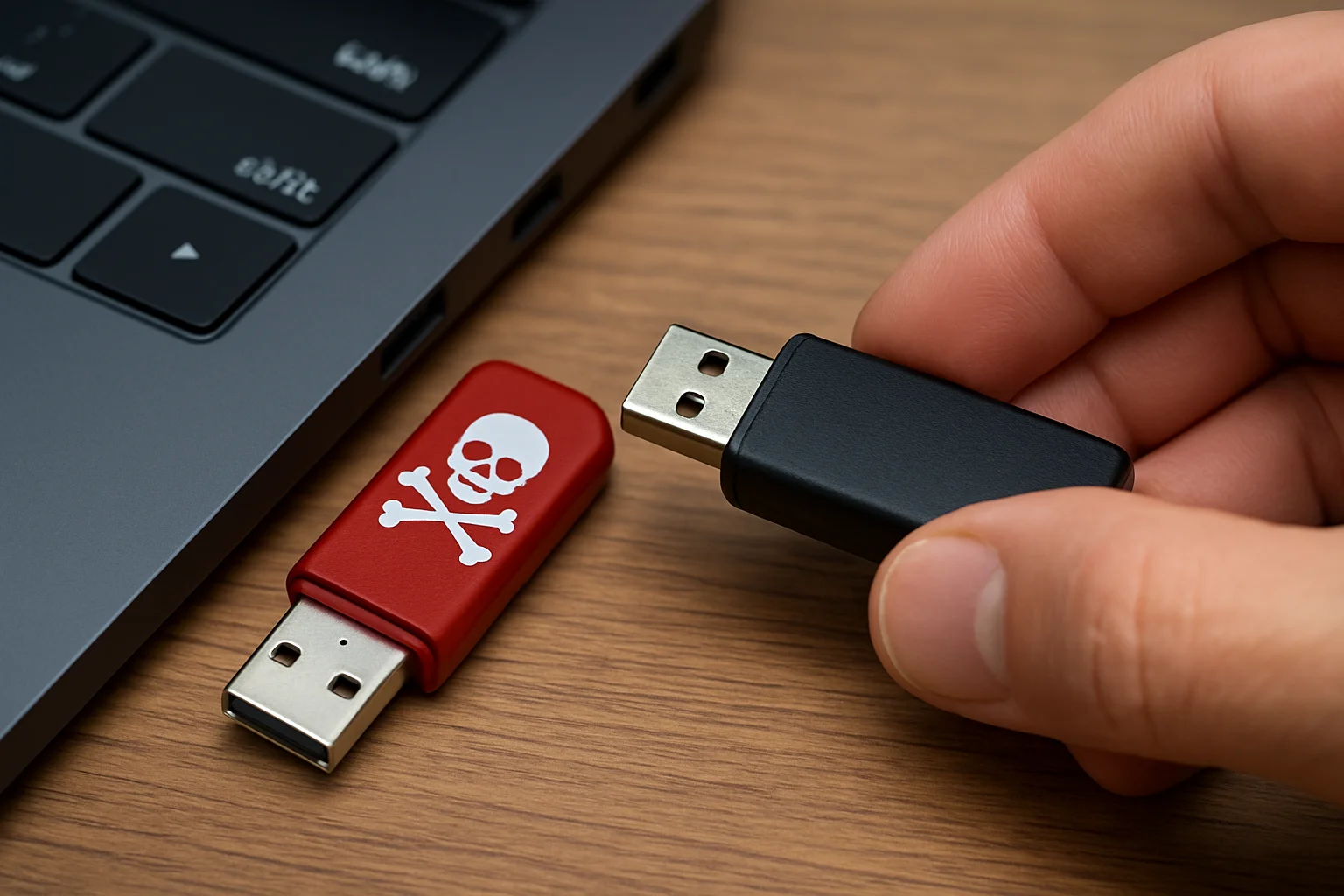
"USB skimming" covers a family of physical and firmware tricks aimed at USB ports and peripherals. The classic image is a fake reader on an ATM. On PCs and laptops, the pattern is broader: a malicious flash drive left in a parking lot, a cable that looks normal but hides a keystroke injector, or a modified docking station that logs whatever passes through.
Attackers lean on trust. Most operating systems still treat a newly plugged device as something to enumerate and mount quickly. A BadUSB-style device can pretend to be a keyboard and type commands in seconds. A rogue drive can drop malware that waits for admin rights. Hardware implants between a keyboard and the motherboard are rarer, but they show up in targeted cases.
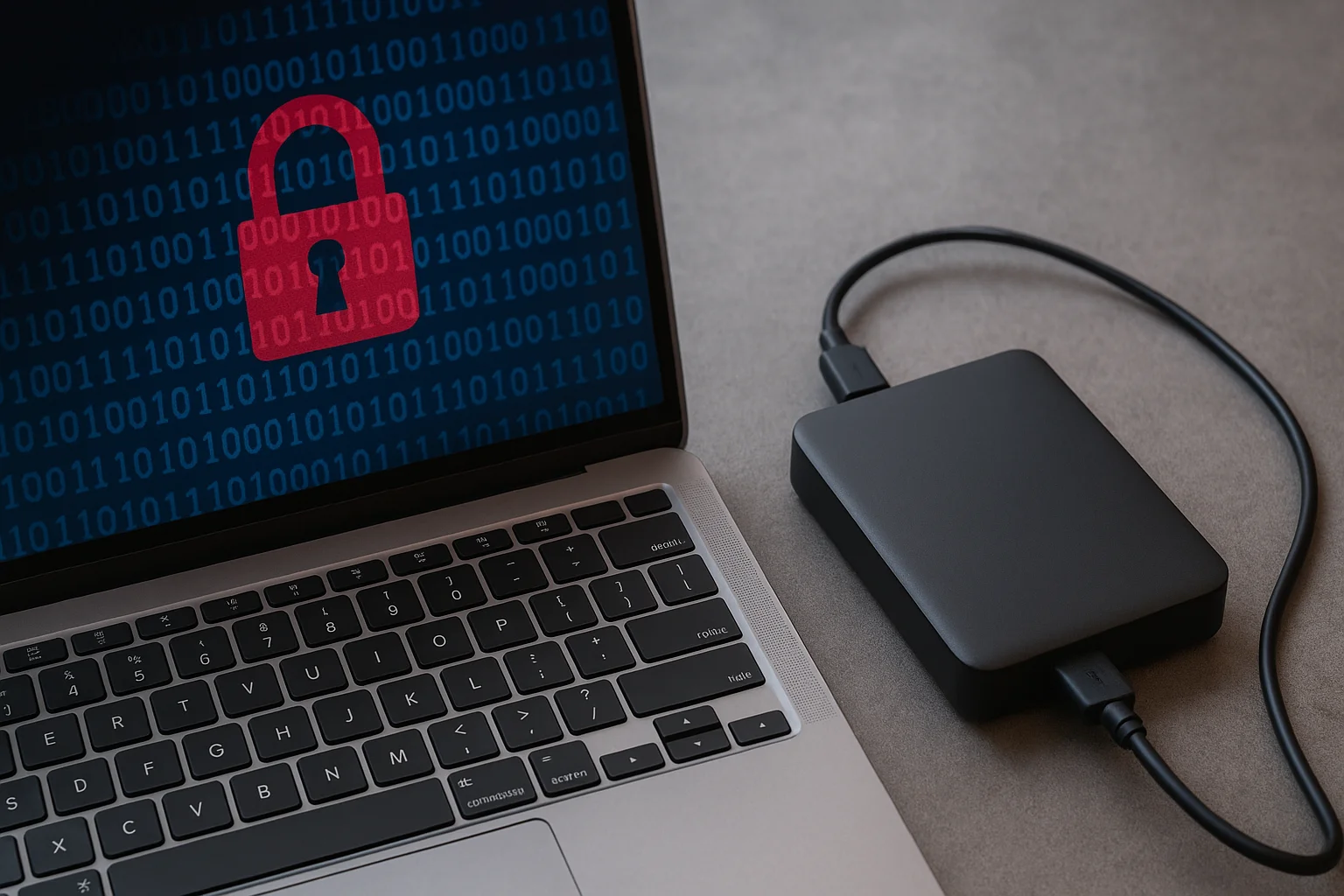
The goal is usually credentials, session cookies, or a foothold for ransomware. That last point matters if you store archives on external drives: once an attacker lands on the machine that mounts those volumes, your "offline" copy may not stay offline for long. Pair physical caution with awareness of ransomware aimed at external media.
Who gets targeted
Anyone who accepts unknown sticks is a candidate, but risk concentrates where USB is routine: reception desks, conference rooms, photo studios swapping cards and drives, IT benches imaging machines, and travelers who borrow hotel business-center PCs. Shared charging stations and public USB ports add another vector when people plug phones in "just for power."
Red flags that a USB device or port is not safe
You will not catch every implant by eye, but a few signals deserve a hard stop. A drive that shows up as a keyboard or network adapter in Device Manager is suspicious. Unexpected autorun prompts, sudden UAC dialogs, or a cursor typing by itself after you insert media are emergency signs. Hardware that feels heavier, thicker, or poorly molded compared with a known brand stick is worth discarding rather than "testing."
On the host side, watch for new services, disabled antivirus, or unexplained outbound connections right after a USB event. Corporate environments should log USB connect/disconnect events; if your logs go quiet when someone plugs a drive, that gap is itself a problem.
Cheap no-name flash sticks remain a weak link. Capacity marketing often lies, and firmware quality is opaque. If you only need occasional transfers, price out reputable options in our USB flash drive capacity guide instead of grabbing the first stall bargain.
Practical habits that stop most USB skimming
Start with a simple rule: never plug an unknown device into a machine that holds real work. Use a sacrificial laptop or a locked-down VM for forensics and "what is on this stick" checks. Disable autorun and restrict USB storage via group policy or MDM where you can. Prefer read-only workflows when you only need to retrieve files: many enclosures and some OS tools can mount volumes without write access.
Charge phones with a wall adapter or a USB data blocker, not a free cafe port. Prefer official cables. For team workflows, replace casual stick swapping with a dual-bay DAS or dock you control, such as the setups we cover in the dual-bay USB DAS guide. You still use USB, but the hardware is yours and the threat surface is smaller than a pile of mystery sticks.
Encrypt sensitive archives before they leave the building, and keep recovery keys offline. That habit limits damage even if a drive walks away or a skimmer captures a copy. For the key-handling side, see our notes on offline encryption keys.
- Label personal drives and refuse unlabeled media.
- Scan on an isolated system before opening documents.
- Keep firmware and OS patches current on laptops that accept USB.
- Train people that "found USB" is hostile until proven otherwise.
What to do if you suspect a USB compromise
Unplug the device. Do not keep probing it on the same PC. Disconnect the network if malware may already be running. Capture basic facts: when it was plugged in, which account was logged in, what files were open. Change passwords from a clean device for any accounts used on that machine, especially password managers and cloud storage.
If the machine is a work laptop, escalate to IT instead of "cleaning it yourself" with random tools. Imaging the drive for later analysis can help, but only if you have the skill and legal clearance. Wipe and reinstall is often cheaper than living with doubt on a machine that touches client data.
Then close the process gap that allowed the incident: ban unknown media, add USB allow-listing, or move file exchange to authenticated cloud shares with MFA. Backups matter here too. A clean restore beats negotiating with ransomware, which is why a tested home-office routine like the one in our disaster-proof backup guide belongs next to USB hygiene.
Safer alternatives when you still need removable media
Removable storage is not obsolete. Photographers, field techs, and air-gapped workflows still need it. Choose hardware with a clear vendor, hardware write-protect switches when available, and capacities you actually need rather than "biggest stick wins." Portable SSDs with reputable controllers beat anonymous USB 2.0 pendrives for both speed and support lifespan; browse current options among portable SSDs under $150 if budget is tight.
For recurring team transfers, a small NAS or shared folder with accounts beats a rotating cast of sticks. Even a budget home NAS reduces the number of untrusted plugs into your main workstation. When cloud is acceptable, sync over HTTPS with MFA and device trust instead of ferrying plaintext copies.
USB will stay convenient. Skimming stays cheap for attackers. Your edge is boring discipline: known devices only, least privilege, encryption, and backups you have actually restored once. That combination stops most opportunistic USB attacks without requiring a SCIF in your living room.